 USD
USD Euro
Euro British Pound
 Australian Dollar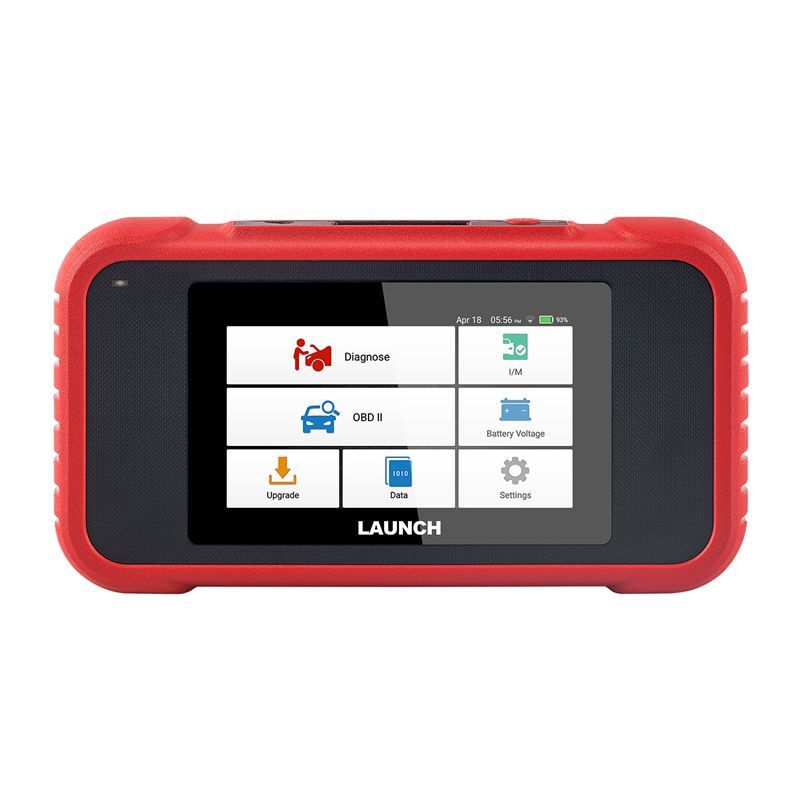
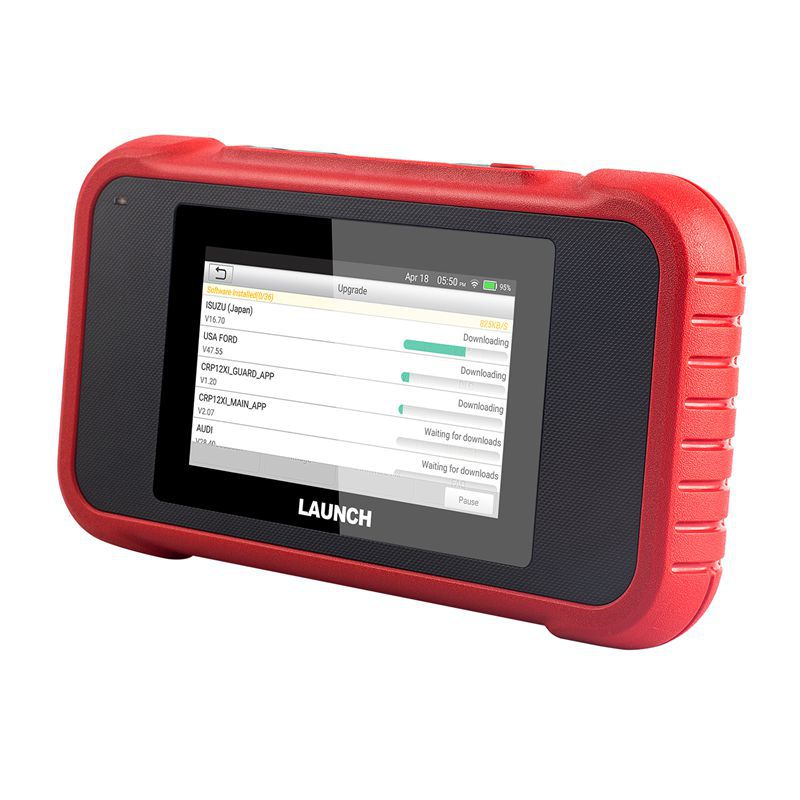
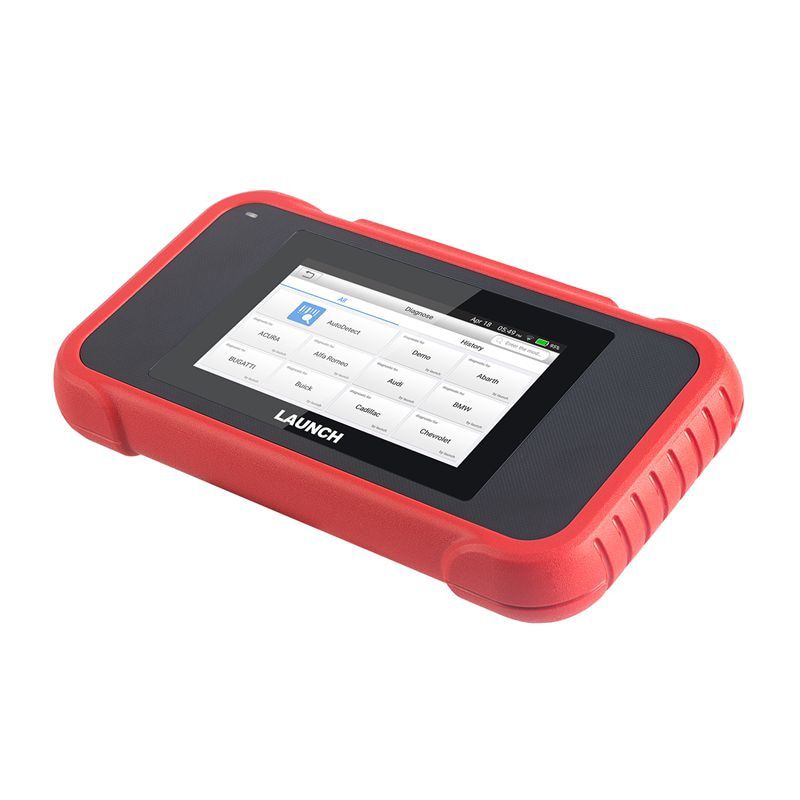
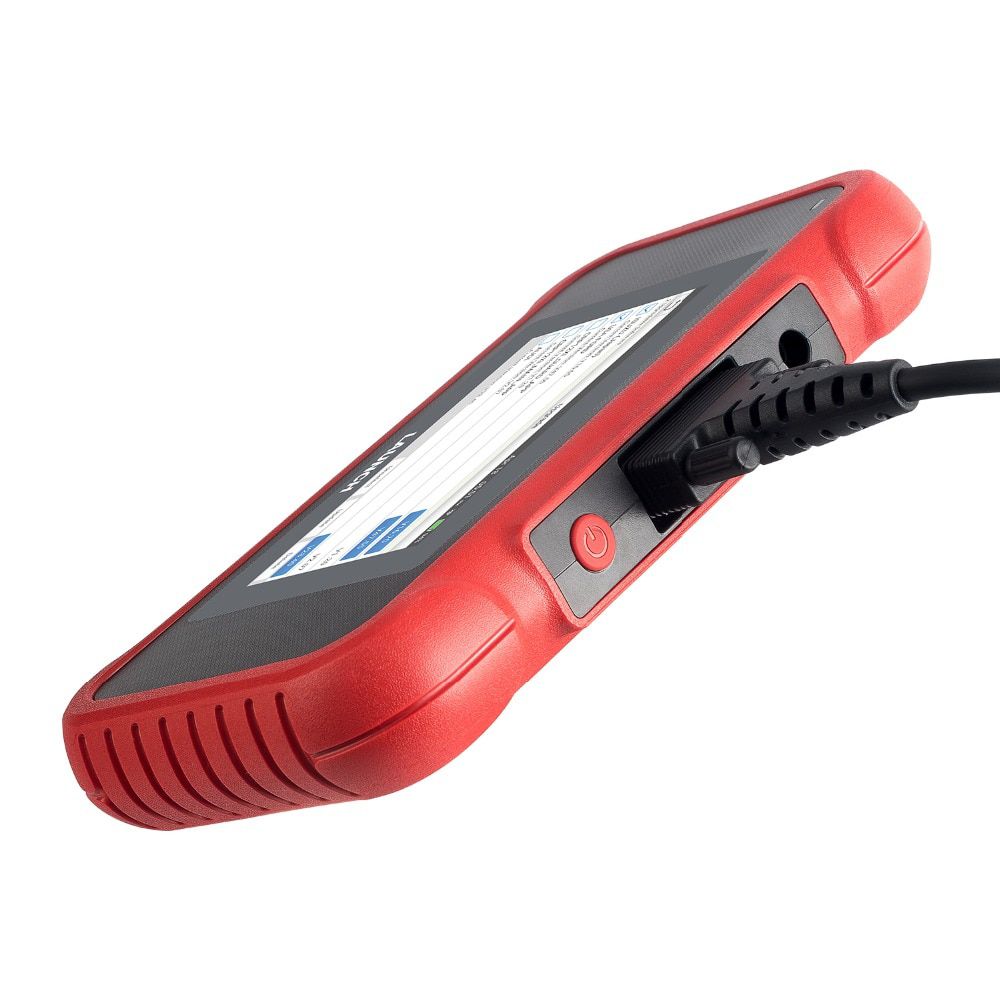
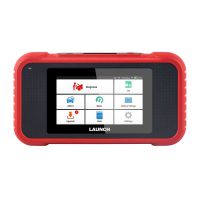
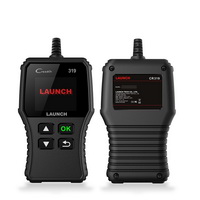
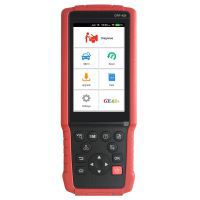
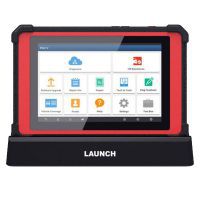
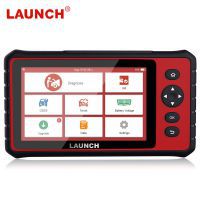
LAUNCH X431 CRP123E OBD2 Code Reader for Engine ABS Airbag SRS Transmission OBD Diagnostic Tool Free Update Online Lifetime
- Price:
- US$299.00/ piece
- Discount Price:
- US$135.00/ piece 55%
- Quantity:
-


- Shipping:
- Express Shipping Service
Estimated delivery time: 3-15 working days.See details » - Returns:
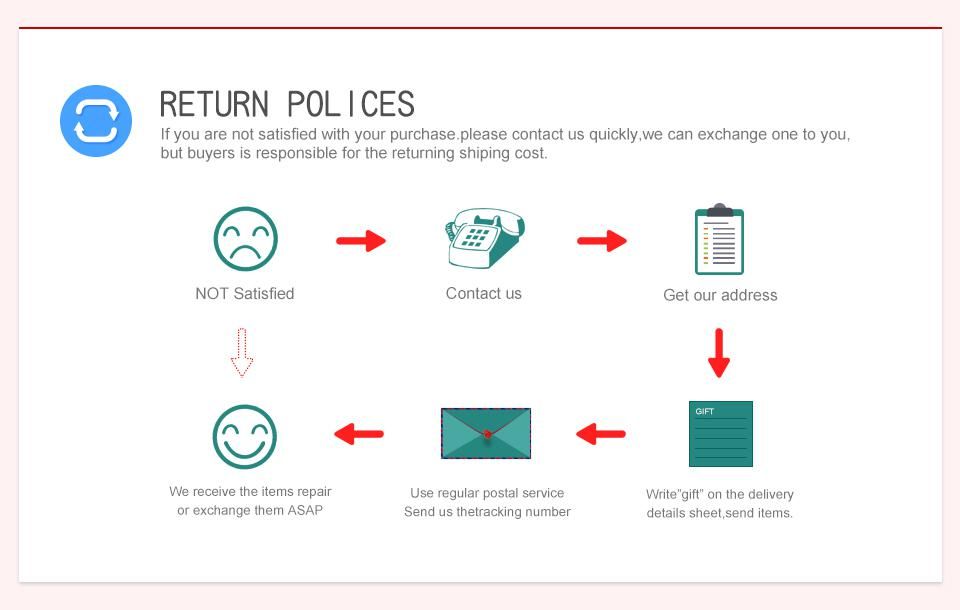
- Return for refund within 7 days,buyer pays return shipping.Read details »
- Support:
-
 Online Chat
  WhatsApp
  Skype
Skype  Ask a question


- Product Details
- Product's Reviews
- Write a Review
- Related Products
Launch X431 CRP123E OBD2 Code Reader for Engine, ABS, Airbag (SRS), Transmission – Full System Diagnostic Tool with Free Lifetime Updates
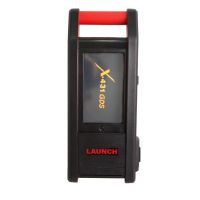
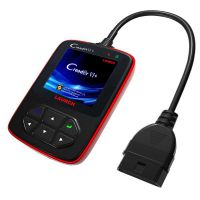
The Creader Professional 123E is an advanced diagnostic solution designed for passenger vehicles. Building on Launch’s proven diagnostic technology, it delivers broad vehicle coverage, powerful functionality, and accurate test results.
Launch X431 CRP123E Key Features
- Upgraded model: Successor to the CRP123 and Creader VII+, supporting more vehicle makes and models.
- Fast VIN auto-detection & Wi-Fi connectivity: One-key free online updates for life.
- Automated reporting: Diagnostic reports are generated and uploaded automatically.
- Multilingual interface: English, Spanish, French, German, Italian, Russian, Japanese, Korean, and Portuguese.
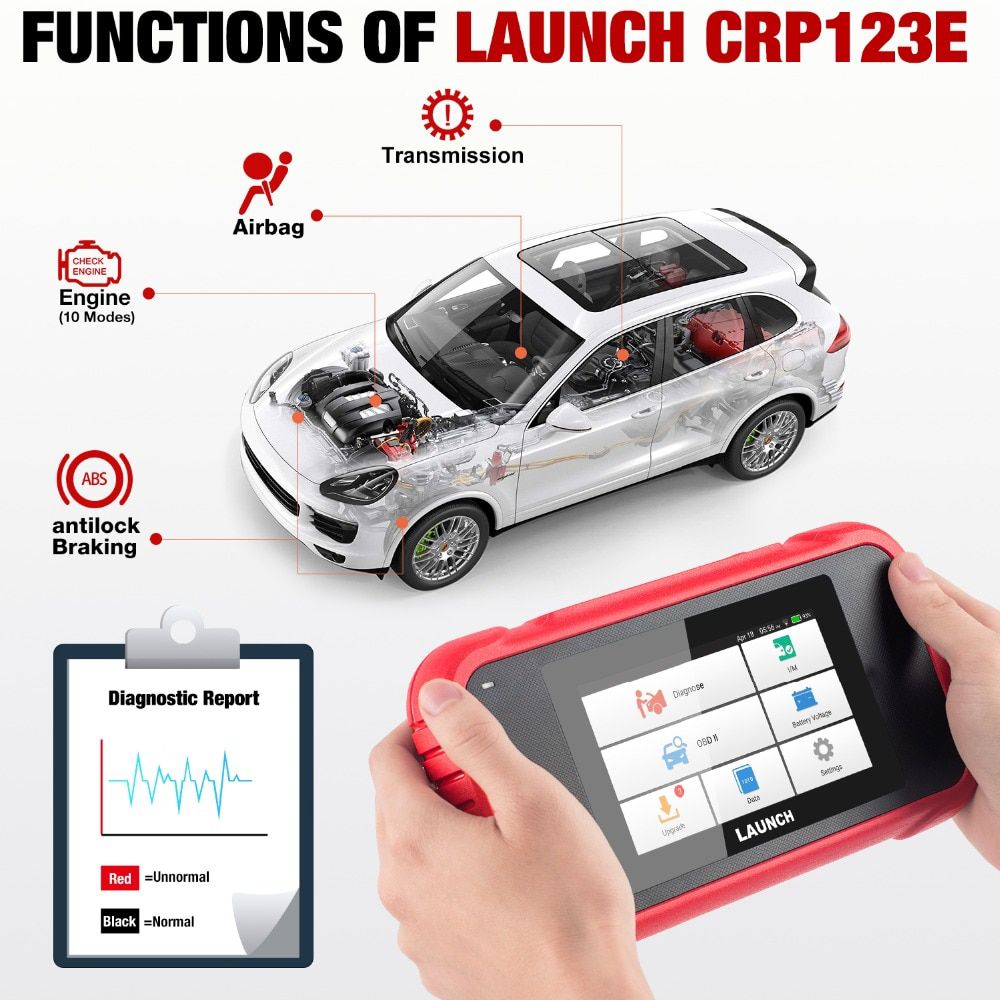
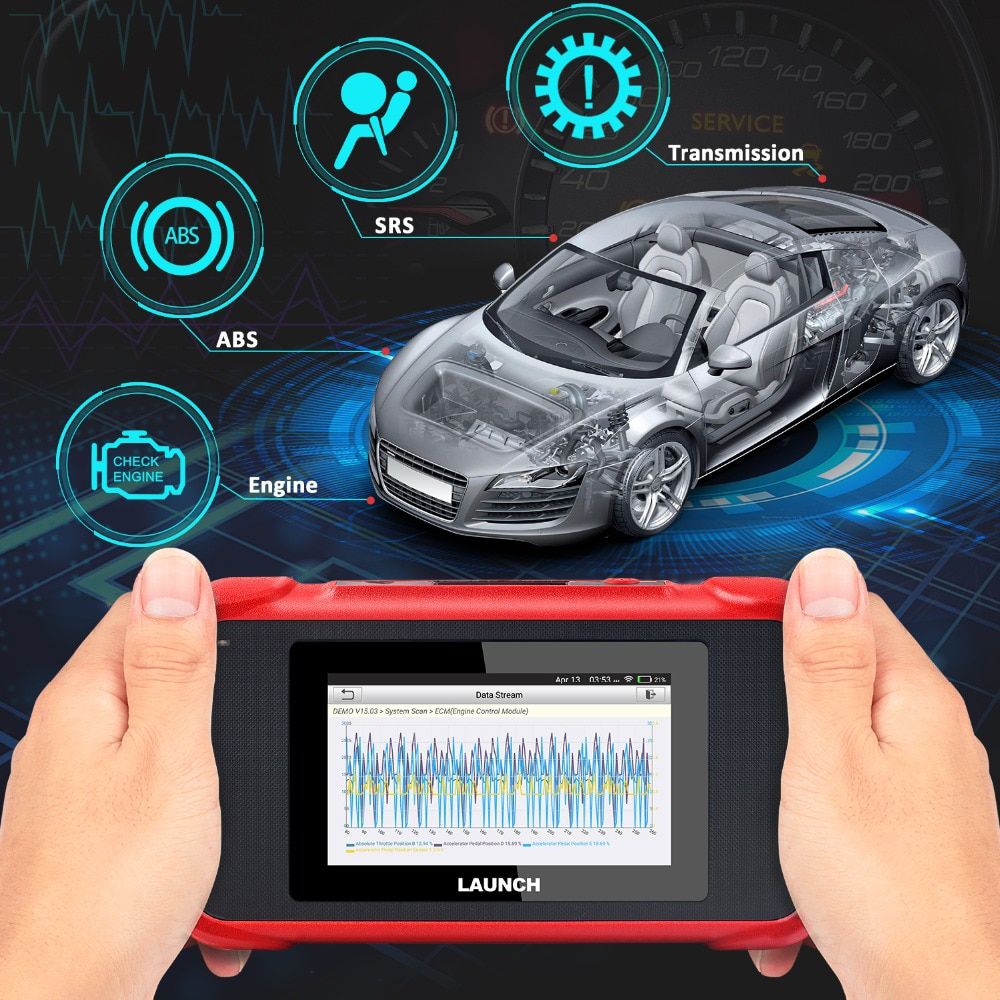
- Complete OBD2 coverage: Supports all 10 OBDII test modes plus full system diagnostics for Engine (ENG), ABS, SRS (Airbag), and Automatic Transmission (AT).
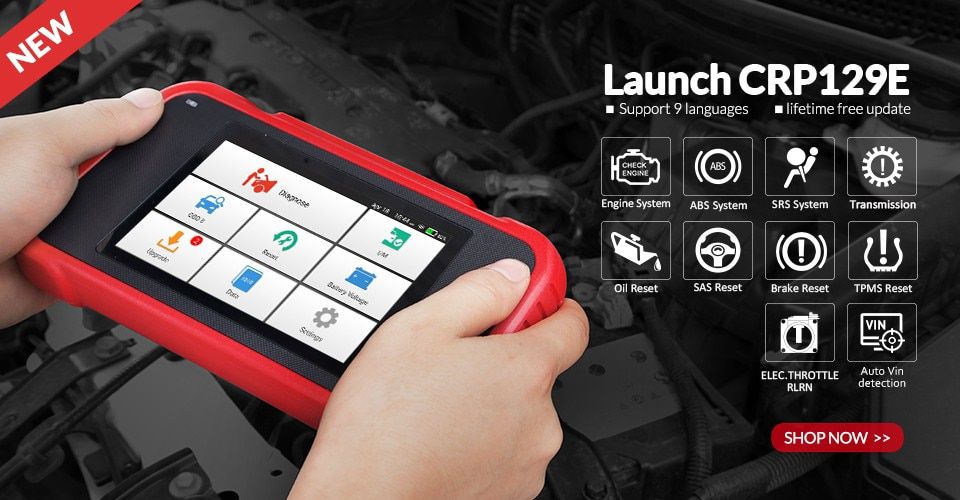
Advantages of the Launch CRP123E
- Smart (Auto-Detect) Diagnosis: Once connected, the tool automatically detects vehicle systems and generates a diagnostic report, which can be emailed if your account is linked.
- Manual Diagnosis: Available if auto-detection fails. Functions include Version Information, Read DTCs, Clear DTCs, and Read Data Stream (with Value, Graph, and Merged display modes).
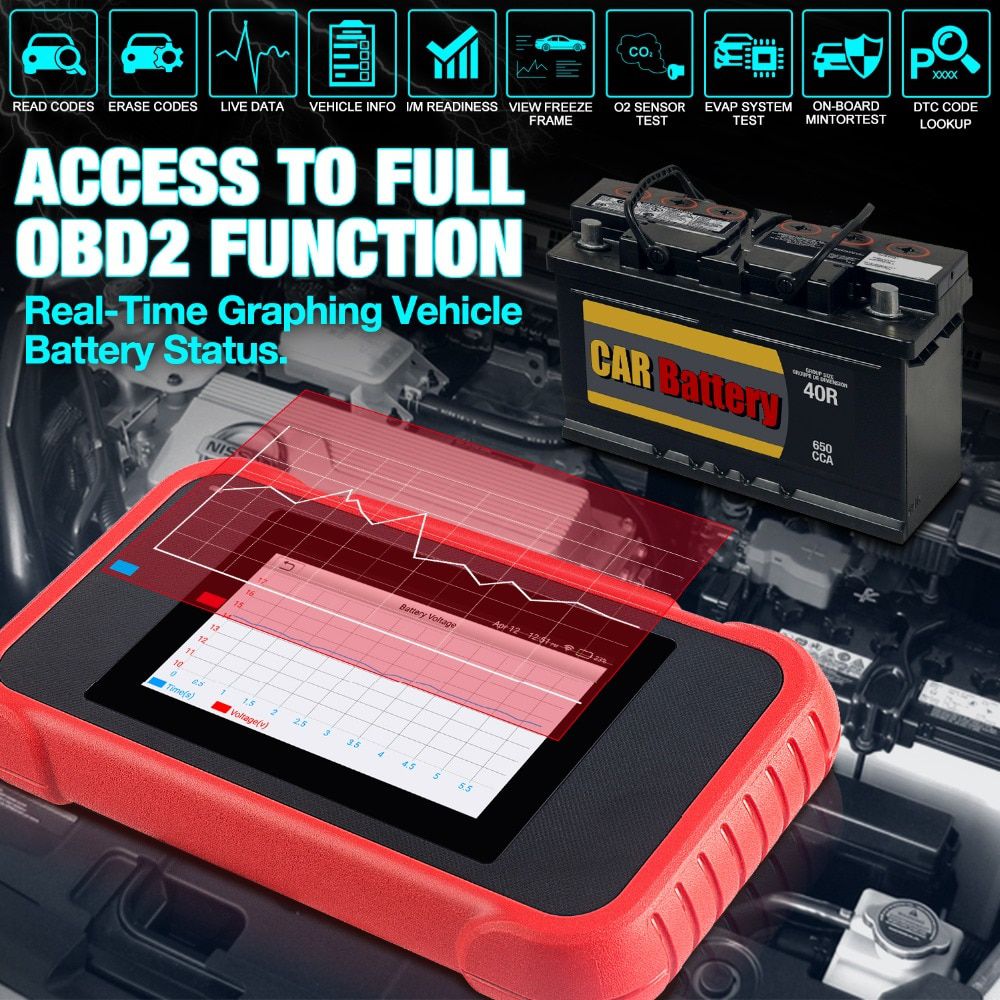
- OBD II Diagnosis: Full support for all 10 OBDII test modes—including EVAP, O2 Sensor, I/M Readiness, MIL Status, VIN Info, and On-board Monitor tests.
- One-Click Update: Easily update diagnostic software and APK online.
- Diagnostic History: Quickly access previously tested vehicles and either review past reports or resume diagnostics from where you left off.
- Diagnostic Feedback: Submit vehicle issues directly for expert analysis and troubleshooting support.
- DTC Library: Access detailed definitions for diagnostic trouble codes from an extensive built-in database.
- Real-Time Battery Voltage Display: Shows live battery voltage as soon as the device connects to the vehicle.
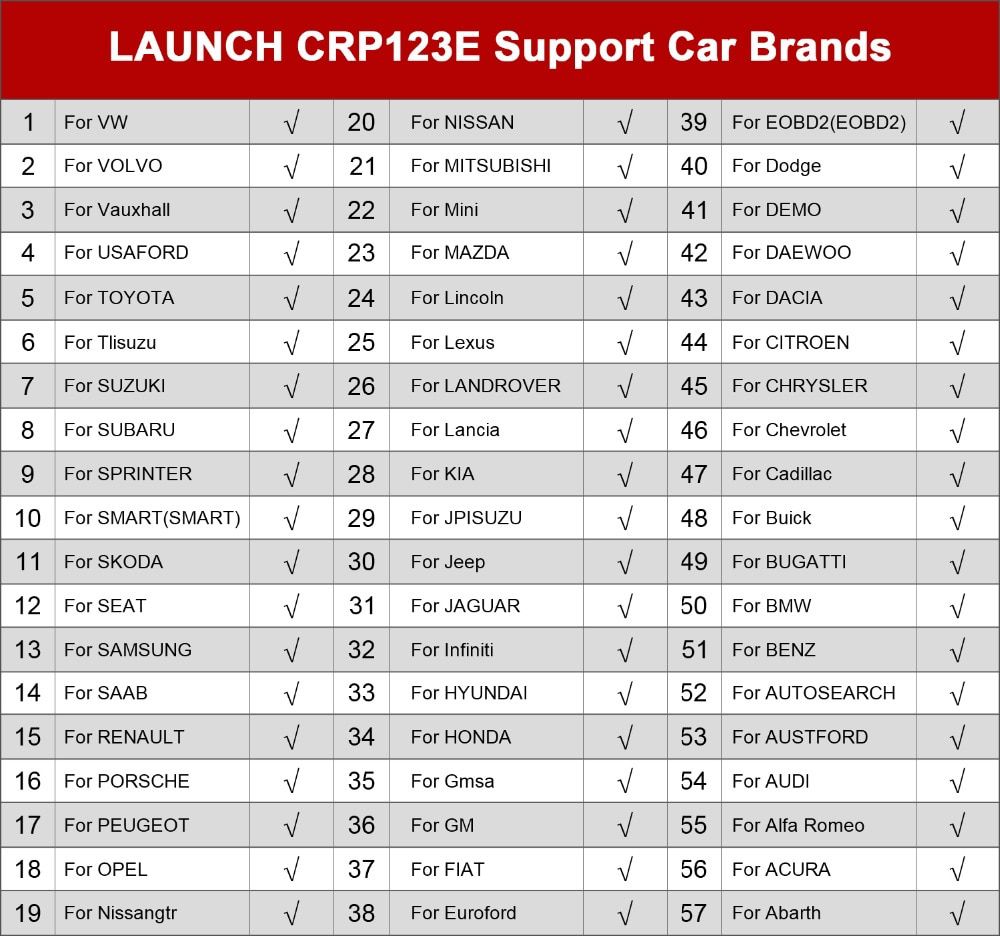
Launch CRP123E Supported Vehicle List
Launch CRP123E Technical Specifications
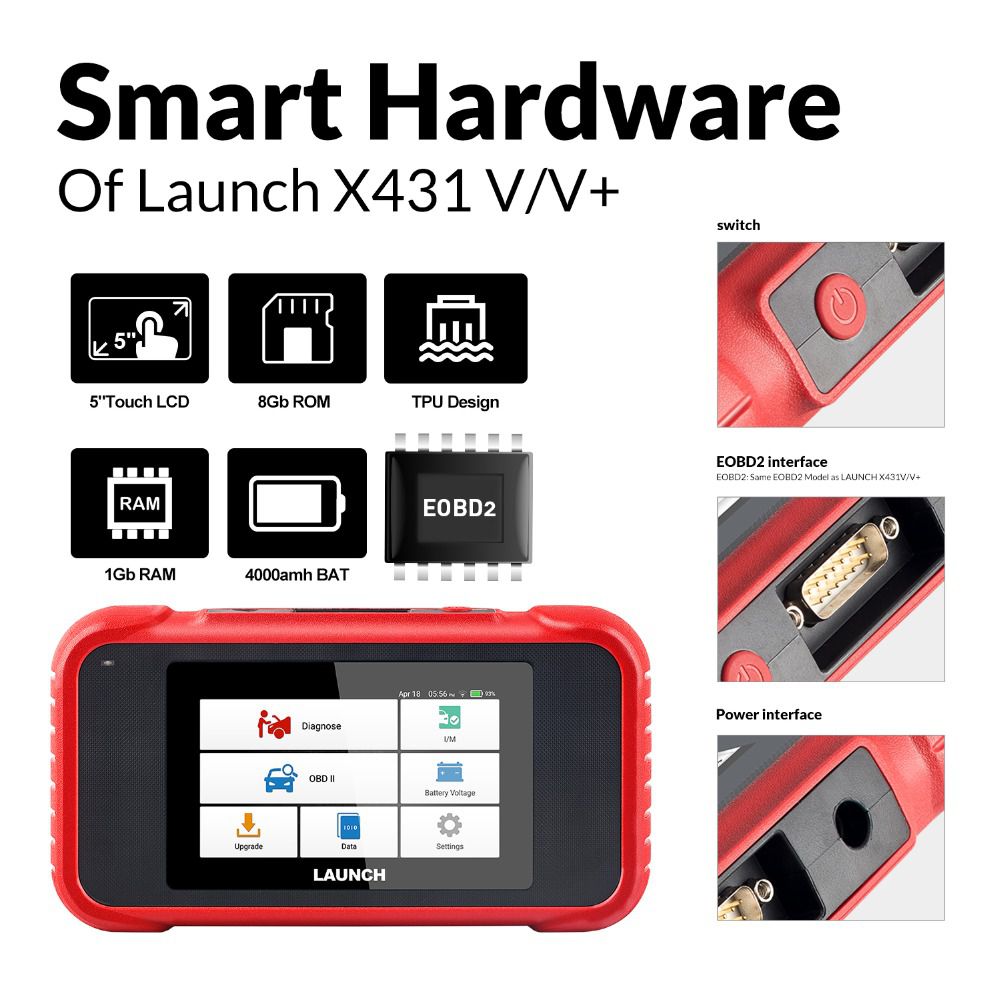
- Screen: 5-inch Touch Screen
- RAM: 1GB
- ROM: 8GB
- Battery: 4000mAh rechargeable Li-ion battery
- OBD II Input Voltage Range: 9–18V
- Charging Options: DC 5V charging cable or via diagnostic cable through the vehicle’s DLC
- Dimensions: 228mm x 125mm x 34.5mm
- Operating Temperature: -10°C to 50°C (14°F to 122°F)
- Storage Temperature: -20°C to 70°C (-4°F to 158°F)
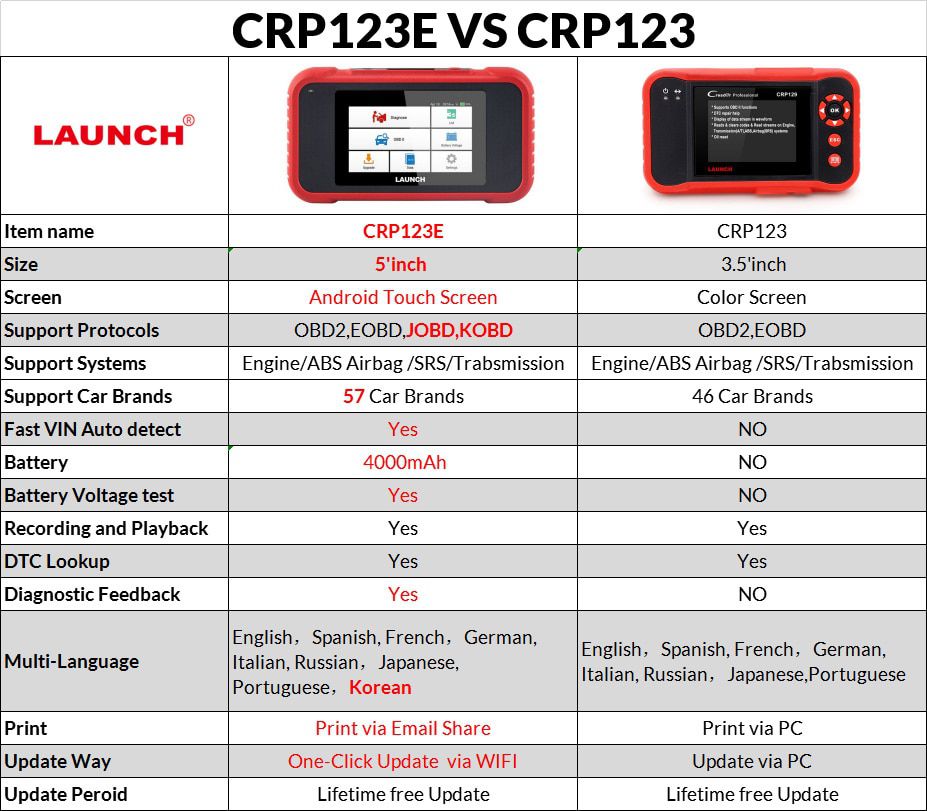
Launch CRP123E vs. Launch CRP123
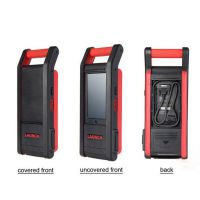
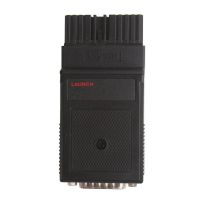
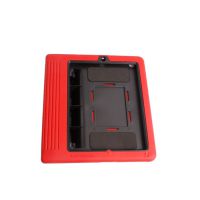
X431 CRP123E Hardware Display
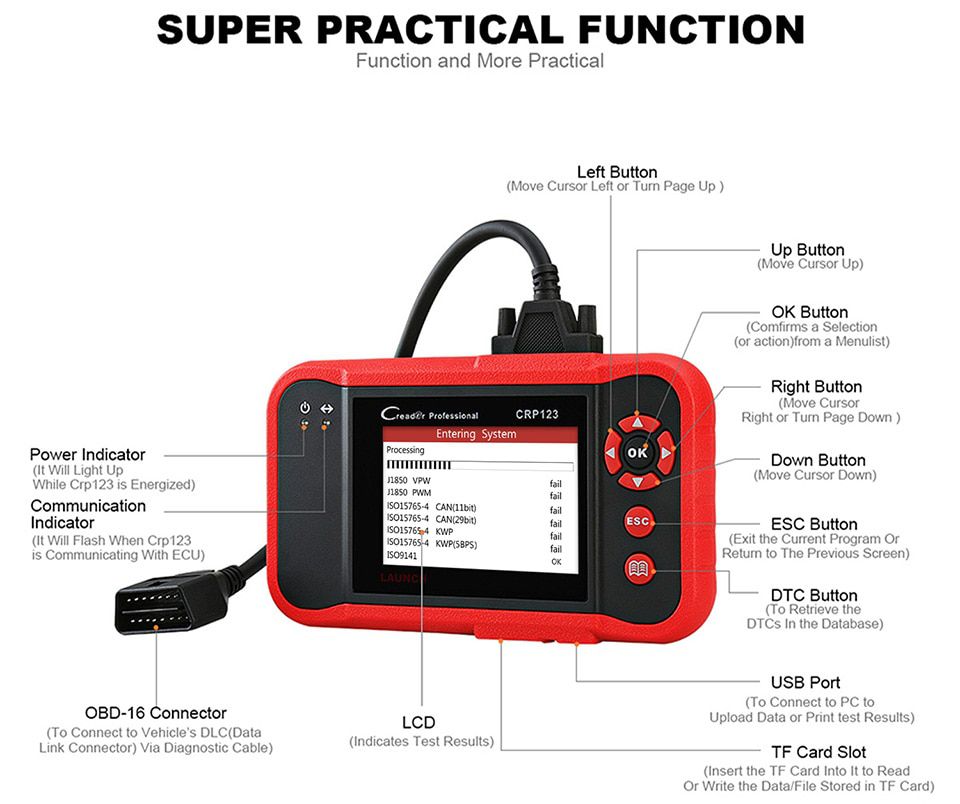
X431 CRP123E Software Display
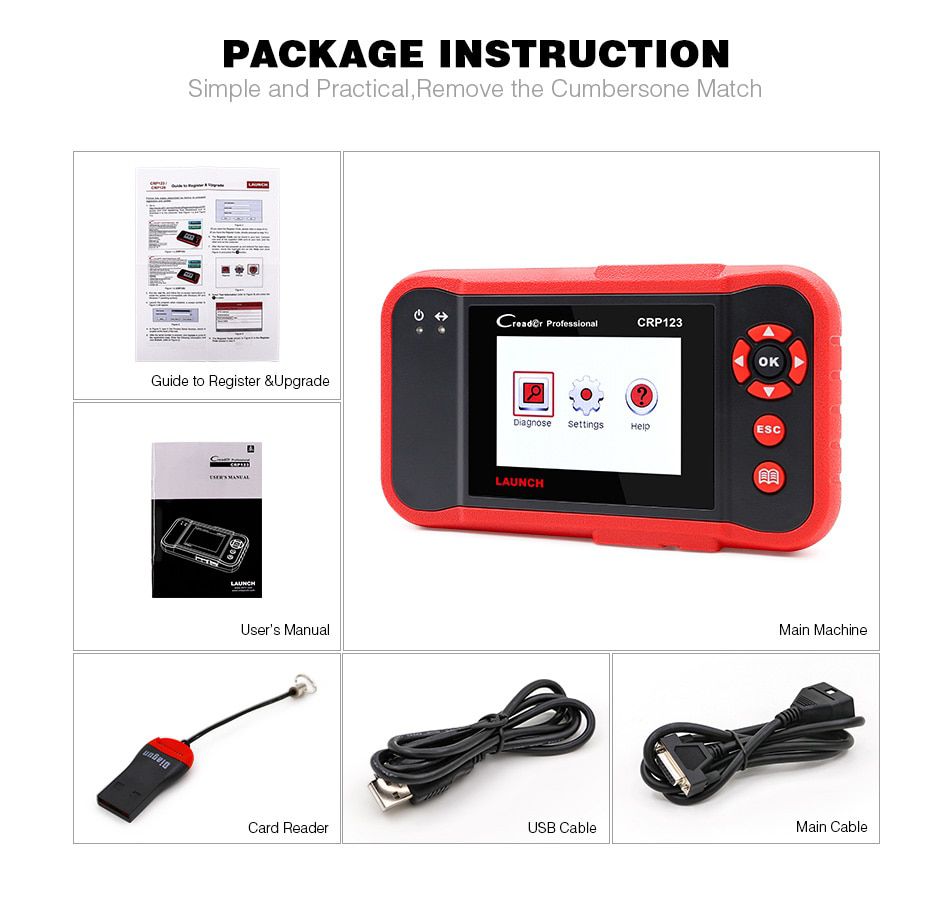
X431 CRP123E Package Contents
- 1 × Creader Professional 123E Handset
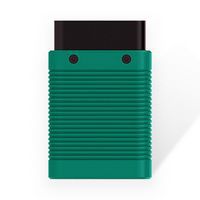
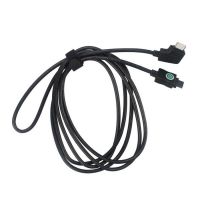
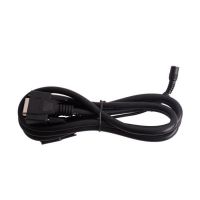
- 1 × OBD II Diagnostic Cable
- 1 × DC 5V Charging Cable
- 1 × User Manual
- 1 × Carrying Bag
LAUNCH X431 CRP123E Frequently Asked Questions (FAQ)
Q1: System halts when reading data stream. What is the reason?
A1: This may be caused by a loose connector. Turn the tool off, ensure the connector is firmly attached, then power it back on.
Q2: The main unit screen flashes during engine ignition start.
A2: This is a normal phenomenon caused by electromagnetic interference.
Q3: There is no response when communicating with the on-board computer.
A3: Verify that the power supply voltage is correct and confirm the throttle is closed, the transmission is in neutral, and the engine coolant is at proper operating temperature.
Q4: What should I do if the system fails to start auto VIN detection?
A4: Check the following:
- Whether the tool is properly connected to the vehicle’s DLC.
- Whether the “Automatic Detection on Connect” setting is turned OFF. If so, enable it by sliding the toggle to ON.
Q5: Why are there so many fault codes?
A5: This is typically due to poor electrical connections or a faulty circuit ground.
Q6: How do I upgrade the system software?
A6:
- Power on the tool and ensure a stable internet connection.
- From the Job Menu, tap “Settings” → “About” → “Version,” then select “Detect System Version” to access the upgrade page.
- Follow the on-screen instructions to complete the update. The process may take several minutes depending on internet speed—please wait patiently. Once finished, the tool will restart automatically and return to the Job Menu.
- Related Items
- Recommond Tools
- Hot Sale
- On Sale
- New Arrivals
- Freeshipping Items
-
 US$999.00 / piece
 -
 US$379.05 / piece
 -
 US$159.00 / piece
 -
 US$550.05 / piece
 -
 US$179.00 / piece
 -
 US$299.00 / piece
-
 US$69.99 / piece
 -
 US$624.00 / piece
 -
 US$730.55 / piece
 -
 US$989.00 / piece
 -
 US$109.00 / piece
 -
 US$34.00 / piece
-
 US$69.99 / piece
 -
 US$59.99 / piece
 -
 US$274.28 / piece
 -
 US$94.05 / piece
 -
 US$39.99 / piece
 -
 US$479.00 / piece
-
US$179.00 / piece
-
 US$69.99 / piece
 -
 US$269.00 / piece
 -
 US$129.00 / piece
 -
US$69.99 / piece
-
 US$149.00 / piece
-
 US$269.00 / piece
 -
US$299.00 / piece
-
 US$599.00 / piece
 -
 US$389.00 / piece
 -
 US$509.00 / piece
 -
 US$39.00 / piece
-
 US$10.99 / piece
 -
 US$209.00 / piece
 -
 US$149.00 / piece
 -
 US$69.99 / piece
 -
 US$199.00 / piece
 -
 US$29.99 / piece
Trending Products
 US$4,299.00 / piece
 US$371.00 / piece
 US$1,398.00 / piece
 US$1,956.05 / piece
 US$979.00 / piece
- US$509.00 / piece