 USD
USD Euro
Euro British Pound
 Australian Dollar
- Home
-
Categories
- Car Diagnostic Tools
- Original Brand Tools
- Car Key Programmers
- OBD2 Code Scanners
- Truck Heavy Duty Scanners
- ECU Chip Tuning Tools
- Odometer Correction Tools
- VAG Diagnostic Tool
- Original Launch X431 Tools
- Original Autel Tool
- Original Xhorse Tool
- Key Cutting & Locksmith Tools
- Airbag/Service Reset Tools
- OBD2 Cables and Connectors
- AUGOCOM Camshaft Engine Timing Tool
- Other OBDII Vehicle Tools
- Car Key Blanks
- Car Key Chips
- Car Diagnostic Software
- Automotive Electrical Testers & Test Leads
- Auto HID Xenon Light and LED Light
- Automotive Electronics
- Repair & Maintenance Tools
- MB Star Diagnostic Tools
- Health Care
- Special Deals
- Consumer Electronics
- Home & Garden
- Outdoor
- Expired Tools
- Top Selling
- New Arrivals
- for MB
- for Porsche
- Xhorse
- for TOYOTA
- for FORD
- Order Tracking
- Drop-ship
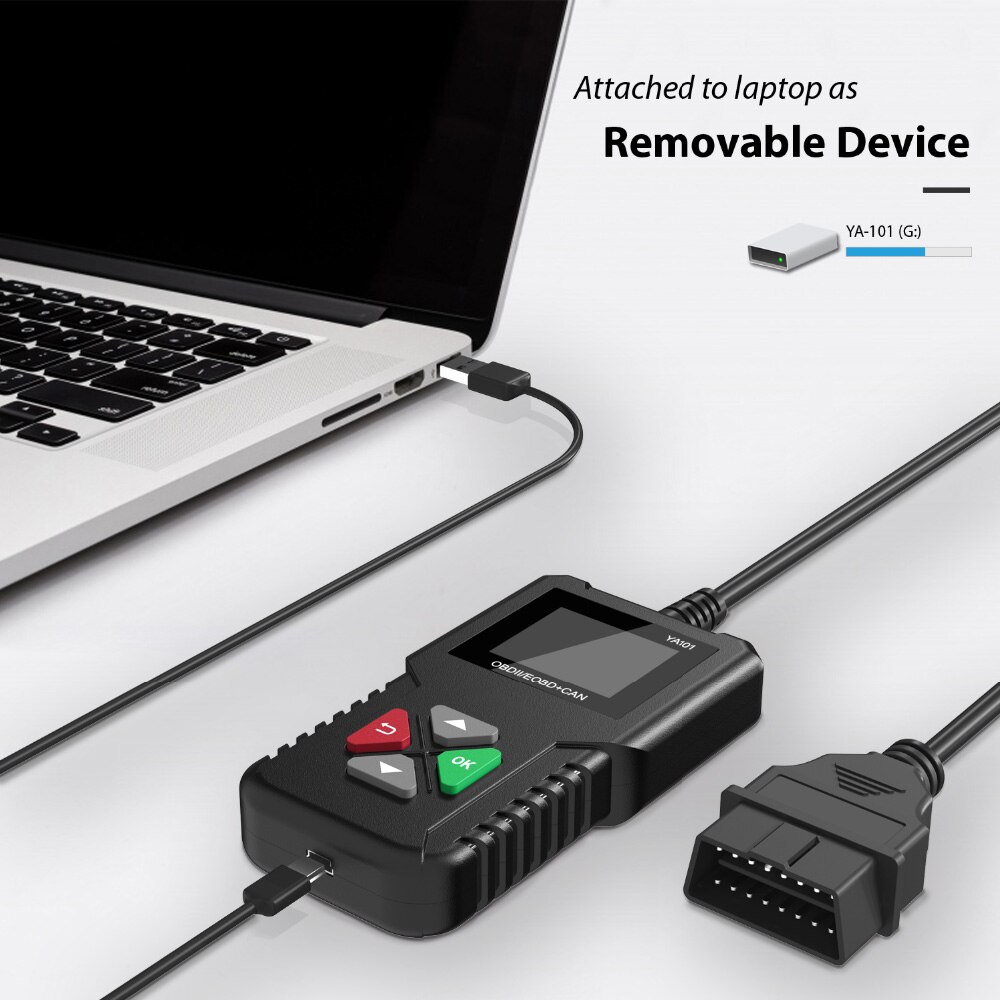
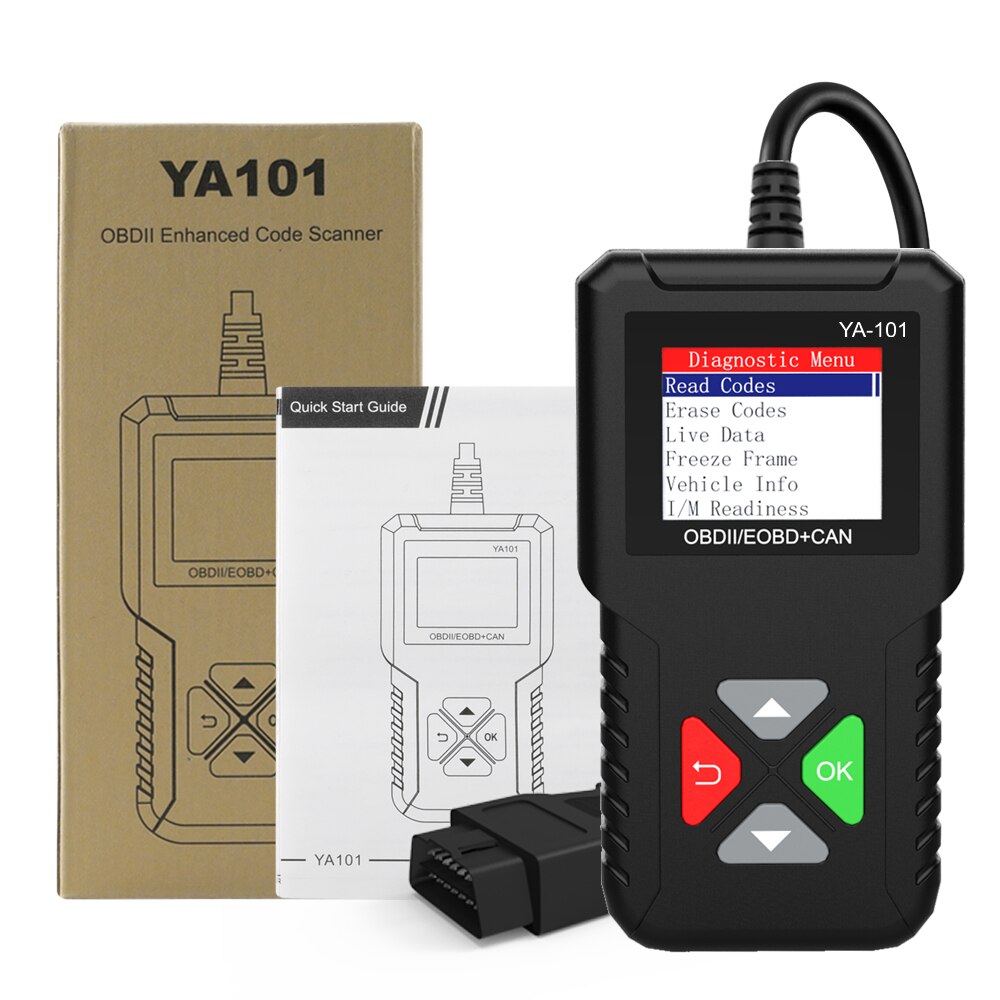
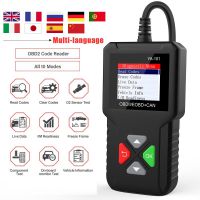
YA101 Obd2 Scanner Multi-language Professional Code Reader OBD 2 Automotive Scanner Car Diagnostic Tool PK ELM327 Free Update
- Price:
- US$26.60/ piece
- Discount Price:
- US$14.00/ piece 47%
- Quantity:
-


- Shipping:
- Airmail Post
Estimated delivery time: 7-45 working days.See details» - Returns:
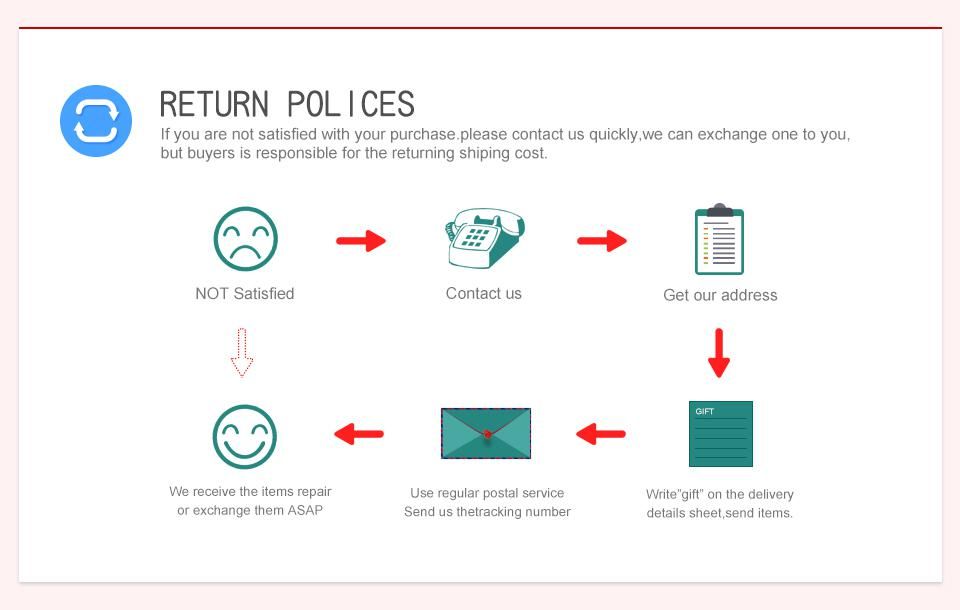
- Return for refund within 7 days,buyer pays return shipping.Read details »
- Support:
-
 Online Chat
  WhatsApp
  Skype
Skype  Ask a question


- Product Details
- Product's Reviews
- Write a Review
- Related Products
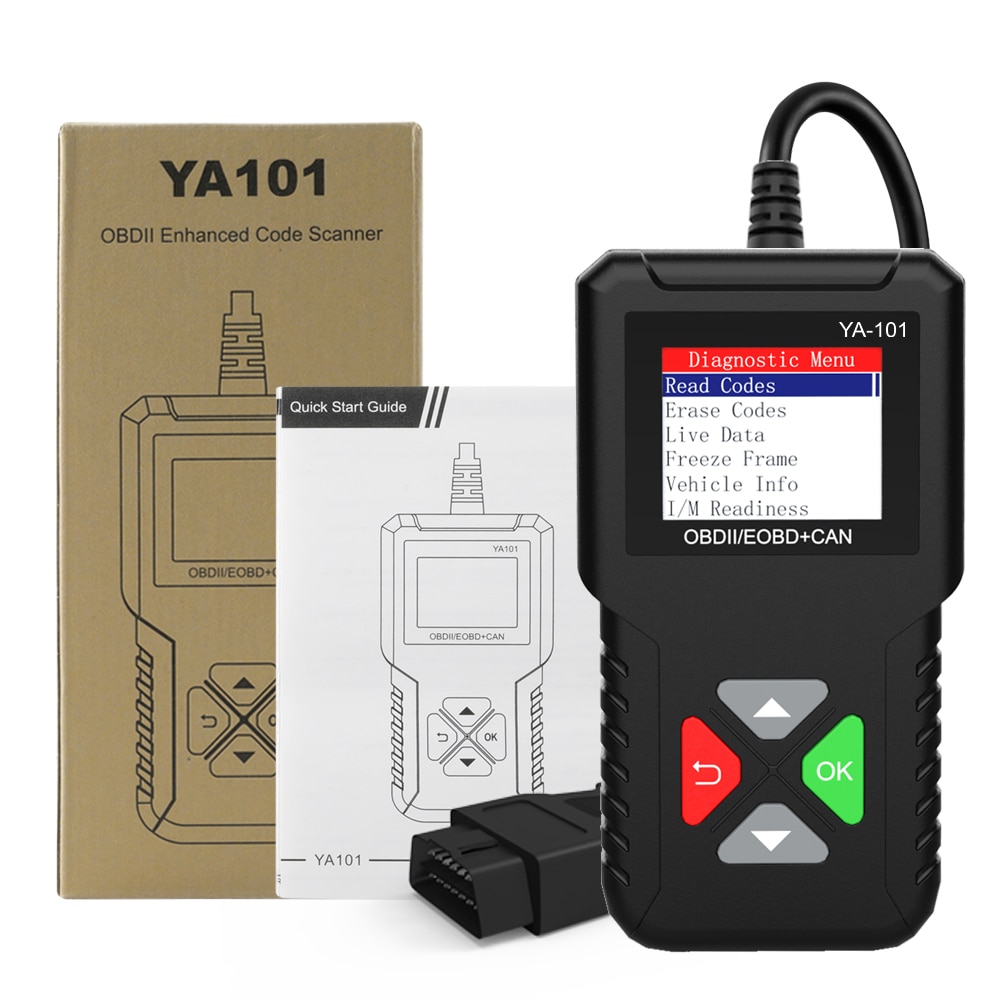
YA101 OBD2 Scanner – Multi-language Professional Code Reader
Top 7 Reasons to Choose the YA101 OBD2 Scanner
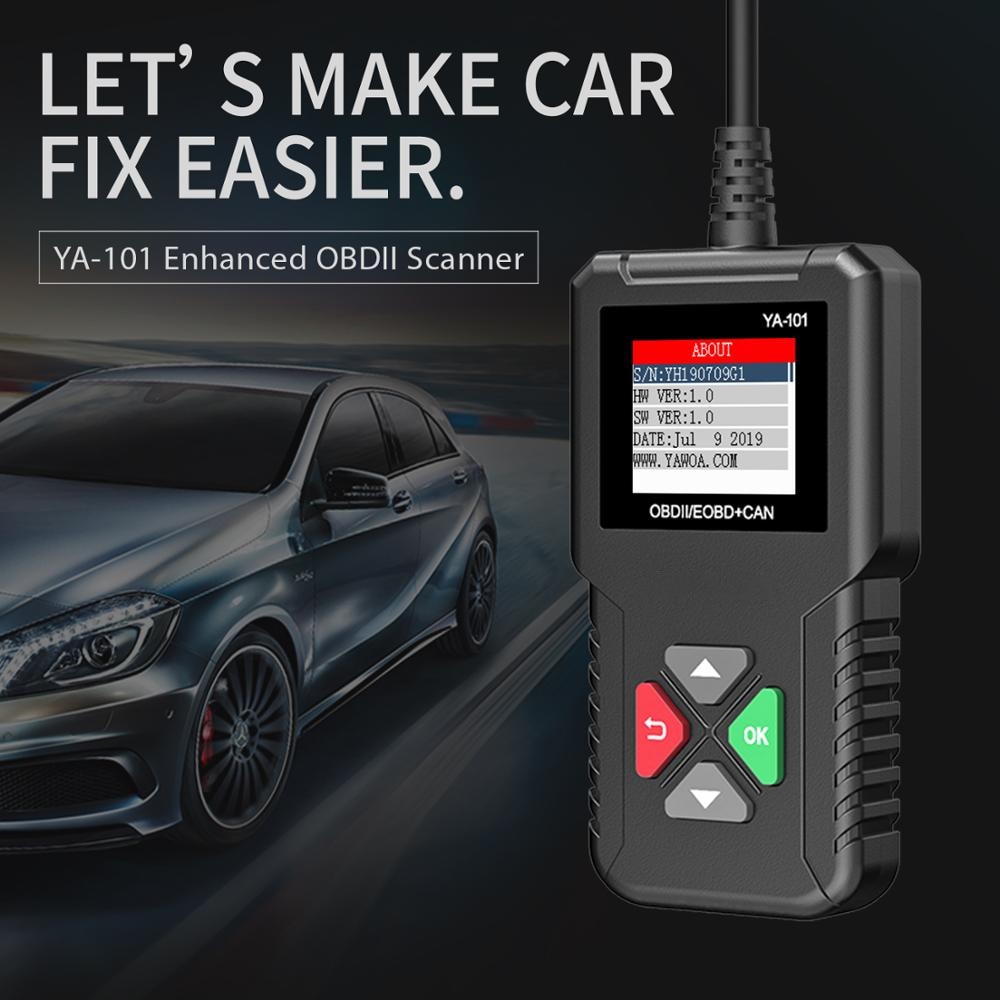
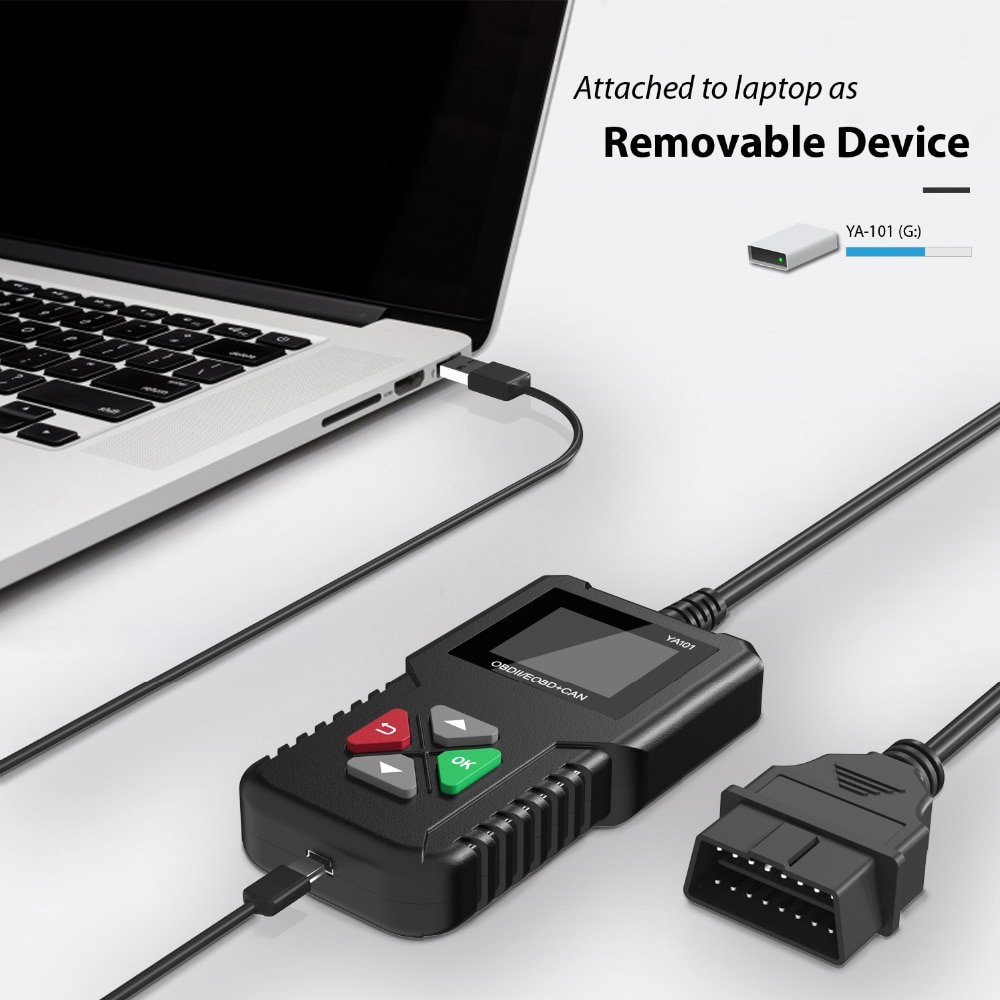
- Lifetime Free Updates: Simply insert the USB and paste the update files into the flash drive.
- Screen Capture Function: (Note: CR3001 does not have this feature.)
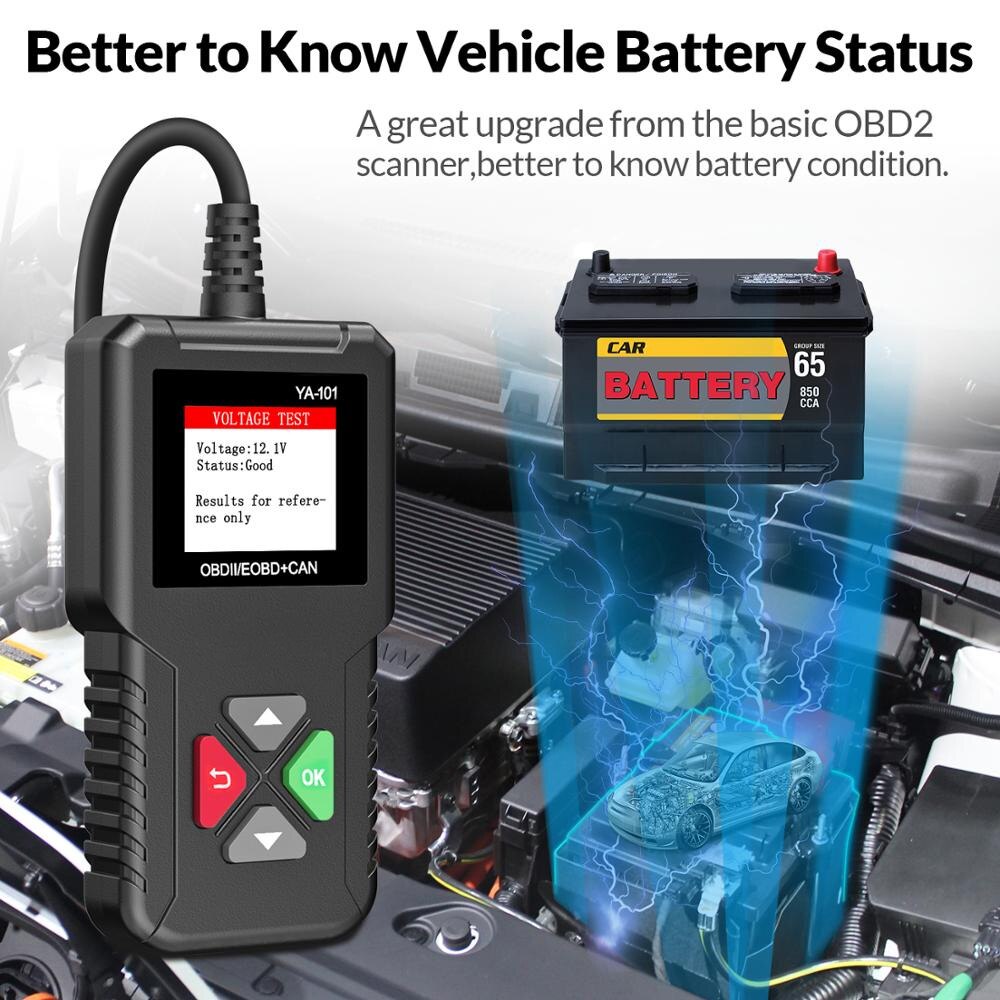
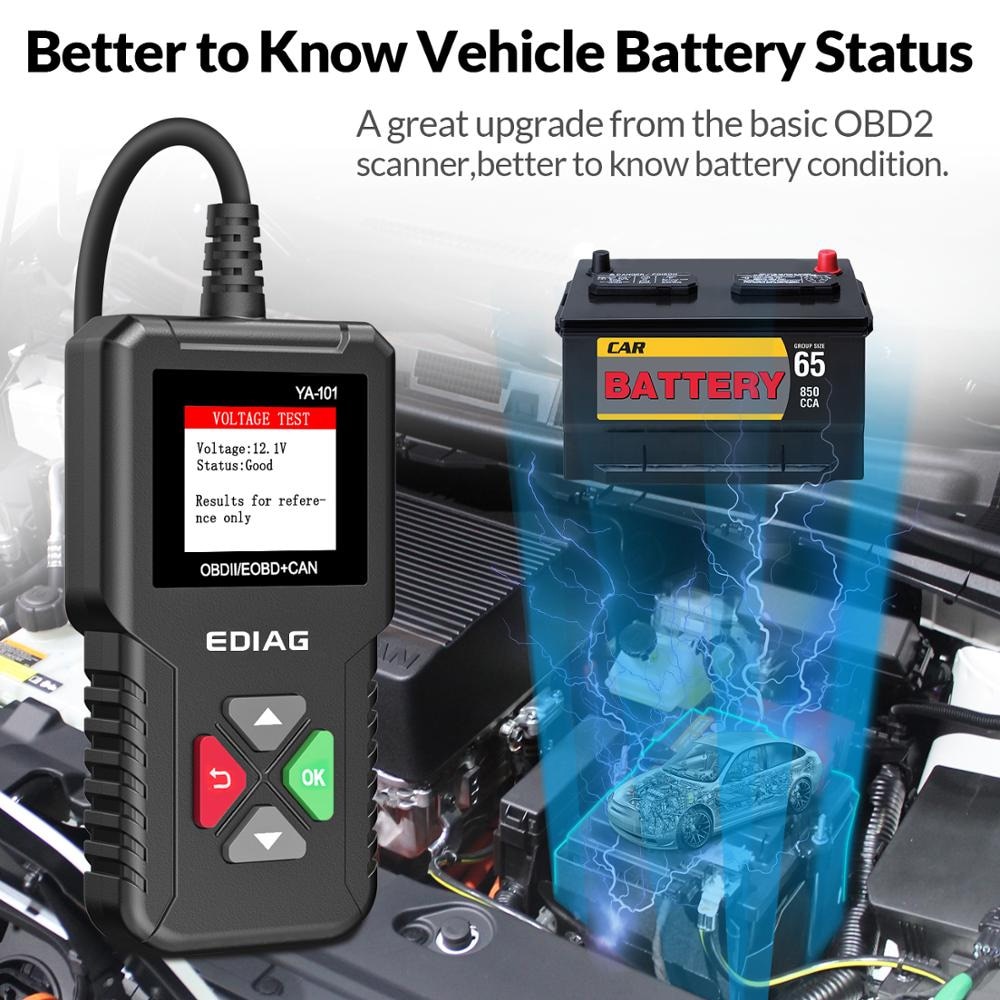
- Battery Testing: Assess your vehicle’s battery health directly through the scanner.
- Fault Code Root Cause Identification: Helps pinpoint the underlying cause of diagnostic Trouble Codes.
- Wide Vehicle Compatibility: Supports all OBDII & CAN protocol vehicles from 1996 and newer.
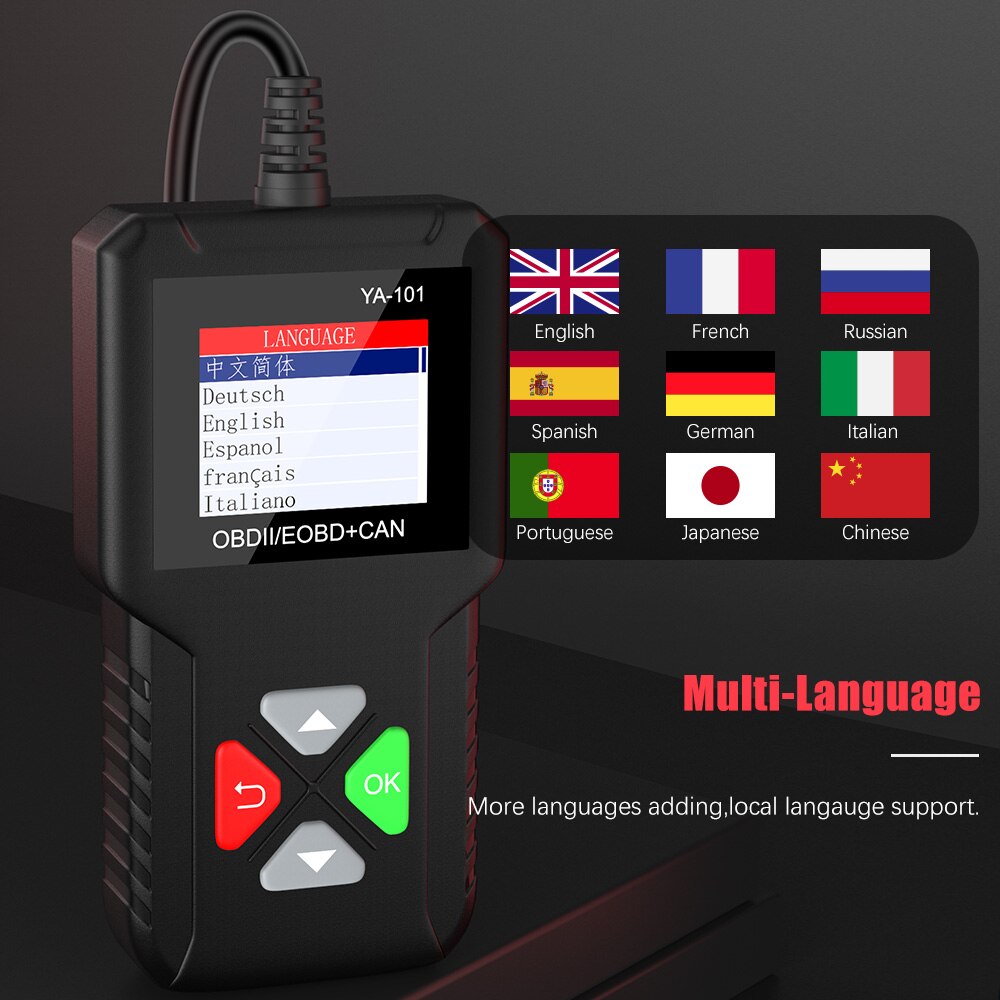
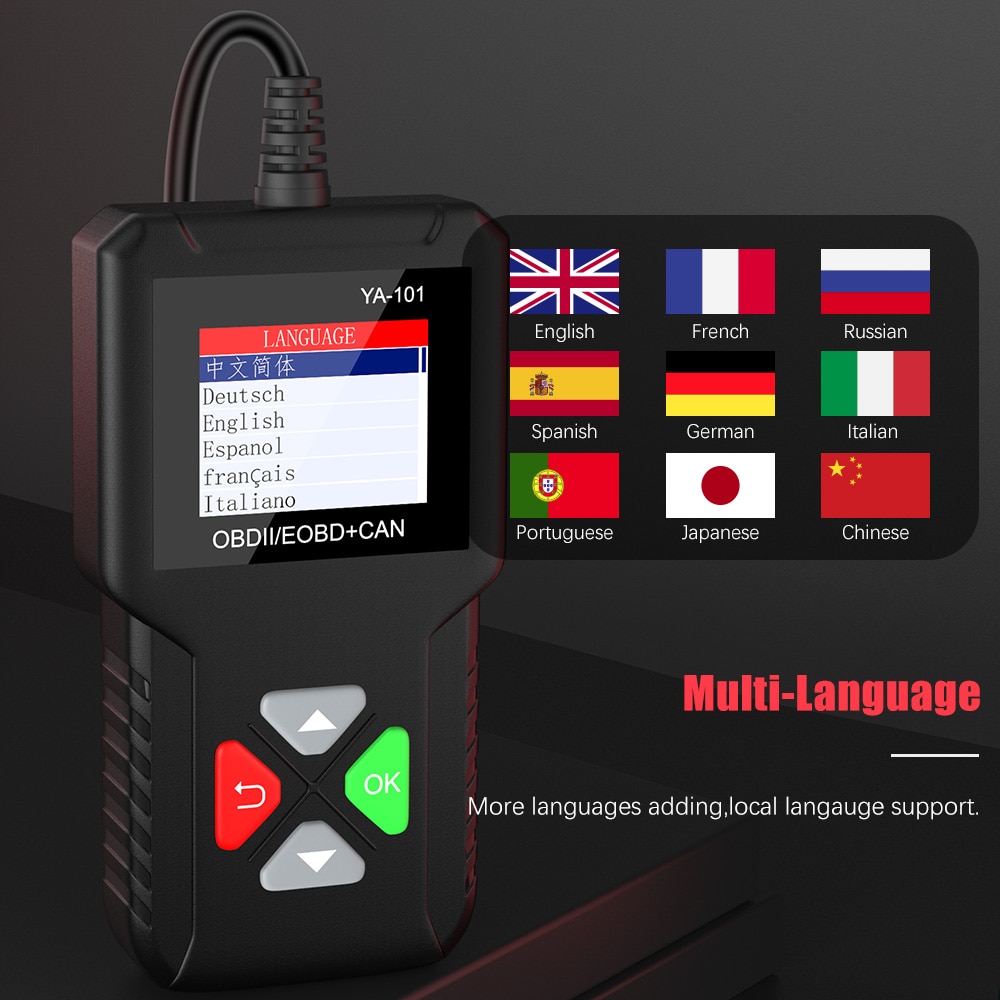
- Multi-Language Support: English, French, Russian, Spanish, German, Italian, Portuguese, Japanese, and Chinese.
- Full OBDII/EOBD Compliance: Meets key protocols including ISO9141-2, ISO14230-4, SAEJ1850, and ISO15765-4.
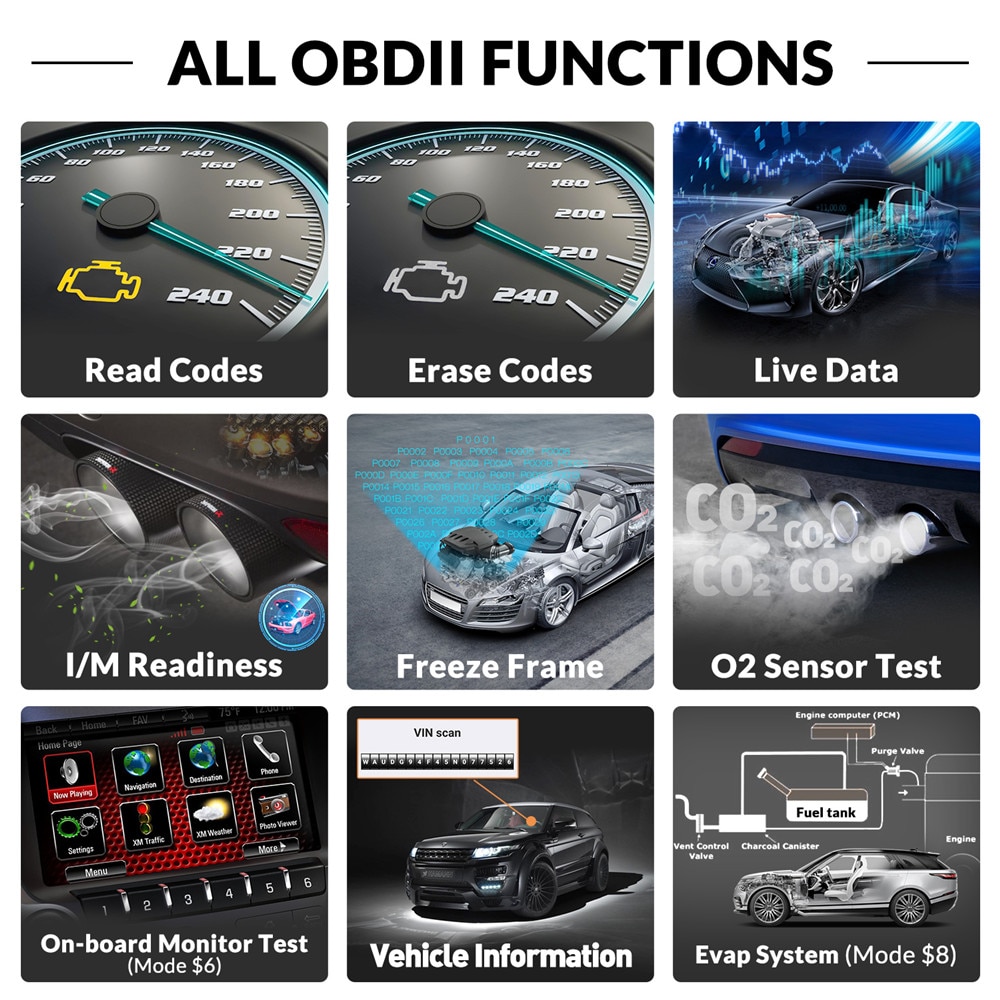
YA-101 Diagnostic Functions
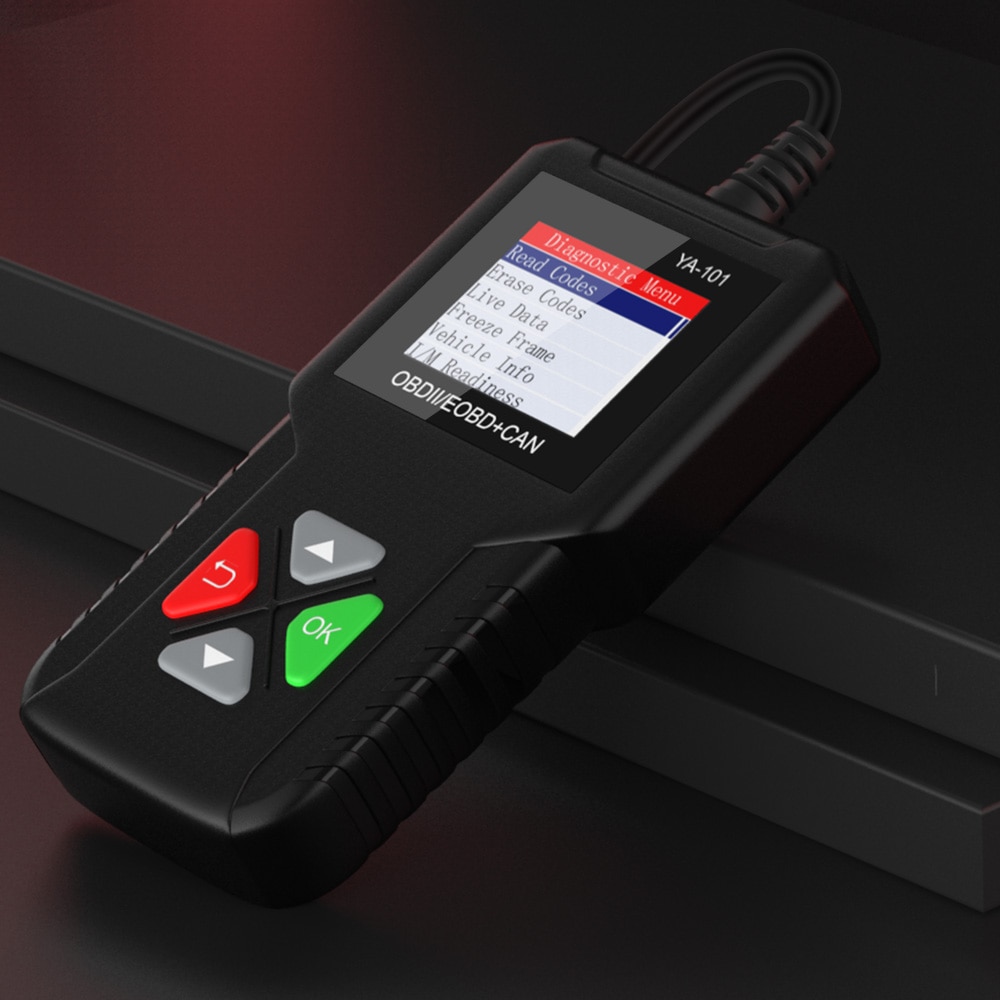
- Diagnostic Functions: Select a vehicle to access the diagnostic menu.
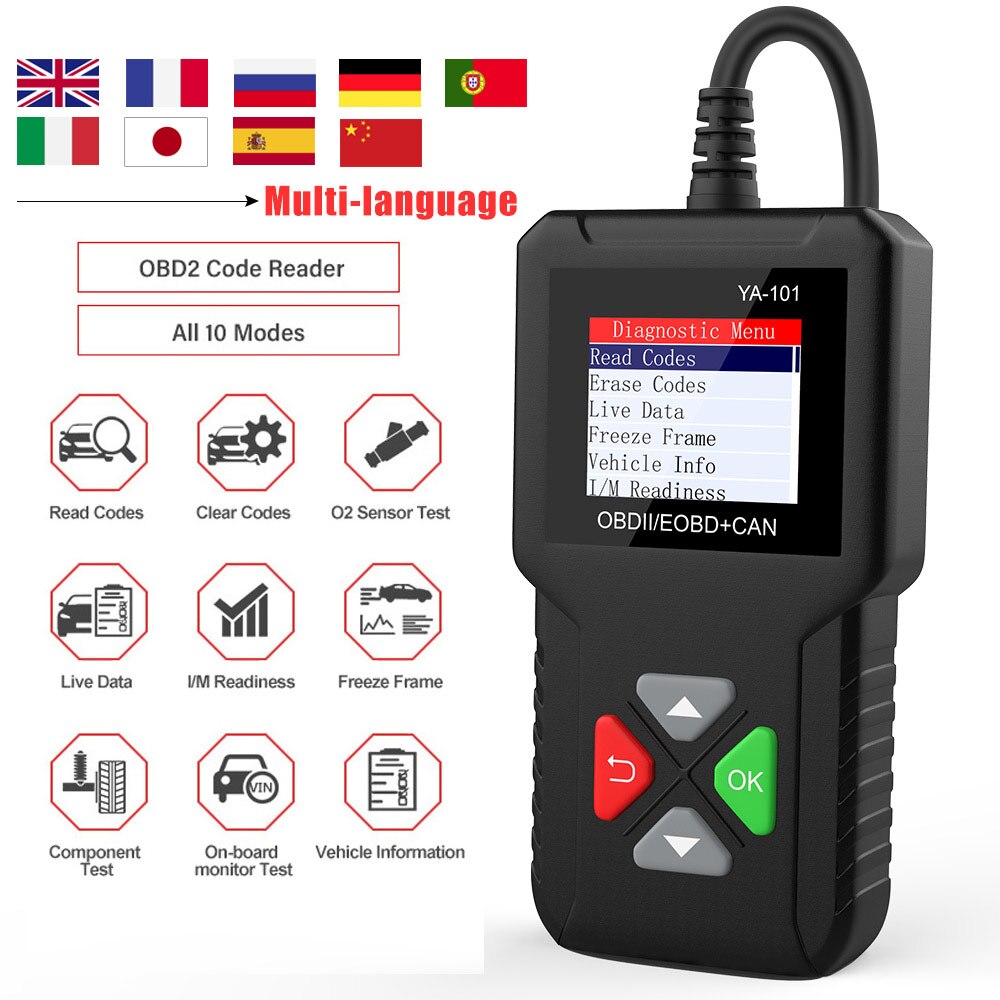
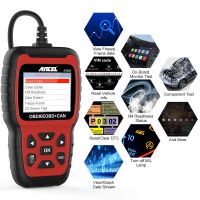
- Read Codes: Retrieves Diagnostic Trouble Codes (DTCs) from the vehicle’s computer with KOEO or KOER.
- Erase Codes: Clears DTCs from the vehicle’s memory.
- Live Data: View, record, and playback real-time Parameter IDs (PIDs) from the electronic control module.
In the Live Data menu, hold the “OK” key for 3 seconds to move a selected item to the front. - Freeze Frame: Displays a snapshot of operating conditions at the moment a fault occurred.
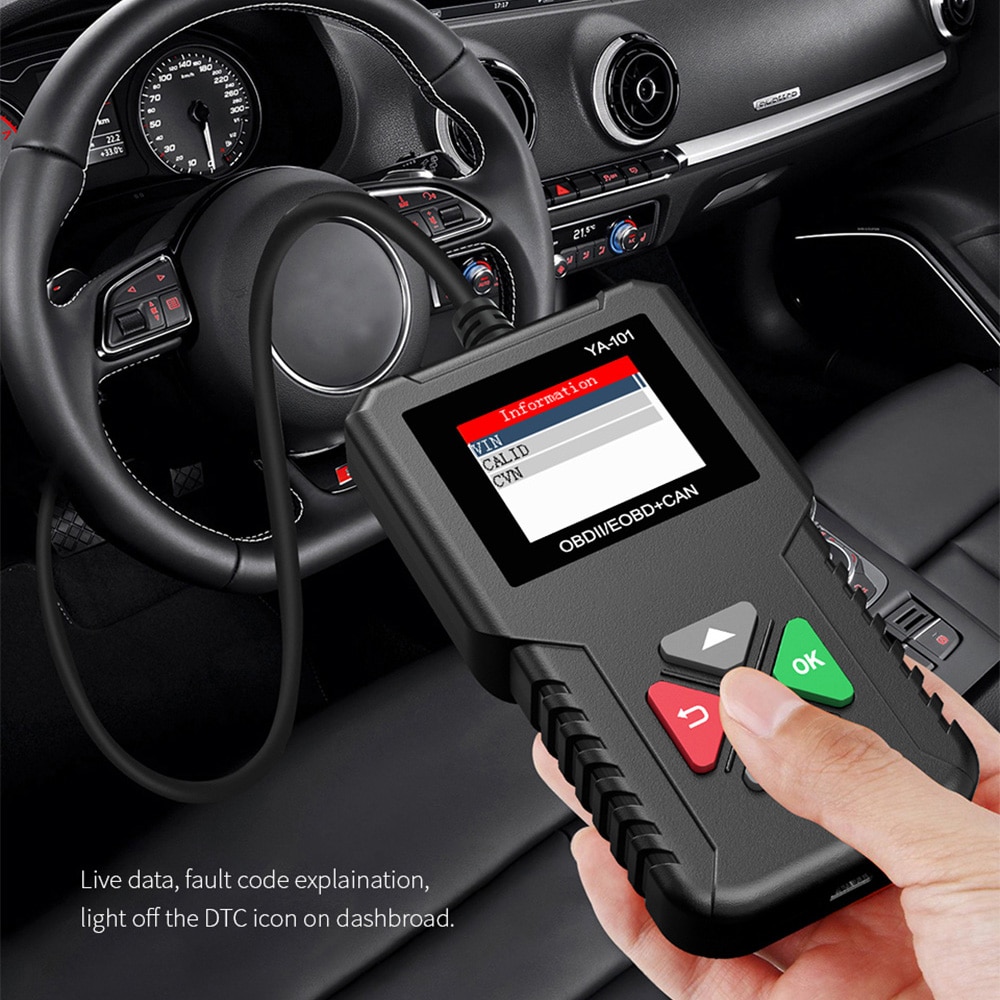
- Vehicle Info: Shows the vehicle’s VIN, Calibration ID(s), and CVN (Calibration Verification Number) identifying software versions in control modules. Also displays In-Use Performance Tracking for key readiness monitors.
- Component Test: Lists components and their locations on the vehicle. This function always appears on the Main Menu and appears on the Diagnostic Menu only when component location data is available for the selected vehicle.
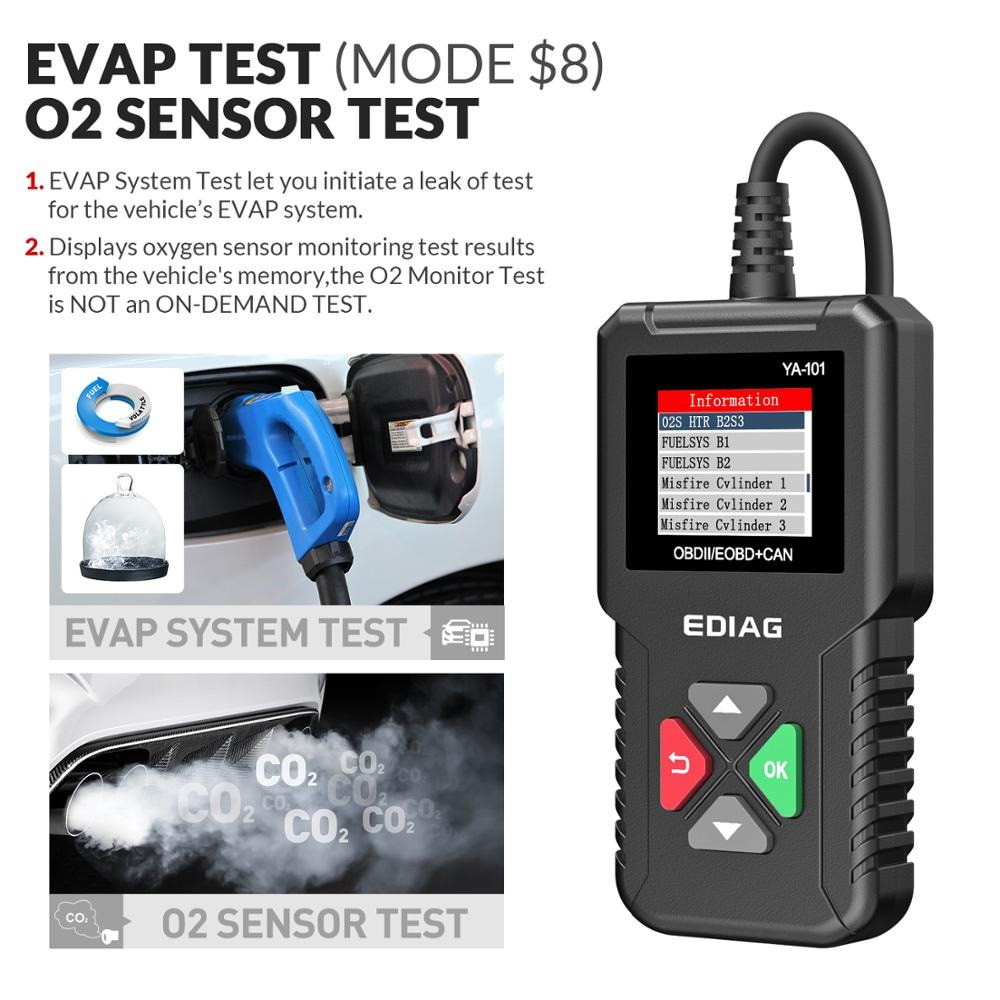
- On-Board Monitoring: Controls the operation of vehicle components, tests, or systems.
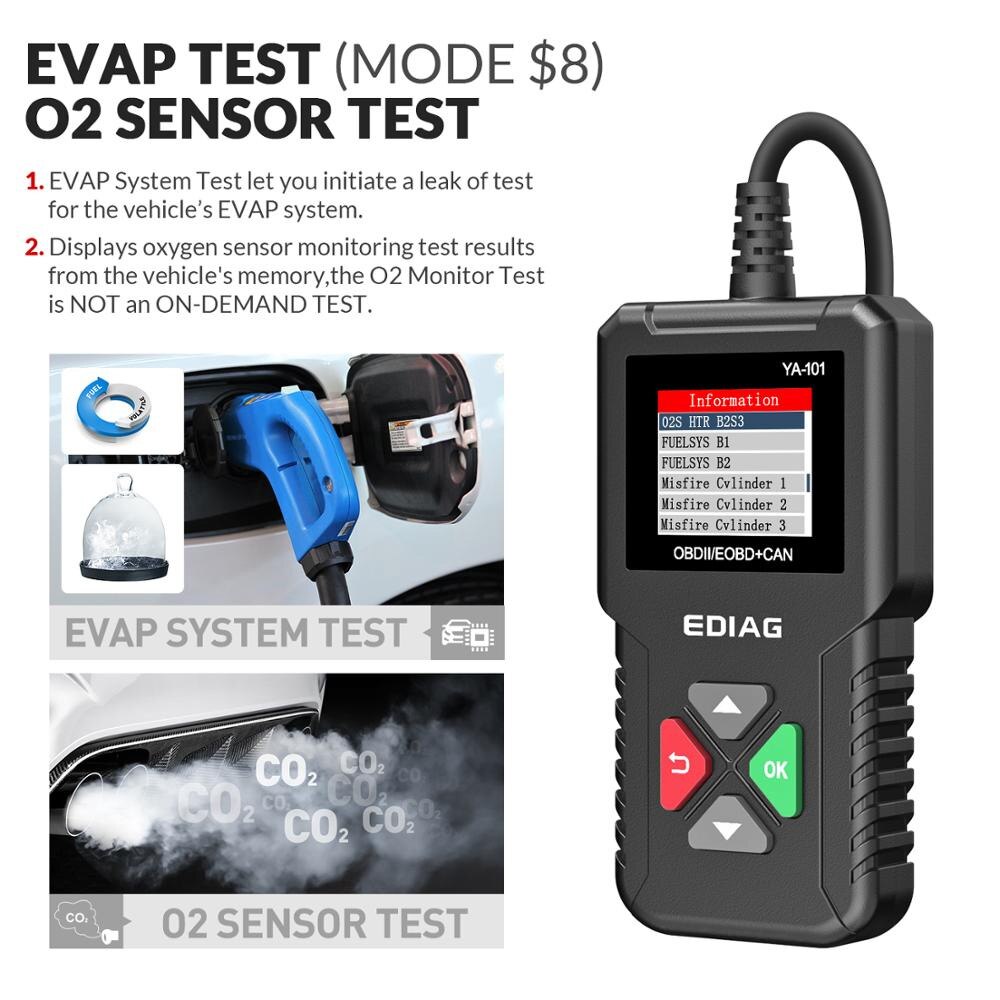
- Oxygen Sensor Test: Displays stored oxygen sensor monitoring test results from the vehicle’s memory. (Note: This is NOT an on-demand test.)
- I/M Readiness: Shows the current status of the vehicle’s OBDII emission monitors.
NOTE:
YA-101 DTC Lookup
Provides definitions for stored Diagnostic Trouble Codes (DTCs) and lists possible causes. (Note: Not all DTCs include possible cause information.)
Voltage Test
Monitors the voltage present on pin 16 of the OBDII Data Link Connector.
Tool Options
- Option: Adjust tool settings, view device information, and run self-tests.
- Languages: Change the display language. Default is English.
- Unit: Toggle between metric and imperial measurement units.
- Data Logging: Enable or disable data logging to record live vehicle data.
- Self-Test:
- Display Test: Verifies screen functionality.
- Keyboard Test: Confirms all keys are working correctly.
Lifetime Free Updates via USB
Multi-Language Interface
English, French, Russian, Spanish, German, Italian, Portuguese, Japanese, Chinese
Supported Vehicle List
Note: The YA101 supports only 12V vehicles. It does not support 24V cars or trucks.
American Vehicles
Requires standard OBD2 protocols (2000–present):
Chrysler, Ford, GM, Jeep, and others.
European Vehicles
Requires standard OBD2 protocols (2003–present):
Alfa Romeo, SAAB, Acura, Opel, Audi, SEAT, Peugeot, Renault, Bentley, Škoda, Daewoo, Mercedes-Benz, Daihatsu, Land Rover, BMW, Vauxhall, Citroën, Volvo, Fiat, Volkswagen, Ford, Jaguar, and others.
Japanese & Korean Vehicles
Requires standard OBD2 protocols (2006–present):
Kia, Isuzu, Honda, Mitsubishi, Hyundai, Dacia, Lexus, Mazda, Nissan, Subaru, Suzuki, Toyota, and others.
Chinese Vehicles
Requires standard OBD2 protocols (2009–present).
How to Use the YA101 OBD2 Scanner
Locating the Data Link Connector (DLC)
- Typically located under the driver-side dashboard near the steering wheel.
- If unsure, consult your vehicle’s manual or a reputable service center.
Connecting the Scanner
- If the DLC isn’t visible, look for a label indicating its location.
- Remove the DLC cover if necessary.
- Turn the ignition to the “ON” position (do not start the engine).
- Plug the OBD connector into the Data Link Connector.
- The tool will attempt to auto-identify the vehicle. If successful, the vehicle information will be displayed. If not, you’ll be prompted to select the vehicle manually from the menu.
- Related Items
- Recommond Tools
- Hot Sale
- On Sale
- New Arrivals
- Freeshipping Items
-
 US$999.00 / piece
 -
 US$169.00 / piece
 -
 US$379.05 / piece
 -
 US$159.00 / piece
 -
 US$55.00 / piece
 -
 US$550.05 / piece
-
 US$899.00 / piece
 -
 US$217.55 / piece
 -
 US$69.99 / piece
 -
 US$449.00 / piece
 -
 US$1,956.05 / piece
 -
 US$199.00 / piece
-
 US$59.99 / piece
 -
 US$627.00 / piece
 -
 US$669.00 / piece
 -
 US$499.00 / piece
 -
 US$209.00 / piece
 -
 US$289.00 / piece
-
US$217.55 / piece
-
 US$2,734.43 / piece
 -
 US$509.00 / piece
 -
 US$29.00 / piece
 -
 US$68.99 / piece
 -
 US$149.00 / piece
-
 US$129.00 / piece
 -
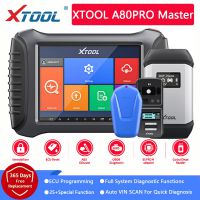 US$1,799.00 / piece
 -
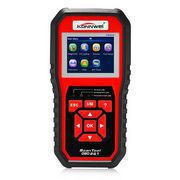 US$44.99 / piece
 -
 US$109.00 / piece
 -
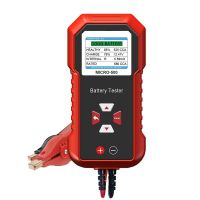 US$27.00 / piece
 -
 US$10.35 / piece
-
 US$125.00 / piece
 -
 US$48.00 / piece
 -
 US$16.55 / piece
 -
 US$29.99 / piece
 -
 US$45.05 / piece
 -
 US$3,140.00 / piece
Trending Products
 US$49.99 / piece
 US$249.00 / piece
 US$139.00 / piece
 US$34.00 / piece
 US$99.65 / piece
 US$14.00 / piece