 USD
USD Euro
Euro British Pound
 Australian Dollar
- Home
-
Categories
- Car Diagnostic Tools
- Original Brand Tools
- Car Key Programmers
- OBD2 Code Scanners
- Truck Heavy Duty Scanners
- ECU Chip Tuning Tools
- Odometer Correction Tools
- VAG Diagnostic Tool
- Original Launch X431 Tools
- Original Autel Tool
- Original Xhorse Tool
- Key Cutting & Locksmith Tools
- Airbag/Service Reset Tools
- OBD2 Cables and Connectors
- AUGOCOM Camshaft Engine Timing Tool
- Other OBDII Vehicle Tools
- Car Key Blanks
- Car Key Chips
- Car Diagnostic Software
- Automotive Electrical Testers & Test Leads
- Auto HID Xenon Light and LED Light
- Automotive Electronics
- Repair & Maintenance Tools
- MB Star Diagnostic Tools
- Health Care
- Special Deals
- Consumer Electronics
- Home & Garden
- Outdoor
- Expired Tools
- Top Selling
- New Arrivals
- for MB
- for Porsche
- Xhorse
- for TOYOTA
- for FORD
- Order Tracking
- Drop-ship
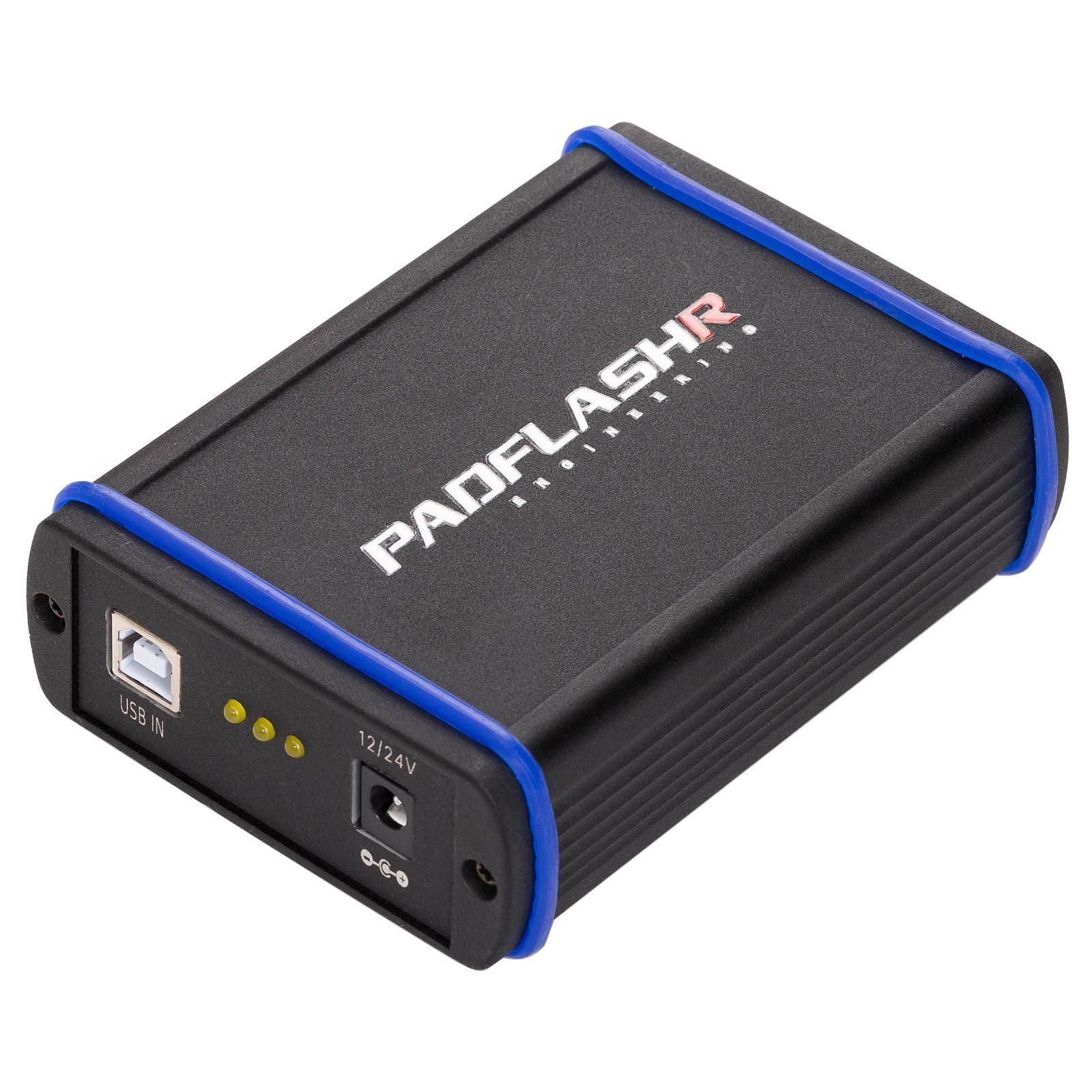
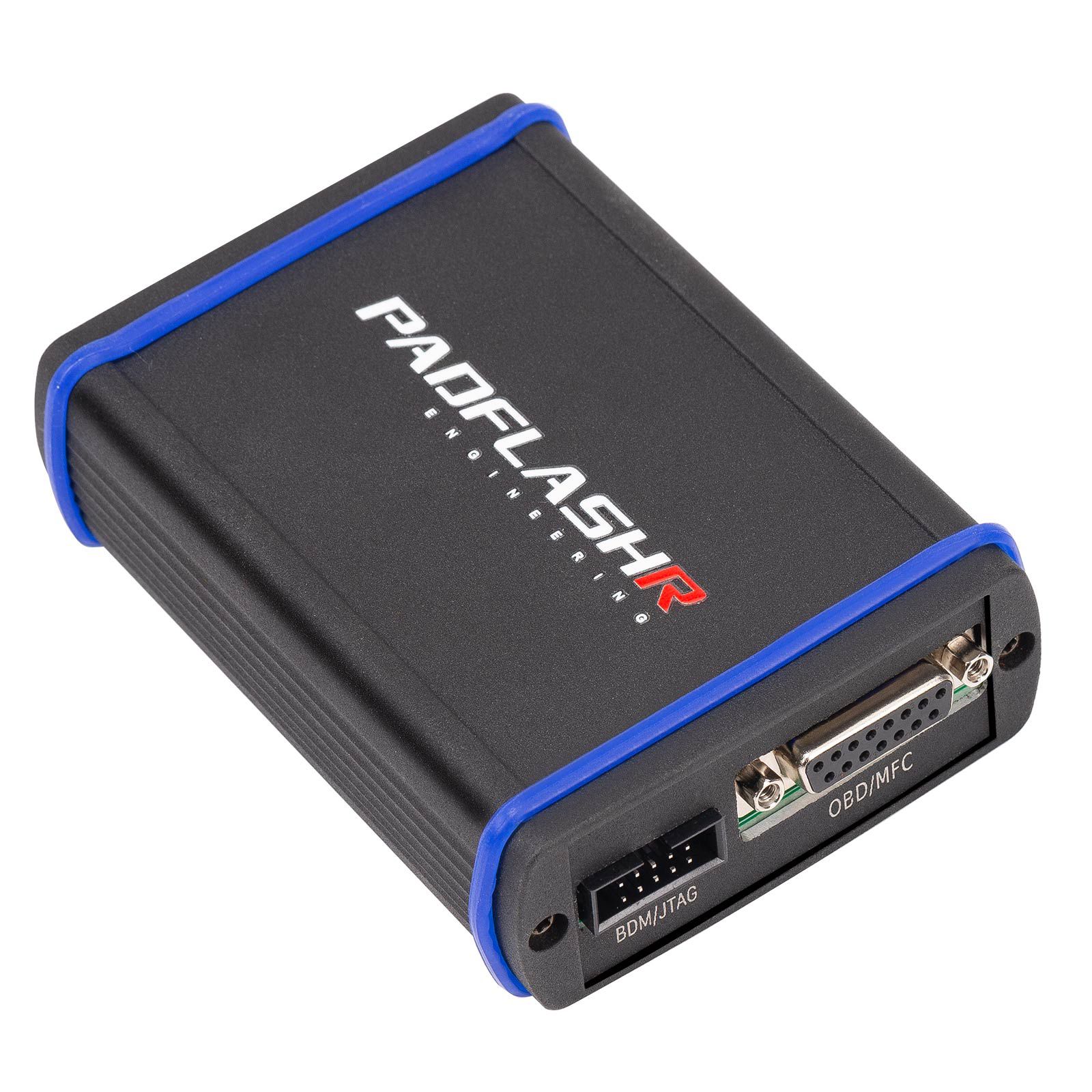
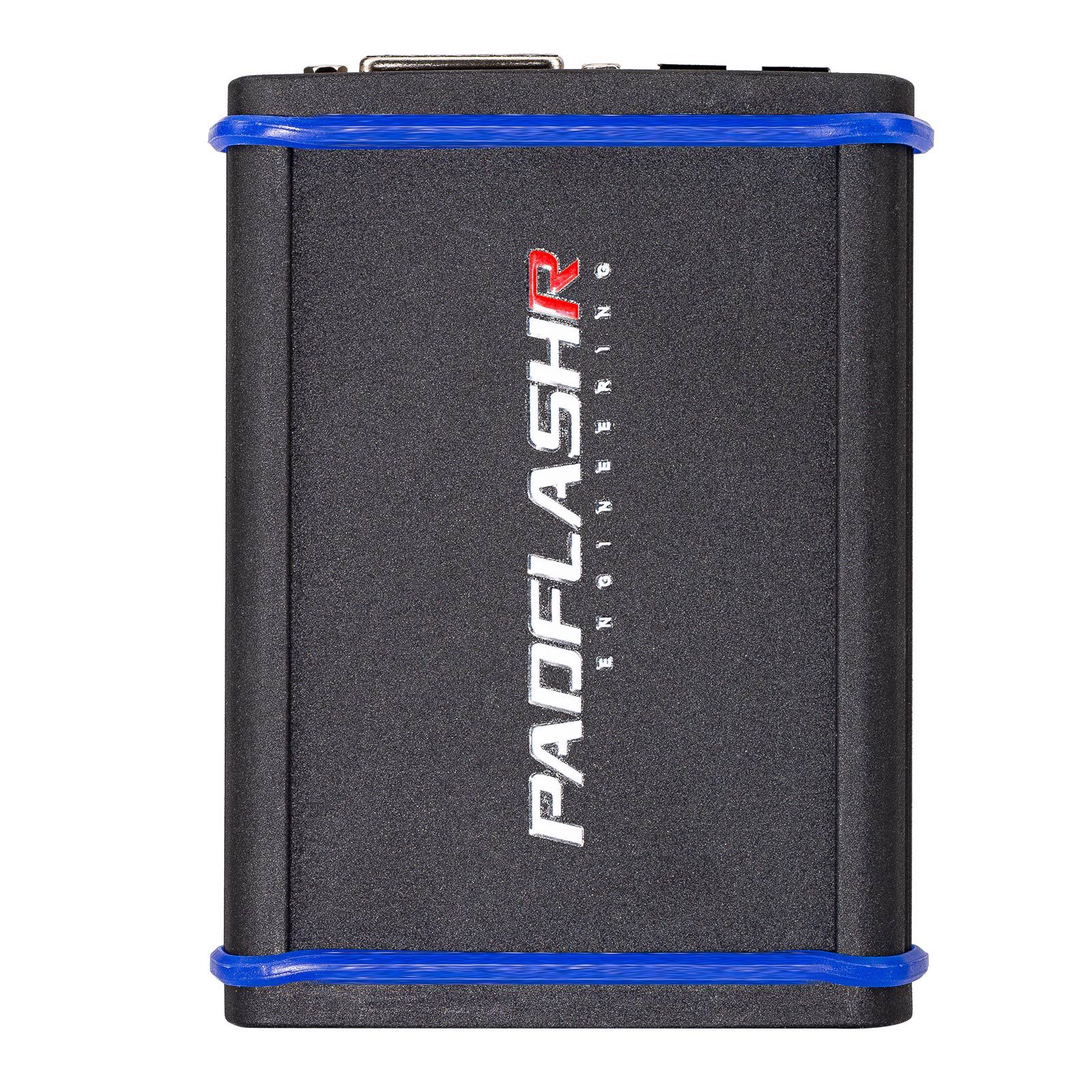
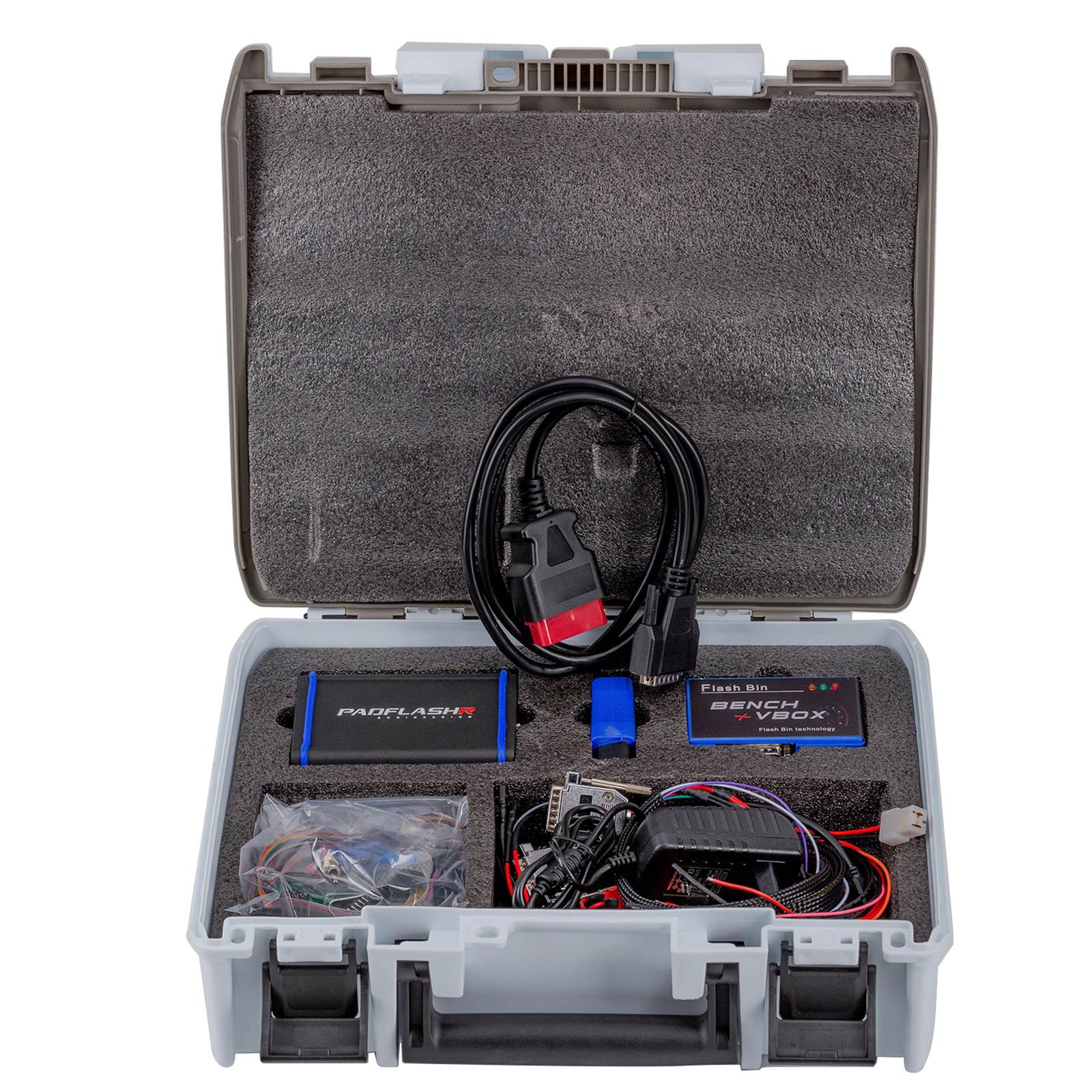
2025 PADFLASH Full Version ECU TCU Programmer with USB Dongle OBD Bench Boot Supports Checksum VR Files
- Price:
- US$810.00/ piece
- Discount Price:
- US$675.00/ piece 17%
- Quantity:
-


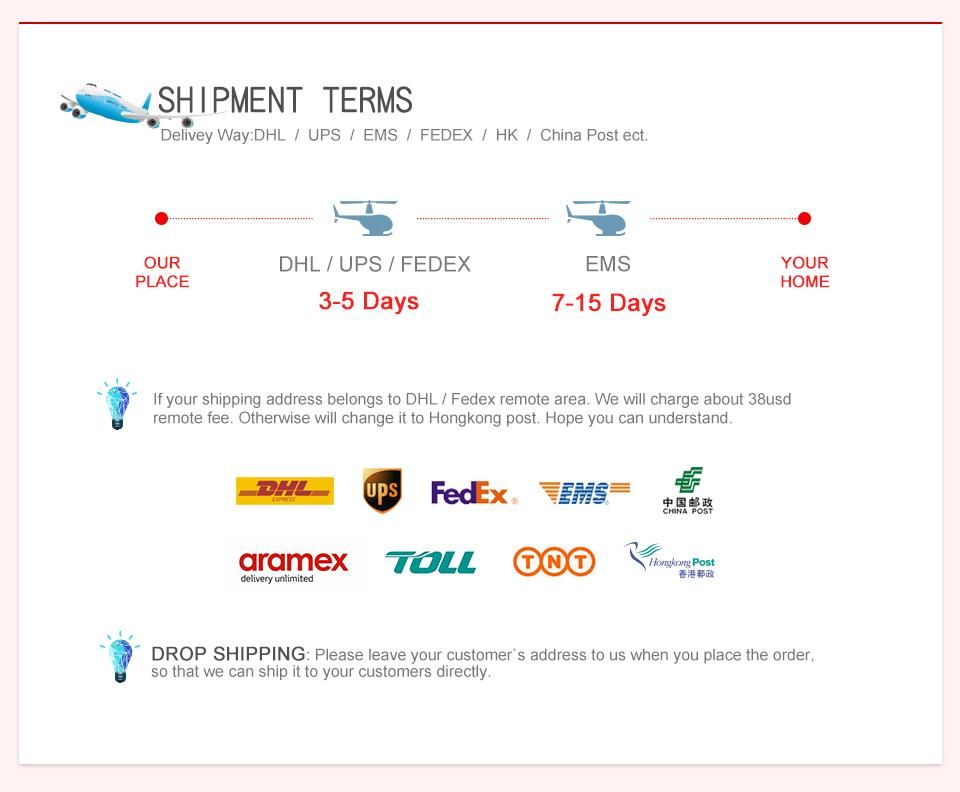
- Shipping:
- Airmail Post
Estimated delivery time: 7-45 working days.See details» - Returns:
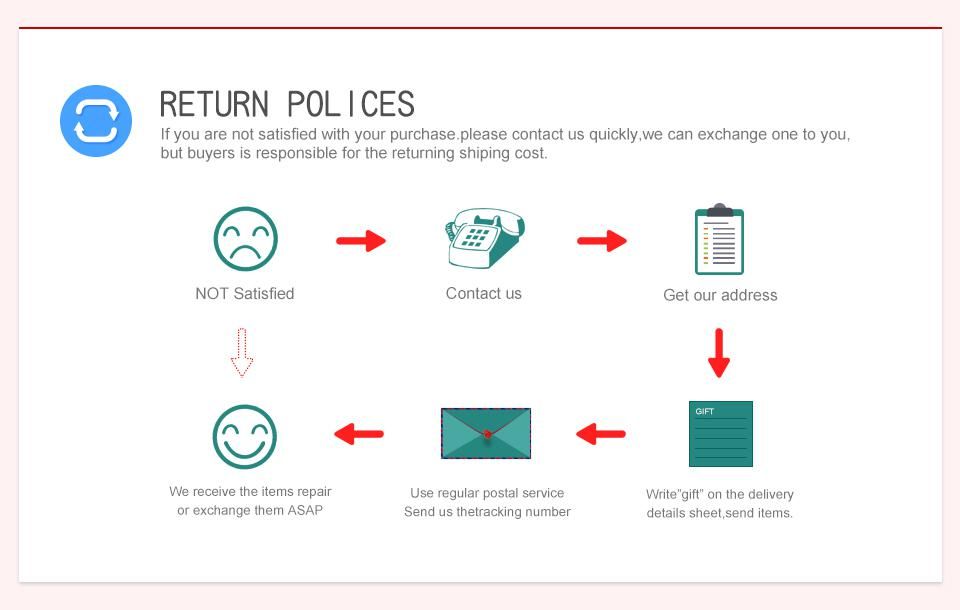
- Return for refund within 7 days,buyer pays return shipping.Read details »
- Support:
-
 Online Chat
  WhatsApp
  Skype
Skype  Ask a question


- Product Details
- Product's Reviews
- Write a Review
- Related Products
PADFLASH Support ECM & TCM Reading, Writing, Programming Virtual Read Real Read
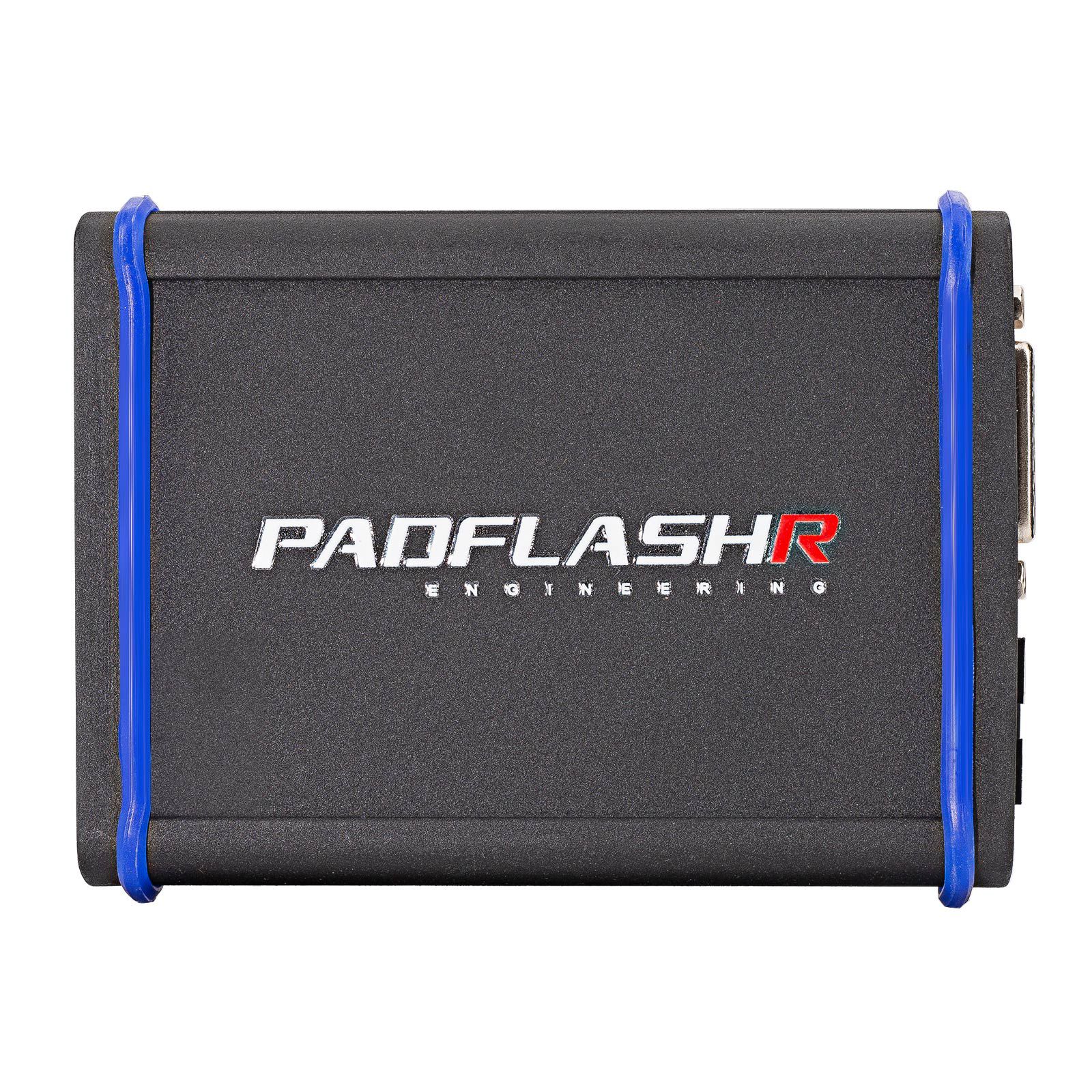
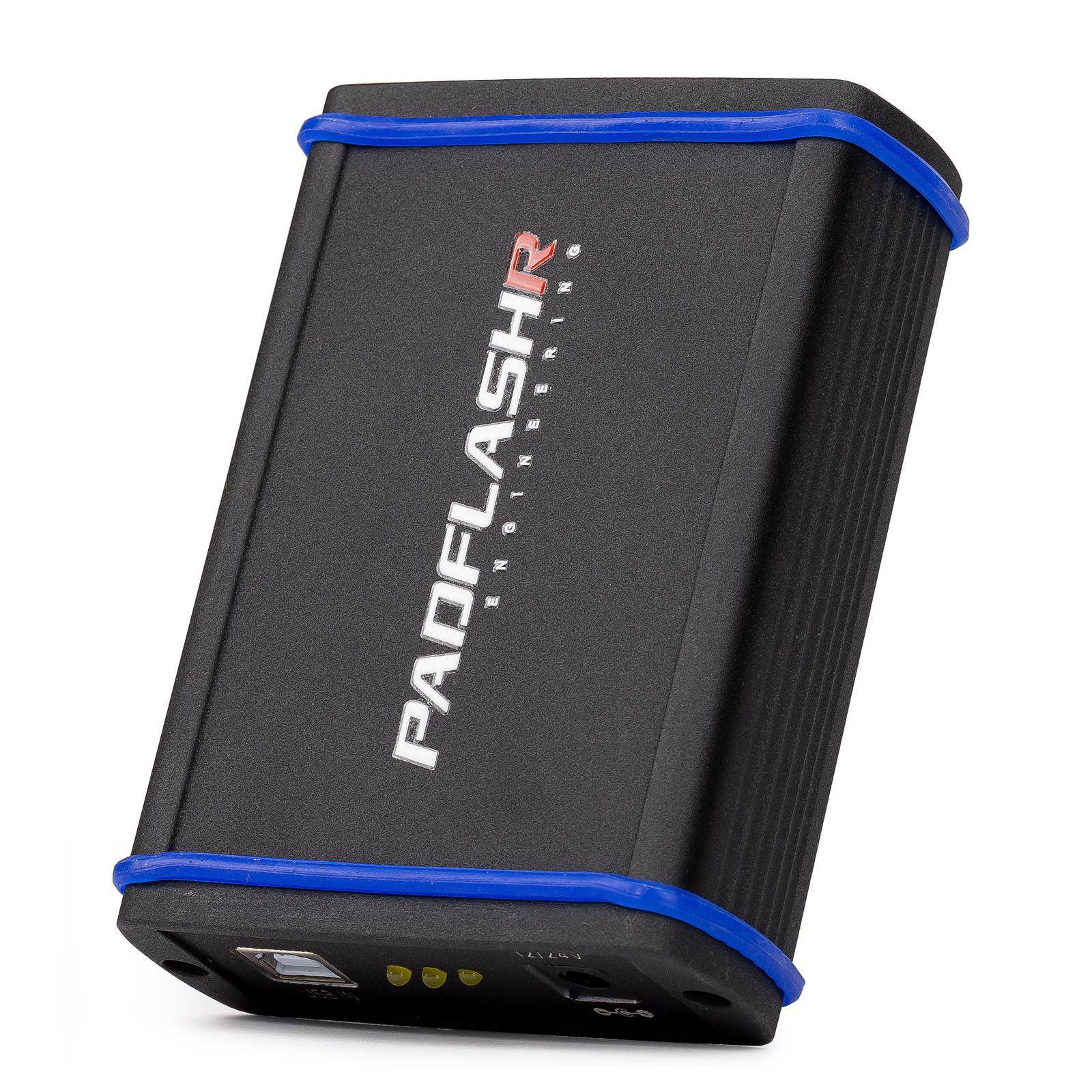
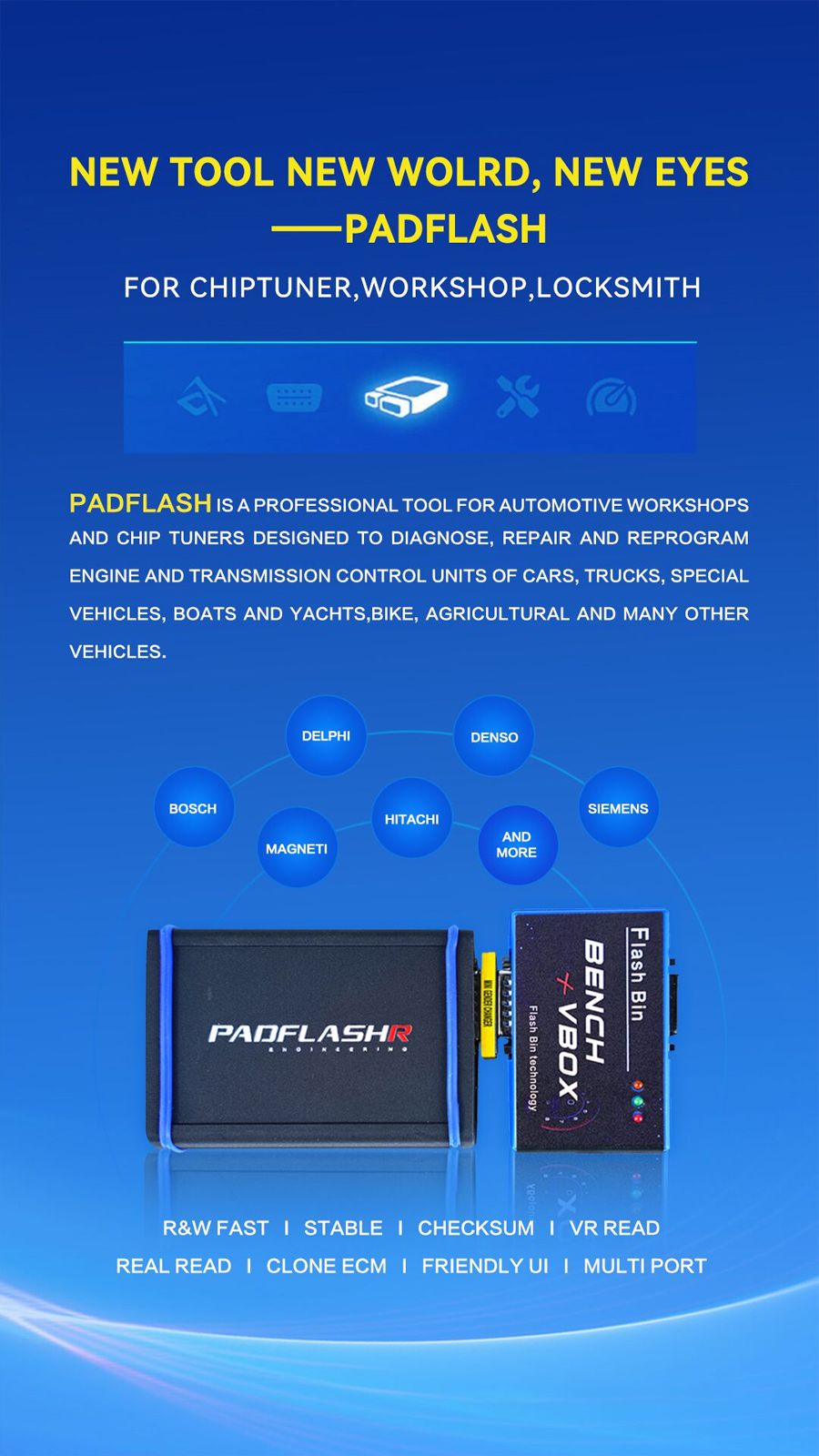
PADFLASH is a professional tool designed for automotive workshops and chip tuners. It enables diagnosis, repair, and reprogramming of engine and transmission control units across a wide range of vehicles, including cars, Trucks, special-purpose vehicles, boats, yachts, motorcycles, agricultural machinery, and more.
Key Features of PADFLASH
- Master version with USB dongle
- Full protocols open
- Online checksum calculation and virtual reading – supports chiptuning, anti-theft removal, SCR/DPF off, and similar functions
- Free updates – no subscription or annual fees required
- Virtual Read (VR) performed online (for certain ECUs, the tool automatically connects to our server to download necessary files)
- Multi-language support: Italian, English, Dutch, French, Spanish, Polish, Portuguese, Romanian, Czech, Turkish, and others
- High hardware reliability – built for stable long-term operation
- User-friendly interface for efficient workflow and ease of use
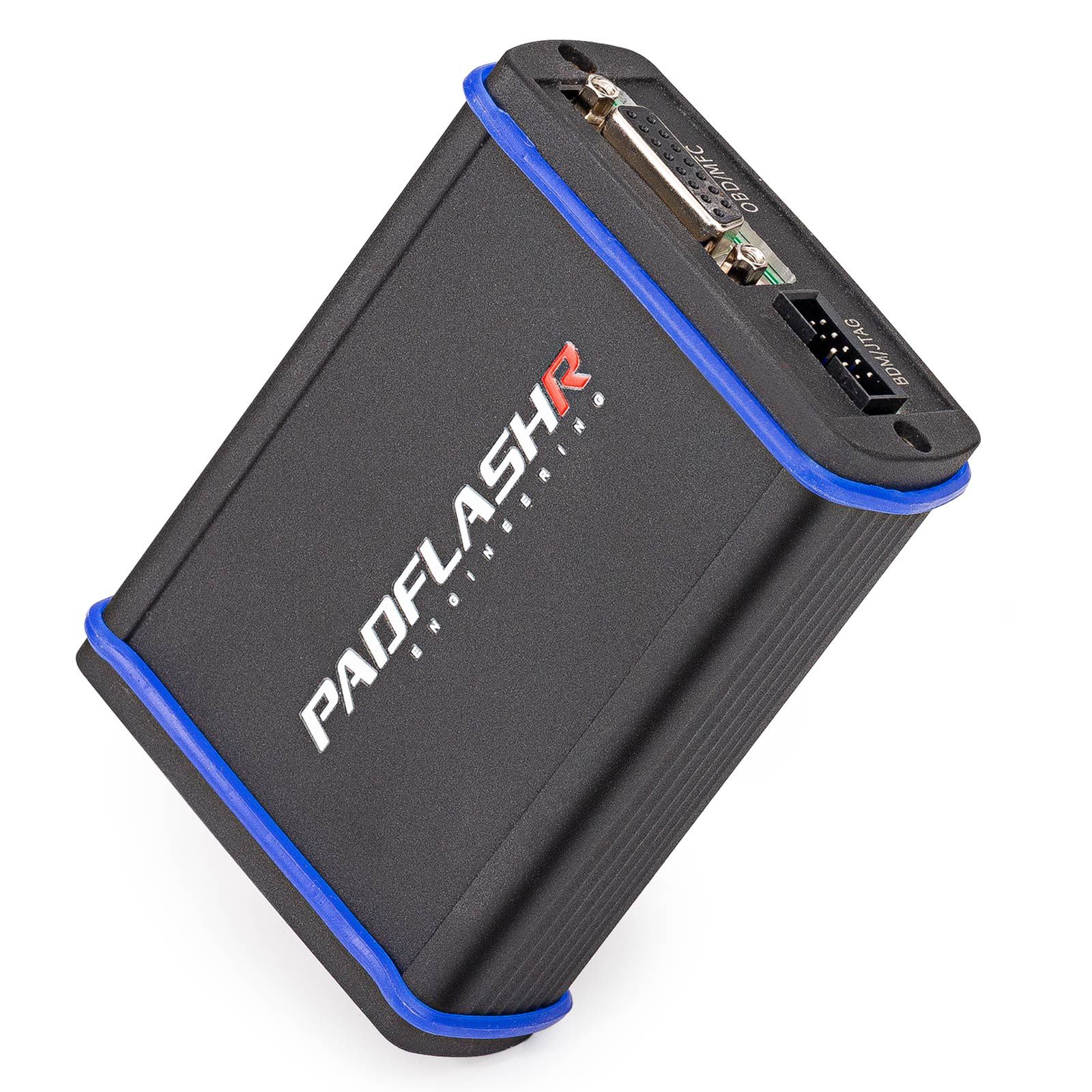
- Multi-port connectivity for interfacing with various control units
- Wide compatibility with brands such as Bosch, Delphi, Denso, Siemens, Magneti, and Hitachi
- Operating system: Windows 7 64-bit recommended (Windows 10 64-bit not currently recommended). Minimum PC requirements: RAM over 4GB, CPU 2.5GHz or higher
- PADFlash TCU Driver List
- PADFlash ECU Driver List
Product Comparison: PADFLASH vs FOXFLASH vs Other Tools
| Feature | PADFLASH | FOXFLASH | Other Tools |
|---|---|---|---|
| TCU Support | Average | Good (Strong Support on TCU) | Only some tools support |
| BENCH | Yes | Yes | Only some tools support |
| Supported Vehicle Types | CAR, Truck, TRACTOR, MARINE, BIKE | CAR, Truck, TRACTOR, MARINE, BIKE | Car or truck or bike only – cannot cover all types |
| Subscription Fee | NO | NO | Some charge ~600 USD/year; others do not |
| Dongle | Yes | NO | Some tools include one |
| Read Method | BENCH, OBD, FULL CONNECTION, BOOT, JTAG, BDM | BENCH, OBD, FULL CONNECTION, BOOT, JTAG, BDM | Partially supported by some tools |
| Virtual READ | Yes | Yes | Some yes, some no |
| Internet Connection | Yes | Yes | Yes |
| EMS2.4 | Yes | NO | Some yes, some no |
| SDI6 SDI8 | Yes | NO | Some yes, some no |
| MD1CS018 MG1CA811 | Yes | NO | Some can, some can’t |
| PSG16 CLONE | BENCH Read, Can be cloned | OBD Read, Cannot be cloned | Some can, some can’t |
| M10JA | BENCH Read, Can be cloned | OBD, BOOT, OTB, Cannot be cloned | Some OBD, some BENCH, some BOOT |
| PSG16 | BENCH | OBD | OBD or BOOT |
| Order Option | Can be ordered separately | Only full version available | Some can, some can’t |
| Master or Slave | Master | Master | MASTER OR SLAVE |
| Languages Supported | 16 | Less than 16 | About 6 |
| Speed Modification | YES (partially supported) | NO | Some can, some can’t |
| Counter Reset | Yes | NO | Some can, some can’t |
Conclusion: If you require cloning without opening the ECU, PADFLASH is a better choice compared to alternatives.
Device Installation Process
After receiving the device, follow these steps for setup:
- Install TeamViewer remote control software on your computer.
- Connect the device host USB cable to the computer.
- Insert the included USB KEY into the computer.
- Ensure a stable internet connection.
- Turn on your TeamViewer device and send the remote ID and password to your sales representative or email [email protected].
- Remote technical staff will assist with online installation.
- Activation times:
1: CET (UTC+1) 11:00–14:00
2: CEST (UTC+2) 12:00–15:00 (Spanish time) - Please provide a WhatsApp number or email address to facilitate communication with technical support during installation.
- Operating system recommendation: Windows 7 64-bit is currently the most stable option. Windows 10 64-bit is under testing and not recommended at this time.
- Computer requirements: Minimum 4GB RAM and CPU speed of 2.5GHz or higher.
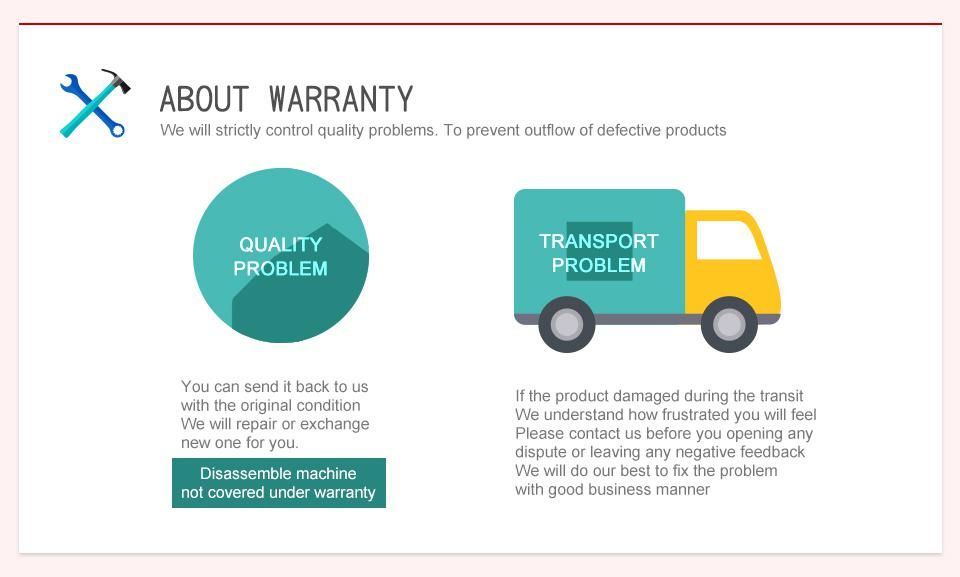
Warm Reminder: Do not disassemble the device casing yourself, as this may cause damage and void the warranty.
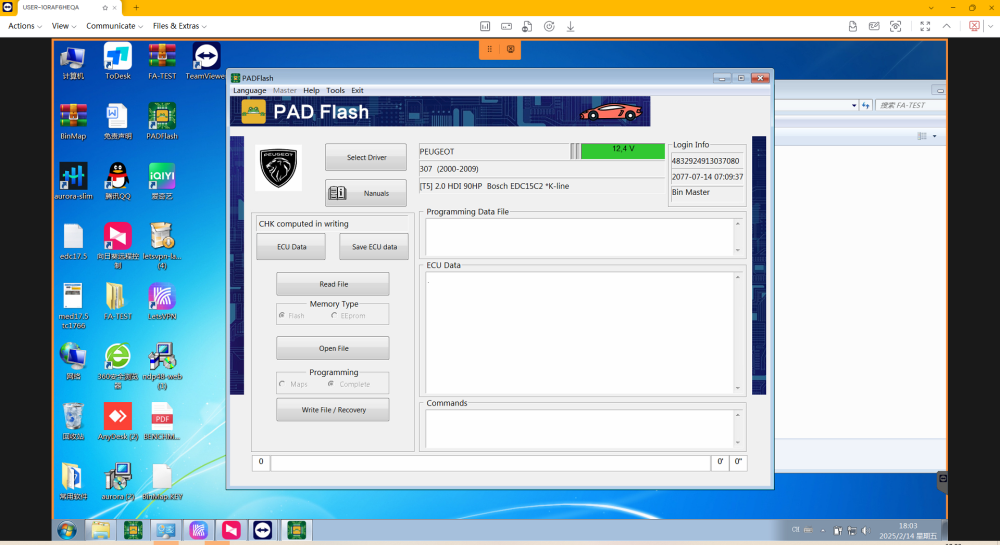
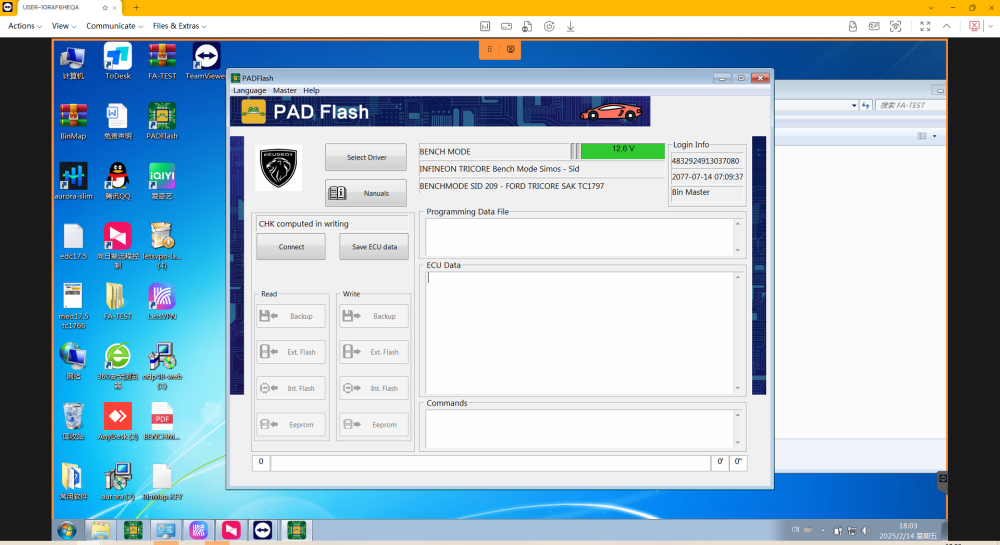
PadFlash Software Interface Display
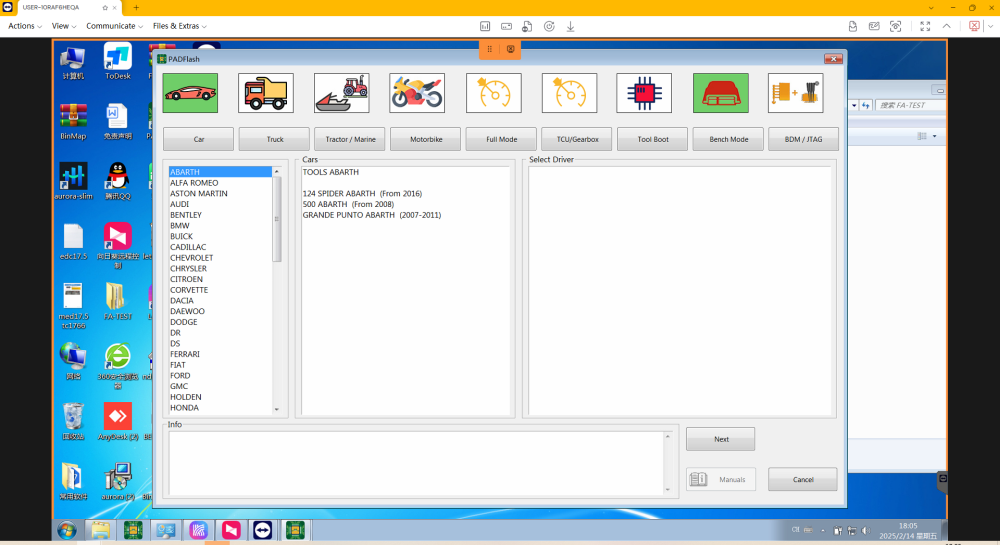
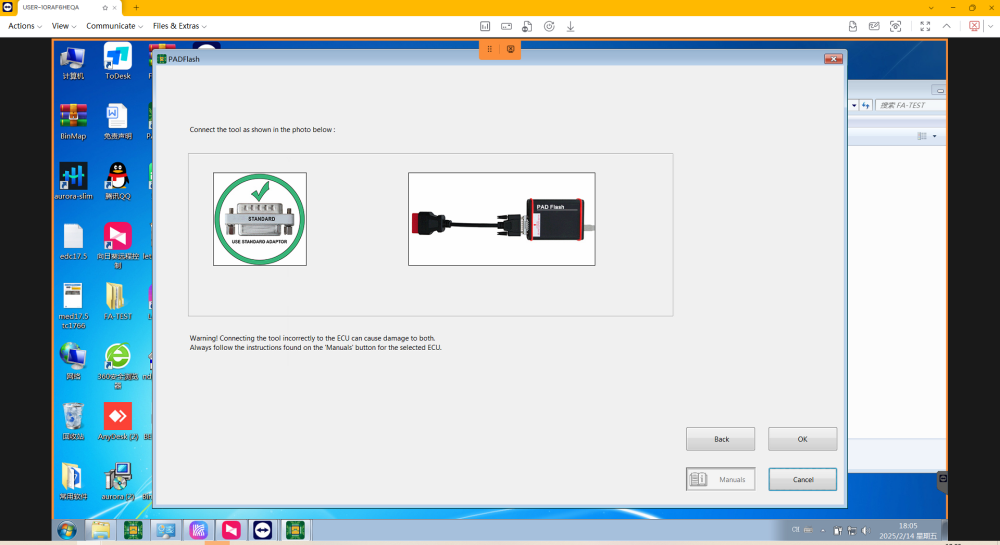
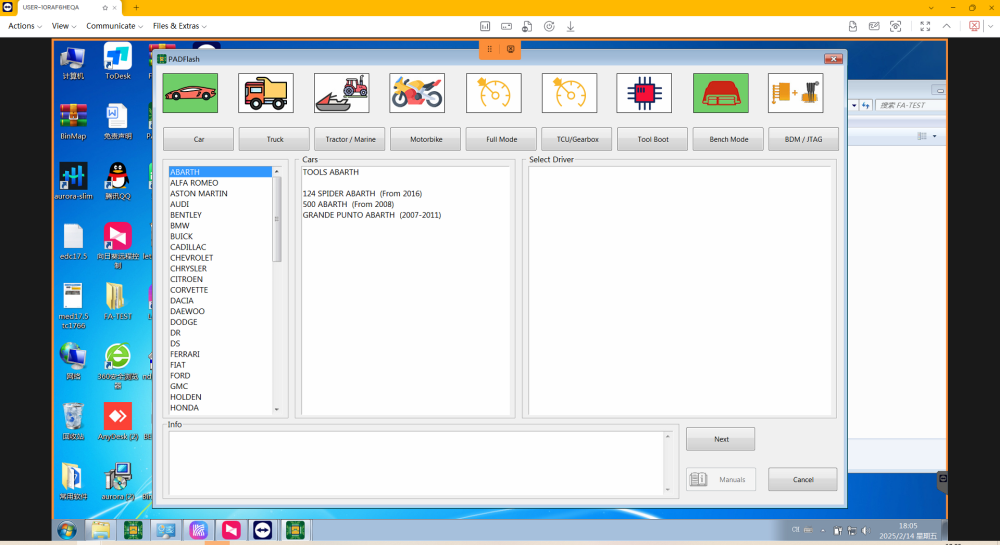
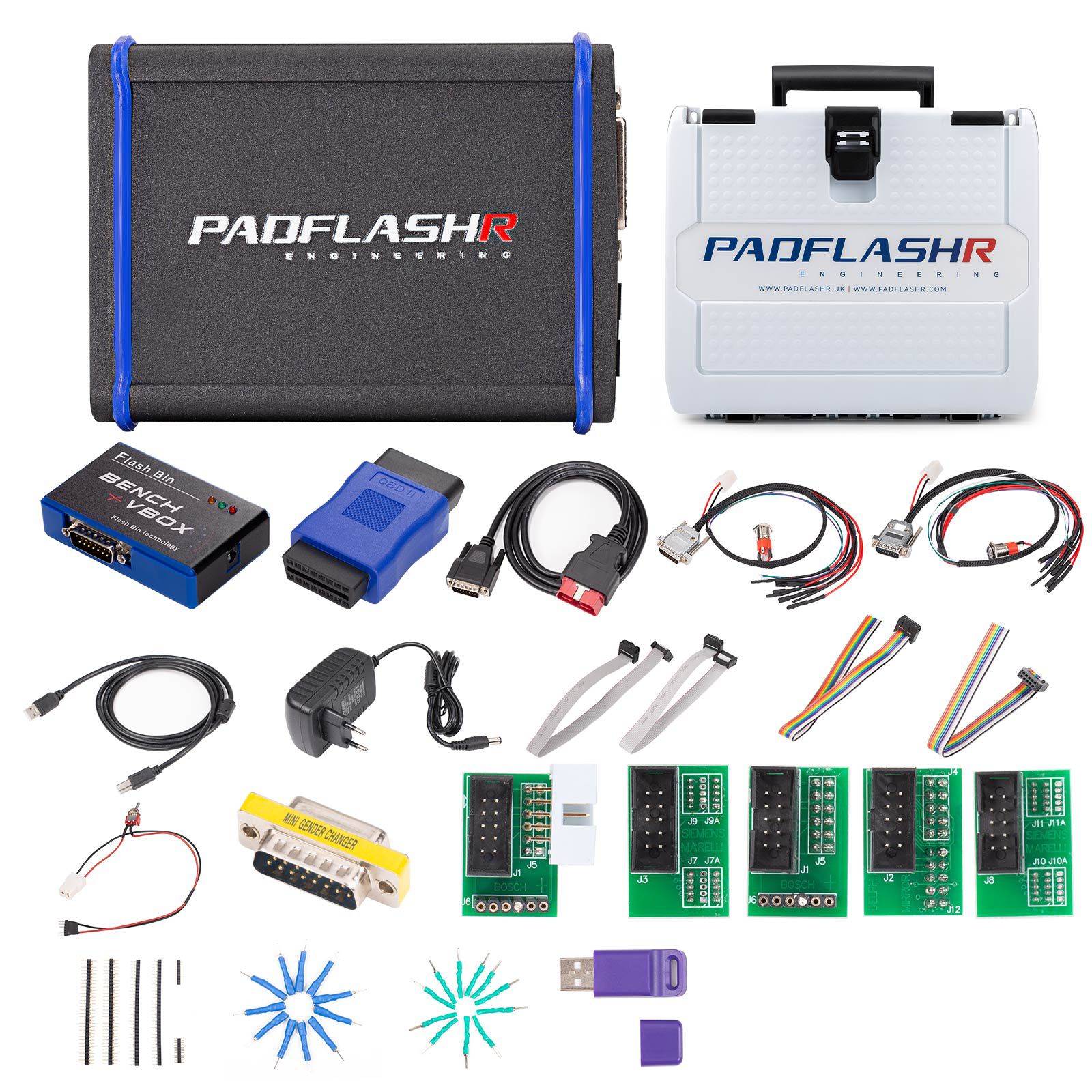
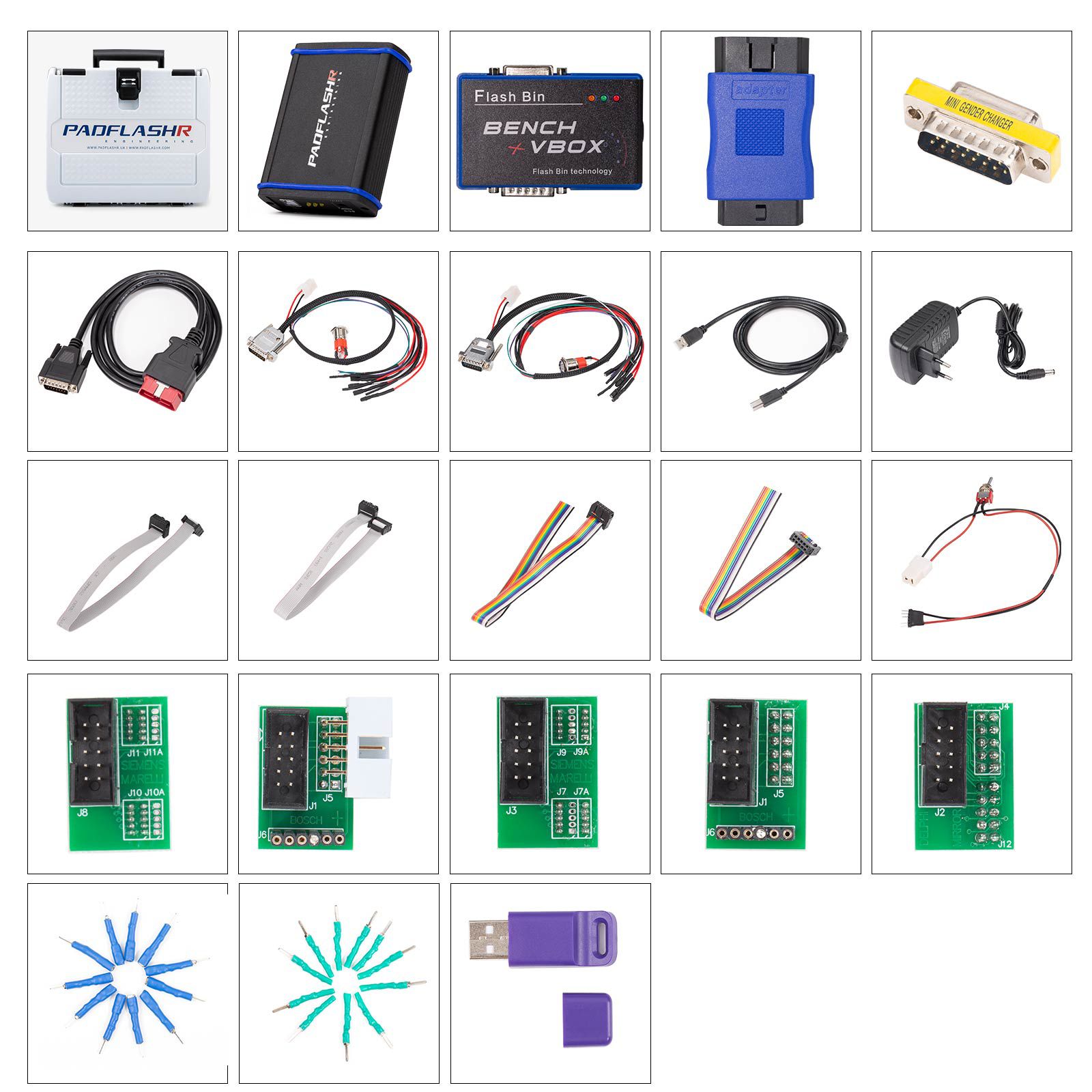
Package Contents
- 1pc x Main Unit
- 1pc x BENCH VBOX
- 1pc x OBDII Main Cable
- 1pc x Truck OBD Adapter
- 1pc x Bench Boot Cable (New Style Trucks)
- 1pc x Bench Boot Cable (Old Style Trucks)
- 1pc x Power Adapter
- 1pc x MINI Adapter
- 1pc x USB Key
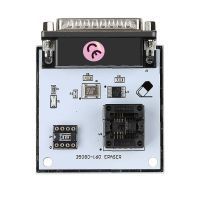
- 5pcs x BDM JTAG Adapters
- 4pcs x Wiring Pins
- 2pcs x Wiring Pins
- 1pc x Adapter Cable
- 2pcs x BDM JTAG Cables
- 2pcs x BDM JTAG Cables (Grey)
- 11pcs x Adapter Pins (Green)
- 11pcs x Adapter Pins (Blue)
Frequently Asked Questions (FAQs)
Q1: Why do I need PADFLASH if I already have other chiptuning tools?
Answer: No single tuning tool supports all protocols. For example, even if your current tool lists PCR2.1 support, it might fail in real-world tests. Another tool may succeed where yours fails—this is why professionals often use multiple devices.
Q2: Is there an annual subscription fee?
Answer: No. There are no recurring fees or subscriptions.
Q3: Is it a master or slave device?
Answer: Master.
Q4: Does it require offline or online use?
Answer: Online use is required due to online checksum processing.
Q5: Does it support virtual read?
Answer: Yes, Virtual Read (VR) is supported and highly important for functionality.
Q6: What vehicle models and ECU types are supported?
Answer: Compatible with standard OBD-II, CAN, K-Line, and other communication protocols. Supports passenger cars, commercial trucks, motorcycles, agricultural machinery, and more.
Q7: What are the hardware specifications?
Answer: Supports USB, 12V, and 24V power inputs.
Q8: How easy is it to use?
Answer: Supports automatic ECU identification or manual selection. Requires user interaction and basic operational knowledge.
Q9: What after-sales support is provided?
Answer: Includes 1-year warranty, online installation assistance, and remote technical support.
Q10: What security features does it have?
Answer: Equipped with a USB dongle to ensure hardware protection and authenticity.

- Related Items
- Recommond Tools
- Hot Sale
- On Sale
- New Arrivals
- Freeshipping Items
-
 US$999.00 / piece
 -
US$379.05 / piece
-
US$159.00 / piece
-
 US$550.05 / piece
 -
 US$179.00 / piece
 -
 US$299.00 / piece
-
 US$69.99 / piece
 -
 US$1,149.00 / piece
 -
US$379.05 / piece
-
 US$479.00 / piece
 -
 US$2,679.00 / piece
 -
 US$199.00 / piece
-
 US$929.00 / piece
 -
 US$229.00 / piece
 -
 US$69.99 / piece
 -
 US$449.00 / piece
 -
 US$1,520.00 / piece
 -
 US$69.99 / piece
-
 US$579.00 / piece
 -
 US$229.00 / piece
 -
 US$39.99 / piece
 -
 US$46.99 / piece
 -
 US$84.99 / piece
 -
 US$160.55 / piece
-
 US$249.00 / piece
 -
 US$799.00 / piece
 -
 US$149.00 / piece
 -
 US$259.00 / piece
 -
 US$245.00 / piece
 -
 US$1,479.00 / piece
-
 US$217.55 / piece
 -
 US$14.74 / piece
 -
 US$34.99 / piece
 -
 US$11.99 / piece
 -
 US$57.95 / piece
 -
 US$189.05 / piece
Trending Products
 US$269.00 / piece
![[Full Version] KT200 ECU Programmer Master Version Support OBD BOOT BDM JTAG & ECU Maintenance/ DTC Code Removal With Free Damaos](/upload/pro/kt200-ecu-programmer-master-full-version-200.jpg) US$549.00 / piece
US$549.00 / piece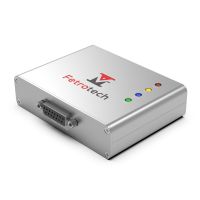 US$289.00 / piece
 US$17.99 / piece
 US$389.00 / piece
- US$259.00 / piece