 USD
USD Euro
Euro British Pound
 Australian Dollar
- Home
-
Categories
- Car Diagnostic Tools
- Original Brand Tools
- Car Key Programmers
- OBD2 Code Scanners
- Truck Heavy Duty Scanners
- ECU Chip Tuning Tools
- Odometer Correction Tools
- VAG Diagnostic Tool
- Original Launch X431 Tools
- Original Autel Tool
- Original Xhorse Tool
- Key Cutting & Locksmith Tools
- Airbag/Service Reset Tools
- OBD2 Cables and Connectors
- AUGOCOM Camshaft Engine Timing Tool
- Other OBDII Vehicle Tools
- Car Key Blanks
- Car Key Chips
- Car Diagnostic Software
- Automotive Electrical Testers & Test Leads
- Auto HID Xenon Light and LED Light
- Automotive Electronics
- Repair & Maintenance Tools
- MB Star Diagnostic Tools
- Health Care
- Special Deals
- Consumer Electronics
- Home & Garden
- Outdoor
- Expired Tools
- Top Selling
- New Arrivals
- for MB
- for Porsche
- Xhorse
- for TOYOTA
- for FORD
- Order Tracking
- Drop-ship
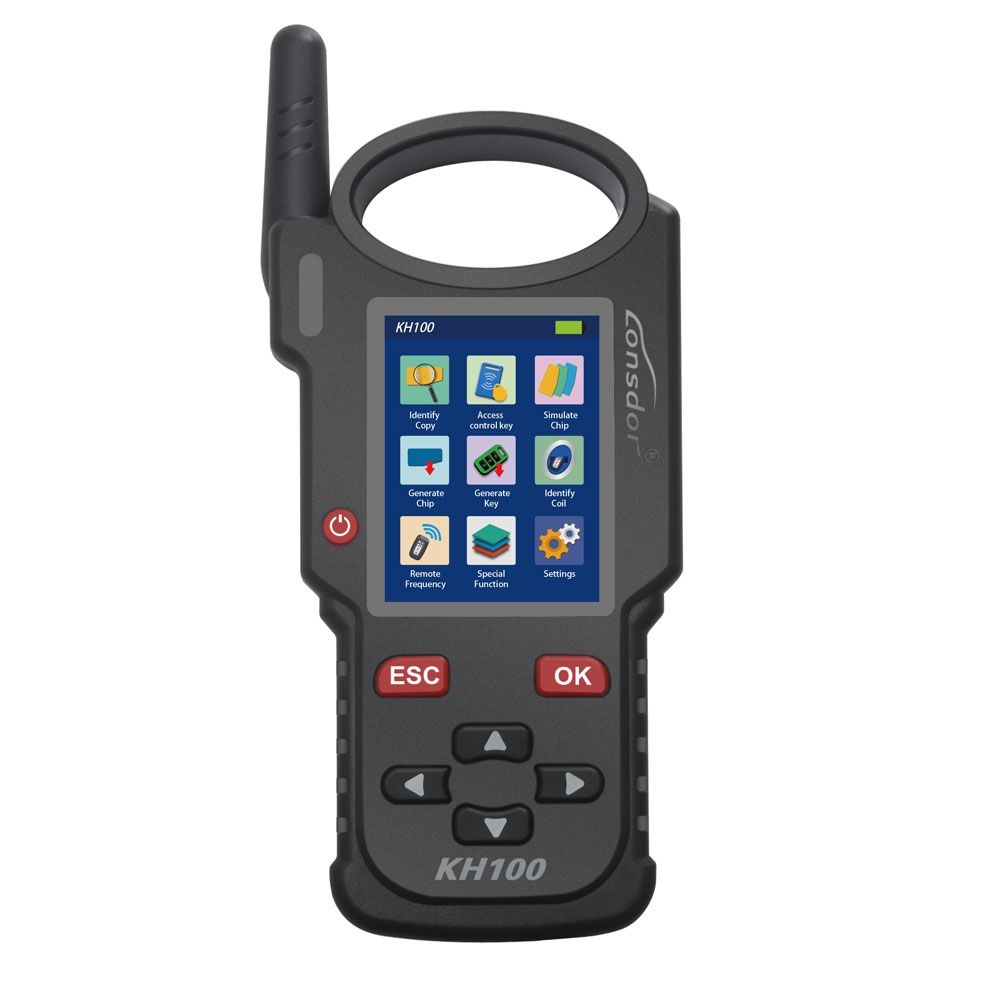
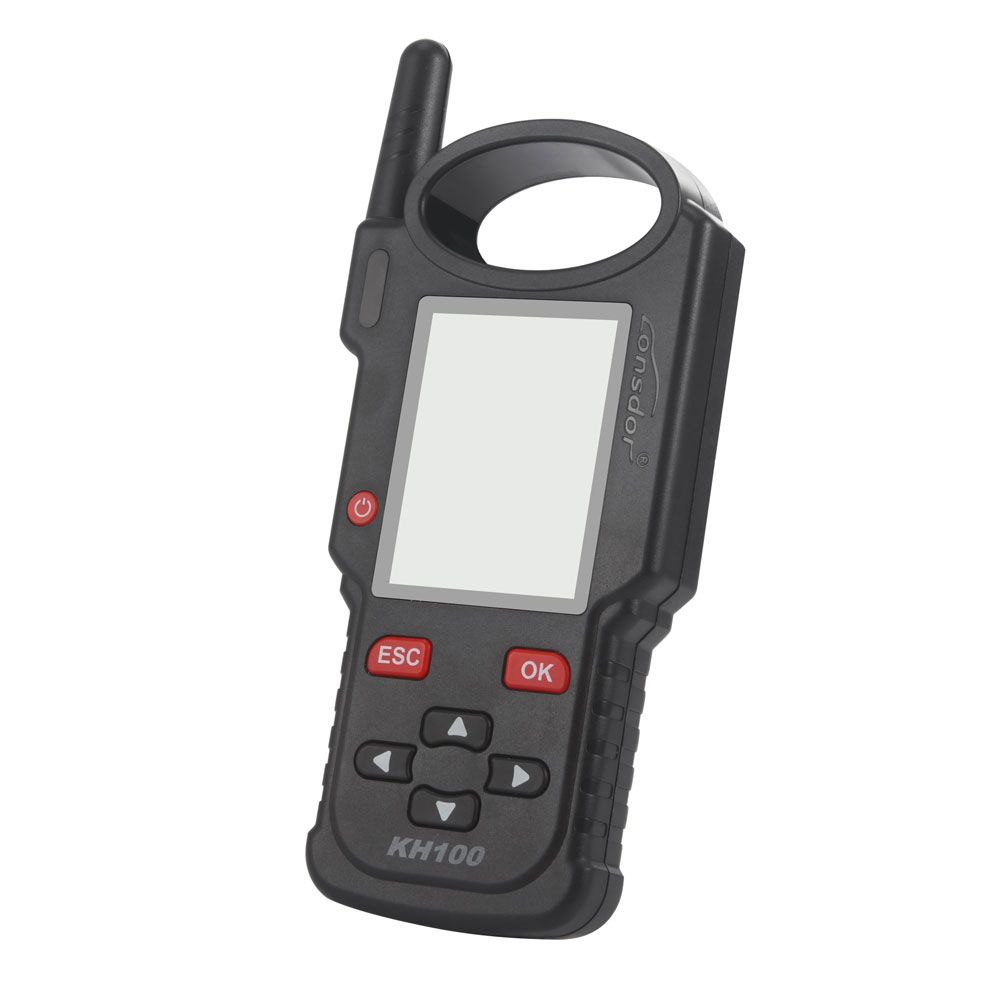
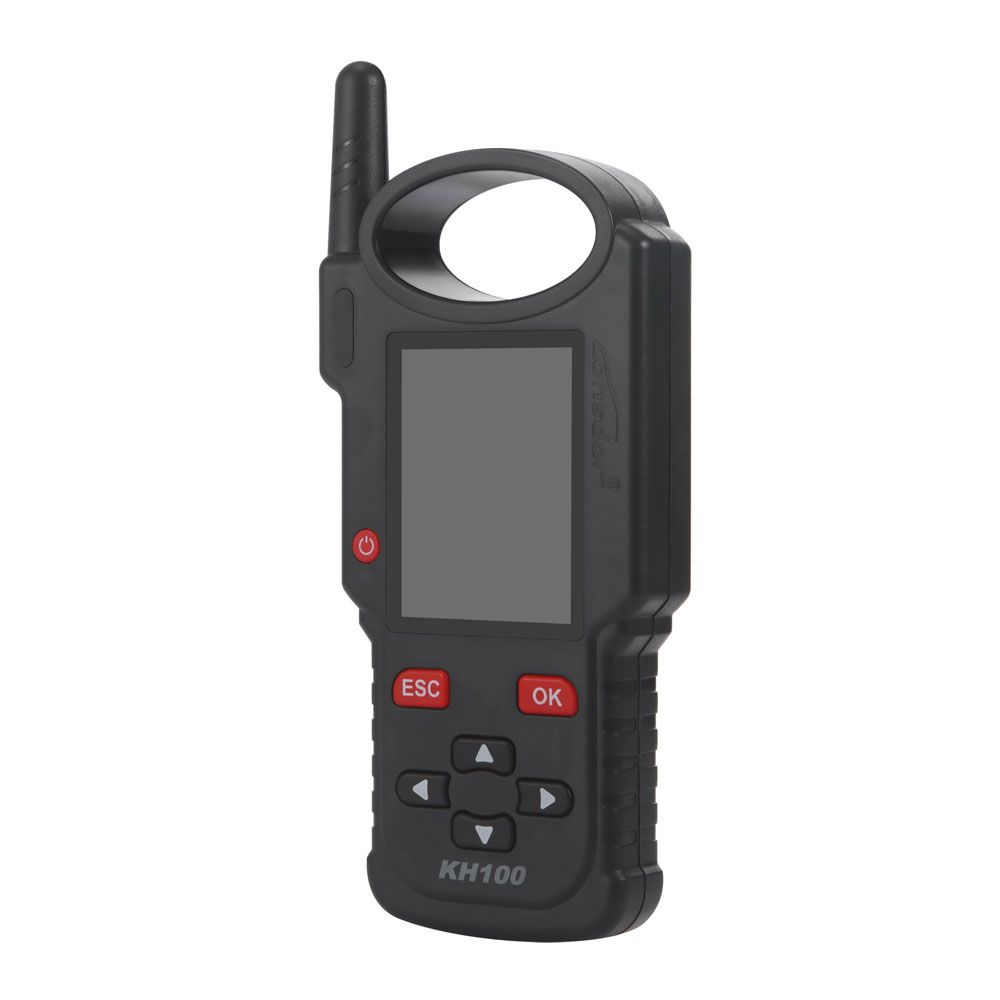
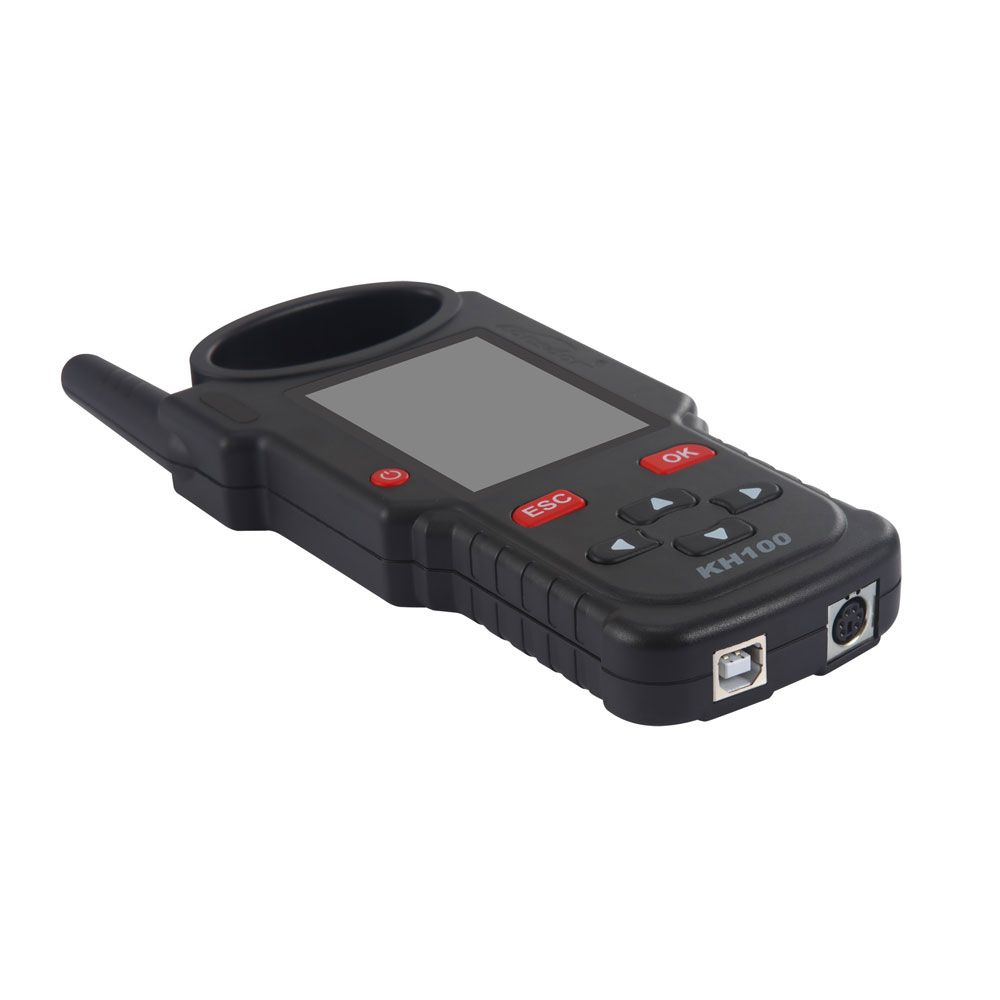
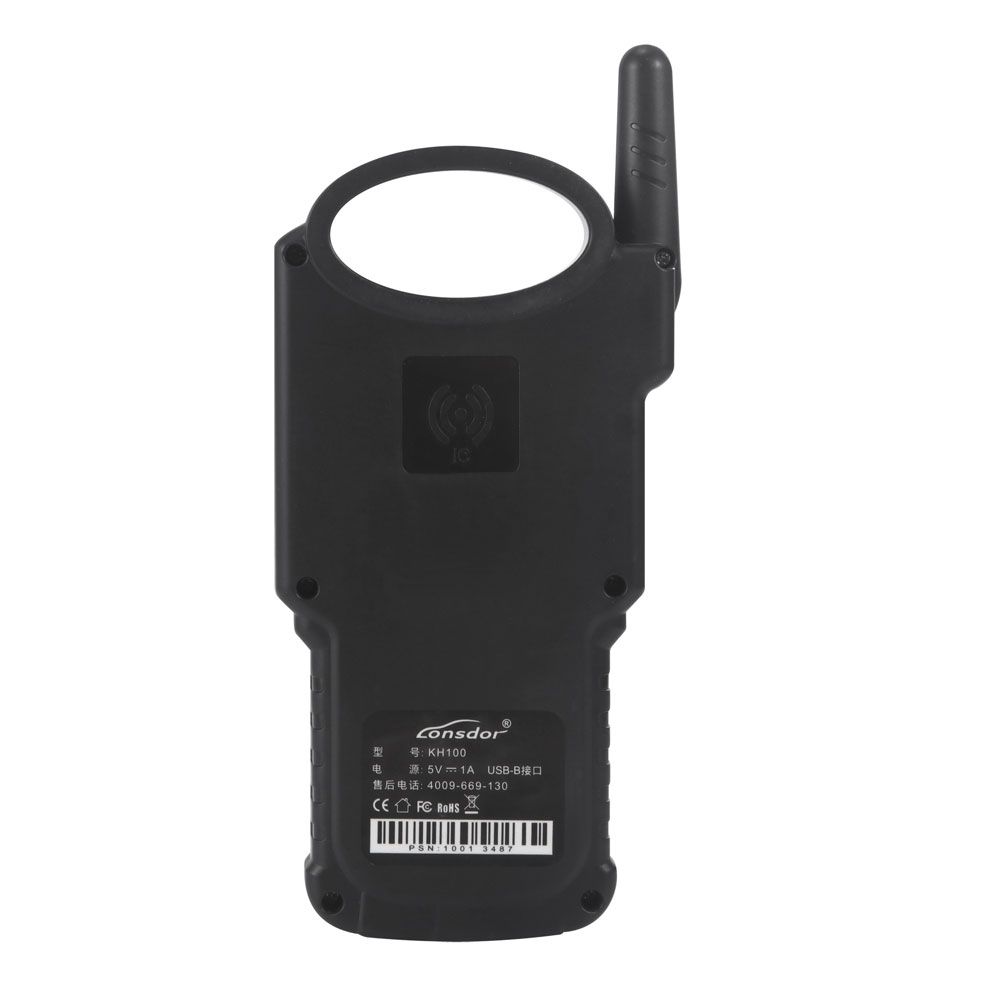
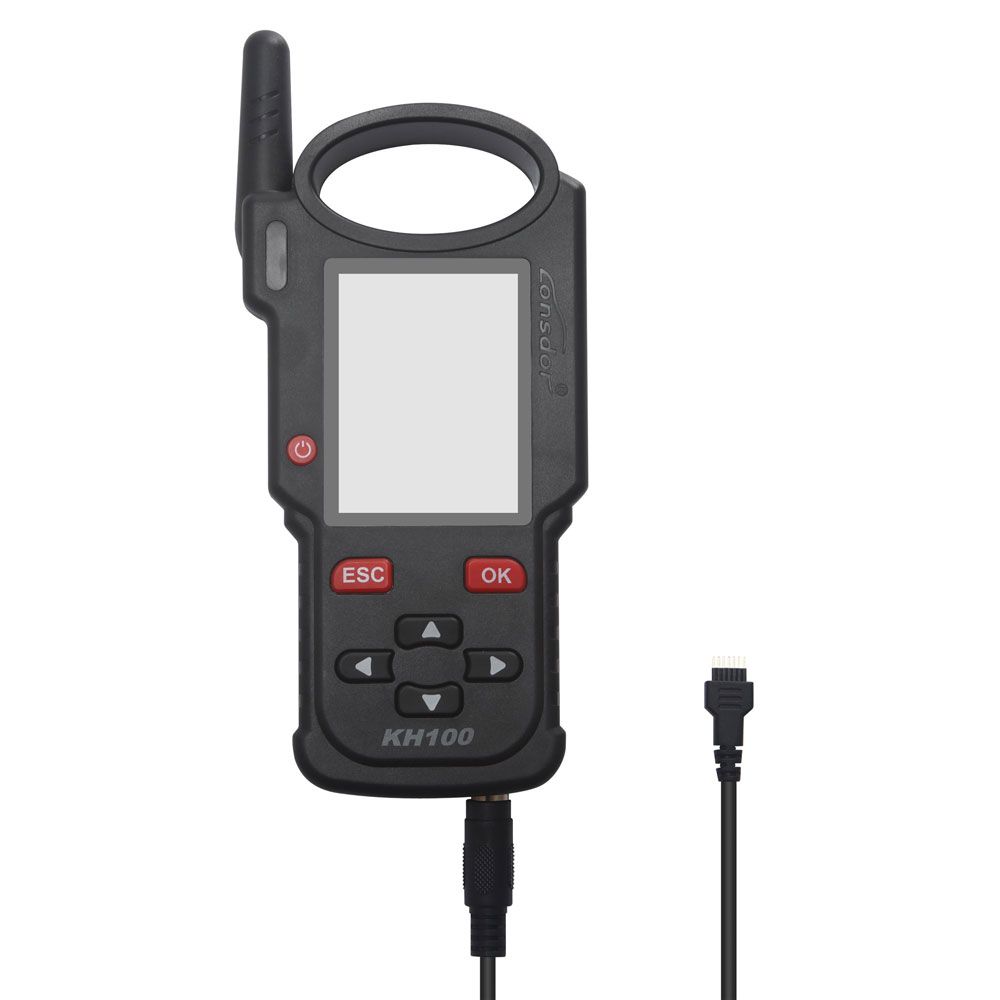
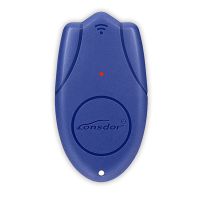
Lonsdor KH100 Hand-Held Remote Key Programmer
- Price:
- US$209.00/ piece
- Discount Price:
- US$167.23/ piece 20%
- Quantity:
-


- Shipping:
- Express Shipping Service
Estimated delivery time: 3-15 working days.See details » - Returns:
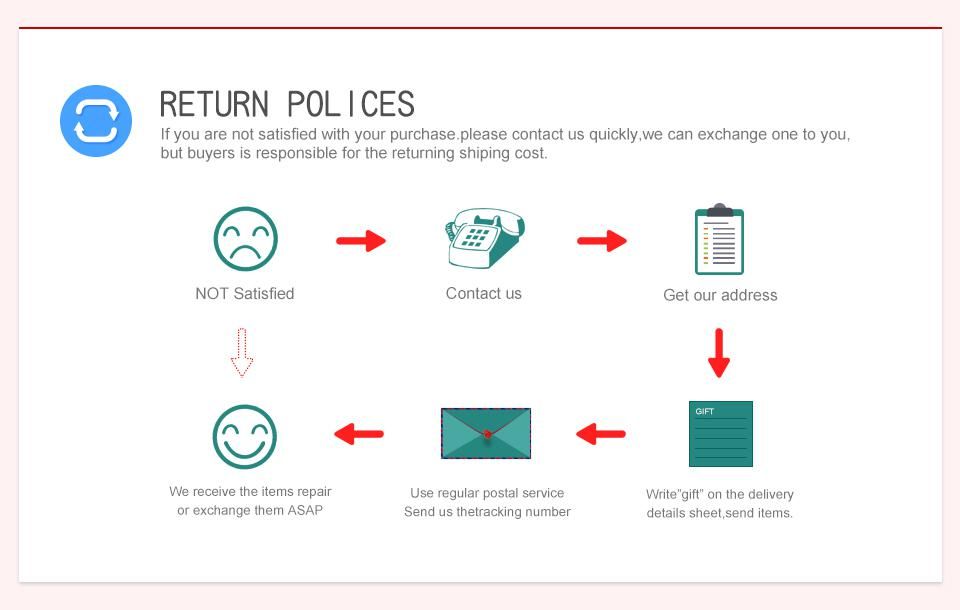
- Return for refund within 7 days,buyer pays return shipping.Read details »
- Support:
-
 Online Chat
  WhatsApp
  Skype
Skype  Ask a question






- Product Details
- Product's Reviews
- Write a Review
- Related Products
Lonsdor KH100 Hand-Held Remote Key Programmer
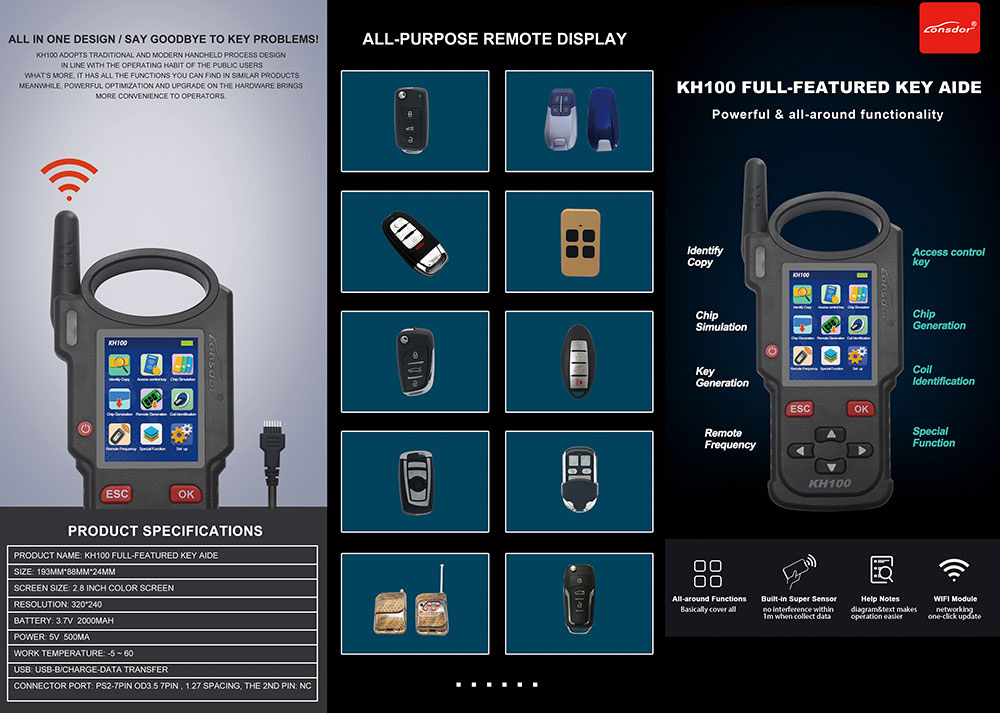
Lonsdor KH100 is a versatile hand-held smart device, able to access control key, simulate/generate chip, generate remote (key), detect remote frequency, detect IMMO, unlock Toyota smart key and etc.
Key Features
- Modern appearance design, in line with the operating habits of the public.
- Device system comes with operation instructions, easier for you to use.
- It covers almost all the functions of the similar products in the market.
- Built-in super sensor to collect data (over-range data collection).
- Exclusive support for 8A(H chip) generation.
- Built-in WIFI module, can connect to network at any time.
Function List
- Identify Copy
- Chip Simulation
- Remote Generation
- Remote Frequency
- Access Control Key
- Chip Generation
- Coil Identification
- Special Function
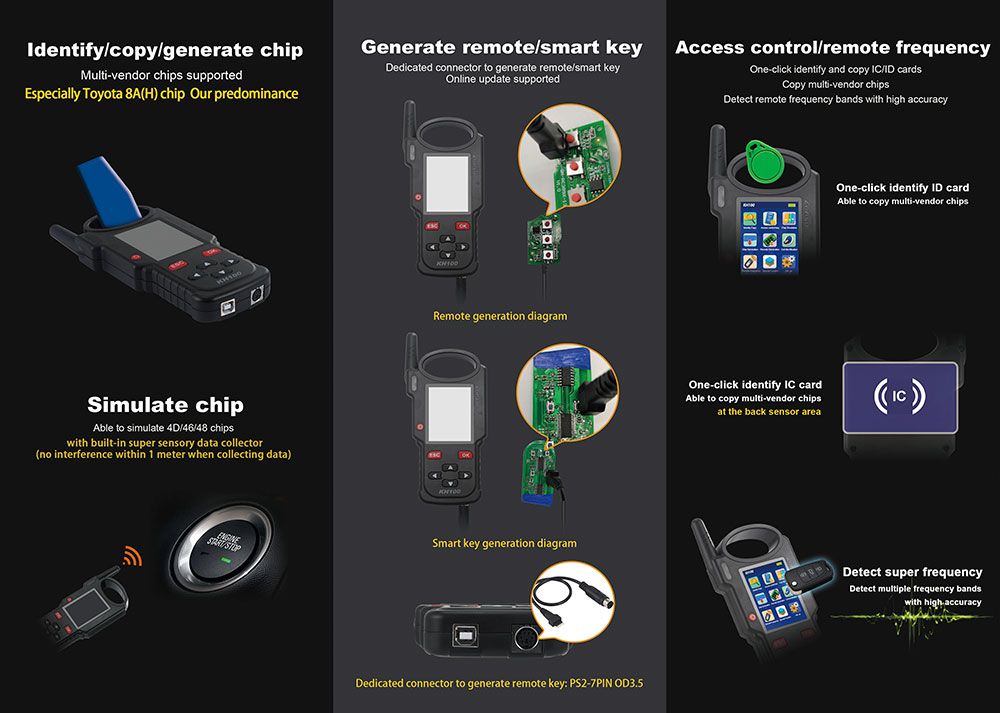
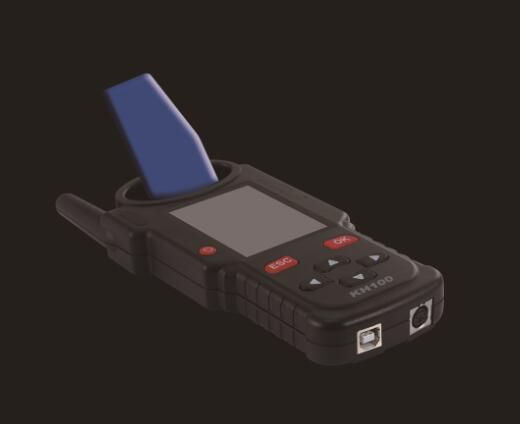
Identify / Copy / Generate Chip
Multi-vendor chips supported
Especially Toyota 8A(H) chip – Our predominance
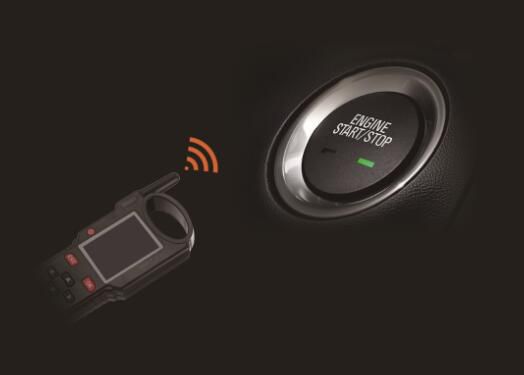
Simulate Chip
Able to simulate 4D/46/48 chips
With built-in super sensory data collector (no interference within 1 meter when collecting data)
Generate Remote / Smart Key
Dedicated connector to generate remote/smart key. Online update supported.
Remote generation diagram
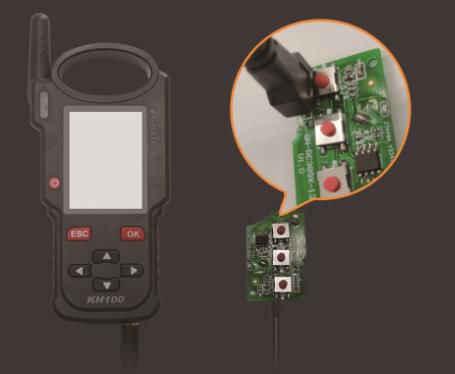
Smart key generation diagram
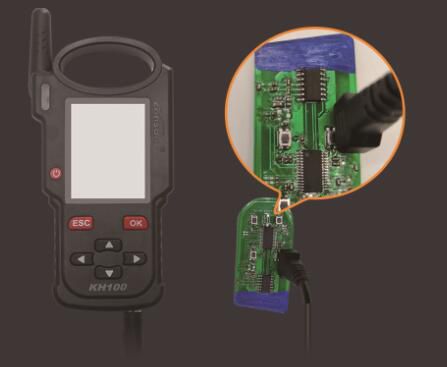
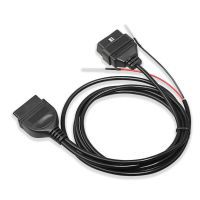
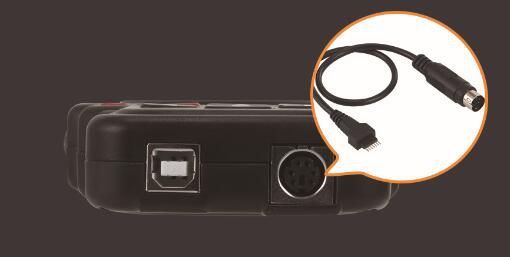
Dedicated connector to generate remote key: PS2-7Pin OD3.5
Access Control / Remote Frequency
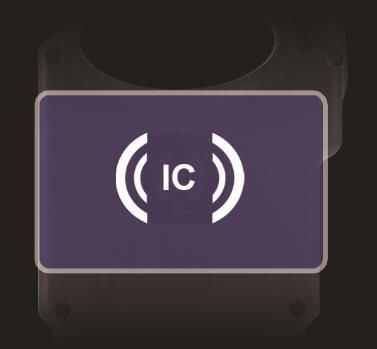
One-click identify and copy IC/ID cards
Copy multi-vendor chips
Detect remote frequency bands with high accuracy
One click identify ID card, able to copy multi-vendor chips, at the back sensor area
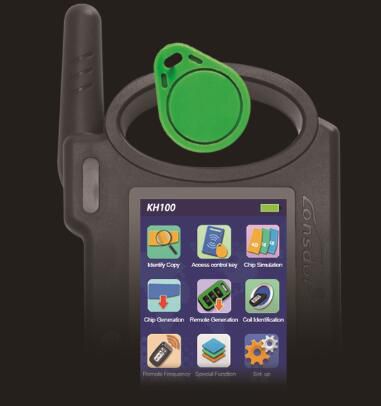
Detect Super Frequency
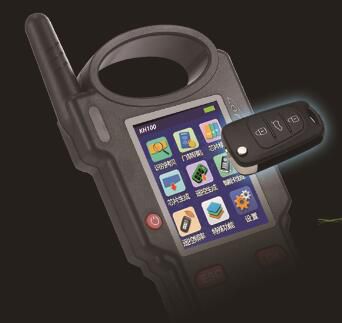
Detect multiple frequency brands with high accuracy
Coil Identification
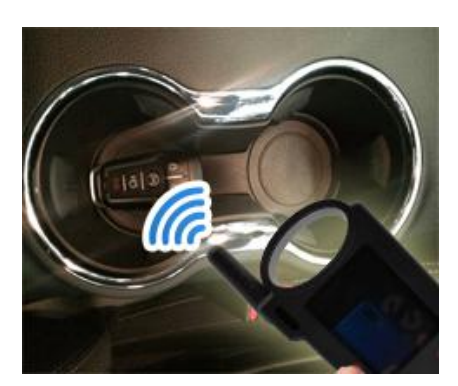
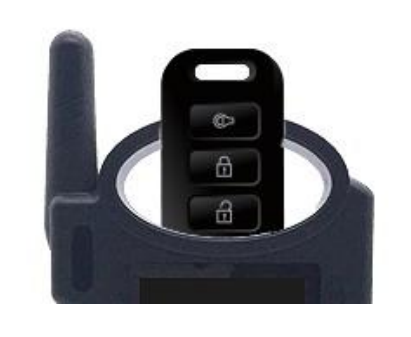
- Search smart induction area:
Connect remote key with remote connector. Put KH100’s antenna position. If inductive signal is identified, the device will make sounds—please check if the position is right (as shown below).
- Detect IMMO:
Connect remote key with remote connector. Put KH100’s antenna close to key identification coil, and use key to turn ignition ON. When KH100 buzzer beeps, it means signal is detected.
Remote Frequency Detection
Enter this menu, put remote control at the device’s induction area to detect remote frequency.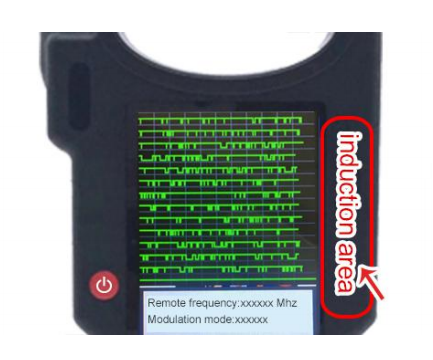
Special Functions
Include: detect infrared signal, unlock Toyota smart key. More functions to be continued...
- Detect infrared signal:
Put remote control at the infrared signal detection area, press the remote's button once. When the light on KH100's screen is on, it indicates there is infrared signal; otherwise, there is no signal (see below pic). - Unlock Toyota smart key:
Put in smart key, click OK to operate.
Device Components
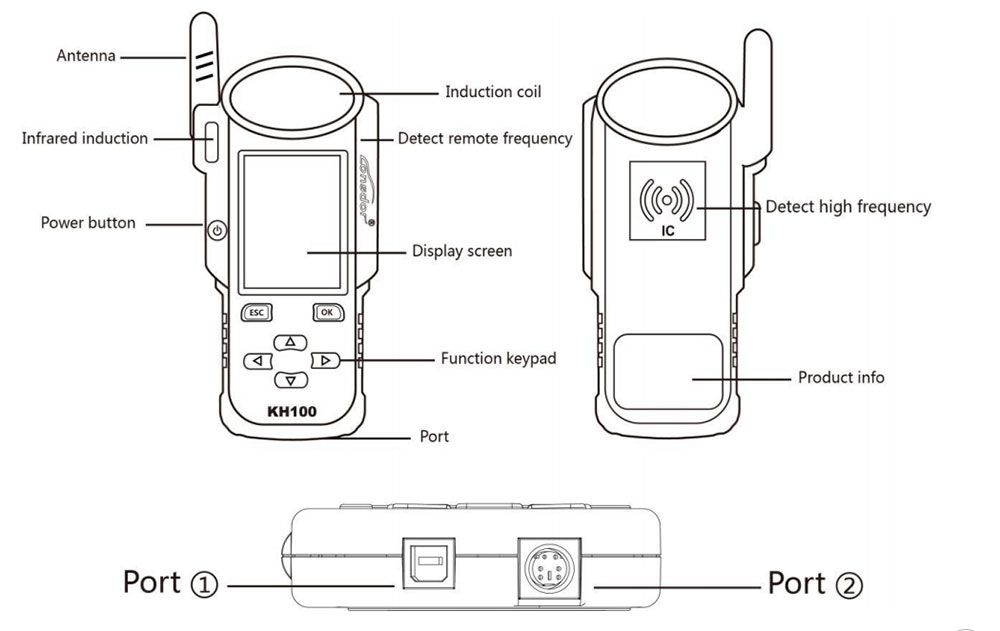
| Name | Notes |
|---|---|
| Antenna | To induce simulated chip and detect ignition coil |
| Display screen | 2.8-inch color screen, resolution: 320X480 |
| Induction coil | To identify, copy, generate key chip or remote, etc. |
| Port 1 | USB-B port |
| Port 2 | Dedicated port for remote’s connector |
| Power button | In shut-down state, tap to boot the device. In power-on state, tap to switch to power saving mode. Long press for 3s to shut down |
| Remote frequency detection | Put remote in this position to detect its frequency. |
| High-frequency detection | To identify and copy IC card. |
Product Images
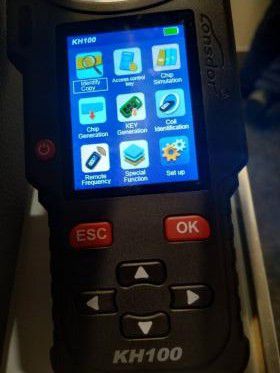
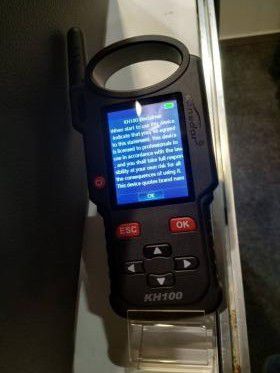
Specifications
- Size: 193mm × 88mm × 24mm
- Screen size: 2.8 inch color screen
- Resolution: 320 × 240
- Battery: 3.7V 2000mA/H
- Power: 5V 500MA
- Work Temperature: -5~60℃
- USB: USB-B / Charge-Data Transfer
- Connector Port: PS2-7Pin OD3.5 7Pin, 1.27 Spacing, The 2ND Pin: NC
Software Upgrade
Enter settings menu, and connect the device to network, then choose [check for updates], one-click online upgrade.
After-Sales Service
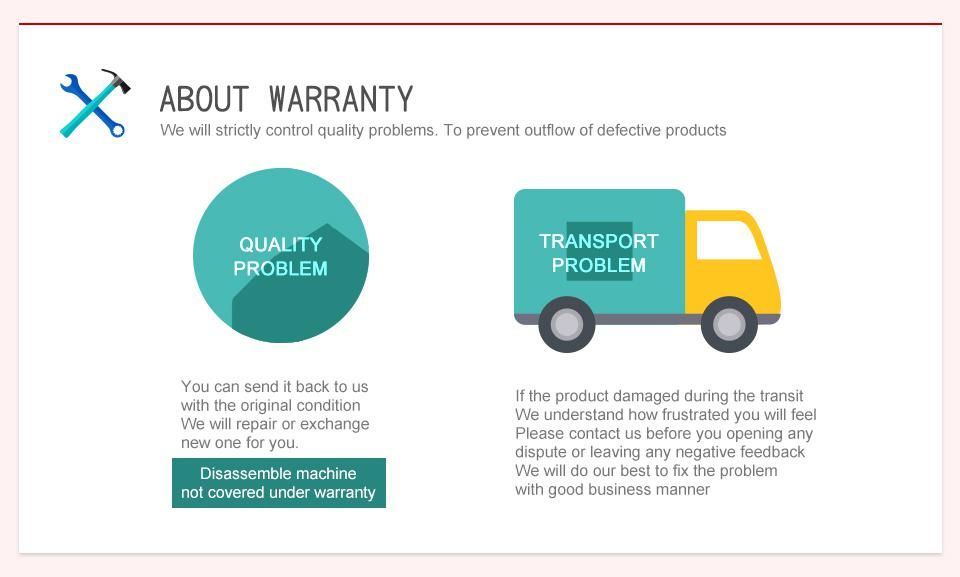
- Our company will provide you with excellent after-sales service and warranty service within agreed time.
- The warranty period lasts 12 months from device activation date.
- Once the product is sold, the return and refund will not be accepted if there is no quality problem.
- For product maintenance beyond the warranty period, we will charge labor and material costs.
- If the device is faulty or damaged due to any of the following reasons, we reserve the right not to provide service based on the agreed terms (but you can choose paid service):
- The device and components are beyond the warranty period.
- Users find that the product appearance is flawed or damaged, but has no quality problem.
- Counterfeit, without certificate or invoice, our official back-end system cannot authenticate the device info.
- The product is damaged due to not following the instructions in this manual for operation, use, storage, and maintenance.
- Damage caused by private disassembly or damage caused by repair and maintenance of maintenance company unauthorized by Lonsdor.
- Liquid inflow, moisture, falling into water or mildewing.
- The newly purchased device works normally without any damage when unpacked for the first time. But with the prolonged time of use, screen damage occurs, such as screen explosion, scratching, white spots, black spots, silk screen, touch damage, etc.
- The use of special tools and accessories not provided by our company.
- Force majeure.
- For the man-made damaged device, if you decide not to repair after we disassemble it and make a quotation, the device appears unstable condition (such as: unable to boot, crash, etc) when you receive it.
- Private cracking of the system causes function changes, instability, and quality damage.
- If the auxiliary parts and other parts (other than the main components of the device) are faulty, you can choose the paid repair service provided by our company or our authorized customer service outlets.
- We will perform repair after receiving your device and confirming its problems, so please fill in the problems in details.
- After repair finished, we will return the device to customer, so please fill in the correct delivery address and contact number.
- Customers who need to send the device for repair shall bear the cost, such as round-trip delivery cost, transportation cost, etc. If the device is damaged in the process of delivery, our company will not bear relevant fees. In particular cases, we will assist the customer to claim for compensation against the shipping company.
- We do not provide sales invoice to individual in any form. If needed, please ask the dealer you purchased from to invoice you.
- Please keep the warranty card properly, and fill in the card when returning your device for repair, so that we can deal with the relevant work procedures (the warranty card attached to the end of the manual).
Registration Guide
Activation Instructions
New Users
After booting the device, please connect to Wi-Fi and follow these steps:
- For first-time use, prepare a valid phone number or email address to complete the activation process. Click OK to begin.
- Boot the device and enter the registration activation process.
- Enter your username, password, confirm your password, and provide a phone number or email to receive a verification code. Input the code and submit your registration.
- Once your account is successfully registered, the device will bind automatically within 5 seconds.
- Registration complete—enter the system.
Registered Users (Existing Lonsdor Account Holders)
If you’ve previously registered a Lonsdor product, follow these steps:
- For first-time use of this device, have your registered phone number or email ready to complete activation. Click OK to start.
- Boot the device and enter the registration activation process.
- Enter your registered mobile number or email and password to request a verification code. Input the code and submit to log in.
- Upon successful login, the device will bind automatically within 5 seconds.
- Registration complete—enter the system.
Users who have already registered a Lonsdor product can directly select [Registered User] to activate their account.
Package Contents
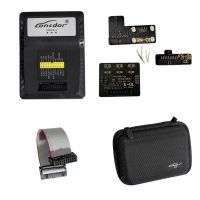
- 1pc × Lonsdor KH100 Hand-Held Remote/Smart Key Programmer
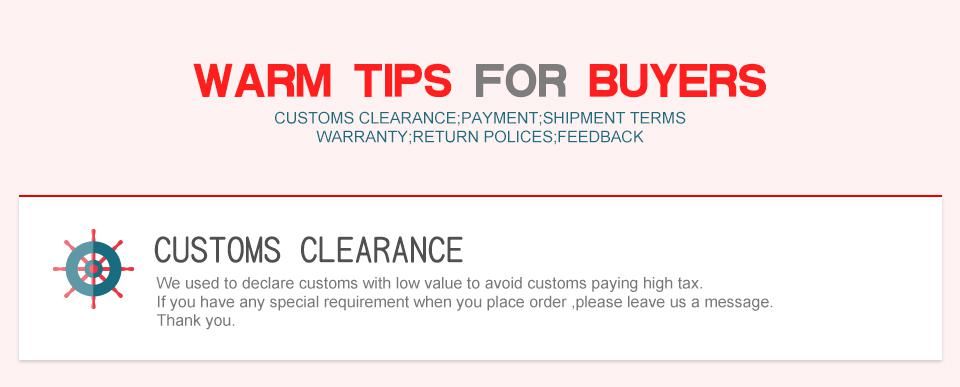
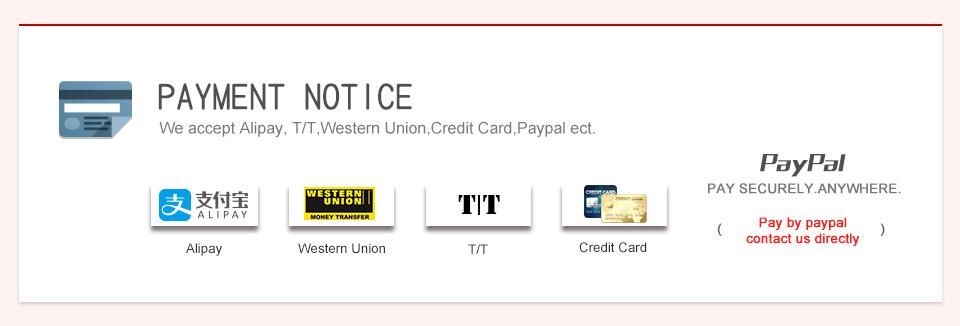
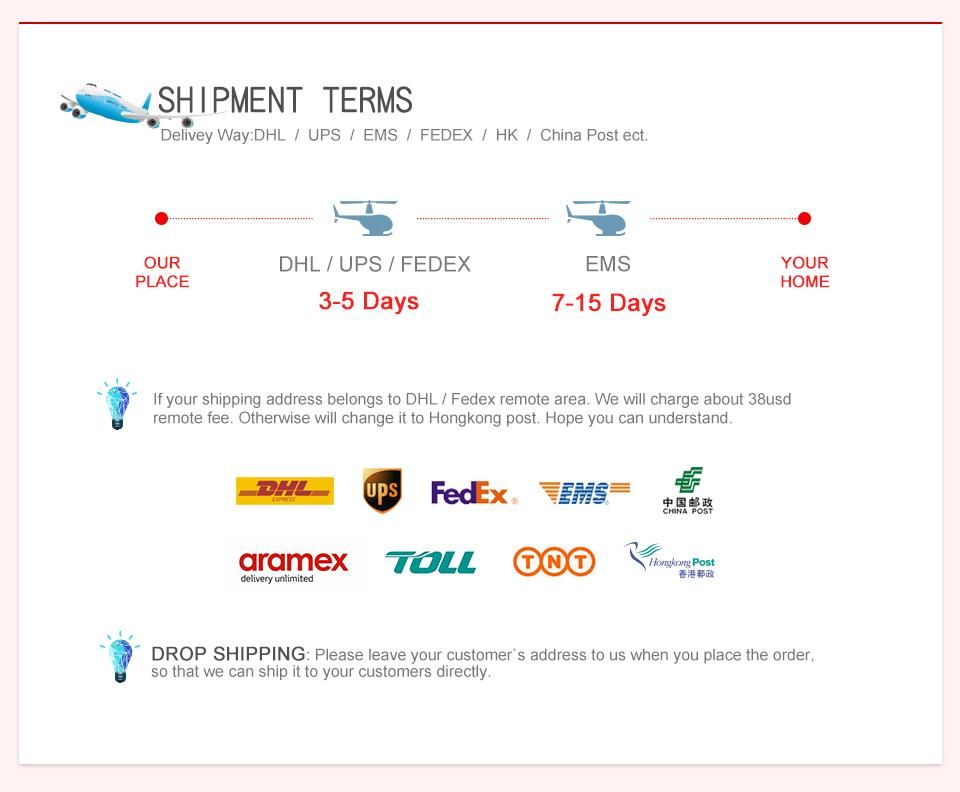
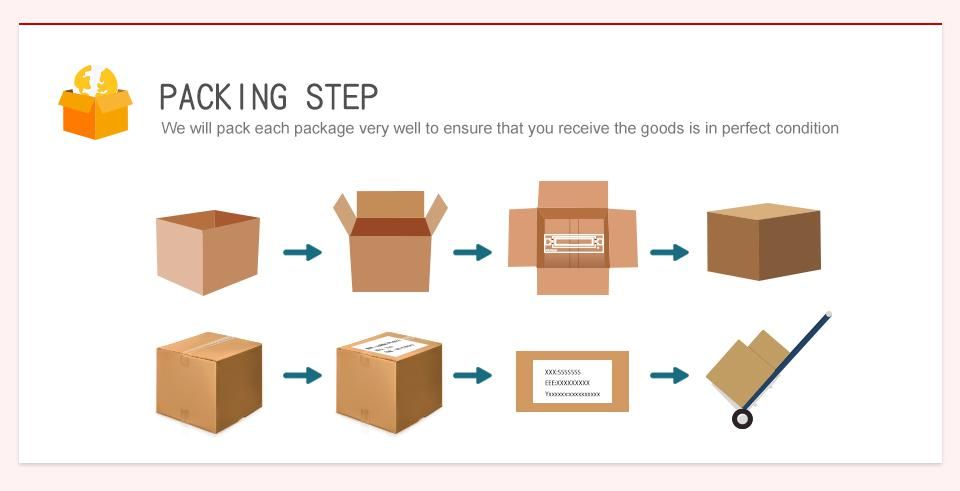
- Related Items
- Recommond Tools
- Hot Sale
- On Sale
- New Arrivals
- Freeshipping Items
-
 US$999.00 / piece
 -
 US$379.05 / piece
 -
 US$159.00 / piece
 -
 US$550.05 / piece
 -
 US$299.00 / piece
 -
 US$12.99 / piece
-
 US$14.00 / piece
 -
US$19.89 / piece
-
 US$83.65 / piece
 -
 US$4,299.00 / piece
 -
 US$269.00 / piece
 -
 US$99.00 / piece
-
 US$75.00 / piece
 -
 US$929.00 / piece
 -
 US$43.90 / piece
 -
 US$27.99 / piece
 -
 US$728.00 / piece
 -
 US$678.90 / piece
-
US$257.99 / piece
-
 US$89.00 / piece
 -
 US$259.00 / piece
 -
 US$39.90 / piece
 -
 US$82.00 / piece
 -
 US$959.00 / piece
-
 US$34.00 / piece
 -
 US$340.00 / piece
 -
 US$1,069.00 / piece
 -
 US$289.00 / piece
 -
US$259.00 / piece
-
 US$1,479.00 / piece
-
 US$59.00 / piece
 -
 US$11.99 / piece
 -
 US$45.99 / piece
 -
 US$22.00 / piece
 -
 US$19.00 / piece
 -
 US$125.00 / piece
Trending Products
 US$55.00 / piece
 US$148.00 / piece
 US$599.00 / piece
- US$340.00 / piece
- US$1,479.00 / piece
 US$649.00 / piece