 USD
USD Euro
Euro British Pound
 Australian Dollar
- Home
-
Categories
- Car Diagnostic Tools
- Original Brand Tools
- Car Key Programmers
- OBD2 Code Scanners
- Truck Heavy Duty Scanners
- ECU Chip Tuning Tools
- Odometer Correction Tools
- VAG Diagnostic Tool
- Original Launch X431 Tools
- Original Autel Tool
- Original Xhorse Tool
- Key Cutting & Locksmith Tools
- Airbag/Service Reset Tools
- OBD2 Cables and Connectors
- AUGOCOM Camshaft Engine Timing Tool
- Other OBDII Vehicle Tools
- Car Key Blanks
- Car Key Chips
- Car Diagnostic Software
- Automotive Electrical Testers & Test Leads
- Auto HID Xenon Light and LED Light
- Automotive Electronics
- Repair & Maintenance Tools
- MB Star Diagnostic Tools
- Health Care
- Special Deals
- Consumer Electronics
- Home & Garden
- Outdoor
- Expired Tools
- Top Selling
- New Arrivals
- for MB
- for Porsche
- Xhorse
- for TOYOTA
- for FORD
- Order Tracking
- Drop-ship
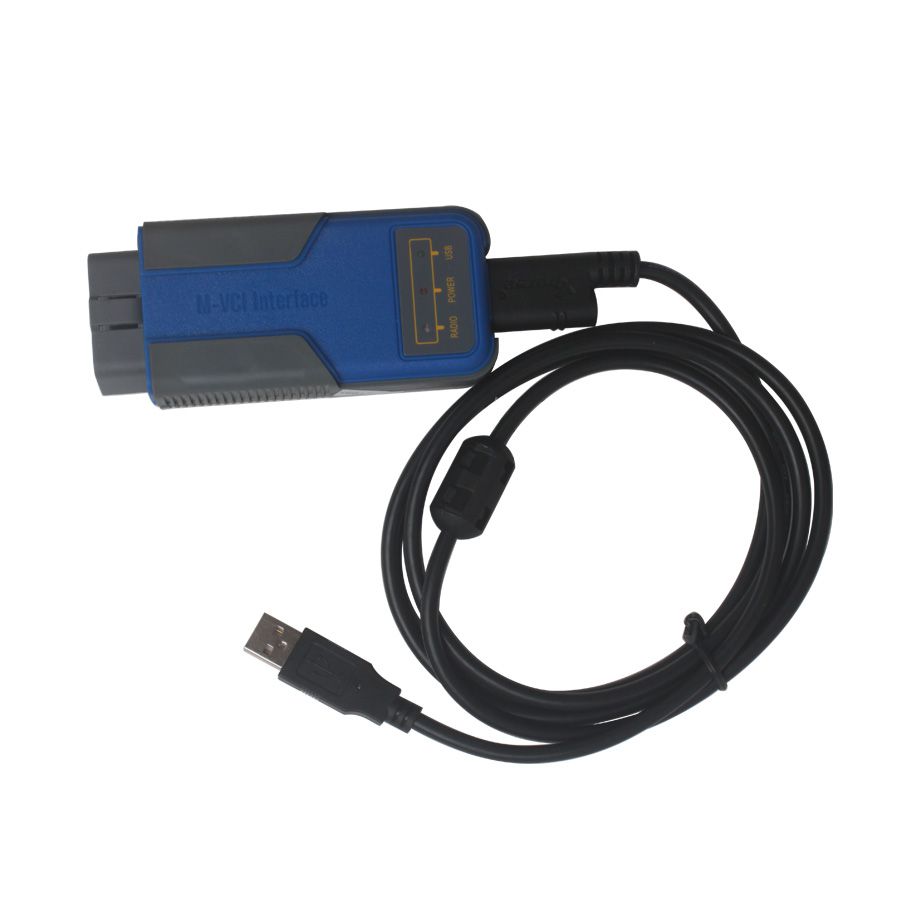
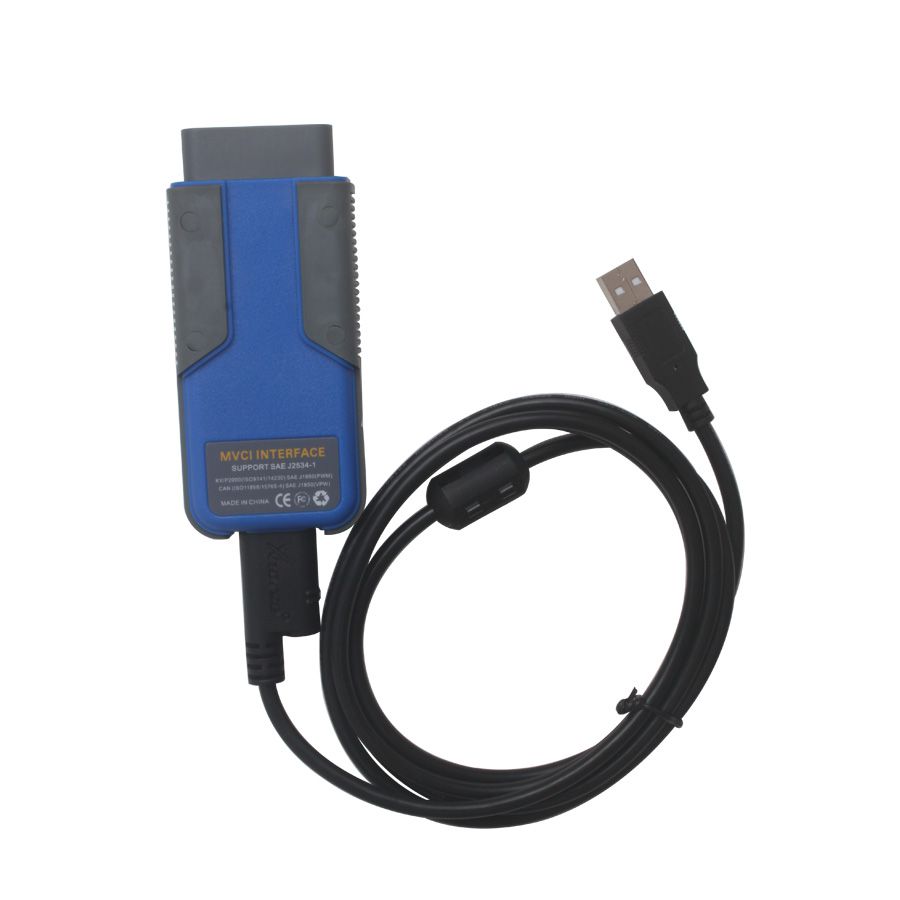
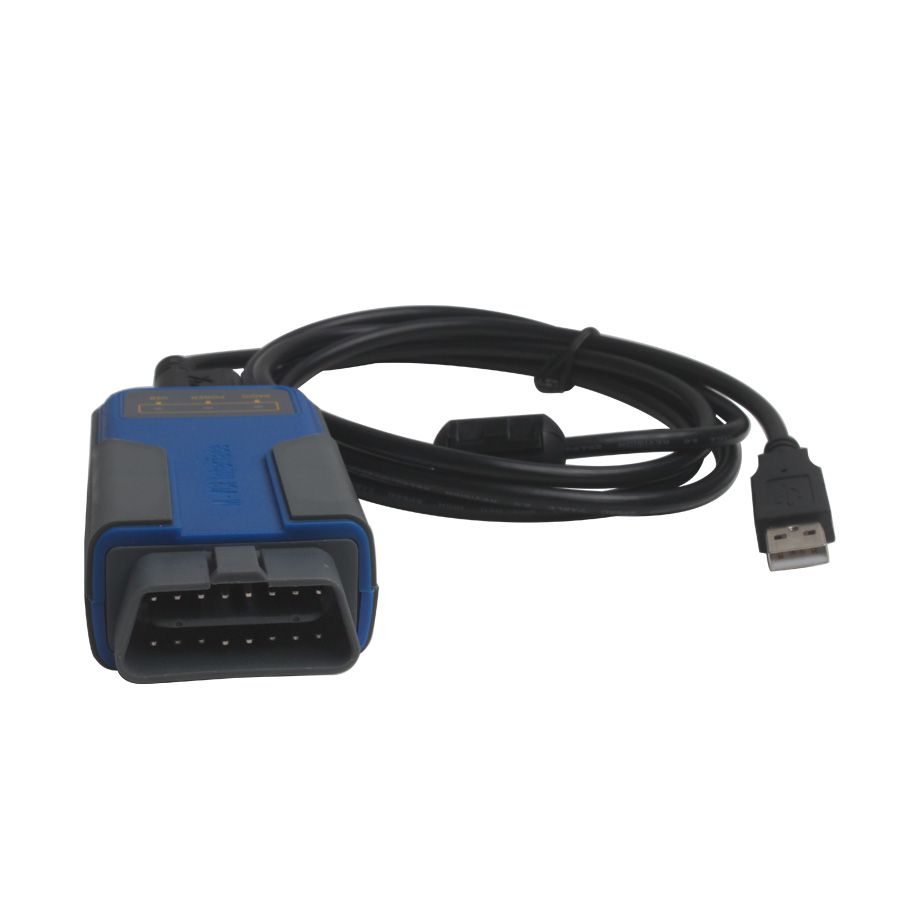
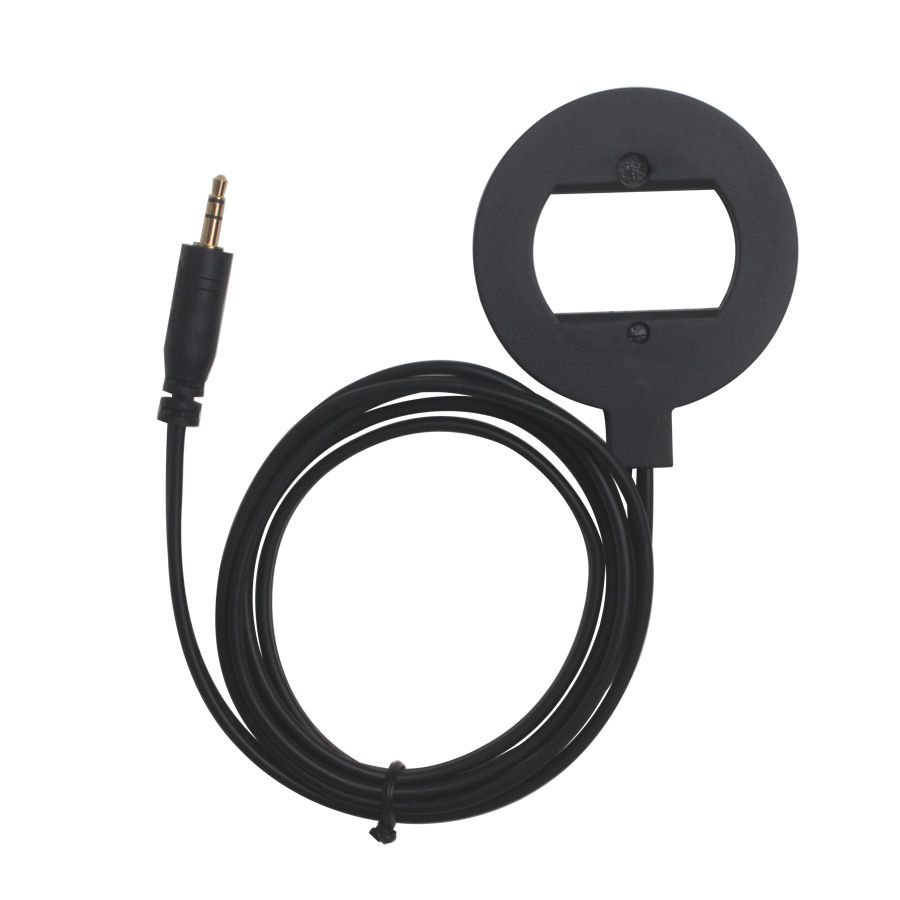
V7.7 BMW Multi Tool OBD2 CAS1-4 Key Programmer Get Free Encrypted BMW CAS4
- Price:
- US$799.00/ piece
- Quantity:
-


- Shipping:
- Airmail Post
Estimated delivery time: 7-45 working days.See details» - Returns:
- Return for refund within 7 days,buyer pays return shipping.Read details »
- Support:
-
 Online Chat
  WhatsApp
  Skype
Skype  Ask a question



- Product Details
- Product's Reviews
- Write a Review
- Related Products
Newest Multi Tool V7.7 OBD2 CAS1-4 Key Programmer for BMW with Free Encrypted BMW CAS4 Support
Top 5 Reasons to Get Multi Tool for BMW
- Software Version: V7.7
- More Powerful Than AK300!
- Supports Encrypted CAS3 and CAS4
- Language: English
- Get Free Encryption Authorization for BMW CAS4 Now!
Notice: Make sure to connect the dongle to the computer before running the software.
If you want to work with CAS4, you need to purchase the SK97-B CAS4 Adapter.
Newest Software Download for Multi Tool
Multi Tool for BMW V7.7 Software – Free Download
Connection Diagram of Multi Tool for BMW
V7.6 Update Tips: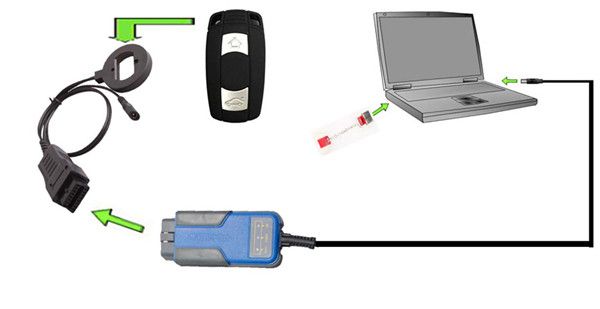
- Fixes CAS4 key-making procedure. If the first attempt fails, it can be retried until successful.
- Normal bug fixes.
V7.5 Update Tips for Multi Tool
- Free for all users: Make dealer keys for encrypted CAS4 versions, including add key and lost-all-key scenarios. No Condor authorization required.
- Normal bug fixes.
V7.4 Update
- Fixed issue where BMW CAS3+ smart keys stopped working after generation.
- Key learning improvements: Fixed smart key change errors and enabled resolution for non-functional smart keys.
- Resolved issue where EWS-generated dealer keys occasionally failed to work.
- Other bug fixes.
V7.3 Update
- Fixed bug causing BMW F Series key disable/enable failures.
- Fixed other errors.
V7.2 Update
- Added kilometer change support for CAS4 5M48H (File Change KM → CAS4 (5M48H)).
- Added Disable/Enable key function for F-Series (Choose BMW F-Series → Key Learn → Enable key/Disable key).
- For encrypted CAS4+ versions: If a key made with another tool only has remote functionality, BMW Multi Tool can convert it into a fully working key.
- Normal bug fixes.
V7.0 Update
- This version requires the latest firmware V1.0.6.
- Supports preparing dealer keys for encrypted CAS4 versions. Requires a working key, ISN, or DME/DDE dump file (Condor automatic key cutting machine authorization and latest firmware required).
- Fixed bug when making keys for encrypted CAS3+ using ISN or DME/DDE dump files.
- Added support for lost-all-key scenarios using ISTAP4* without updating CAS FLASH (available under File → Make dealer key).
- Improved Hungarian language display.
- Updated user manual.
- Normal bug fixes.
V6.0 Update
- Fixed bug when making dealer keys for EWS4.
- Normal bug fixes.
Description of Multi Tool for BMW
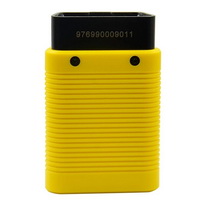
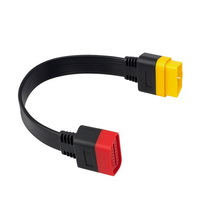
- OBD II CONNECTOR: Connects the tool to the vehicle's Data Link Connector (DLC).
- Dongle: USB dongle.
- USB CONNECTOR: Connects the tool to a PC/Laptop via USB cable.
- Programmer: Programs keys.
- Programmer Female Pin: Connects programmer to device.
- Programmer Male Pin: Connects programmer to device.
Specifications of Multi Tool for BMW
- Operating Temperature: -20 to 70 °C (-4 to 158 °F)
- Storage Temperature: -40 to 85 °C (-40 to 185 °F)
- Diagnostic Interface: 16 PIN
- USB Interface: USB 2.0
- Power: DC 5 V – 12 V
- Consumption: 1 W
Supported Immobilizer Types and Functions of Multi Tool for BMW
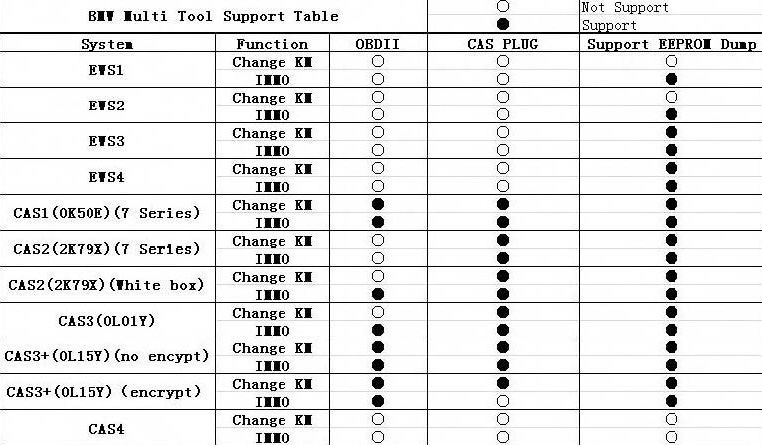
Supported Functions for BMW Multi Tool
- Car access system identification
- Read/Write CAS EEPROM (via OBDII)
- Read/Write KM stored in CAS system (via OBDII)
- Read/Write synchronization codes stored in CAS system (via OBDII)
- Synchronize DME and CAS (via OBDII)
- Synchronize CAS and ELV (via OBDII)
- Prepare dealer key for CAS1/CAS2/CAS3/CAS3+ (supports latest CAS3 version) (via OBDII)
- Read/Restore CAS KEY information (via OBDII)
- Disable/Enable key with working key (via OBDII)
- Clear DTC and Shadow (via OBDII)
- Prepare dealer key with CAS EEPROM dump
- Unlock dealer key prepared with our software using CAS EEPROM dump or KEY information
- Change KM in CAS and instrument dashboard using file dump
- Includes Key Programmer to program dealer keys directly.
Pay Attention to the Function: Help → Device Update.
You can get the latest software and firmware versions when connected to the internet.
1. Menu
- Tool: Choose language here—supports "English" and "Chinese Simplified." Restart the software to apply settings.
- File → Make Key: Prepare dealer keys using EWS and CAS EEPROM dumps.
- Help: Device update—view device and dongle ID/version and perform updates.
2. Protocol Type
BMW Multi Tool now supports three protocol types: KWP-CAN BUS 100Kbps, KWP-CAN BUS 500Kbps, and KWP-2000. The "Auto Detect" function helps select the correct protocol. After selection, press "Connect." Upon successful connection, all CAS info—including CAS number, VIN, and production date—will display in CAS Identification.
3. EEPROM Function
- Functions include: Read EEPROM, Write EEPROM, Save File, Load File.
- Always back up the CAS EEPROM before preparing a dealer key. After successfully reading the EEPROM, save it as a backup file—this step is critical.
- For CAS3 systems, the entire EEPROM cannot be read, but the main section is included and should be saved. A prompt ("Press OK to continue") will appear during EEPROM reading.
4. Odometer
Supports reading and changing KM stored in the CAS system.
Does not support direct KM changes in the instrument cluster. To adjust the displayed KM, first change it in the CAS system, then manually modify it in the instrument.
5. Synchronization Codes
- CAS3 code-DME, CAS3 code-EGS: Read and write DME and EGS codes stored in the CAS3 system.
- Synchronize DME and CAS: Useful when preparing dealer keys or performing operations that prevent engine start-up.
- Synchronize CAS and ELV: Helps clear wheel-related errors.
6. Key Learn
- Get Key Info: Retrieve key cutting data, remote frequency, and key data.
- Save Key Info: Save retrieved key information.
- Load Key Info: Load saved key info to view data and prepare for writing.
- Write Key Info: Write loaded key info into the CAS system.
- Make Dealer Key: Prepare a dealer key after successfully obtaining key info; select key position.
- Add Key: Add a new dealer key to the CAS system (required by some systems to start the engine).
- Enable Key: Insert current key into ignition, press "Enable Key"—the next key will be enabled.
- Disable Key: Insert current key into ignition, press "Disable Key"—the next key will be disabled.
- Clear DTC: Use before and after preparing dealer keys.
- Clear Shadow: Use before and after preparing dealer keys.
7. File Make Key
- Choose CAS or EWS type.
- Load the selected EEPROM file to open the "Make Dealer Key" window.
- Select key position and click "Make Dealer Key," then follow on-screen instructions. After success, save the new EEPROM dump file.
- For EWS1, EWS2, EWS3, EWS4, CAS1, CAS2, CAS3: Prepared dealer keys start the engine directly.
- For some CAS3+ types: The new dump file must be written back into the car.
- For CAS3 encrypted data, only OBDII-based key preparation is supported.
Packing List
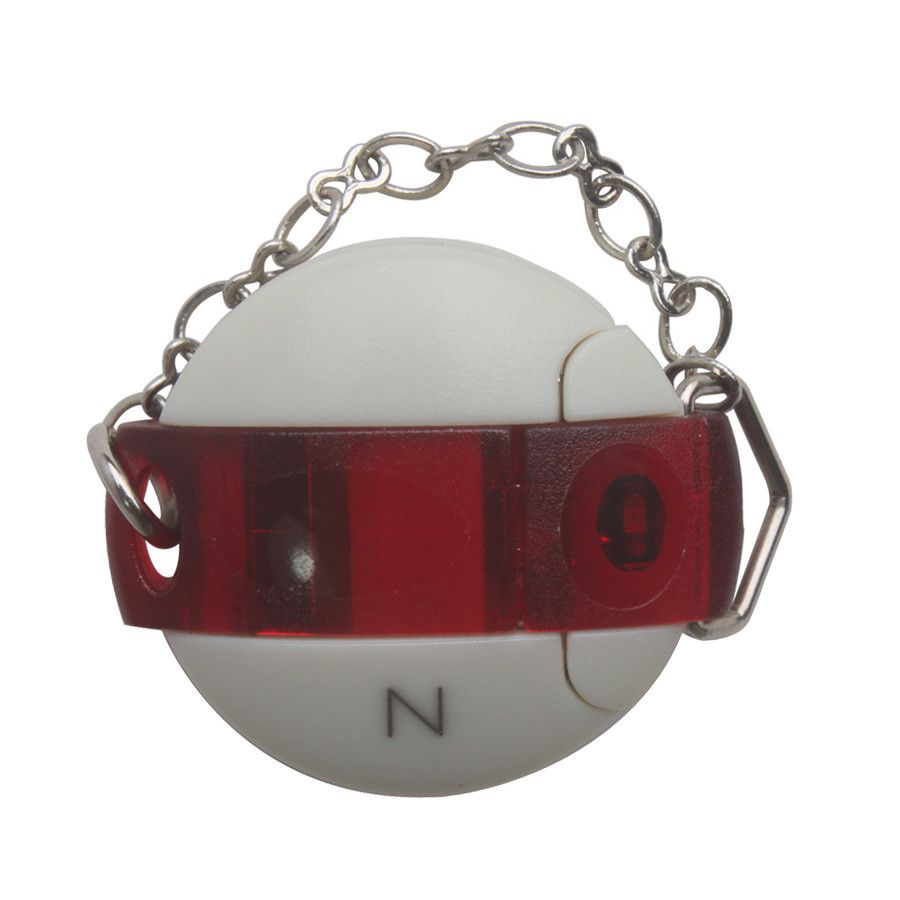
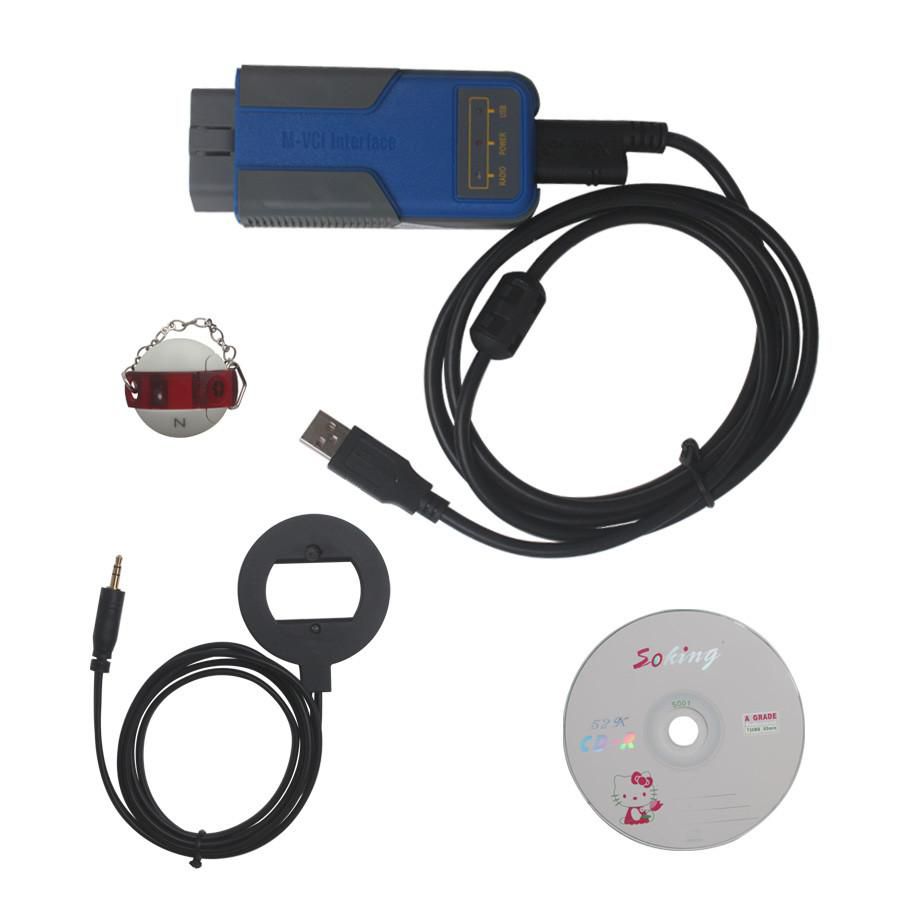
- 1 × Multi Tool for BMW Main Unit
- 1 × USB Dongle
- 1 × OBD II CONNECTOR
- 1 × USB CONNECTOR
Frequently Asked Questions (FAQ)
- Q1: Does Multi Tool for BMW support EWS functions?
- A1: Yes, it supports EWS. You need to detach the device and connect it to the CAS socket to read EWS data.
- Q2: Can Multi Tool for BMW handle BMW CAS3 and CAS3+ keys, such as the 868 MHz key?
- A2: Yes, BMW Multi Tool supports most types of BMW keys.
- Q3: When making keys, if "failed at the security access" appears, how can it be resolved?
Add Key OBD
CAS Version Comparison for Key Operations
Key Replacement Scenarios
Working Key OBD:
- CAS3+ Encrypt Version: No need to update CAS (no key cycling required)
- CAS ISTAP4x Version: CAS update required (no key cycling required)
lost Key OBD:
- CAS3+ Encrypt Version: No need to update CAS (key cycling required up to 16 times)
- CAS ISTAP4x Version: CAS update required (key cycling required up to 64 times)
Add Key via Dump Method (Lost or Working Key)
- CAS3+ Encrypt Version: Requires writing back to CAS (requires one of the following: working key, known ISN, ECU dump, or key cycling up to 16 times)
- CAS ISTAP4x Version: No need to write back to CAS (requires one of the following: working key, known ISN, ECU dump, or key cycling up to 64 times)
The 64-cycle method primarily avoids the need to downgrade the CAS module. However, manual reading of the CAS is still necessary for this option. This remains the preferred approach, as downgrading the CAS is generally not advisable unless the implications are clearly communicated to the client.



- Related Items
- Recommond Tools
- Hot Sale
- On Sale
- New Arrivals
- Freeshipping Items
-
 US$999.00 / piece
 -
 US$379.05 / piece
 -
US$159.00 / piece
-
 US$55.00 / piece
 -
 US$550.05 / piece
 -
 US$179.00 / piece
-
 US$209.00 / piece
 -
 US$711.55 / piece
 -
 US$389.00 / piece
 -
 US$426.55 / piece
 -
 US$979.00 / piece
 -
 US$74.99 / piece
-
 US$99.99 / piece
 -
 US$75.00 / piece
 -
US$89.00 / piece
-
 US$249.00 / piece
 -
 US$34.99 / piece
 -
US$129.00 / piece
-
 US$298.00 / piece
 -
 US$199.00 / piece
 -
 US$99.00 / piece
 -
 US$69.99 / piece
 -
 US$469.00 / piece
 -
US$129.00 / piece
-
 US$509.00 / piece
 -
 US$689.00 / piece
 -
 US$409.00 / piece
 -
 US$289.00 / piece
 -
![[Basic Auto Version] KT200 ECU Programmer Master Version Support ECU Maintenance Chip Tuning DTC Code Removal OBD/BOOT/BDM/JTAG](/upload/pro/kt200-ecu-programmer-auto-version-200.jpg) US$490.00 / piece
US$490.00 / piece -
 US$349.00 / piece
-
 US$721.05 / piece
 -
 US$208.05 / piece
 -
 US$59.90 / piece
 -
 US$42.75 / piece
 -
 US$31.29 / piece
 -
 US$23.78 / piece
Trending Products
 US$340.00 / piece
 US$649.00 / piece
- US$599.00 / piece
 US$148.00 / piece
 US$1,479.00 / piece
- US$55.00 / piece