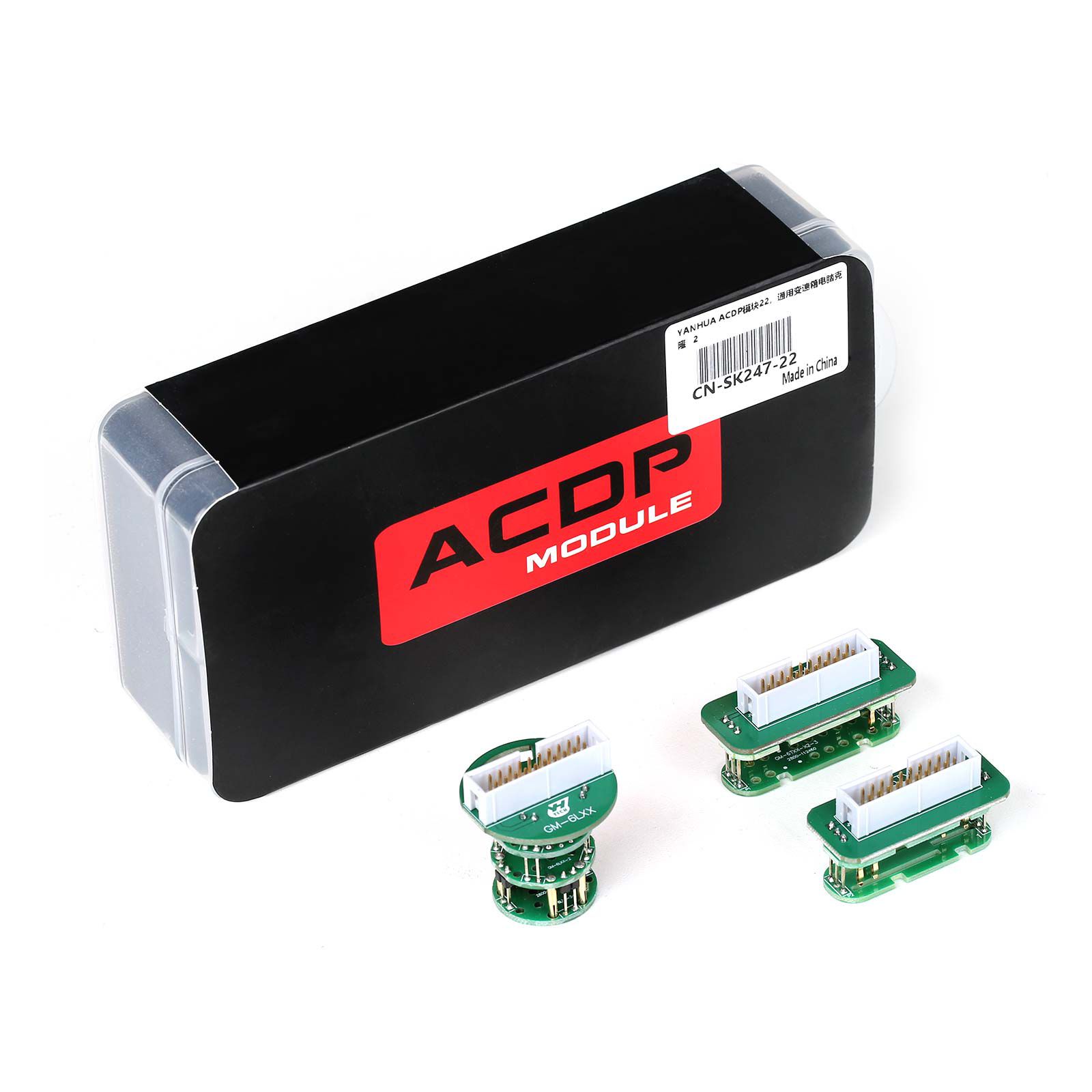


Yanhua ACDP Module 22 for GM 6T/6L Gearbox Clone
Supported Models
- GM 6T30/6T35/6T40/6T45/6T50 gearbox clone
- GM 6T70/6T75/6T80 gearbox clone
- GM 6L45/6L50/6L80/6L90 gearbox clone
Features
- Uses a special interface board to replace wiring, preventing incorrect connections
- Simple and efficient plug-and-play operation—safe and reliable
Functions
- Identify
- Full Backup Data
- Full Write Data
- Read/Write INT FLASH
- Read/Write INT EEPROM
- Special functions: Modify VIN, modify programming date, modify final part number, modify broadcast code B5
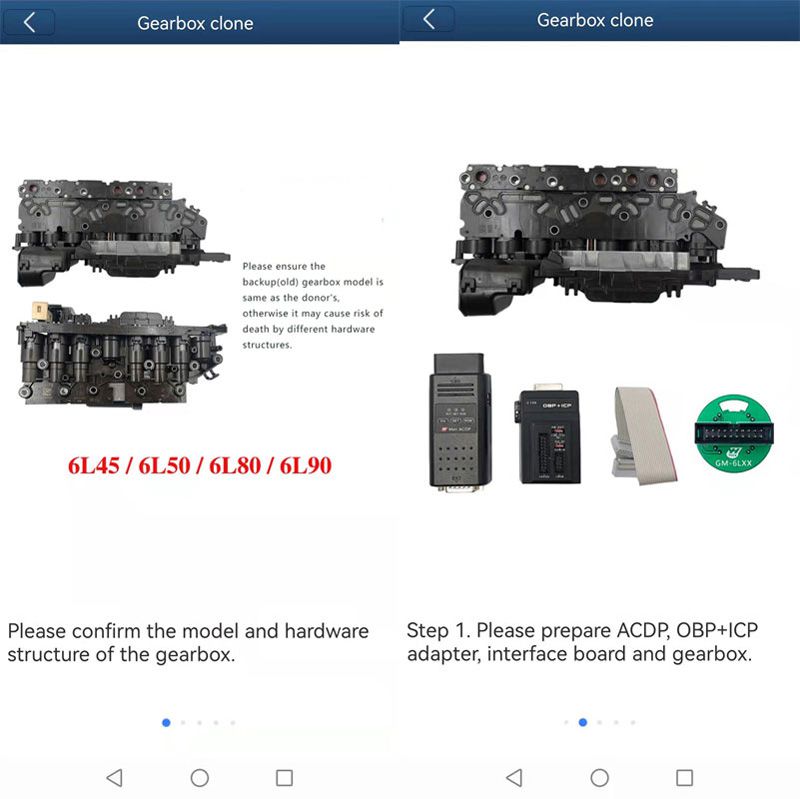
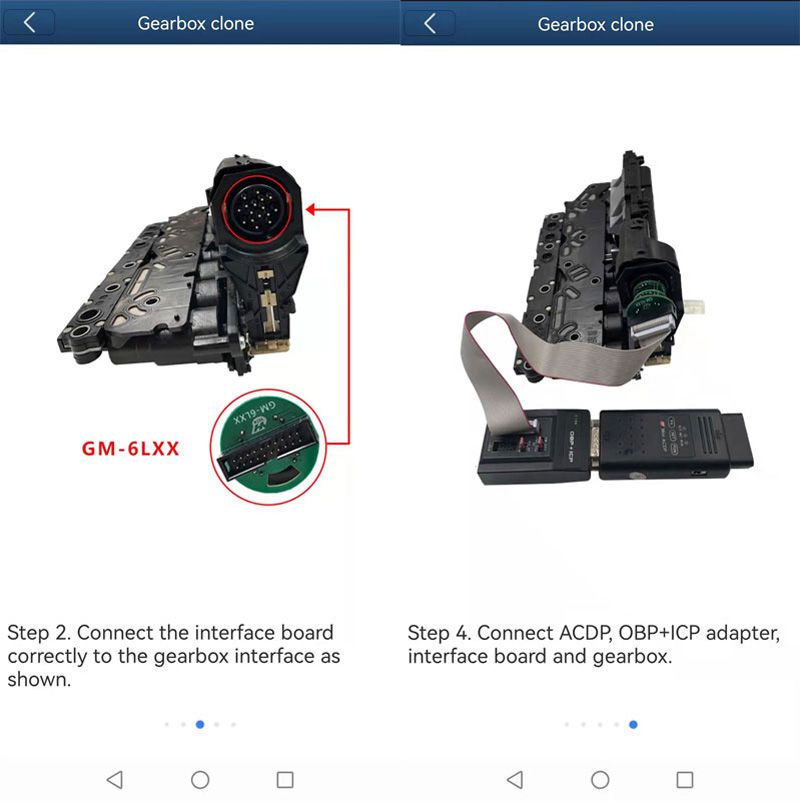
APP Operation Interface
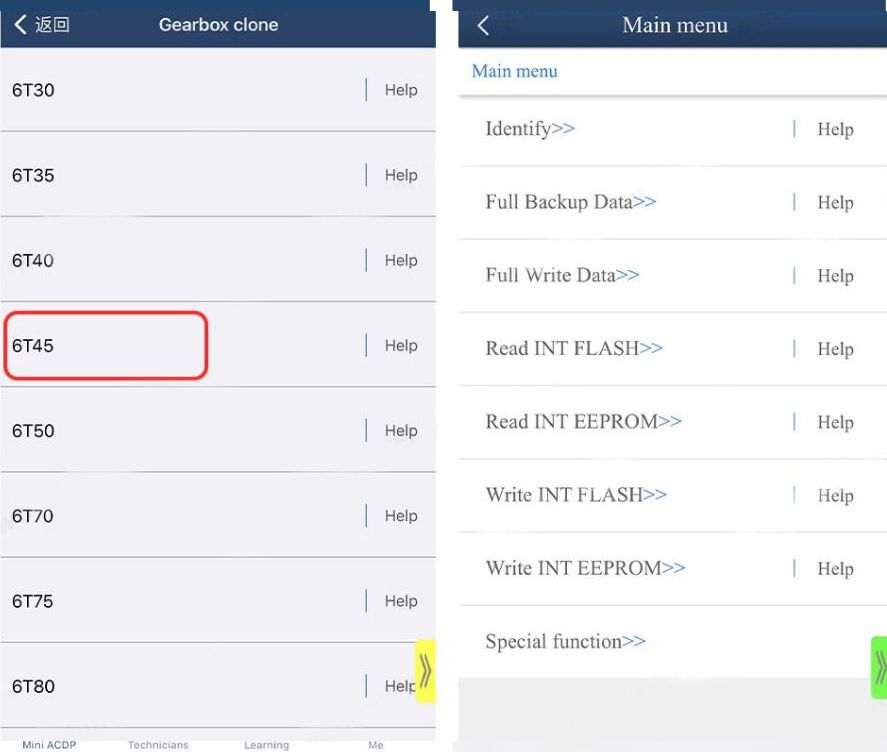
Overall Connection Diagram
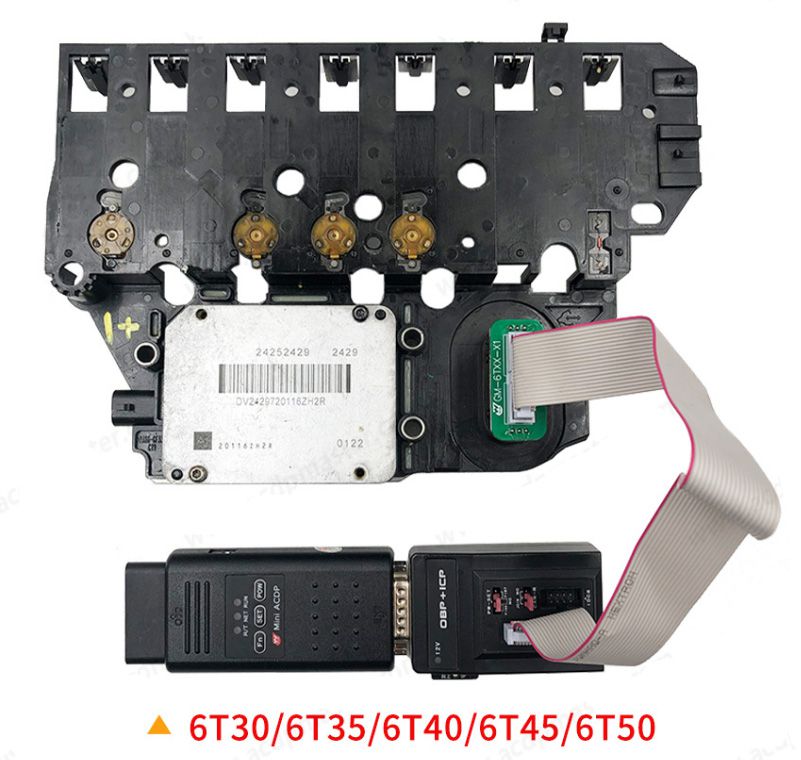
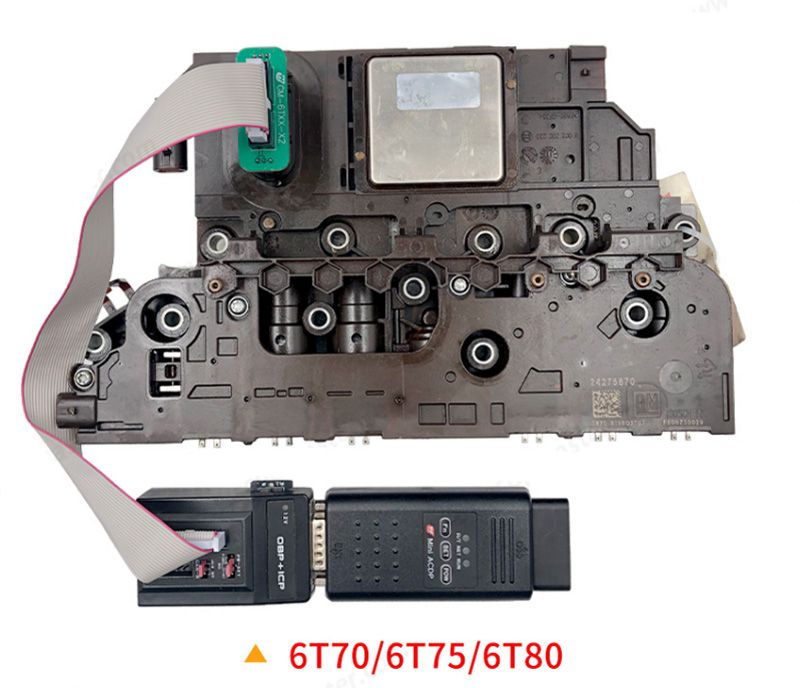
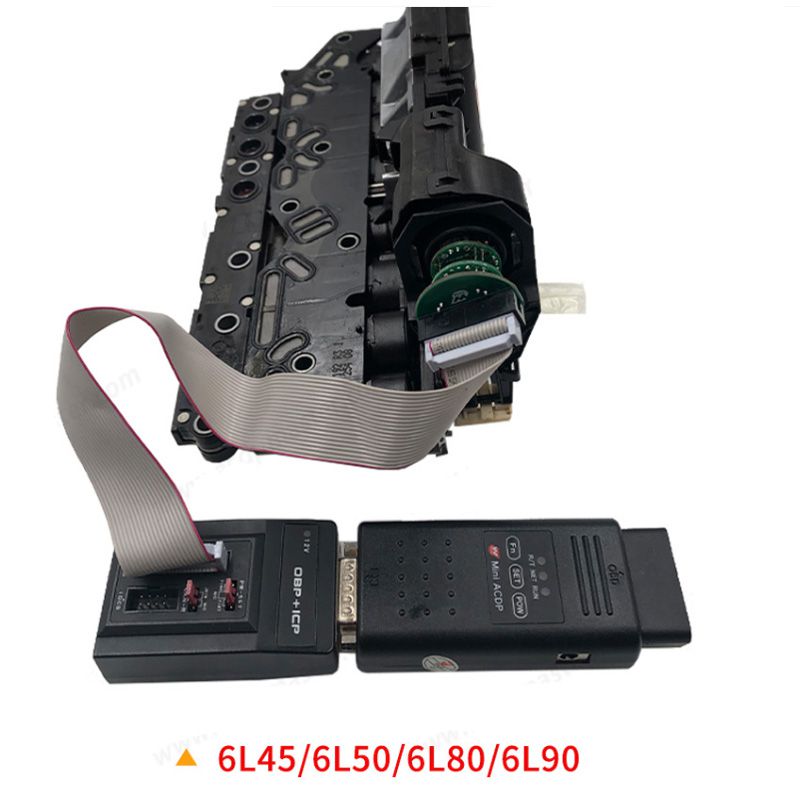
How to Clone GM 6T/6L Gearbox with Yanhua ACDP and Module 22?
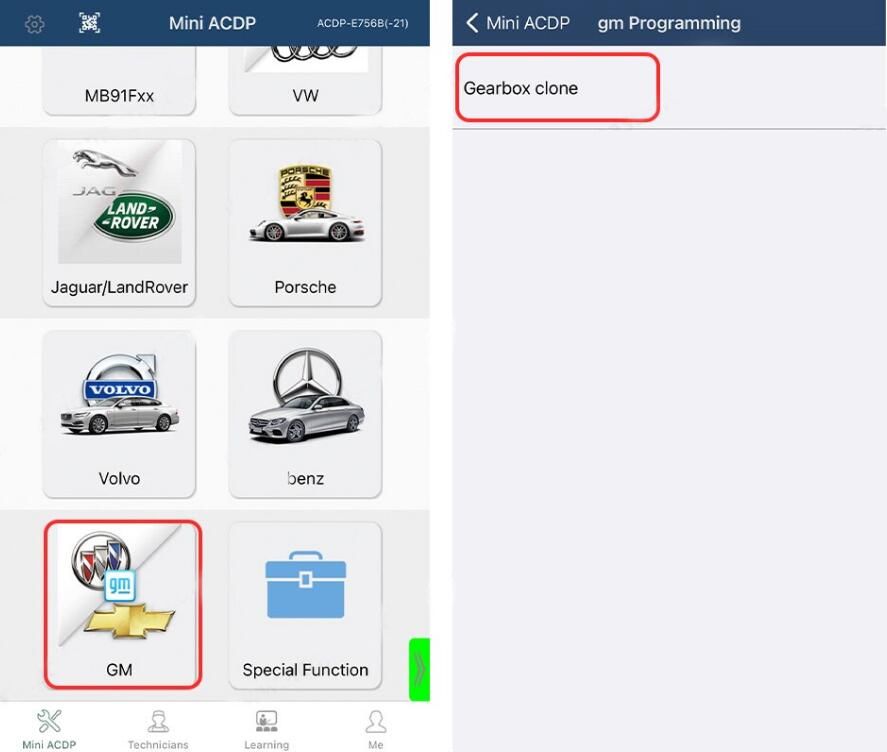
Run the ACDP mini app and select GM → Gearbox Clone.
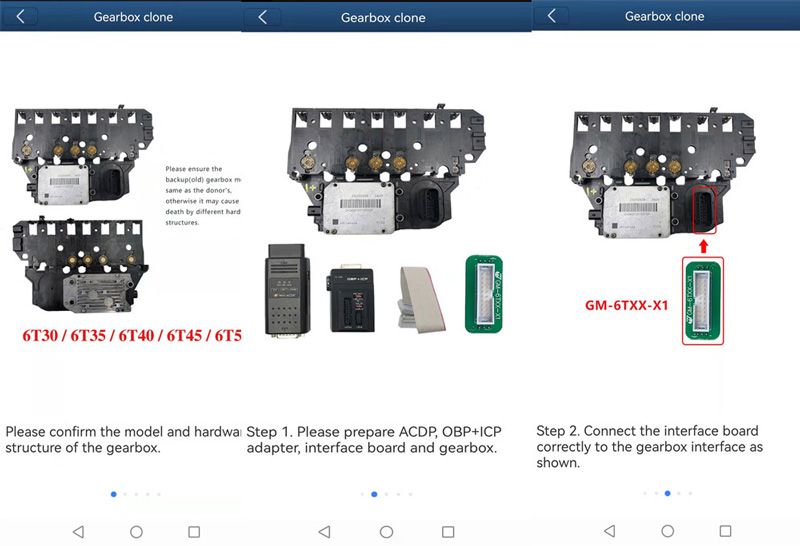
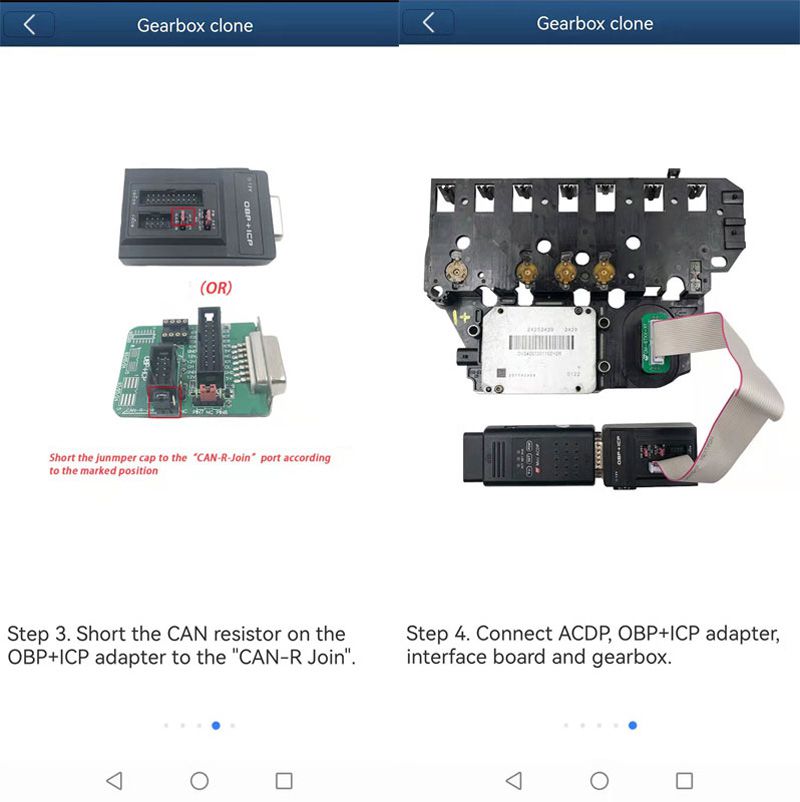
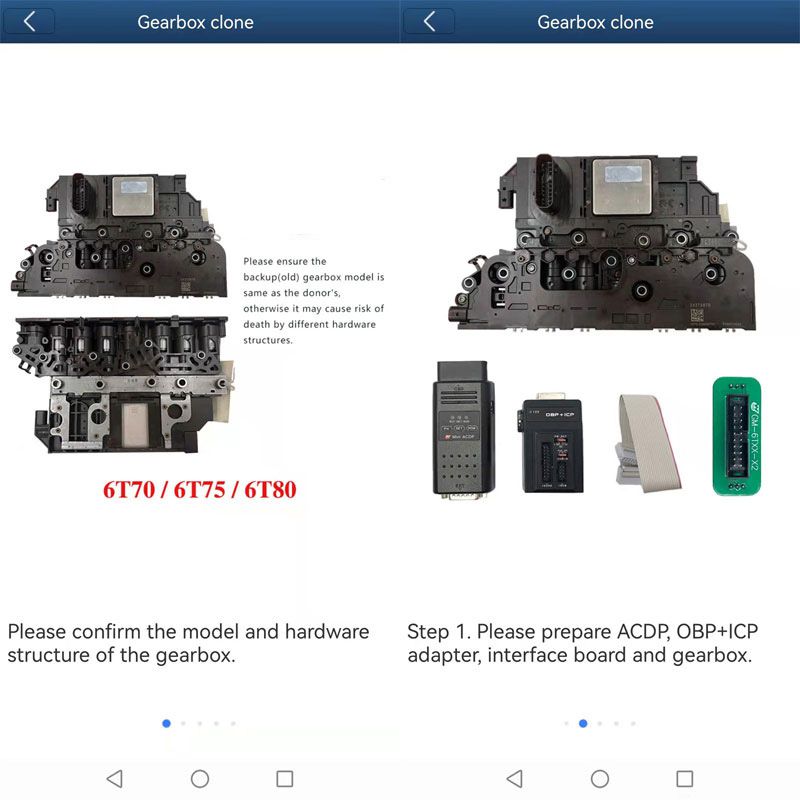
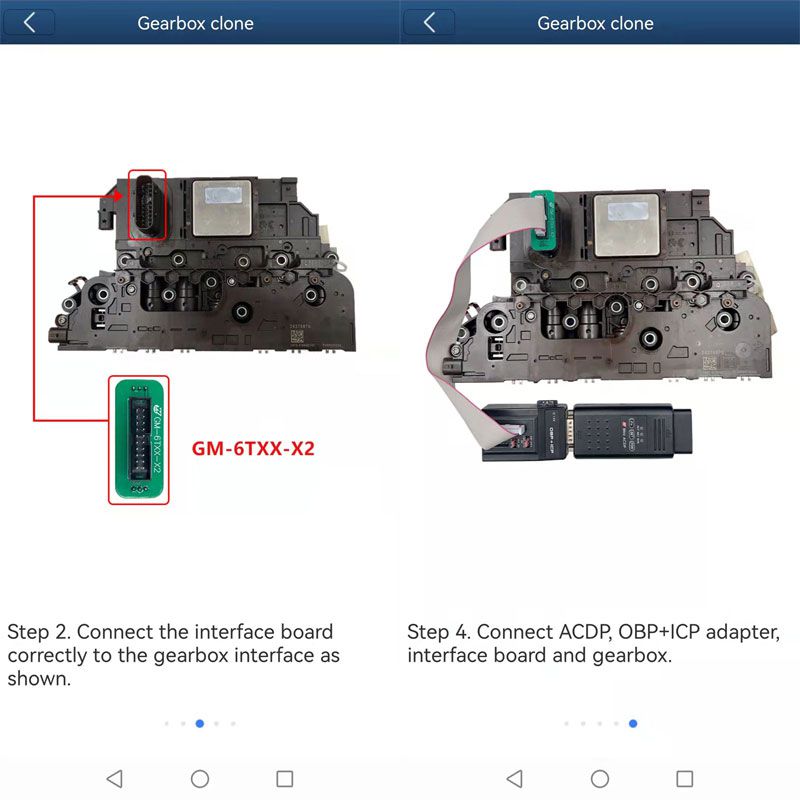
Select the specific gearbox type. If you are unsure of the wiring diagram, click "Help" to view it.
Note: Ensure the backup (old) gearbox model matches the donor unit exactly—mismatched hardware structures may result in failure.
After establishing the connection, perform a full data backup before proceeding. Read and save the original data, then write it to the new gearbox module.
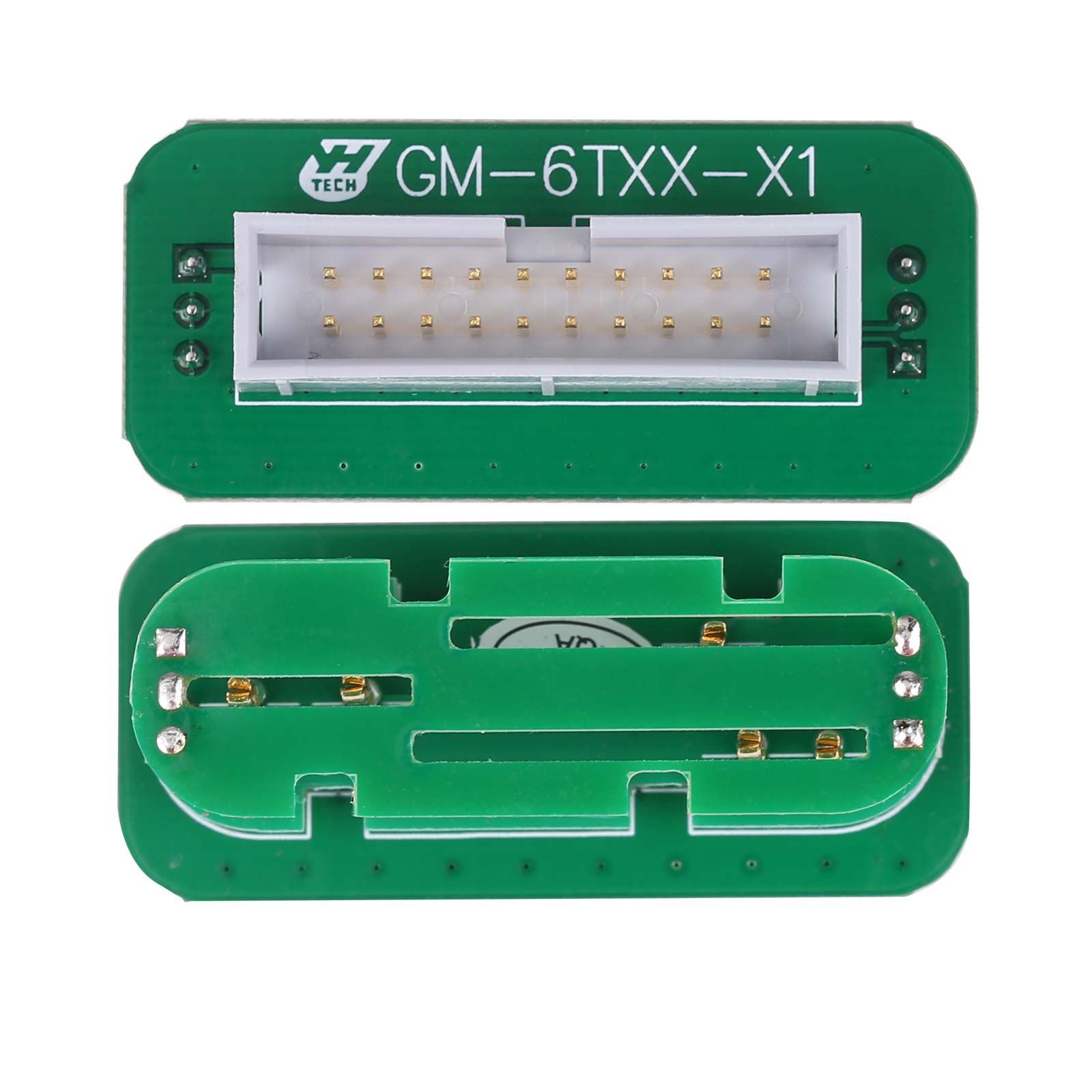
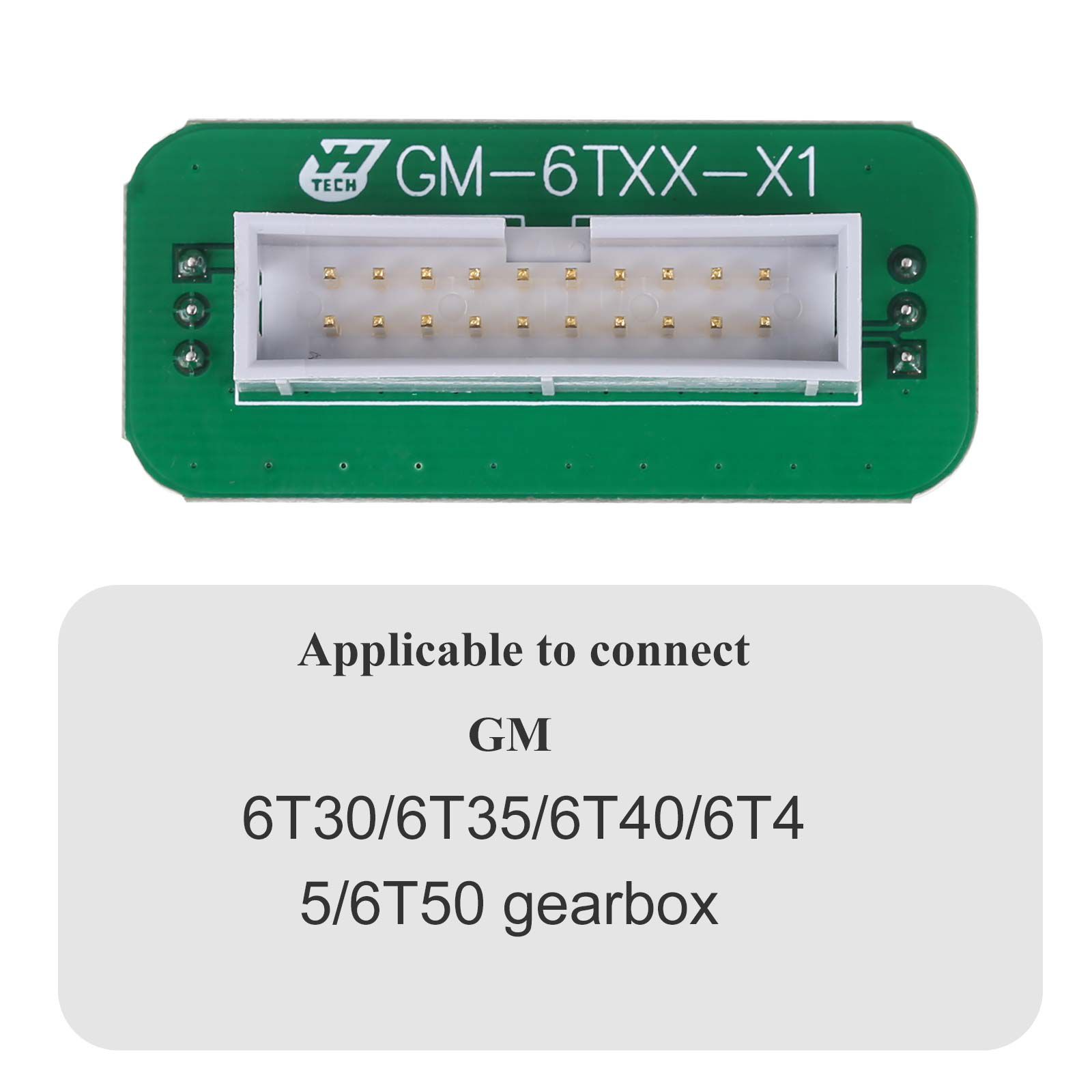
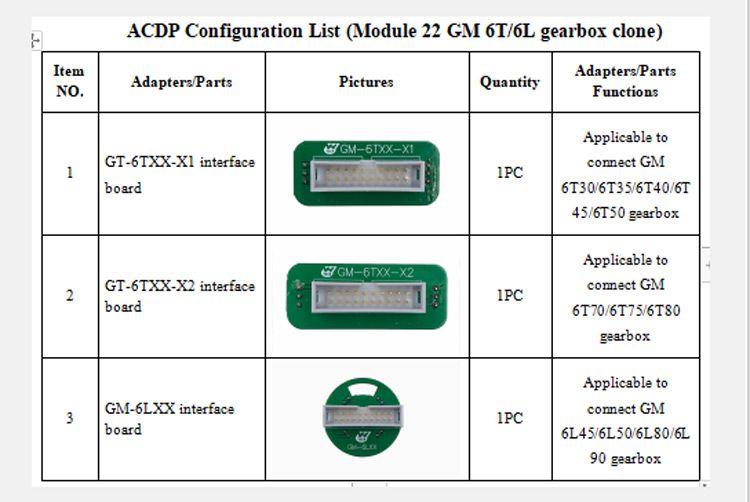
6T30, 6T35, 6T40, 6T45 and 6T50 Use the GT-6TXX-X1 Interface Board
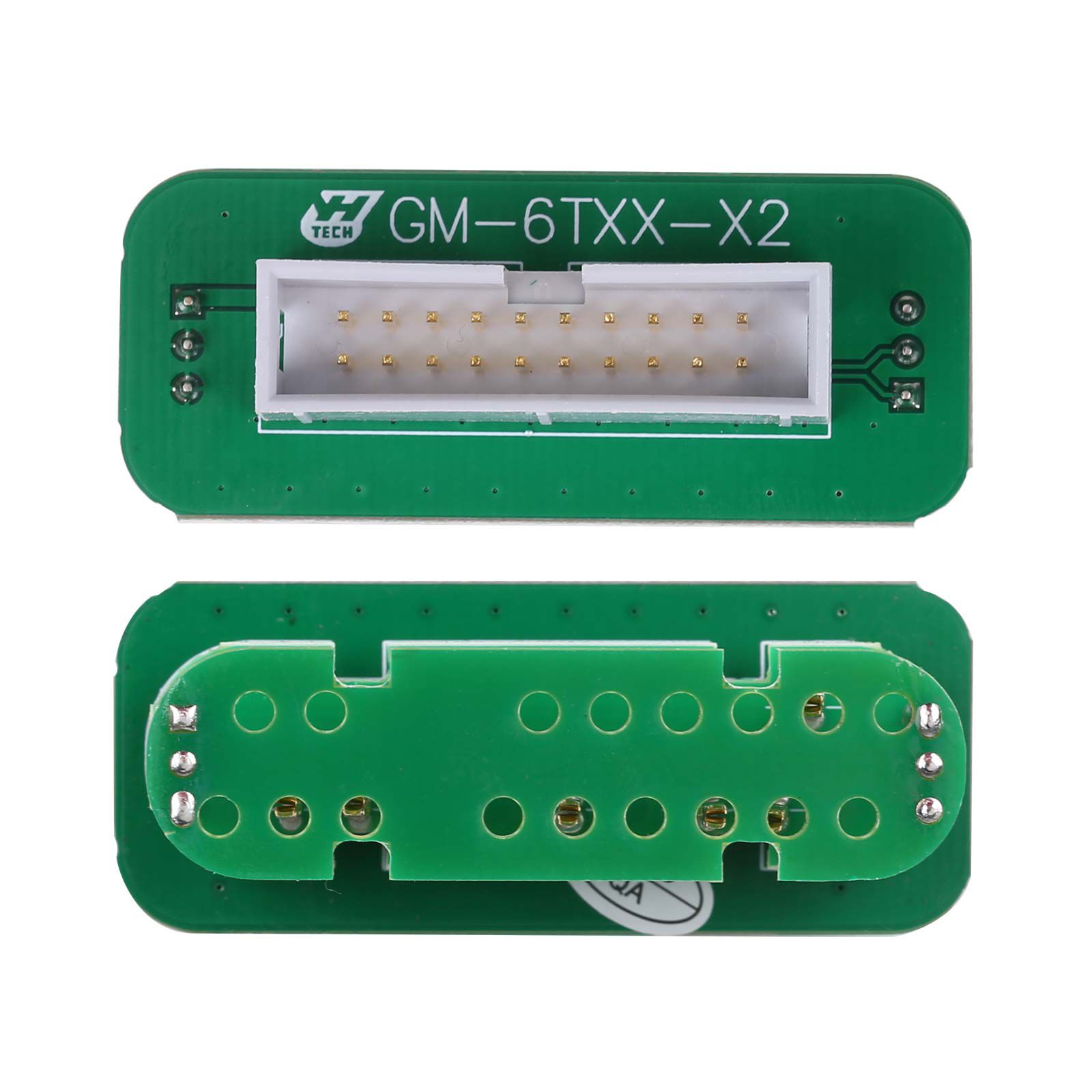
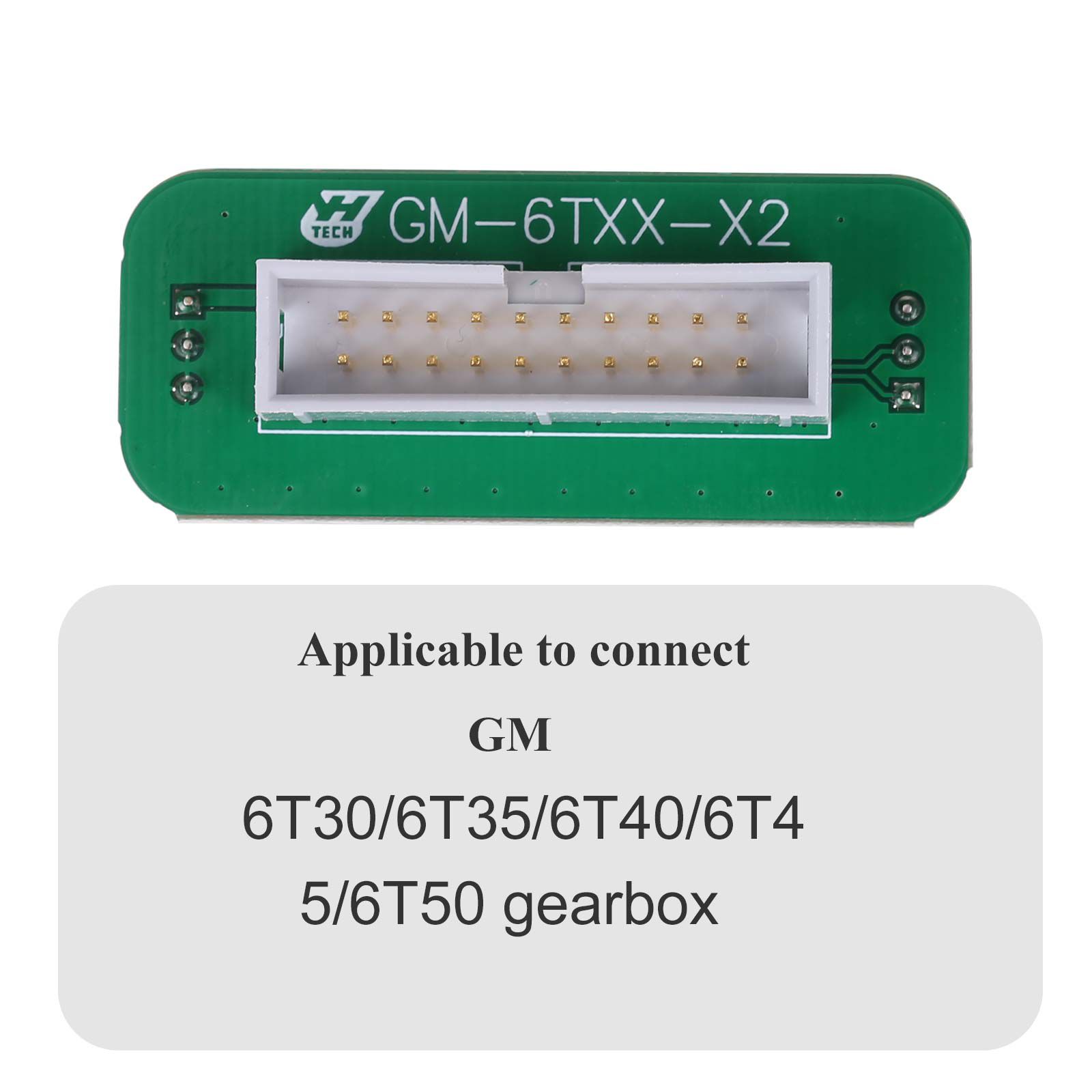
6T70/6T75/6T80 Use 6TXX-X2 Interface Board
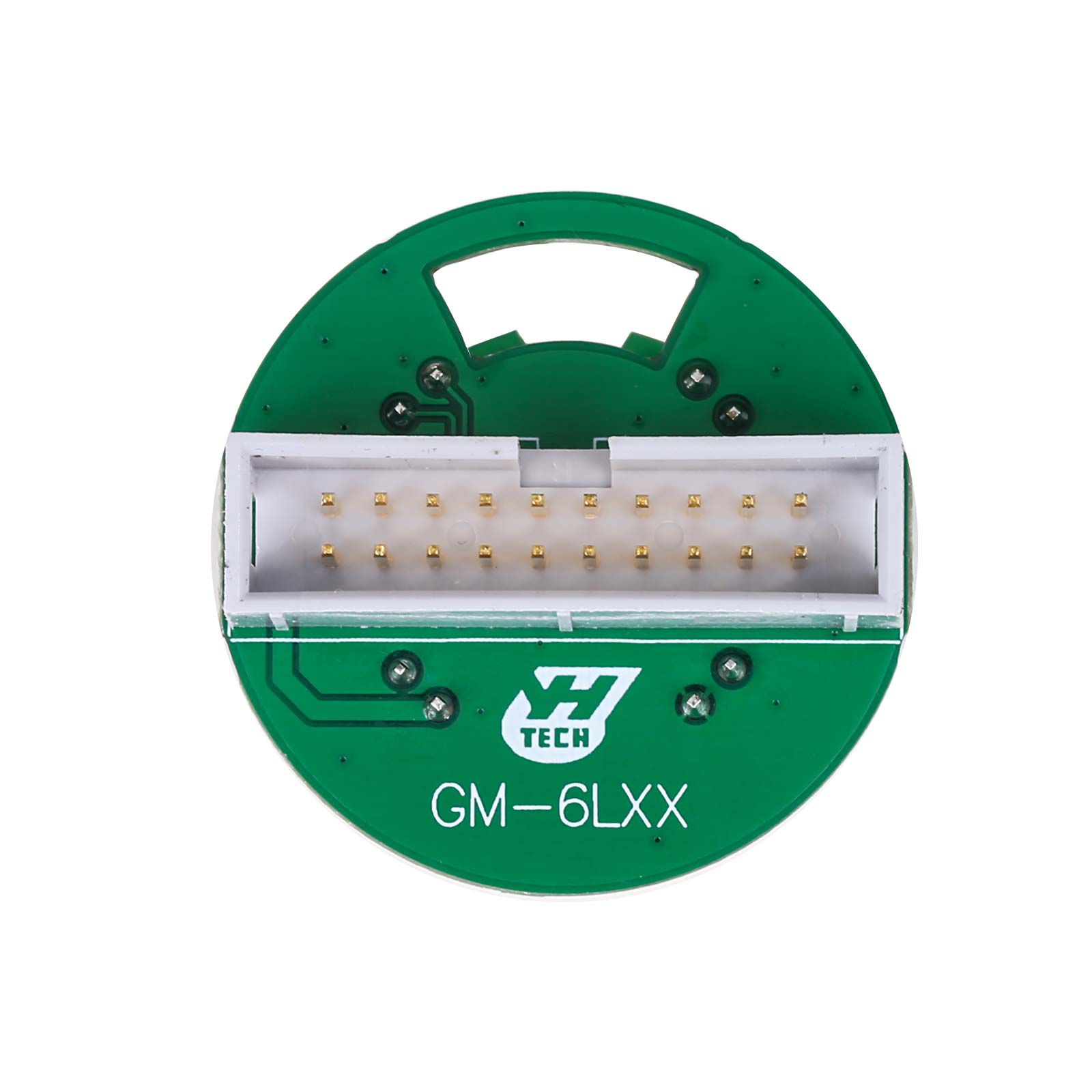
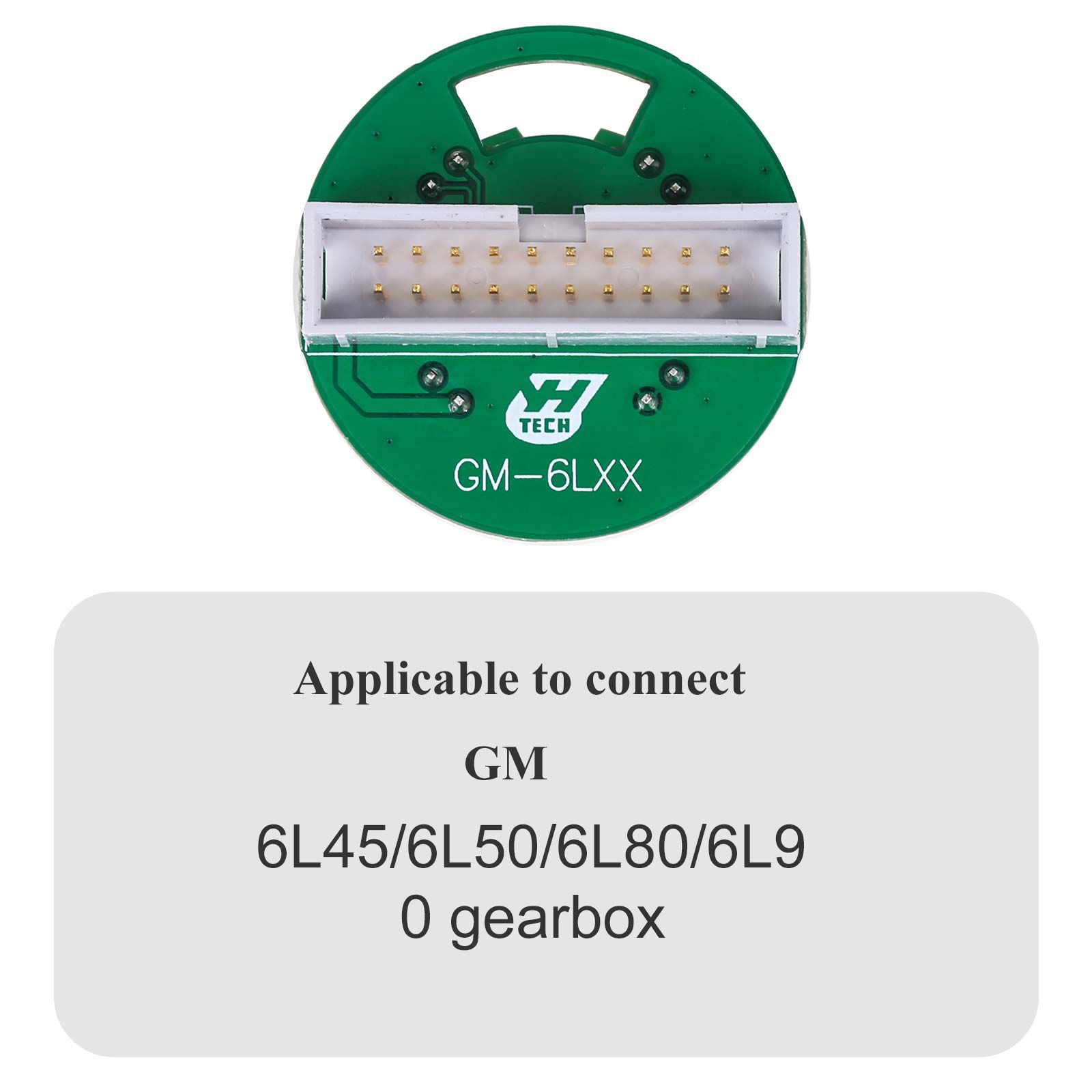
6L45/6L50/6L80/6L90 Use the GM 6LXX Interface Board
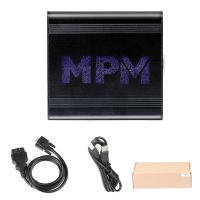
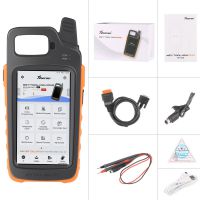
Yanhua ACDP Module 22 Package List


![[Basic Auto Version] KT200 ECU Programmer Master Version Support ECU Maintenance Chip Tuning DTC Code Removal OBD/BOOT/BDM/JTAG](/upload/pro/kt200-ecu-programmer-auto-version-200.jpg)