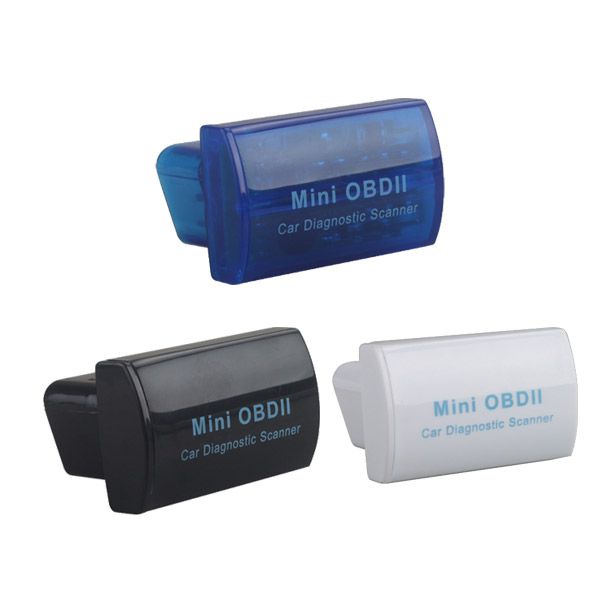

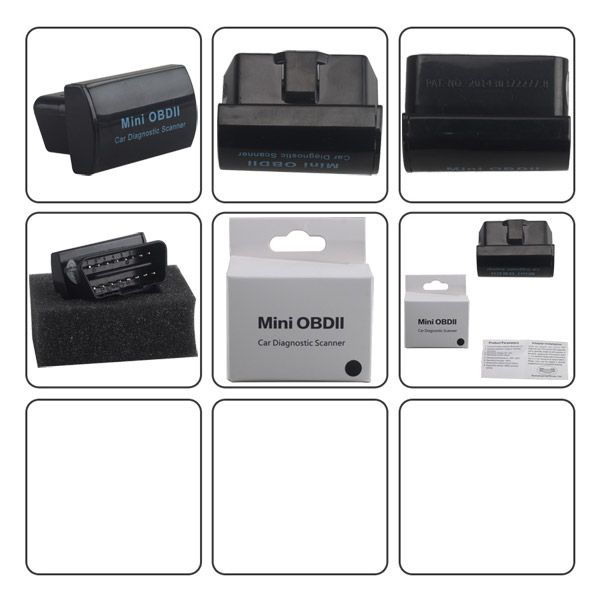
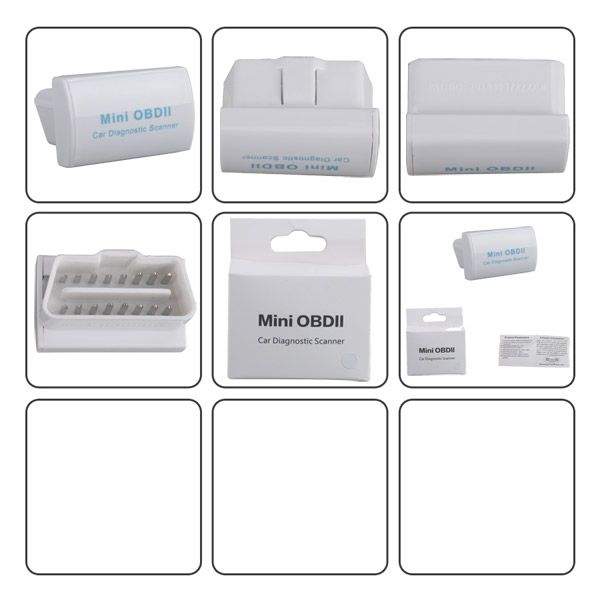


Mini OBDII Car Diagnostic Scanner for Android (Blue/Black/White)
Top 4 Reasons to Get the Mini OBDII Car Diagnostic Scanner
- The newly developed high-quality wireless scan tool supports all OBD2 protocols.
- Works with all OBD2 compliant vehicles.
- Enables reading of diagnostic trouble codes.
- Features a small Bluetooth interface with a 16-pin socket.
Compatible Devices
The Mini OBDII Car Diagnostic Scanner supports the following devices:
- Android system phones
- Symbian system phones
- Windows XP and Windows 7 32-bit computers
Mini OBDII Car Diagnostic Scanner Functions
Reads diagnostic trouble codes—both generic and manufacturer-specific—and displays their meaning (includes over 3000 generic code definitions in the database).
Current Sensor Data Display
The scanner displays real-time sensor data, including:
- Engine RPM
- Calculated Load Value
- Coolant Temperature
- Fuel System Status
- Vehicle Speed V2.1
- Short Term Fuel Trim
- Long Term Fuel Trim
- Intake Manifold Pressure
- Timing Advance
- Intake Air Temperature
- Air Flow Rate
- Absolute Throttle Position
- Oxygen sensor voltages / associated short term fuel trims
- Fuel System status
- Fuel Pressure
Supported Protocols
The Mini OBDII scanner supports the following protocols:
- ISO 9141-2 (5 baud init, 10.4 Kbaud)
- ISO14230-4 KWP (5 baud init, 10.4 Kbaud)
- ISO14230-4 KWP (fast init, 10.4 Kbaud)
- ISO15765-4 CAN (11bit ID, 500 Kbaud)
- ISO15765-4 CAN (29bit ID, 500 Kbaud)
- ISO15765-4 CAN (11bit ID, 250 Kbaud)
- ISO15765-4 CAN (29bit ID, 250 Kbaud)
How to Use the Mini OBDII Scanner with Android
- Plug in the OBDII adapter and start the car engine.
- Install the “Mini OBD” software:
- Copy “Mini OBD” to your phone from the included CD.
- Install the software.
- Launch the “Mini OBDII” software:
- Register and log in to your account.
- Click the icon in the top right corner.
- Click “Vehicle Settings” and select your car model.
- Connect with the OBDII adapter:
- Click “Connecting Device” to prepare for OBDII adapter connection.
- Click “Device Plugged Please Scan Now” to scan for the OBDII Bluetooth device.
- Locate the Bluetooth OBDII device and click “Connect.”
Additional features include:
- Vehicle Real Time Data
- HUD Display
- Vehicle Real Time Data Stream
- Route Analysis
- Health Scan
- Clear Fault Codes
Package Includes
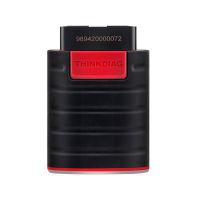
1 × Mini OBDII Car Diagnostic Scanner for Android

![[Full Version] KT200 ECU Programmer Master Version Support OBD BOOT BDM JTAG & ECU Maintenance/ DTC Code Removal With Free Damaos](/upload/pro/kt200-ecu-programmer-master-full-version-200.jpg)