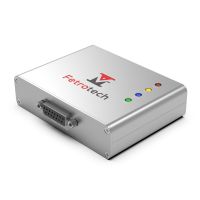


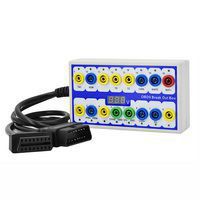
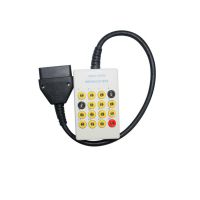
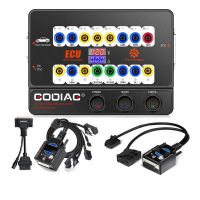
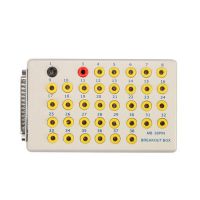
GODIAG GT100+ GT100 Pro OBDII Breakout Box ECU Bench Connector with Electronic Current Display
GODIAG GT100+ Highlights
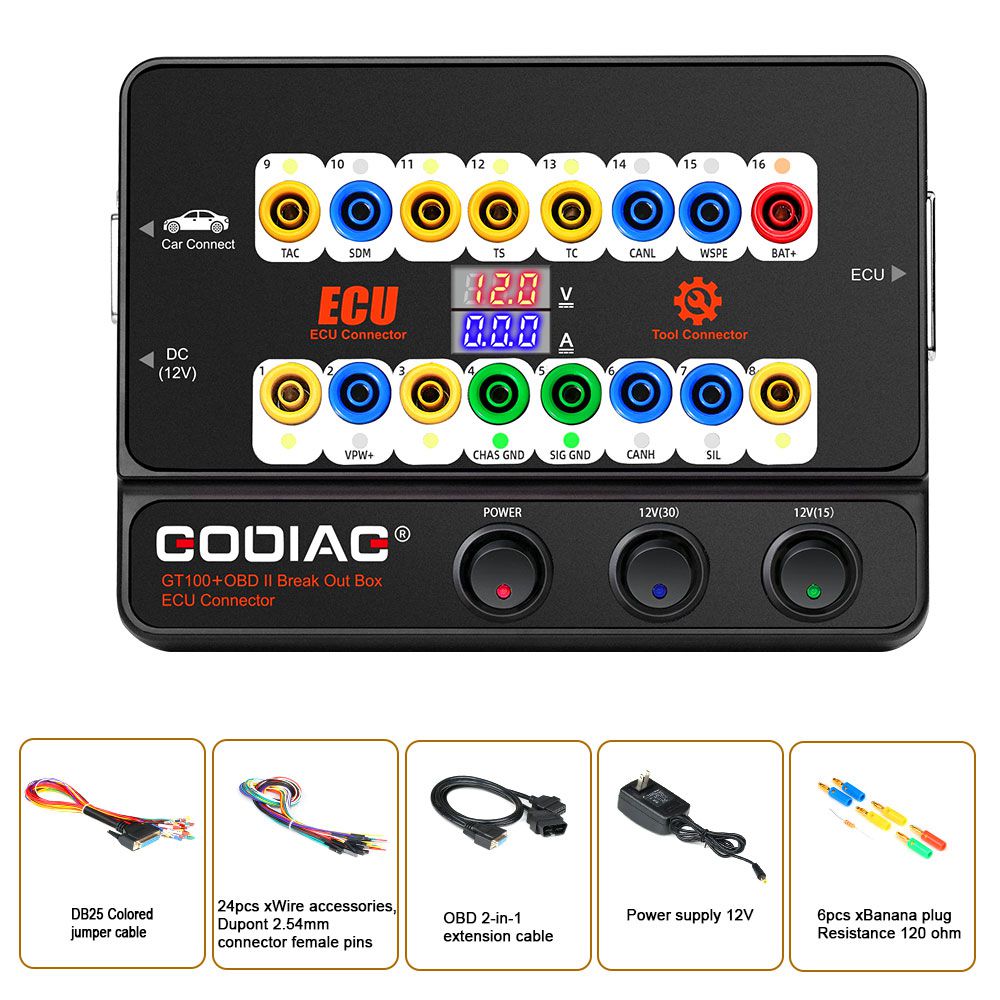
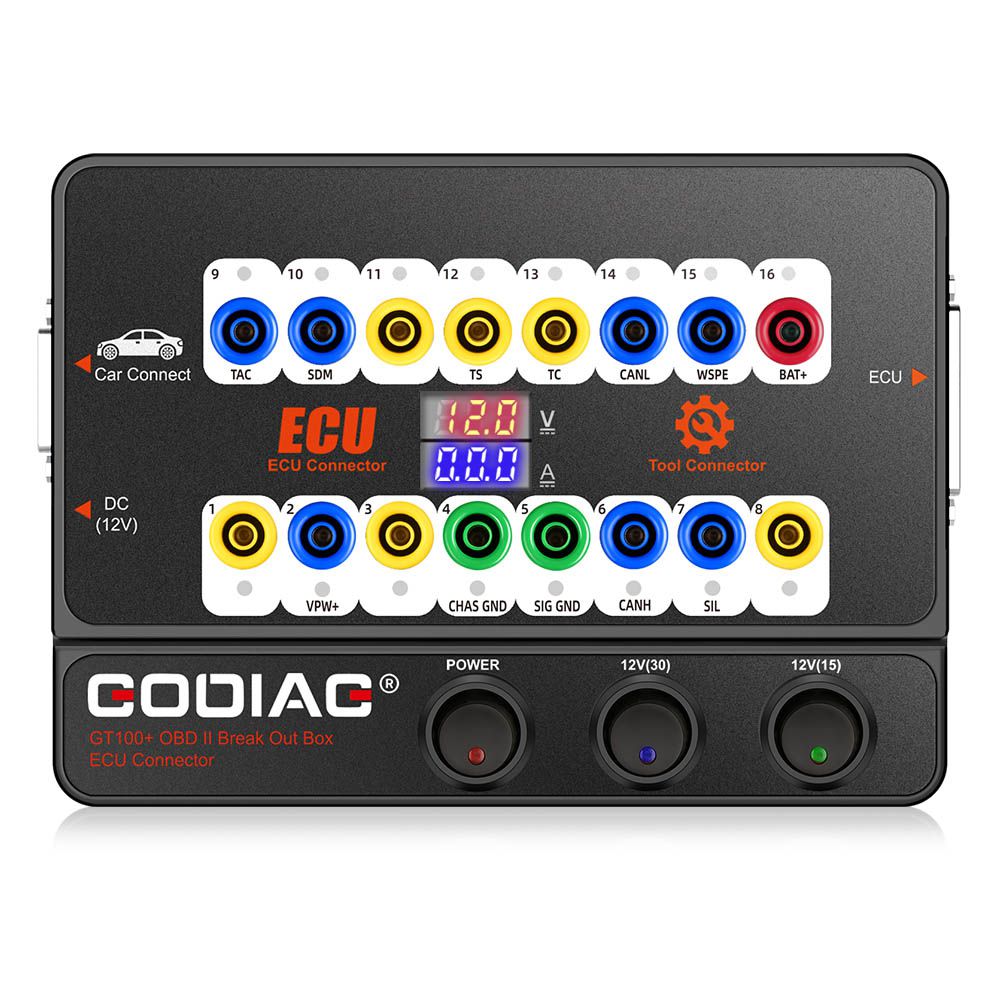
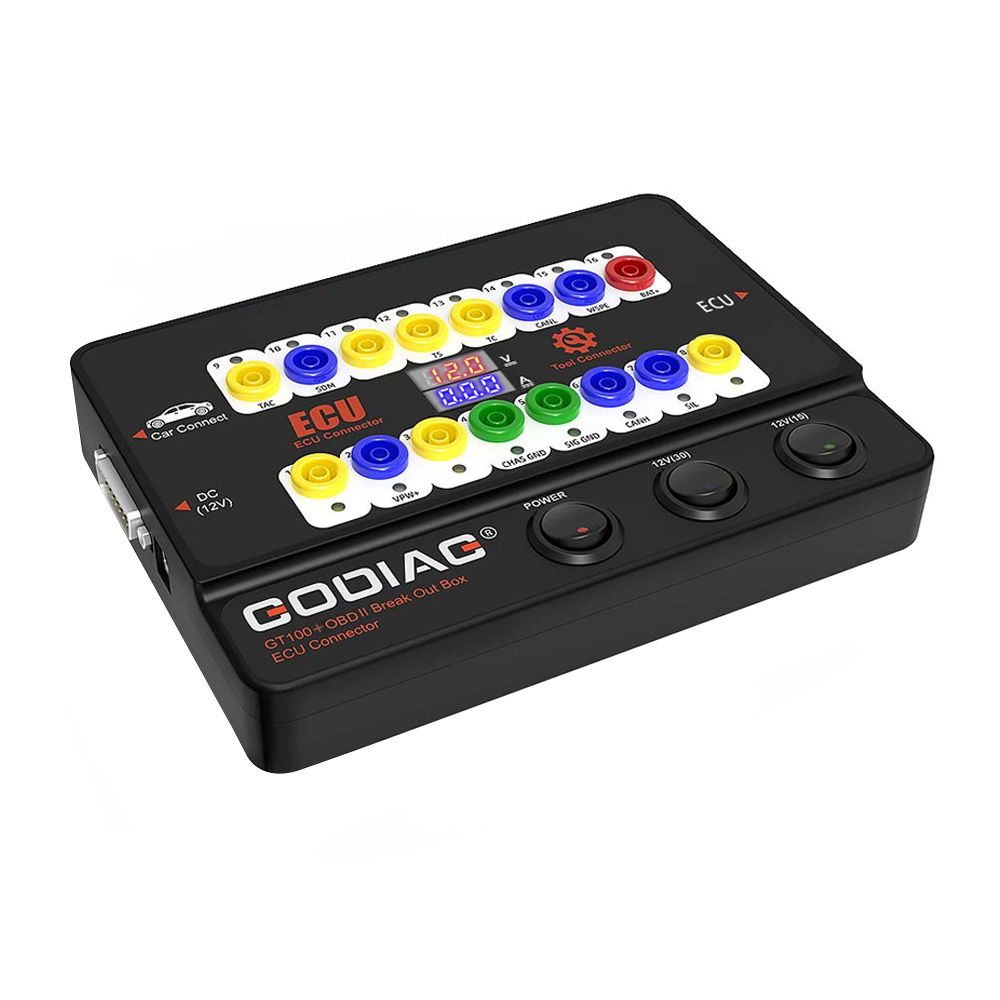
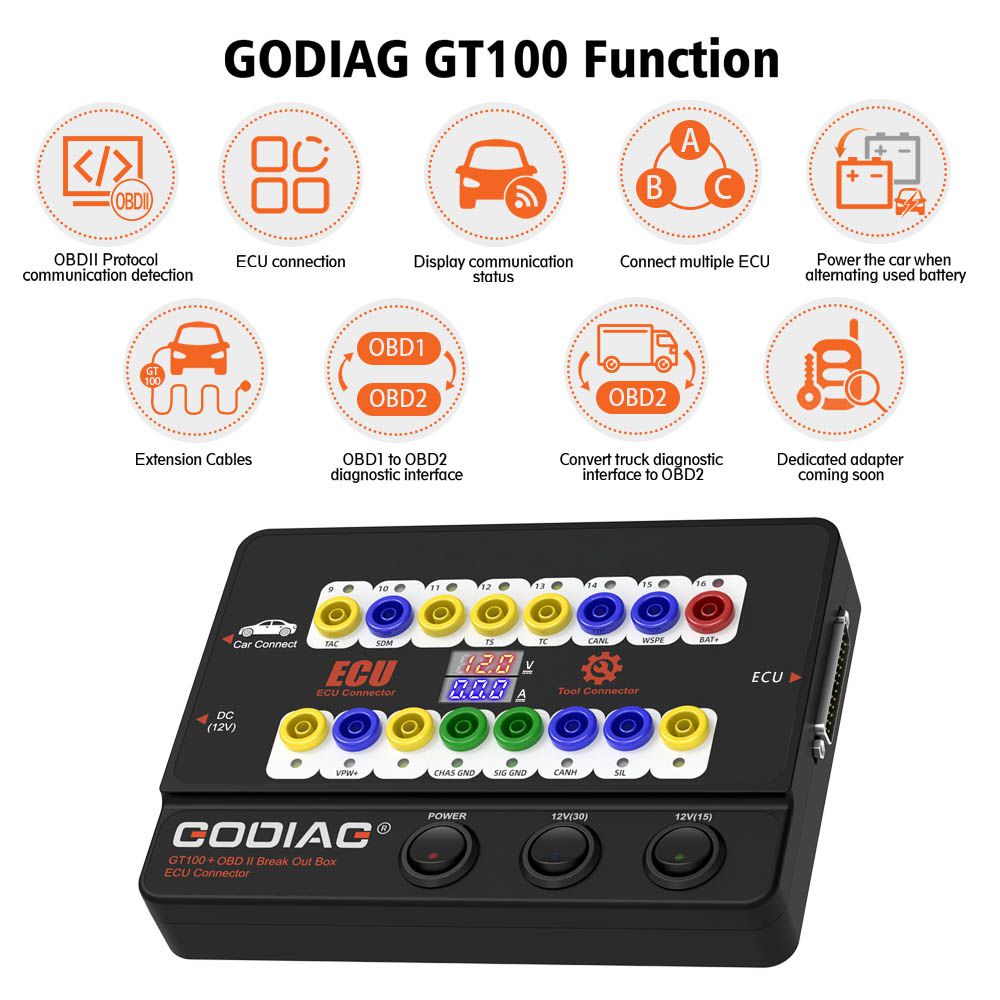
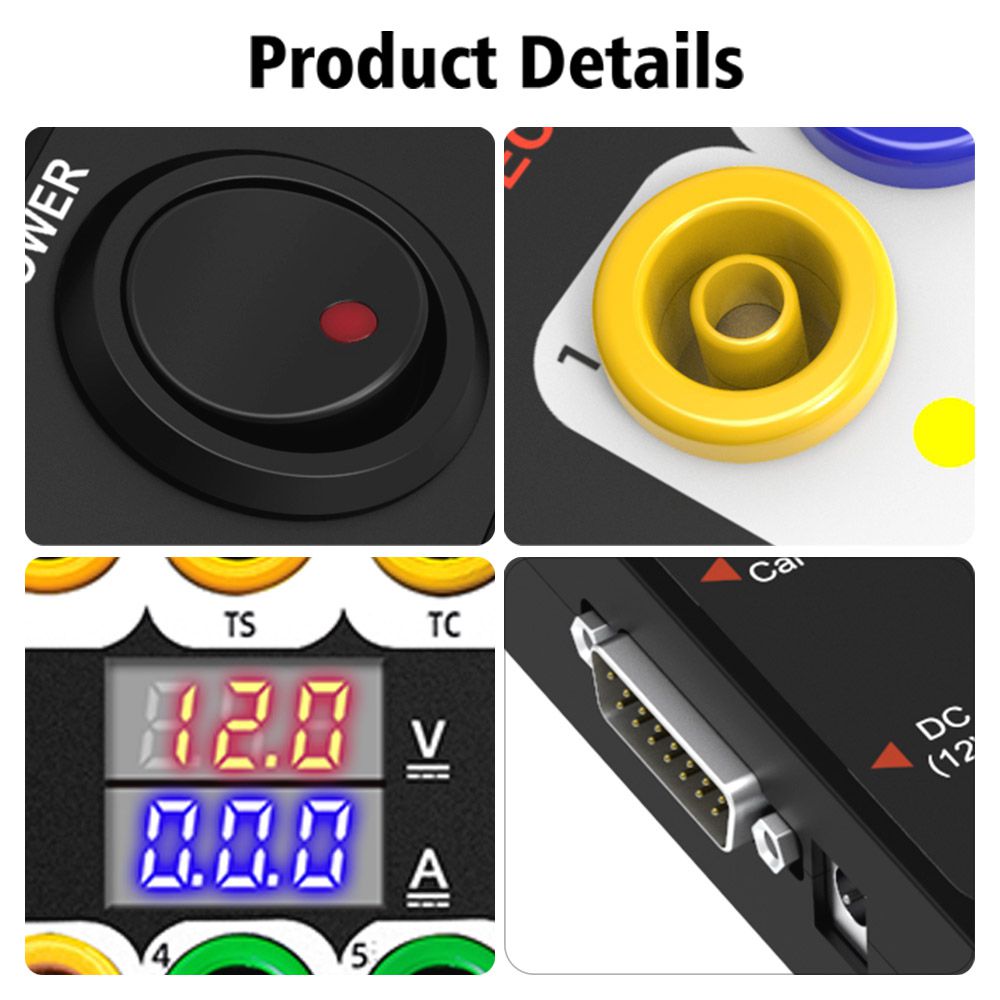
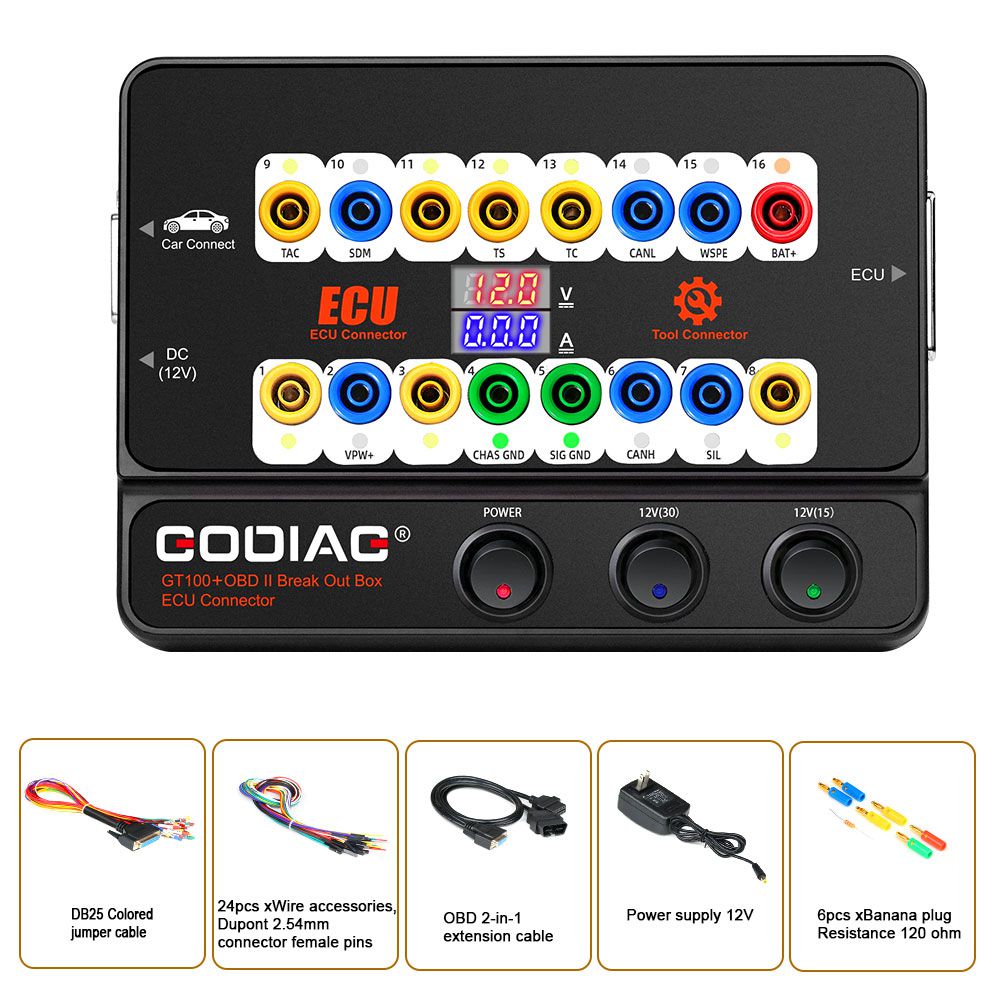
- New generation of GT100, adds Electronic Current Display. You can intuitively see the current display of the ECU by connecting the ECU module with the Banana interface or the DB25 cable, which can make your work much easier.
- ECU connection + OBDII Protocol Detector + Electronic Current Display.
- The cable can be extended, with an Optional Dedicated Adapter.
- Works together with Xhorse VVDI2, Autel devices, Launch, Foxwell, etc.
- Converts OBD1 diagnostic interface to the standard OBD2 diagnostic interface.
- One Year Warranty.
GODIAG GT100+ Details
1. GT100+ Adds Electronic Current Display
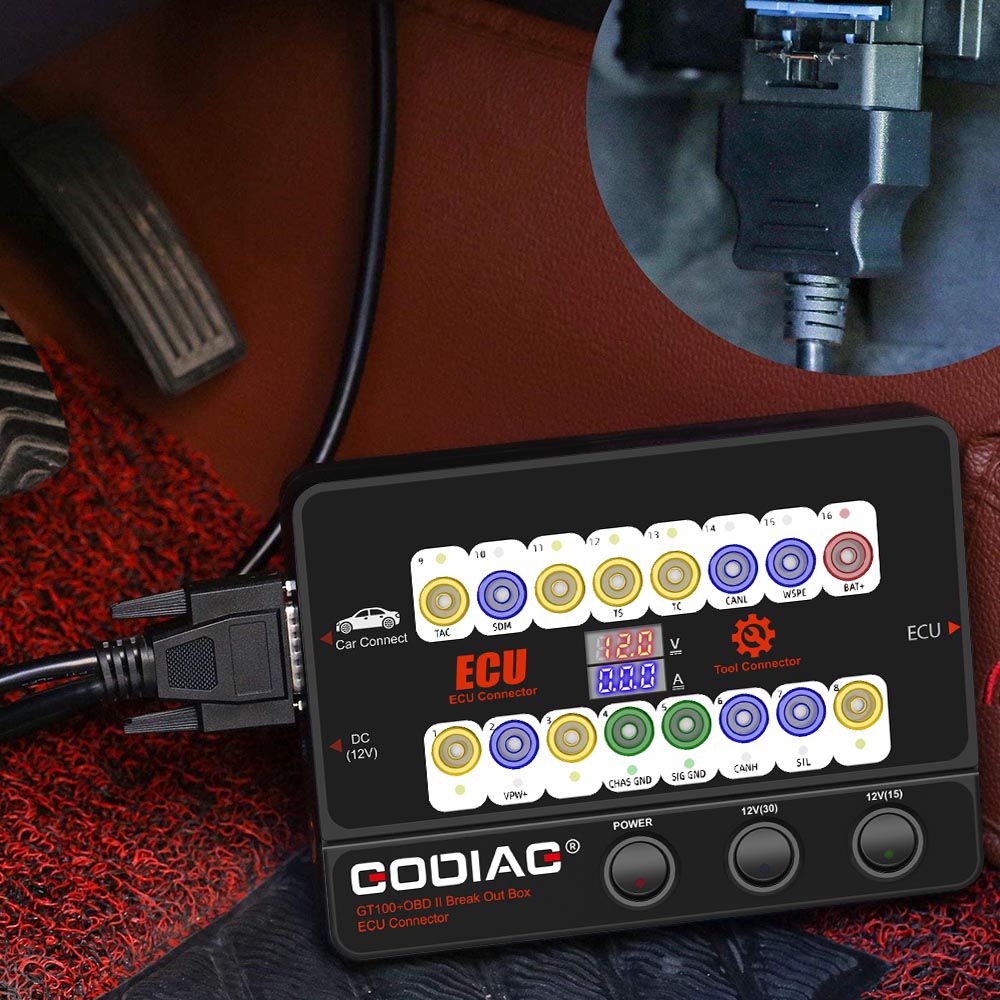
On bench, connect the ECU module using the banana connector or DB25 dedicated ECU adapter. The GODIAG GT100+ will display the electronic current.
Advantage of Displaying Electronic Current Value
The user can intuitively see the current status of the ECU. If there is no current display or the actual displayed current is inconsistent with the engineer’s expected current, you can immediately check whether the wiring is wrong. If the wiring is correct, you can judge that the ECU may be broken—eliminating the need for diagnostic communication and allowing direct ECU repair.
If it shows too much current, you can also determine if the cable is incorrectly connected or the ECU is broken.
2. GT100+ Adds CANBUS Protocol Communication
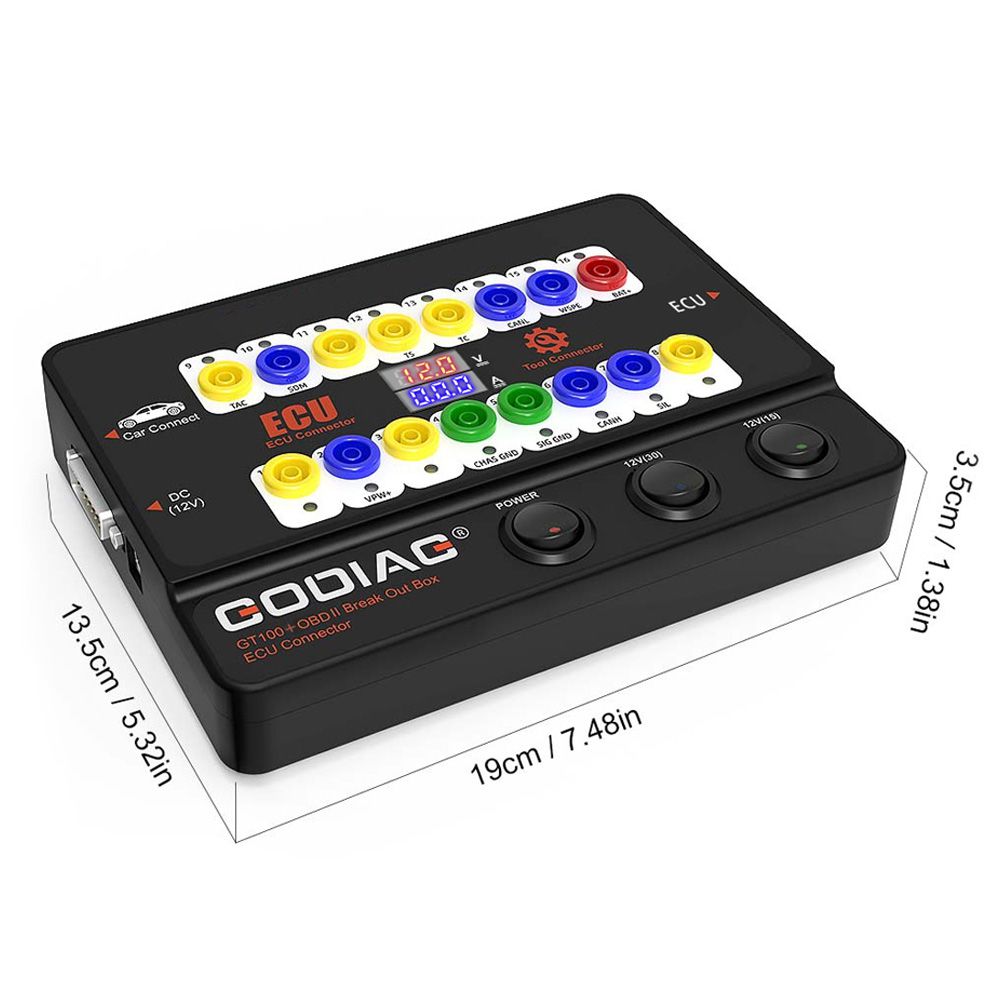
GT100+ Pin 1, 9, 3, 11, 12, 13, 8 [corresponding to the yellow banana connector on the machine]—these non-standard OBD2 protocol interfaces may display CAN BUS or K-Line communication protocol. While the GT100 can only display K-Line, PWM, VPW, and KWP2000 protocols, the GT100+ displays CANBUS, K-Line, PWM, VPW, and KWP2000 protocol communication.
3. Reset Instrument/Immobilizer When All Keys Are lost
When programming keys for VW, Porsche, Mitsubishi, and other vehicles with all keys lost—or when programming a Toyota ECU—you must first activate the dashboard (reset instrument) or wake up the immobilizer module. This can be done directly using the GT100 or GT100+.
a. Toyota Engine ECU Replacement or Key Programming (All Keys lost)
To replace the engine ECU of Toyota or to use some key programmers for Toyota when all keys are lost, short-circuit PIN13–PIN4.
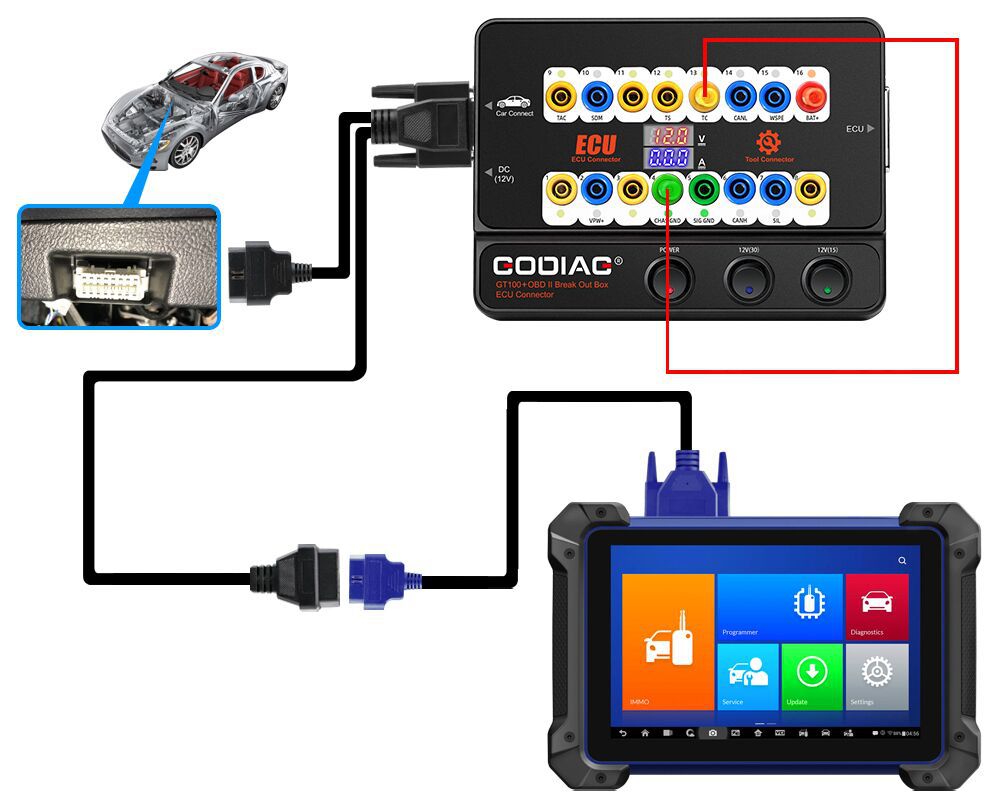
b. Mitsubishi Key Programming (All Keys Lost) or OBDII Setup (All Remote Keys Lost)
To program Mitsubishi keys with all keys lost or to set OBDII when all remote keys are lost, short-circuit PIN1–PIN4.
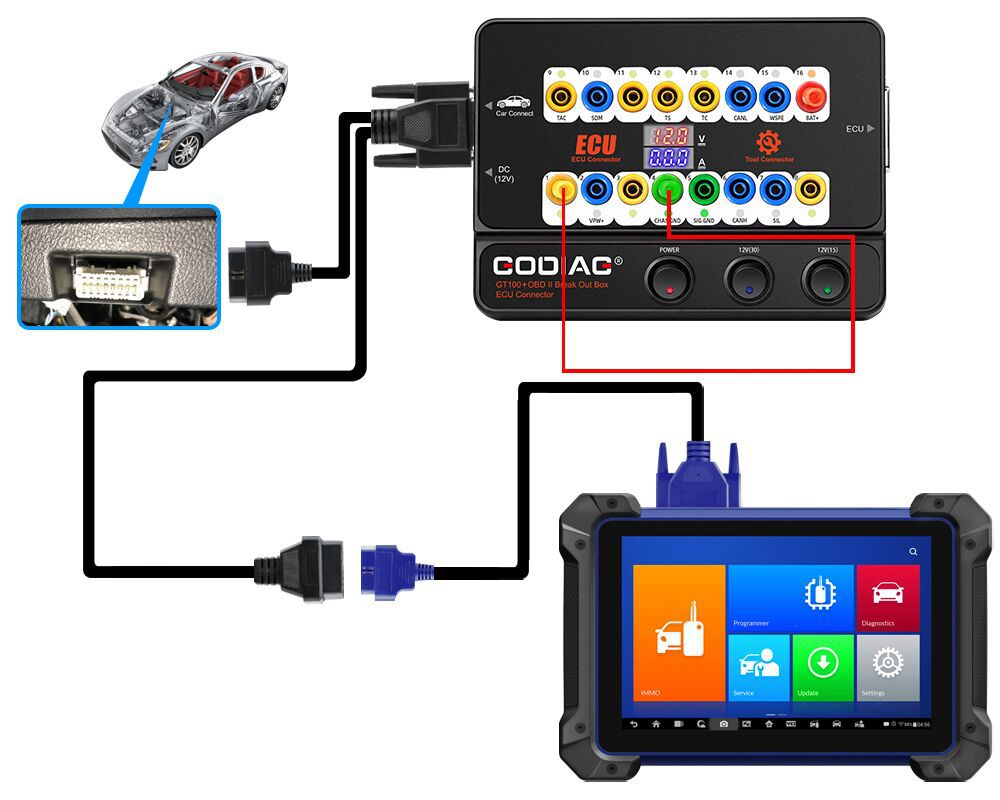
c. Porsche and VAG 4th/5th Generation Keys
For Porsche and VAG 4th generation / 5th generation keys (e.g., new A6L, Touareg, A4, Q5, A7), use GT100+ to short-circuit banana connector PIN16–PIN1 to light up the dashboard. After that, use the Key Programming tool to connect with the female adapter of GT100+ for data collection. Note: Some vehicle dashboards won’t light up, but data can still be collected (e.g., A6L, Q7).
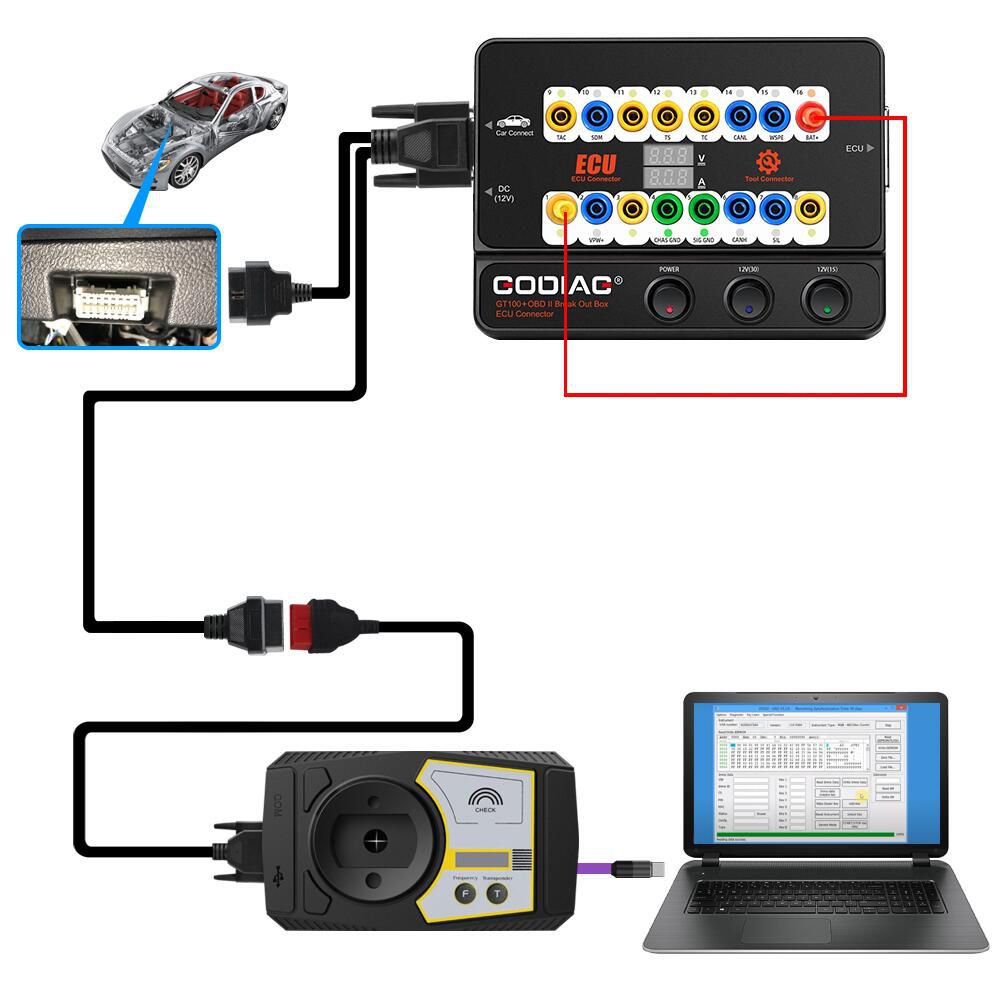
Package Includes
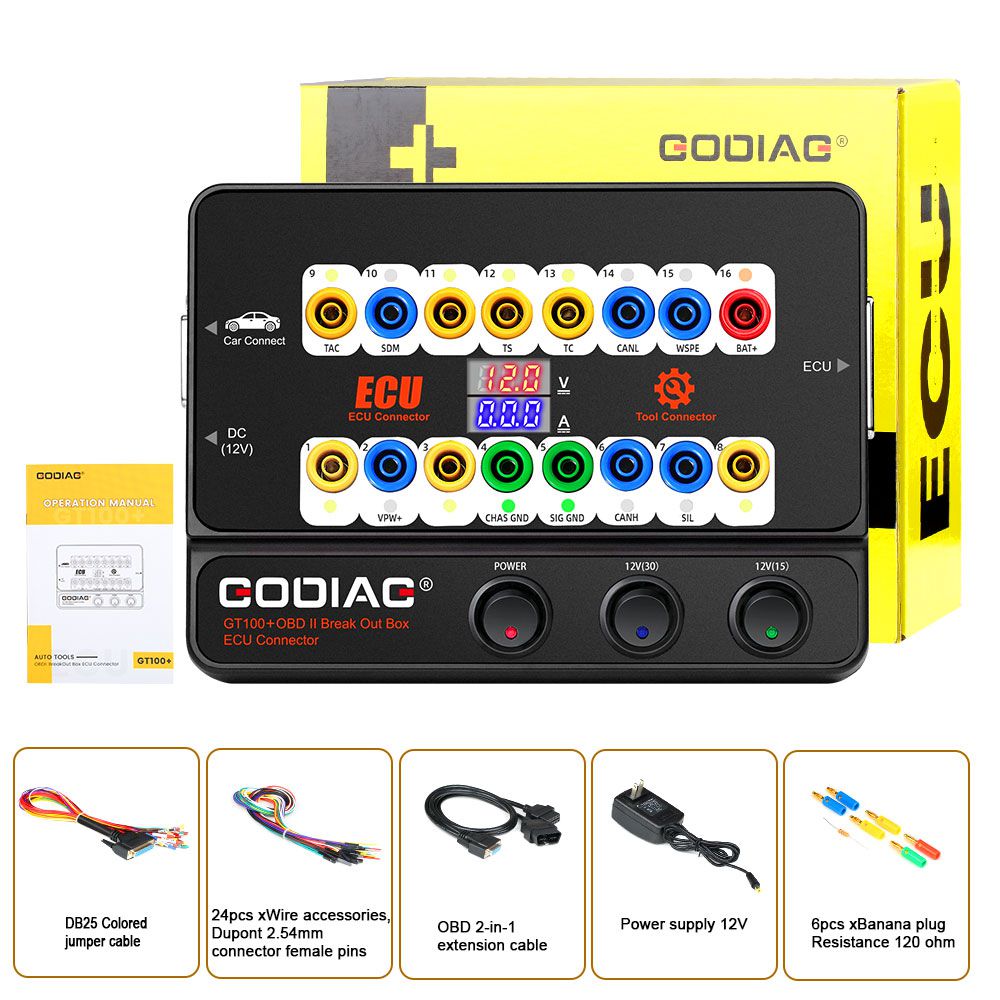
- 1pc x Host
- 1pc x OBD 2-in-1 Extension Cable
- 1pc x Colored Jumper Cable
- 1pc x Power Supply 12V
- 1pc x Resistance 120 ohm
- 6pcs x Banana Plug
- 24pcs x Wire accessories, Dupont 2.54mm connector female pins