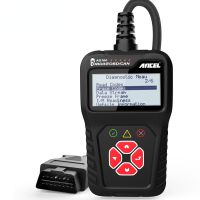
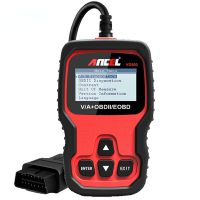
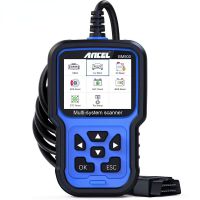
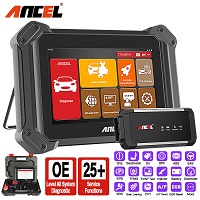
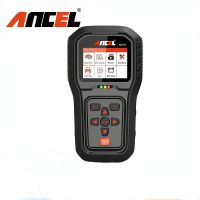
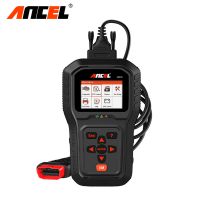
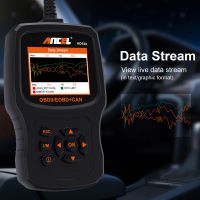
Ancel BD310 OBD2 Automotive Scanner Bluetooth 3 in 1 OBD Gauge Driving On-board Computer Car Diagnostics Tool Code Reader
  • Ancel BD310 OBD2 Automotive Scanner Bluetooth 3 in 1 OBD Gauge Driving On-board Computer Car Diagnostics Tool Code Reader
  • Ancel BD310 OBD2 Automotive Scanner Bluetooth 3 in 1 OBD Gauge Driving On-board Computer Car Diagnostics Tool Code Reader
  • Ancel BD310 OBD2 Automotive Scanner Bluetooth 3 in 1 OBD Gauge Driving On-board Computer Car Diagnostics Tool Code Reader
  • Ancel BD310 OBD2 Automotive Scanner Bluetooth 3 in 1 OBD Gauge Driving On-board Computer Car Diagnostics Tool Code Reader
  • Ancel BD310 OBD2 Automotive Scanner Bluetooth 3 in 1 OBD Gauge Driving On-board Computer Car Diagnostics Tool Code Reader
  • Ancel BD310 OBD2 Automotive Scanner Bluetooth 3 in 1 OBD Gauge Driving On-board Computer Car Diagnostics Tool Code Reader
  • Ancel BD310 OBD2 Automotive Scanner Bluetooth 3 in 1 OBD Gauge Driving On-board Computer Car Diagnostics Tool Code Reader
  • Ancel BD310 OBD2 Automotive Scanner Bluetooth 3 in 1 OBD Gauge Driving On-board Computer Car Diagnostics Tool Code Reader
  • Ancel BD310 OBD2 Automotive Scanner Bluetooth 3 in 1 OBD Gauge Driving On-board Computer Car Diagnostics Tool Code Reader
  • Ancel BD310 OBD2 Automotive Scanner Bluetooth 3 in 1 OBD Gauge Driving On-board Computer Car Diagnostics Tool Code Reader
  • Ancel BD310 OBD2 Automotive Scanner Bluetooth 3 in 1 OBD Gauge Driving On-board Computer Car Diagnostics Tool Code Reader
  • Ancel BD310 OBD2 Automotive Scanner Bluetooth 3 in 1 OBD Gauge Driving On-board Computer Car Diagnostics Tool Code Reader

Ancel BD310 OBD2 Automotive Scanner Bluetooth 3 in 1 OBD Gauge Driving On-board Computer Car Diagnostics Tool Code Reader

Ancel BD310 OBD2 Automotive Scanner Bluetooth 3 in 1 OBD Gauge Driving On-board Computer Car Diagnostics Tool Code Reader
Item No. COBD211527
5 stars, 9 reviews.
In Stock
Price:
US$74.00/ piece
Discount Price:
US$45.00/ piece 39%
Quantity:
  
Shipping:
Airmail Post
Estimated delivery time: 7-45 working days.See details»
Returns:
Return for refund within 7 days,buyer pays return shipping.Read details »
Support:
Online Chat Ask a question
Description

Ancel BD310 OBD2 Automotive Scanner – Bluetooth 3-in-1 On-Board Computer

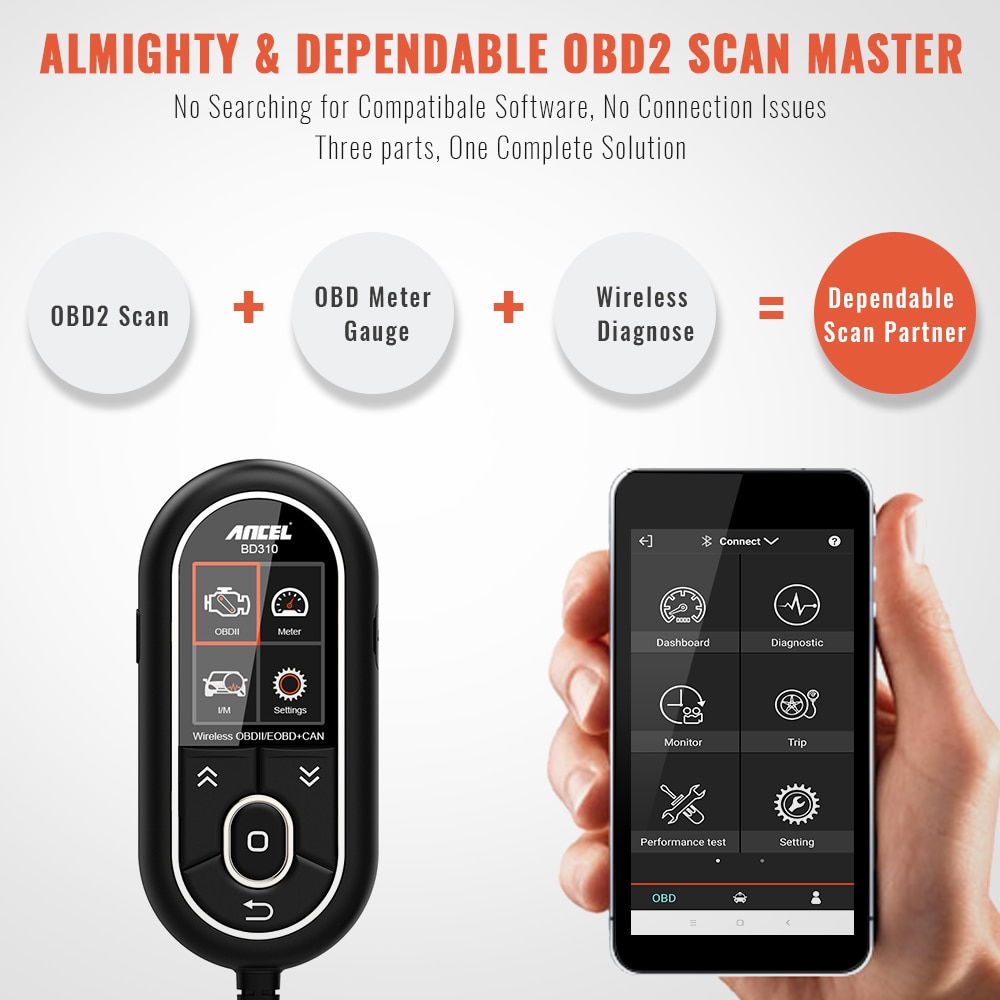
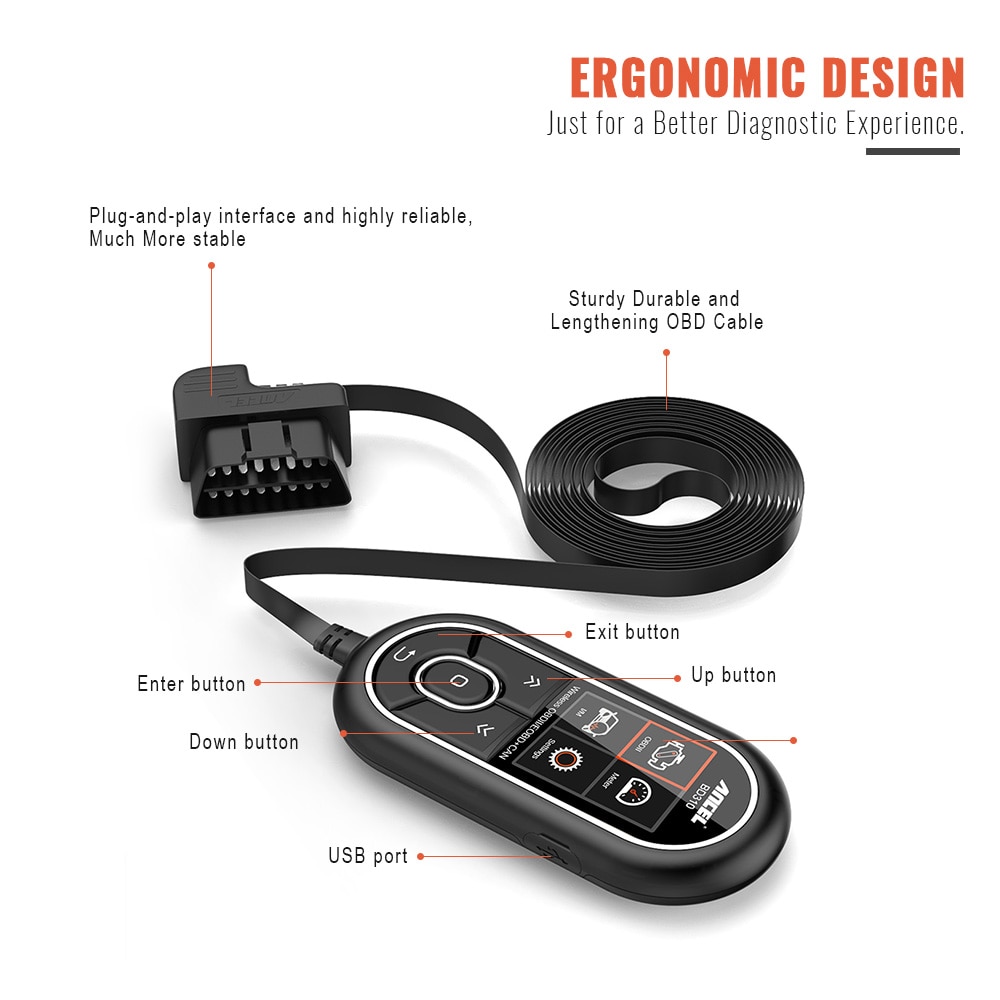
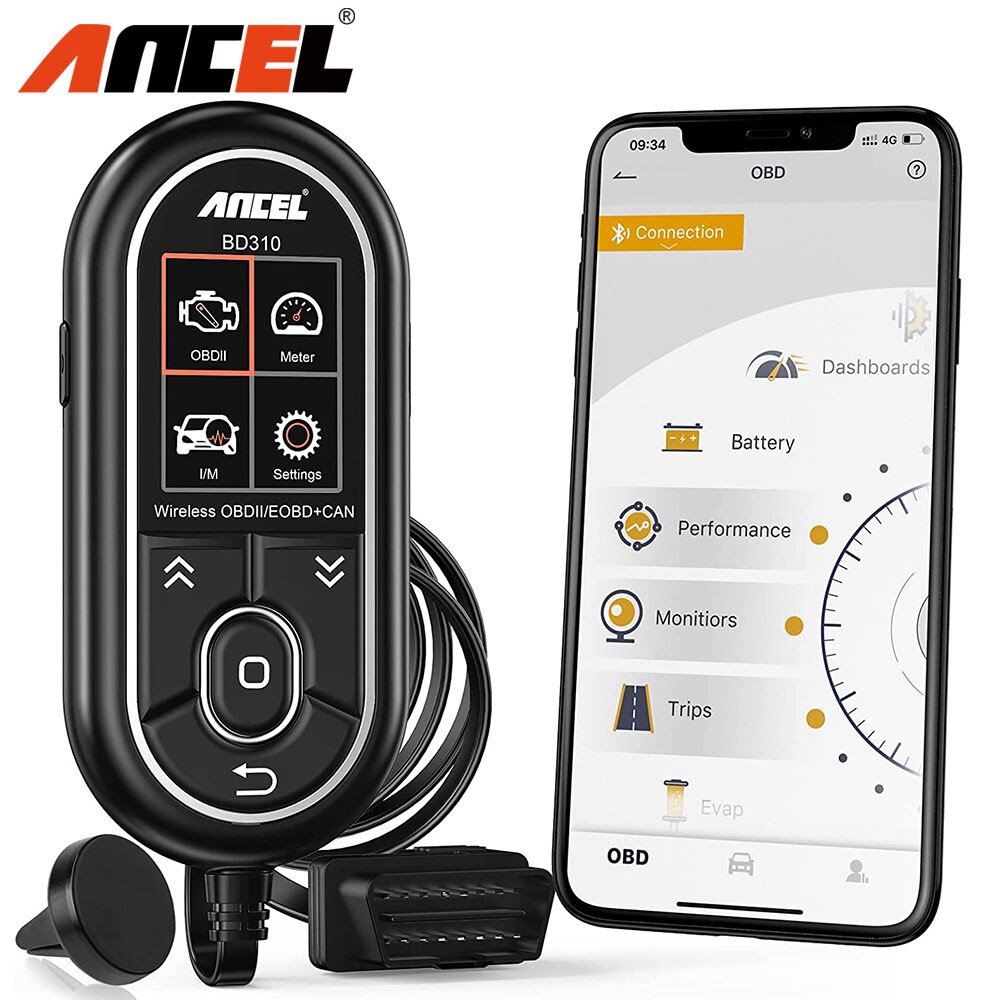
The ANCEL BD310 is a versatile OBD2 car diagnostic tool that functions as a digital gauge, driving computer, and code reader—all in one device.

Key Features of the ANCEL BD310 OBD2 Scanner

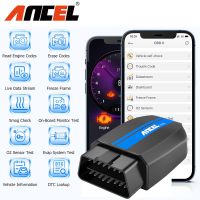
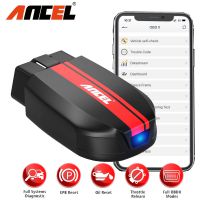
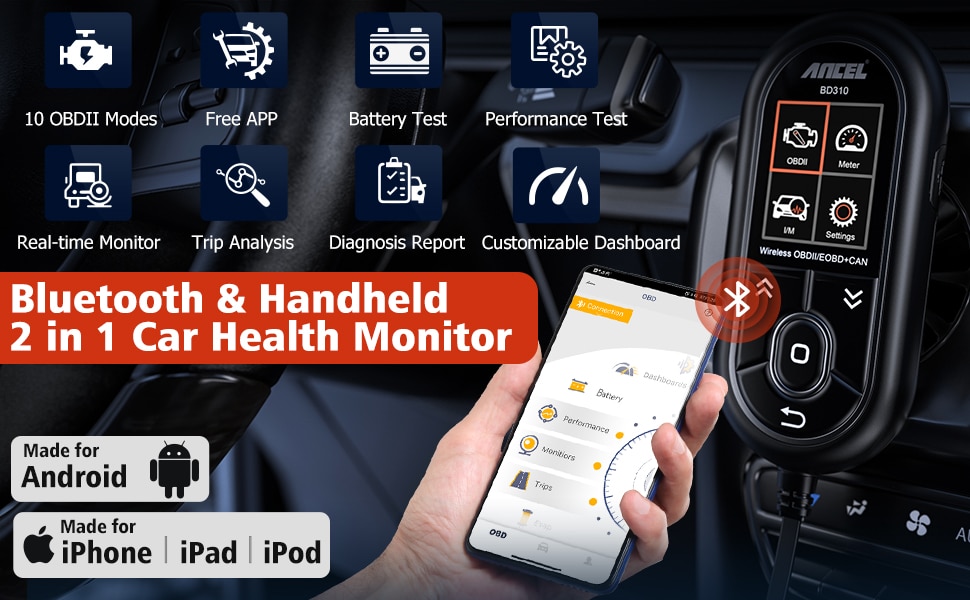
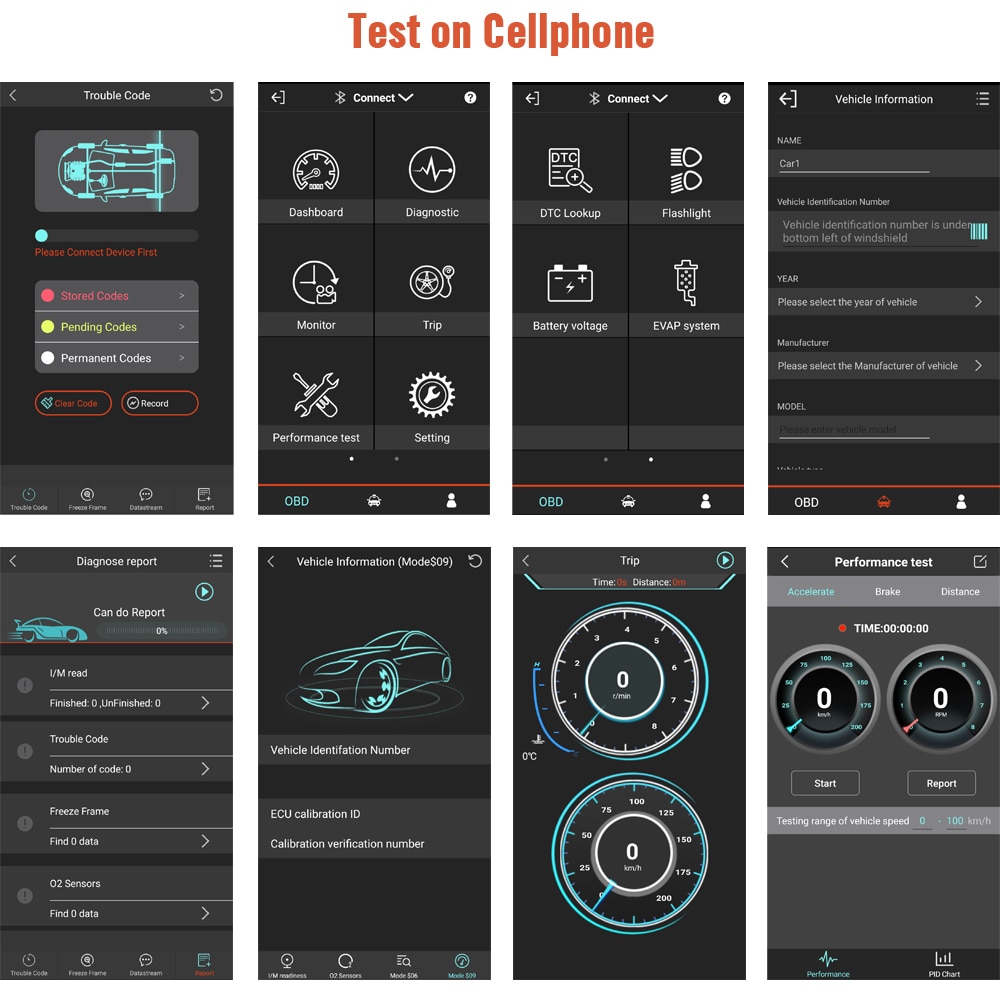
Bluetooth-enabled 3-in-1 on-board computer with free lifetime updates and multi-language support for comprehensive vehicle diagnostics and real-time monitoring.
Dual Working Modes

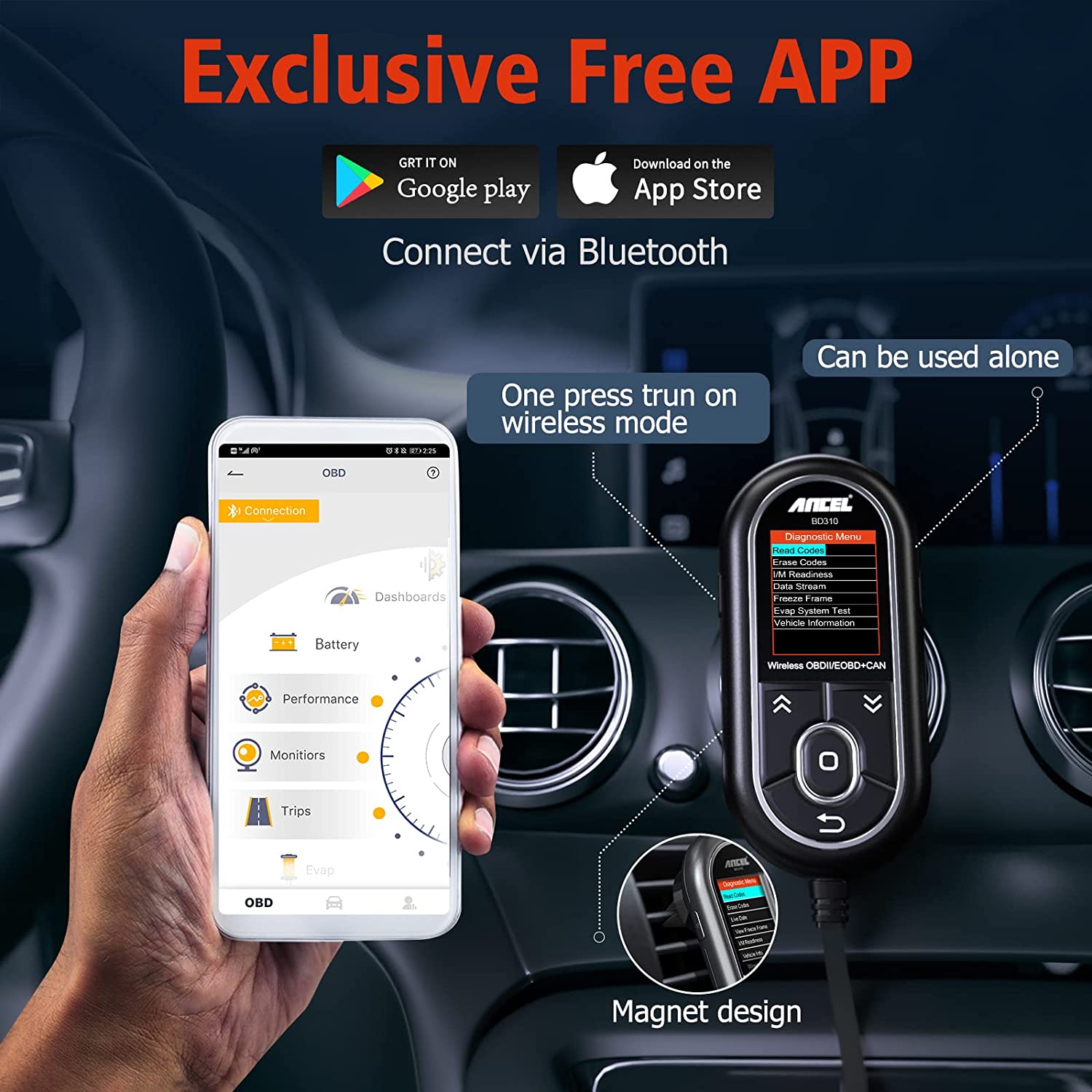
1. On-Board Computer Mode (via Free App)

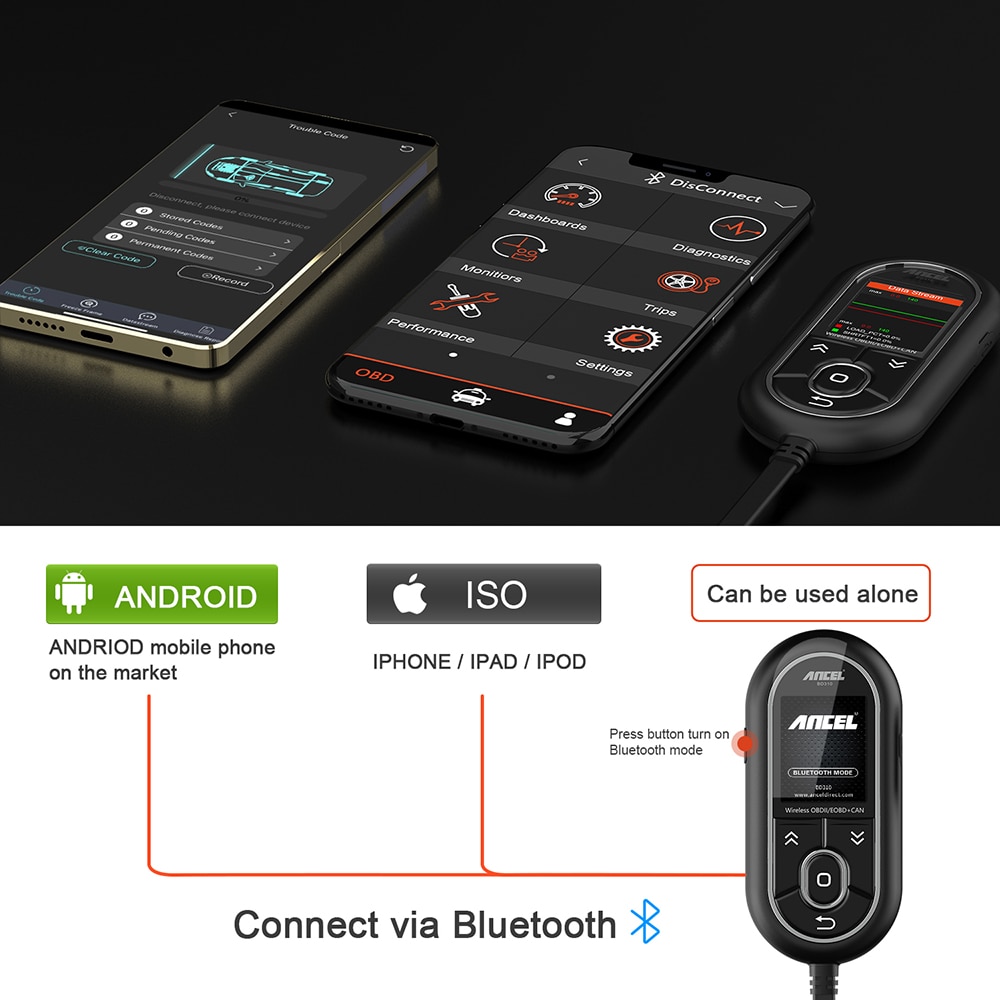
  • Download the universal app for iPhone or Android from the seller
  • Connect quickly and reliably via Bluetooth 4.0
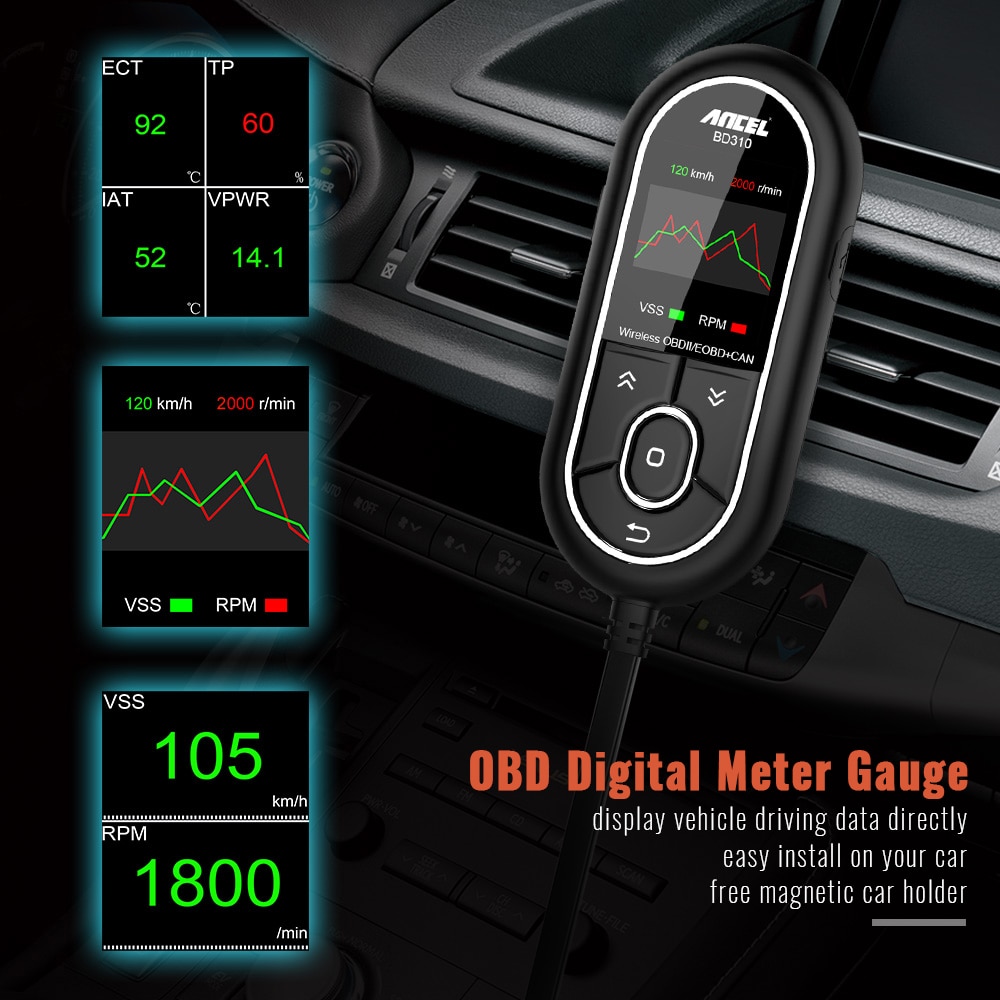
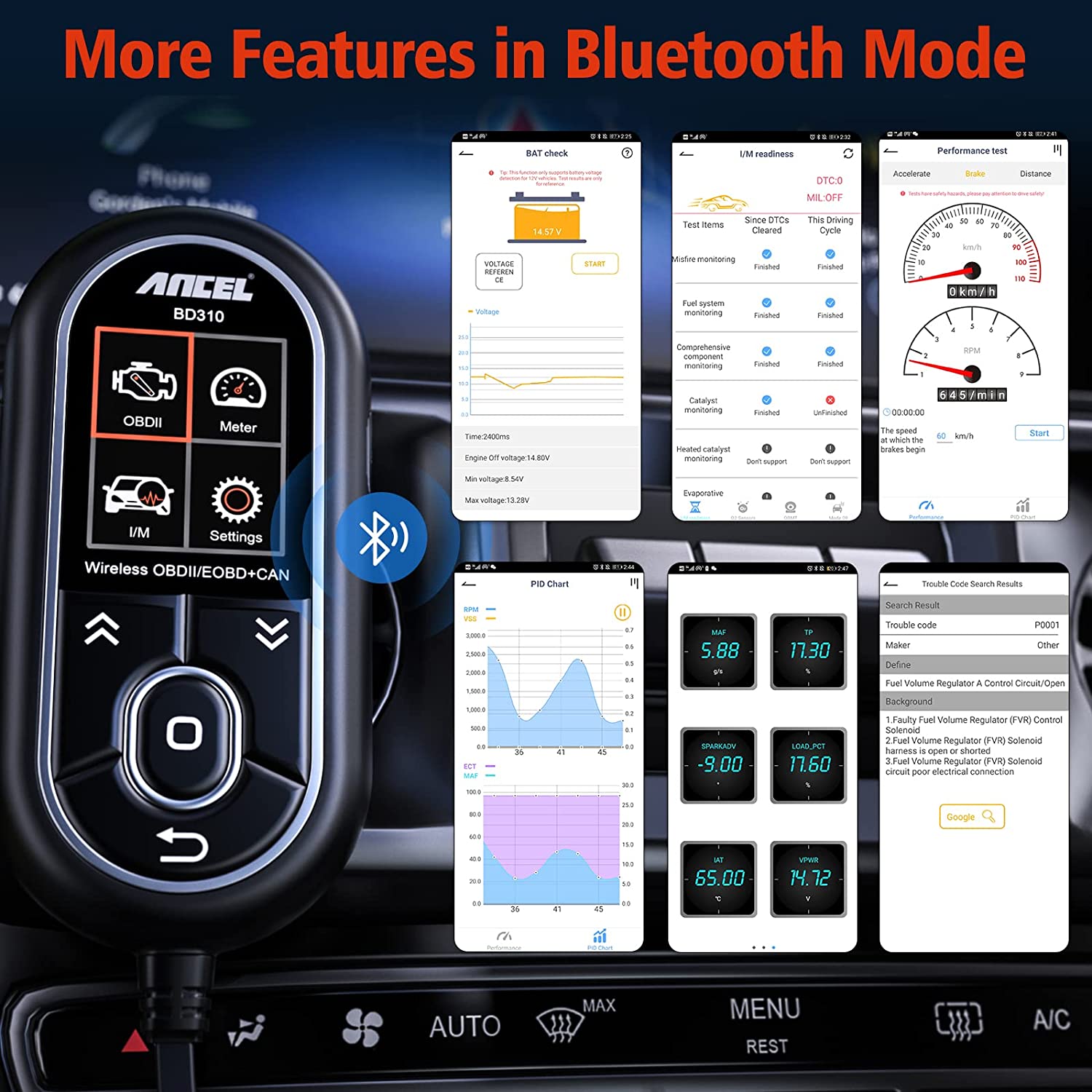
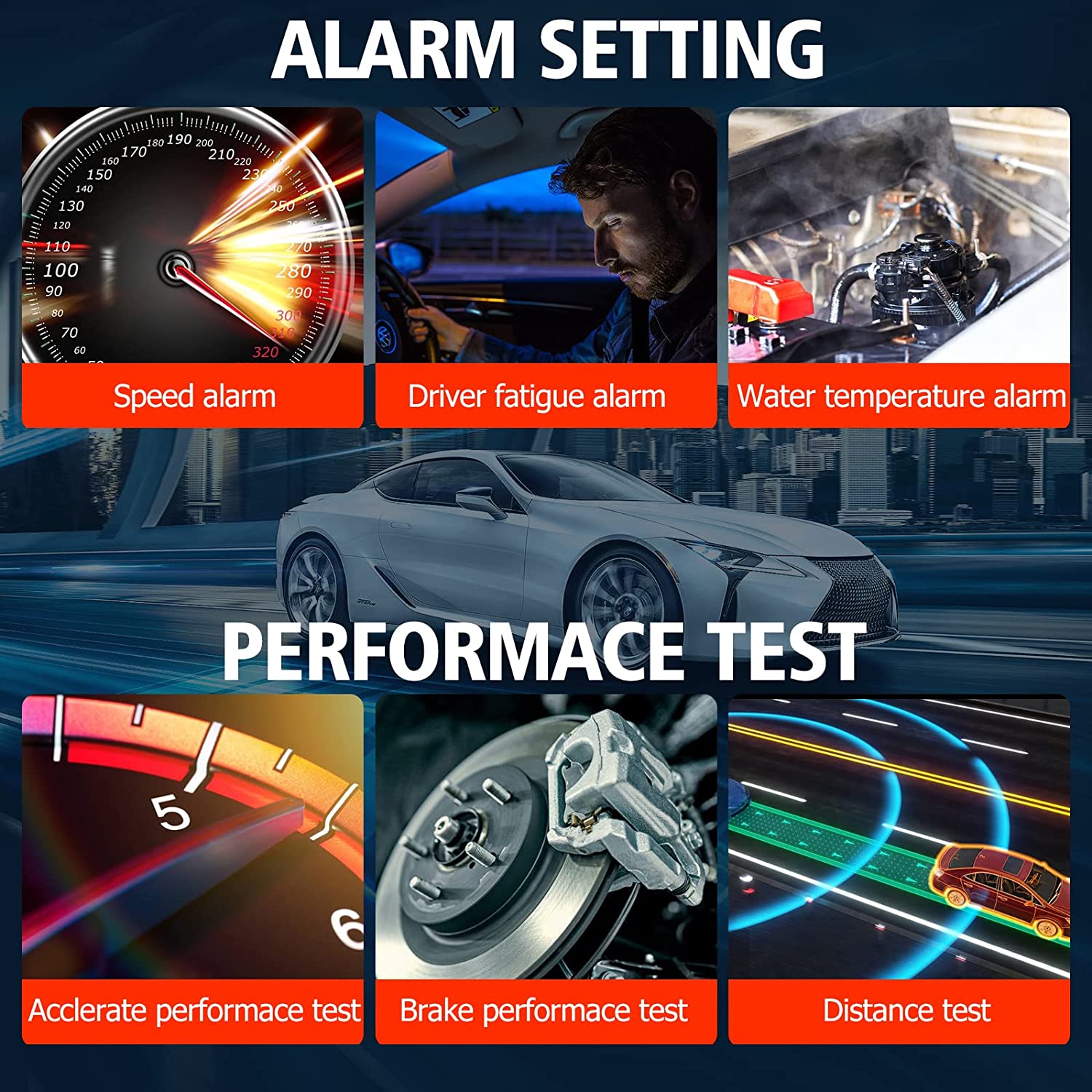
  • View real-time engine data in graphical format, including:
    • Coolant temperature
    • Voltage
    • Speed
    • Pressure
    • Fuel consumption

2. Driving Behavior & Emissions Monitoring

  • Functions as a smart trip computer to track trip distance and driving habits
  • Monitor brake usage, acceleration patterns, and smog emission levels
  • No monthly subscription fees, data plans, in-app purchases, hidden costs, or ads
OBD2 Diagnostic Tool Capabilities

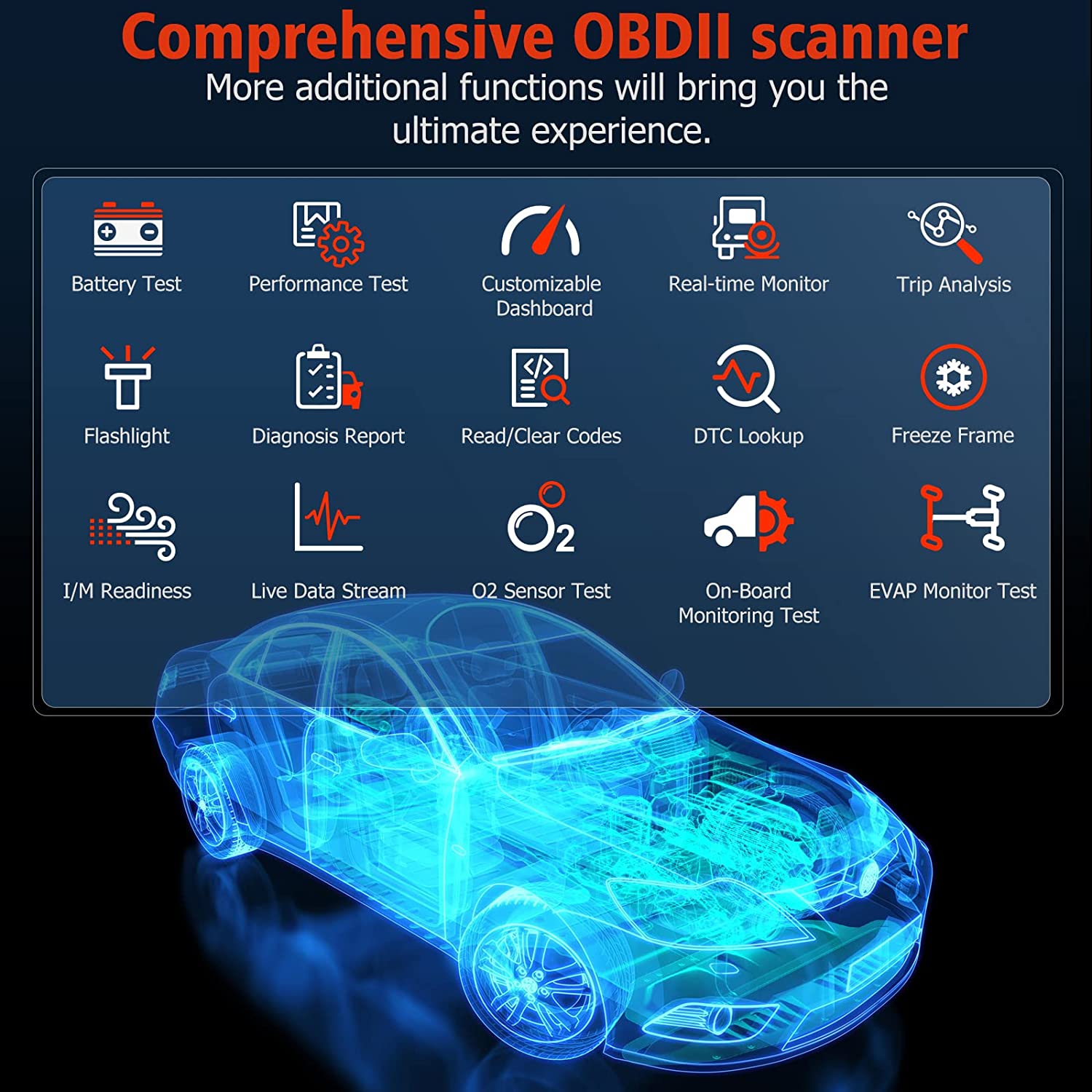
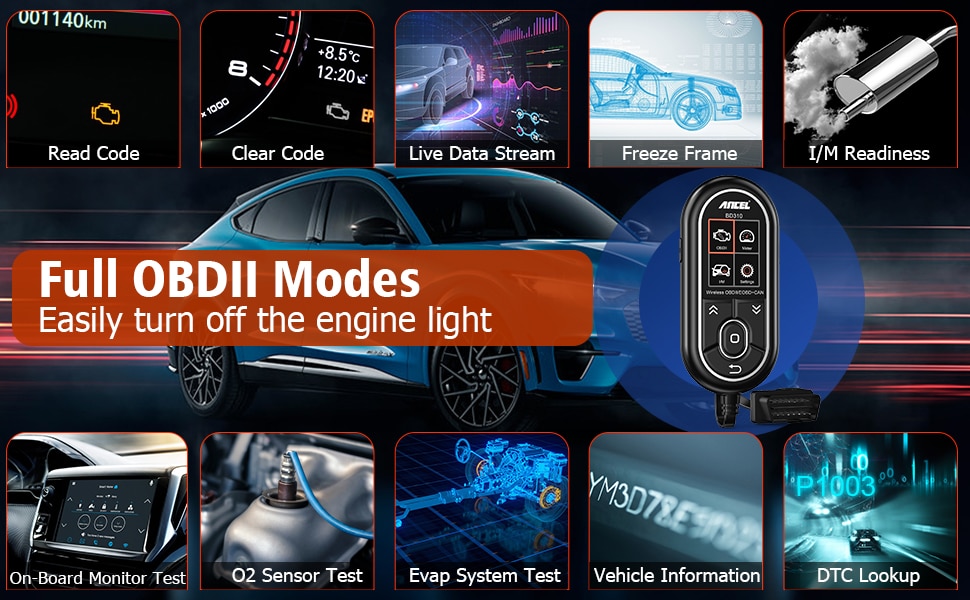
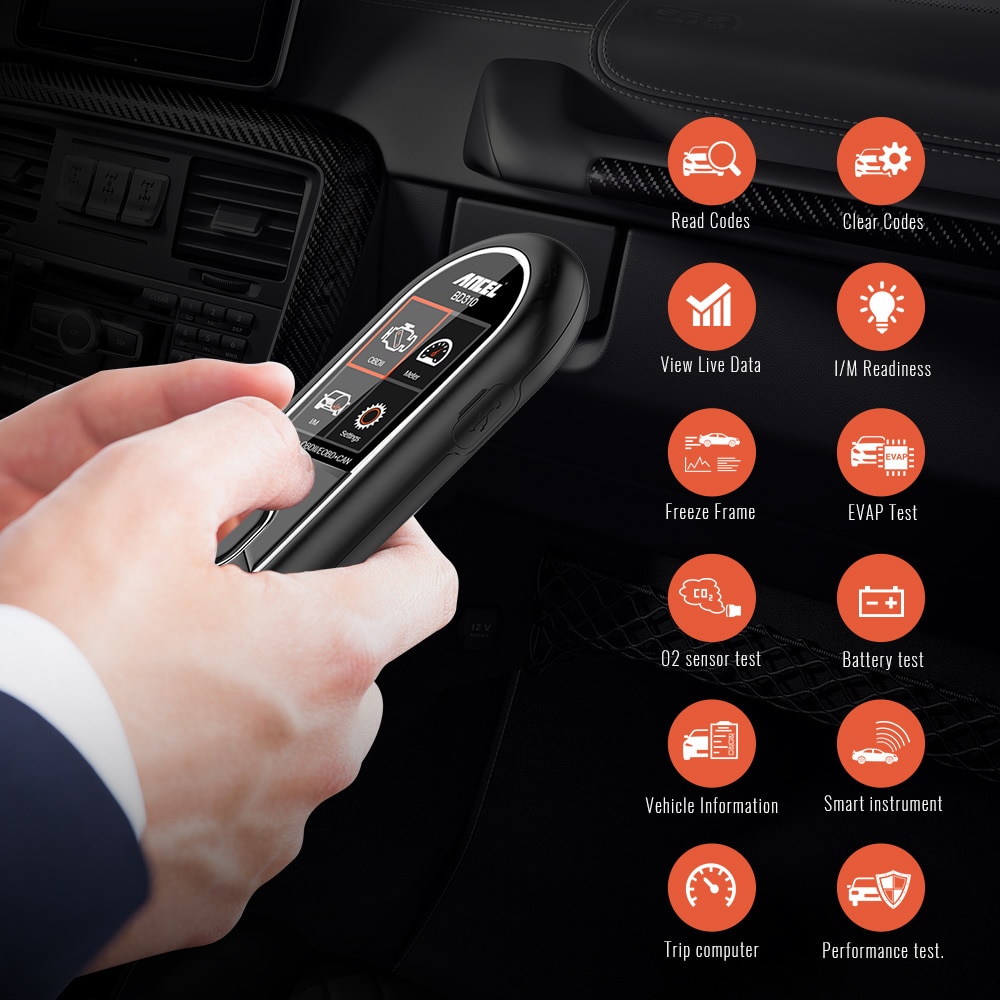
  • Supports all 10 OBDII engine protocols—reads and clears Diagnostic Trouble Codes (DTCs)
  • Displays live data, I/M readiness status, and Vehicle Identification Number (VIN)
  • Easily clears error codes and turns off the Check Engine Light
  • Lifetime free software updates via Windows PC
  • Available in 8 languages: English, French, Spanish, German, Italian, Portuguese, Dutch, and Finnish
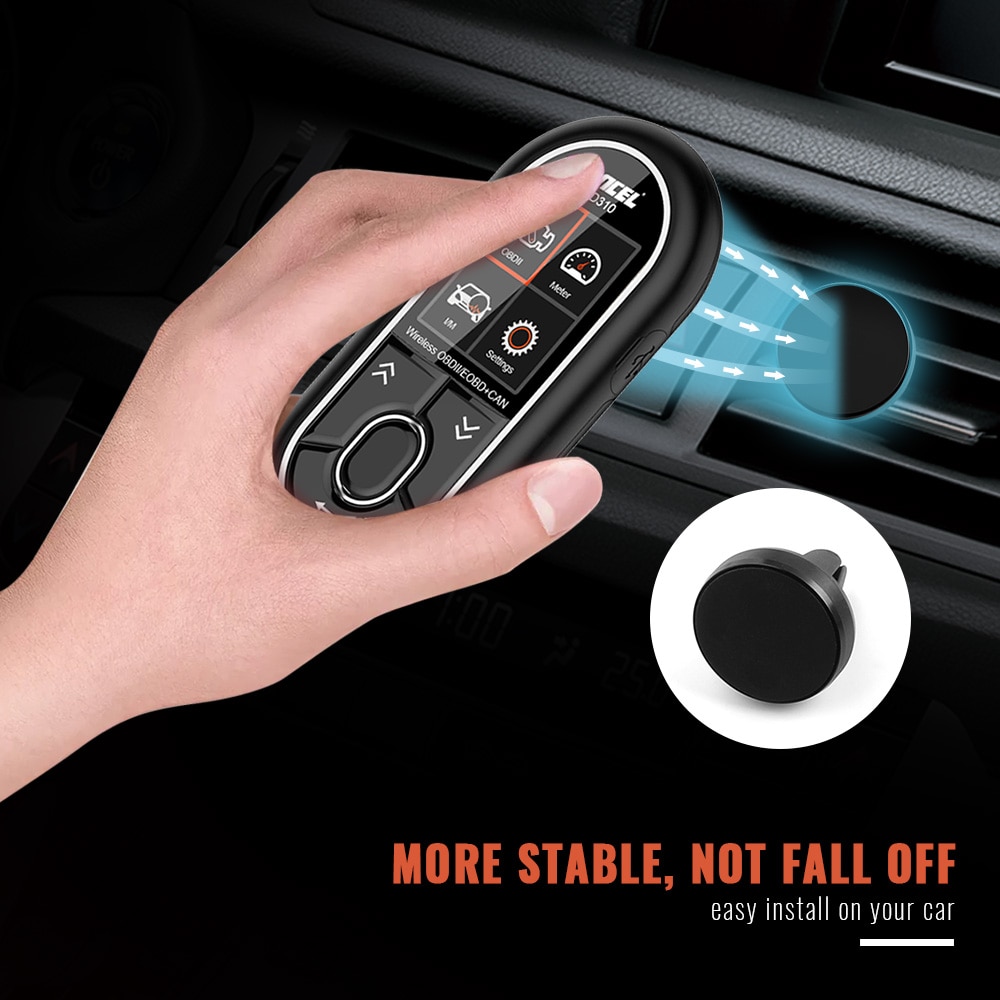
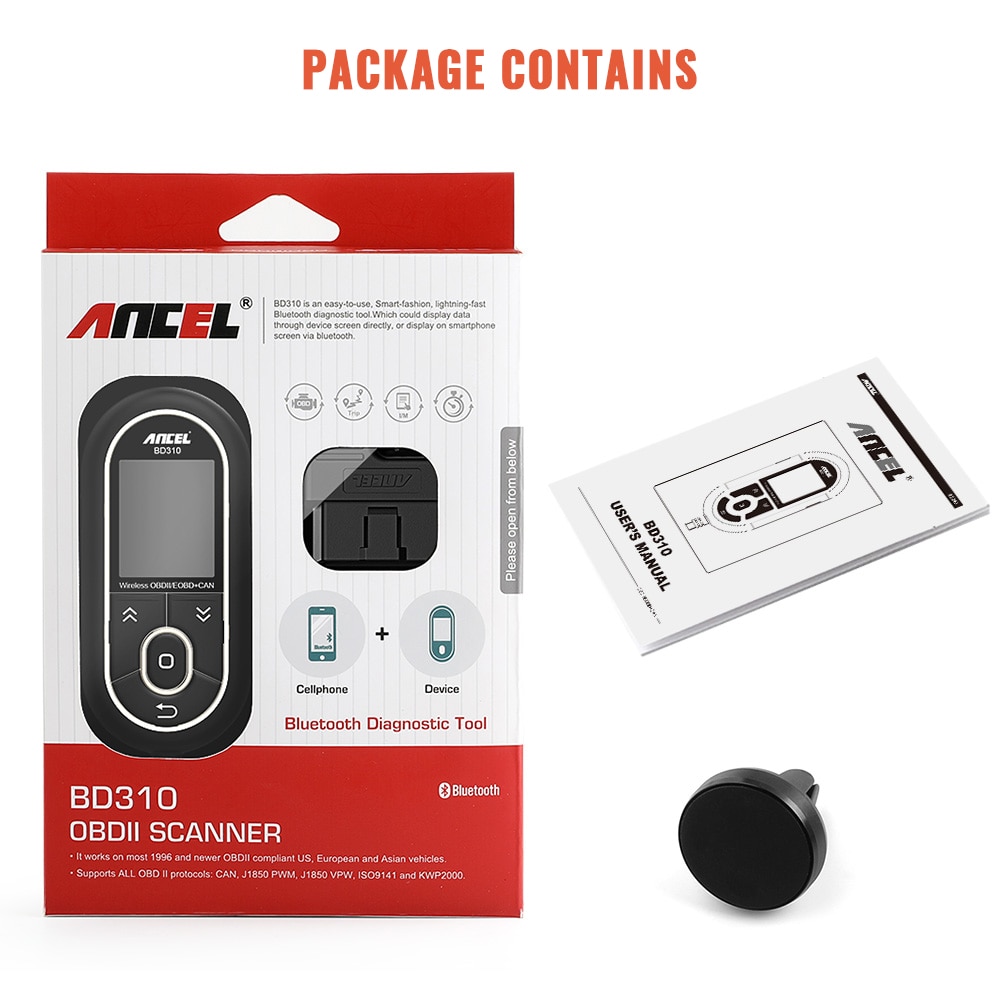
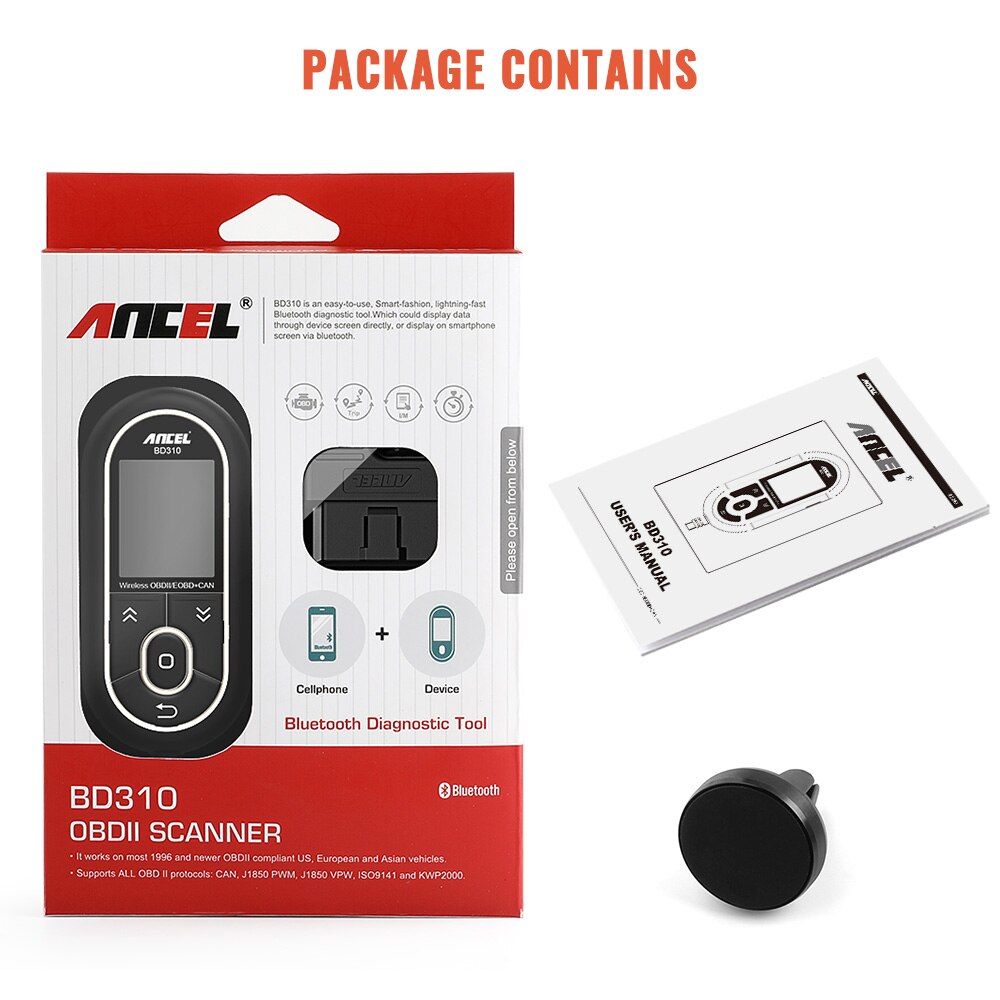
  • Includes a free magnetic car holder compatible with both the BD310 unit and your smartphone
Important Notes

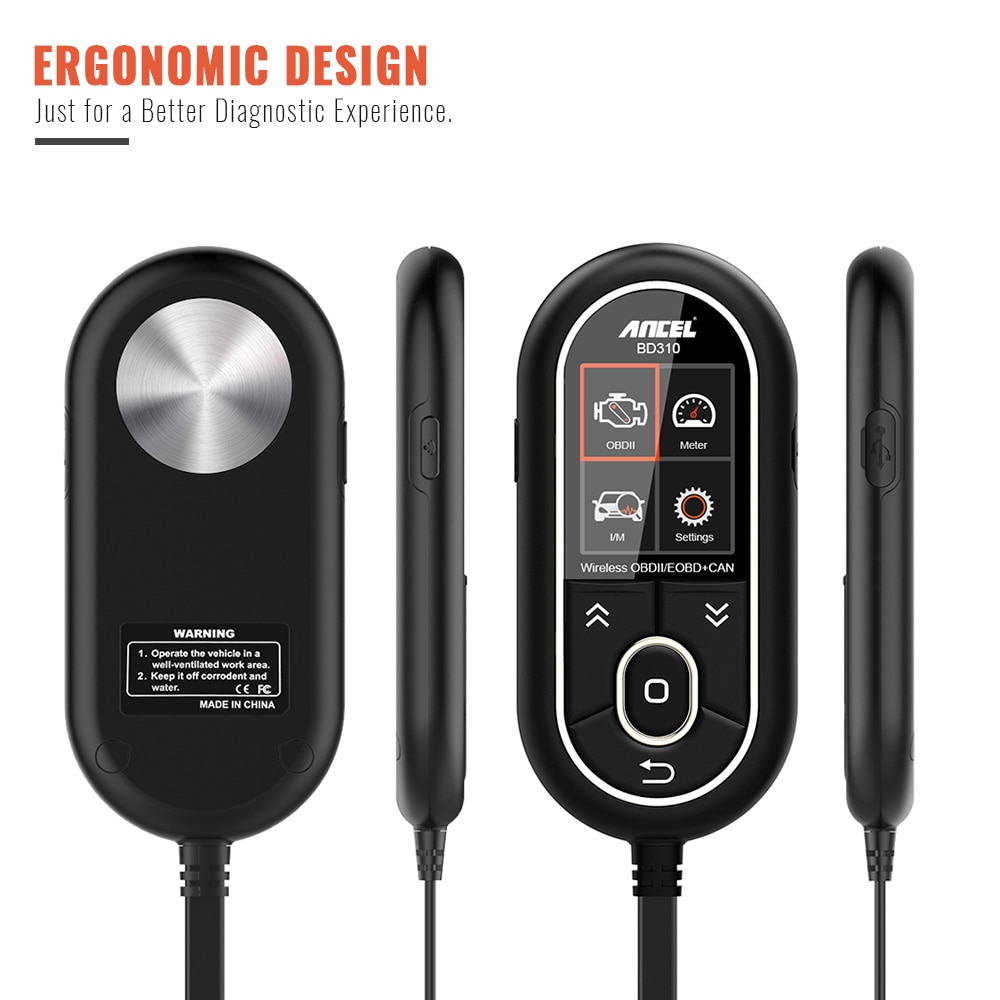
  1. The device supports two connection modes—Bluetooth and cable—but only one can be active at a time. Switch between them using the side Bluetooth button.
  2. If there’s no communication with the vehicle, the device automatically enters sleep mode. Press the side Bluetooth button to reactivate it.

Tips: Use as a Phone HUD (Head-Up Display)

  1. Select your preferred dashboard layout in the app
  2. Tap the screen once to open the menu in the top-right corner
  3. Choose “HUD mode”
  4. Tap the top-right corner again to mirror the display for head-up projection
Hot Selling
New Arrival
Home | New Arrivals | Specials | Contact
Copyright 2026 @ ukobd2.com All Rights Reserved.