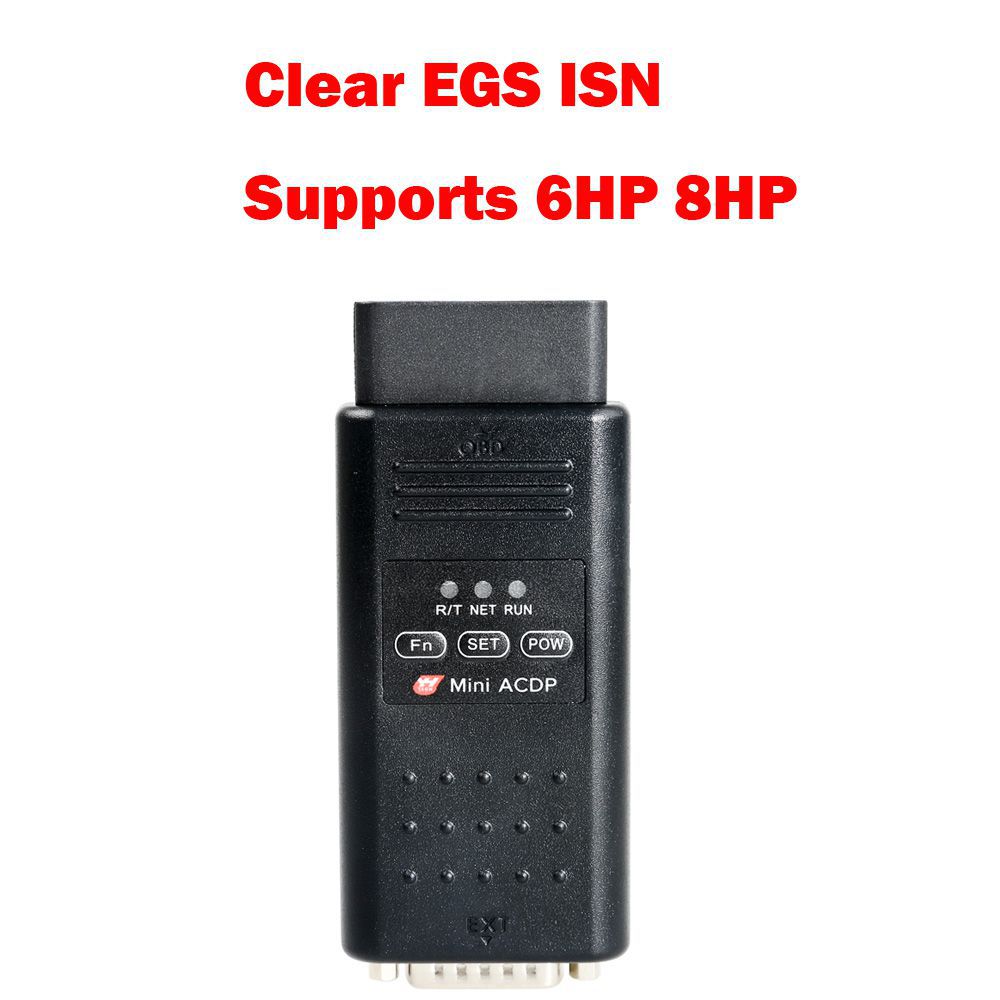
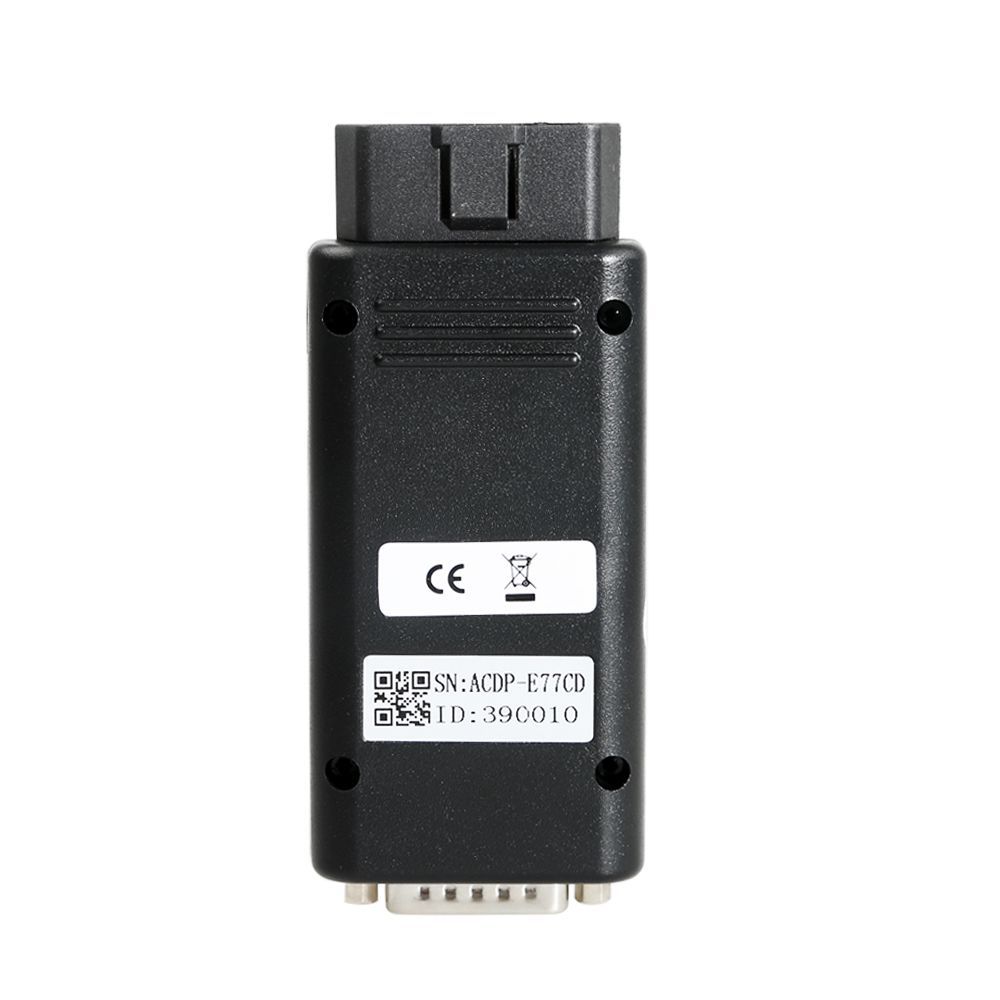
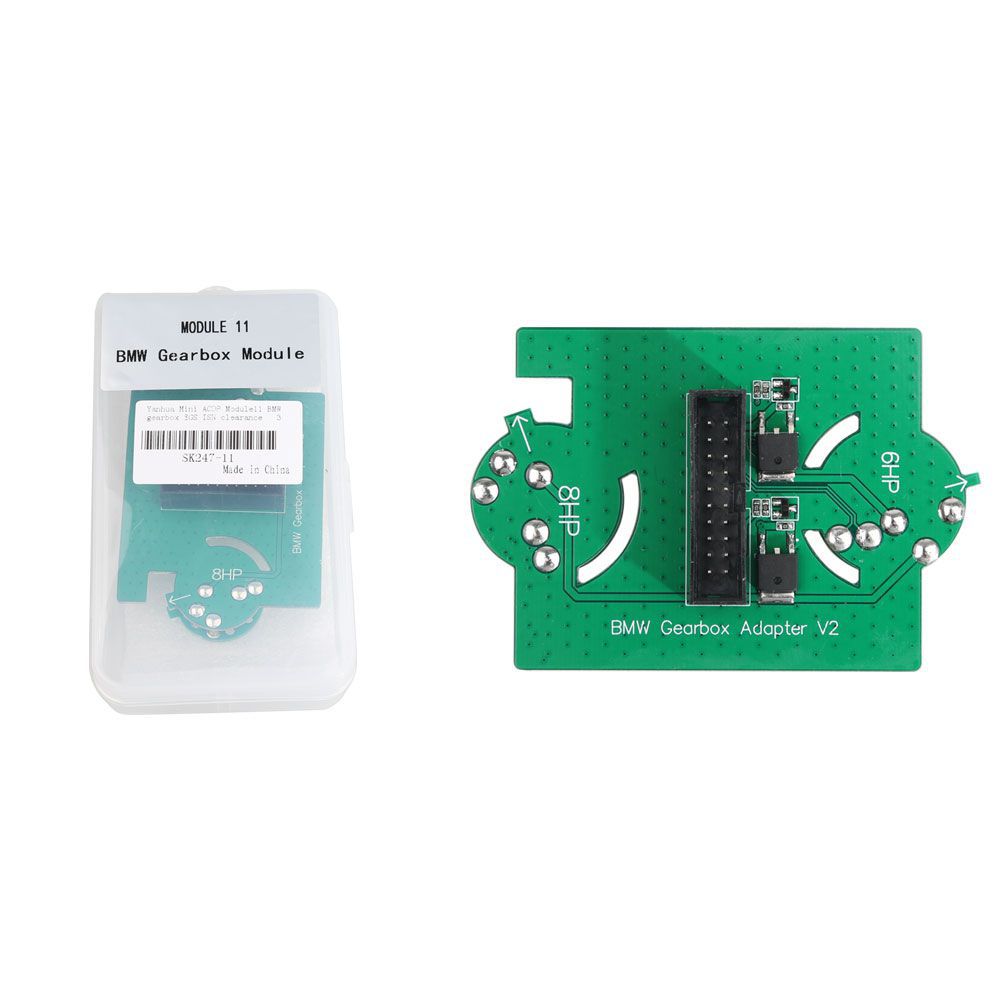


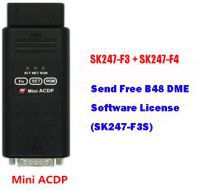
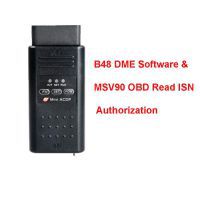

Yanhua Mini ACDP Key Programmer Host with Clear EGS ISN Module 11
No need to remove chip
No need soldering
No need to cut the line
No need to lift the pin
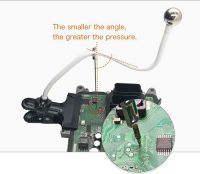
Solder-free programming & Data safety
WiFi connection & Free connection
Operating System Compatibility
- iOS: iPhone or iPad
- Android: Xiaomi, OPPO, Samsung, and other mobile phones with Qualcomm chipset (Huawei devices are not supported)
- PC: Windows-based computers
Yanhua ACDP + Module 11 Functions
- EGS State
- Clear ISN
- Reset Adaptation
- Backup Coding
- Recover Coding
Key Features
- Free of disassembly, solderless operation:
No need to remove components,
No need to cut the line—eliminates risk of damage to the BCM computer board. - All-in-one anti-theft solution:
Combines anti-theft data reading and writing, anti-theft data calculation, and key programming in a single process. - Intelligent interface board:
Replaces welding wires with pin connections featuring intelligent detection for safe and reliable data reading and writing. - Key refresh function:
Prevents loss caused by keys being locked.
Scope of Application
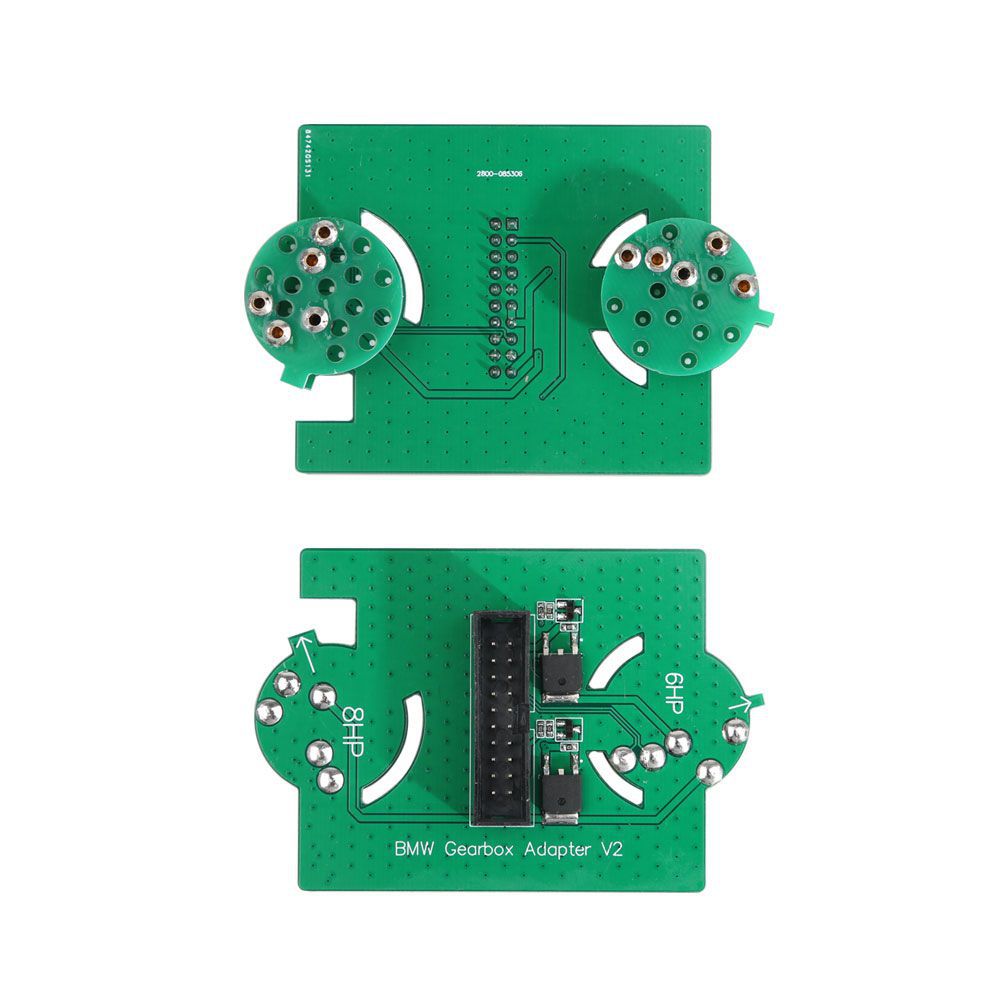
For connecting BMW 6HP/8HP gearbox
.jpg)
How to Clear EGS ISN with Yanhua Mini ACDP
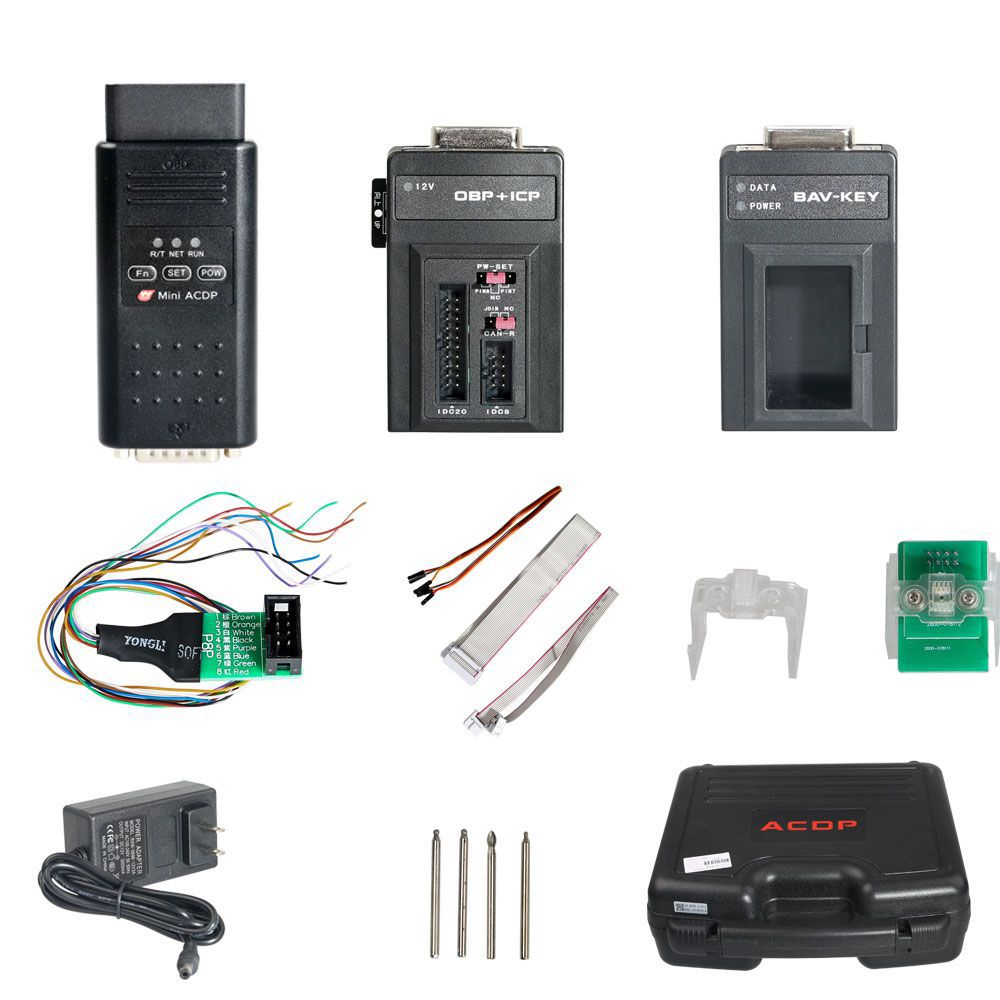
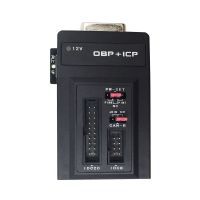
- Prepare: ACDP, OBP+ICP adapter, EGS interface board, and EGS module.
- Connect: Attach the EGS interface board’s 8HP end to the EGS module.
- Short: Connect the CAN termination resistor on the OBP+ICP adapter to the "CAN-R-Join" terminal.
- Assemble: Link the ACDP, OBP+ICP adapter, EGS interface board, and EGS module together.
- Vehicle connection: Connect the ACDP to the vehicle via the OBDII port.
- Final setup: Connect the ACDP to the EGS interface as shown in the diagram.
Navigate to: BMW Programming function → Clear EGS ISN → Clear ISN.
Package Includes
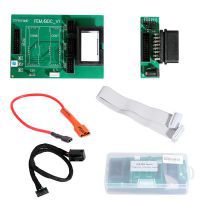
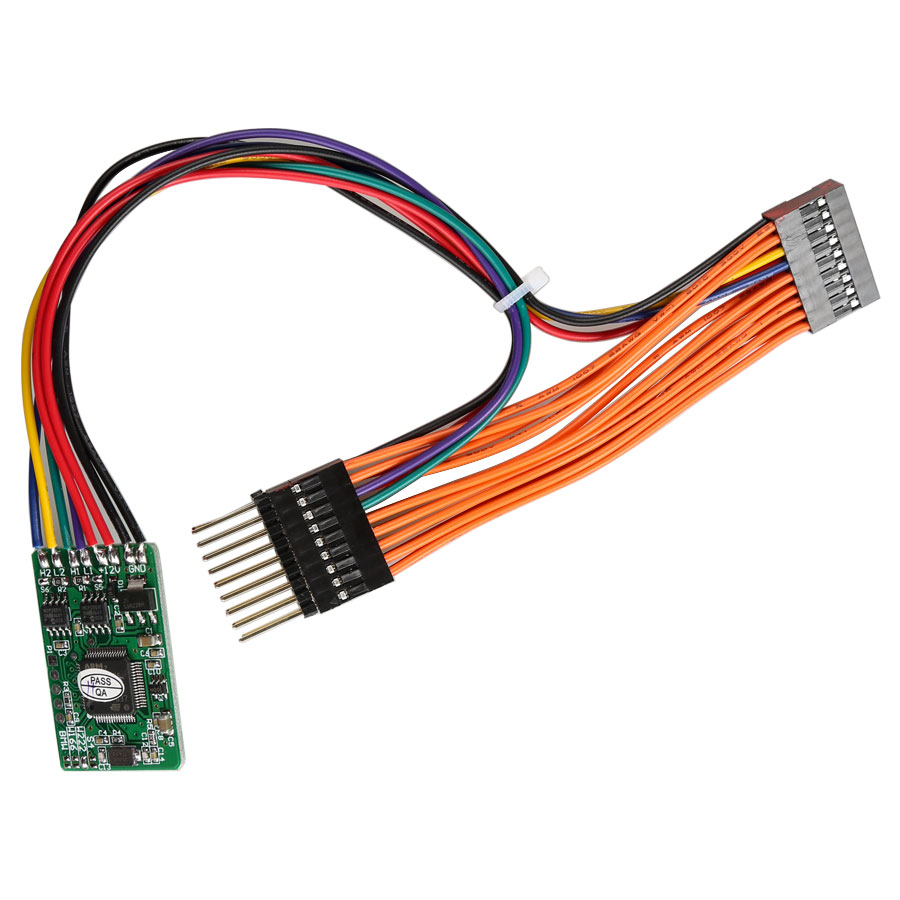
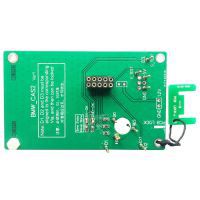
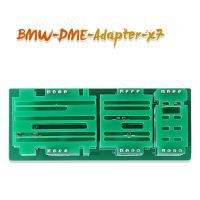
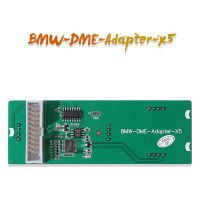
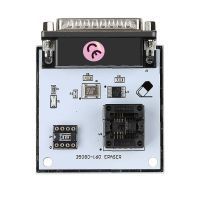
- 1 pc × BMW gearbox module interface board
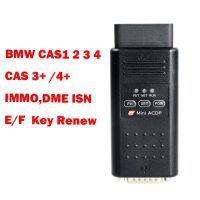
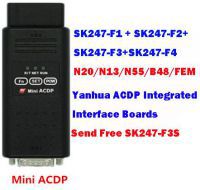
- 1 set × Yanhua Mini ACDP Basic Module
![[Full Version] KT200 ECU Programmer Master Version Support OBD BOOT BDM JTAG & ECU Maintenance/ DTC Code Removal With Free Damaos](/upload/pro/kt200-ecu-programmer-master-full-version-200.jpg)