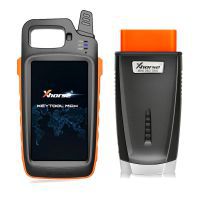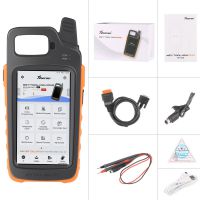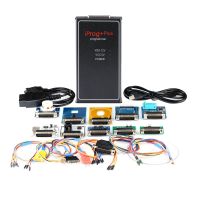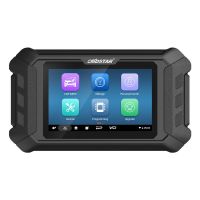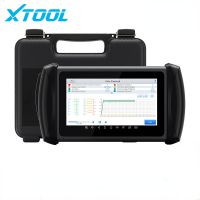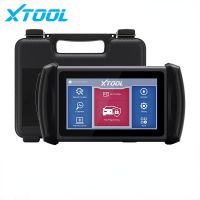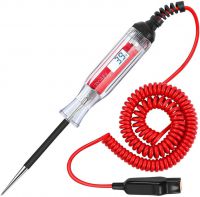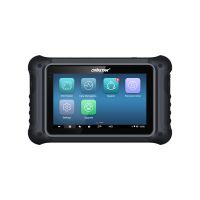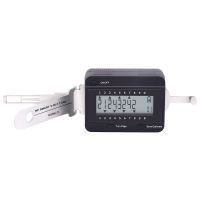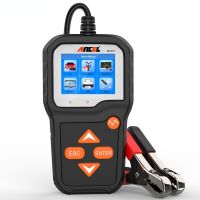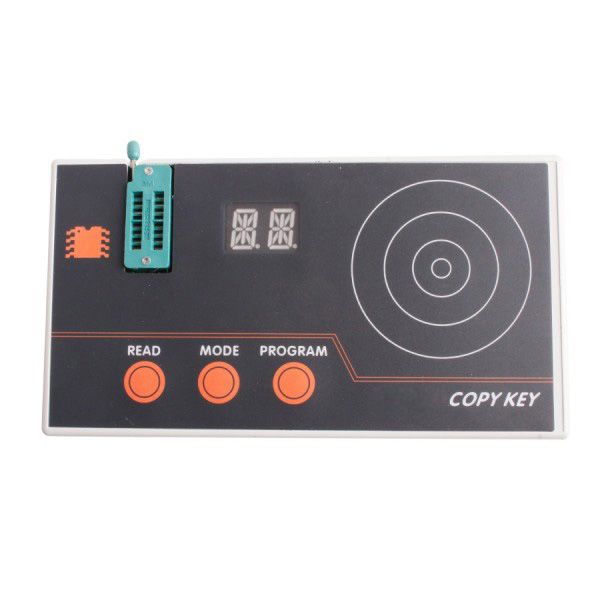
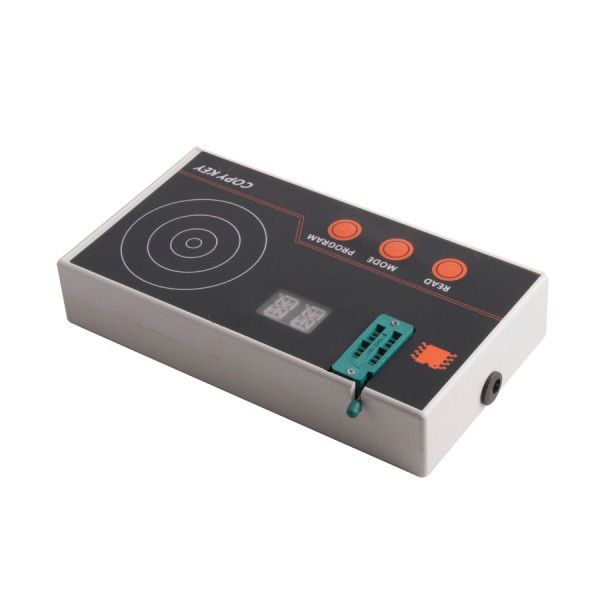
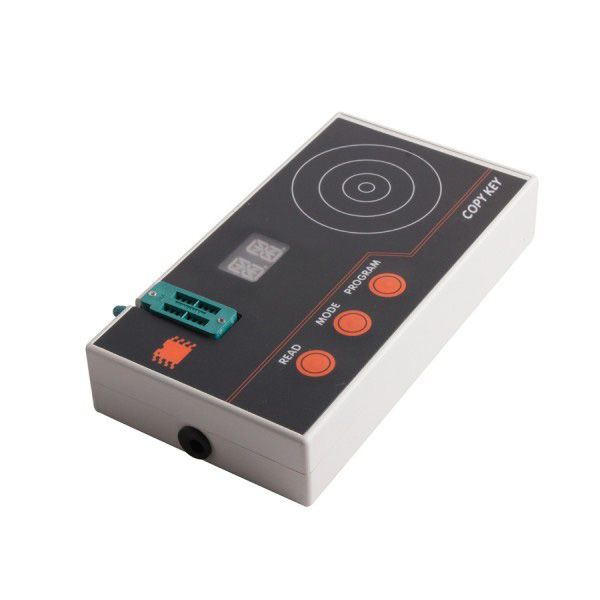
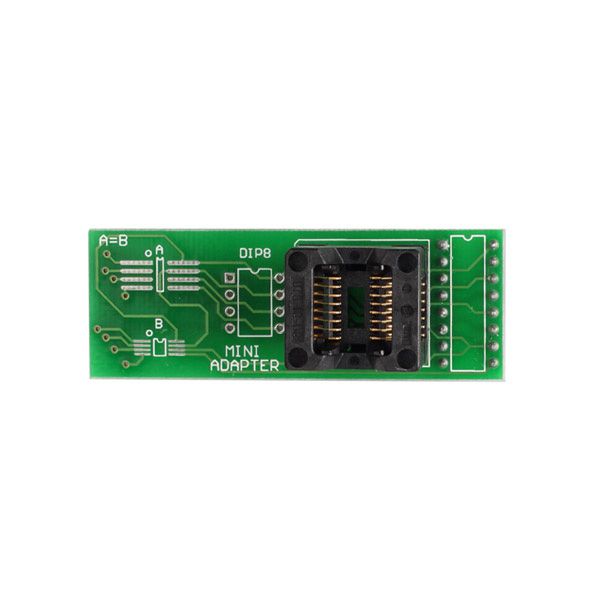
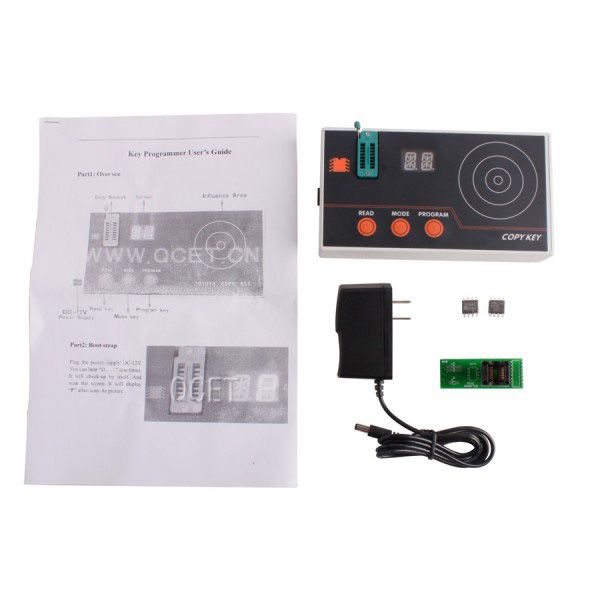


Key Copier Programmer for Toyota
Top 6 Reasons to Get the Key Copier Programmer for Toyota
- Car Coverage: Toyota cars from 1997 to 2005
- No need to connect with a computer
- Reads the pin code of the transponder key automatically
- Writes the pin code into the computer transponder of the suited ECU
- Matches the vehicle without keys and doesn’t require replacing any computer during matching
- Suitable for wafer key matching of Toyota models, including LEXUS (LS400, ES300, GS300, IS200, IS300), Camry 2.0, 2.4, JEEP 2007 3400/4500/4700, AVALON, and PREVIA
Important Notice
- This machine is provided exclusively for locksmiths. Please provide a valid business license, original ID card, and sign the required declaration with us.
- This item cannot be updated.
Supported Vehicle List
- ES300 (1997–2003)
- GS300 (1997–2003)
- GS400 (1997–2000)
- GX430 (2001–2003)
- IS300 / IS200 (2001–2003)
- LS400 (1997–2000)
- LX470 (1998–2002)
- RX300 (1999–2003)
- SC300 (1998–2001)
- SC400 (1998–2001)
- 4Runner (1999–2003)
- Avalon (1998–2003)
- Camry-4cyl (1998–2005)
- Highlander (2001–2003)
- Land Cruiser (1998–2003)
- MR2 (2000–2003)
- RAV4 (2000–2003)
- Sequoia (2000–2003)
- Sienna (1998–2003)
- Solara (1999–2003)
- Previa (1999–2003)
How to Program a Key
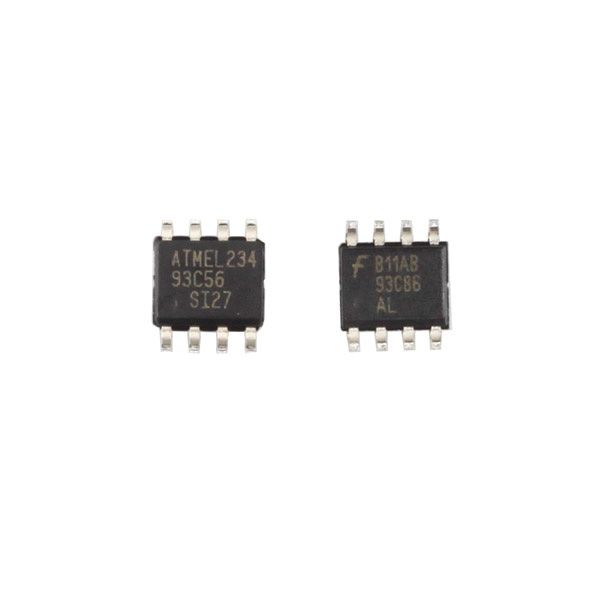
- Dismantle the engine ECU (or IMMO) from the vehicle and remove the IC chip labeled "93C56" (mounted on the vehicle’s engine computer; for Camry it's IC601, for Lexus it's IC900; chips on IMMO units are labeled 93LC66). Clean all pins of the IC to ensure a solid connection.
- Install the 93C56 chip onto the programmer device, ensuring a secure connection.
- Power on the programmer. The screen will display “can work normal” accompanied by a beep, indicating the device is functioning properly.
- Press the “R-key.” The red LED light will illuminate, signaling the programmer is ready.
- Place the transponder key on the key logo area of the programmer.
- Press the “R-key” again. If you hear four beeps and the red LED turns off, the key has been successfully programmed. If not, repeat until exactly four beeps are heard.
- You can program up to three keys using this method.
- To verify programming: press “R-key,” place a key near the logo—if four beeps sound, the key is confirmed. Repeat verification for each key before proceeding to write to the 93LC56 or 93LC66 chip.
- Press Pr-A, Pr-B, and Pr-C in sequence to write the three verified keys to the 93C56 (or 93LC66) chip. A display of “OK” confirms success; “ERROR” indicates a problem—likely due to poor connection, reversed chip installation, or chip corruption. In such cases, repeat the process twice to ensure success.
Once the IC-93C56 (or 93LC66) chip has been successfully programmed with three keys, re-solder it securely onto the engine ECU. Reinstall the ECU into the vehicle. Any of the programmed keys can now start the vehicle.