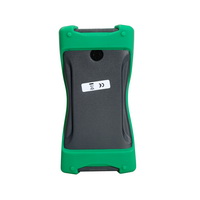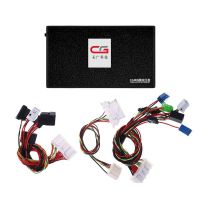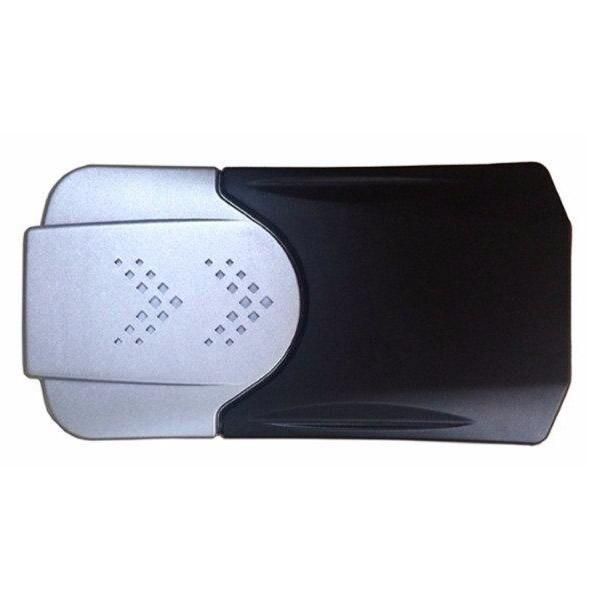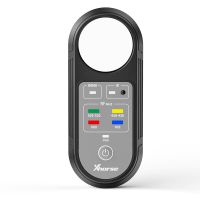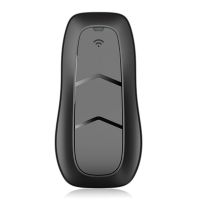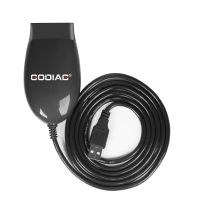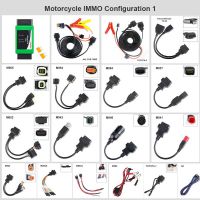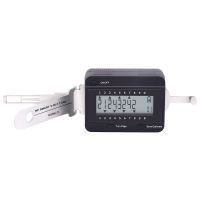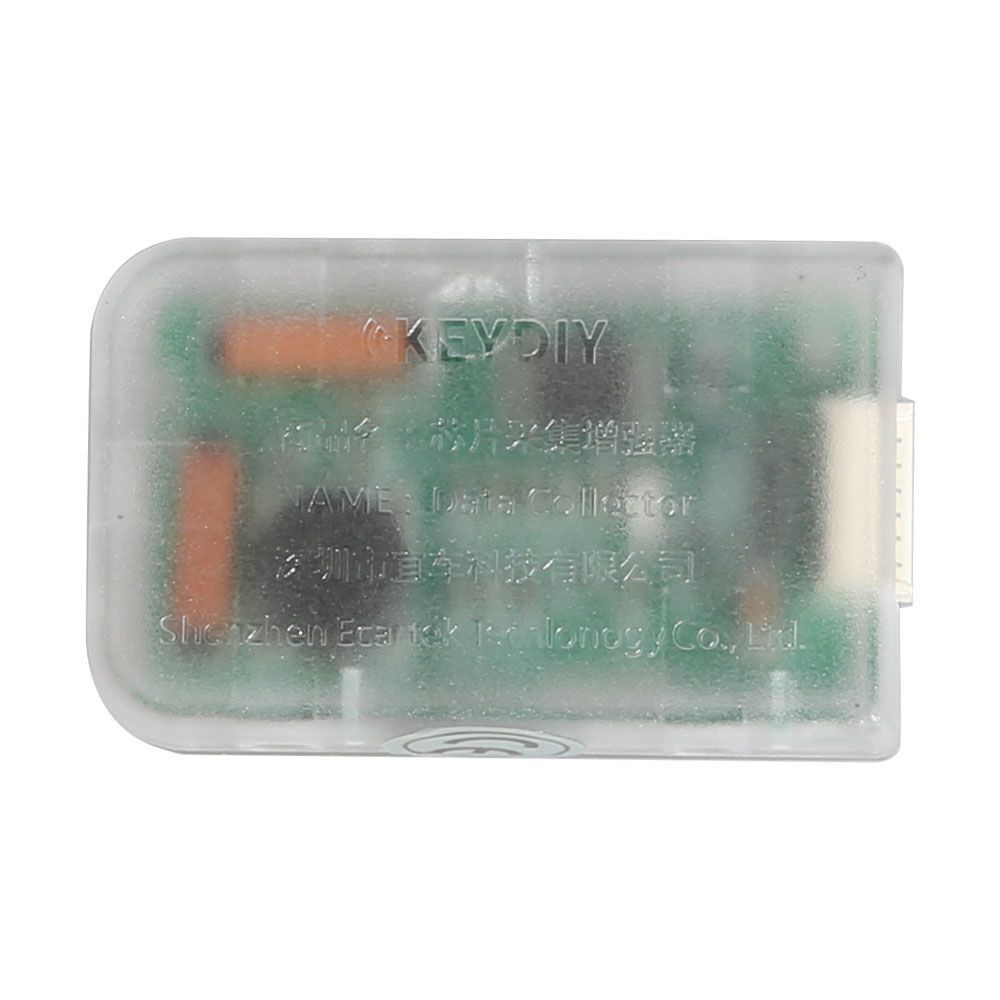
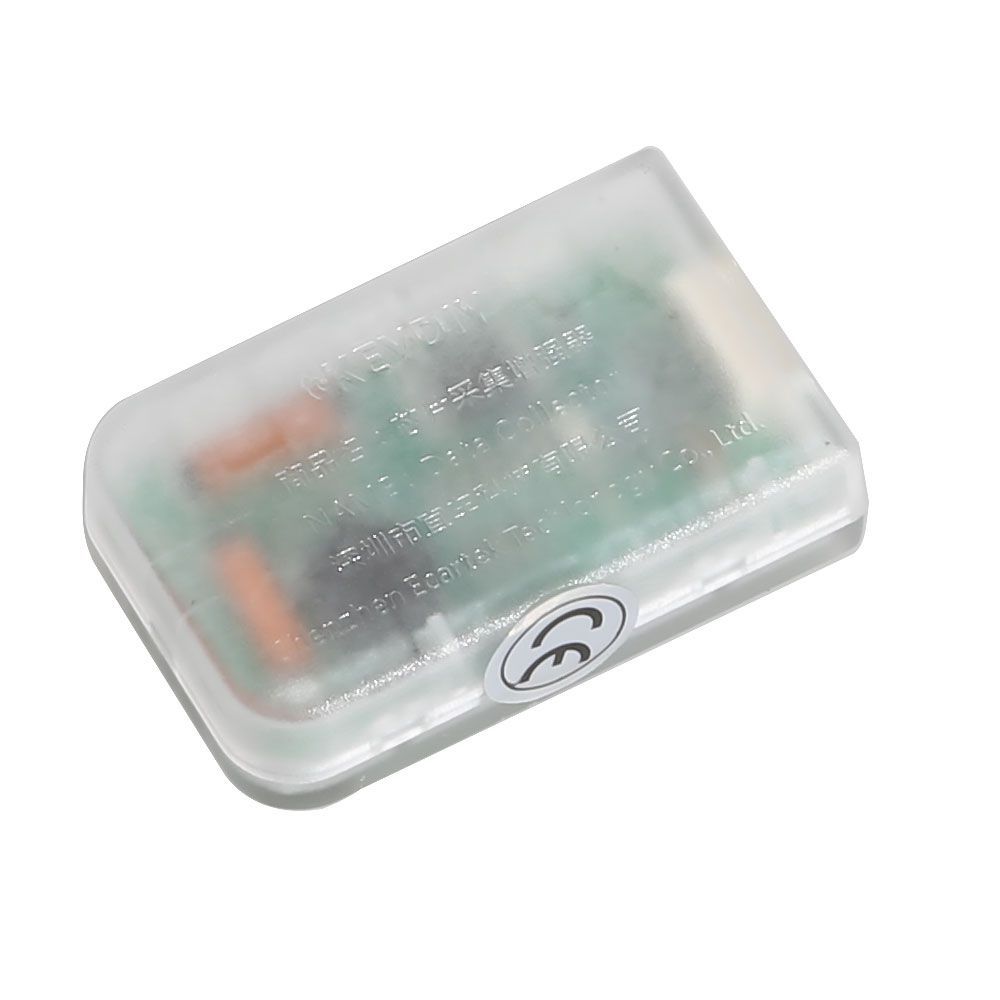
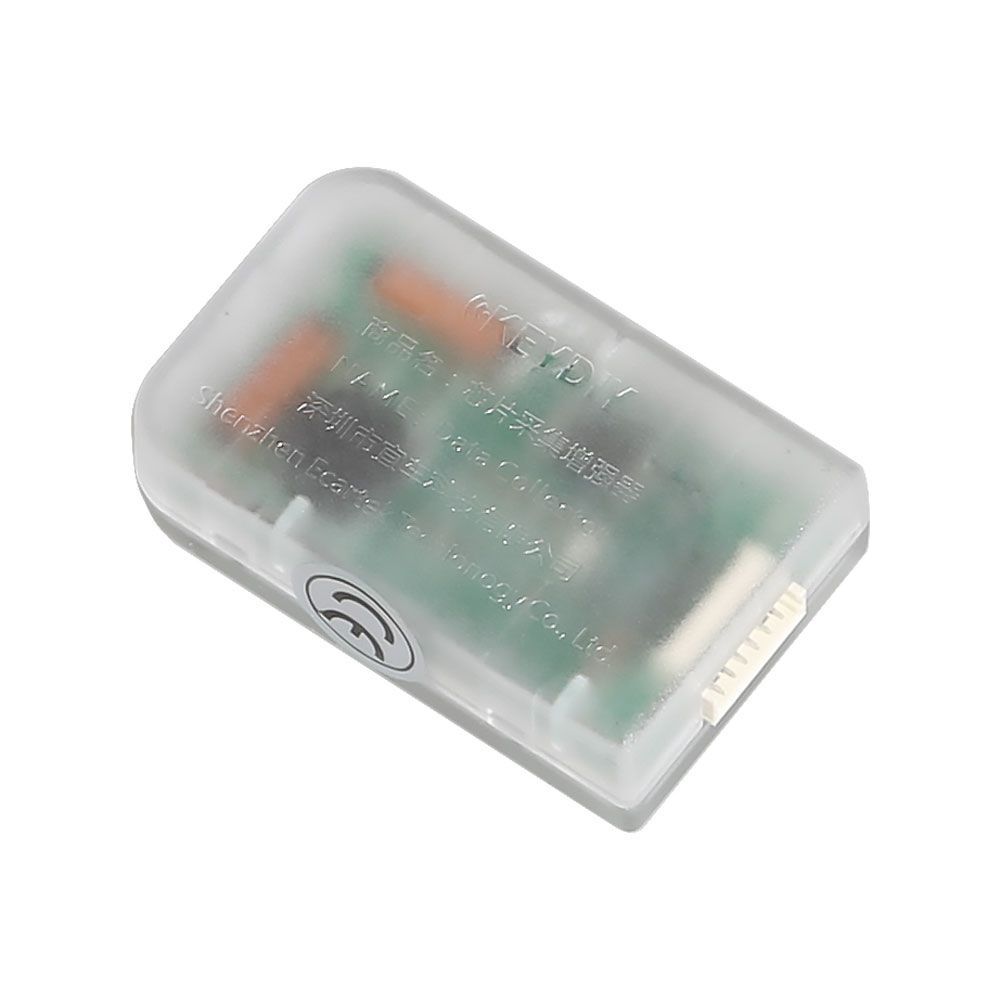
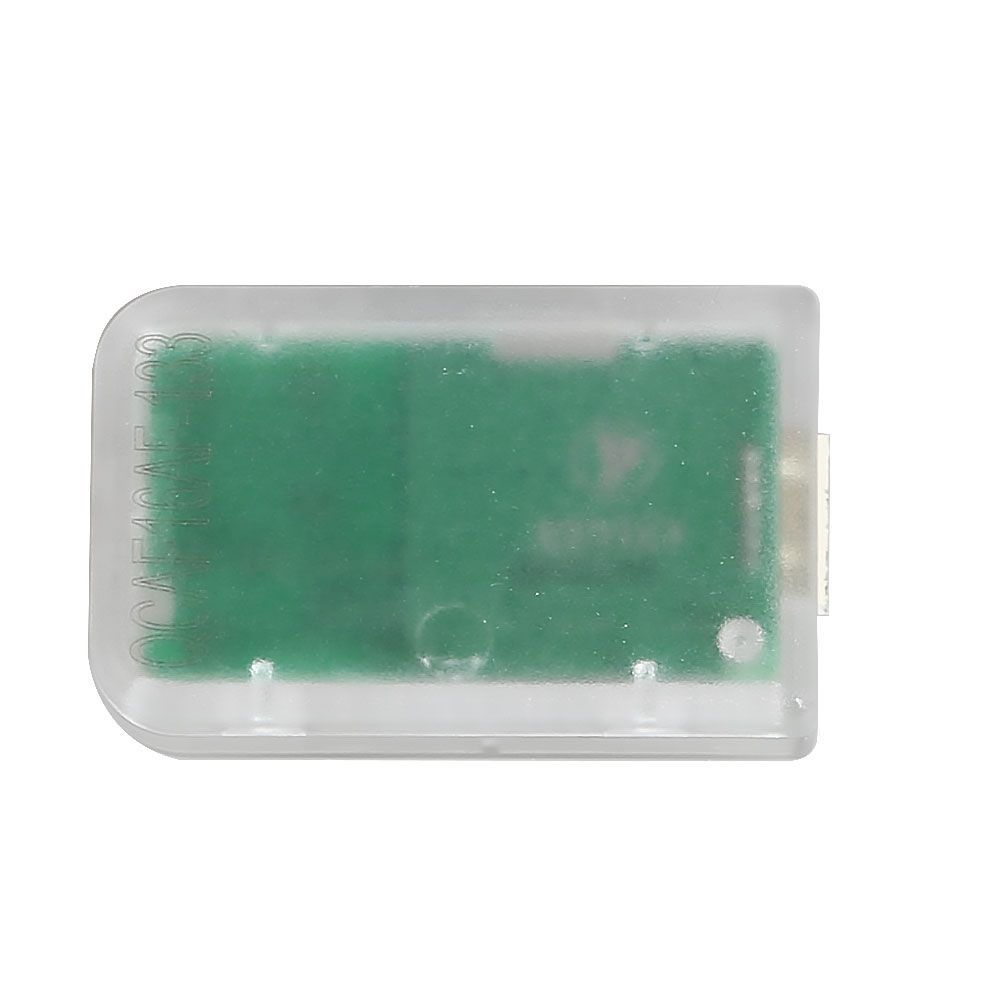


KEYDIY KD DATA Collector – Collect Auto Data for KD-X2 Chip Copy
Instructions
Prepared items: KD-X2, phone with KD App, KD data collector, original key (no battery required), KD remote controls (with battery)
- Open KD App and connect the KD data collector with KD-X2.
- Select the chip function in the KD App, place the original key in the KD-X2 antenna, and recognize and decode the original chip.
- Place the original key chip near the ignition coil and collect data using the KD App.
- Place the original key back in the KD-X2 antenna and decode it.
- Select more functions in the KD App, then place the KD remote control into the KD-X2 antenna to copy the chip.
Package Includes
- 1pc × KEYDIY KD data collector