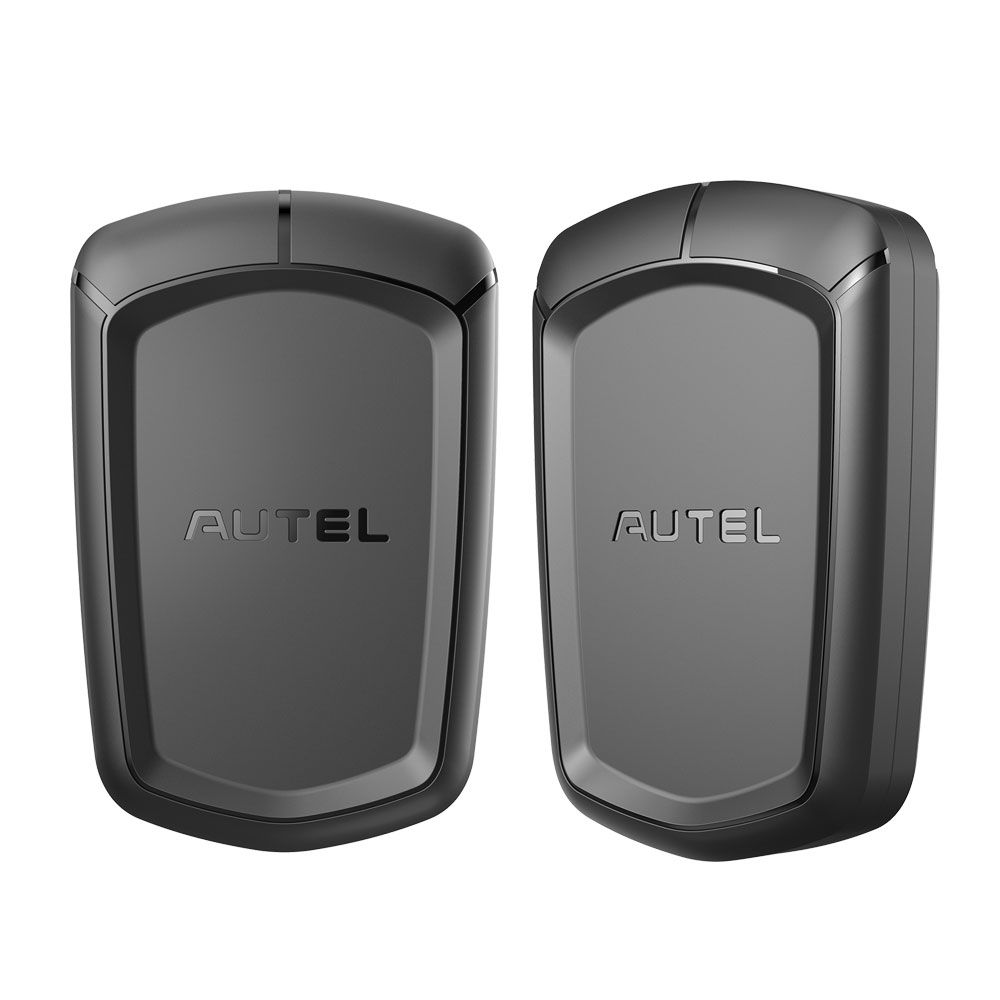



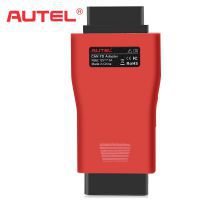
Autel APB112 Smart Key Simulator
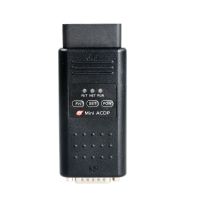
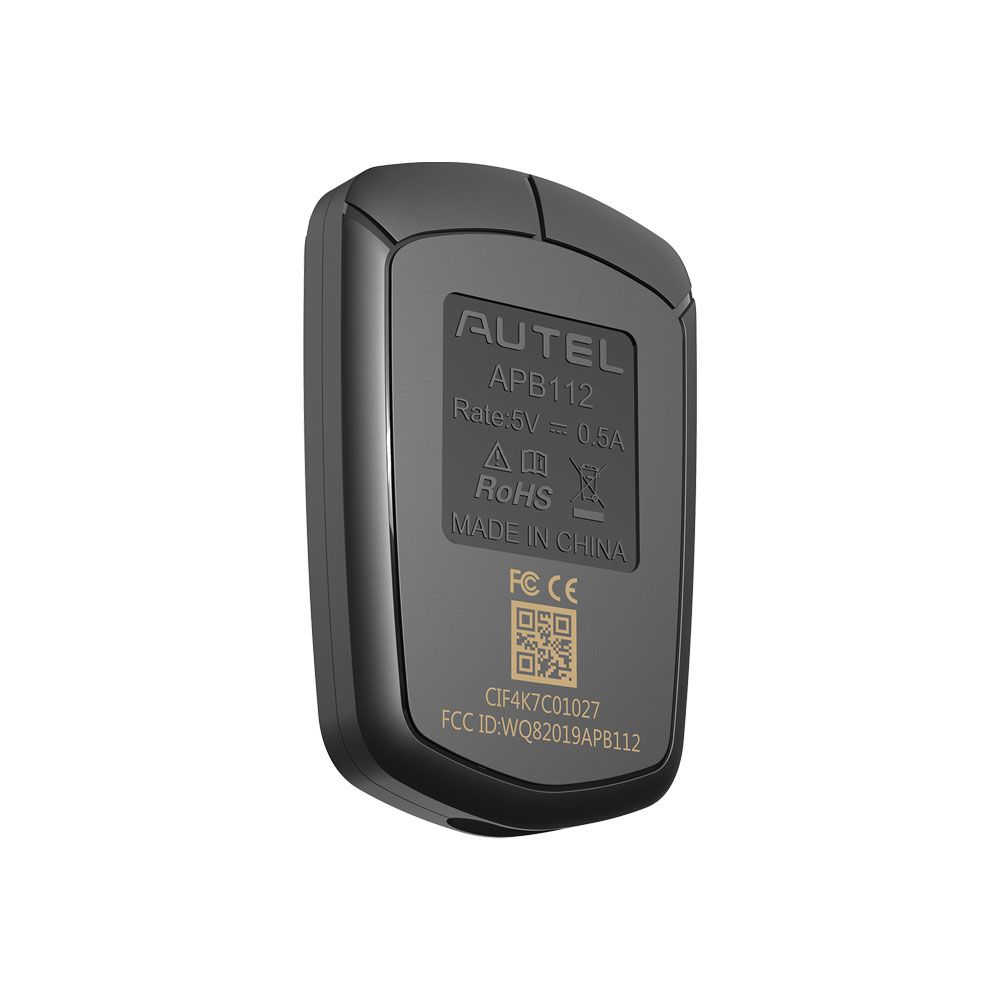
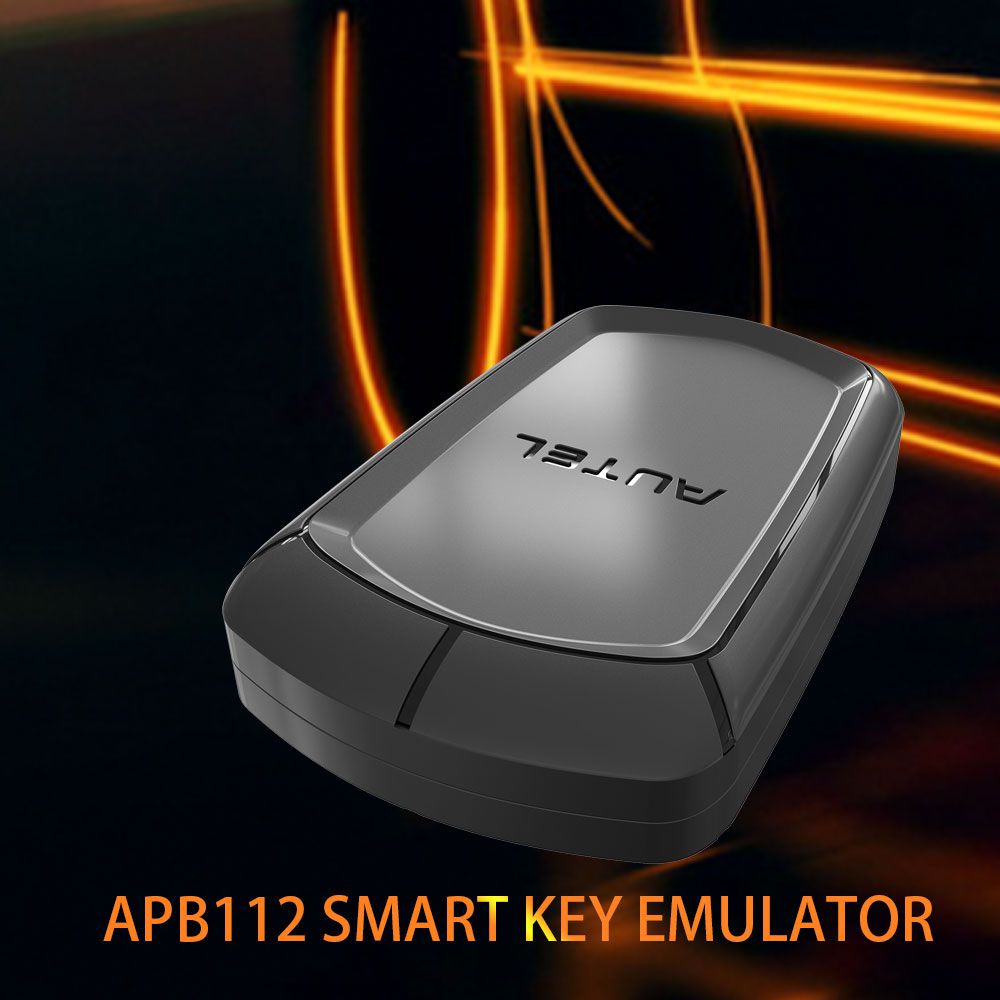
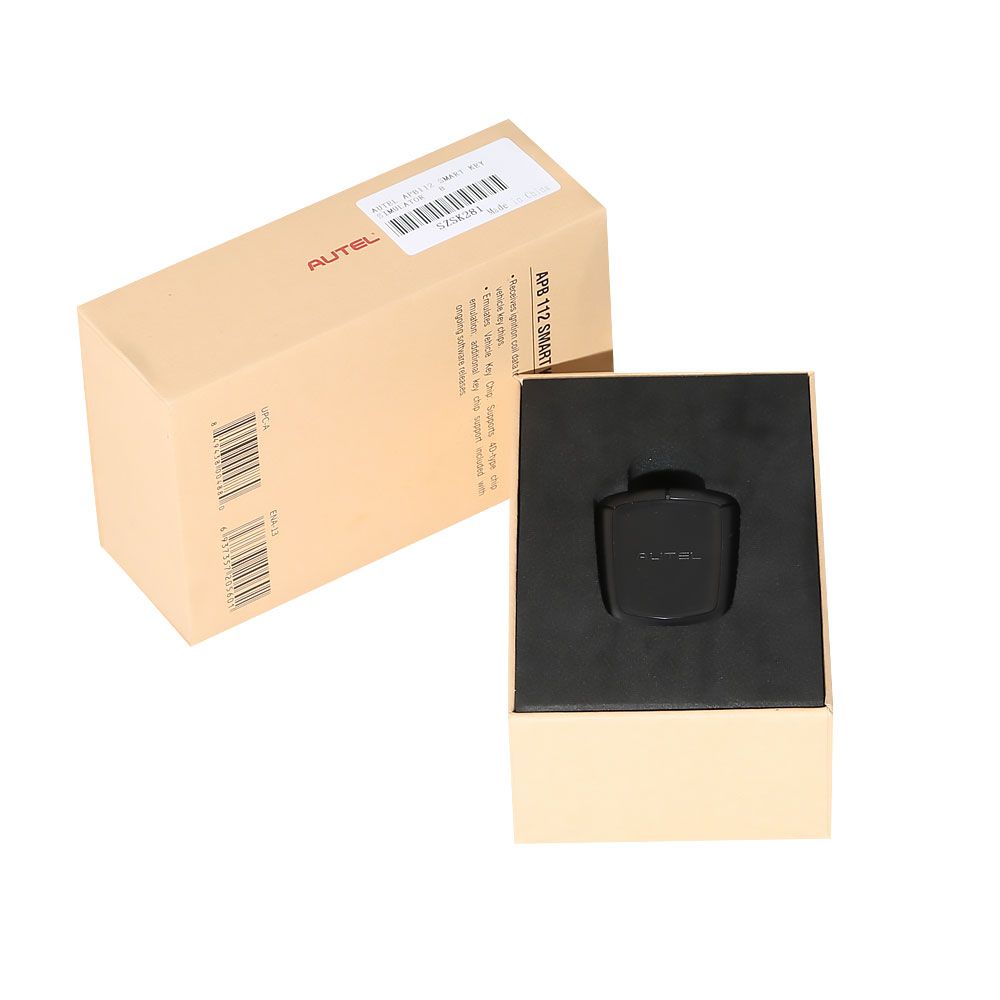
The Autel APB112 Smart Key Simulator is designed to collect data transmitted from the ignition coil, enabling the identification of ignition coil issues and the decoding of vehicle key chip data. It also supports simulation of the vehicle key chip.
Key Functions of Autel APB112
- Smart key simulator
- Compatible with IM608, IM508, and MX808IM
- Compact design—requires use with the XP400
- Not compatible with the XP200
- Supports 46 and 4D data collection
- Enables 46 smart key password calculation
- Provides 46 chip simulation
- Toyota 4D (94/D4, 98) smart key simulation
- Toyota H (88/A8, A9, 39) smart key simulation
- Collects data from the ignition coil
- Identifies ignition coil troubles
- Decodes vehicle key chip data
- Simulates vehicle key chips (e.g., 4D chip)
- Must be used with an Autel diagnostic tool
- Supports Toyota/Lexus smart key “all keys lost” scenarios
- Chip decoding for Hyundai 46

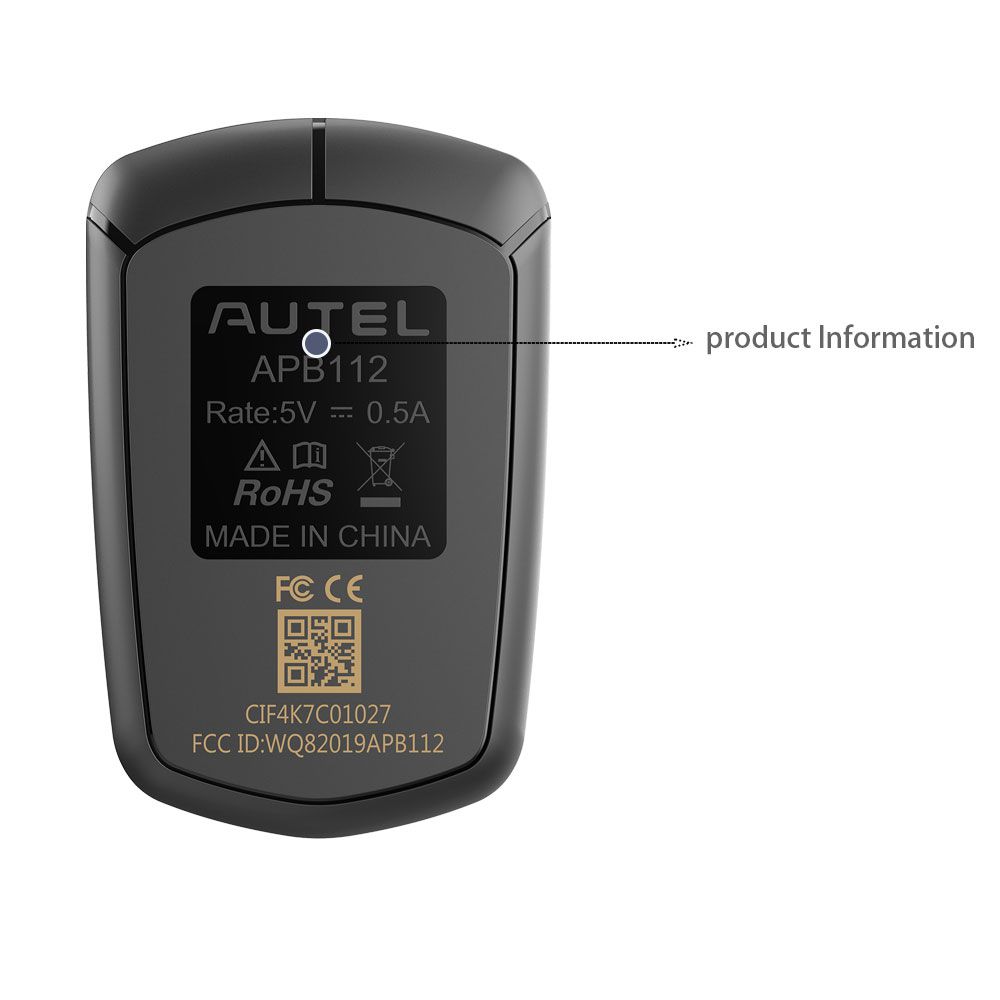
AUTEL APB112 Smart Key Simulator Overview
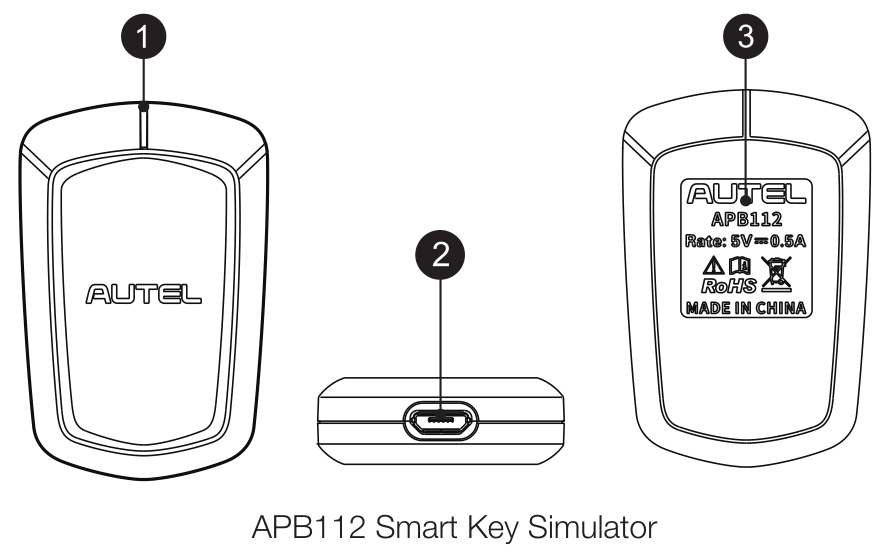
1. Status Indicator – Shows Current Device Status
- Solid Blue: Power supply is functioning properly; device is in default state
- Flashing Green: Data interaction in progress
- Flashing Red: Firmware upgrade in progress
- Solid Red: Device is booting
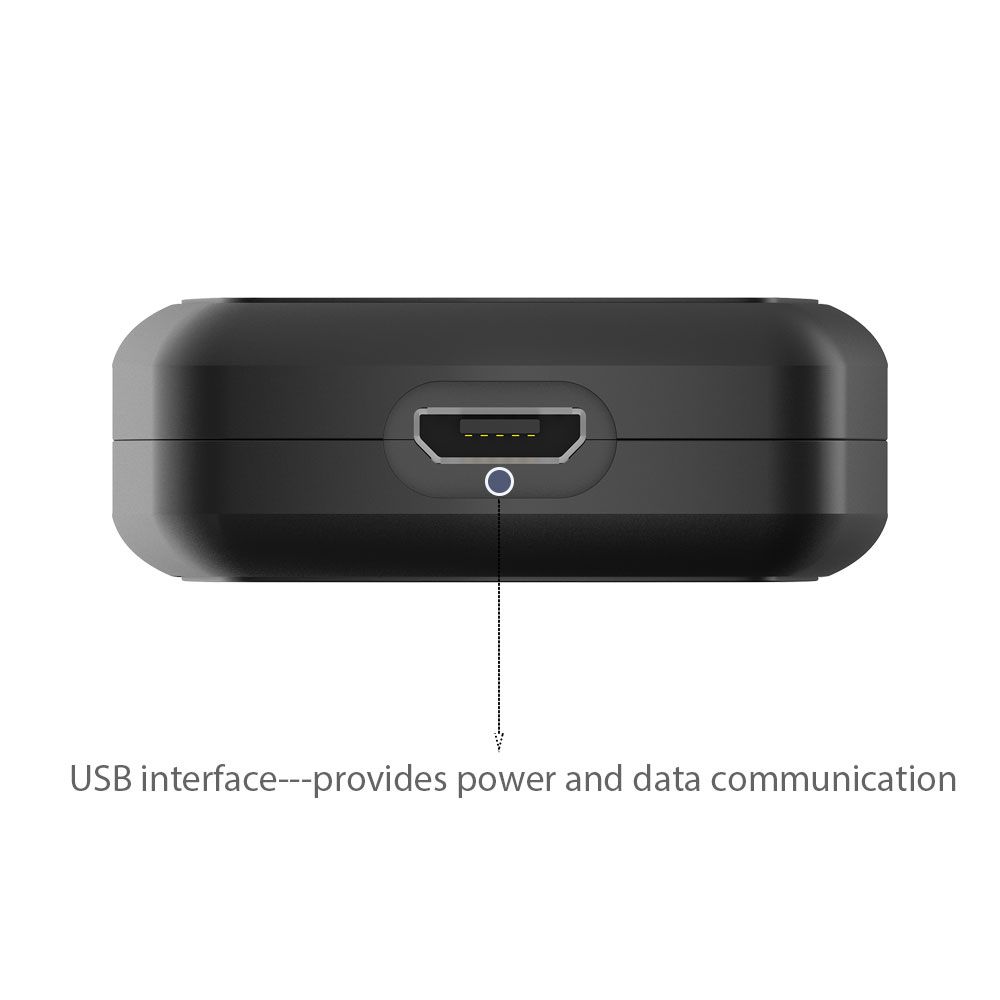
2. USB Interface – Powers the Device and Enables Data Communication
How to Use the Autel APB112
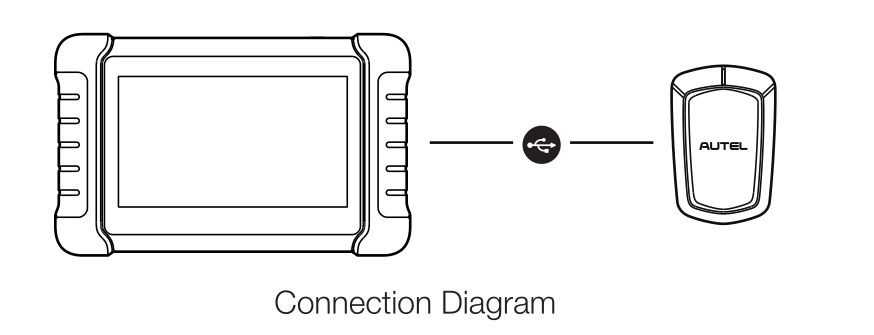
- Connect the APB112 Smart Key Simulator to an Autel diagnostic device using the included USB cable.
- Once connected, the status indicator turns solid blue, confirming proper operation and automatic communication with the diagnostic device.
- The APB112 application on the diagnostic device automatically updates based on the selected vehicle system function.
- Place the Smart Key Simulator near the ignition coil to collect data for chip decoding. After decoding, the original car chip data can be copied.
- The emulator can generate various types of key chips, with additional chip types supported through future upgrades.
Important Notes
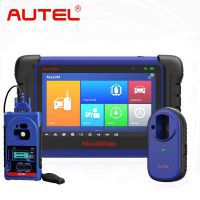
- The APB112 does not operate independently—it must be used with a compatible Autel diagnostic device such as the MaxiIM IM608, MaxiIM IM508, or MX808IM.
- Although compact, it requires the XP400 and is not compatible with the XP200.
- Do not disconnect the USB cable during operation.
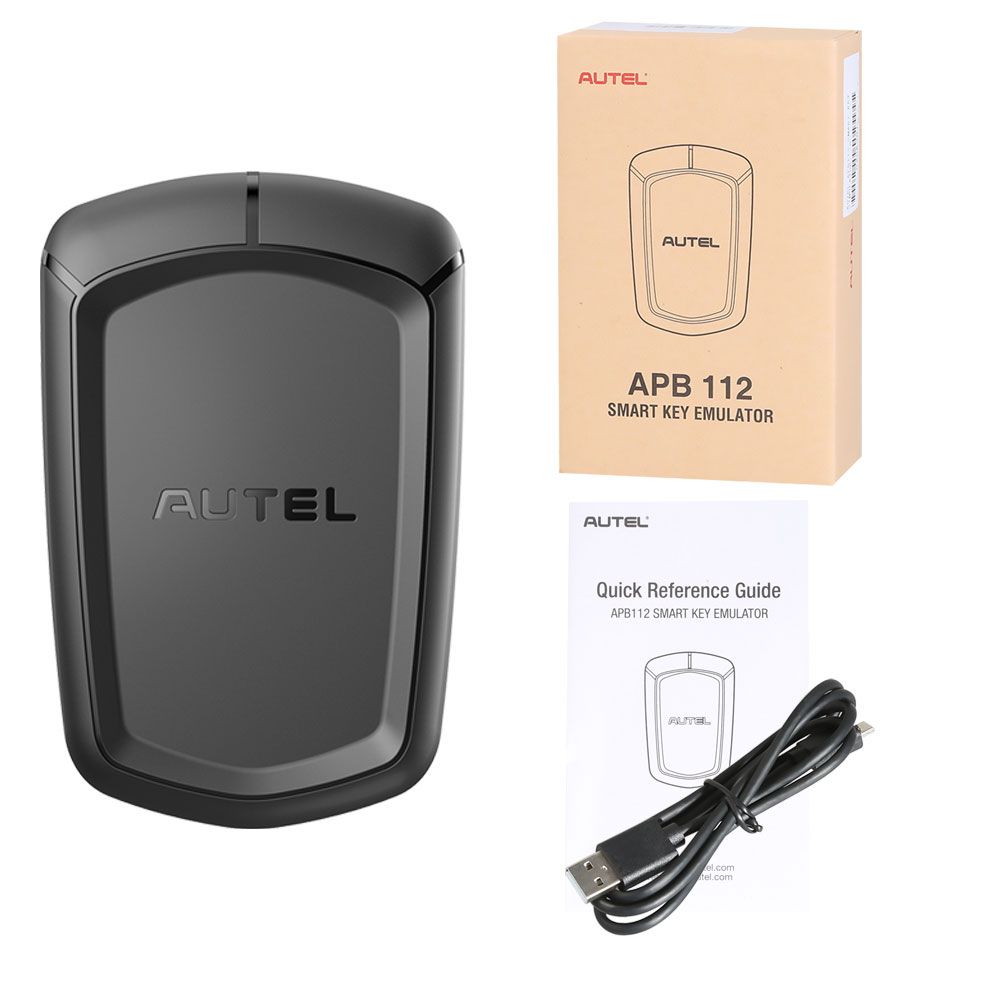
Package Contents
- 1 x APB112 Smart Key Simulator
- 1 x USB cable
- 1 x Quick Reference Guide