PADFLASH ECU programmer for cars
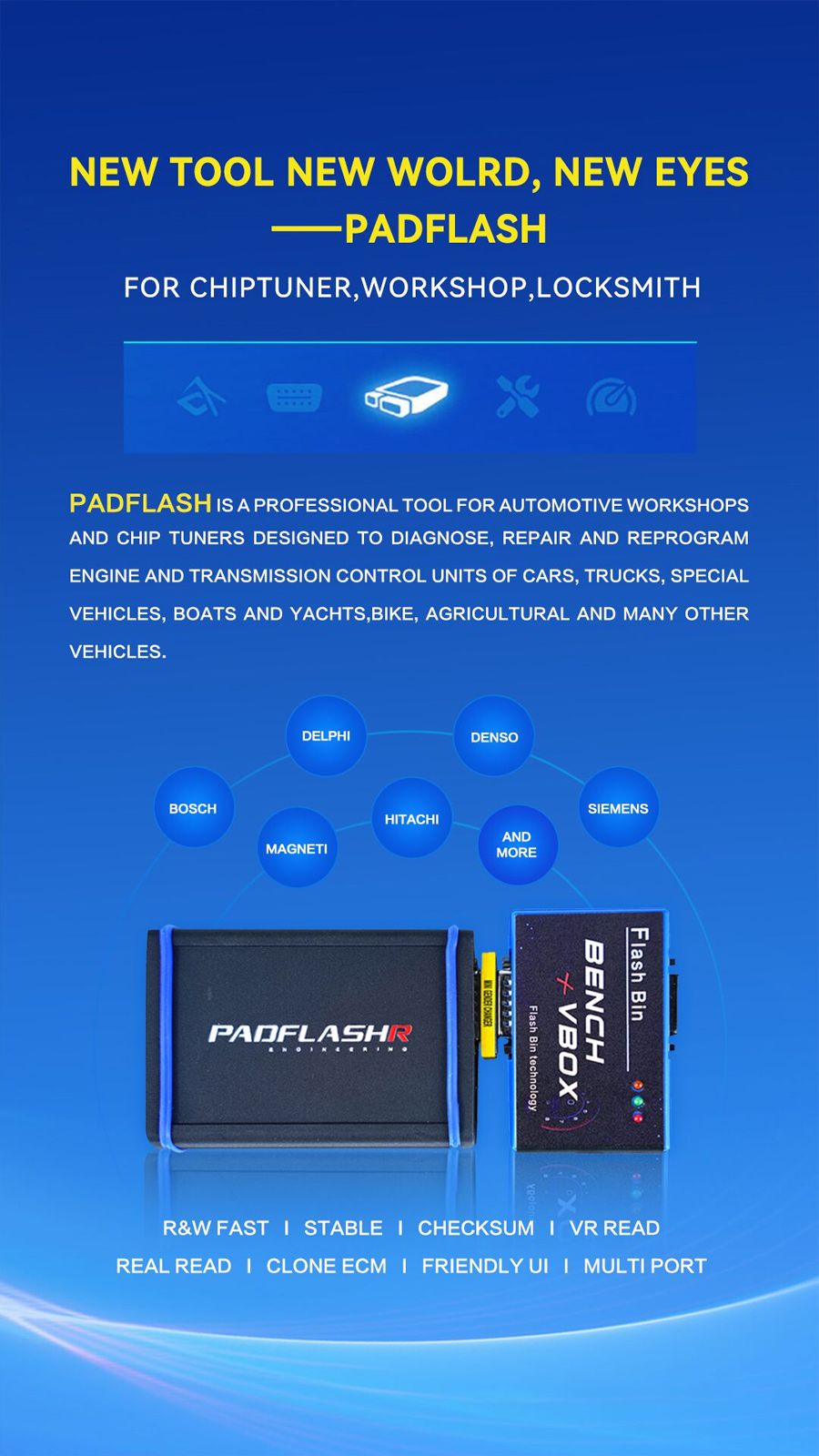
PADFLASH is a professional tool for automotive workshops and chip tuners. It is designed to diagnose, repair and reprogram engine and transmission control units of cars, trucks, special vehicles, boats, and yachts, bikes, agricultural and many other vehicles.
2025 PADFLASH Full Version ECU TCU Programmer with USB Dongle OBD Bench Boot Supports Checksum VR Files is a one of our PADFLASH ECU programmer for cars Tools, you can buy 2025 PADFLASH Full Version ECU TCU Programmer with USB Dongle OBD Bench Boot Supports Checksum VR Files from ukobd2.com.
Wholesale Top quality VAS6154, GM Tech2, VCM II For Ford, Handy Baby II Car Key Chip Copier, CDP DS150
images of 2025 PADFLASH Full Version ECU TCU Programmer with USB Dongle OBD Bench Boot Supports Checksum VR Files
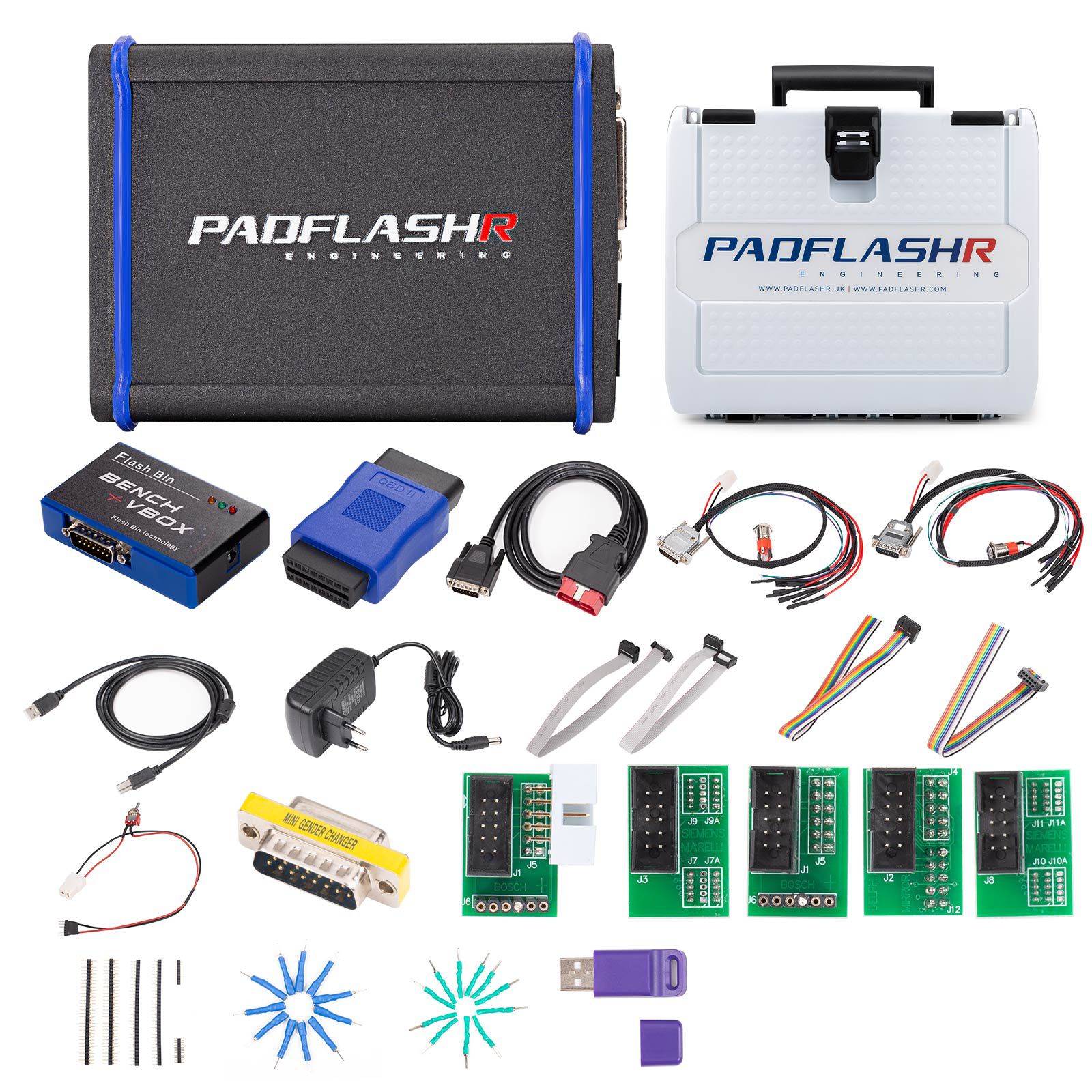
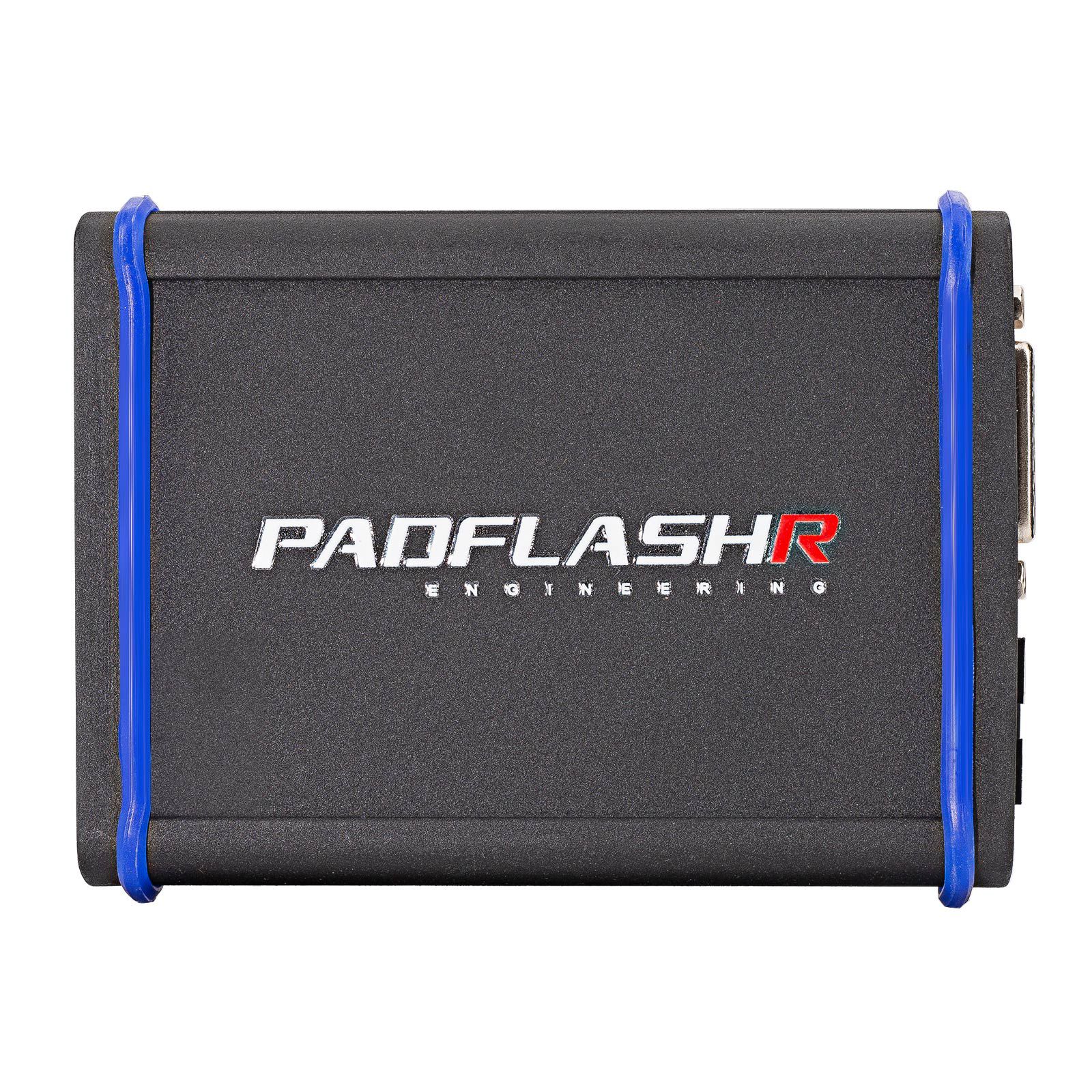
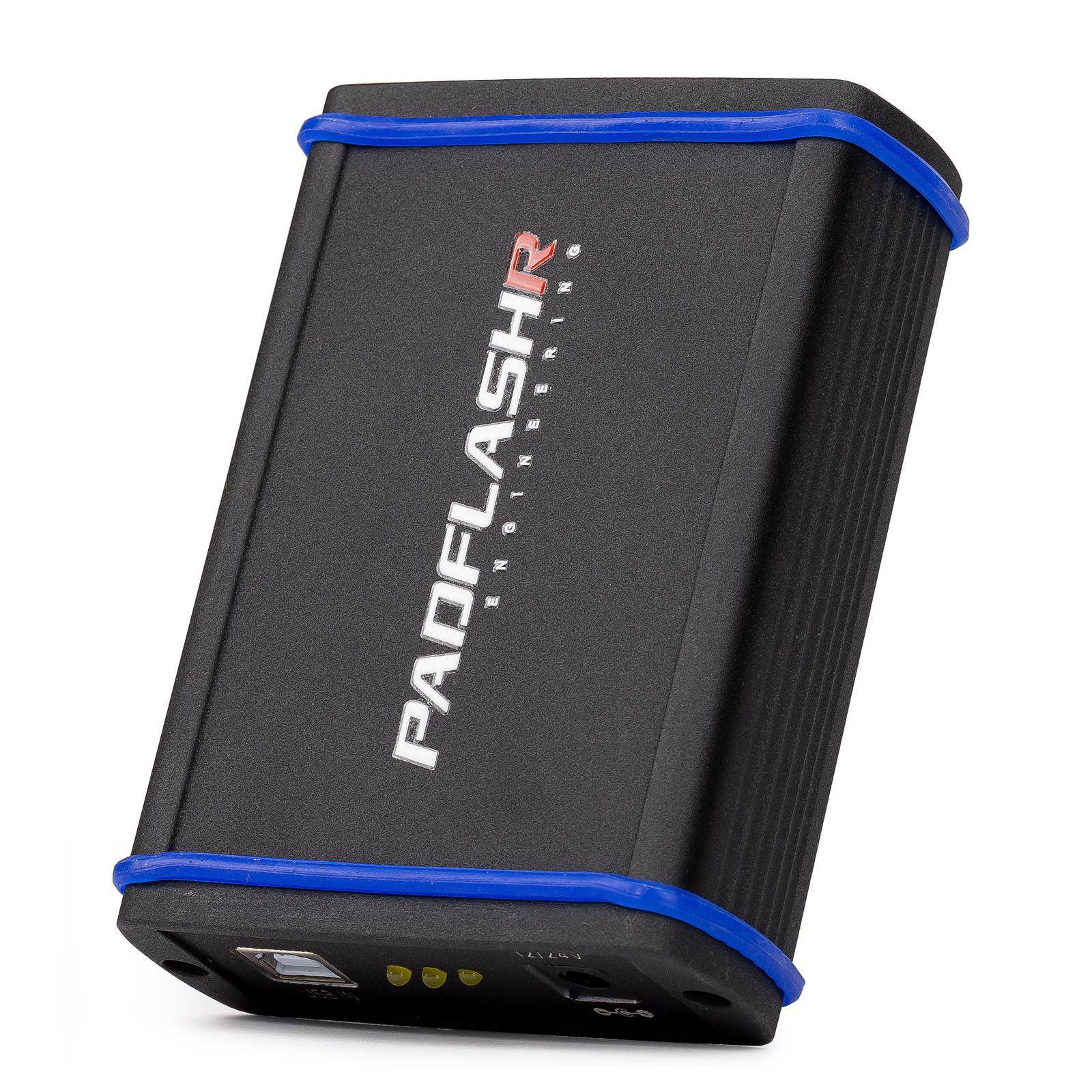
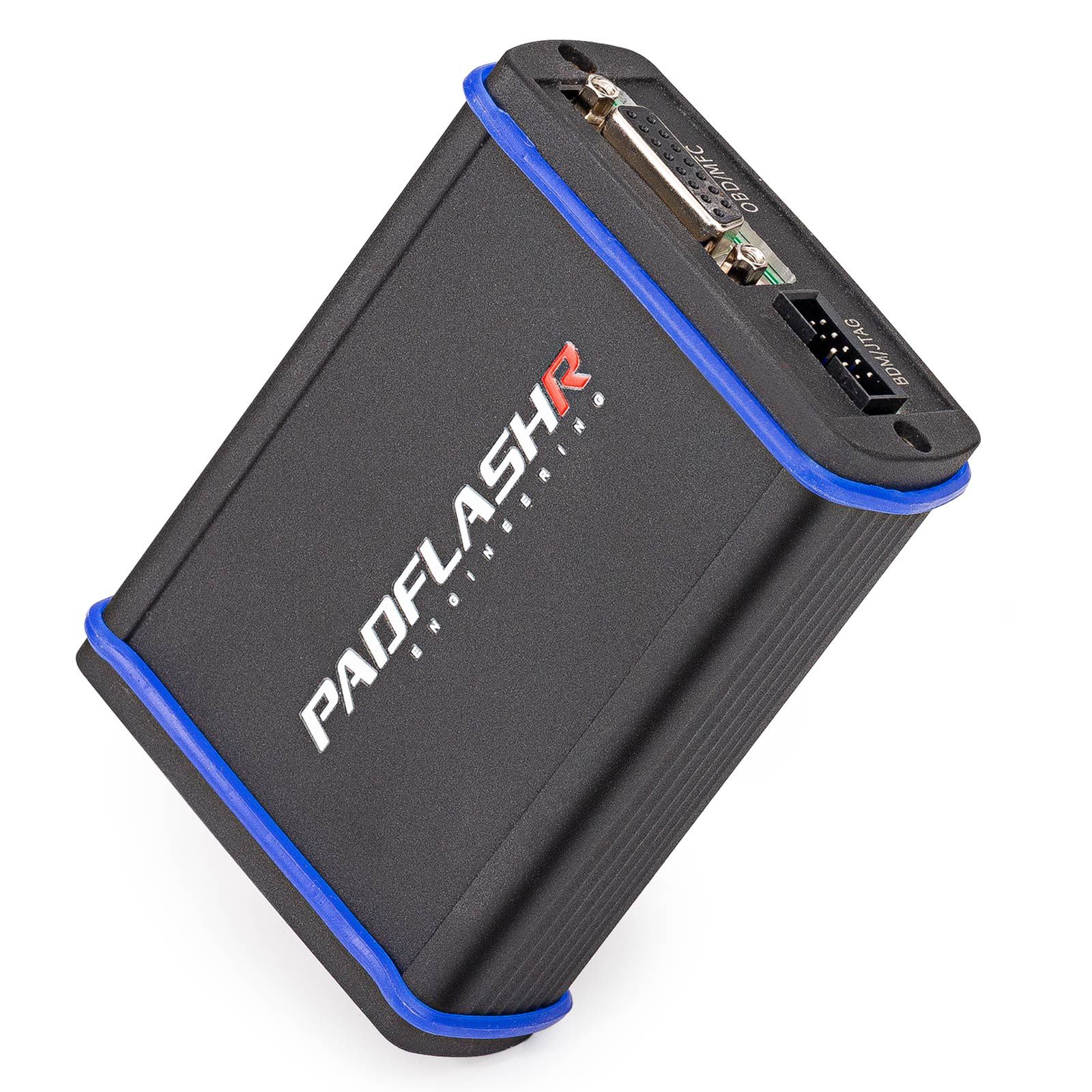
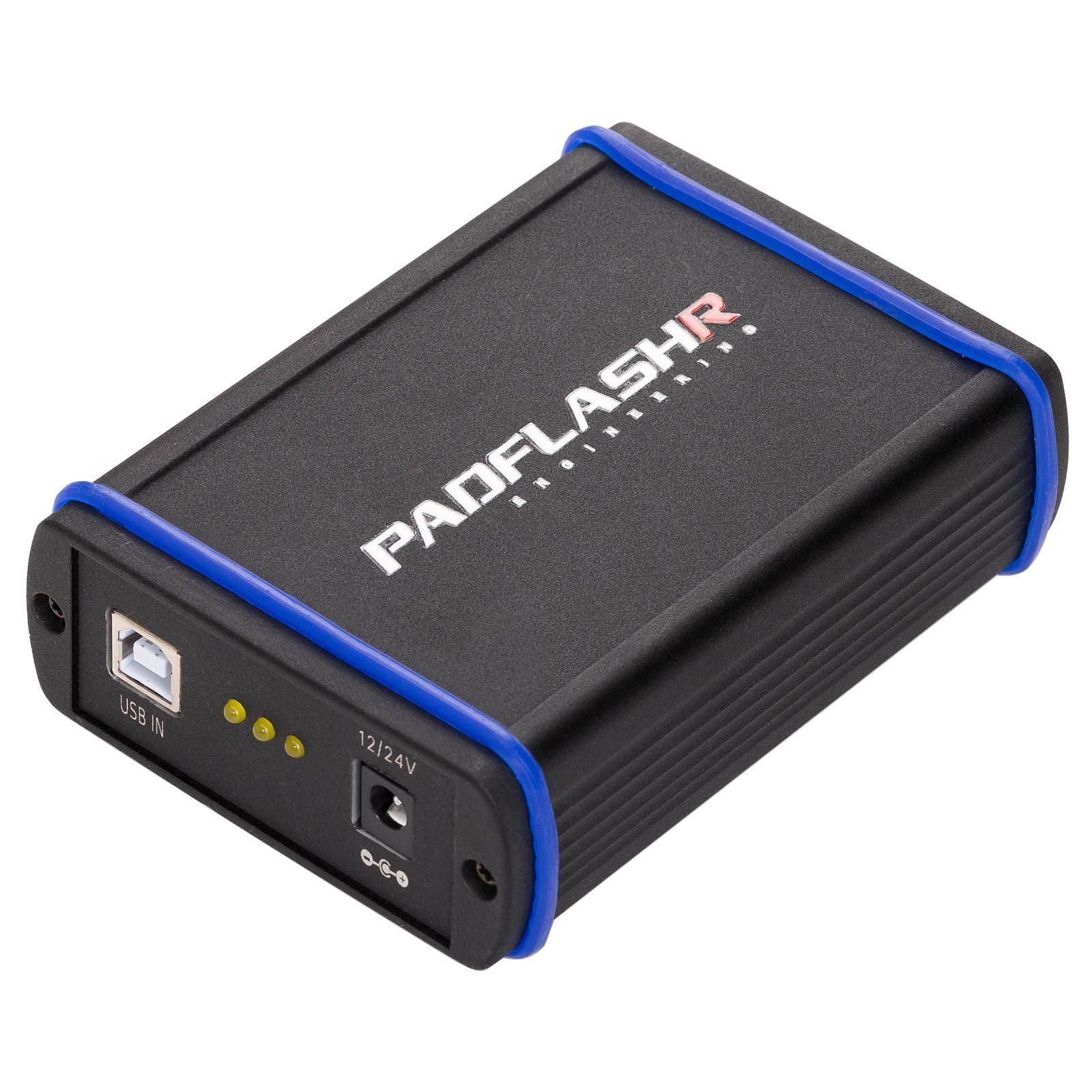
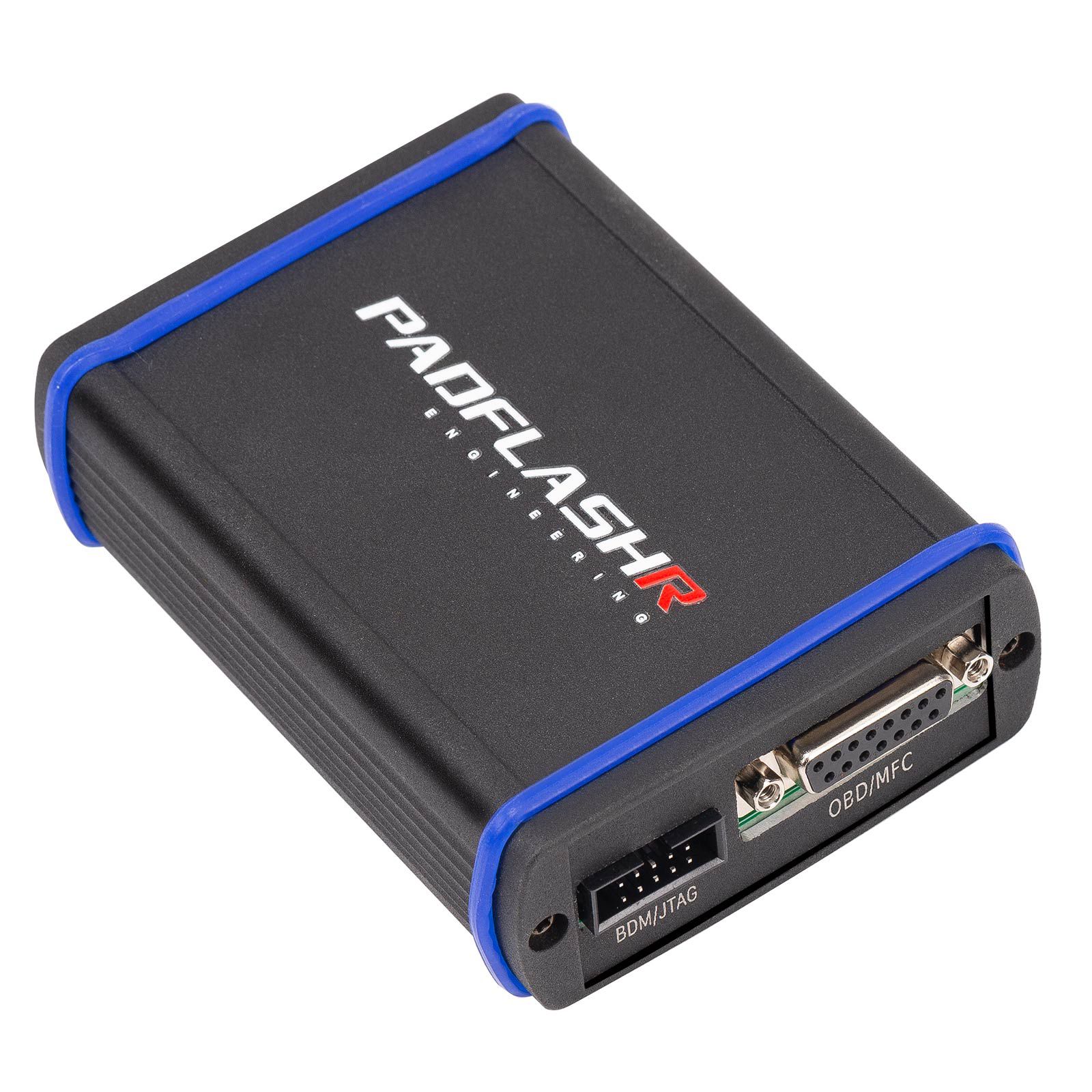
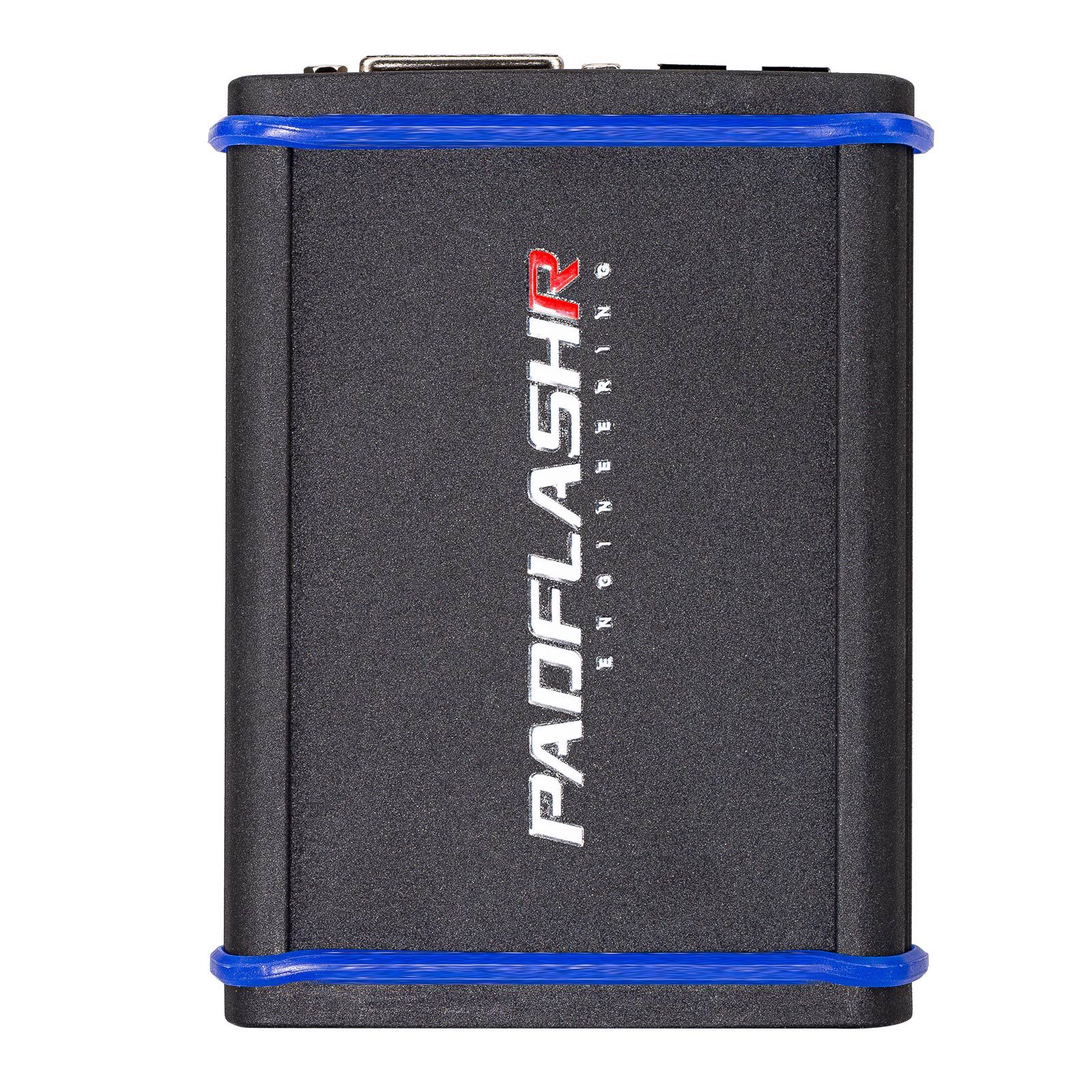
PADFLASH Support ECM & TCM Reading, Writing, Programming Virtual Read Real Read
PADFLASH is a professional tool designed for automotive workshops and chip tuners. It enables diagnosis, repair, and reprogramming of engine and transmission control units across a wide range of vehicles, including cars, Trucks, special-purpose vehicles, boats, yachts, motorcycles, agricultural machinery, and more.
Key Features of PADFLASH
- Master version with USB dongle
- Full protocols open
- Online checksum calculation and virtual reading – supports chiptuning, anti-theft removal, SCR/DPF off, and similar functions
- Free updates – no subscription or annual fees required
- Virtual Read (VR) performed online (for certain ECUs, the tool automatically connects to our server to download necessary files)
- Multi-language support: Italian, English, Dutch, French, Spanish, Polish, Portuguese, Romanian, Czech, Turkish, and others
- High hardware reliability – built for stable long-term operation
- User-friendly interface for efficient workflow and ease of use
- Multi-port connectivity for interfacing with various control units
- Wide compatibility with brands such as Bosch, Delphi, Denso, Siemens, Magneti, and Hitachi
- Operating system: Windows 7 64-bit recommended (Windows 10 64-bit not currently recommended). Minimum PC requirements: RAM over 4GB, CPU 2.5GHz or higher
- PADFlash TCU Driver List
- PADFlash ECU Driver List
Product Comparison: PADFLASH vs FOXFLASH vs Other Tools
| Feature | PADFLASH | FOXFLASH | Other Tools |
|---|---|---|---|
| TCU Support | Average | Good (Strong Support on TCU) | Only some tools support |
| BENCH | Yes | Yes | Only some tools support |
| Supported Vehicle Types | CAR, Truck, TRACTOR, MARINE, BIKE | CAR, Truck, TRACTOR, MARINE, BIKE | Car or truck or bike only – cannot cover all types |
| Subscription Fee | NO | NO | Some charge ~600 USD/year; others do not |
| Dongle | Yes | NO | Some tools include one |
| Read Method | BENCH, OBD, FULL CONNECTION, BOOT, JTAG, BDM | BENCH, OBD, FULL CONNECTION, BOOT, JTAG, BDM | Partially supported by some tools |
| Virtual READ | Yes | Yes | Some yes, some no |
| Internet Connection | Yes | Yes | Yes |
| EMS2.4 | Yes | NO | Some yes, some no |
| SDI6 SDI8 | Yes | NO | Some yes, some no |
| MD1CS018 MG1CA811 | Yes | NO | Some can, some can’t |
| PSG16 CLONE | BENCH Read, Can be cloned | OBD Read, Cannot be cloned | Some can, some can’t |
| M10JA | BENCH Read, Can be cloned | OBD, BOOT, OTB, Cannot be cloned | Some OBD, some BENCH, some BOOT |
| PSG16 | BENCH | OBD | OBD or BOOT |
| Order Option | Can be ordered separately | Only full version available | Some can, some can’t |
| Master or Slave | Master | Master | MASTER OR SLAVE |
| Languages Supported | 16 | Less than 16 | About 6 |
| Speed Modification | YES (partially supported) | NO | Some can, some can’t |
| Counter Reset | Yes | NO | Some can, some can’t |
Conclusion: If you require cloning without opening the ECU, PADFLASH is a better choice compared to alternatives.
Device Installation Process
After receiving the device, follow these steps for setup:
- Install TeamViewer remote control software on your computer.
- Connect the device host USB cable to the computer.
- Insert the included USB KEY into the computer.
- Ensure a stable internet connection.
- Turn on your TeamViewer device and send the remote ID and password to your sales representative or email [email protected].
- Remote technical staff will assist with online installation.
- Activation times:
1: CET (UTC+1) 11:00–14:00
2: CEST (UTC+2) 12:00–15:00 (Spanish time) - Please provide a WhatsApp number or email address to facilitate communication with technical support during installation.
- Operating system recommendation: Windows 7 64-bit is currently the most stable option. Windows 10 64-bit is under testing and not recommended at this time.
- Computer requirements: Minimum 4GB RAM and CPU speed of 2.5GHz or higher.
Warm Reminder: Do not disassemble the device casing yourself, as this may cause damage and void the warranty.
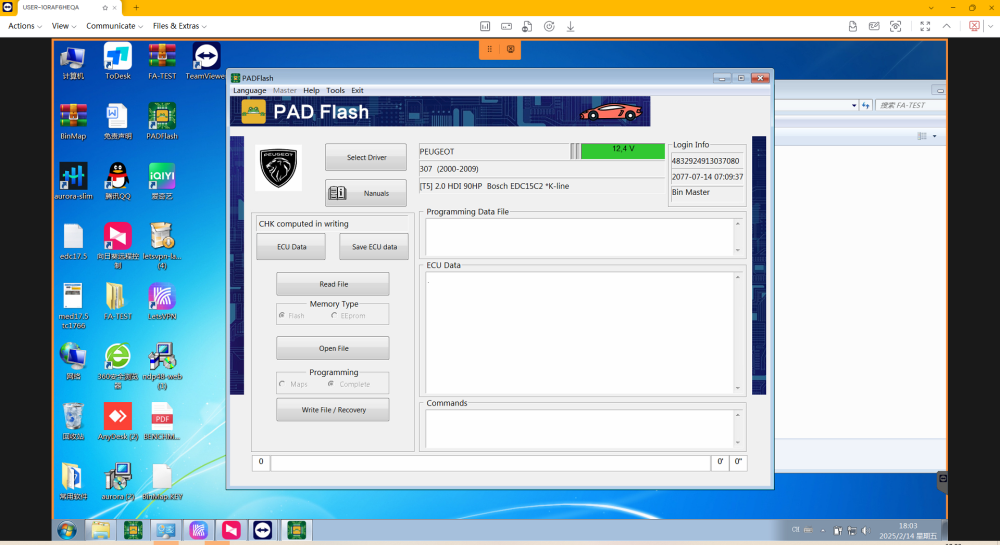
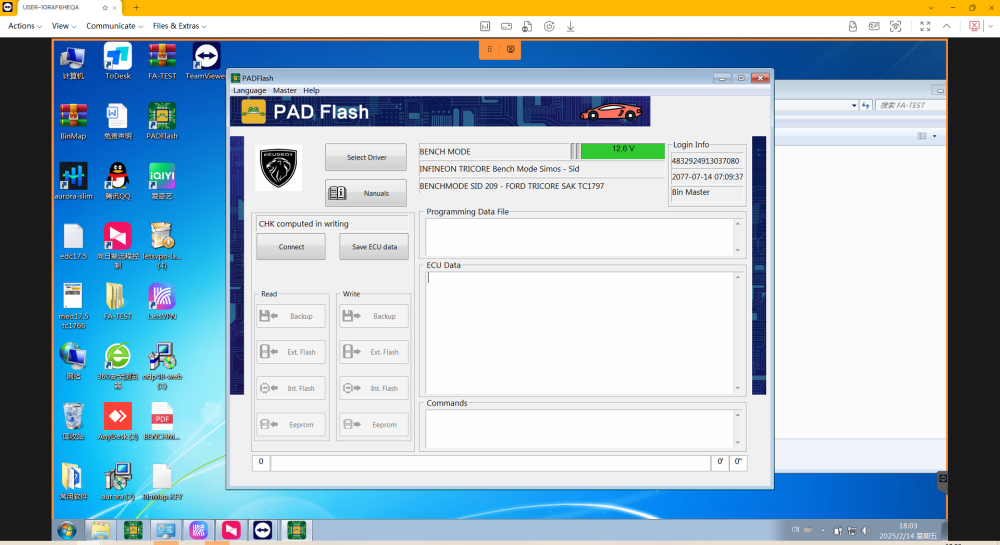
PadFlash Software Interface Display
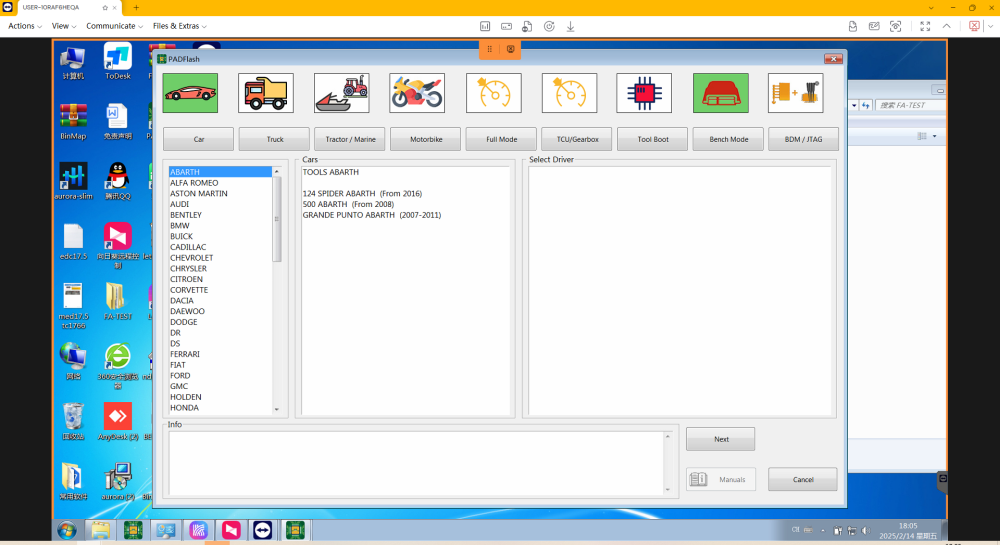
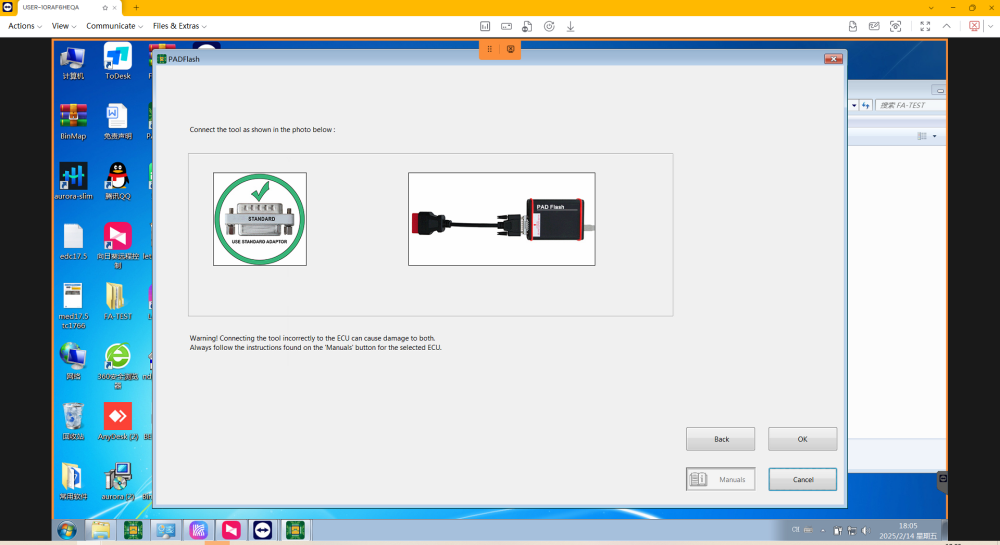
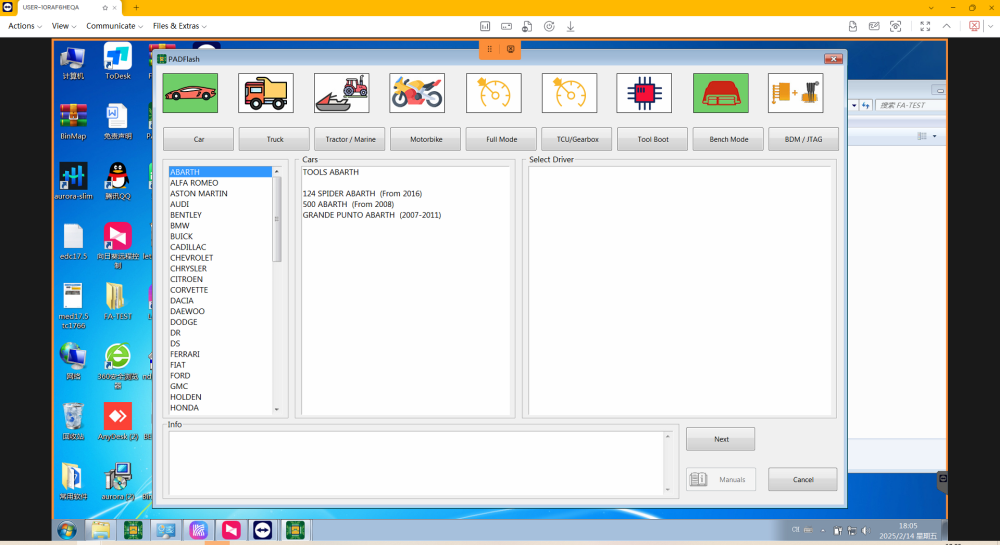
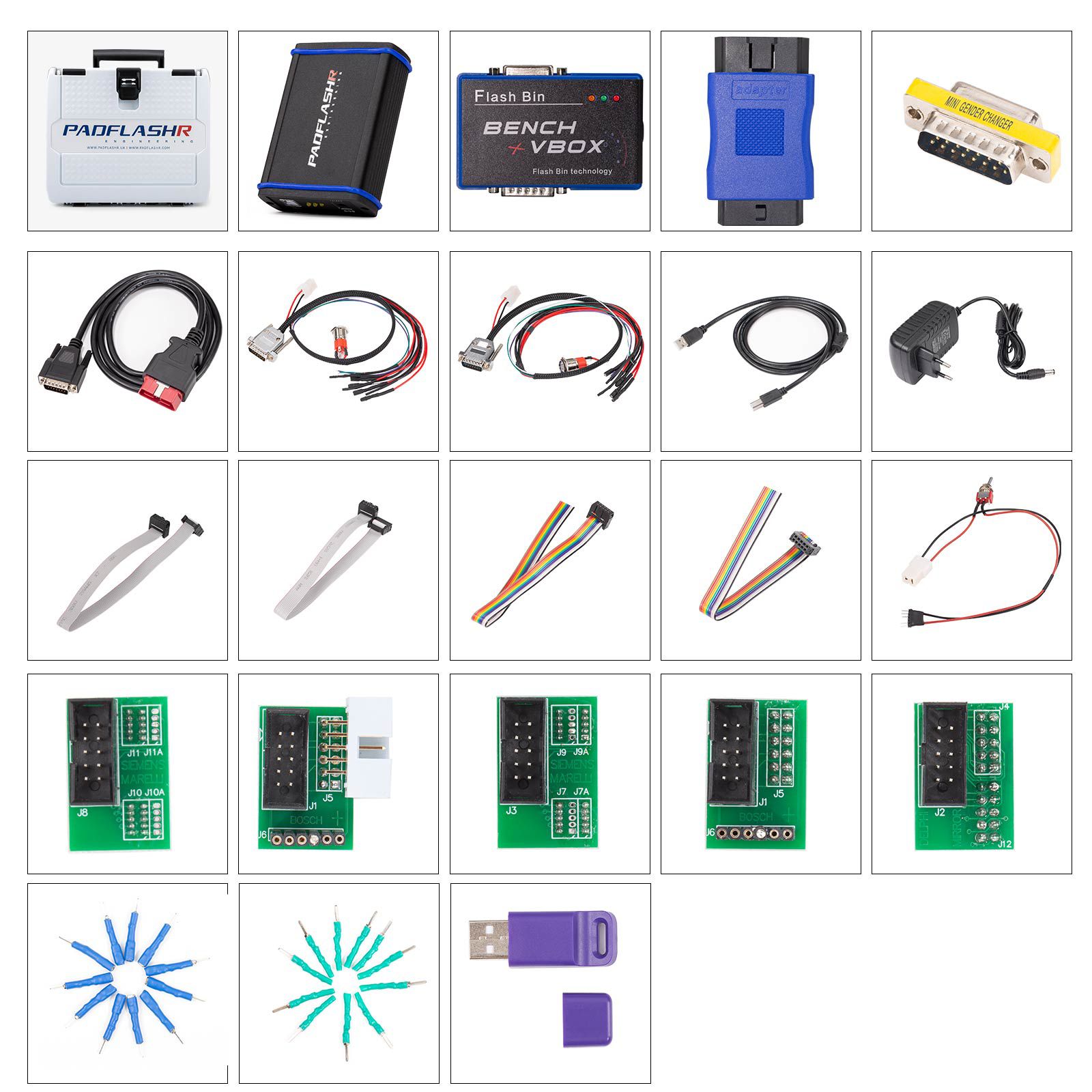
Package Contents
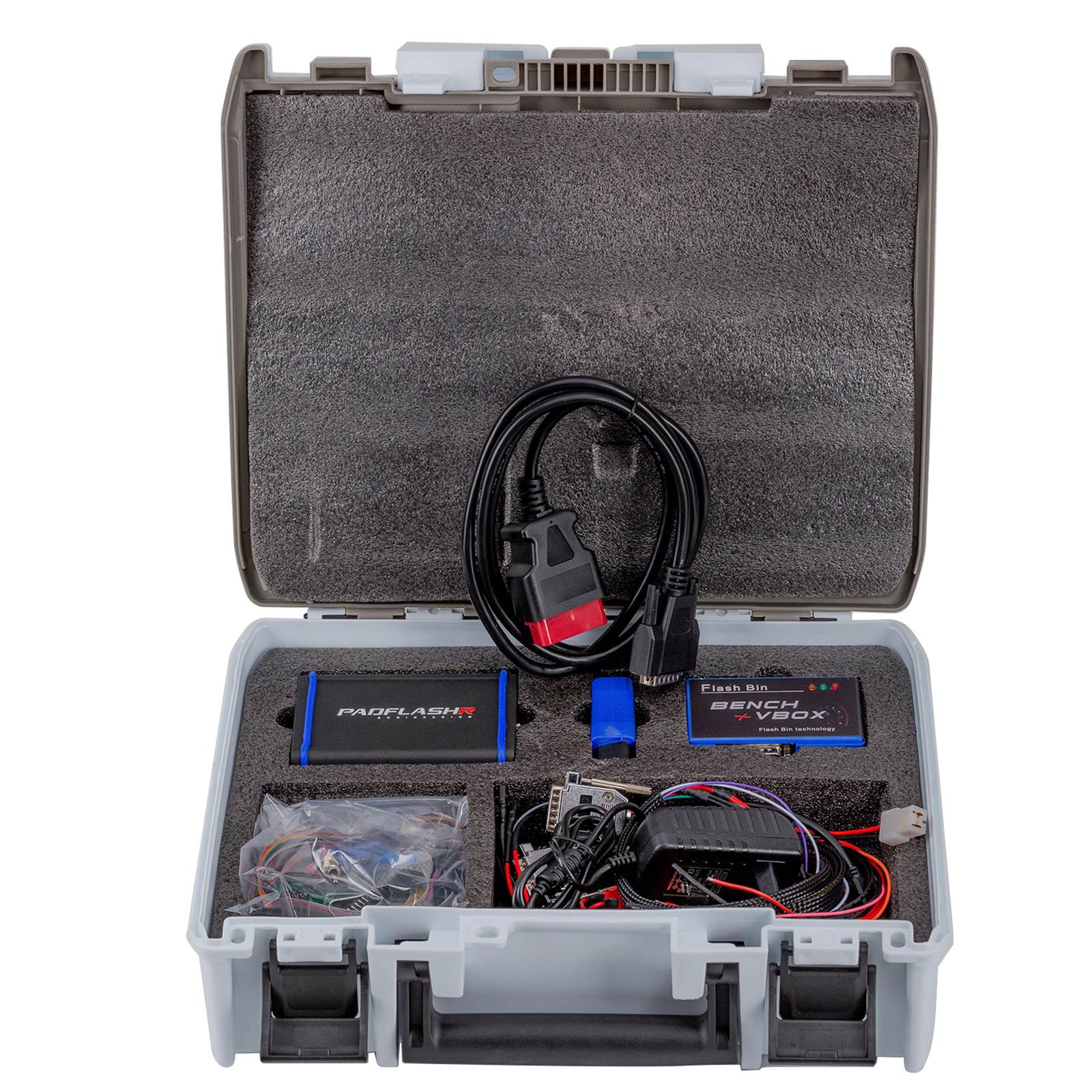
- 1pc x Main Unit
- 1pc x BENCH VBOX
- 1pc x OBDII Main Cable
- 1pc x Truck OBD Adapter
- 1pc x Bench Boot Cable (New Style Trucks)
- 1pc x Bench Boot Cable (Old Style Trucks)
- 1pc x Power Adapter
- 1pc x MINI Adapter
- 1pc x USB Key
- 5pcs x BDM JTAG Adapters
- 4pcs x Wiring Pins
- 2pcs x Wiring Pins
- 1pc x Adapter Cable
- 2pcs x BDM JTAG Cables
- 2pcs x BDM JTAG Cables (Grey)
- 11pcs x Adapter Pins (Green)
- 11pcs x Adapter Pins (Blue)
Frequently Asked Questions (FAQs)
Q1: Why do I need PADFLASH if I already have other chiptuning tools?
Answer: No single tuning tool supports all protocols. For example, even if your current tool lists PCR2.1 support, it might fail in real-world tests. Another tool may succeed where yours fails—this is why professionals often use multiple devices.
Q2: Is there an annual subscription fee?
Answer: No. There are no recurring fees or subscriptions.
Q3: Is it a master or slave device?
Answer: Master.
Q4: Does it require offline or online use?
Answer: Online use is required due to online checksum processing.
Q5: Does it support virtual read?
Answer: Yes, Virtual Read (VR) is supported and highly important for functionality.
Q6: What vehicle models and ECU types are supported?
Answer: Compatible with standard OBD-II, CAN, K-Line, and other communication protocols. Supports passenger cars, commercial trucks, motorcycles, agricultural machinery, and more.
Q7: What are the hardware specifications?
Answer: Supports USB, 12V, and 24V power inputs.
Q8: How easy is it to use?
Answer: Supports automatic ECU identification or manual selection. Requires user interaction and basic operational knowledge.
Q9: What after-sales support is provided?
Answer: Includes 1-year warranty, online installation assistance, and remote technical support.
Q10: What security features does it have?
Answer: Equipped with a USB dongle to ensure hardware protection and authenticity.