CGDI Prog BMW F series coding authorization
CGDI Prog BMW adds new functions of BMW F-series coding, restore coding and backup coding.
CGDI Prog BMW F-Series Coding Authorization is a one of our CGDI Prog BMW F series coding authorization Tools, you can buy CGDI Prog BMW F-Series Coding Authorization from ukobd2.com.
Wholesale Top quality VAS6154, GM Tech2, VCM II For Ford, Handy Baby II Car Key Chip Copier, CDP DS150
images of CGDI Prog BMW F-Series Coding Authorization
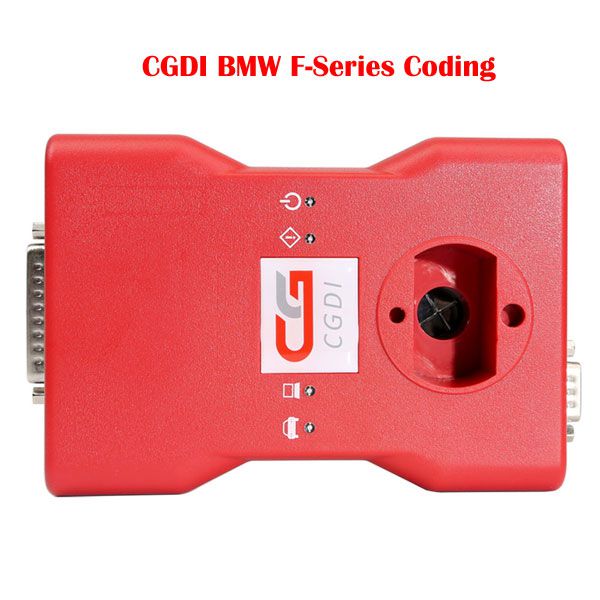
CGDI Prog BMW F-Series Coding Authorization
Learn how to perform coding on BMW F-Series vehicles using the CGDI Prog BMW tool. Follow the step-by-step instructions below to ensure a successful process.
Step 1: Connect CGDI BMW to the Vehicle
Begin by connecting the CGDI BMW device to your vehicle’s diagnostic port.
Step 2: Select BMW F Series Coding Function
From the main menu, select the BMW F Series Coding function.
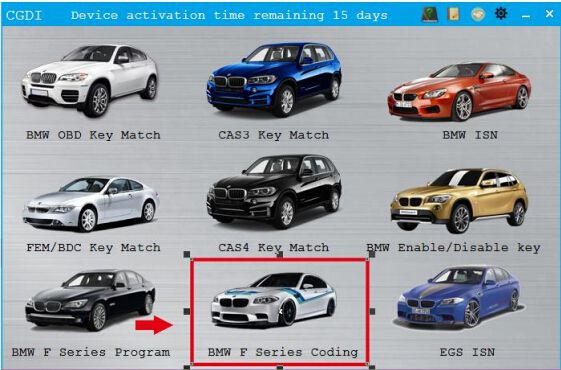
Step 3: Ensure Network Connection and Read ECU Info
This function requires an active internet connection. Make sure your network is stable, then click on Read ECU Info.
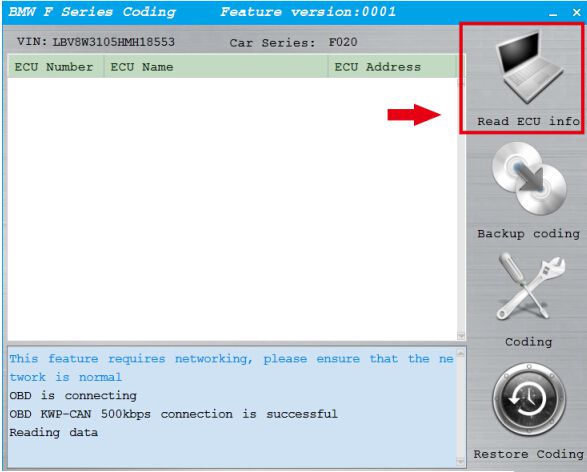
Step 4: Access FEM_BODY Module
Once ECU data is successfully read, navigate to and select 3. FEM_BODY.
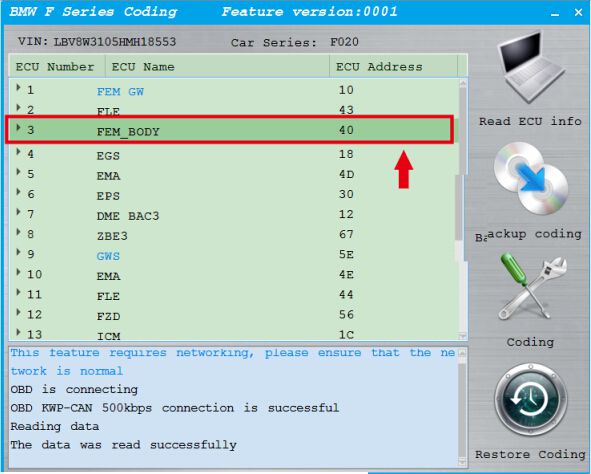
Step 5: Backup Existing Coding
Click on Backup Coding to preserve the current configuration.
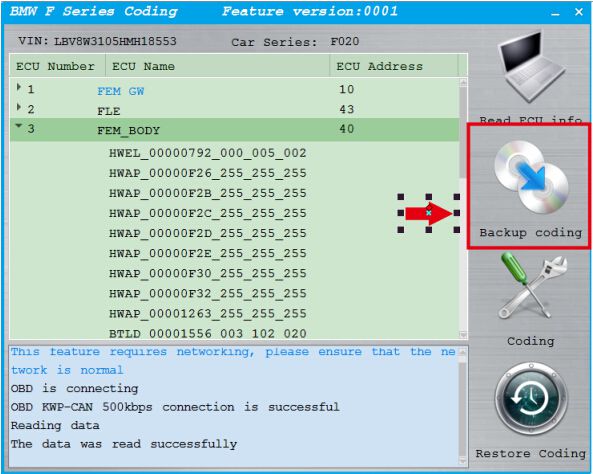
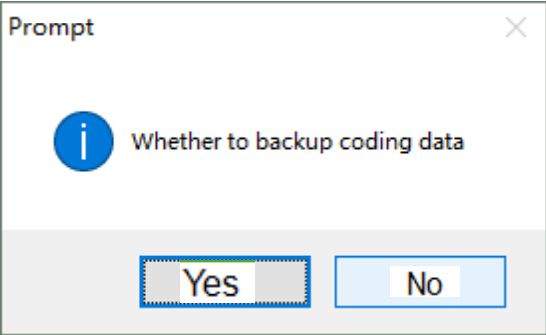
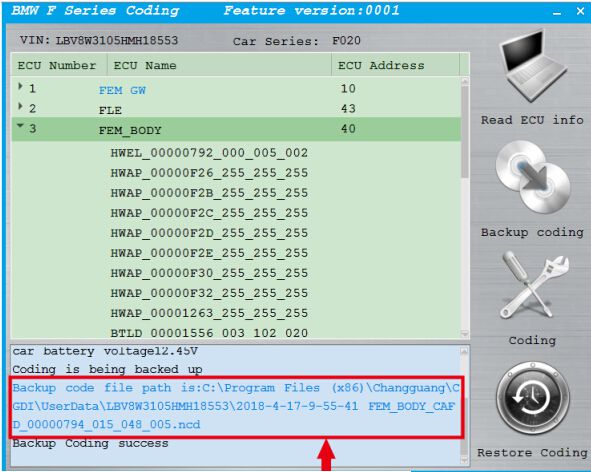
If successful, a confirmation message will appear indicating that the backup was completed.
The coding file is automatically saved to:C:/Program Files (x86)/Changguang/CGDI/UserData/
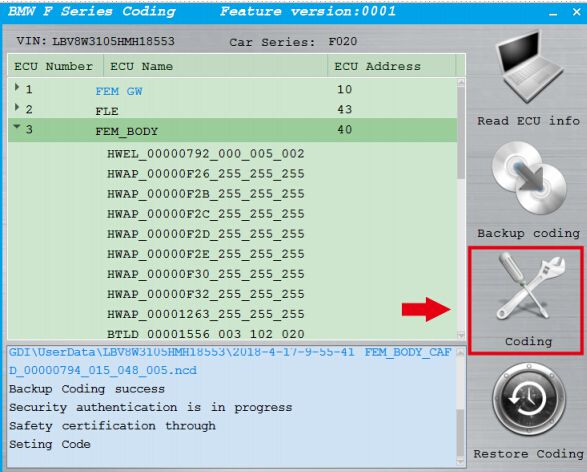
Step 6: Perform Coding
After the backup is complete, proceed by clicking on Coding to begin the new coding process.
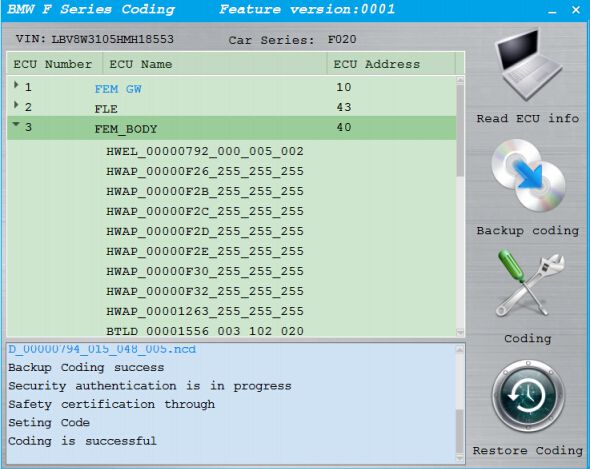
Coding completed successfully.
Go to Buy: CGDI Prog BMW F-Series Coding Authorization