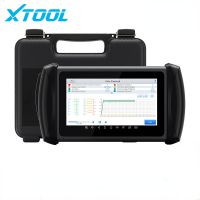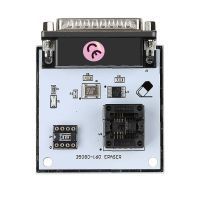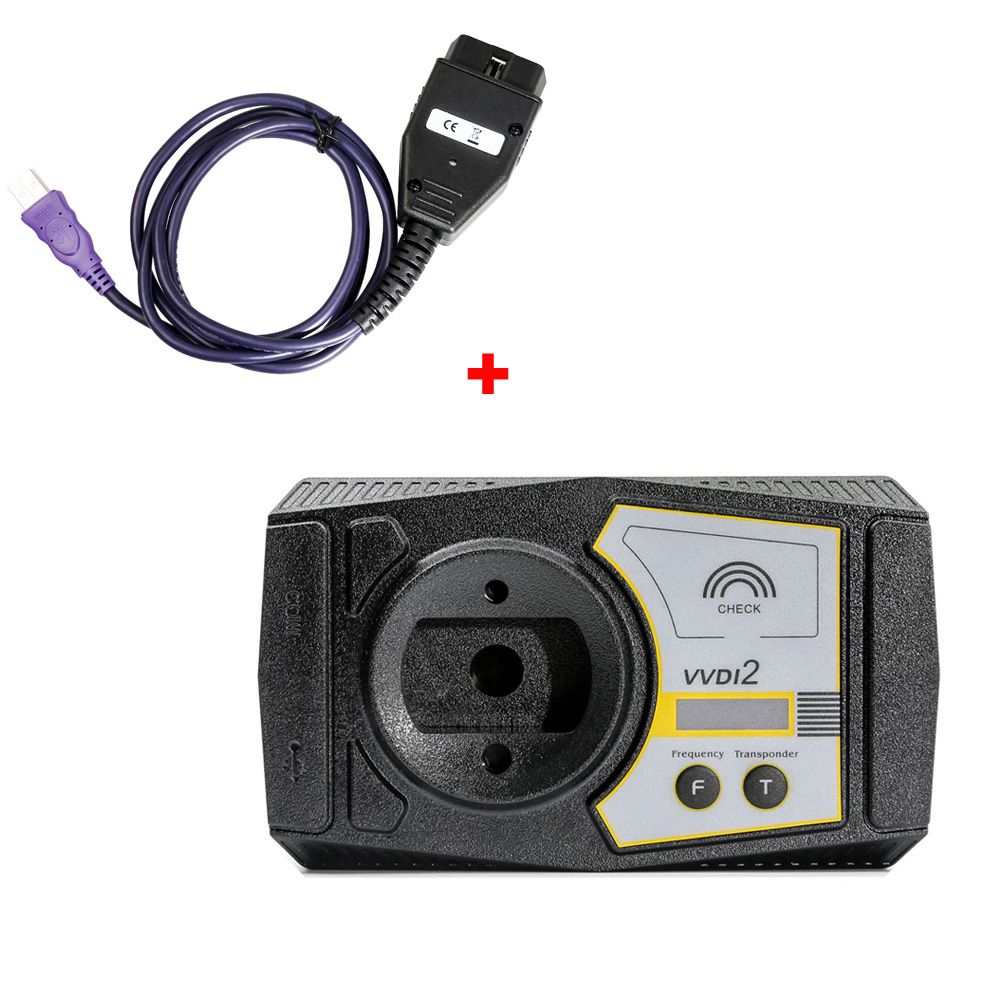
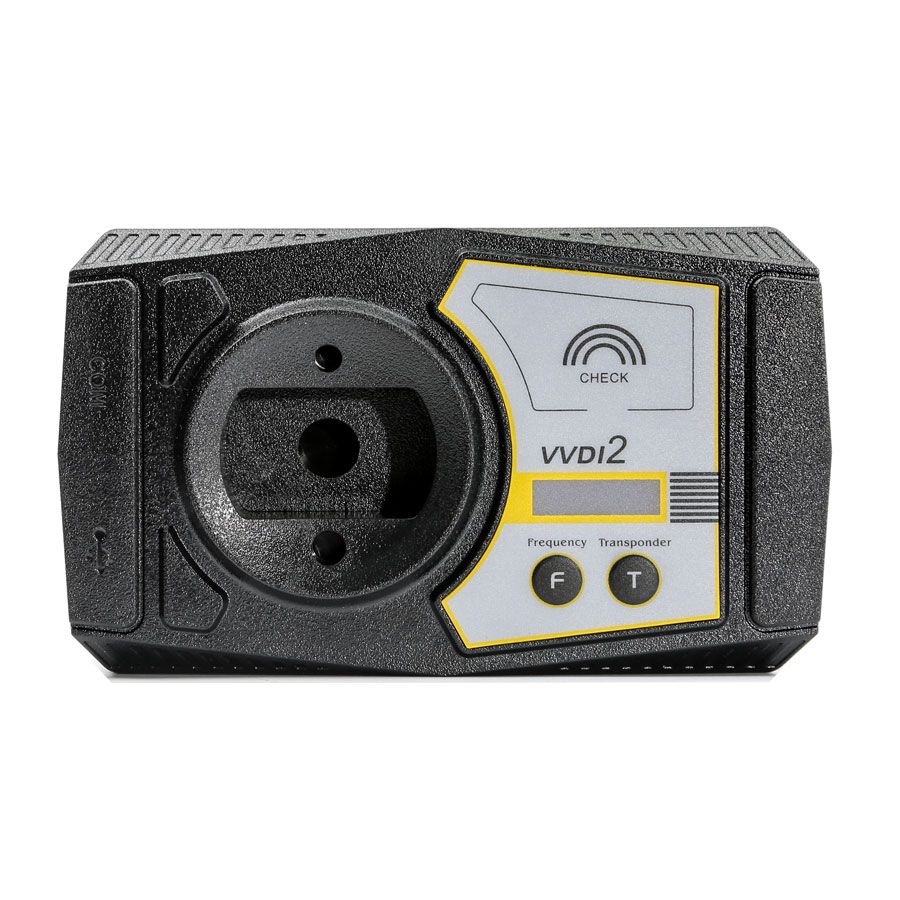
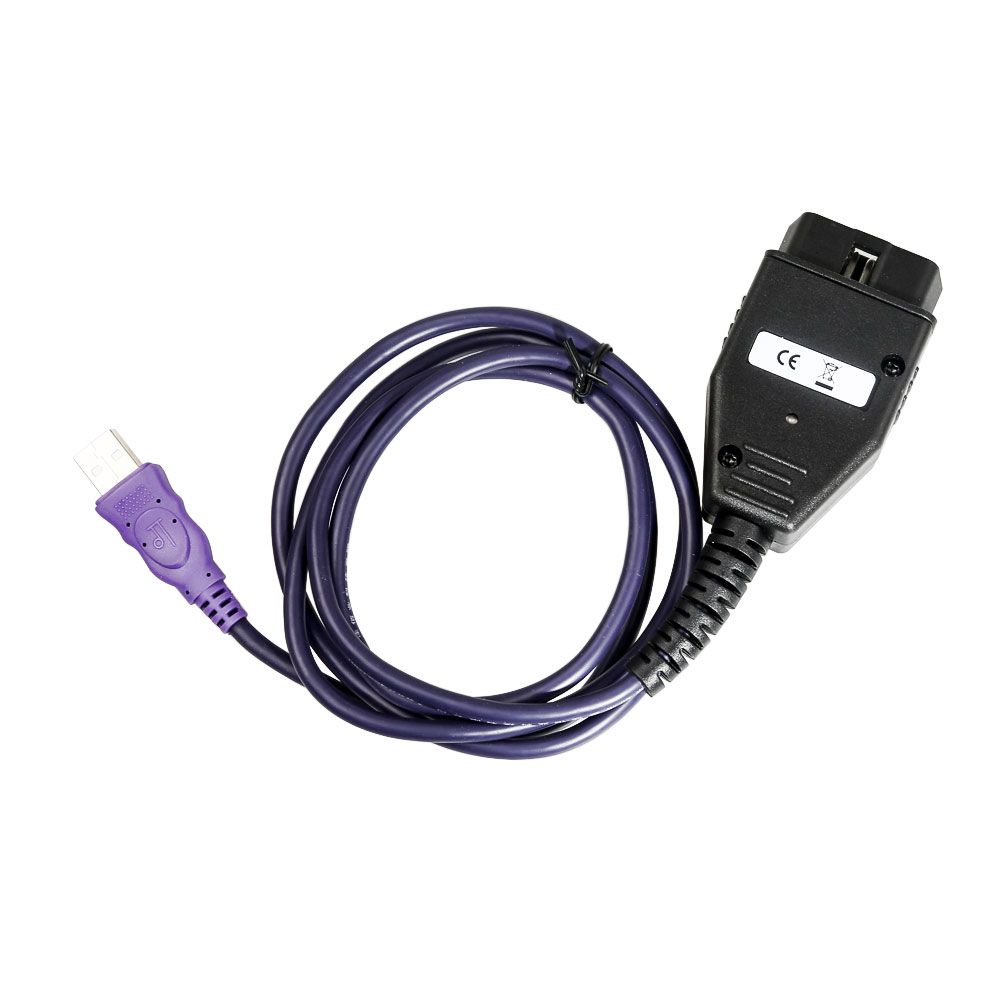
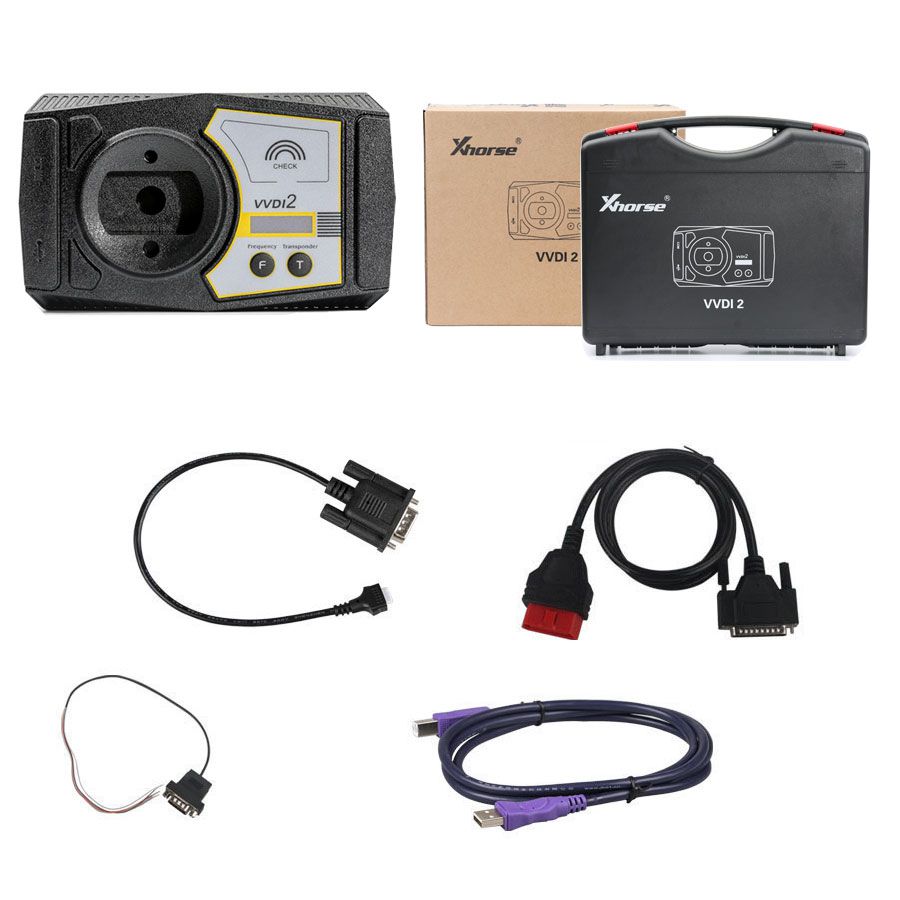


Xhorse VVDI2 Full Version Key Programmer with VAG OBD Helper Cable
VVDI2 Full Version Overview
Key Features:
- This VVDI2 includes: Basic Function + VW + AUDI Generation 5 function + Porsche + BMW OBD Function + BMW CAS4 function
- Covers all functions of VVDI, VVDI 5th IMMO Adapter, BMW Multi Tool, CAS4 Adapter, and most functions of Tango and J2534
- Supports key programming for VW, Audi, BMW, Porsche, and compatible remotes
- Exchange service available for older VVDI units (Item number: SV86-1)
- Note: VVDI2 FULL does not include VAG 48 Copy or BMW FEM authorization—these must be purchased separately if required
What’s Included in VVDI2 Full: VVDI2 Basic Function + VW + AUDI Generation 5 function + BMW + BMW OBD Function + BMW CAS4 + Porsche + Most Tango Functions + Partial J2534 Functions
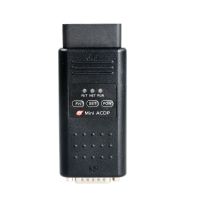
VAG OBD Helper Cable
Connect the VAG OBD Helper to VAG vehicles (VW, Audi, Skoda with 4th IMMO) to quickly retrieve immobilizer data in 3–5 minutes via an internet connection. Operation time may vary based on network conditions or user load. This tool simplifies the process, saves time, and eliminates the need to disassemble the dashboard.
Prior to the release of the VAG OBD Helper, devices like VVDI2, AVDI, AP PRO, and Lonsdor K518 could not read immo data from VW, Audi, or Skoda vehicles with 4th IMMO when adding keys or recovering from total key loss—often requiring dashboard removal. The VAG OBD Helper resolves this limitation.
Online calculation requires a token. The device includes 1 free token. Additional tokens can be purchased separately.
VAG OBD Helper Functions
- Supports A4L and Q5 models (all 754C/J type cards)
- Enables key addition or full key recovery for VW, Audi, Skoda, and 4th generation dashboards
Example: 35XX key loss, 873B 24C64 type key loss, or newer 95320 models - Adds keys for MQB Johnson Controls dashboards (does not support total key loss scenarios)
- Supports total key loss recovery for new Passat MQB models
- Online retrieval of BCM2 anti-theft data for A6, A7, A8, Touareg, and Phideon (5th generation)
Note: 4th generation and MQB data are formatted for broad compatibility with most market devices. 5th generation data supports VVDI/AP and displays CS in plaintext.
How to Use the VAG OBD Helper
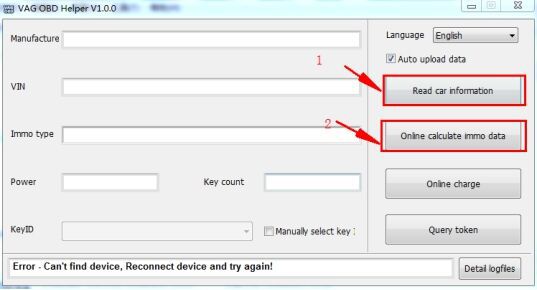
After completing "Online calculate immo data," the system saves the file in the VAG OBD folder using the vehicle’s VIN.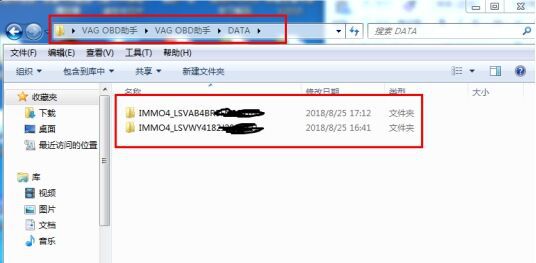
The generated file works with popular VAG Key Programmers to directly generate dealer keys and perform learning procedures.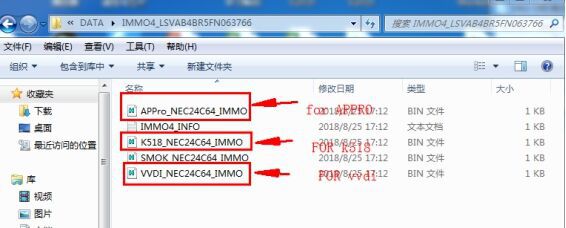
When to Use the VAG OBD Helper
- For VAG vehicles with MQB immobilizer systems where immo data cannot be read directly—use the helper to add new keys (e.g., Johnson Controls key addition)
- When A4L/Q5 models fail to read BCM2 data and display a data length error—the helper can calculate BCM2 data
- For total key loss on 2014+ A6, A7, A8, Touareg, or Phideon with 5th-gen immobilizer—use the helper to calculate BCM2 data online, then pair with VVDI2 or AP PRO for key programming
Important: Before using the VAG OBD Helper, ensure the vehicle information is unaltered and the vehicle status is legal; otherwise, immo data calculation will fail.
Packing List
- 1 x Xhorse VVDI2 Full Key Programmer
- 1 x VAG OBD Helper Cable