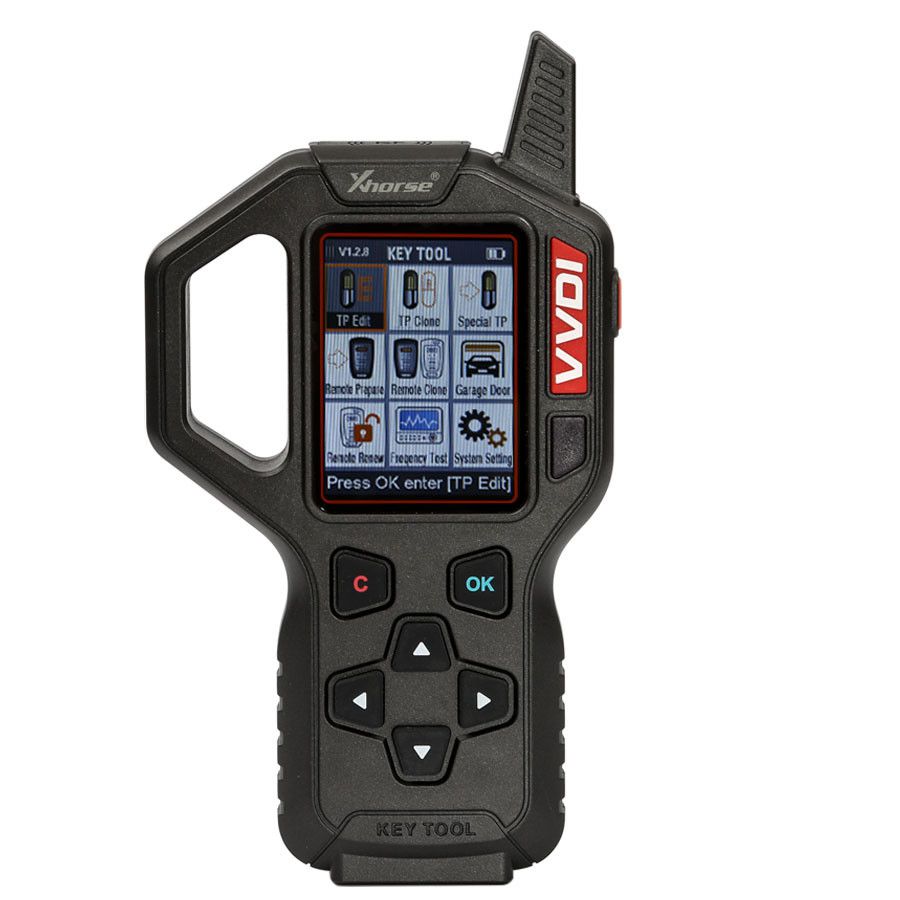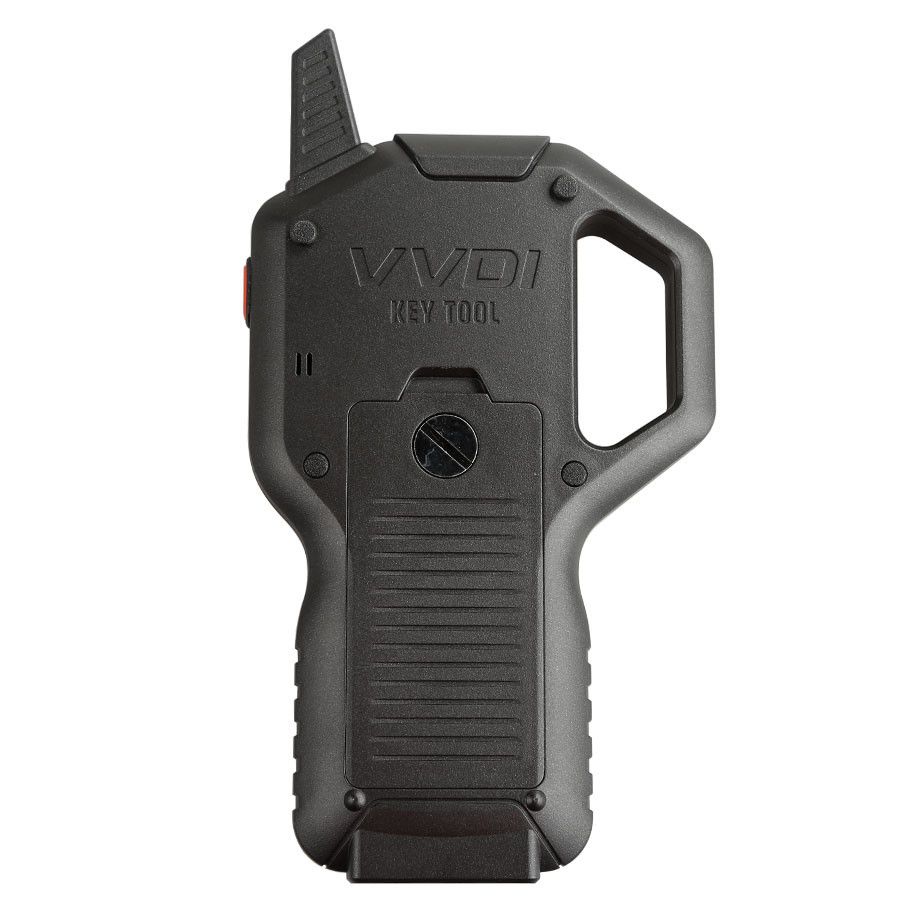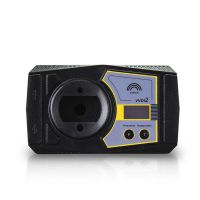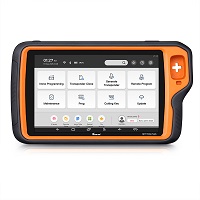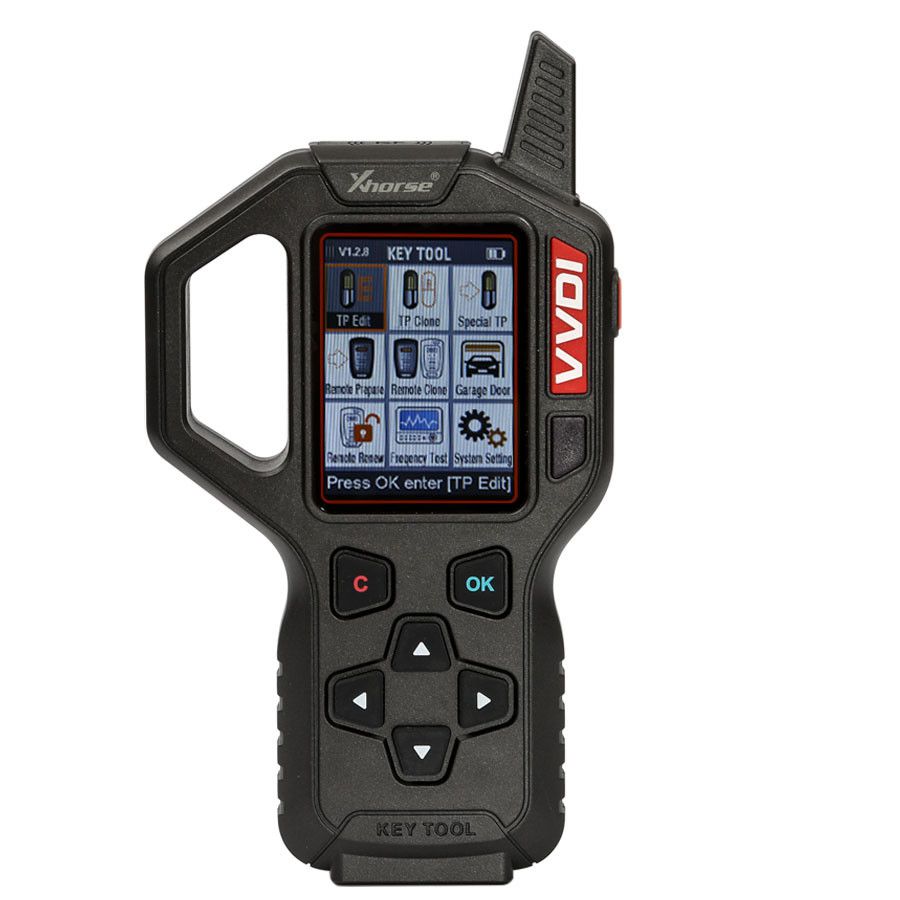
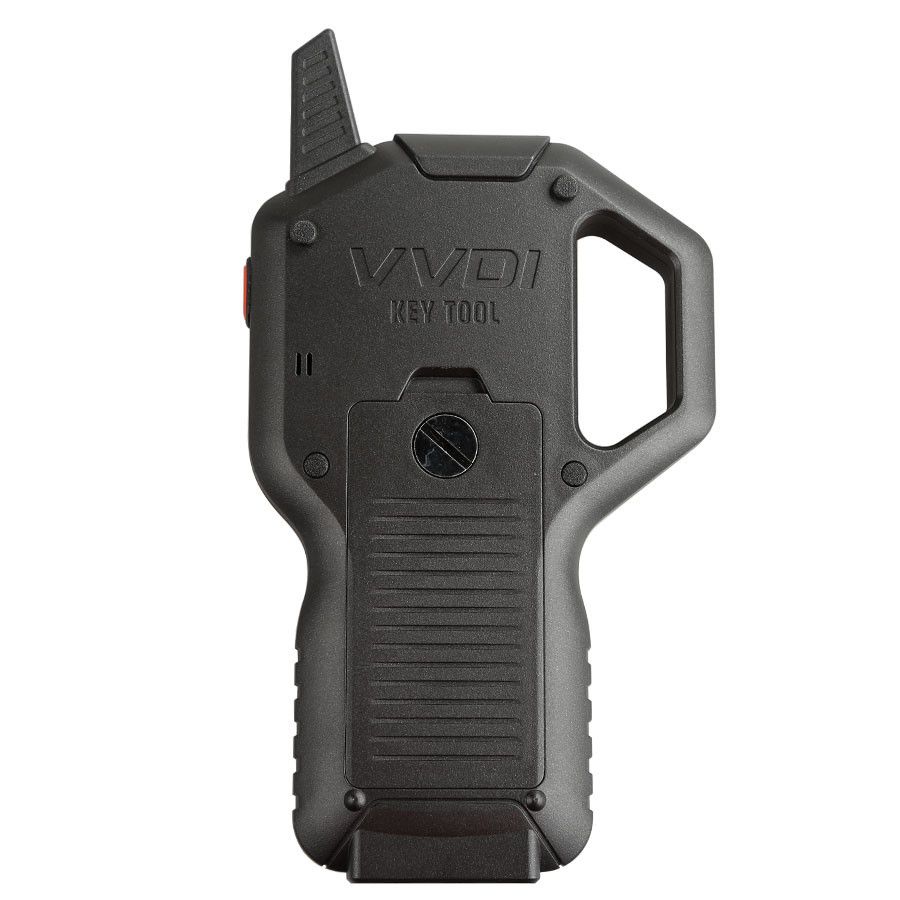
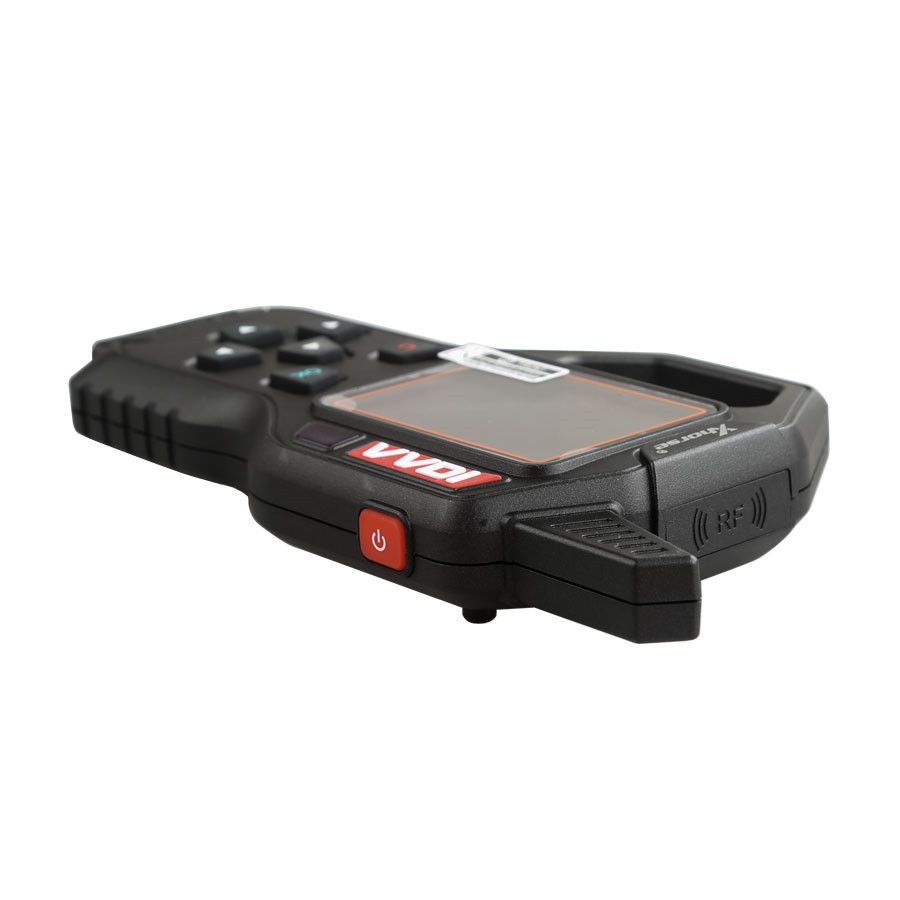
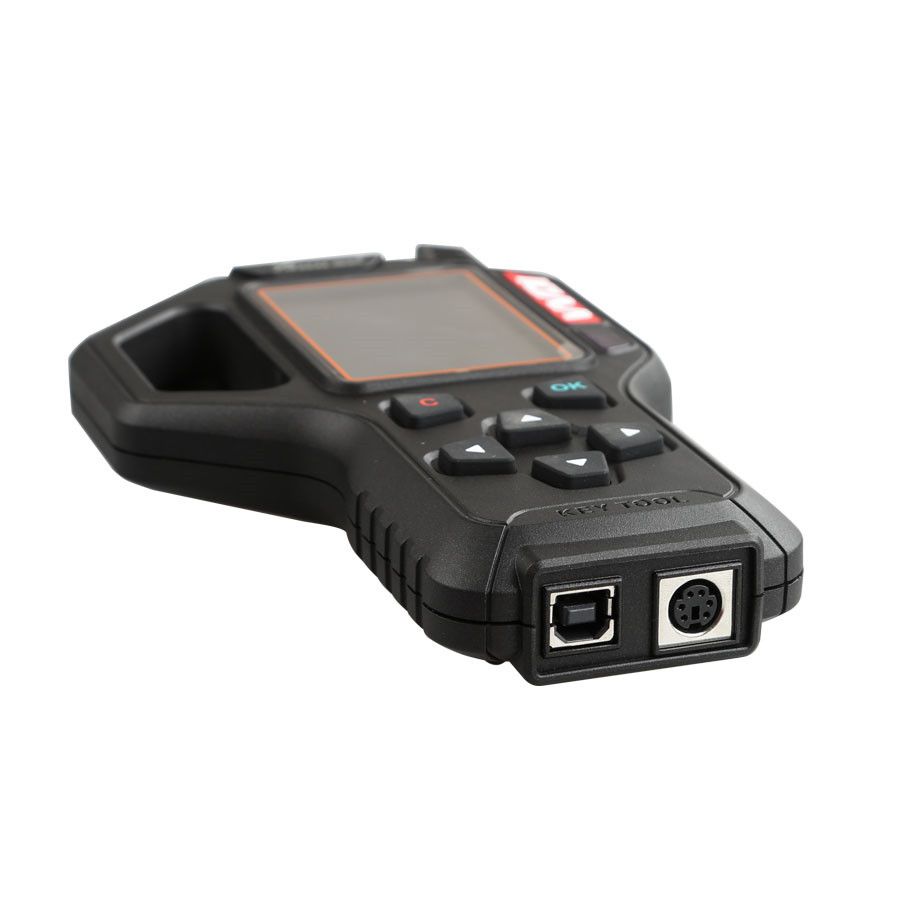


Original V2.4.1 Xhorse VVDI Key Tool Remote Key Programmer – American Version / European Car
Great News from Xhorse!
As of April 1, 2018, VVDI Key Tool users can purchase a Clone 48 96-bit Authorization. This includes 1500 free calculation points—equivalent to the VVDI2. All users who have activated 48 96-bit functionality in VVDI2 can now combine their VVDI Key Tool with VVDI2 and use the Key Tool to clone 48-bit transponders as well.
Top 5 Reasons to Get the VVDI Key Tool
- Latest Version: Firmware V2.4.1 (Firmware Version: 1.1)
- Broad Compatibility: Supports most common remote types on the market—reliable and user-friendly.
- Multifunctional Capabilities: Edit transponder, clone transponder, test frequency, clone remote, generate remote, create garage door remotes, unlock smart cards, and more.
- All-in-One Device: A comprehensive solution for automotive key programming and remote management.
- Expandable Functionality: With the VVDI Key Tool Adapters (SK203-F), you can renew various types of original used remote keys. (Adapters sold separately.) For a complete kit, select SK203-B+SK203-F on our site.
Free Downloads
- VVDI Key Tool Unlock Wiring Diagram
- VVDI Key Tool Vehicle List
- VVDI Key Tool Update Tool (Free Download)
VVDI KEY TOOL App Latest Update (iOS v1.2.0, Android v1.2.1)
iOS Update
- App available only after device update
- New: Query bonus points function
- New: Prepare remote feedback function
- Improved: Interface optimization
Android Update
- Caution: Android 8.0 may experience update issues. If update fails, search "VVDI" or "KEY TOOL" on Google Play to download the latest version.
- New: Query bonus points function
- New: Prepare remote feedback function
- Improved: Interface optimization
- Fixed: 96-bit copy 48 online calculation issue
- Fixed: Other bugs
Note: Always use the latest software version.
For iOS: Search 'VVDI' or 'KEYTOOL' in the App Store.
For Android: Search 'VVDI' on Google Play.
Xhorse VVDI Key Tool Functions
1. Transponder Cloning
Supports identification of all immobilizer transponders currently on the market, with cloning and editing capabilities for select models.
Supported Editing Transponder Types:
36/46 (Hitag2), 47 (Hitag3), 48, 4D (40/80), 7935
Supported Cloning Transponder Types:
- 36/46: Original or aftermarket transponders (offline cloning)
- 4D-40 bit: 60, 63, 83, 67, 69, etc. (offline cloning)
- 11/12/13/4C/30/33/42 (offline cloning)
- Toyota 72-G (online cloning)
- Hyundai/KIA 70 (4D-80 bit) (online cloning)
- Ford 83-80 bit (online cloning)
- All 48-bit transponders (online cloning)
Supported Unlock Transponder Types:
- Unlock Xhorse special 4D and 46 transponders
- Unlock all locked 7935 transponders
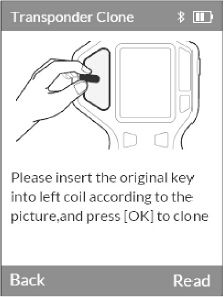
After entering the transponder cloning function:
Place the transponder on the detection area and press [OK] to begin identification.
Identification result display:
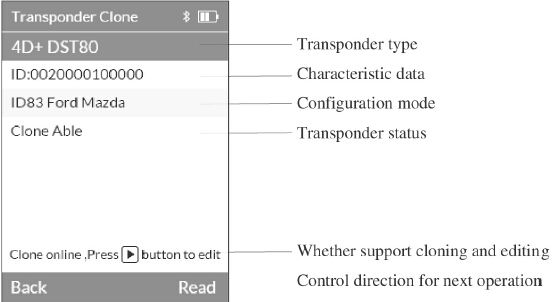
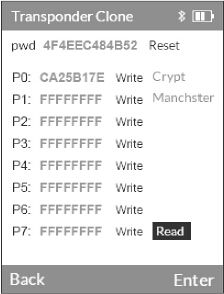
Press  to edit transponder
Use directional buttons to move cursor or modify content. Press [OK] to confirm.
Press  to start cloning
Some transponders require ignition data acquisition first; others only need data sniffing. Press [OK] to begin.
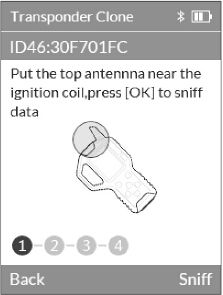
If data acquisition is successful, it will be displayed automatically and the buzzer will beep.
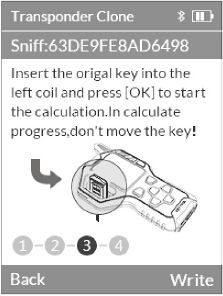
Transponder password or vehicle matching password:
After successful cloning, press directional button 3 to view detailed data.
(Useful for vehicles that don’t require password matching, such as BYD, or for retrieving Hyundai/KIA smart key passwords.)
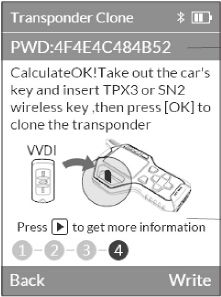
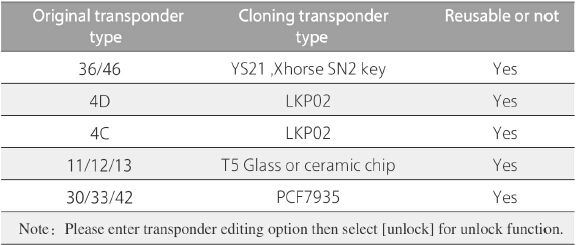
After obtaining the transponder password, ensure you use the correct type of blank transponder for cloning. Refer to the following guide:
2. Transponder Generating
Supports generating hundreds of vehicle immobilizer transponders. ID36/ID46 special transponders can be created using the Xhorse SN2 universal (wireless) remote, which supports reuse.
Process: Select brand → vehicle model → year/configuration. If your vehicle isn't listed, choose [More Vehicle Model] to proceed manually.
Attention: Some special transponders may be permanently locked after generation—always follow tool prompts.
3. Remote Cloning
Includes HCS/fixed code cloning, non-HCS rolling code cloning, and remote editing.
HCS/Fixed Code Cloning
- Supports common fixed codes: PT22XX, LX918, HT6P20, etc.
- Supports hundreds of vehicle and garage HCS rolling code remotes (cloning and generating)
- Generated remotes must be reprogrammed into the receiver box
- Compatible with all Xhorse Universal Remote series
Non-HCS Rolling Code Cloning
- Supports all fixed code remote cloning
- Supports select special models (e.g., Hornor) without repeated codes
- Supports direct cloning of certain non-repeated code HCS-type remotes
- Note: Only compatible with Xhorse universal wire remote series
Remote Editing
- Supports editing formats: PT22XX, LX918, HT6P20, VD5026, AX5326, HT12X, and other common fixed-code data
- Uses Xhorse universal remotes for emulation
- Compatible with all Xhorse universal remote series
For accurate frequency testing during cloning, place the remote’s front surface close to the testing area and briefly press the buttons as prompted. Upon receiving data, the device will beep automatically. During the process, transponder type, baud rate, frequency, and bit information are displayed on-screen.
Attention: If no data is received, check the remote battery and ensure the original remote uses ASK modulation.
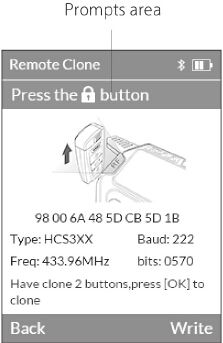
If frequency readings are inaccurate, manually adjust the value using directional buttons when generating the remote.
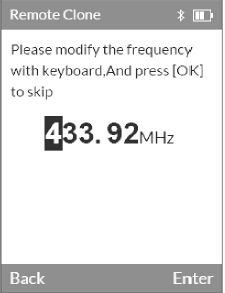
HCS rolling code cloning may interfere with the original remote signal. It's recommended to use a new remote compatible with the vehicle. For SN-series (wireless) remotes, install the battery and place in the transponder detection area. For N-series (wired) remotes, remove the battery and connect via programming cable to the programming port.
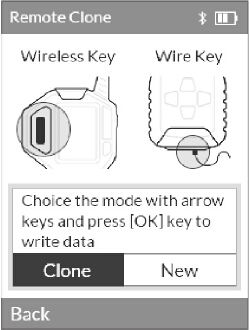
4. Remote Generating
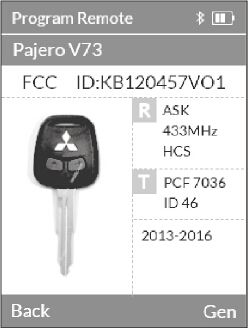
The VVDI Key Tool includes built-in data for over 1200 vehicle models (continuously updated), including remote images and pairing instructions. Users can select the correct data file by vehicle model and program Xhorse universal remotes to match the vehicle’s control unit.
Brand list supports personalized ranking: Press [OK] until the brand name turns green and transparent, then use directional buttons to reorder. Press [OK] to confirm or [C] to cancel.
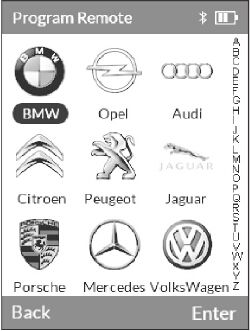
Attention: Some chip-on-board remotes are only compatible with Xhorse SN series remotes.
During generation:
- SN series: Install battery and place in transponder detection area
- N series: Remove battery and connect via programming cable
5. Garage Generating
This function is not available in the current version. Please use the remote cloning function to duplicate garage door remotes.
6. Renew Remote
Supports dozens of vehicle models for remote renewal (expanding continuously). Use a renew adapter or soldering wires to connect PCB directly.
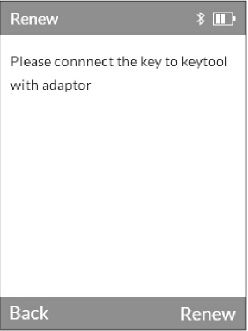
Note: Contact your dealer for connection diagrams related to remote renewal.
7. Frequency Testing
Supports 300–500MHz frequency detection, relative power, signal modulation, and IR testing.
During frequency testing, press the remote button to transmit the signal. A moving "green wave" at the top-left of the screen indicates valid frequency and modulation. For IR testing, point the IR emitter at the testing area (15–80cm distance based on strength). A small red light at the bottom of the screen confirms IR signal detection.
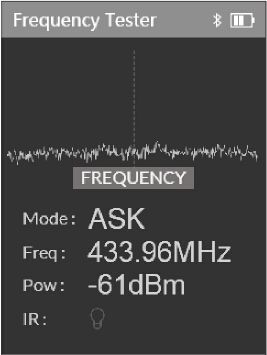
Attention: For FSK-modulated remotes that fail to test, try short-pressing the button repeatedly.
8. Special Functions
- All Key Lost Testing: Place near ignition coil. If a signal is detected, the tool beeps and identifies supported transponder types (36, 47, 4D). Other types not yet supported.
- Toyota Smart Key Unlock: Supports unlocking 40/80-bit original Toyota smart keys. Insert key with battery into detection area and press unlock. Intermittent flashing LED on the key PCB indicates success. Retry if needed.
- VVDI Special Transponder: Initializes Xhorse SN series universal remotes for transponder types 11/12/13/46/47. After initialization, they can be used to generate special immobilizer transponders and match to the vehicle.
How to Use the VVDI Key Tool
Example: Generating an MG3 433 Remote Key
- Open VVDI Key Tool, select “Remote Generation”
- Select vehicle region/country (e.g., China)
- Choose Make: MG
- Select Model: Old MG3 433
- Connect VVDI Key Tool to VVDI Mini Remote Programmer, click Generate
- Select remote type: wireless or wired
- After selection, a barcode is generated automatically—take a photo
- Use a decoding device to program the remote using the barcode
The newly generated remote will closely match the original, including the barcode.
VVDI Key Tool Update History
V2.4.1 Update [2018-08-03]
- Add: VVDI universal smart key (PROX) generation
- Add: PSA remote renewal
- Fix: Remote frequency testing
- Optimize: Remote cloning
- Optimize: ID48/ID46 transponder cloning
V2.3.8 Update [2017-07-16]
Firmware Version: V2.0.2
Note: This update applies only to North American or India English versions (na, na-en, in, in-en). Other language versions released the following week. Confirm your language version via Device Info.
Important: Must update to V2.3.8 or higher. Process may take up to 30 minutes.
- Transponder Clone:
- Add: Chrysler 4D-64 (4E) clone
- Add: Toyota-G offline clone
- Add: Hyundai ID-70 online clone (use Calculate option in upgrade software)
- Add: Ford ID-83 online clone (use Calculate option)
- Add: ID-4A identification
- Generate Transponder:
- Add: Toyota-G special transponder generation
- Remote Renew:
- Add: Support for over 86 remote & keyless go prox unlock functions
- Remote Prepare:
- Fixed: XN serial keys issue on ID47 (e.g., Suzuki)
- Add: More vehicle data and bug fixes
V1.2.8 Update [2017-04-26]
- Remote Renew:
- BMW-F.315*
- BMW-F-434*
- BMW-F-868*
- BMW-CAS-315
- BMW-CAS-868
- 8k0959754-C (LED does not light – possible firmware error)
- 8k0959754-J (LED does not light – possible firmware error)
- 8k0959754-D (LED works – not tested in car)
- Hyundai (no specific model)
Note: Some models (e.g., BMW F series) may not work. Audi models C and J may show errors.
- Remote Prepare V4:
- IDEN KEYDIE (PCF7947) – No remote support
Customer Feedback
Recent customer reports regarding VVDI KEY TOOL remote programming:
- Always update to the latest firmware (v2.0.6) using update software v2.3.9 (available for all versions except India).
- If you receive the message “Remote hardware version is too low,” your remote is likely a Chinese version. Chinese remotes only work with Chinese-version devices and are incompatible with overseas units.
- All English-version remotes are compatible with overseas devices (excluding India/in, Malaysia/ma, China/ch), including Europe (eu) and North America (na).
VVDI Key Tool Package Contents
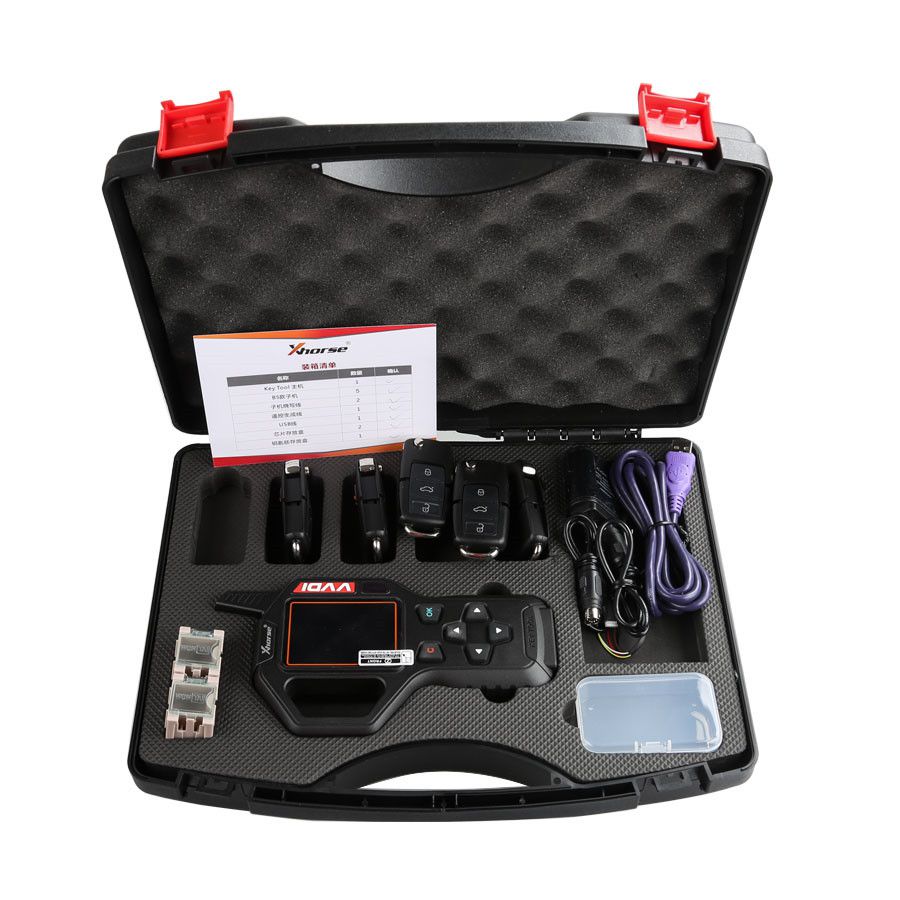
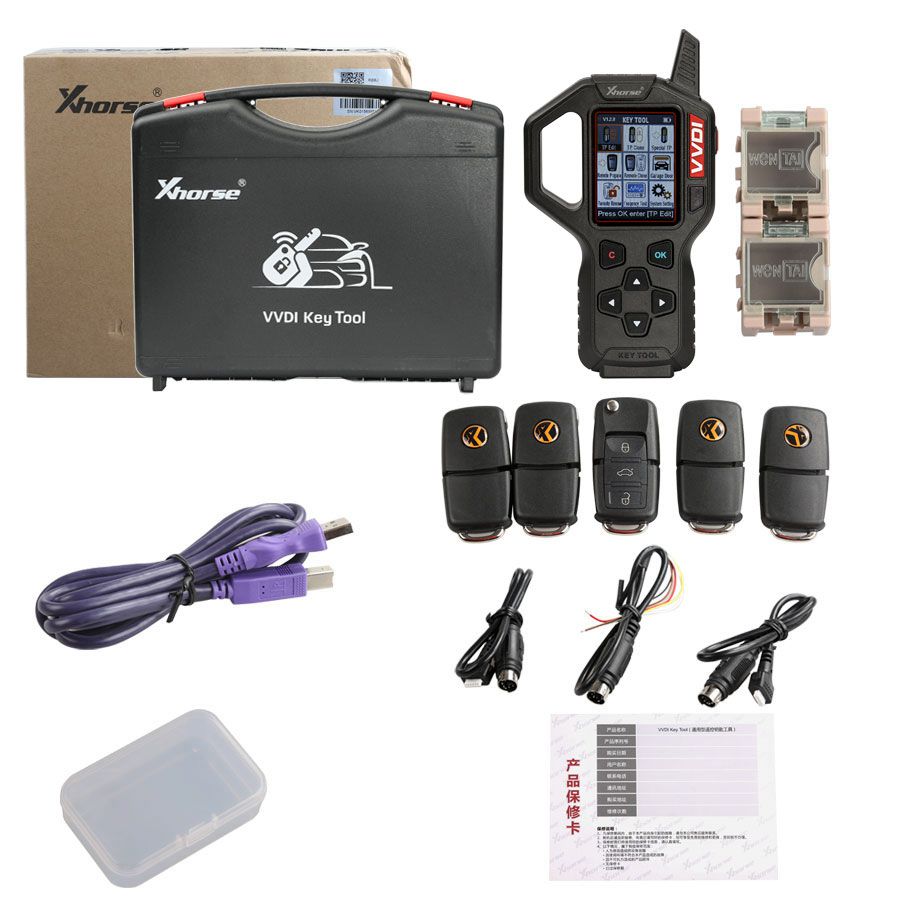
- 1 x VVDI Key Tool main unit
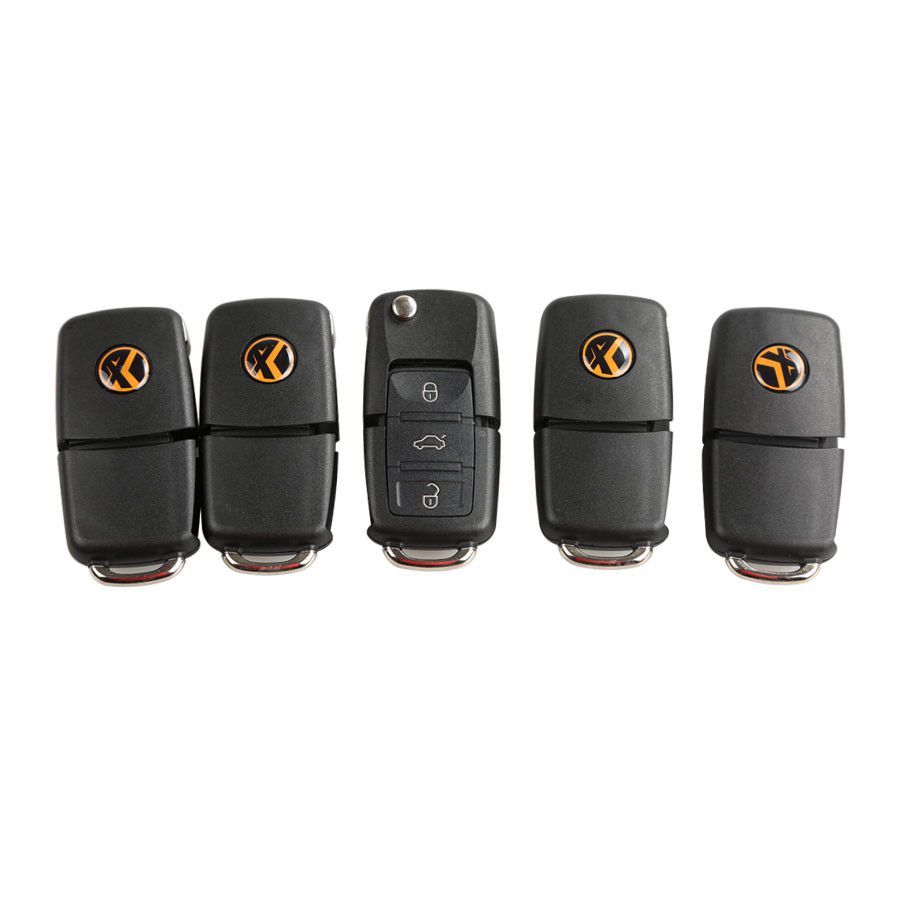
- 5 x Remote keys
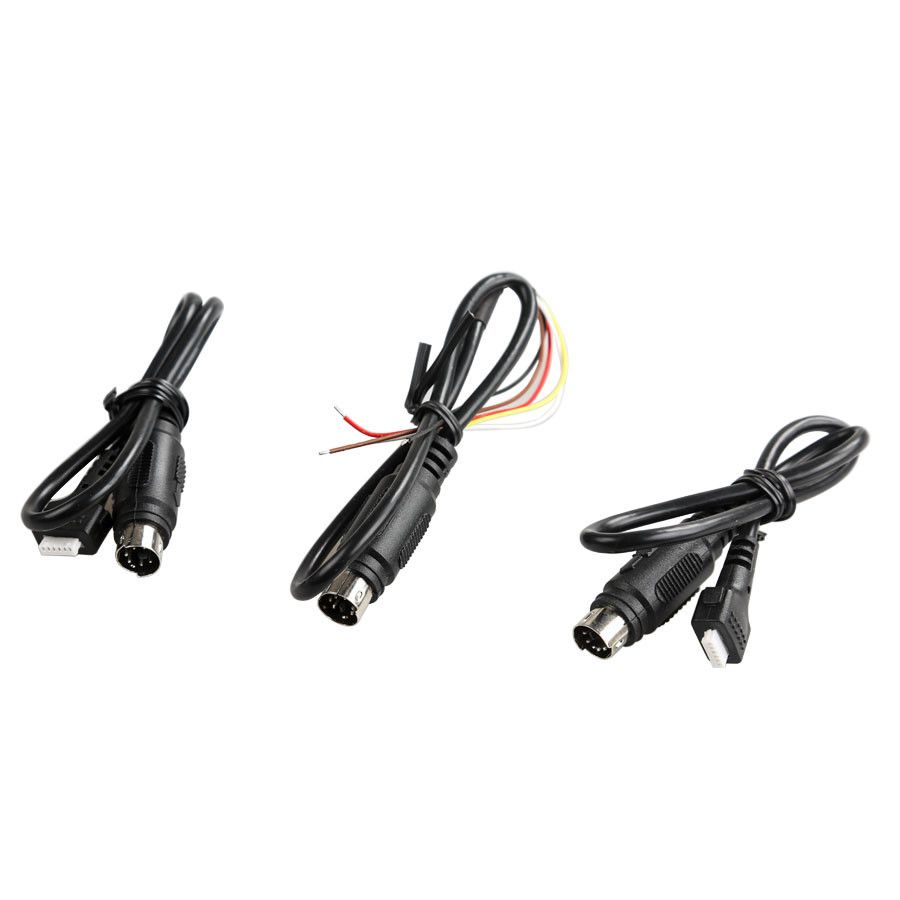
- 2 x Programming cables
- 1 x Remote renew cable
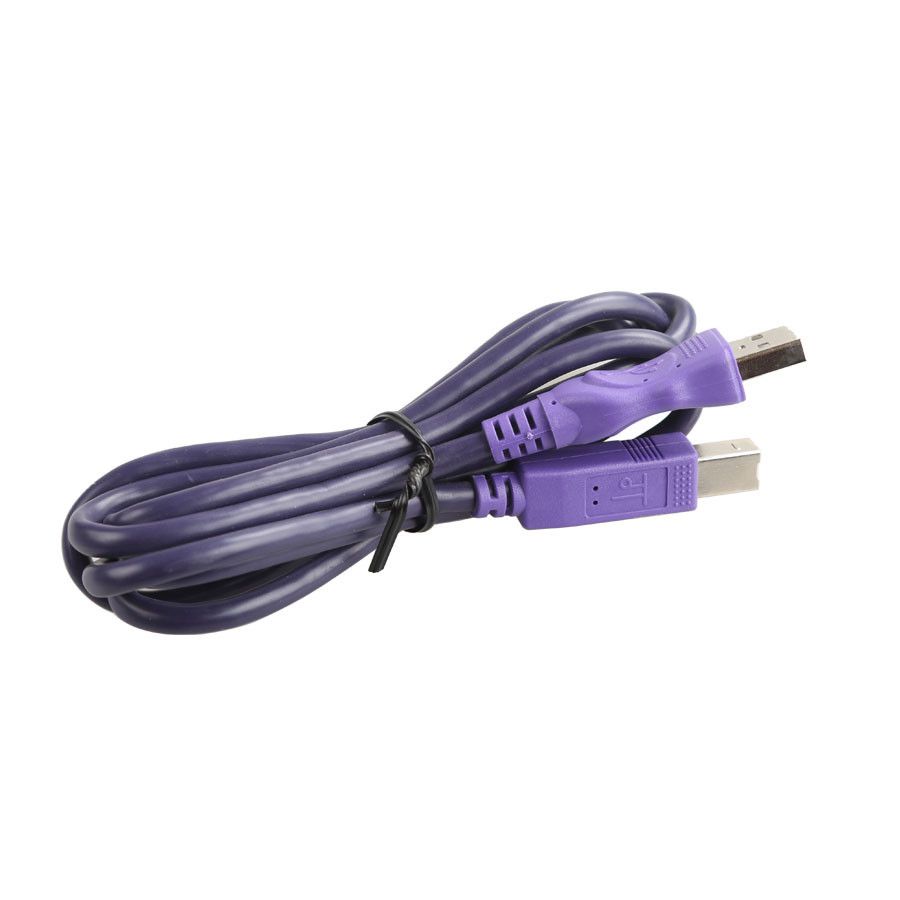
- 1 x USB cable
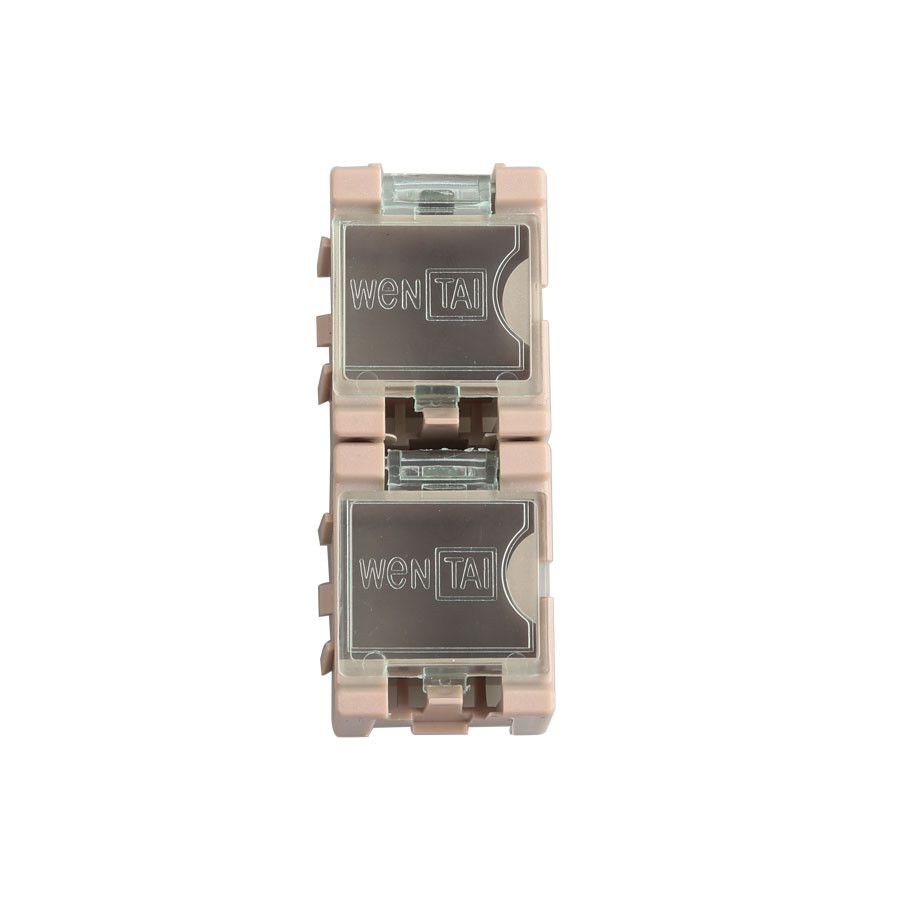
- 2 x Transponder storage boxes
- 1 x Key blank storage box