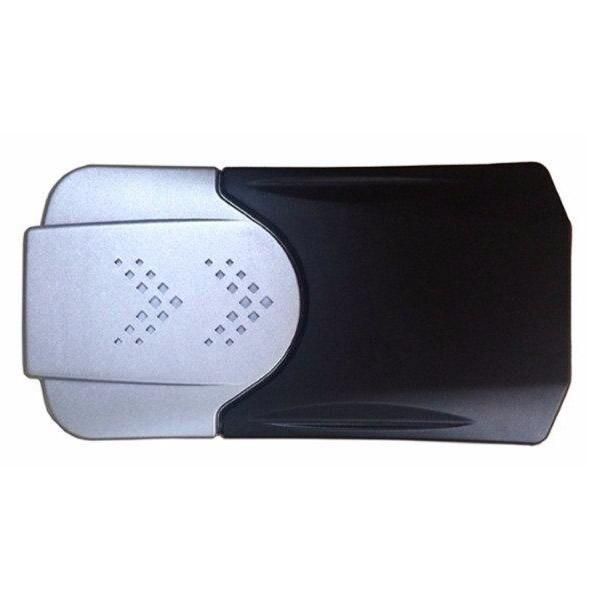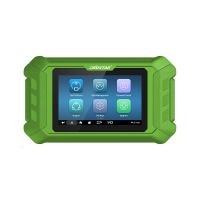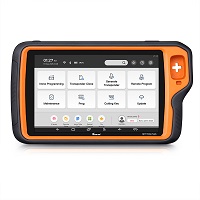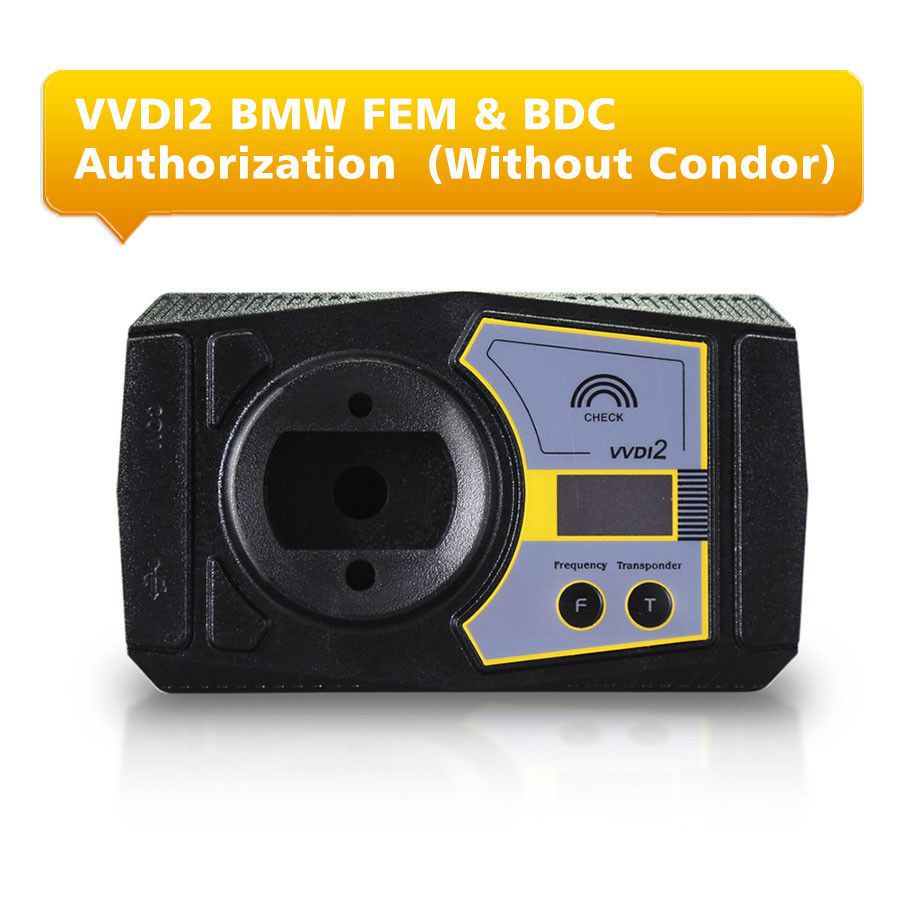


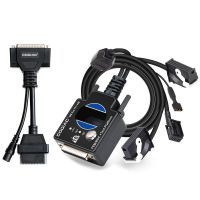
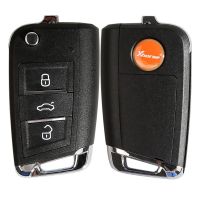
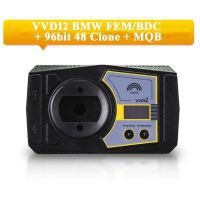
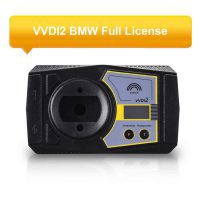
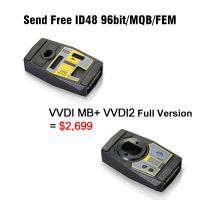
VVDI2 BMW FEM & BDC Functions Authorization Service Without Ikeycutter Condor
Note: VVDI2 now includes BMW FEM & BDC functions. To use this feature, your VVDI2 must have the BMW OBD Function (SV86-3).
There are two ways to obtain this function:
- If you only have VVDI2 with BMW OBD Function, you can purchase this authorization separately.
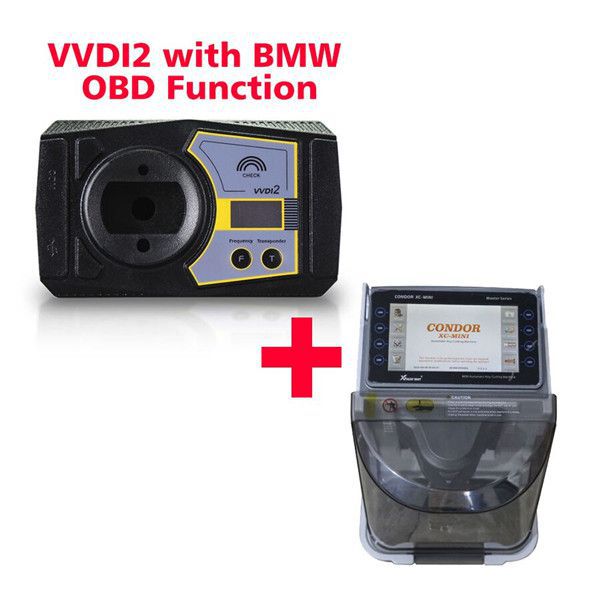
- If you have VVDI2 with BMW OBD Function and an Ikeycutter Condor, you only need to pay 600 USD to get this authorization (SV86-S).
- If you're looking for an alternative BMW FEM BDC key programmer, consider the YH BMW FEM (SK226) available on our site.
VVDI2 - BMW FEM/BDC System (Function Released and Available – User Manual Not Included)
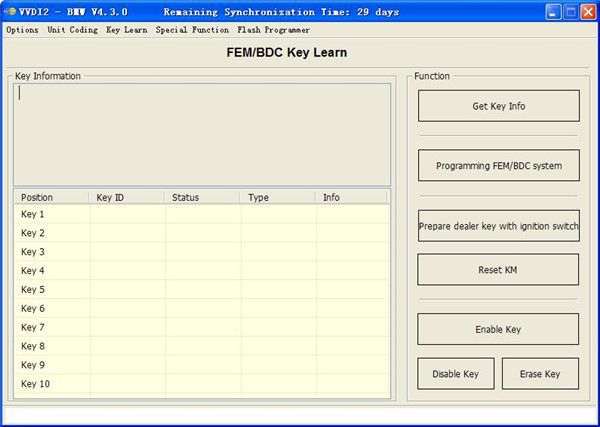
Users can follow these three main steps to make keys: Get Key Info → Program FEM/BDC System → Make Keys.
- Supports making a new key using the ignition switch (supports adding spare keys and handling all-key-lost scenarios; all-key-lost requires ISN)
- Supports resetting FEM/BDC KM (note: cluster reset must be done manually)
- Supports erasing keys (after erasure, the key position becomes blank)
- Supports backup of coding data
- Supports restoration of coding data
Important Notes
- Backup and restore coding operations can typically be performed directly.
- Adding keys, resetting KM, or erasing keys requires programming the FEM/BDC system first.
- In the FEM/BDC interface, if 'Get Key Info' shows as unsupported type, users should use "BMW E-sys software" to program the FEM/BDC system before proceeding with VVDI2-BMW programming.
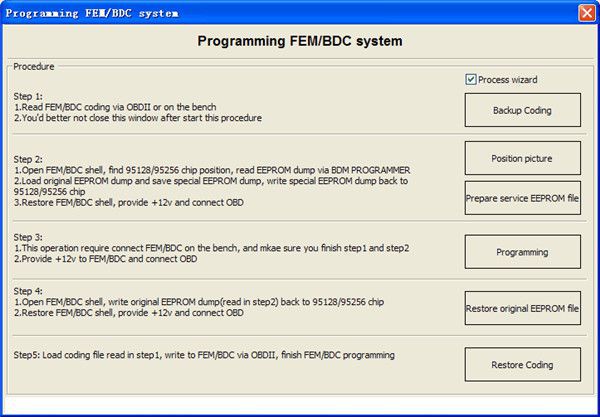
- When performing operations in the 'Programming FEM/BDC System' interface, do not close the software window until all procedures are fully completed.
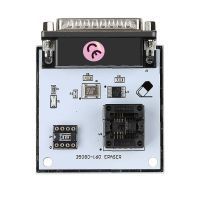
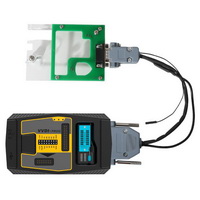
- Programming the FEM/BDC system requires soldering and accessing the EEPROM. For FEM, use the 95128 chip; for BDC, use the 95256 chip. Typically, there are two identical chips on the module—refer to the software diagram to select the correct one.
- After programming, always restore the original EEPROM and coding data. If coding cannot be restored, or issues arise after reassembly (e.g., remote control fails to start the car or window malfunctions), use "BMW E-sys software" to re-code the FEM/BDC system.
- If power is connected to the FEM/BDC module and the relay continues to click, contact technical support. In most cases, normal operation on FEM/BDC is possible with proper programming.