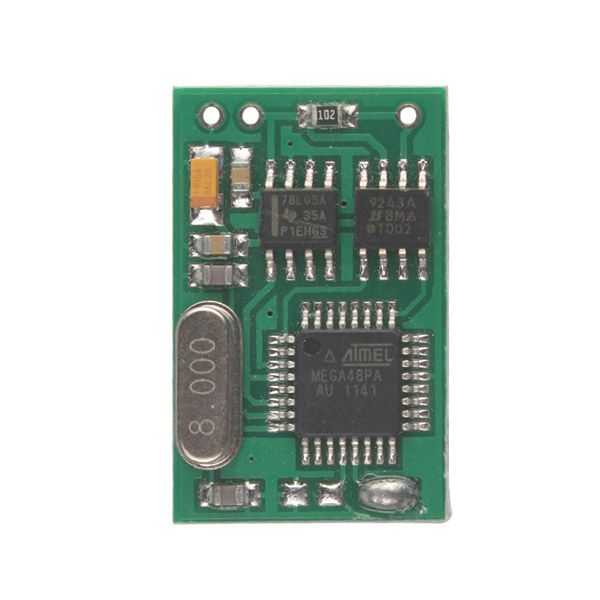
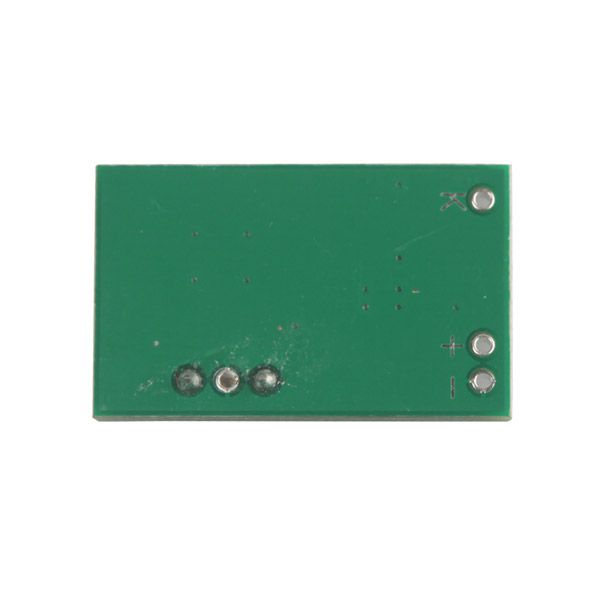
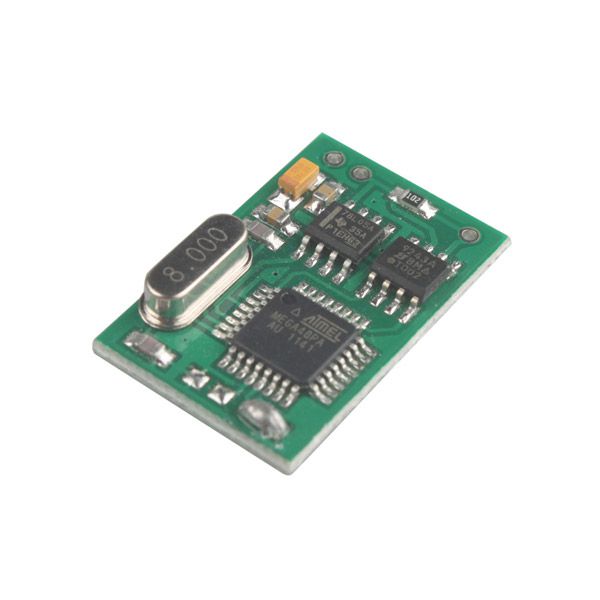


BMW EWS2 EWS3.2 Emulator for E34 E36 E38 E39 E46
Top 2 Reasons to Get the BMW EWS2 EWS3.2 Emulator
- There are NO counters or car start limits. You can change and store a new ISN without any limitations.
- The emulator is shipped with JUMPER 1 shorted. For testing purposes, ISN 0579 is stored by default.
Important Notice
In the case of EWS3.2, a similar procedure is used—the only difference is that it is NOT connected directly to the diagnostic K-line.
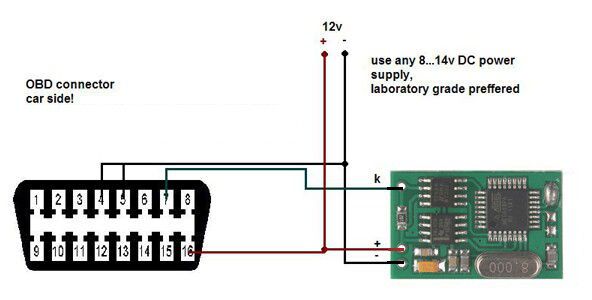
Connection Diagram
BMW EWS Emulator Installation Instructions
- Remove the original EWS2 control unit. Locate the +12V ACC, GND, and K-line wires, then attach the emulator. Ensure the emulator is in service mode: JUMPER 1 must be shorted.
- Connect ANY K-line diagnostic adapter to the vehicle’s diagnostic connector and launch the EMULATOR CONFIGURATION UTILITY:
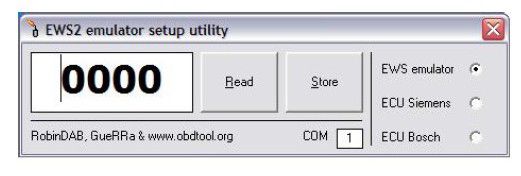
- Choose the COM port, enter your desired ISN number, and press the Store button.
- For some ECUs, it is possible to read the ISN number directly from the engine control unit. In this case, select the option ECU xxxxx, then press Read. If successful, choose the option EWS emulator and press Store to save the ISN number into the emulator.
- Disconnect the emulator from the K-line, remove JUMPER 1, and connect the K output from the emulator to the DME(DDE) <-> EWS line.
- Don’t forget to short the two starter relay wires (EWS connector)!
- The car is now ready to start.
In the case of EWS3.2, a similar procedure is used—the only difference is that it is NOT connected directly to the diagnostic K-line.
There are NO counters or car start limits. You can change and store a new ISN without any limitations.
The emulator is shipped with JUMPER 1 shorted. For testing purposes, ISN 0579 is stored by default.
Package Includes
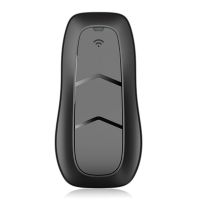
- 1pc × BMW EWS2 EWS3.2 Emulator for E34 E36 E38 E39 E46







![[Full Version] KT200 ECU Programmer Master Version Support OBD BOOT BDM JTAG & ECU Maintenance/ DTC Code Removal With Free Damaos](/upload/pro/kt200-ecu-programmer-master-full-version-200.jpg)
