smartphone controlled car ignition system
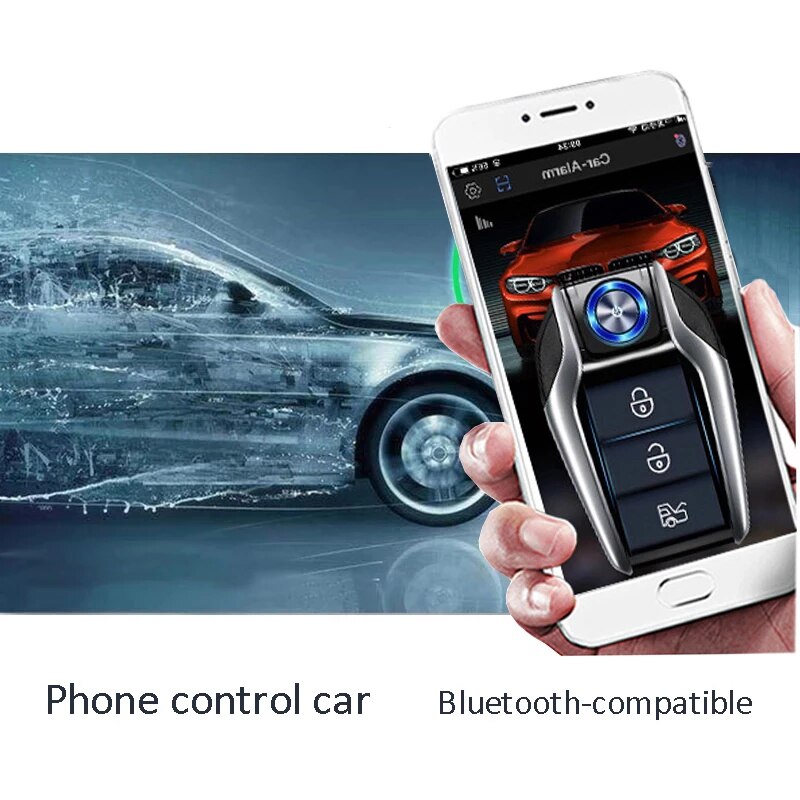
Mobile Phone Control Car Start Engine Remotely Keyless Entry System Ignition Start Stop Button Alarm With Autostart Remote start
Mobile Phone Control Car Start Engine Remotely Keyless Entry System Ignition Start Stop Button Alarm With Autostart Remote start is a one of our smartphone controlled car ignition system Tools, you can buy Mobile Phone Control Car Start Engine Remotely Keyless Entry System Ignition Start Stop Button Alarm With Autostart Remote start from ukobd2.com.
Wholesale Top quality VAS6154, GM Tech2, VCM II For Ford, Handy Baby II Car Key Chip Copier, CDP DS150
images of Mobile Phone Control Car Start Engine Remotely Keyless Entry System Ignition Start Stop Button Alarm With Autostart Remote start
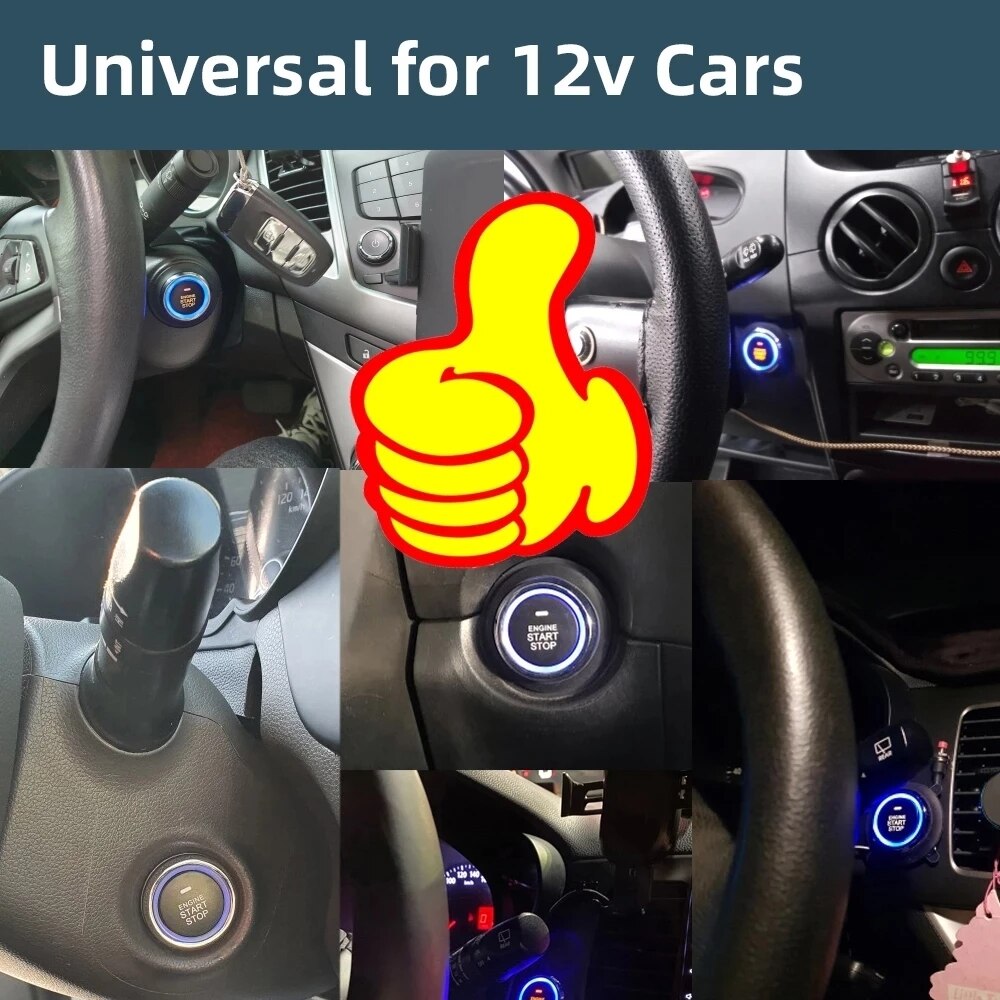
Product Features and Specifications
Model: UTE-808-LY – Main Functions
- Use your phone to unlock or lock the car
- Use your phone to start or stop the engine
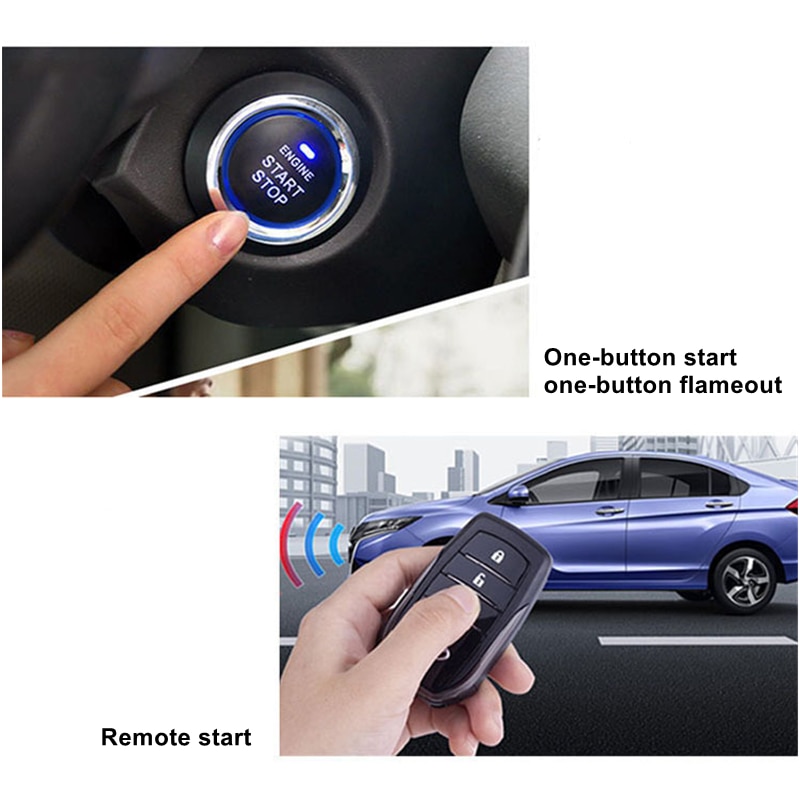
- One-button start/stop
- Remote start/stop
- When the car is locked, windows automatically close (requires original car to support electric window closure with controllable circuit)
- Mute anti-theft settings
- Smart handbrake detection
- Smart oil pump start detection
- Remote opening of the trunk (requires original car's built-in trunk motor)
- Remote car search via horn sound and blinking indicator lights
- Remote control for unlocking/locking the car
- Anti-theft alarm function
- Step on the foot brake to automatically lock doors after starting; automatic unlock after turning off engine
- Alarm notification through original car horn (requires control line; external alarm horn can be installed)
- Power-off memory function
- Emergency reset function
- Remote engine start lasts 10 minutes, then automatically shuts down
- Collision alarm
- Engine lock
Host Specifications – UTE-808-LY
- Ambient temperature: -40°C to +80°C
- Atmospheric pressure: 86–106 kPa
- Relative humidity: 10%–95%
- Operating voltage: DC 12V ± 3V
- Quiescent current: <15mA
- Output current: ACC/ON/START = 30A; turn signal = 5A
Remote Control Specifications – UTE-808-LY
- Working voltage: 3V
- Quiescent current: <5μA
- Battery model: CR2032
- High frequency: 868MHz
Packing List – UTE-808-LY
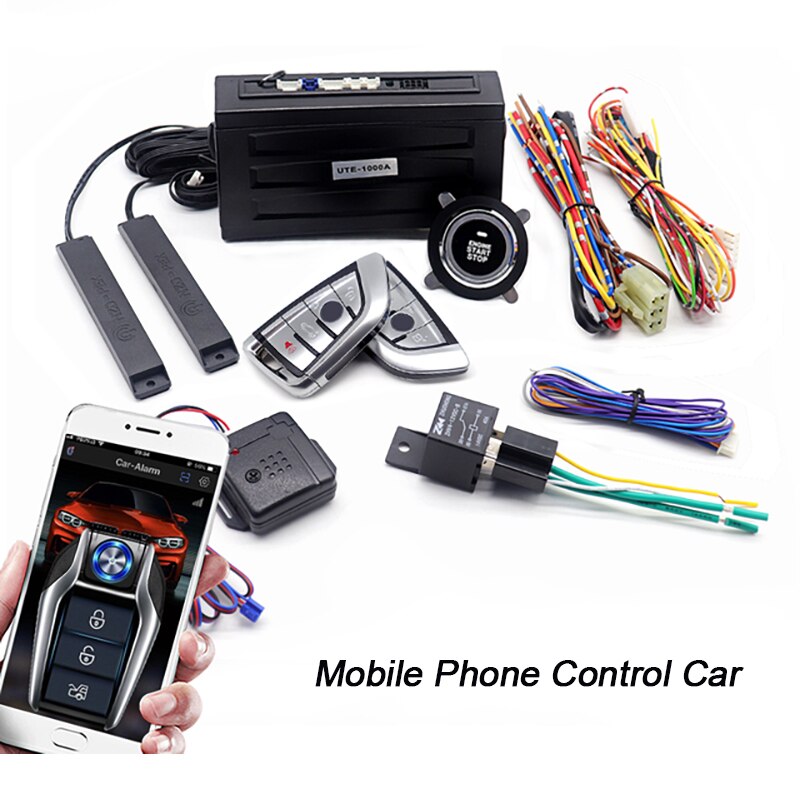
- 2 × Remote control keys
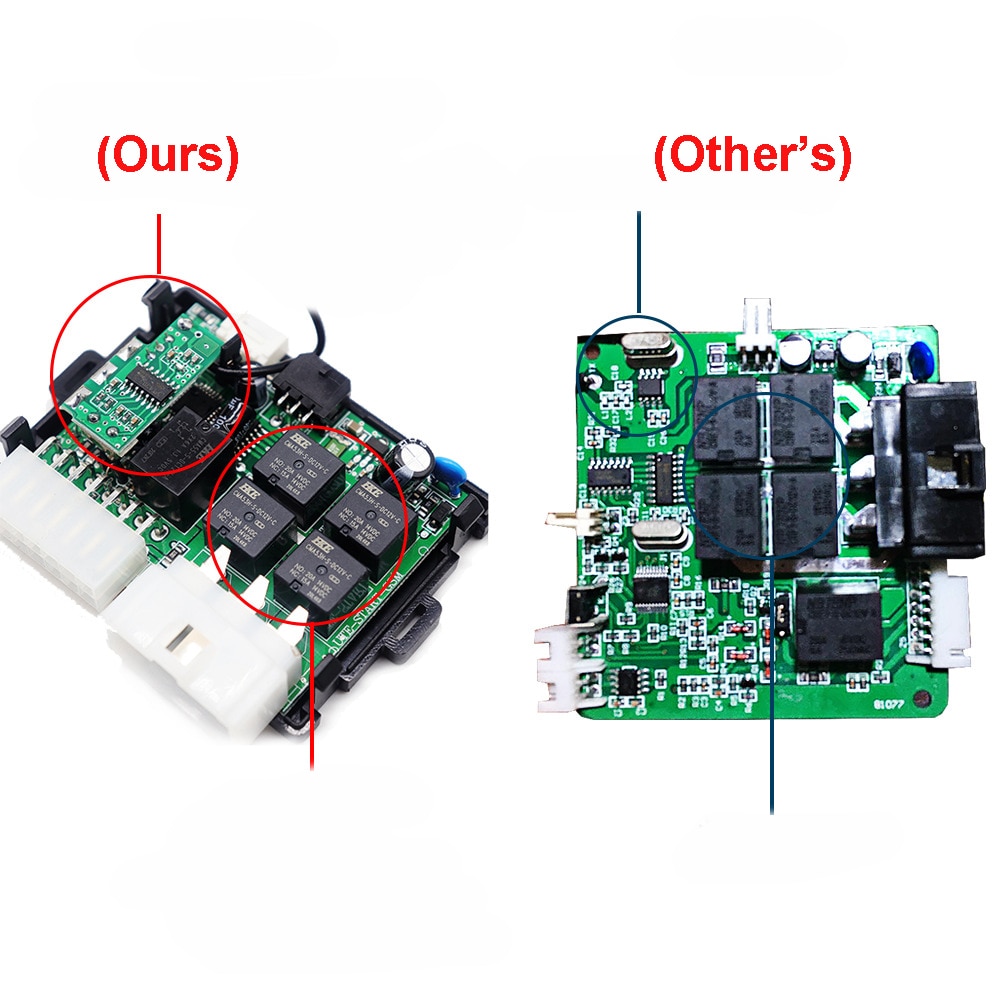
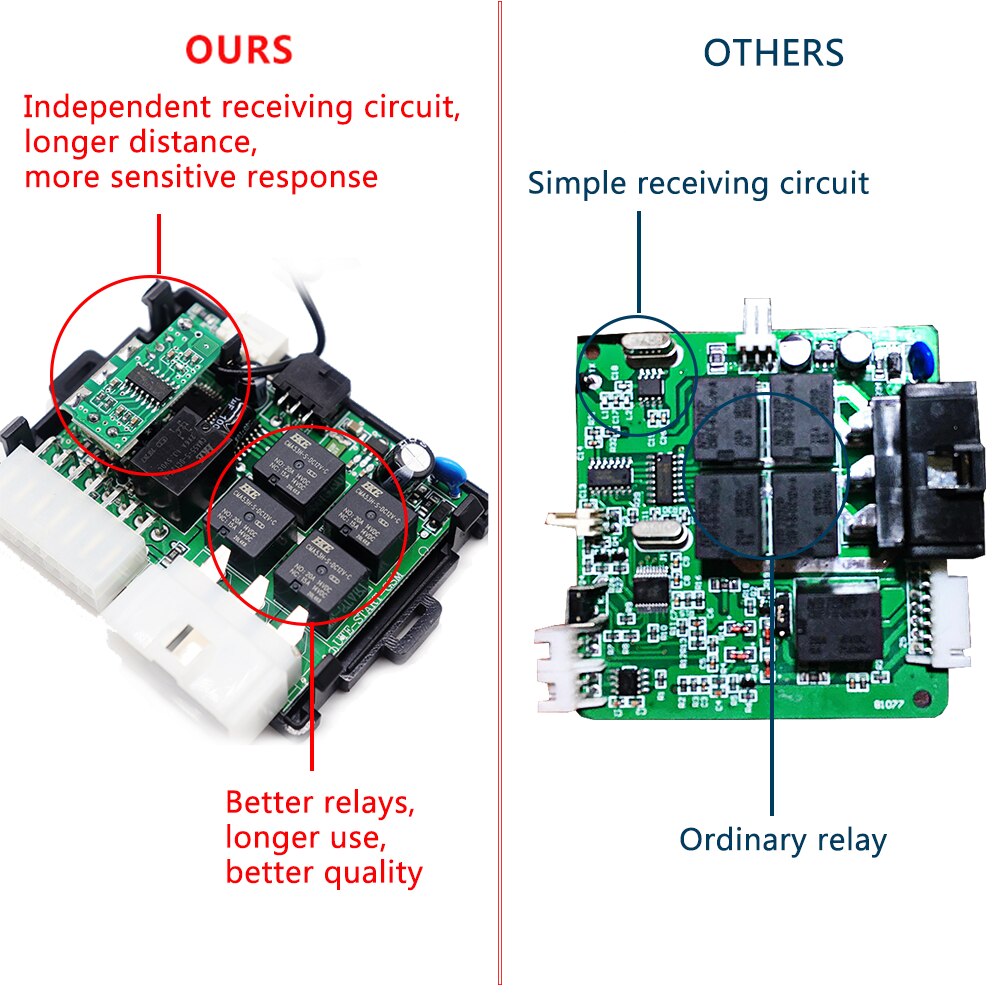
- 1 × Ignition system controller
- 4 × Installation wiring harnesses
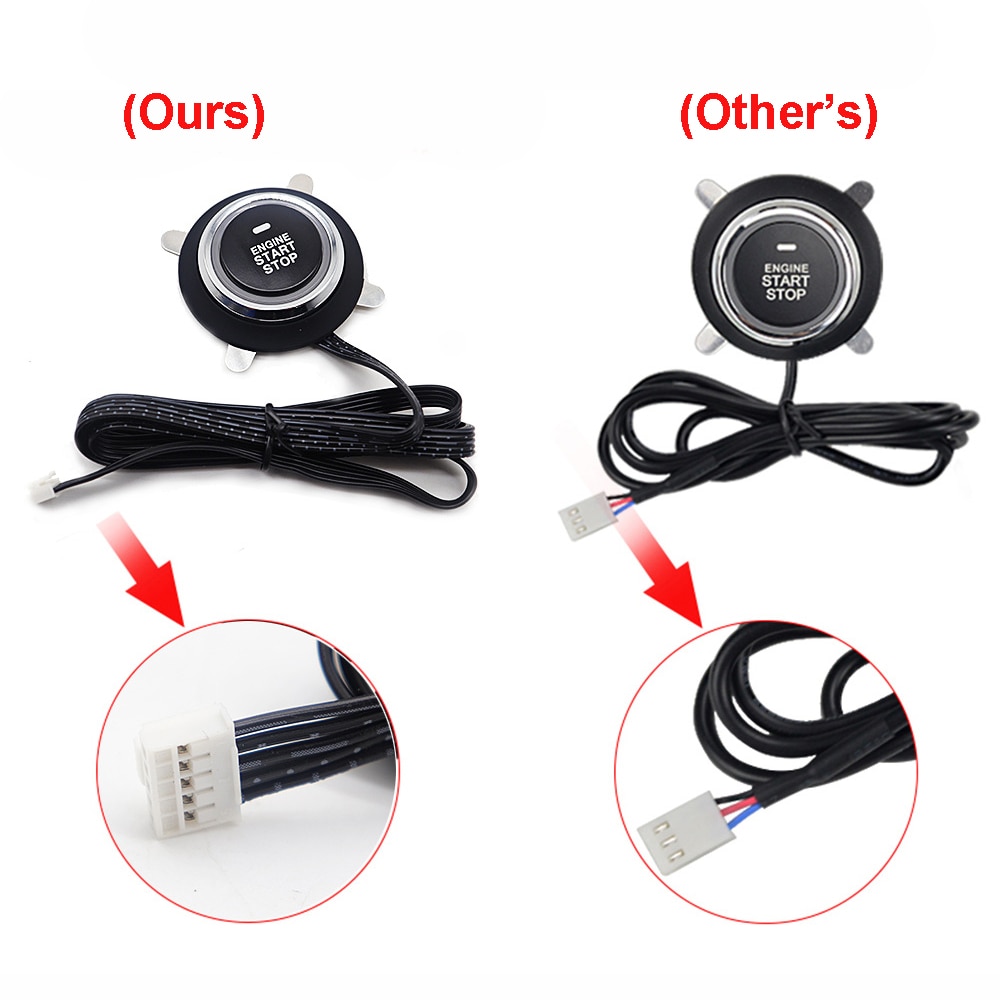
- 1 × Start/stop button
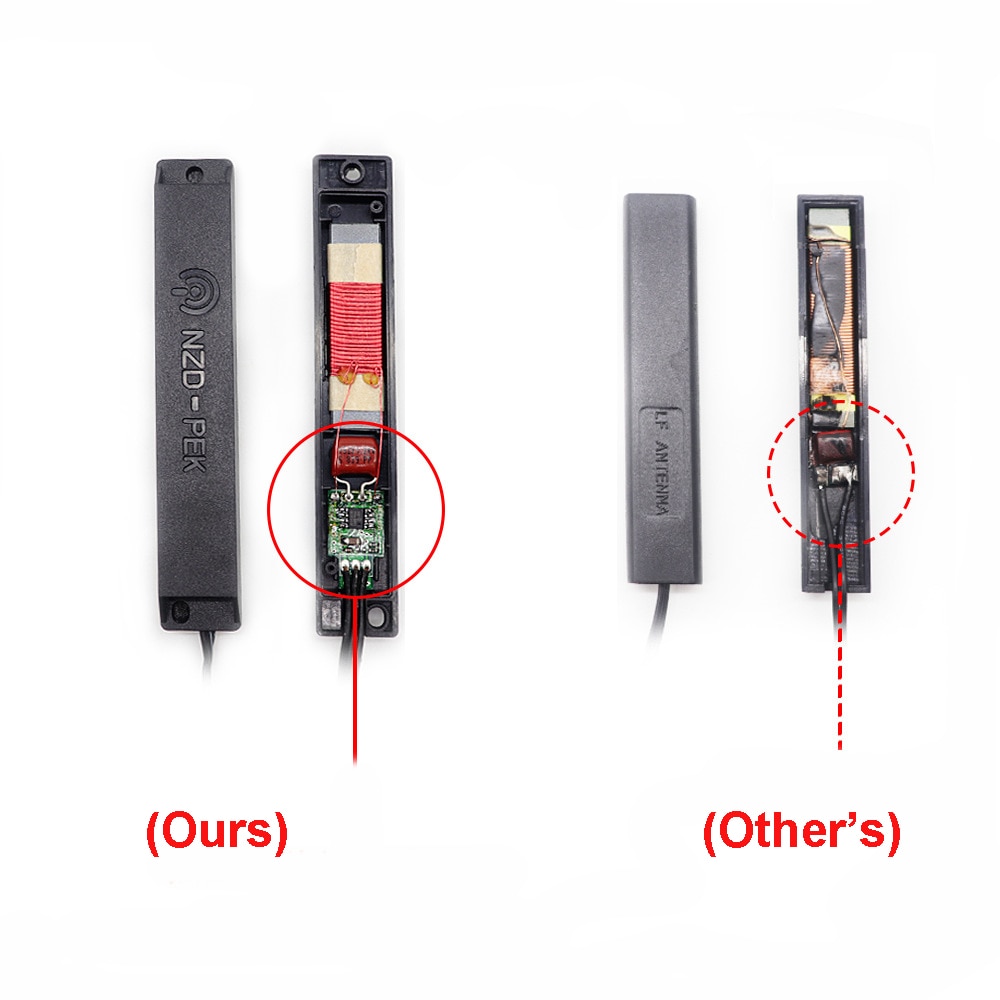
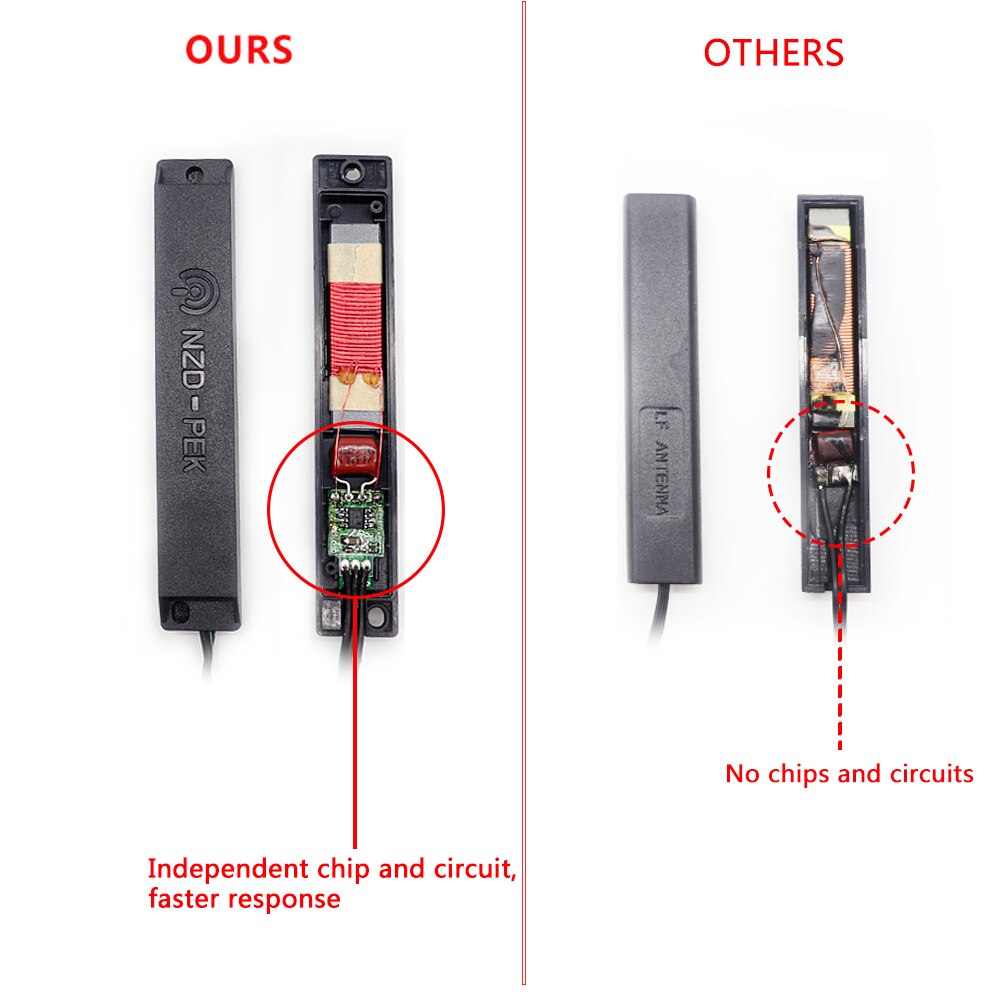
- 2 × Induction antennas
- 1 × Manual
- 1 × Collision sensor
- 1 × LED light
- 1 × Reset switch
- 1 × Anti-theft breaker
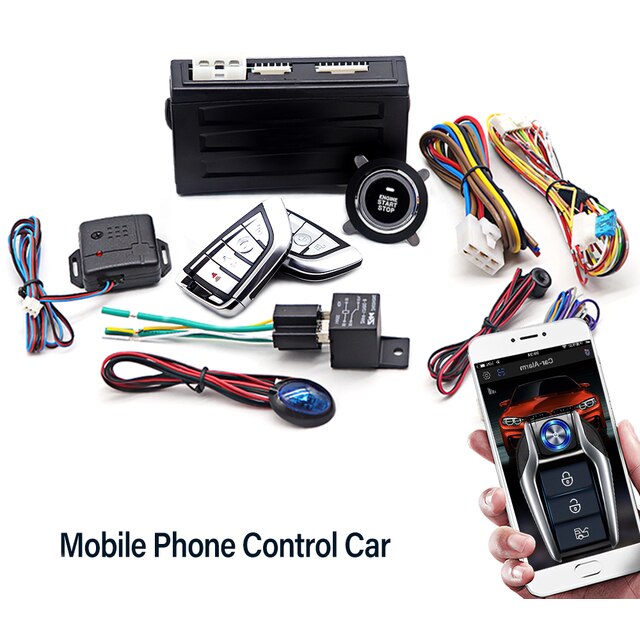
Model: PKE SG-LY – Main Functions
- Use mobile APP to control car lock/unlock
- Use mobile phone APP to start/stop engine
- Engine lock function (engine cannot start if remote control is out of range)
- Engine button start/stop
- Remote start and stop
- Smart handbrake detection
- Intelligent oil pump start detection
- Remote trunk opening (requires original car’s built-in trunk motor)
- Remote car search (horn sounds and direction lights flash)
- Remote unlock/lock
- PKE keyless entry: automatically unlocks when within 1.5–3 meters of car; locks when 3–5 meters away
- PKE temporarily disabled option
- RFID identification
- Anti-theft alarm (triggers on illegal door opening or stepping on brake)
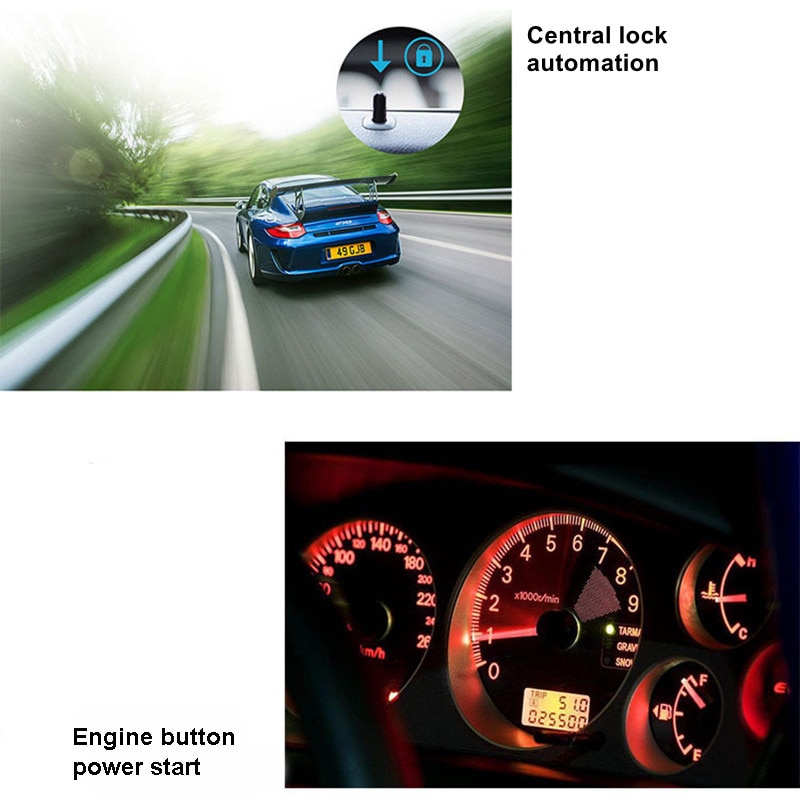
- Central control lock automation: auto-lock when stepping on brake after start; auto-unlock after engine shutdown
- Original car horn alarm notification (requires control line; alarm horn can be added)
- Power-off memory
- Emergency reset function
- Remote start runs for 10 minutes without operation, then automatically turns off
Specifications – PKE SG-LY
- Ambient temperature: -40°C to +80°C
- Atmospheric pressure: 86–106 kPa
- Relative humidity: 10%–95%
- Working voltage: DC 12V ± 3V
- High frequency: 433.92MHz, Low frequency: 125kHz
Configuration Details – PKE SG-LY
- 2 × Remote controls
- 1 × Host unit
- 2 × Installation wiring harnesses
- 1 × One-key start button
- 2 × Induction antennas
- 1 × Instruction manual
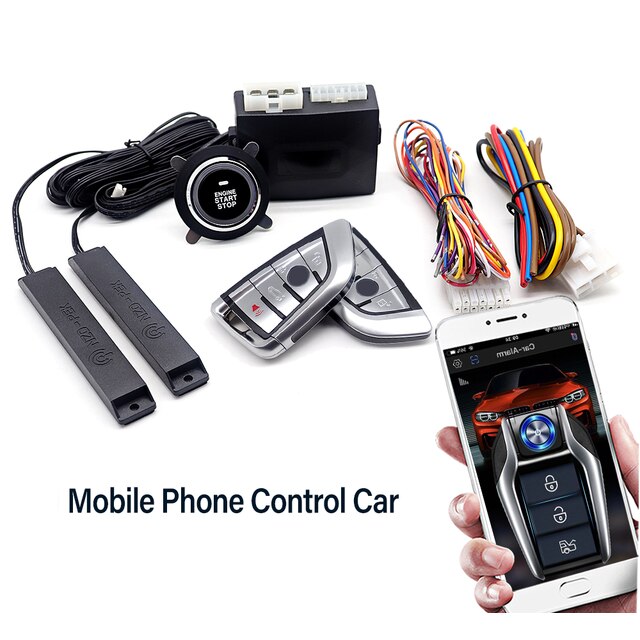
Model: UTE-1000-LY – Main Functions
- Use your phone to unlock or lock the car
- Use your phone to start or stop the engine
- Engine lock function (engine will not start if remote key is not in range)
- One-button start/stop
- Remote start/stop
- Automatic window closure when car is locked (requires electric window functionality and controllable circuit)
- Compatible with diesel vehicles via selector switch
- Smart handbrake detection
- Smart oil pump start detection
- Remote trunk opening (requires original car’s built-in trunk motor)
- Remote car search via horn sound and blinking indicator lights
- Remote unlock/lock control
- PKE keyless comfortable entry: auto-unlock at 1.5–3 meters, auto-lock at 3–5 meters
- PKE induction-based temporary shutdown function
- RFID recognition function
- Anti-theft alarm (triggers on illegal door opening or pressing brake pedal)
- Auto-lock when stepping on brake after startup; auto-unlock after engine shutdown
- Original car horn alarm notification (requires control line; alarm horn can be installed)
- Power-off memory function
- Emergency reset function
- Remote activation lasts 10 minutes, then automatically powers off
- Collision alarm
Host Specifications – UTE-1000-LY
- Ambient temperature: -40°C to +80°C
- Atmospheric pressure: 86–106 kPa
- Relative humidity: 10%–95%
- Operating voltage: DC 12V ± 3V
- Quiescent current: <15mA
- Output current: ACC/ON/START = 30A; turn signal = 5A
- High frequency: 868.35MHz, Low frequency: 125kHz
Remote Control Specifications – UTE-1000-LY
- Working voltage: 3V
- Quiescent current: <5μA
- Battery model: CR2032
- High frequency: 868.35MHz
Packing List – UTE-1000-LY
- 2 × Remote control keys
- 1 × Ignition system controller
- 4 × Installation wiring harnesses
- 1 × Start/stop button
- 2 × Induction antennas
- 1 × Manual
- 1 × Collision sensor
- 1 × Anti-theft breaker
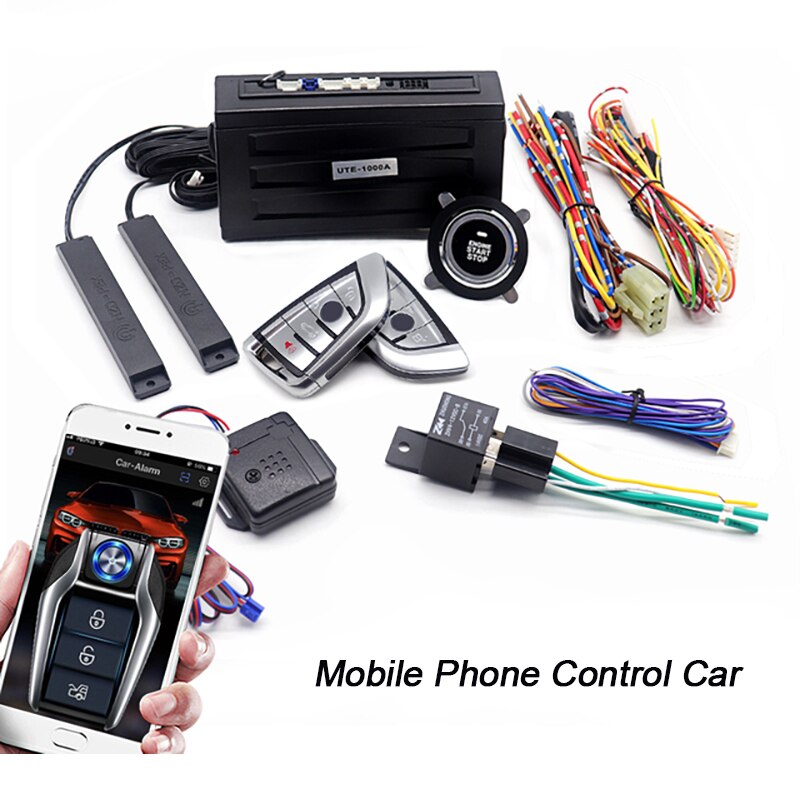
Matters Needing Attention (1)
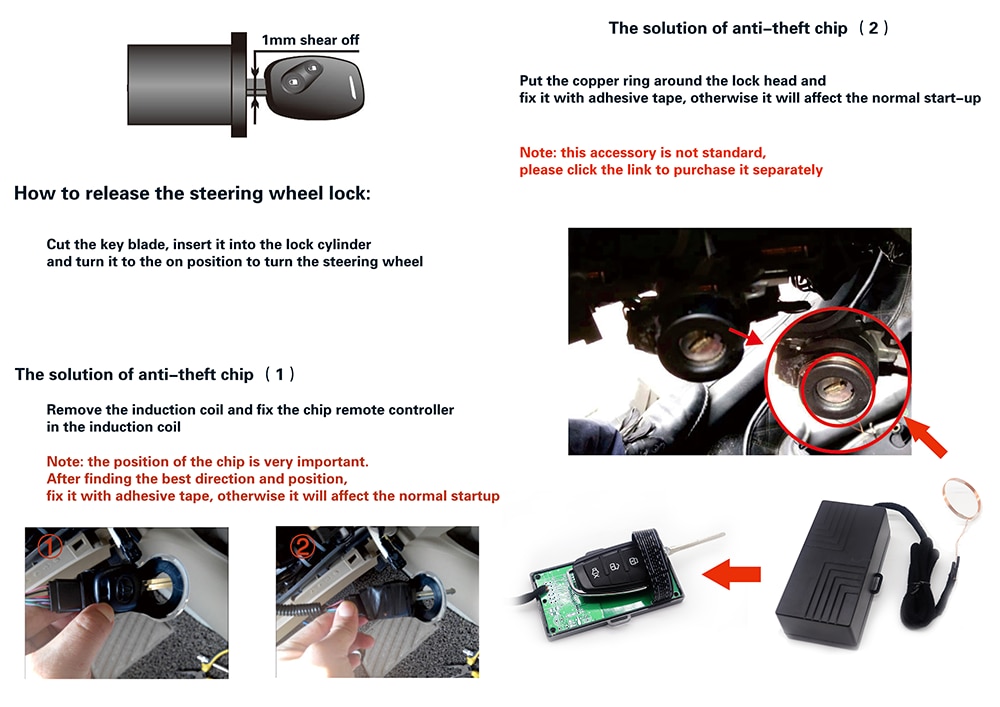

Matters Needing Attention (2)
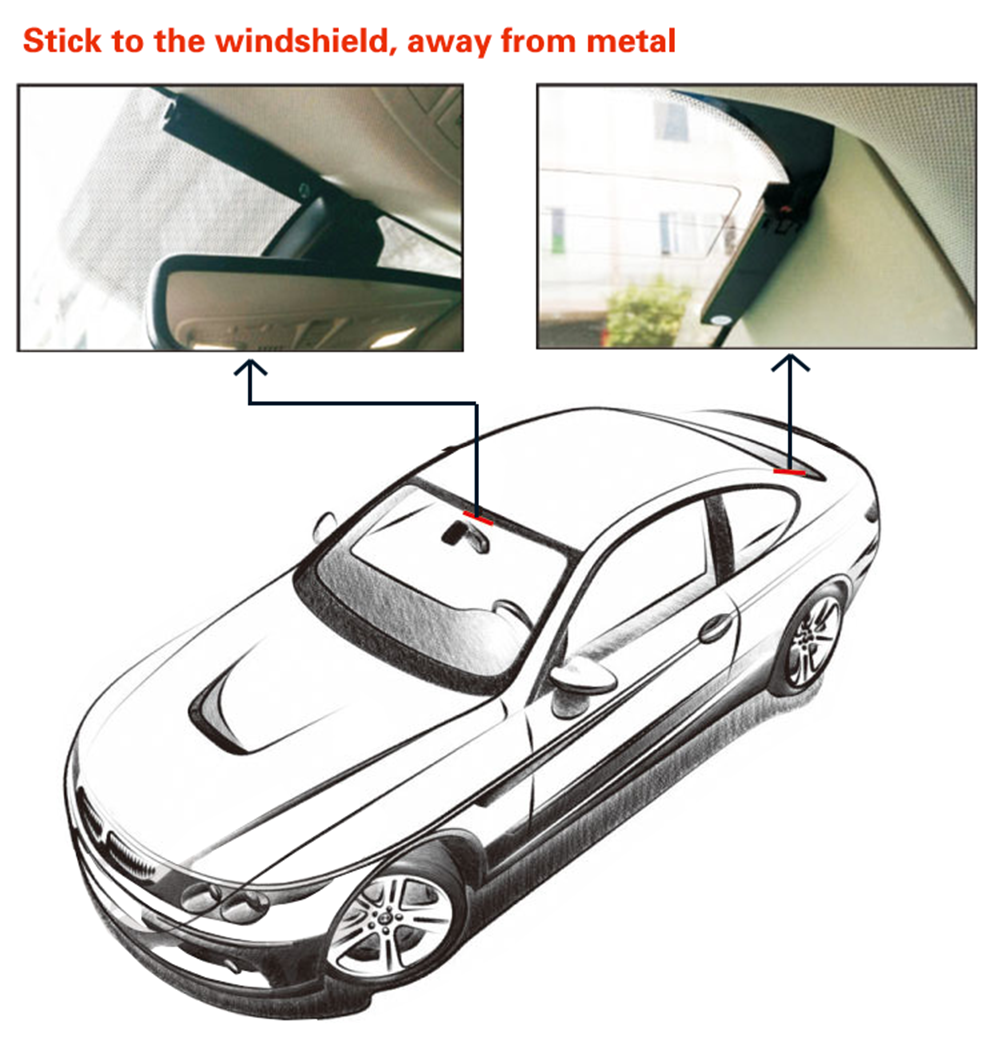
Please place the PKE induction antenna as shown below:
Installation Q&A
1. What types of cars are compatible with this product?
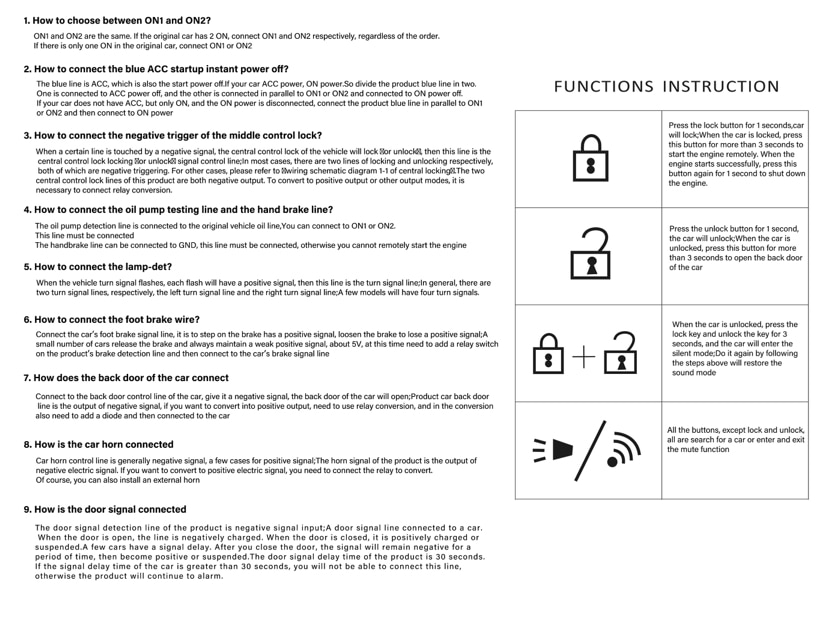
This product fits most 12V vehicles. It cannot be installed if your car already has a factory-installed push-button start system.
For luxury vehicles with extensive electronic systems, full compatibility may not be guaranteed. Please consult the seller — we offer more advanced and compatible options.
2. Will installing this product compromise my car’s security or original anti-theft features?
No. This system includes anti-theft protection. After correct installation, the engine cannot be started from inside the vehicle using only the start button when the car is locked.
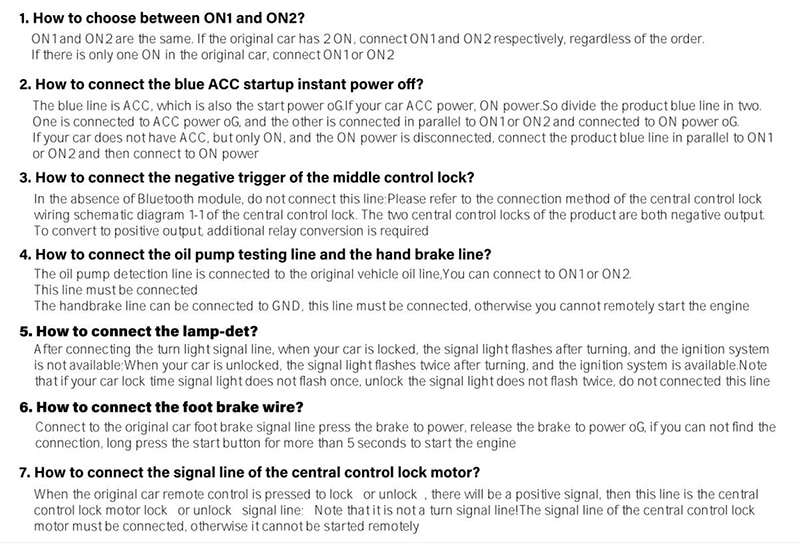
3. How to choose between ON1 and ON2?
ON1 and ON2 are functionally identical. If your car has two ON circuits, connect each accordingly — order does not matter. If only one ON circuit exists, connect it to either ON1 or ON2.
4. How to connect the blue ACC startup instant power-off wire?
The blue wire is the ACC power line, which turns off instantly when ignition stops.
- If your car has both ACC and ON power: split the product’s blue wire — one end connects to ACC power-off, the other parallels into ON1 or ON2 connected to ON power.
- If your car only has ON power that cuts off after ignition: connect the blue wire in parallel to ON1 or ON2, then to the ON power line.
5. How to connect the oil pump test line and handbrake line?
- Oil pump detection line: Connect to the original vehicle’s oil circuit or to ON1/ON2. This connection is mandatory.
- Handbrake line: Connect to GND. This connection is required; otherwise, remote engine start will not function.
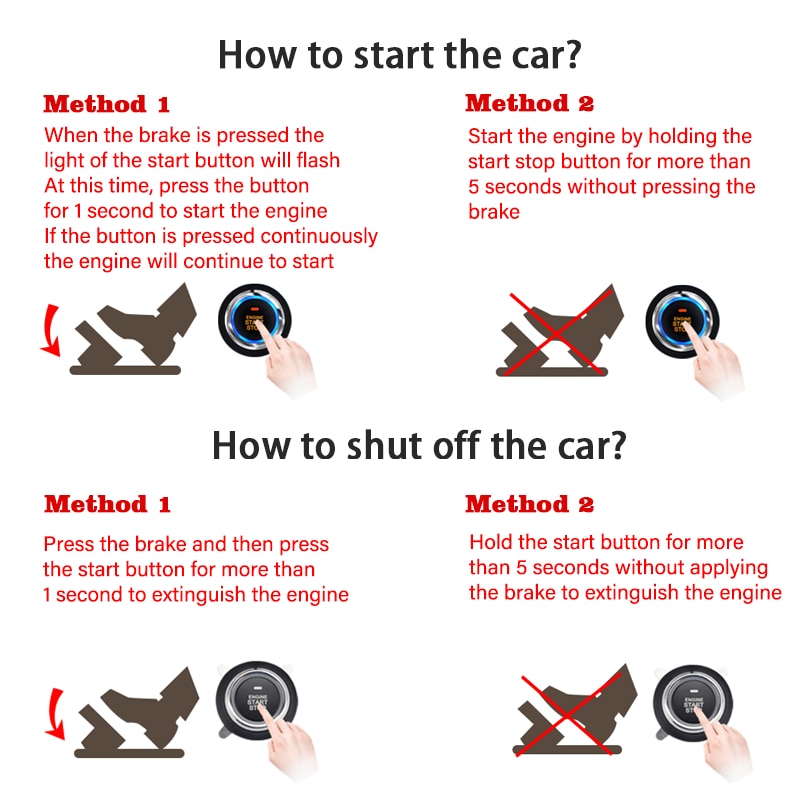
How to Start and Stop the Engine?
- Start Method 1: Press the brake pedal — the start button light flashes. Press the button to start. Continuous pressing allows repeated cranking.
- Start Method 2: Hold the start button for over 5 seconds without pressing the brake to start.
- Stop Method 1: Press the brake, then press the start button to shut off the engine.
- Stop Method 2: Hold the start button for over 5 seconds without pressing the brake to turn off the engine.
How to Use the Mobile APP
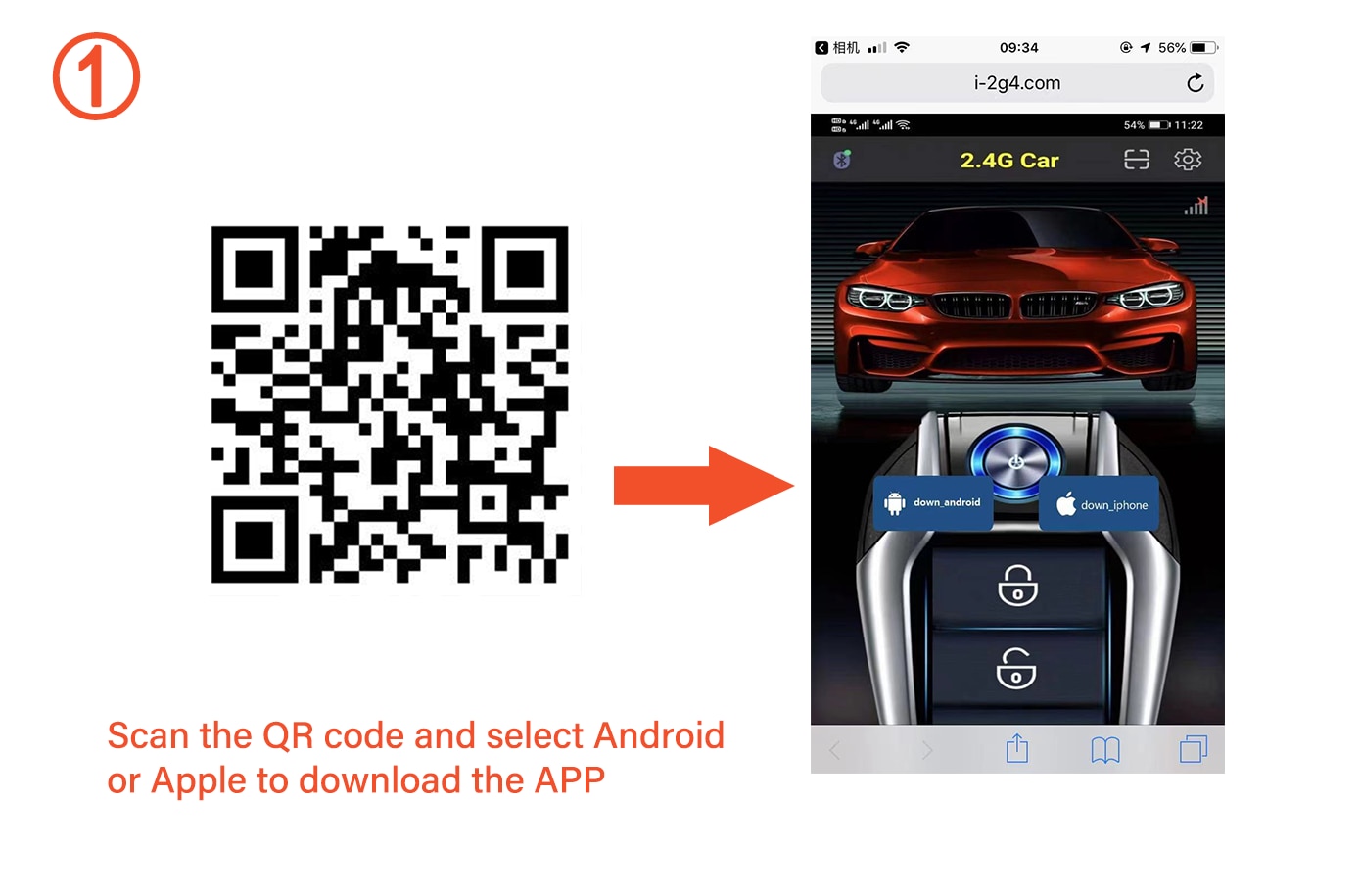
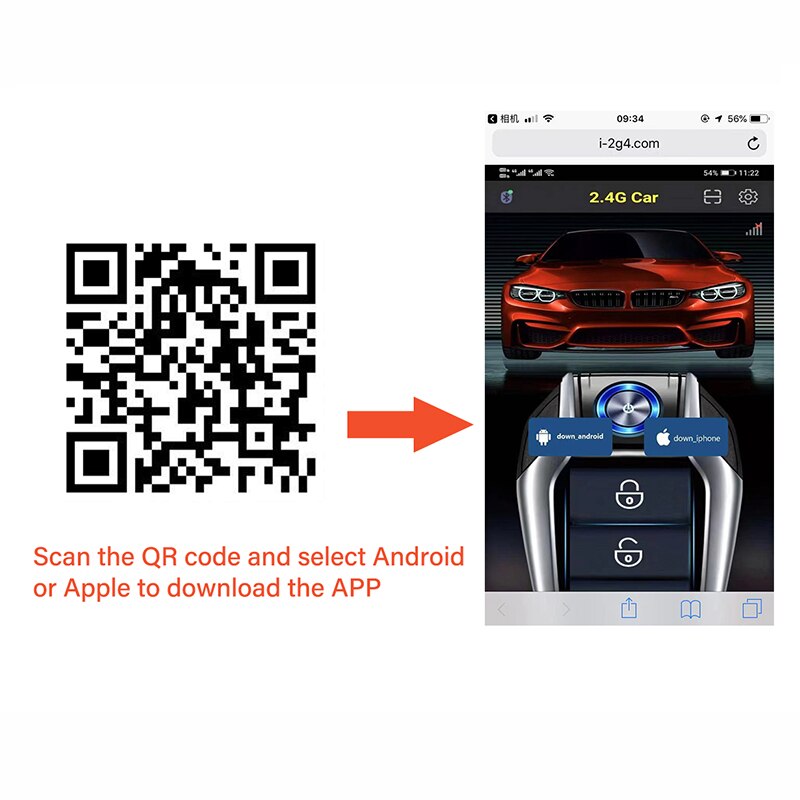
- Scan the QR code and download the app for Android or iOS.
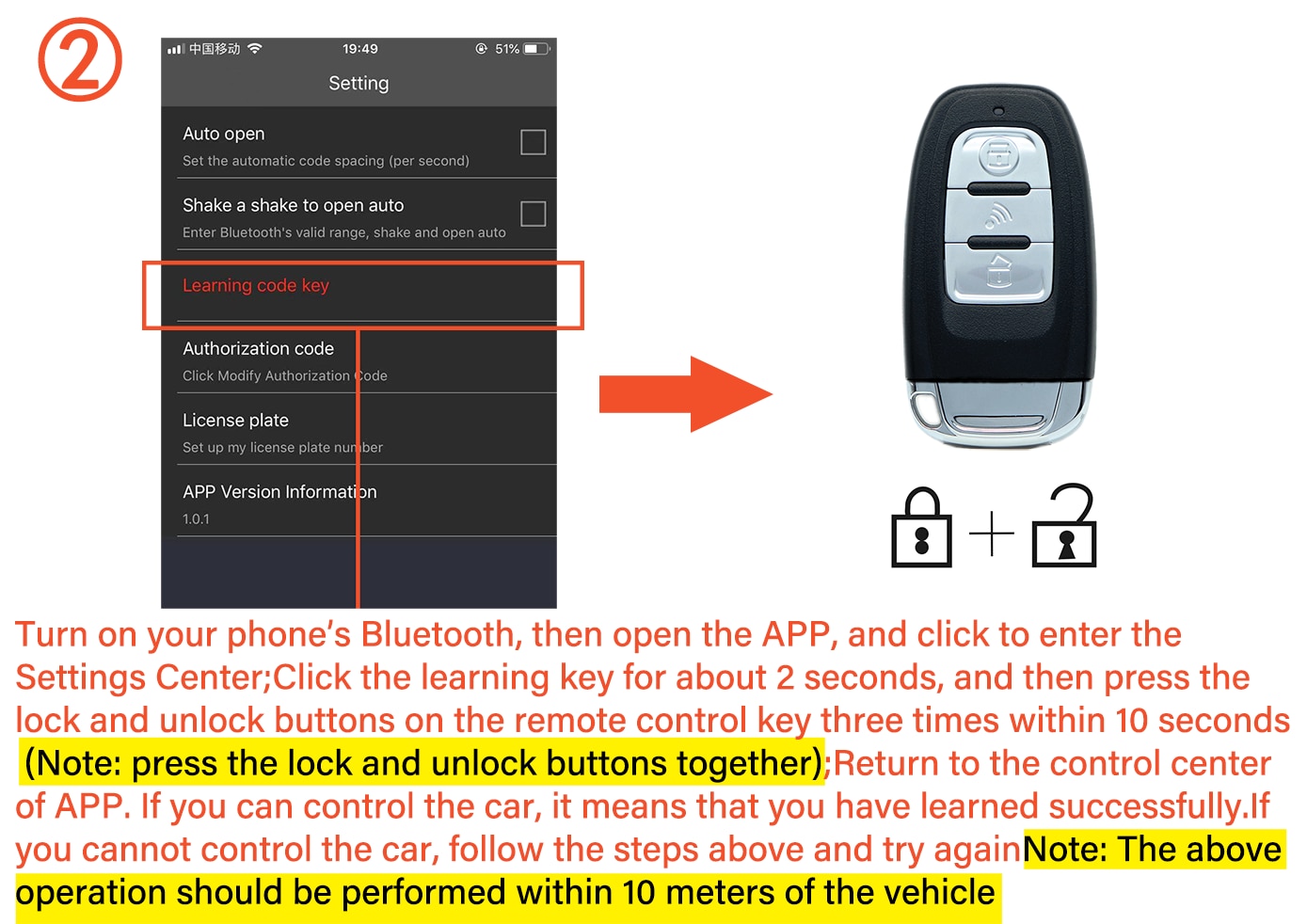
- Enable Bluetooth on your phone. Open the app and go to Settings Center. Press the "learning key" for about 2 seconds, then press the lock and unlock buttons on the remote control three times within 10 seconds (press both buttons simultaneously). Return to the control center — if you can operate the car, learning was successful. Retry if needed. Note: Perform within 10 meters of the vehicle.
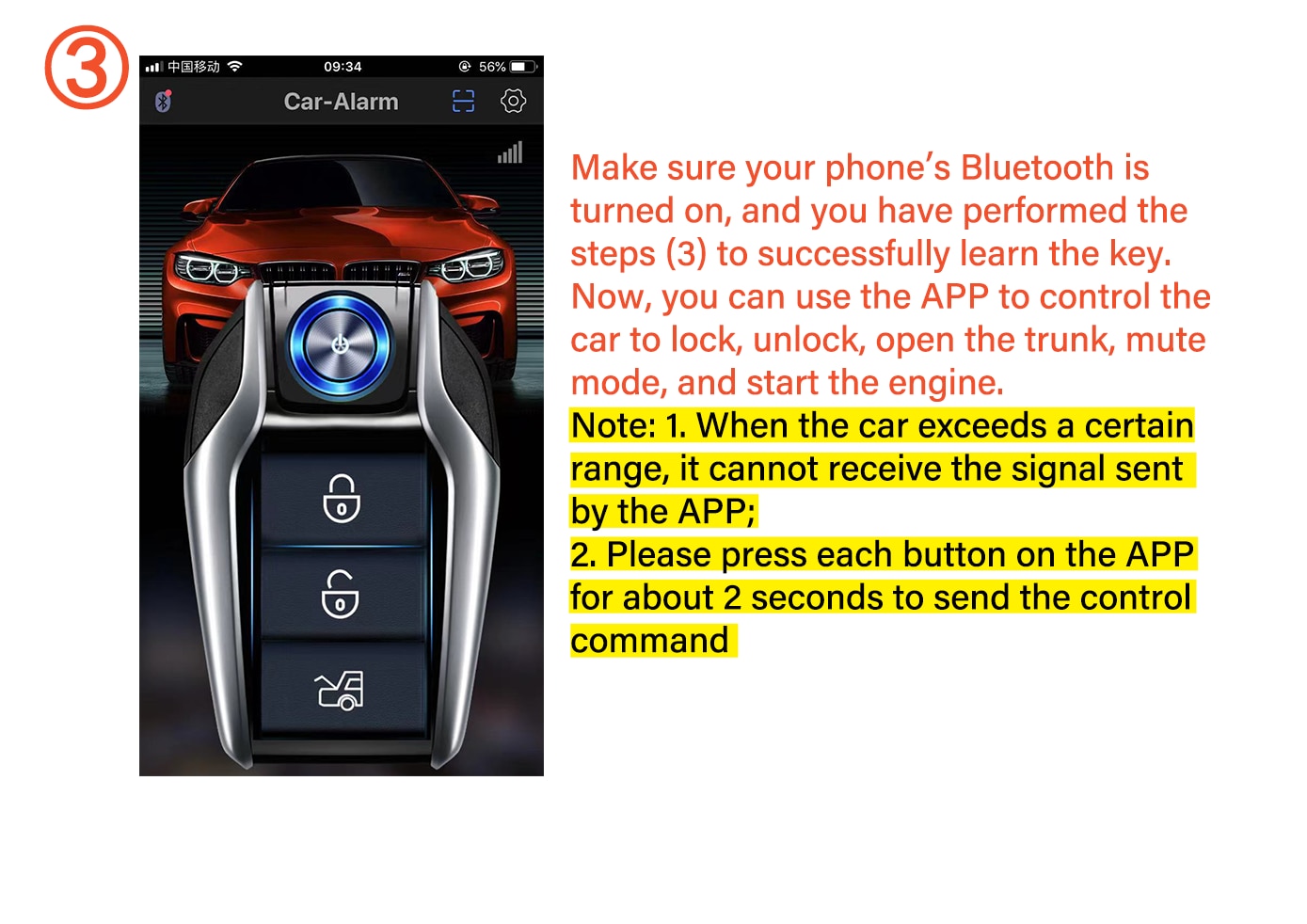
- Ensure Bluetooth is enabled and key learning completed. You can now use the app to lock, unlock, open the trunk, enable mute mode, and start the engine. Note: Signal range is limited. Press each app button for about 2 seconds to send commands.
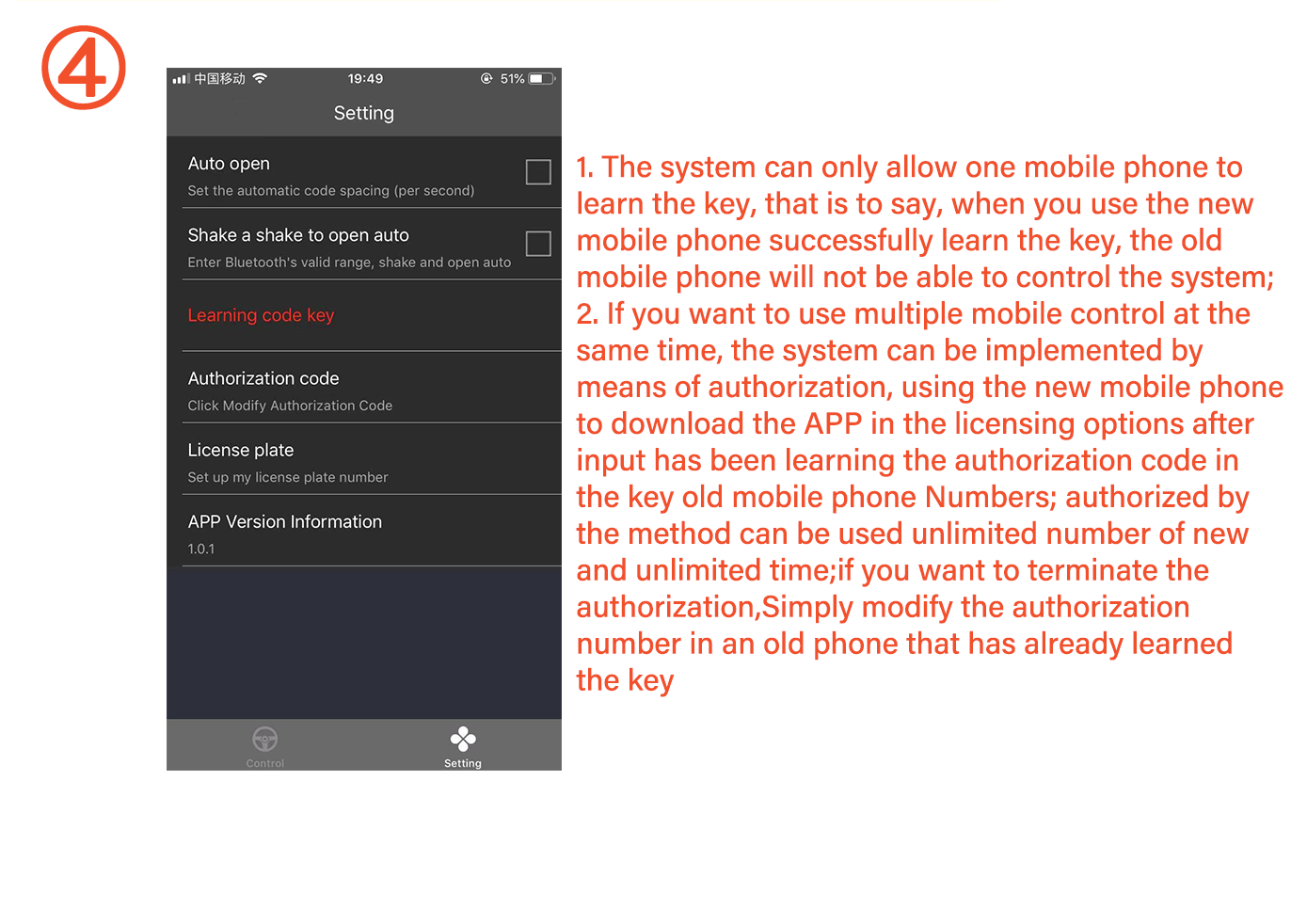
- The system supports only one connected mobile phone at a time. Successfully pairing a new phone disables the previous one.
- To allow multiple phones: Use the authorization feature. On the new phone, download the app and enter the authorization code generated from the originally paired phone. Authorization enables unlimited devices and time. To revoke access, change the authorization code on the primary phone.