Xhorse Smart Key Box for keyless start
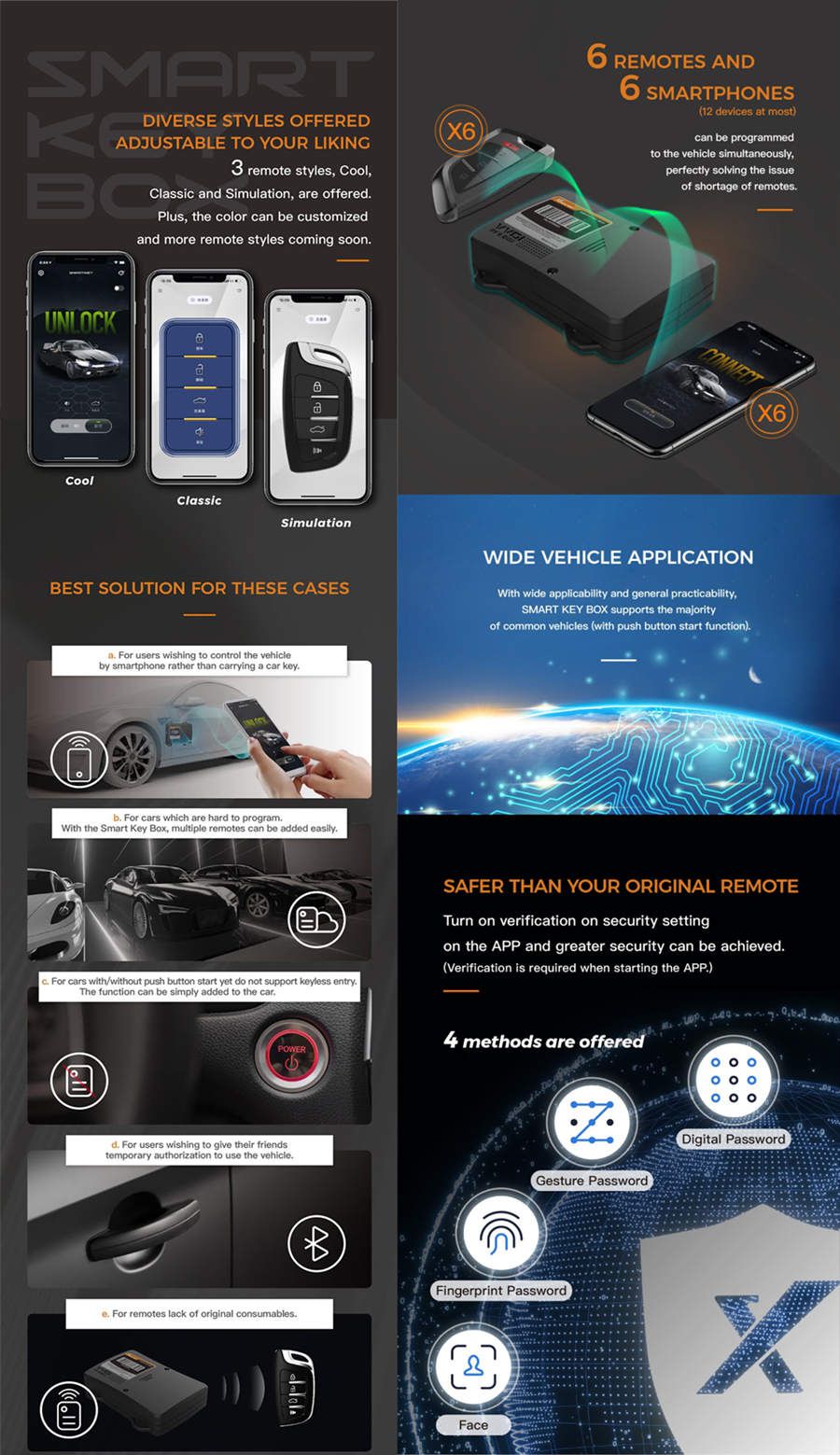
SMART KEY BOX is a newly designed tool by Xhorse, aiming to help users achieve a non-remote driving experience. By installing the tool into your car, your smartphone is able to work as an independent car key.
Xhorse Smart Key Box XDSKE0EN Bluetooth Adapter Work with MINI Key Tool/ Key Tool Max/ Key tool Plus/ VVDI2 is a one of our Xhorse Smart Key Box for keyless start Tools, you can buy Xhorse Smart Key Box XDSKE0EN Bluetooth Adapter Work with MINI Key Tool/ Key Tool Max/ Key tool Plus/ VVDI2 from ukobd2.com.
Wholesale Top quality VAS6154, GM Tech2, VCM II For Ford, Handy Baby II Car Key Chip Copier, CDP DS150
images of Xhorse Smart Key Box XDSKE0EN Bluetooth Adapter Work with MINI Key Tool/ Key Tool Max/ Key tool Plus/ VVDI2
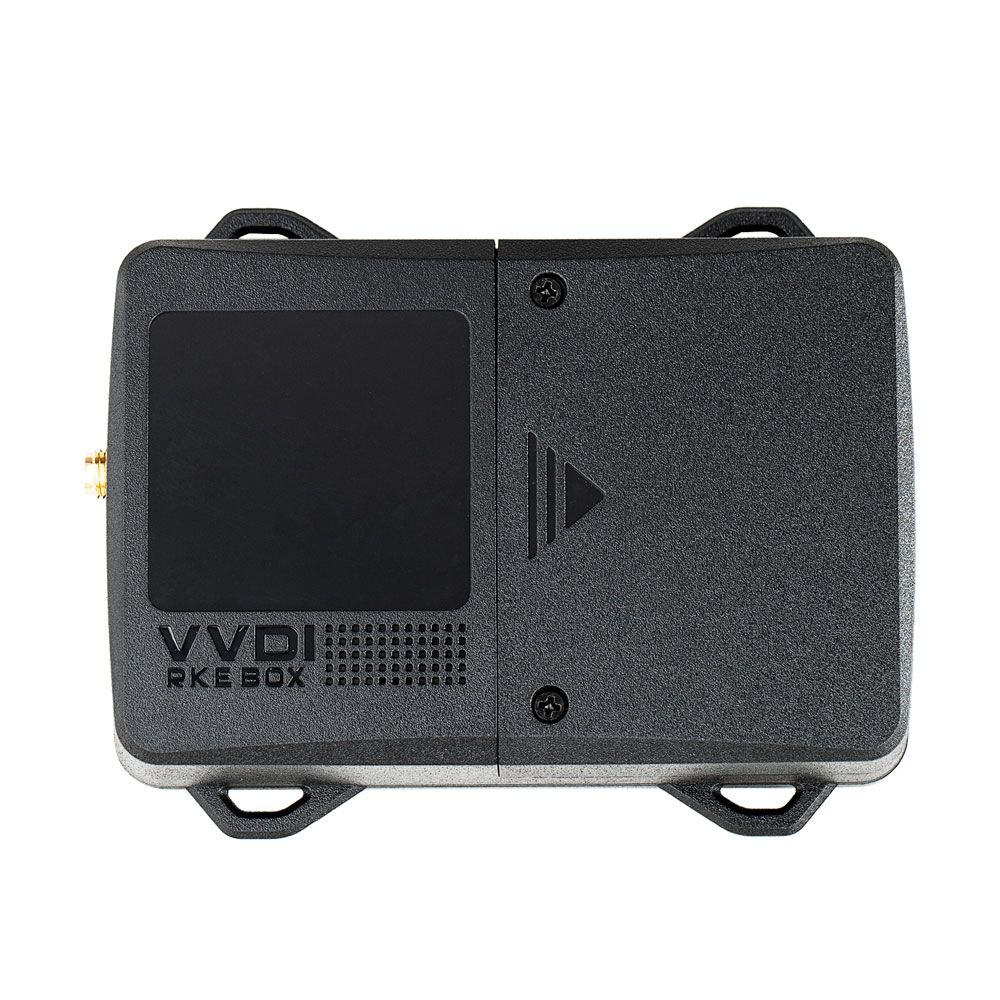
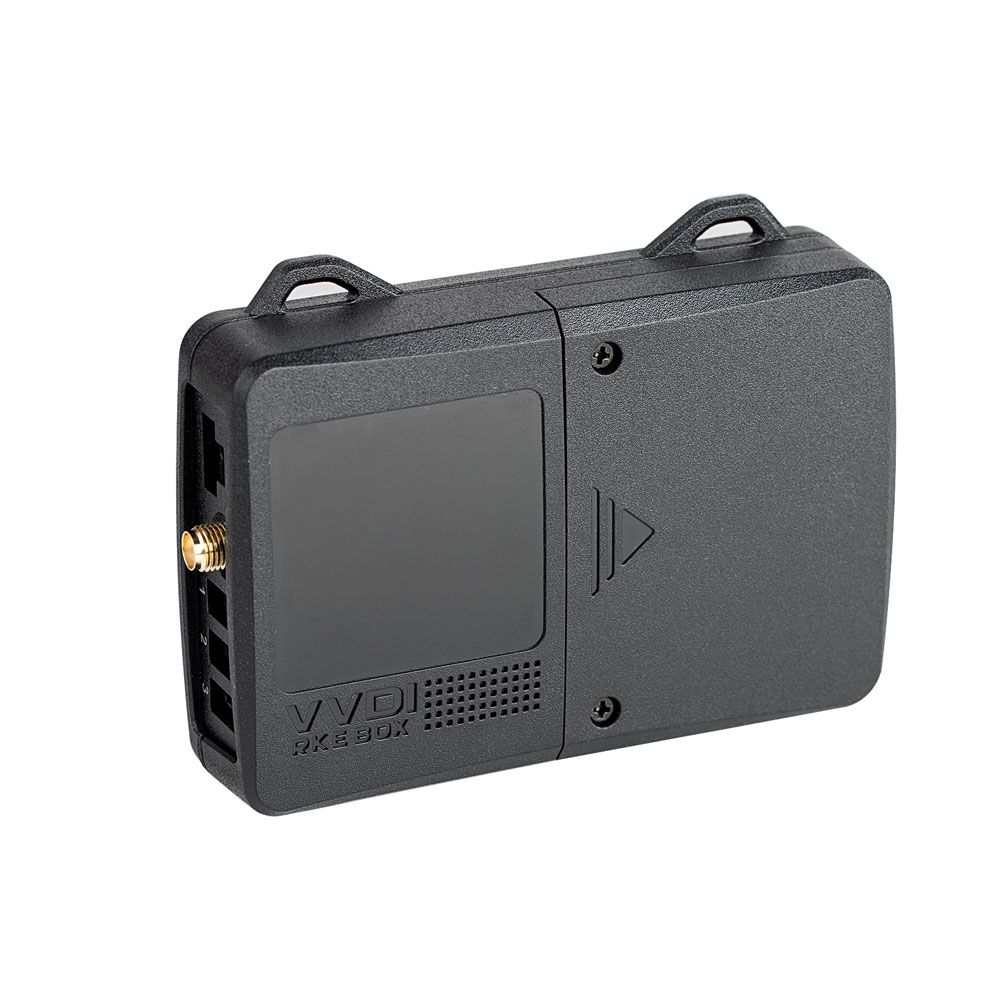
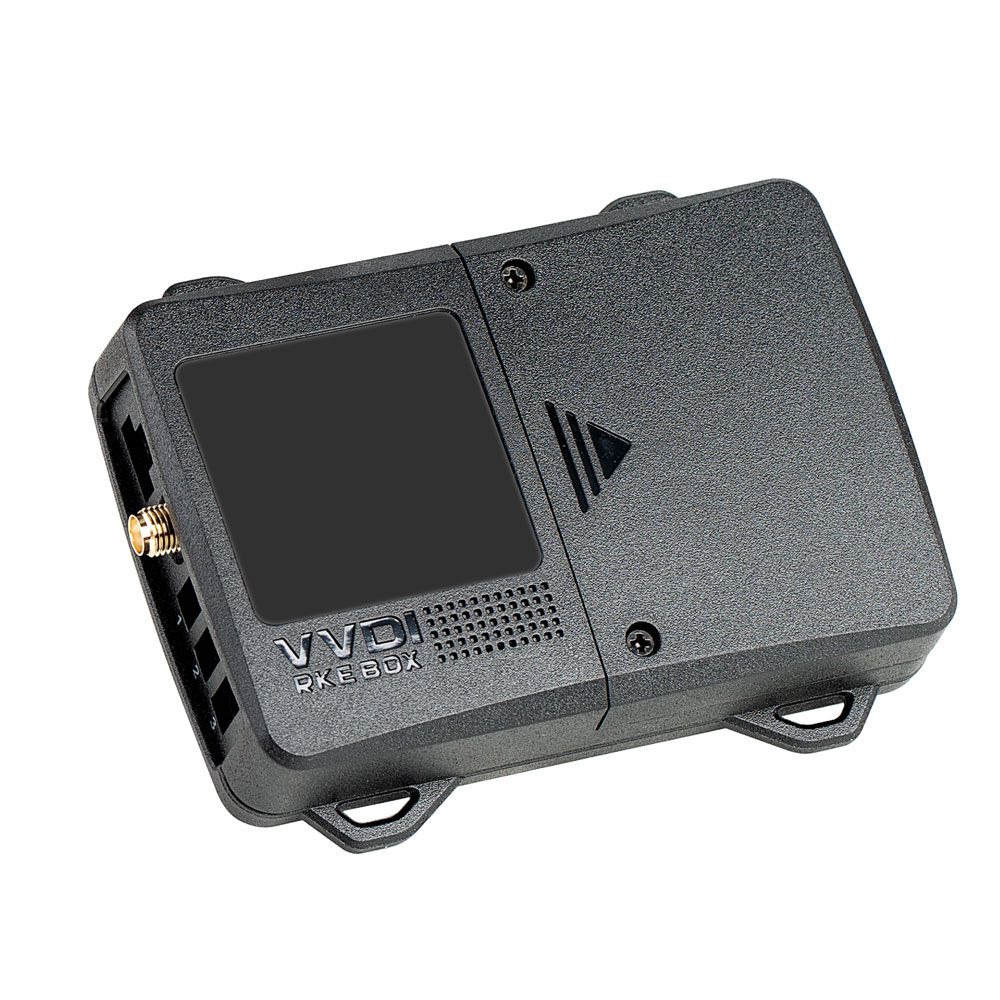
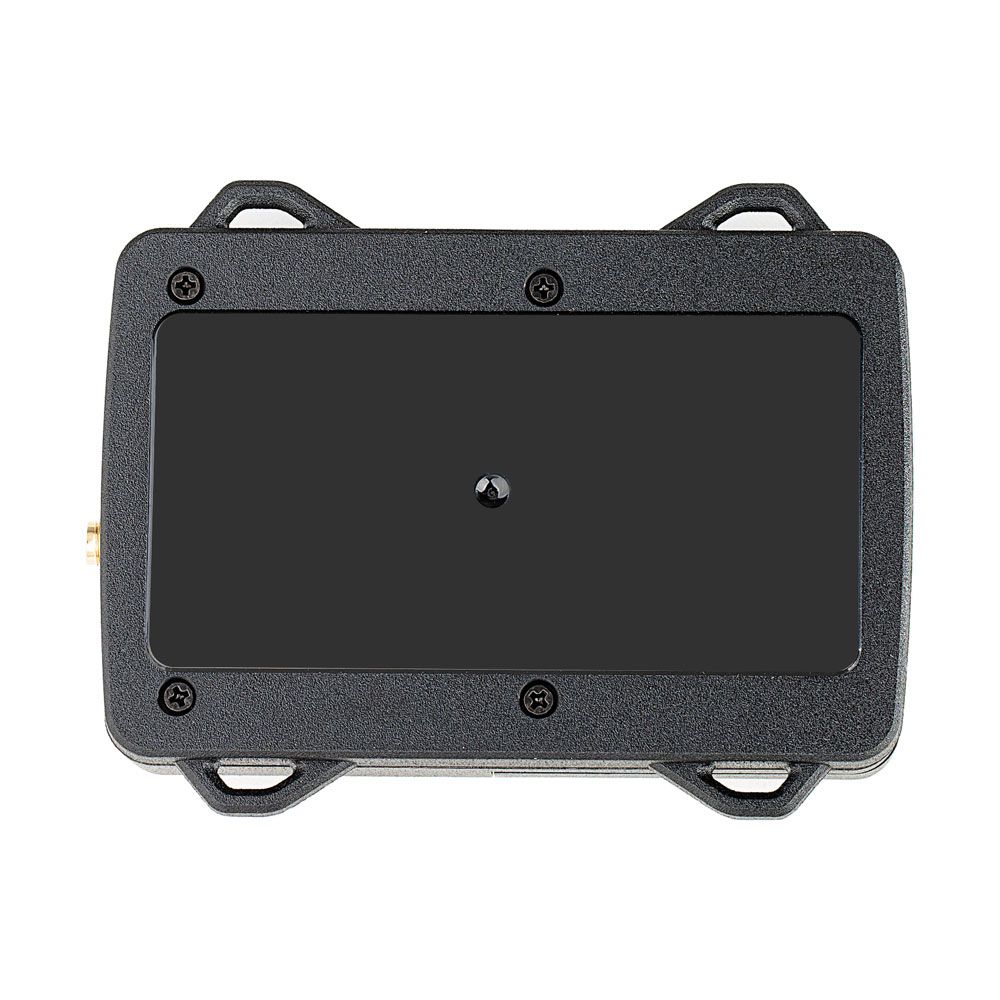
Xhorse Smart Key Box – Work with Smartphone for Keyless Entry
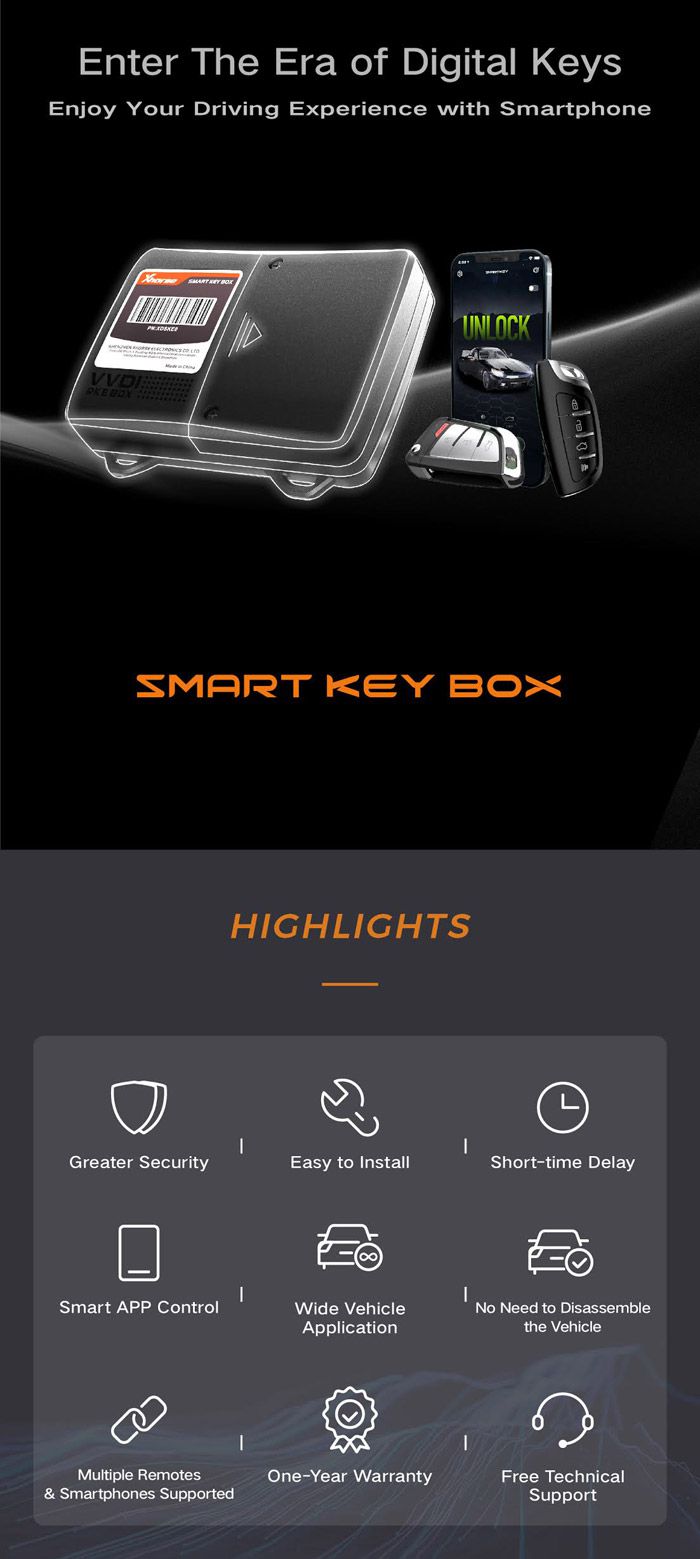
The Xhorse Smart Key Box is a newly designed aftermarket solution that enables a remote-free driving experience. By installing this device in your vehicle, your smartphone becomes a fully functional car key. It retains all the capabilities of your original remote control, including lock, unlock, panic, and trunk release functions. Additionally, it supports smartphone-based keyless entry for enhanced convenience and security.
Xhorse Smart Key Box Features
- Engineered for aftermarket use with advanced RF technology; compatible with vehicles equipped with push-button start systems.
- Supports adding smart keys to your vehicle.
- Allows configuration or modification of the keyless entry function.
- Simple installation process with reliable, stable performance.
- Compatible with VVDI devices for remote control generation.
- Works seamlessly with Mini Key Tool, Key Tool Max, Key Tool Plus Pad, and VVDI2 systems.
- Supports up to 6 smartphones and 6 smart keys simultaneously.
How to Install the Xhorse Smart Key Box
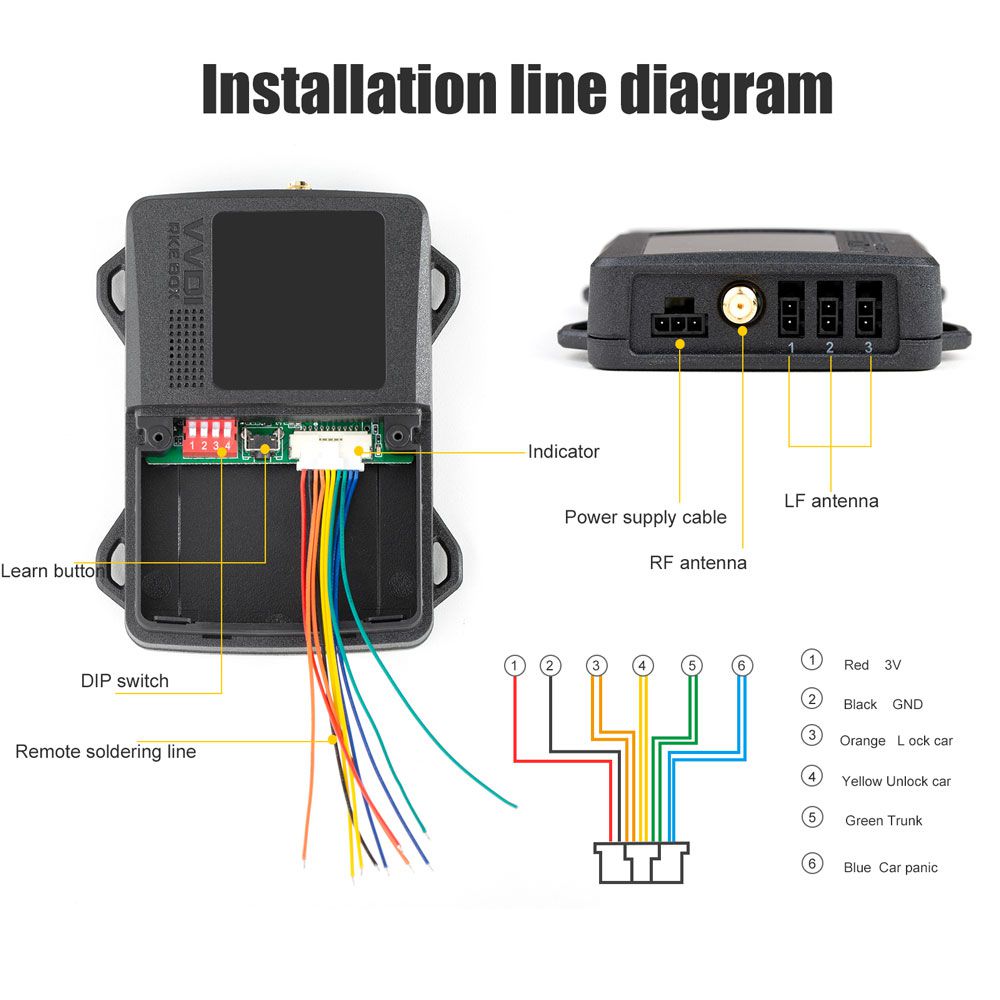
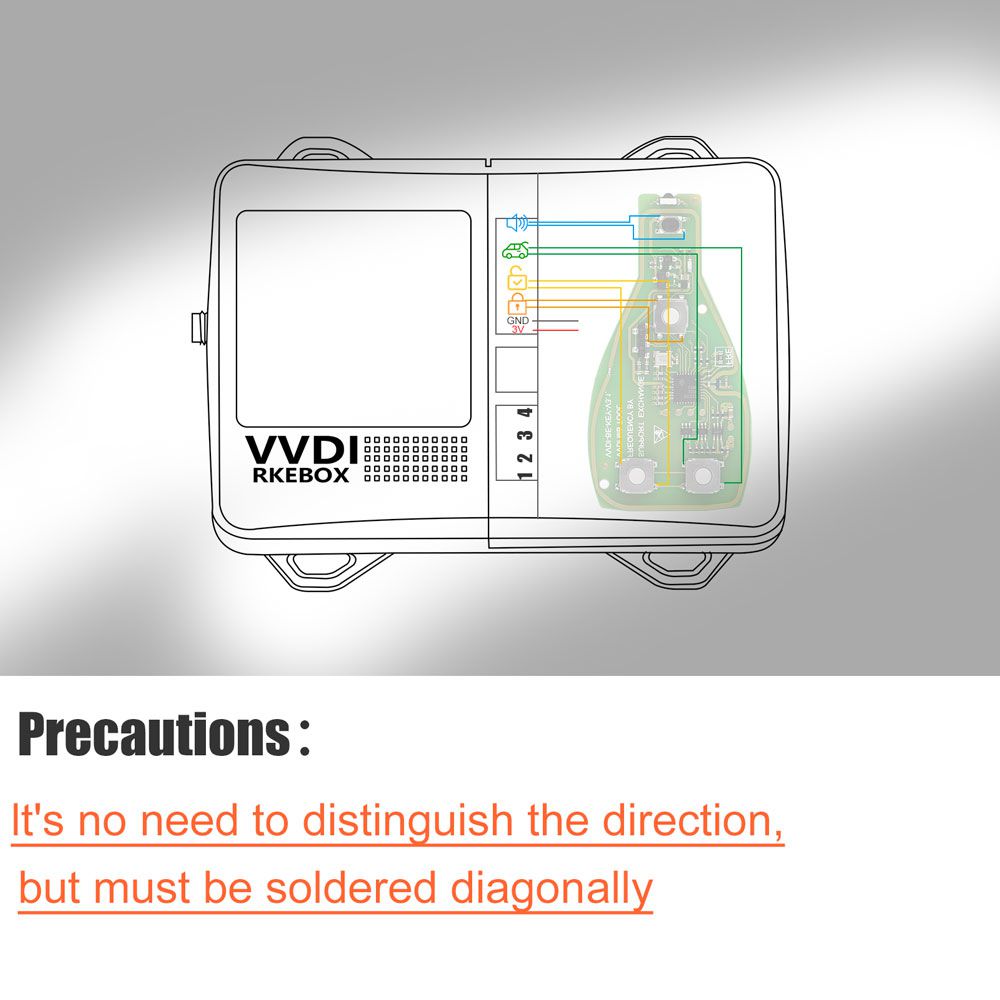
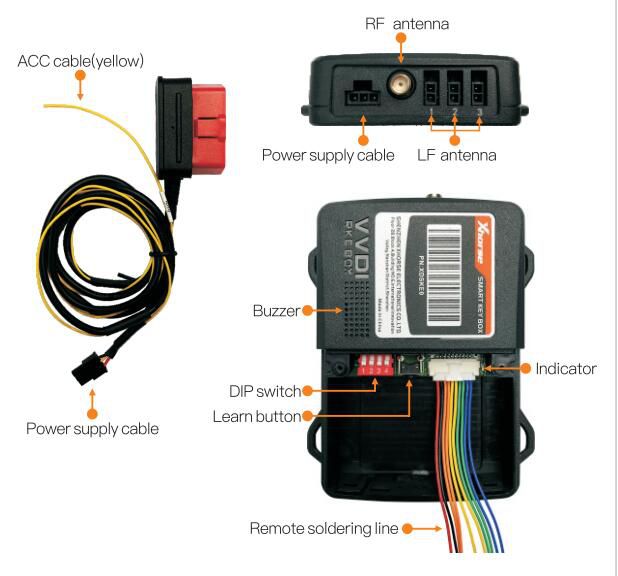
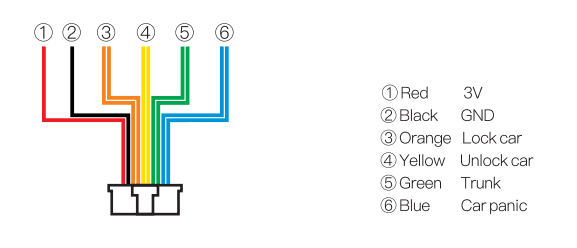
- Remove the original remote control and solder the connecting cables according to the provided soldering diagram, ensuring correct polarity.
- Connect the RF antenna, LF antenna (to any two Lfantenna ports), and the original remote control module.
- Locate the Vbat wire and ground wire from the fuse box, OBD port, or another suitable location.
- Identify the ACC signal line—this can be sourced from the factory radio, navigation system power line, or instrument panel lighting circuit.
- Securely connect the Vbat, ground, and ACC wires from the power cable to the corresponding vehicle circuits.
- Configure the DIP switch settings as required.
- Complete binding procedures for remote controls and mobile phones using the official app (refer to binding instructions).
- Finalize installation.
- Test automatic unlock/lock functionality by bringing a registered key near the vehicle and walking away; repeat for additional keys.
- Verify full functionality—including lock, unlock, trunk release, and panic alarm—via the mobile application after connection.
Security Features of the Smart Key Box
The Xhorse Smart Key Box offers enhanced security compared to the original remote control. Users can access "Security Settings" through the dedicated Smart Key BOX app. Even if your phone is lost, unauthorized users cannot gain access to your vehicle. Enable "verification" within the app’s security menu to activate protection. Four distinct security verification methods are available, providing easy-to-use safeguards that help prevent unauthorized access before issues arise.
Smart Key Box Technical Parameters
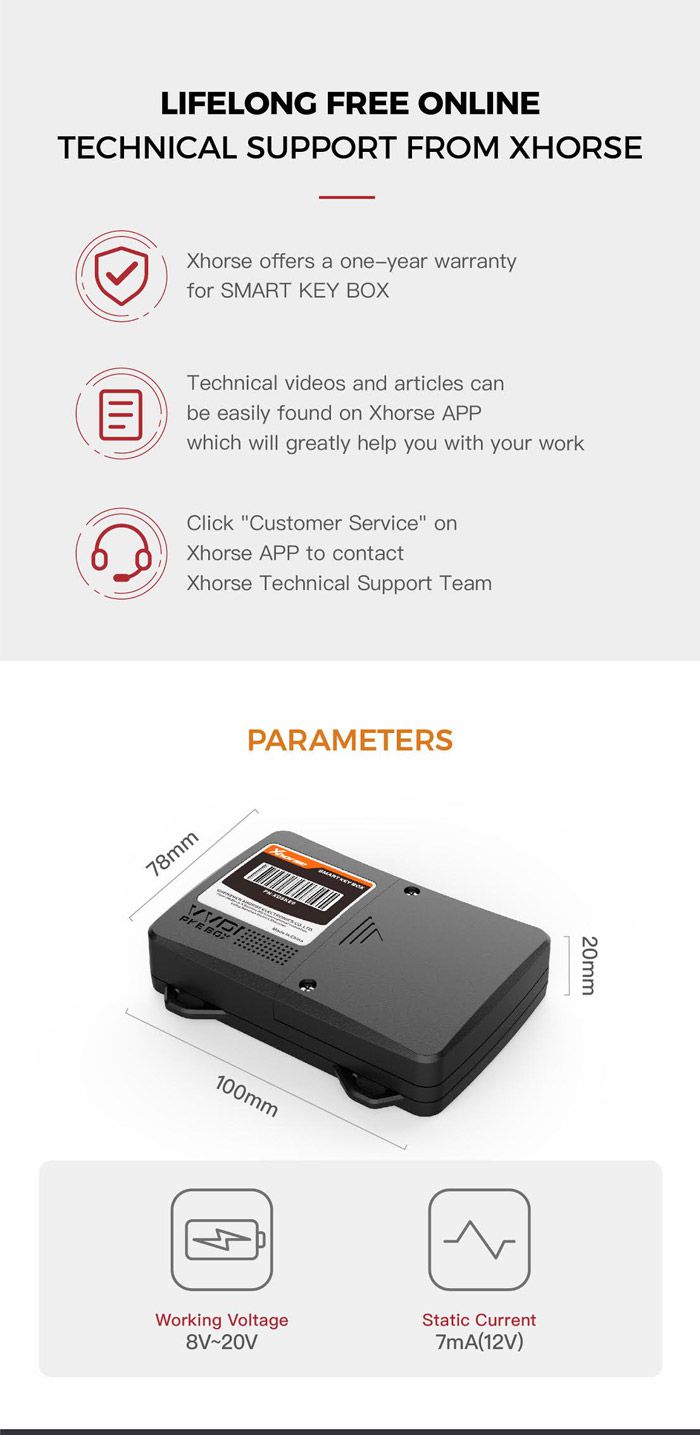
- Size: 100mm × 78mm × 20mm
- Operating Voltage: 8V–12V
- Quiescent Current: 9mA (at 12V)
Package Contents
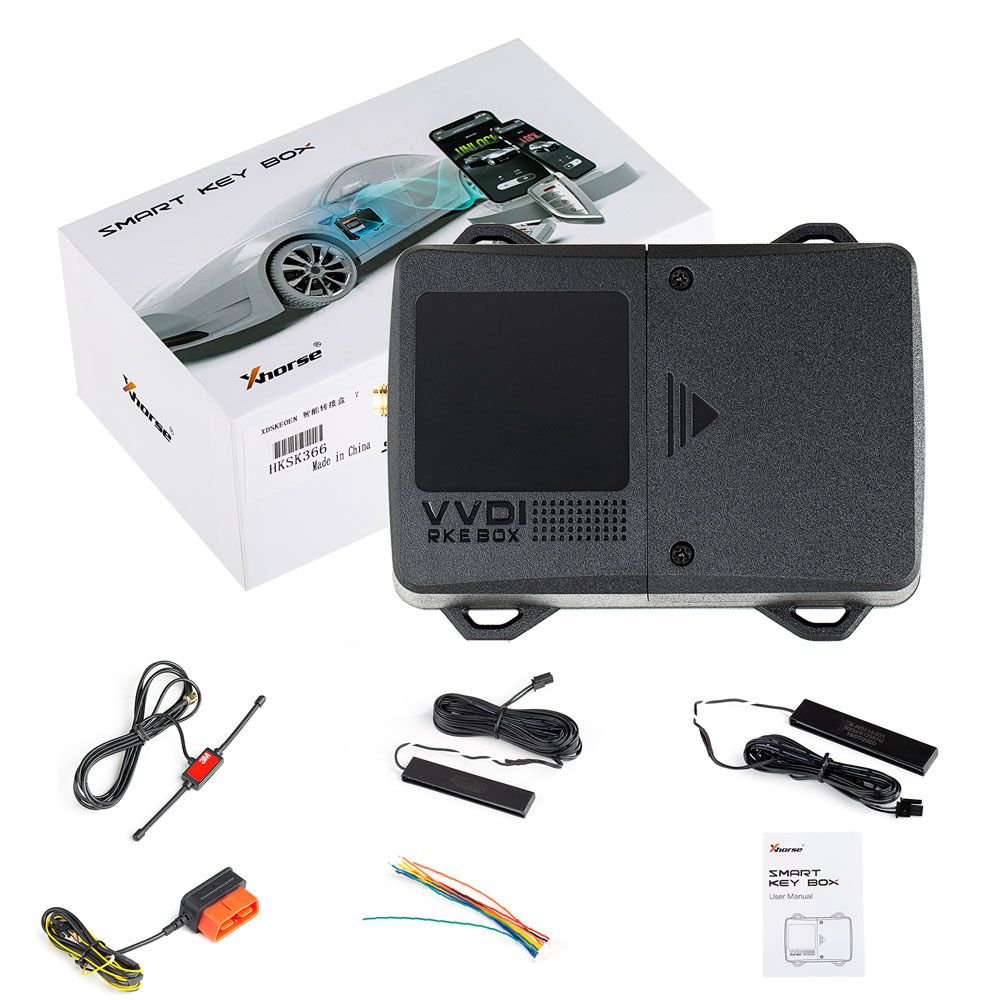
- 1 × Smart Key Box Unit
- 1 × LF Antenna
- 1 × RF Antenna
- 1 × Power Supply Cable
- 1 × User Manual
- 1 × Product Quality Certificate