UCANDAS VDM full system diagnostic tool
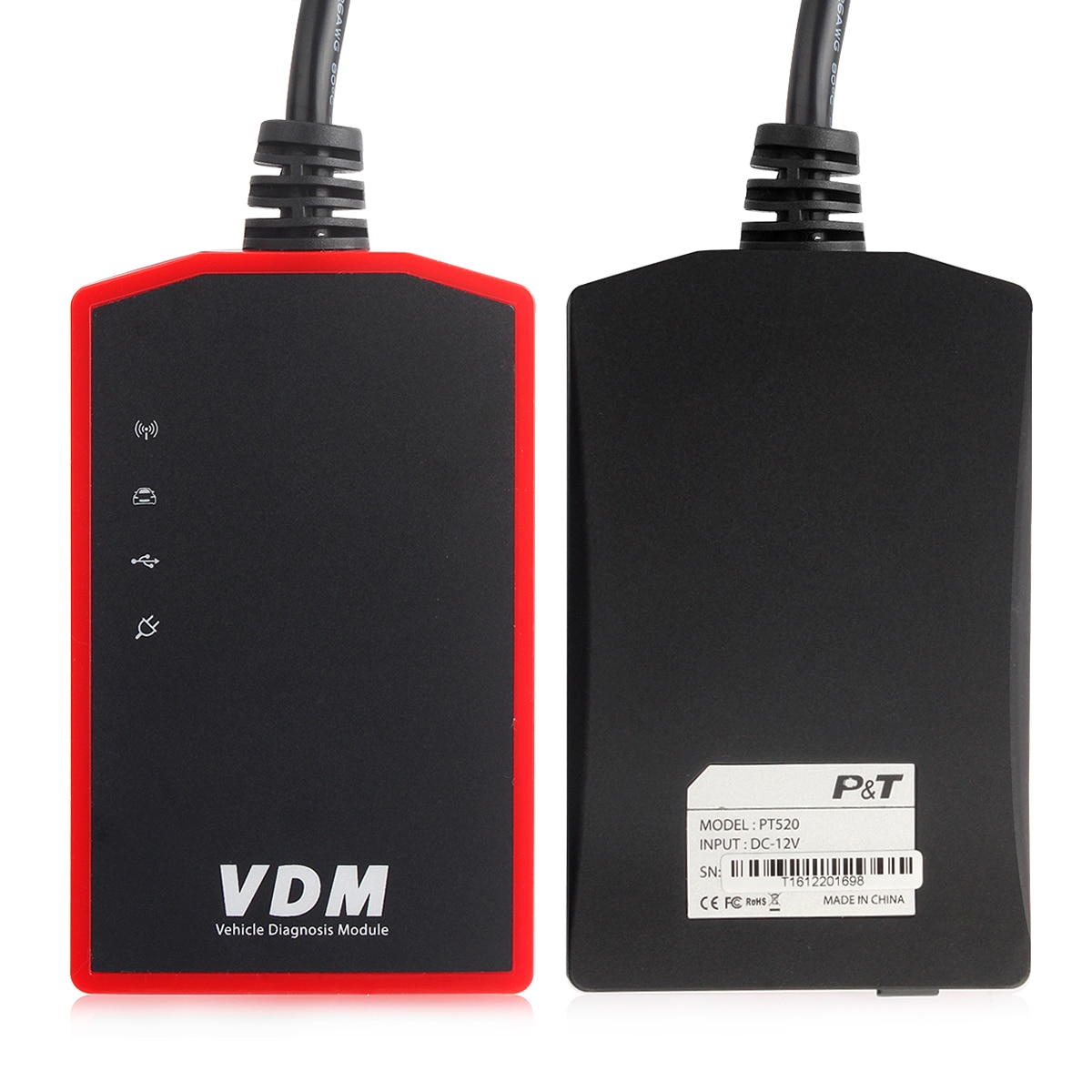
VDM WIFI OBD2 Scanner Scan ABS Airbag Oil EPB DPF Reset OBD 2 Automotive Scanner Code Reader Auto Car Diagnostic Tool
VDM WIFI OBD2 Scanner Scan ABS Airbag Oil EPB DPF Reset OBD 2 Automotive Scanner Code Reader Auto Car Diagnostic Tool is a one of our UCANDAS VDM full system diagnostic tool Tools, you can buy VDM WIFI OBD2 Scanner Scan ABS Airbag Oil EPB DPF Reset OBD 2 Automotive Scanner Code Reader Auto Car Diagnostic Tool from ukobd2.com.
Wholesale Top quality VAS6154, GM Tech2, VCM II For Ford, Handy Baby II Car Key Chip Copier, CDP DS150
images of VDM WIFI OBD2 Scanner Scan ABS Airbag Oil EPB DPF Reset OBD 2 Automotive Scanner Code Reader Auto Car Diagnostic Tool
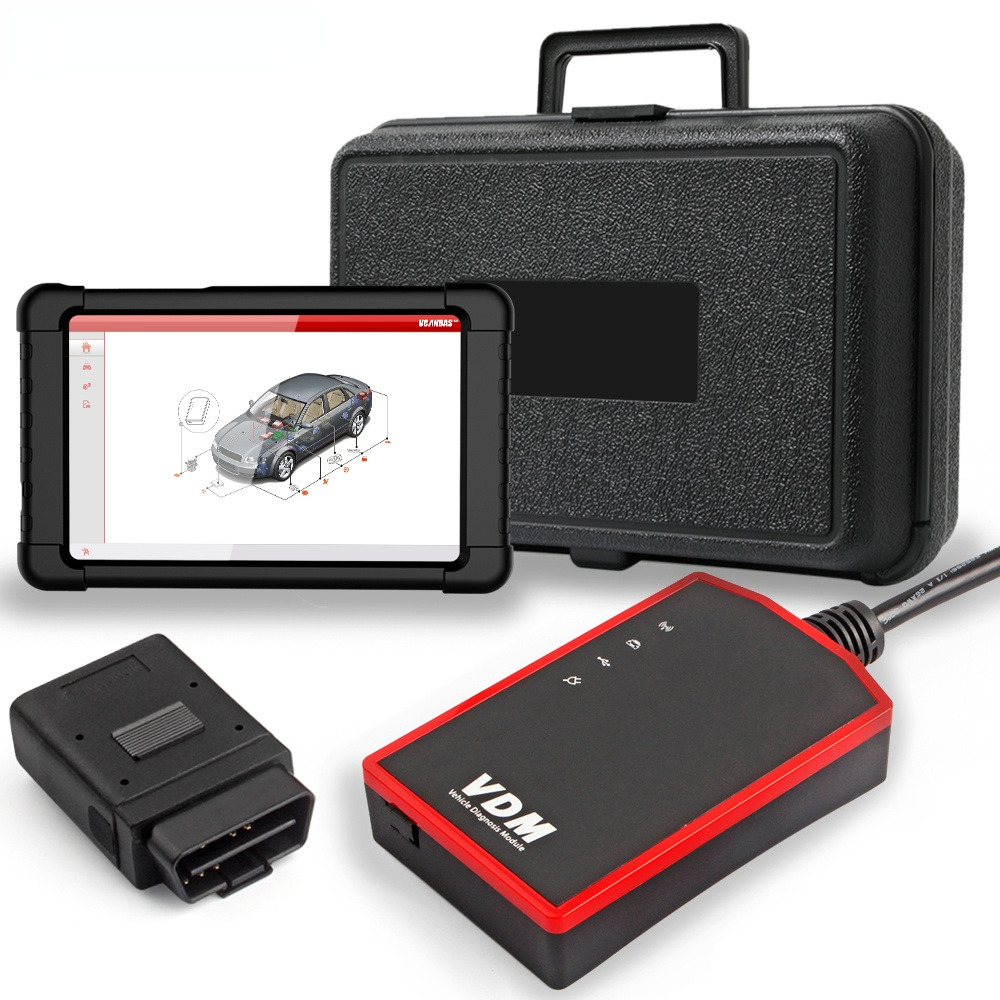

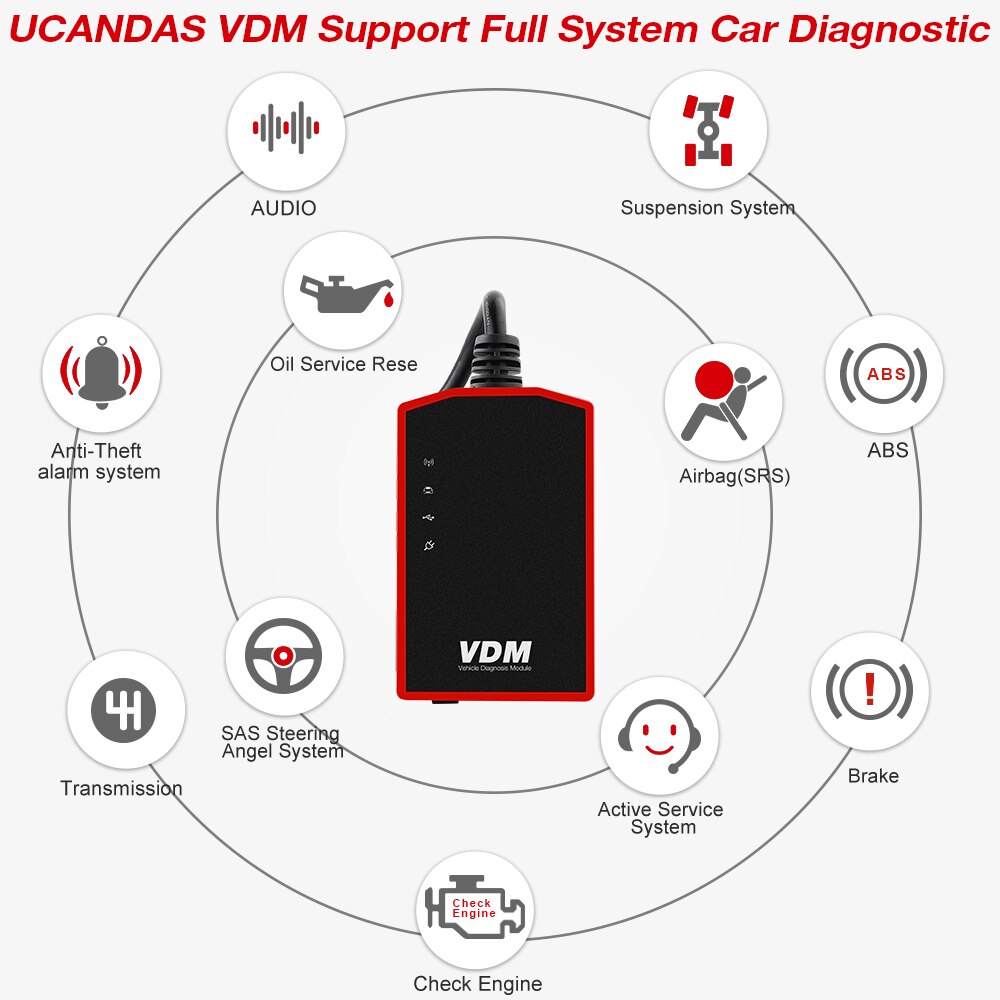
UCANDAS VDM WIFI OBD2 Scanner – Full System Automotive Diagnostic Tool
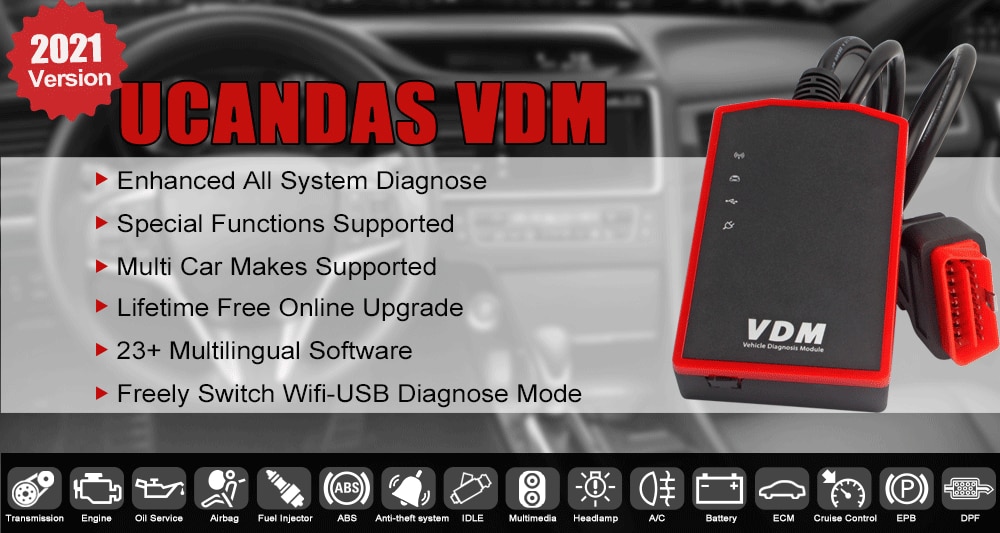
Why Choose the UCANDAS VDM WIFI Full System OBD2 Scanner?
- It is ingeniously designed to recreate the functionality of OEM tools and is compatible with Windows XP, Windows 7, Windows 8, and Windows 10 systems.
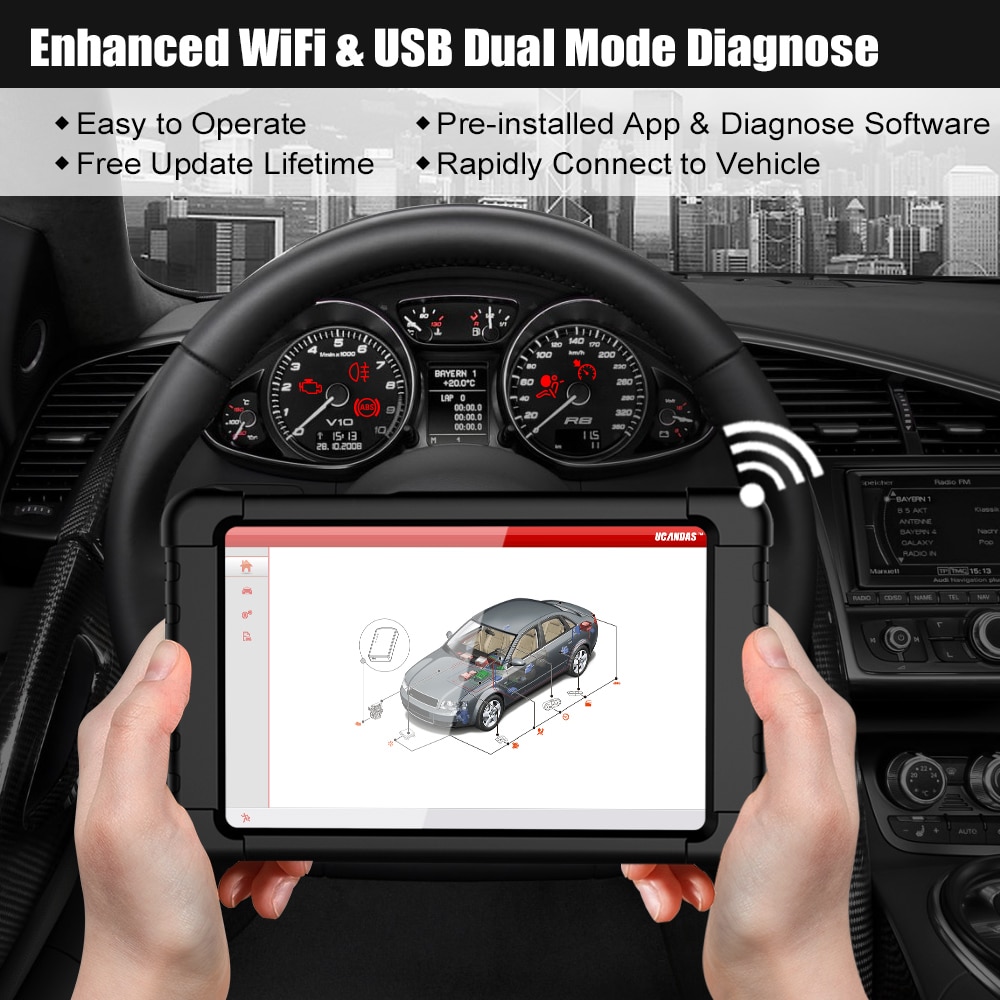
- Supports multilingual software and works via both USB and WIFI when connected to a computer using the VDM adapter.
- Supports ISO 9141-2, K/L line, SAE-J1850 VPW, SAE-J1850 PWM, CAN ISO 11898, and ISO15765-4 protocols.
- Supports high-speed, medium-speed, and low-speed CAN-BUS, as well as single CAN-BUS diagnosis protocols.
- Automatically and quickly identifies the year and model of vehicles.
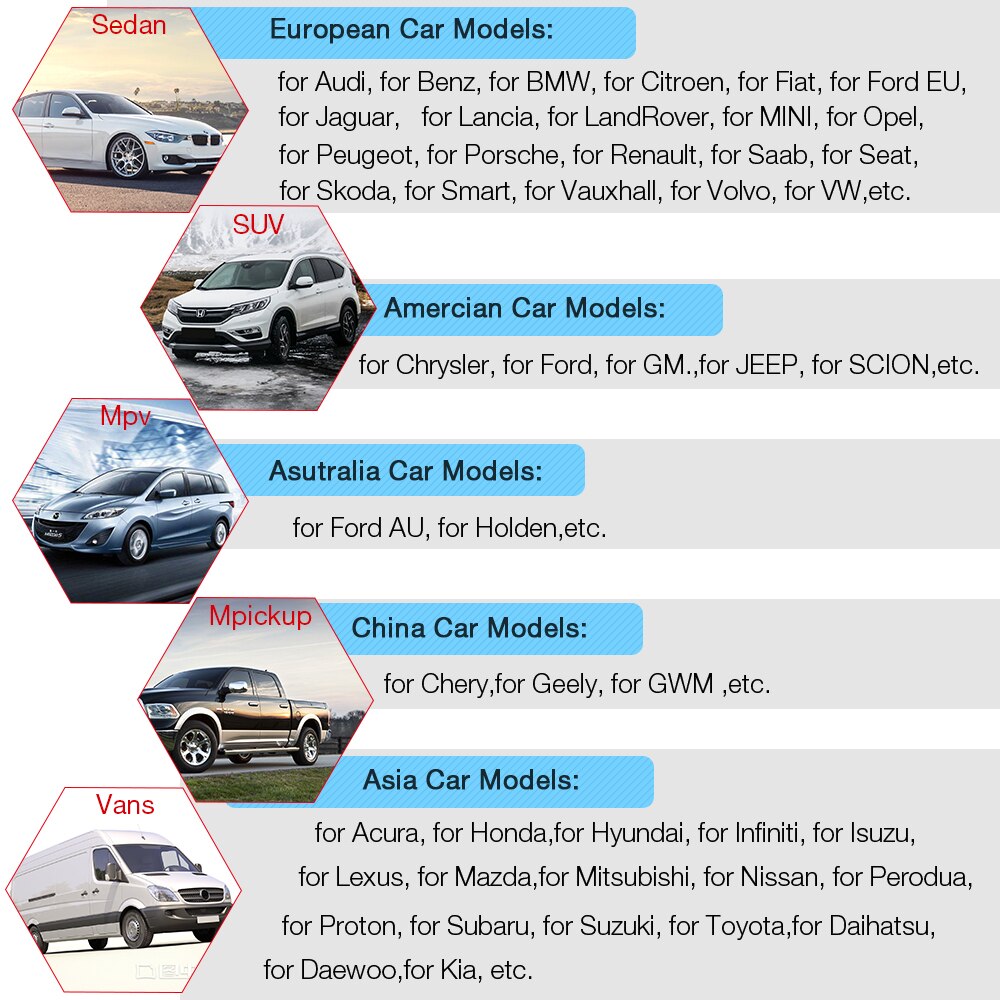
- Offers comprehensive software coverage for European, American, Asian, and Australian vehicles.
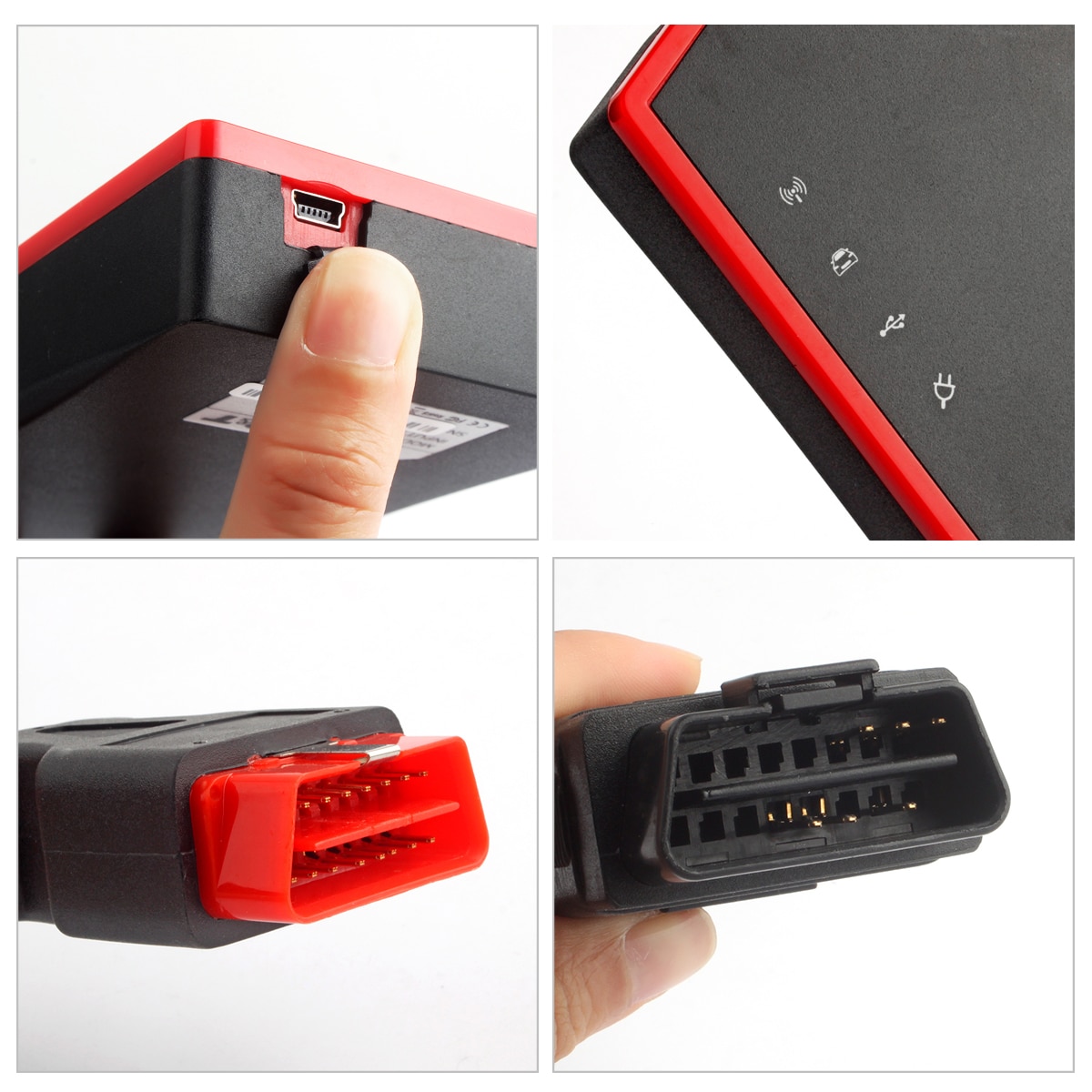
- Features a widely compatible OBDII diagnostic connector that eliminates the need to switch connectors during testing.
- Utilizes a new hardware architecture with multiple layers of protection against interference and instability. Includes a built-in overvoltage protection module to safeguard both the scanner and the vehicle from accidental damage during diagnostics.
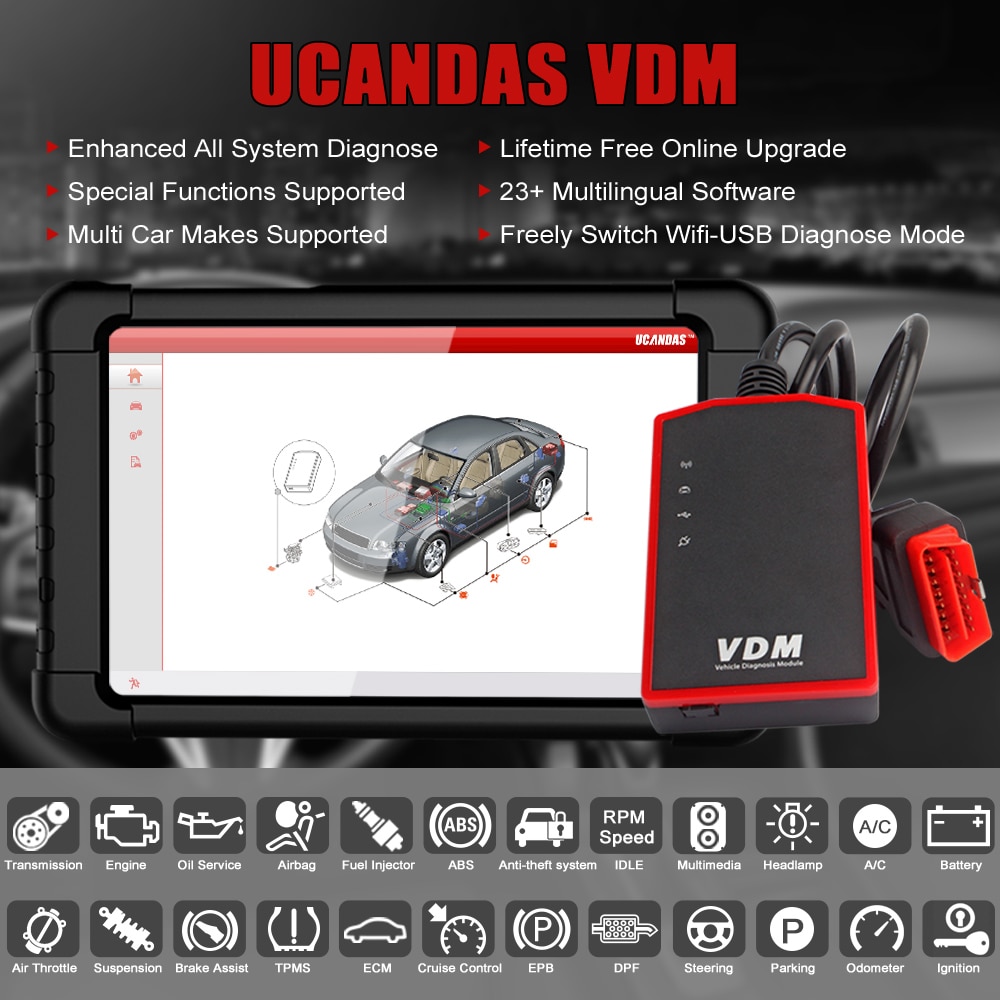
Basic Functions Supported by WIFI UCANDAS VDM
- Quick Test
- Read ECU Info
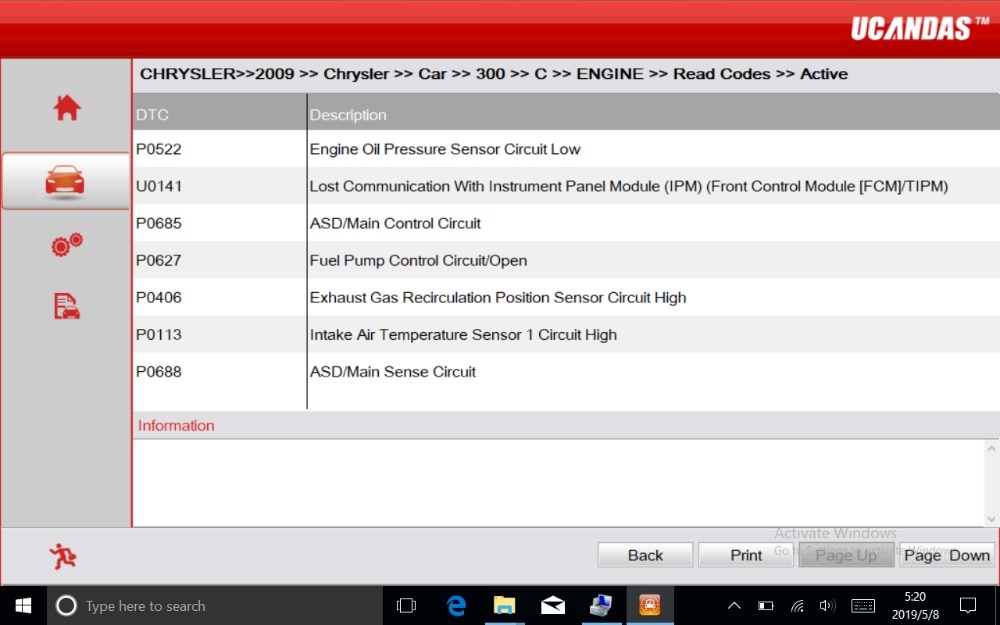
- Read DTCs
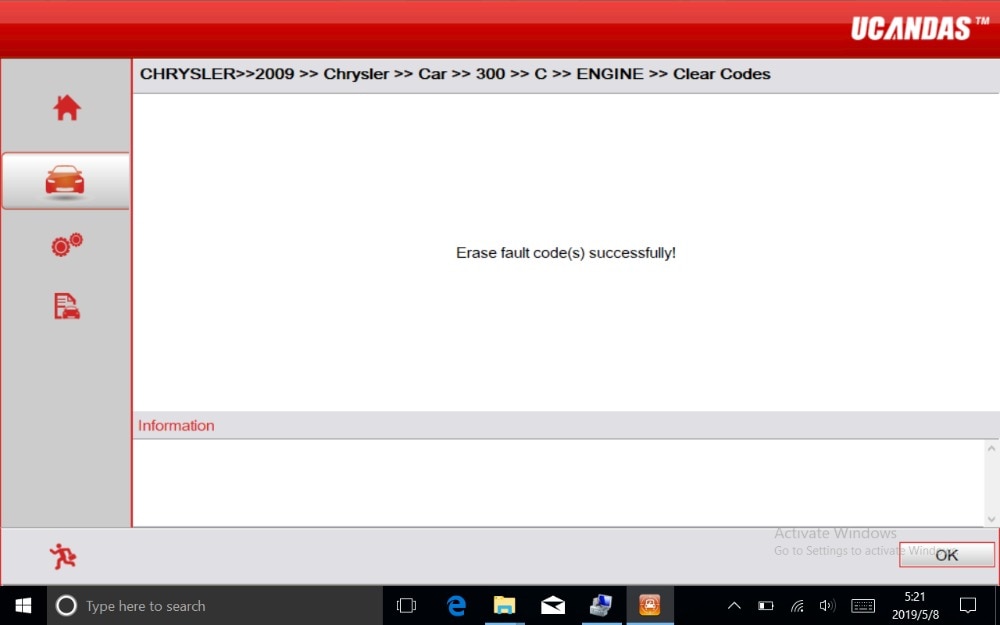
- Erase DTCs
- Clear Learning Value
- Data Stream
- Read Freeze Frame Data
- Read/Write VIN
Special Functions Supported by WIFI UCANDAS VDM
- Basic Reset
- Control Unit Adaptations
- Throttle Adaptations
- ABS Air Bleeding
- Level Calibration
- Theft Alarm Reset
- Oil Change
- Idle Speed Learning
- Idle Speed Adjustment
- Ignition Timing Adjustment
- Camshaft Timing Control Learning
- Maintenance Functions
- ECU Initial Startup
- ECU Initialization
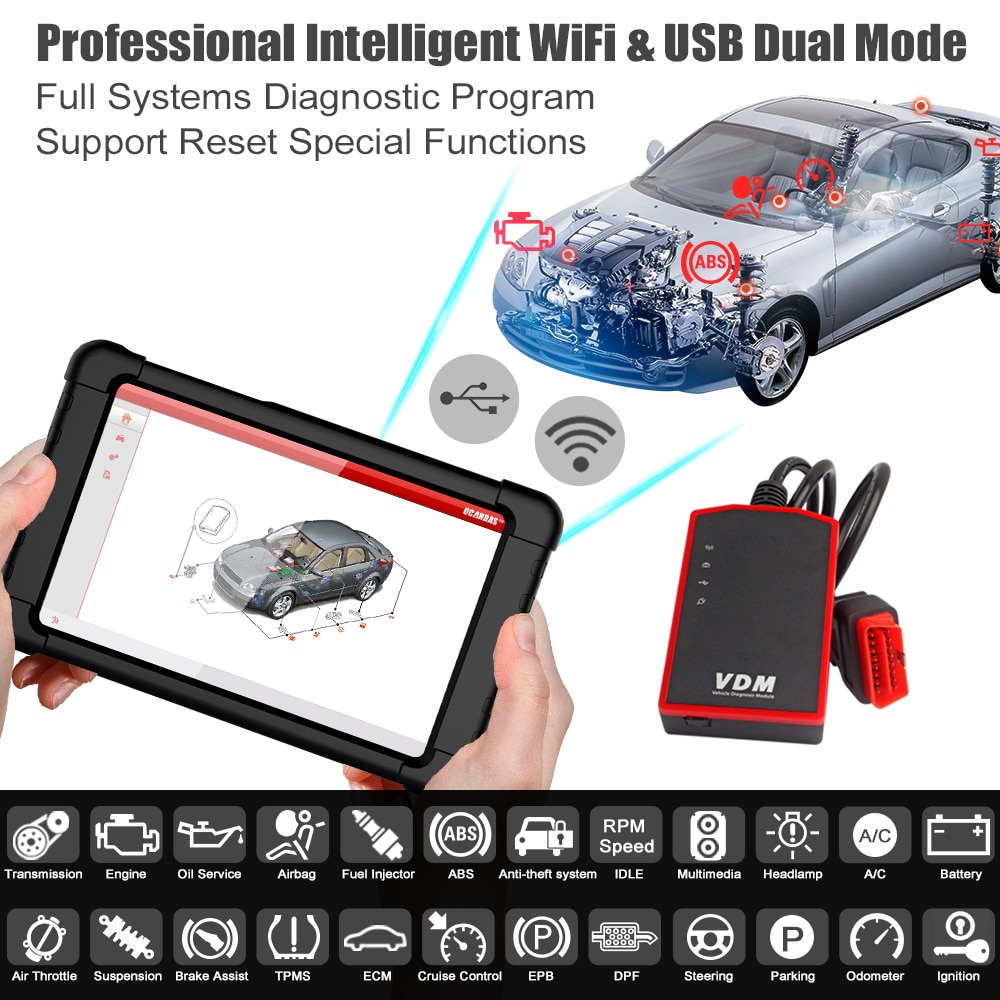
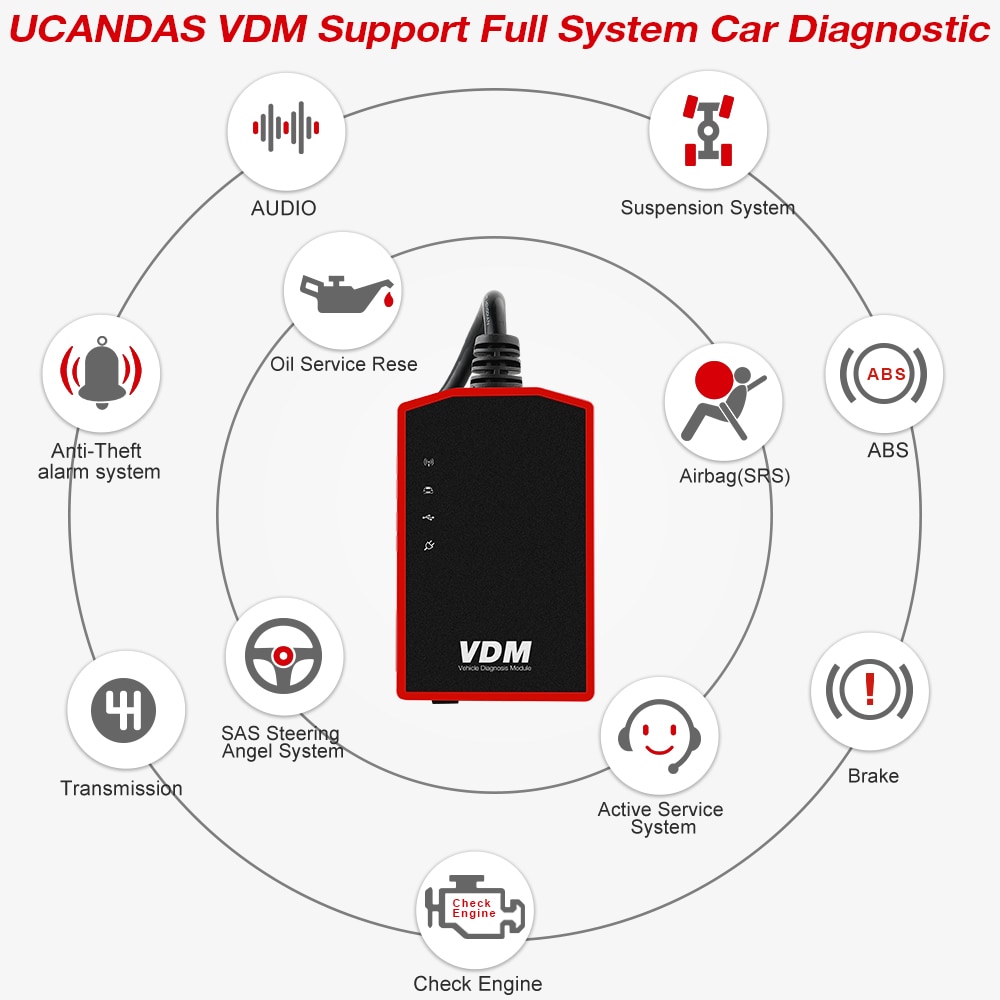
Full System Coverage by UCANDAS VDM
ME-Motor Electronics, CDI-Common Rail Diesel Injection, ETC-Electronic Transmission Control, ESM-Electronic Selector Module, SBC-Sensotronic Brake Control, ESP-Electronic Stability Program, BAS-Brake Assist, Suspension, TPC-Tire Pressure Monitor, Airbag SRS Crash Data, CGW-Central Gateway, EIS-Electronic Ignition Switch, OCP-Overhead Control Panel, UCP-Upper Control Panel, XALWA-Xenon Headlamp, HRA-Headlamp Range Control, ATA-Anti-theft Alarm System, IC-Instrument Cluster, ASSYST-Active Service System, SCM-Steering Column Module, EPS-Electrical Power Steering, PTS-Parktronic System, EPB-Electric Parking Brake, COMAND/AUDIO, CD/DVD, TV Tuner, CTEL-Cellular Telephone, DCM-Door Control Module, ESA Driver-Electric Seat Adjustment (Driver), ESA Passenger-Electric Seat Adjustment (Passenger), AAC-Air Conditioning, WSS-Weight Sensor System, SVMCM-Special Vehicle Multifunction Control Module, and more—all system diagnostics supported.
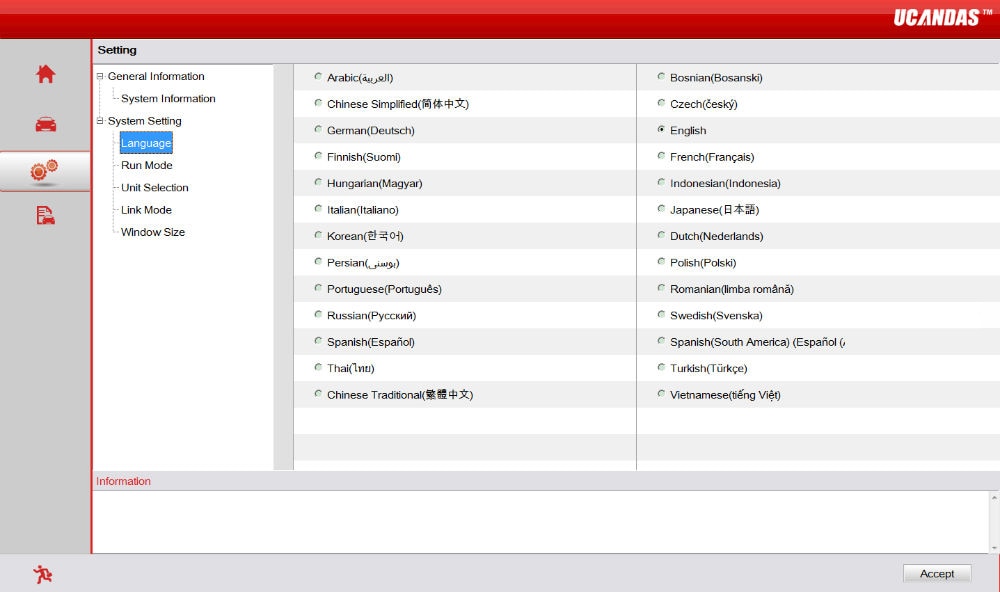
Language Support
Available in more than 23 languages: English, Japanese, German, Russian, French, Italian, Spanish, Portuguese, Polish, Turkish, Dutch, Hungarian, Korean, Czech, Arabic, Indonesian, Persian, Thai, Vietnamese (OBD only), Finnish, Swedish, Chinese, and more.
Note: Each device supports English plus one additional language. The default language is English. If you require another language, please contact us after receiving your device and provide the "Series Number" so we can activate it for you.

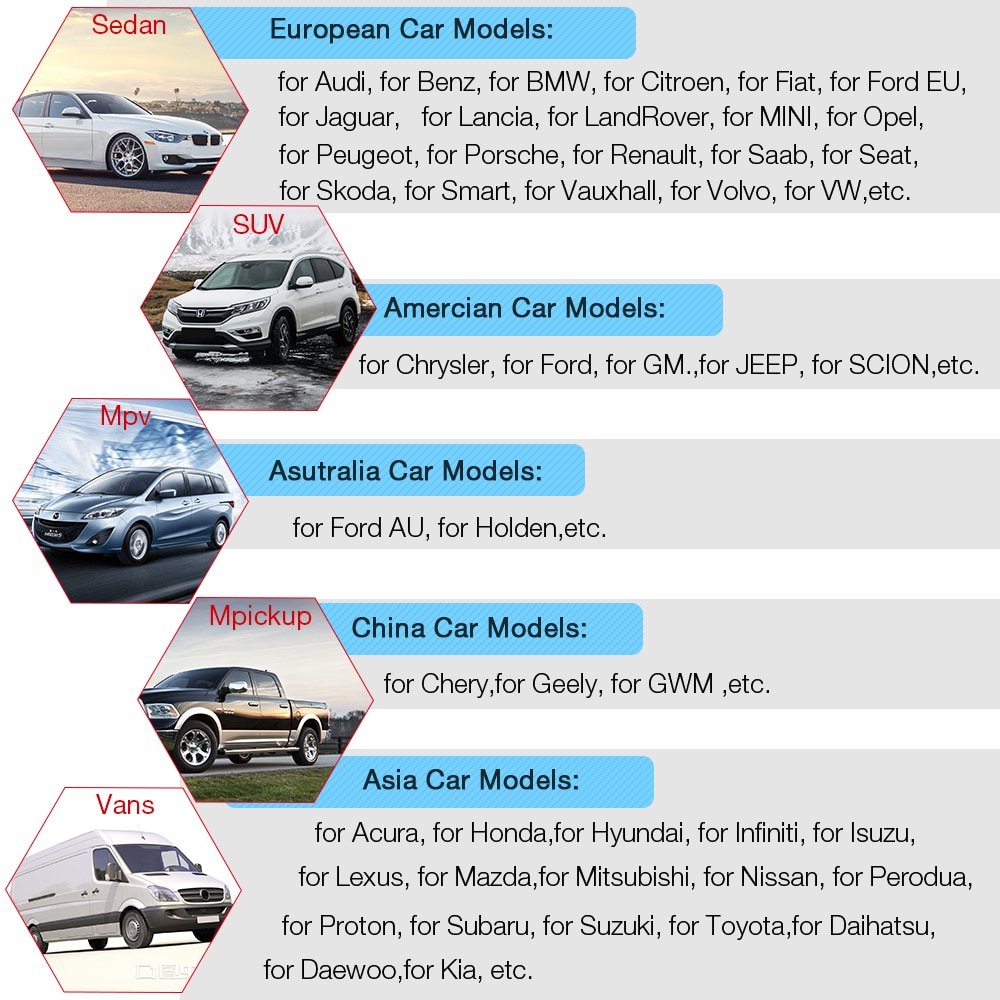
Supported Vehicle List
Supports over 51 car makes and hundreds of models:
- European Models: Audi, Benz, BMW, Citroën, Fiat, Ford EU, Jaguar, Lancia, Land Rover, MINI, Opel, Peugeot, Porsche, Renault, Saab, SEAT, Škoda, Smart, Vauxhall, Volvo, VW, etc.
- Asian Models: Acura, Honda, Hyundai, Infiniti, Isuzu, Kia, Lexus, Mazda, Mitsubishi, Nissan, Perodua, Proton, Subaru, Suzuki, Toyota, Daihatsu, Daewoo, etc.
- Australian Models: Ford AU, Holden, etc.
- American Models: Chrysler, Ford, GM, Jeep, Scion, etc.
- Chinese Models: Chery, Geely, GWM, etc.
Notes:
- Supports some vehicles up to the 2016 model year.
- All supported vehicles are OBD2 compliant.
- Standard OBD2 Protocols: ISO 9141-2, ISO 14230, ISO 15765, SAE J1850 (PWM), SAE J1850 (VPW), etc.
How to Use the UCANDAS VDM on a Tablet
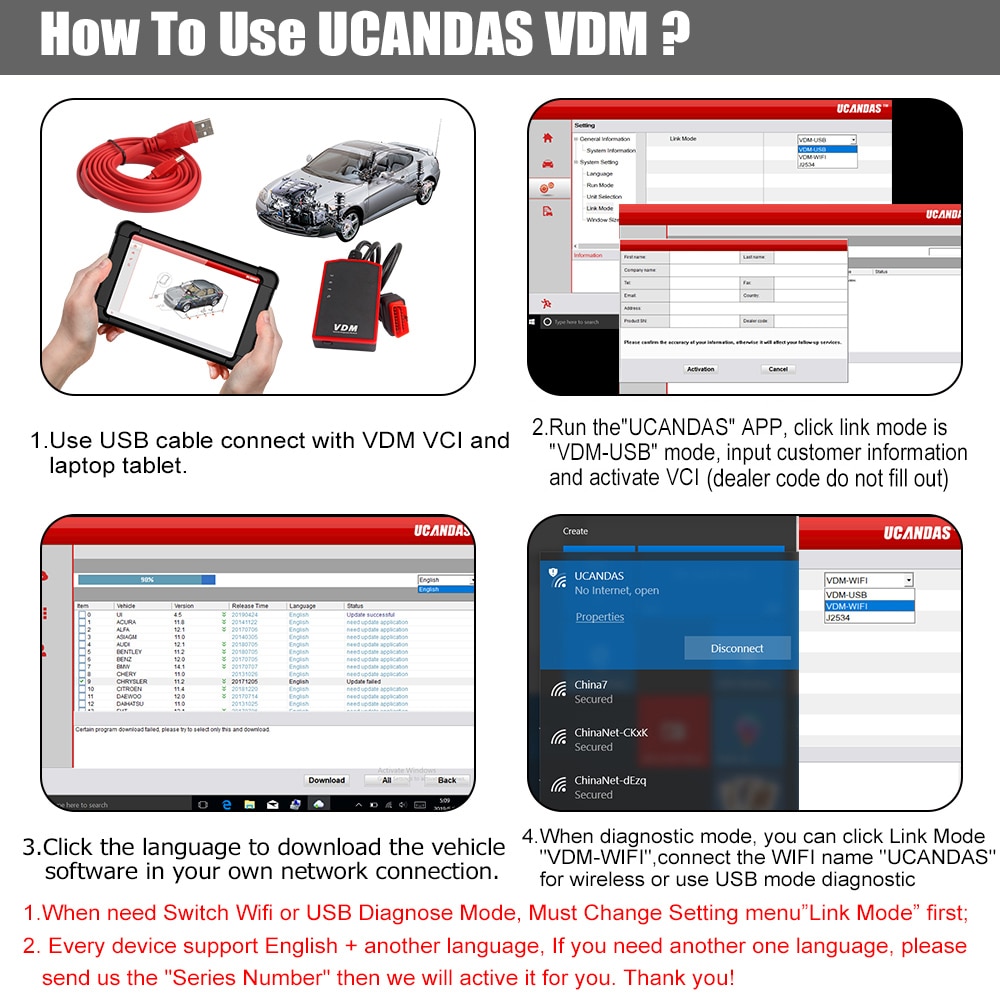
Client Software Installation
VDM OBD2 Automotive Scanner – Step-by-Step Usage Guide
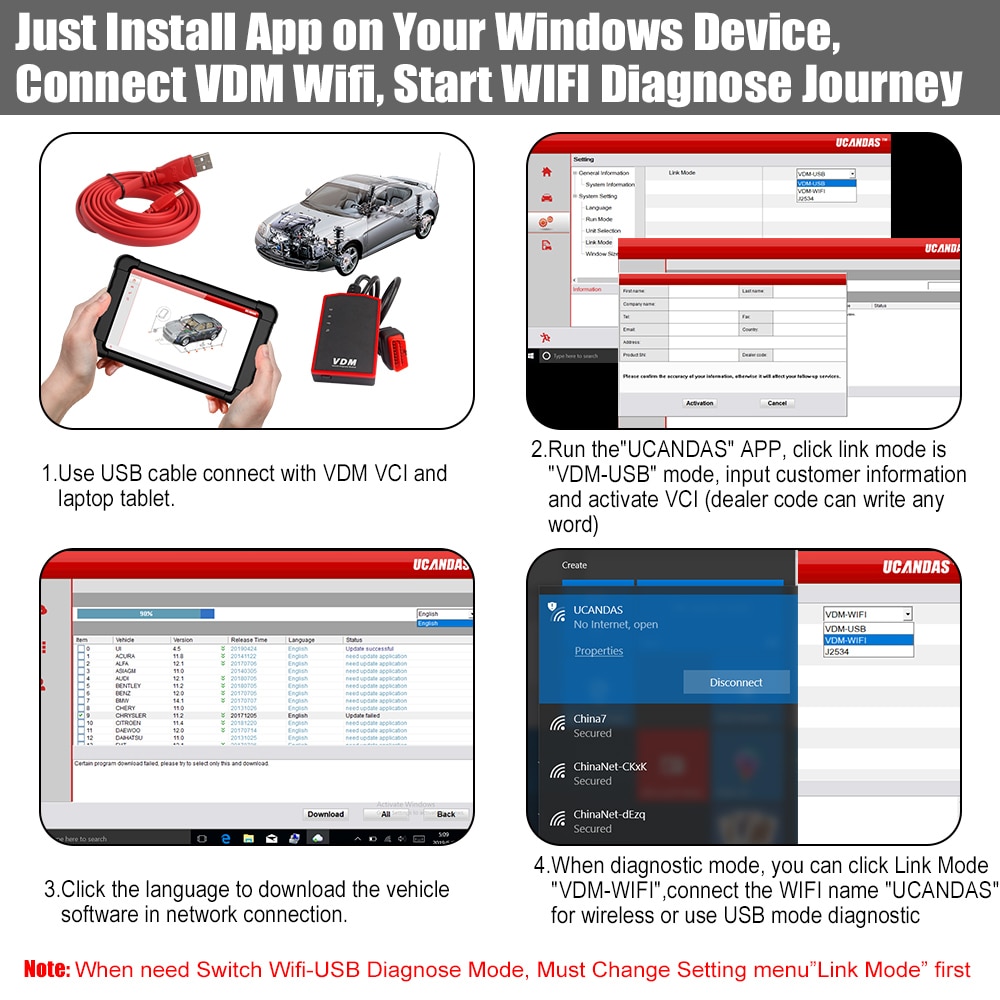
- Connection Preparation: Ensure your internet is connected. Plug the VDM into your car and connect it to your tablet via USB cable.
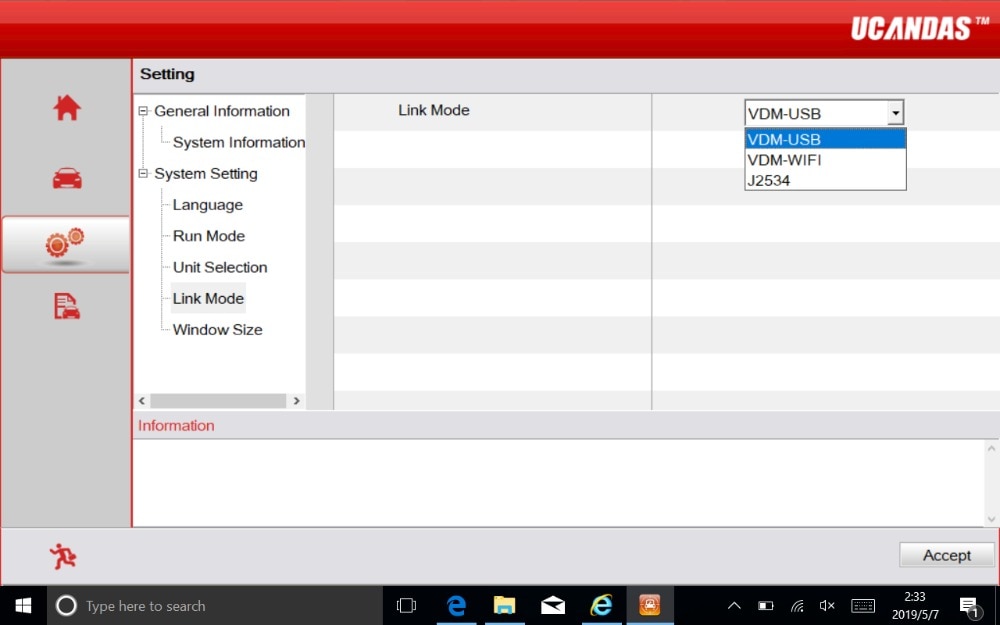
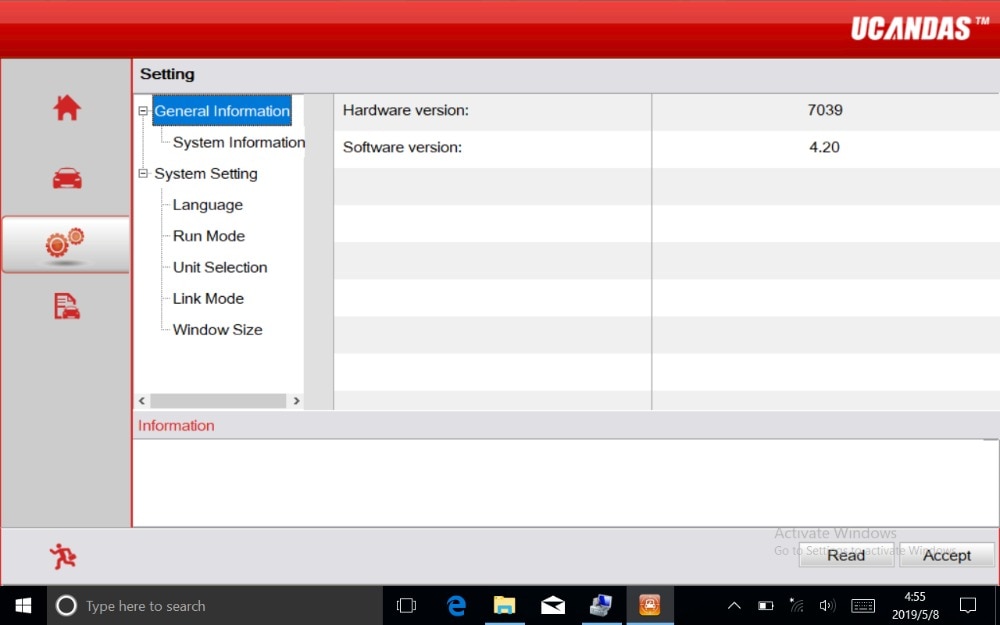
- Run UCANDAS Software: Go to “Setting” → “Link Mode” → “VDM-USB”. If the USB connection is successful, go to System Information and click “Read” to view the hardware version. If the connection fails, the hardware version will display as “Unknown” or “---”; recheck the connection or contact support.
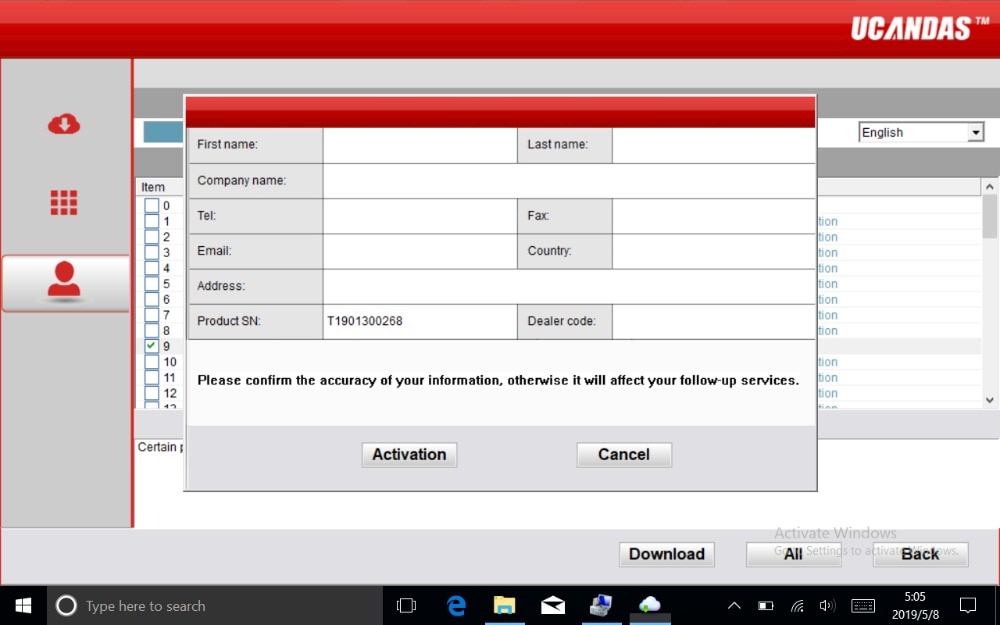
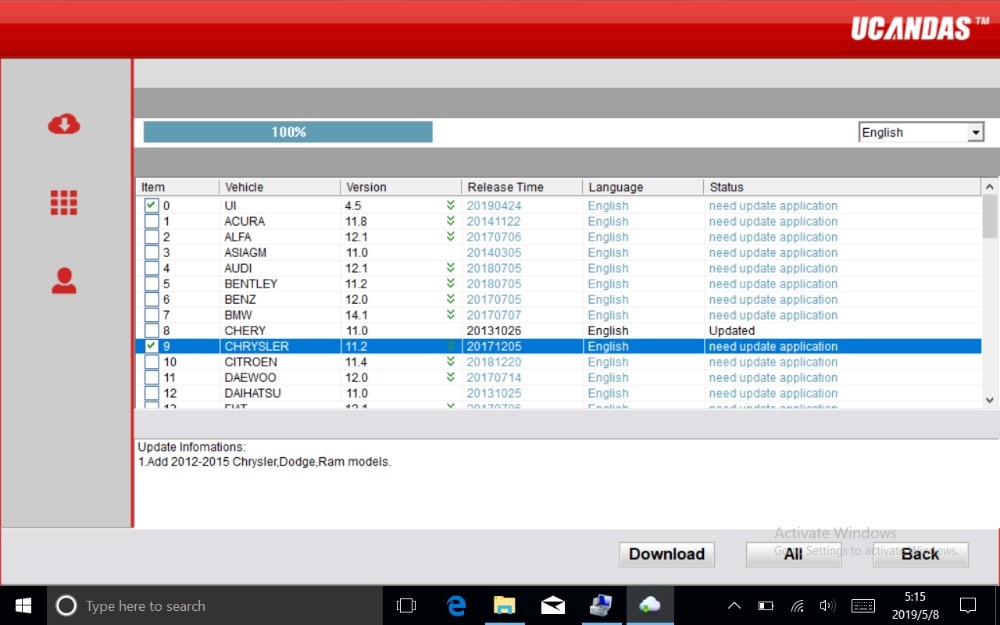
- Software Activation & Update: Fill in your customer information (do not fill in the dealer code) to activate the software, then update the firmware. Select your preferred language and download the corresponding vehicle software to begin diagnostics.
- Diagnostic Connection Options:
- USB Mode: Connect VDM to tablet via USB cable and set “Link Mode” to “VDM-USB”.
- WIFI Mode: Set “Link Mode” to “VDM-WIFI” and connect to the WIFI network named “UCANDAS”.
Important Notes:
- Each device supports English plus one additional language. Default is English. To add another language, contact us with your “Series Number” after receiving the device.
- Always use USB to connect the VDM to your tablet during software updates. Ensure “Link Mode” is set to “VDM-USB” and that your tablet is connected to the internet.
- To switch between WIFI and USB diagnostic modes, always change the “Link Mode” setting first.
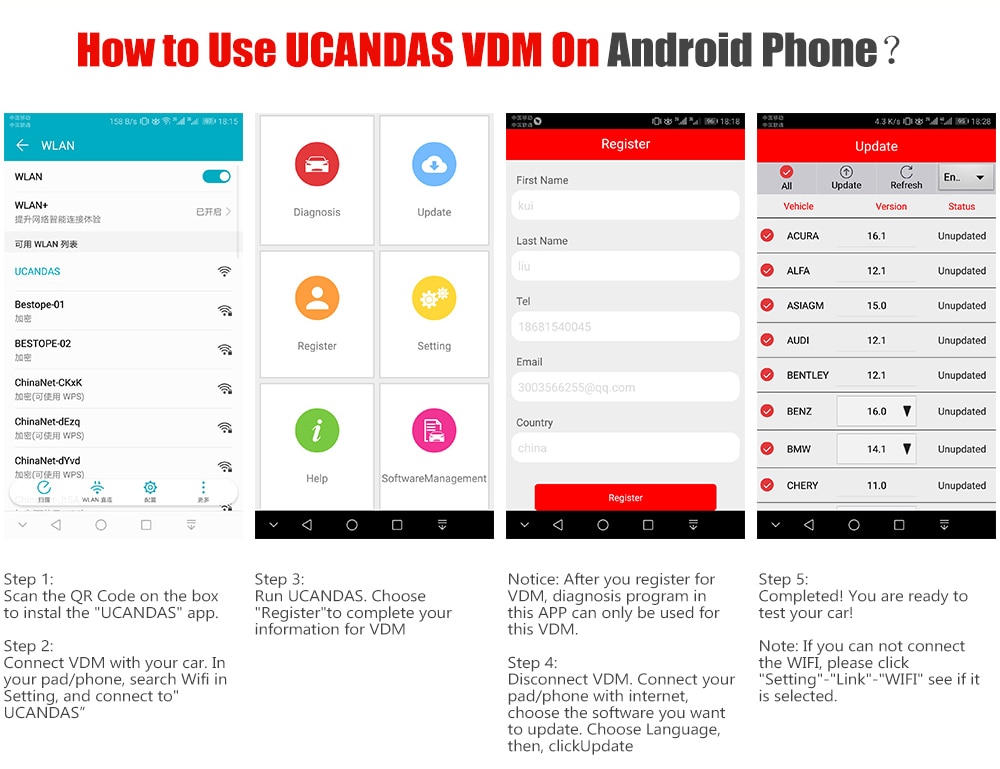
How to Use the UCANDAS VDM on an Android Phone
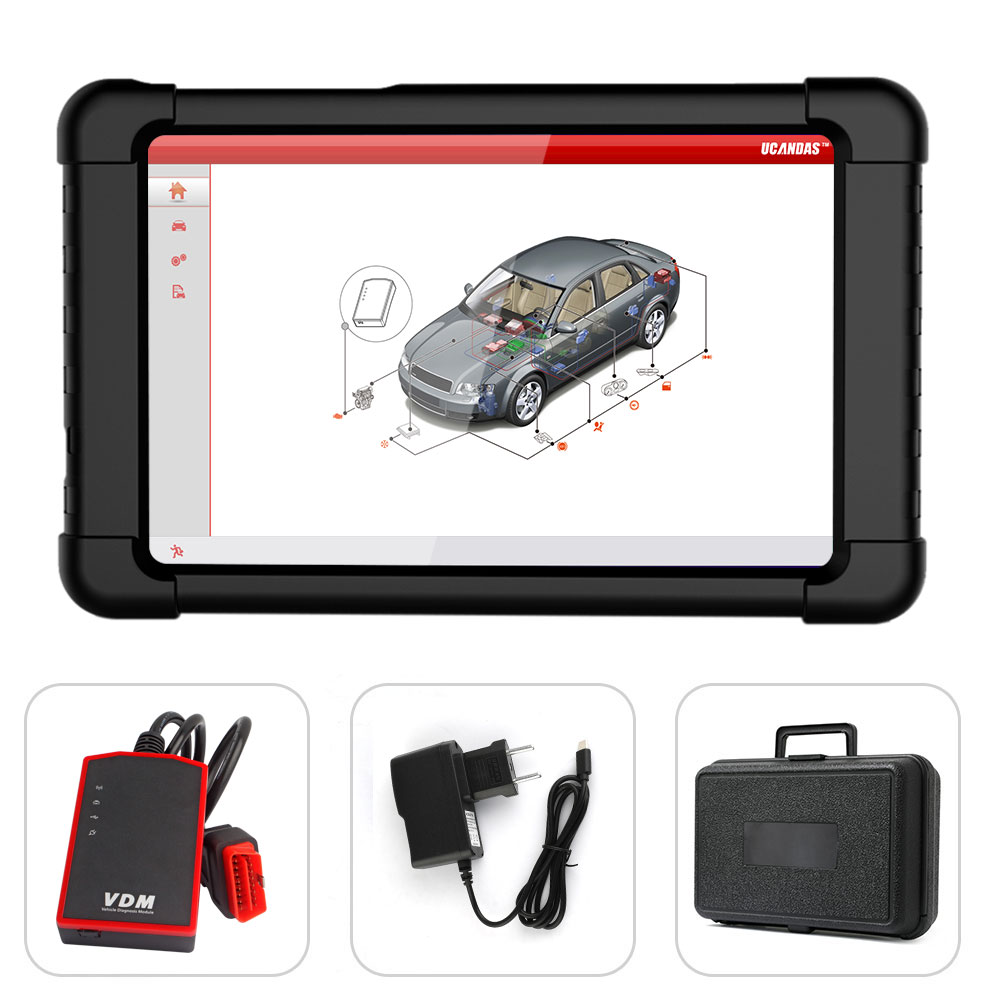
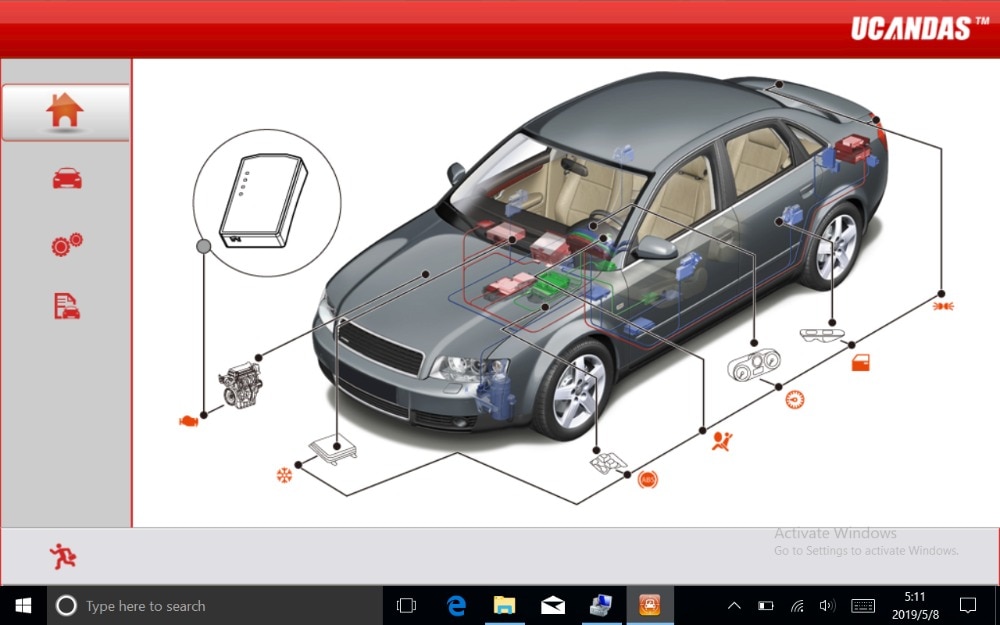
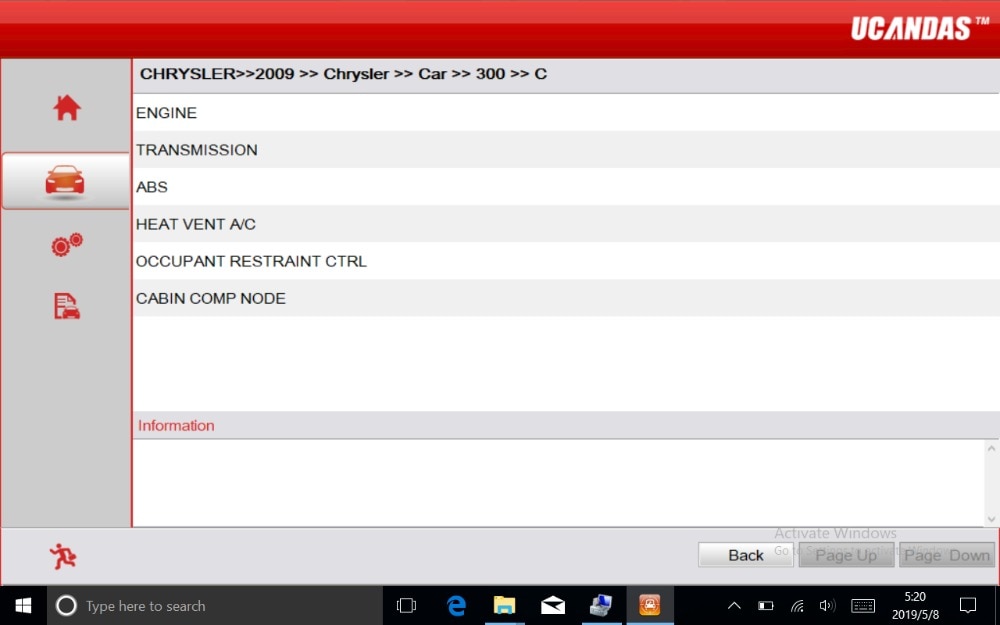
Diagnostic Interface on Tablet
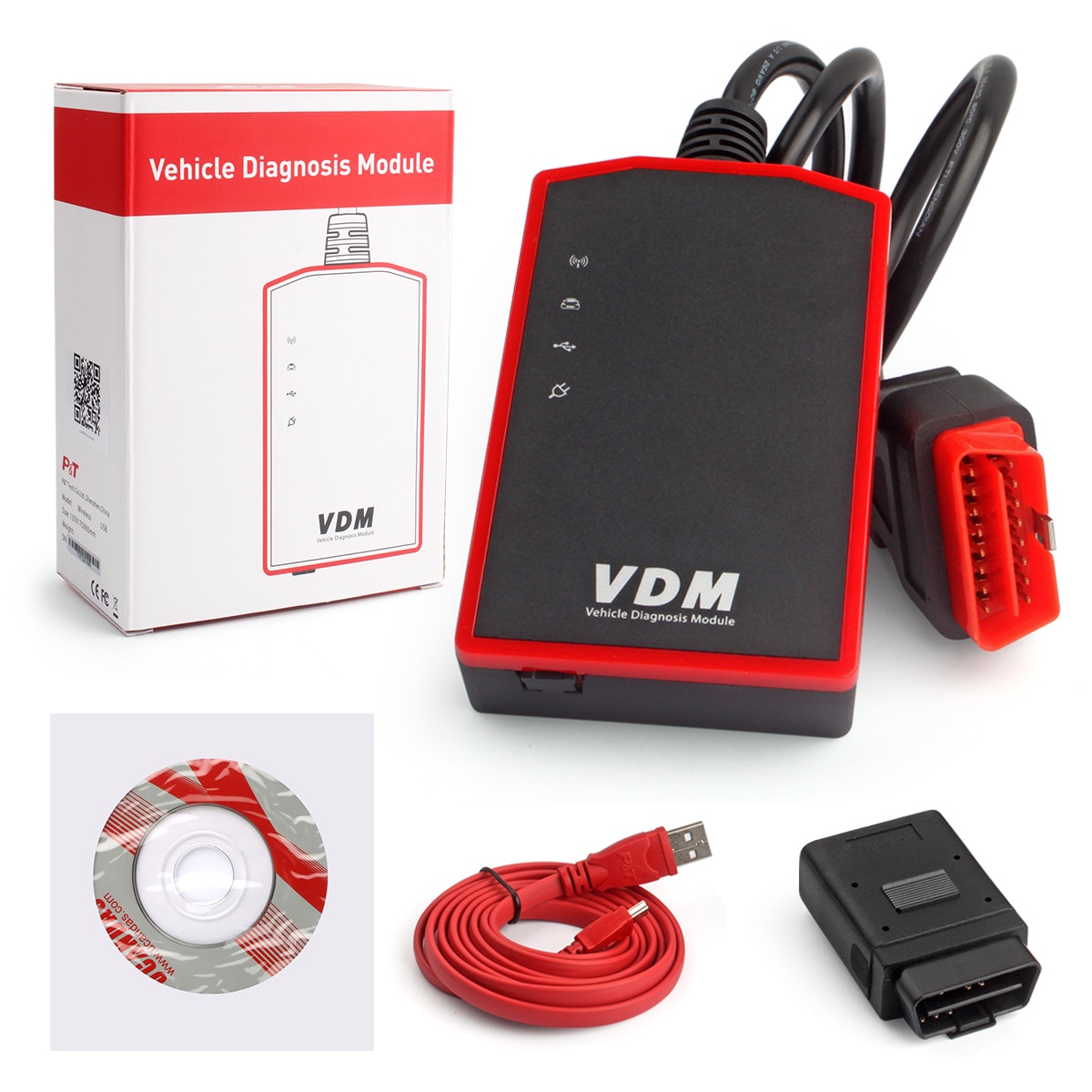
UCANDAS VDM OBD2 Automotive Scanner Package Contents