Lonsdor KH100 Mahindra key programmer
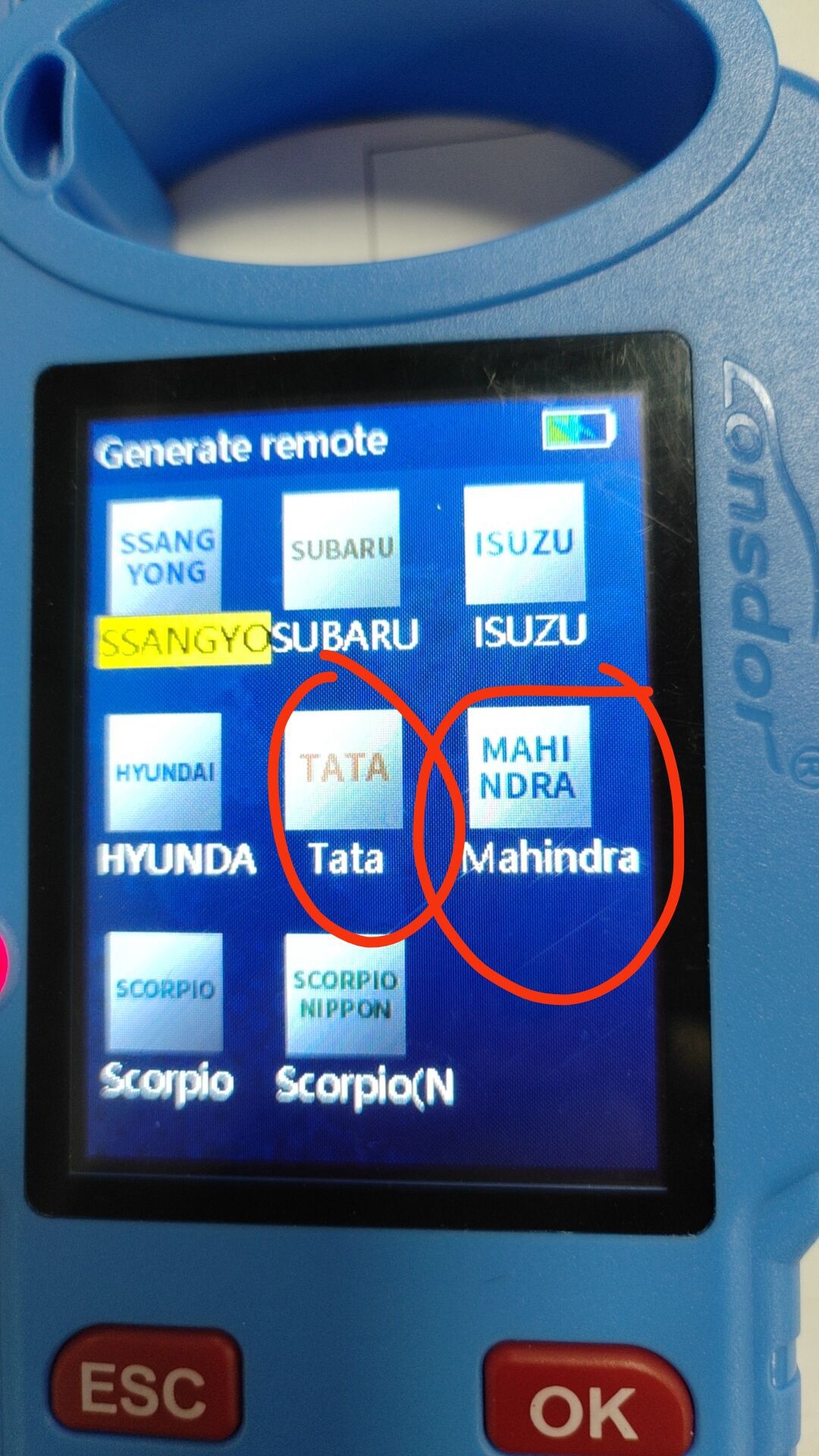
Lonsdor KH100+ is a versatile hand-held smart device, able to access control key, simulate/ generate chip, generate remote (key), detect remote frequency, detect IMMO, unlock Toyota smart key and etc.New Color + Added Four Remote Keys and TATA and Mahindra cars.
2025 Lonsdor KH100+ Hand-Held Key Programmer With Four Remote Keys Added TATA and Mahindra is a one of our Lonsdor KH100 Mahindra key programmer Tools, you can buy 2025 Lonsdor KH100+ Hand-Held Key Programmer With Four Remote Keys Added TATA and Mahindra from ukobd2.com.
Wholesale Top quality VAS6154, GM Tech2, VCM II For Ford, Handy Baby II Car Key Chip Copier, CDP DS150
images of 2025 Lonsdor KH100+ Hand-Held Key Programmer With Four Remote Keys Added TATA and Mahindra
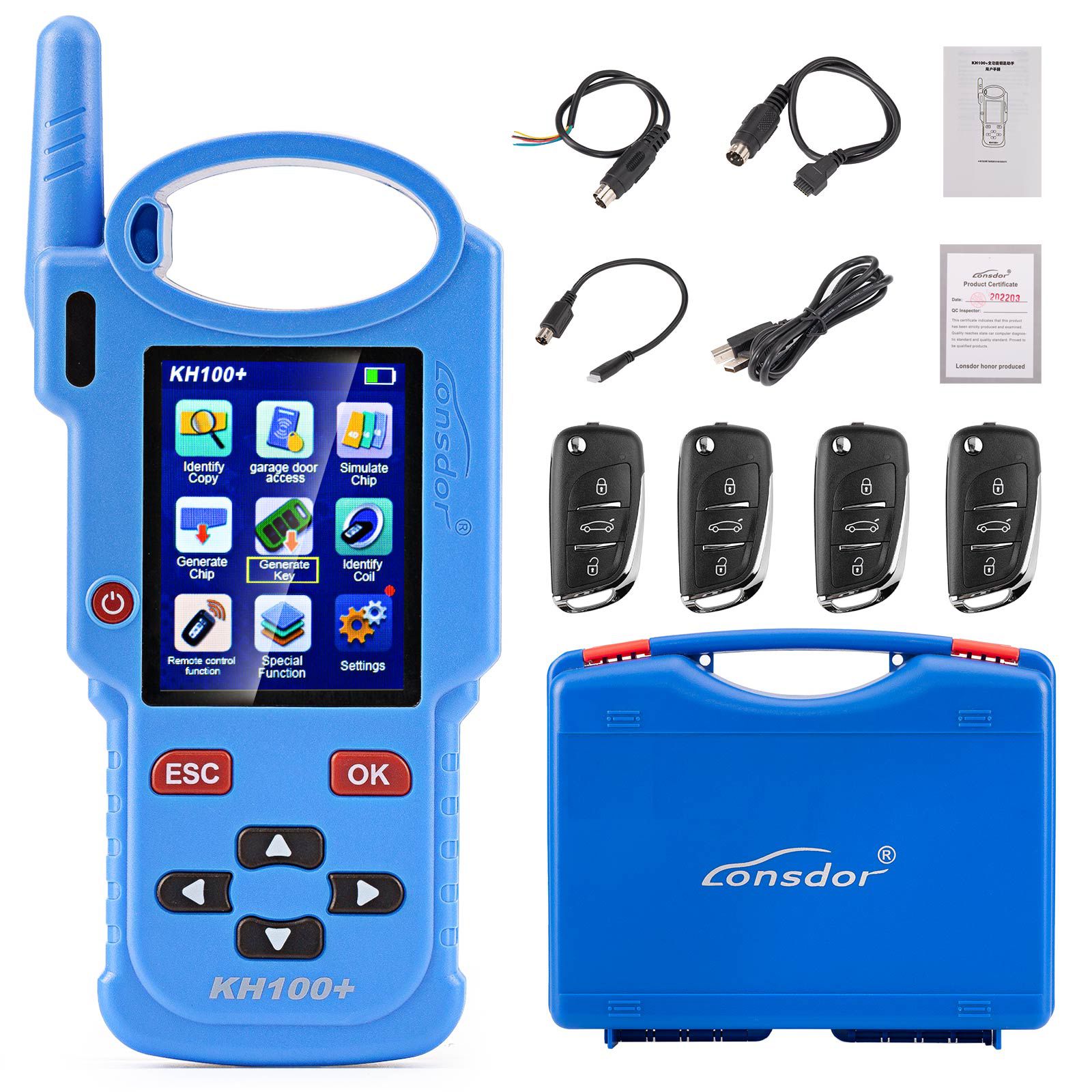
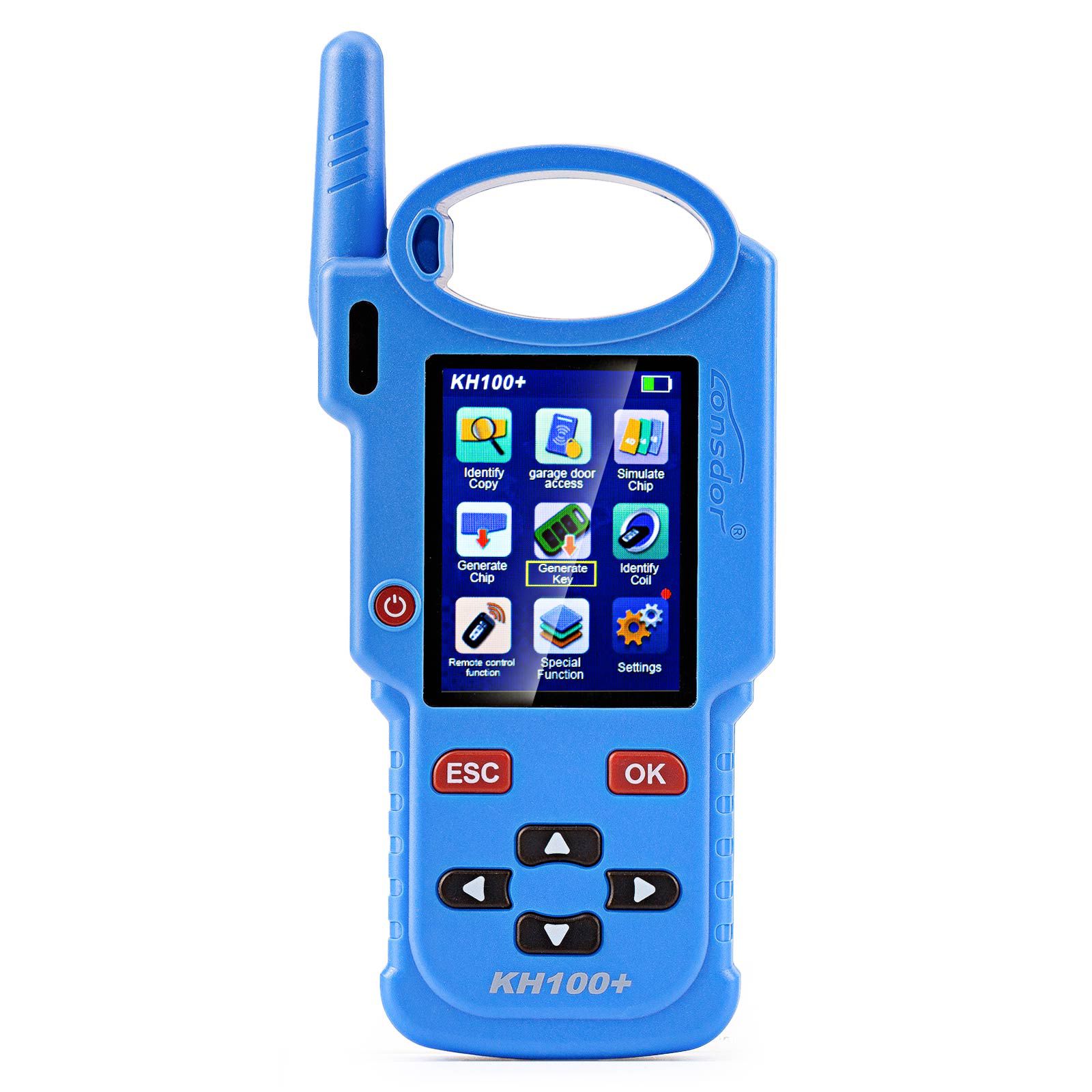
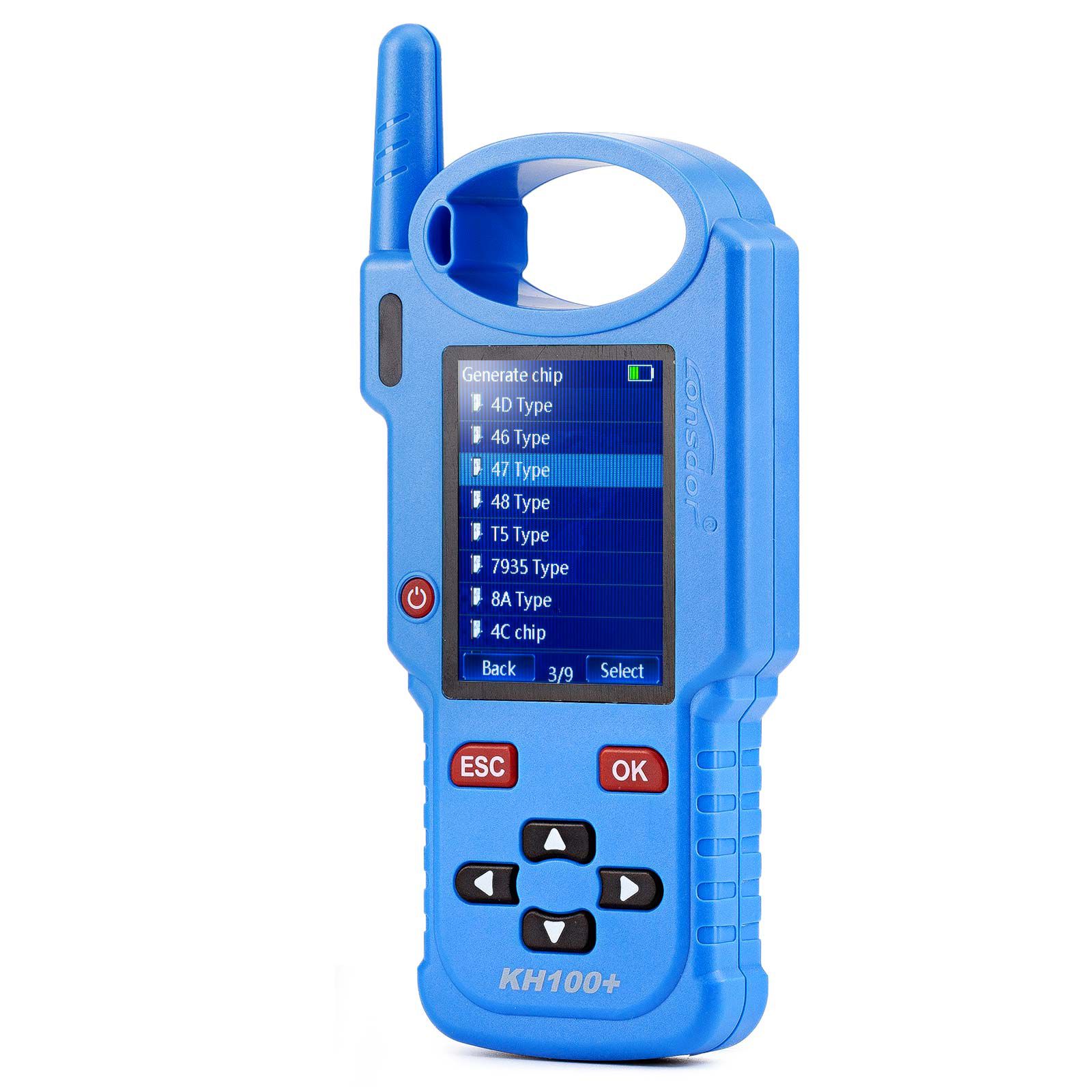
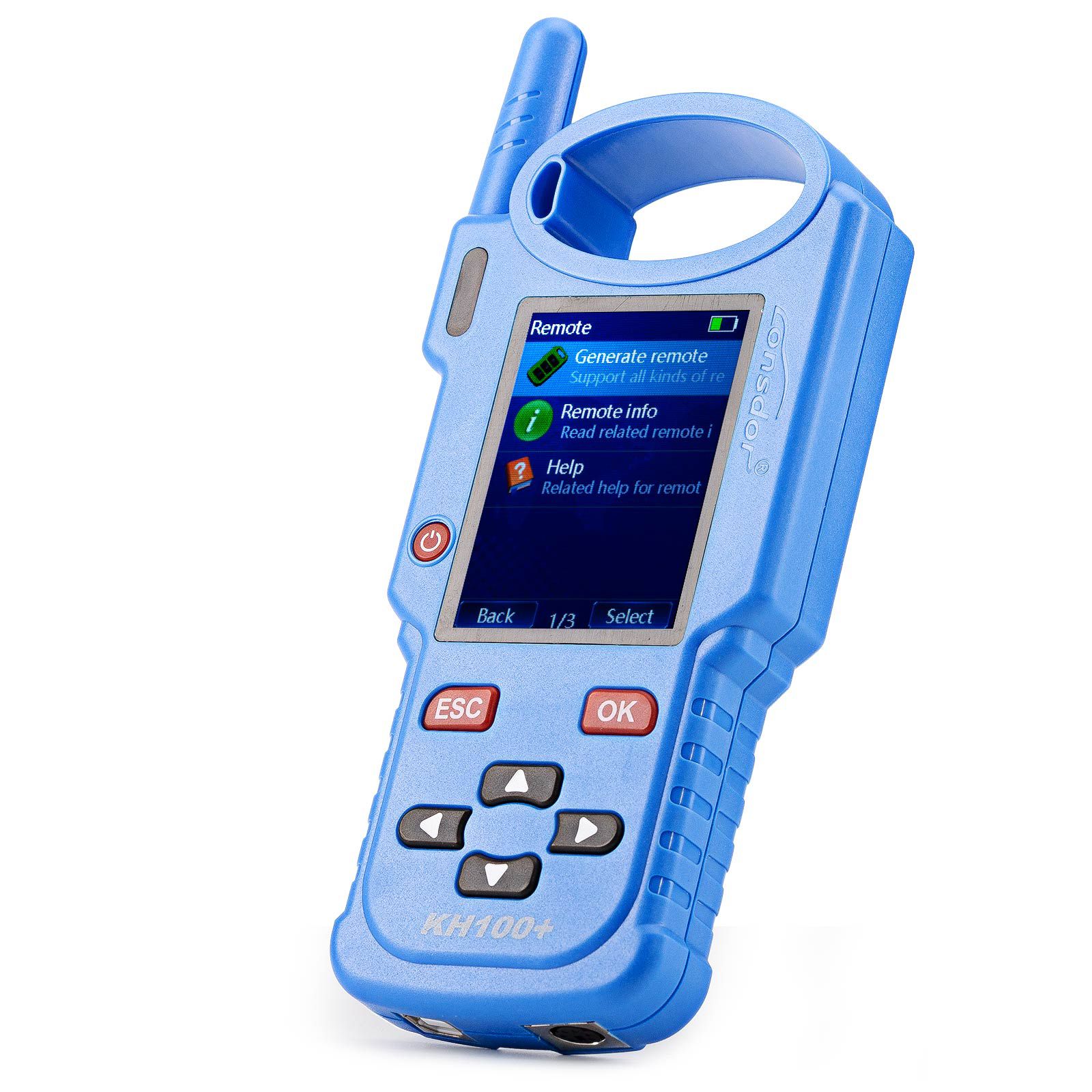
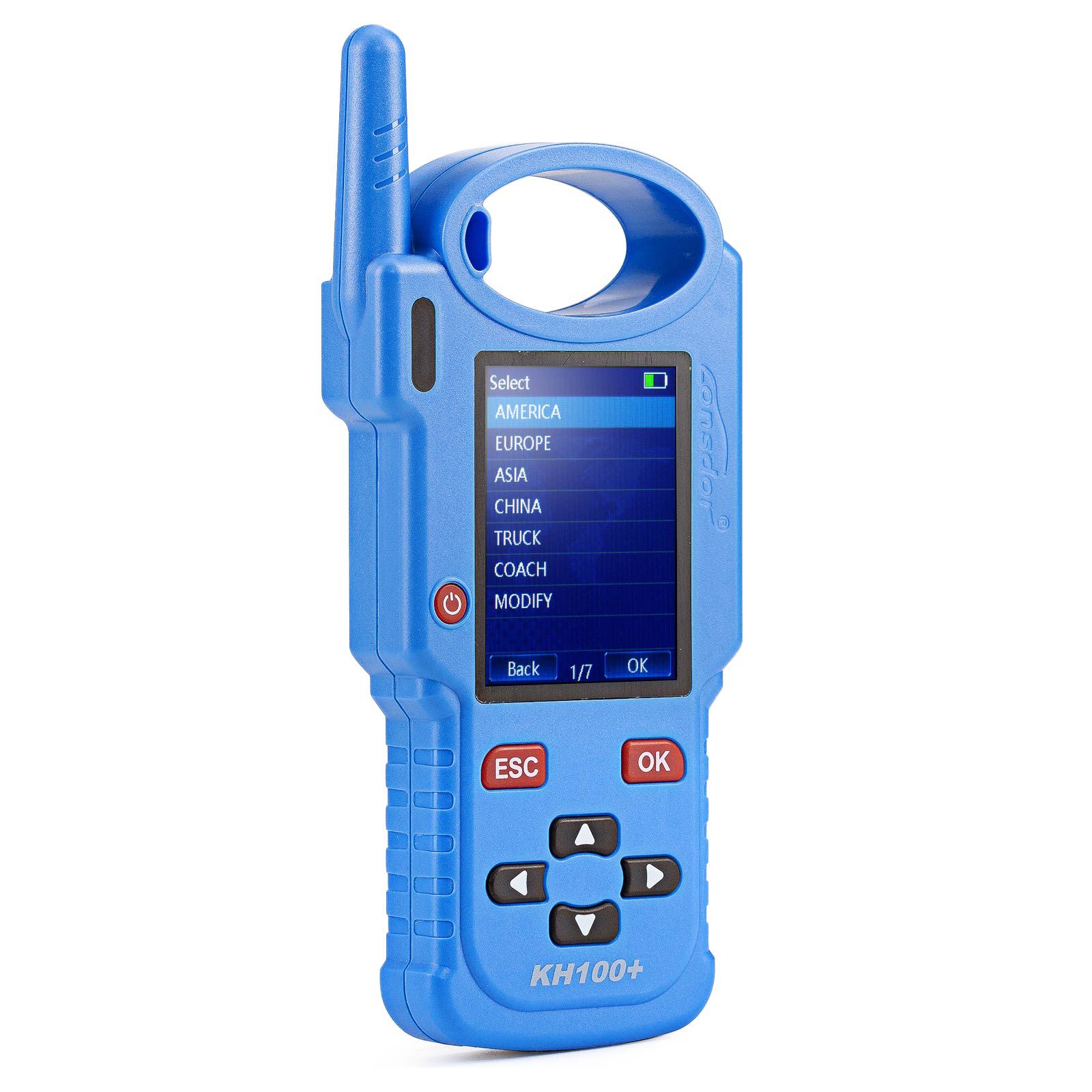
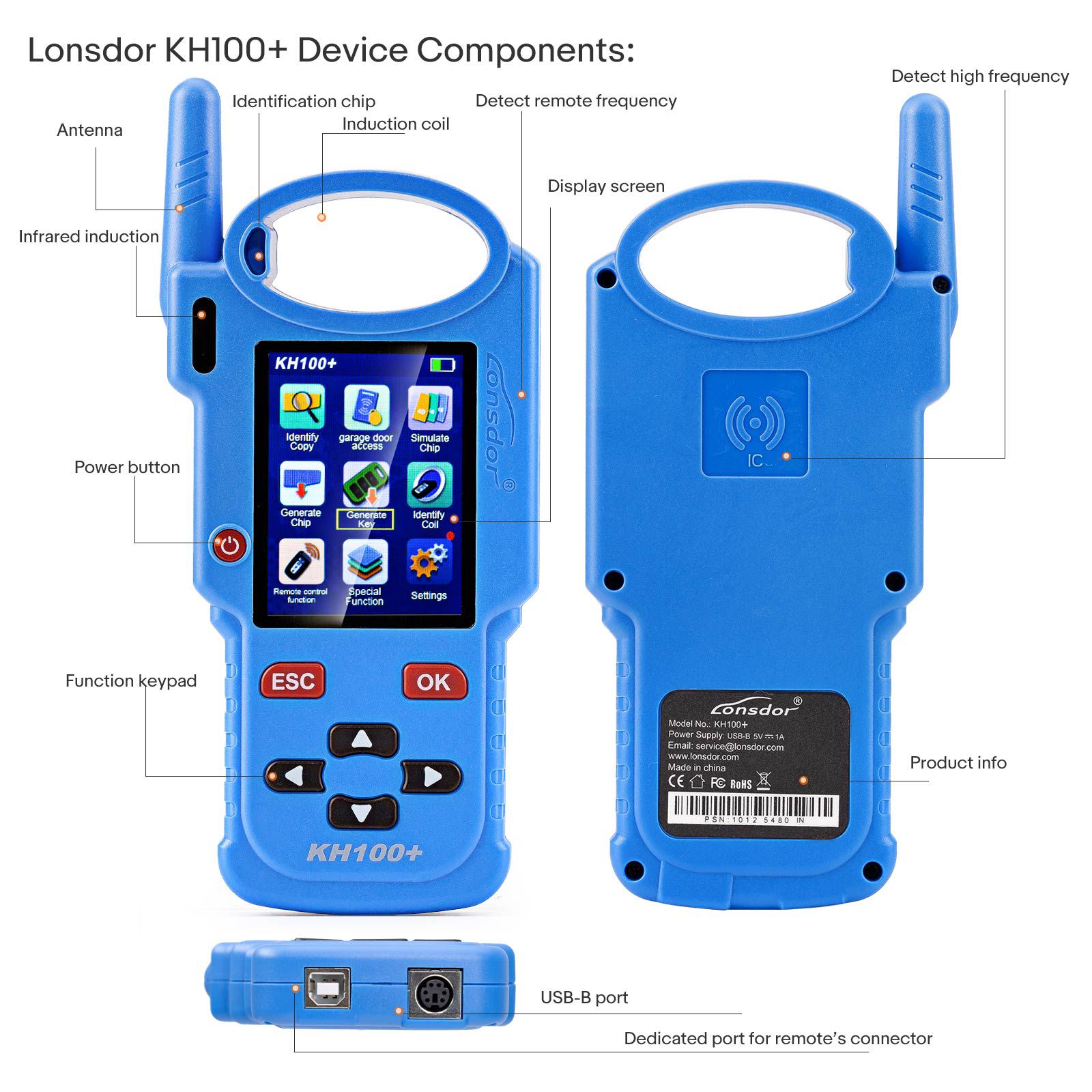
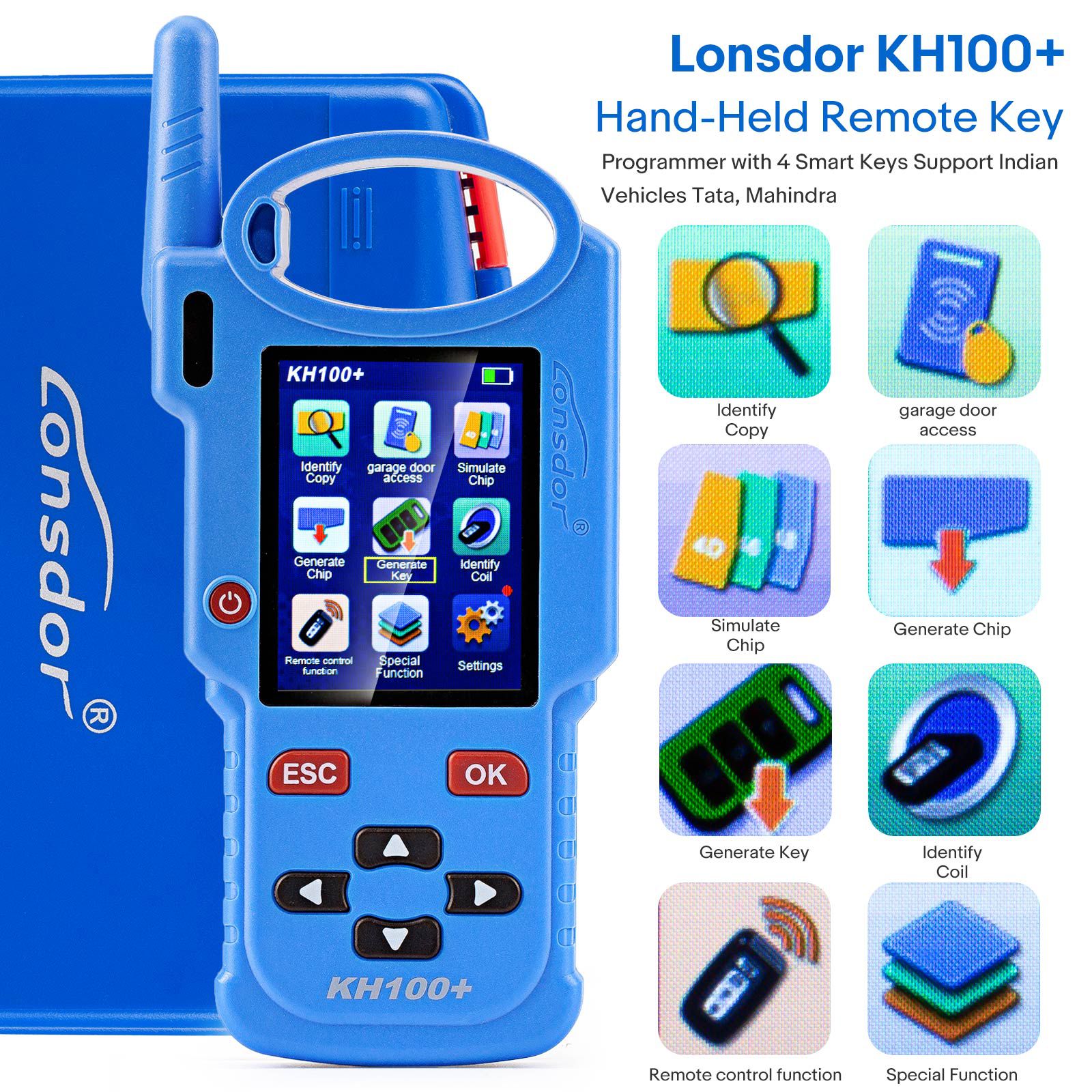
Lonsdor KH100+ Hand-Held Key Programmer with Four Remote Keys – Supports TATA and Mahindra
Newly Updated Lonsdor KH100+
Added 4 new remote keys and support for Indian car brands TATA and Mahindra
Lonsdor KH100+ Features
- Modern appearance design, in line with the operating habits of the public.
- Device system comes with operation instructions, easier for you to use.
- Covers almost all the functions of similar products in the market.
- Built-in super sensor to collect data (over-range data collection).
- Exclusive support for 8A (H chip) generation.
- Built-in WIFI module, can connect to network at any time.
Lonsdor KH100+ Function List
- Identify Copy
- Chip Simulation
- Remote Generation
- Remote Frequency
- Access Control Key
- Chip Generation
- Coil Identification
- Special Function
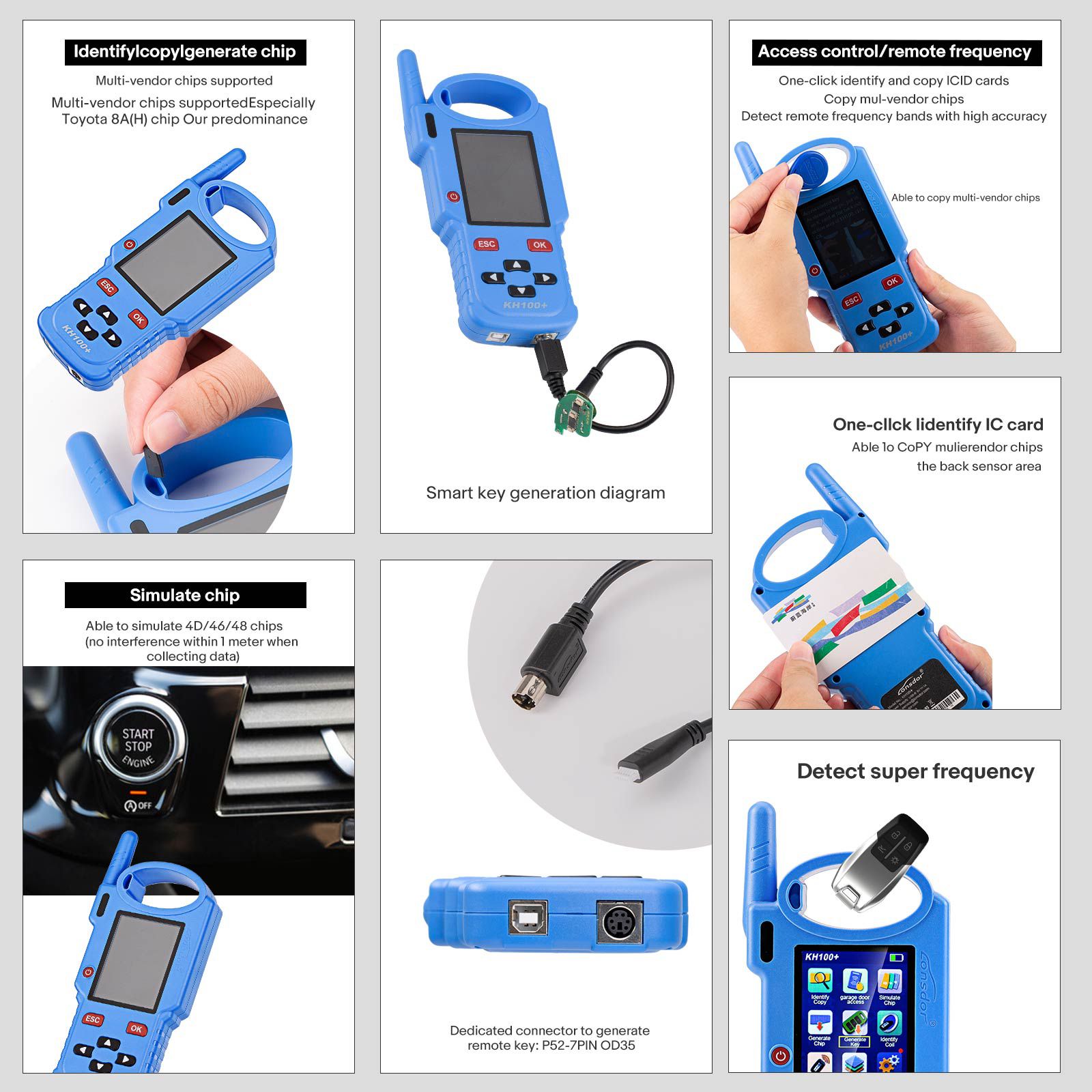
Identify / Copy / Generate Chip
Multi-vendor chips supported
Especially Toyota 8A (H) chip – our predominance
Simulate Chip
Able to simulate 4D/46/48 chips
With built-in super sensory data collector (no interference within 1 meter when collecting data)
Generate Remote / Smart Key
Dedicated connector to generate remote/smart key. Online update supported.
Remote generation diagram
Smart Key Generation Diagram
Dedicated connector to generate remote key: PS2-7Pin OD3.5
Access Control / Remote Frequency
One-click identify and copy IC/ID cards
Copy multi-vendor chips
Detect remote frequency bands with high accuracy
One-click identify ID card, able to copy multi-vendor chips, at the back sensor area
Detect Super Frequency
Detect multiple frequency brands with high accuracy
Lonsdor KH100+ Identify Coil
- Search smart induction area: Connect remote key with remote connector. Put KH100+’s antenna position. If inductive signal is identified, the device will make sounds—please check if the position is right (as shown below).
- Detect IMMO: Connect remote key with remote connector. Put KH100+’s antenna close to key identification coil, and use key to turn ignition ON. When KH100+ buzzer beeps, it means signal is detected.
Lonsdor KH100+ Remote Frequency
Enter this menu, put remote control at the device’s induction area to detect remote frequency.
Lonsdor KH100+ Special Function
Includes: detect infrared signal, unlock Toyota smart key. More functions to be continued...
- Detect infrared signal: Put remote control at the infrared signal detection area, press the remote's button once. When the light on KH100+ 's screen is on, it indicates there is infrared signal; otherwise, there is no signal (see below pic).
- Unlock Toyota smart key: Put in smart key, click OK to operate.
Lonsdor KH100+ Registration Guide
Note: After booting the device, please connect to WIFI and enter the following process.
New User
- For the first use, please prepare a common cell phone or email to help complete activation process. Click OK to start.
- Boot the device and enter registration activation process.
- Input user name, password, confirm password, cell phone number or email to obtain verification code. Then input the code to submit registration.
- Account registered successfully—it will take 5 seconds to bind the device.
- Successful registration—enter the system.
Registered User (who has registered Lonsdor products before)
- For the first use, please prepare a registered cell phone or email to help complete activation process. Click OK to start.
- Boot the device and enter registration activation process.
- Input your registered mobile number or email and password to obtain verification code. Then input the code to submit login.
- Account login succeeded—it will take 5 seconds to bind the device.
- Successful registration—enter the system.
In addition, users who have already registered Lonsdor’s product can directly choose [Registered User] to activate account.
Package Includes
- 1pc x Lonsdor KH100+ Hand-Held Remote Key Programmer
- 4pcs x Smart Keys
- 1pc x USB cable
- 3pcs x remote programming cables
- 1pc x manual
- 1pc x product certificate card
Go to Buy: 2025 Lonsdor KH100+ Hand-Held Key Programmer With Four Remote Keys Added TATA and Mahindra