ELM327 OBD2 scanner for Android
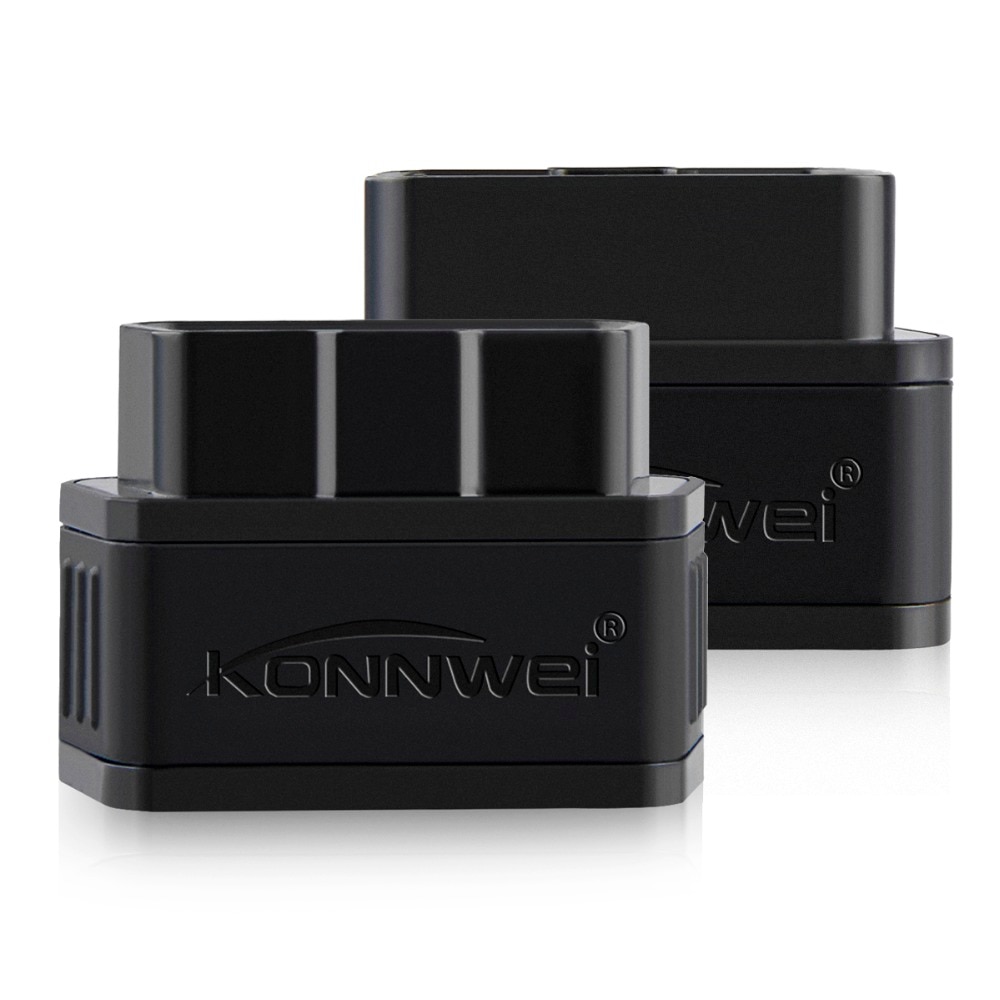
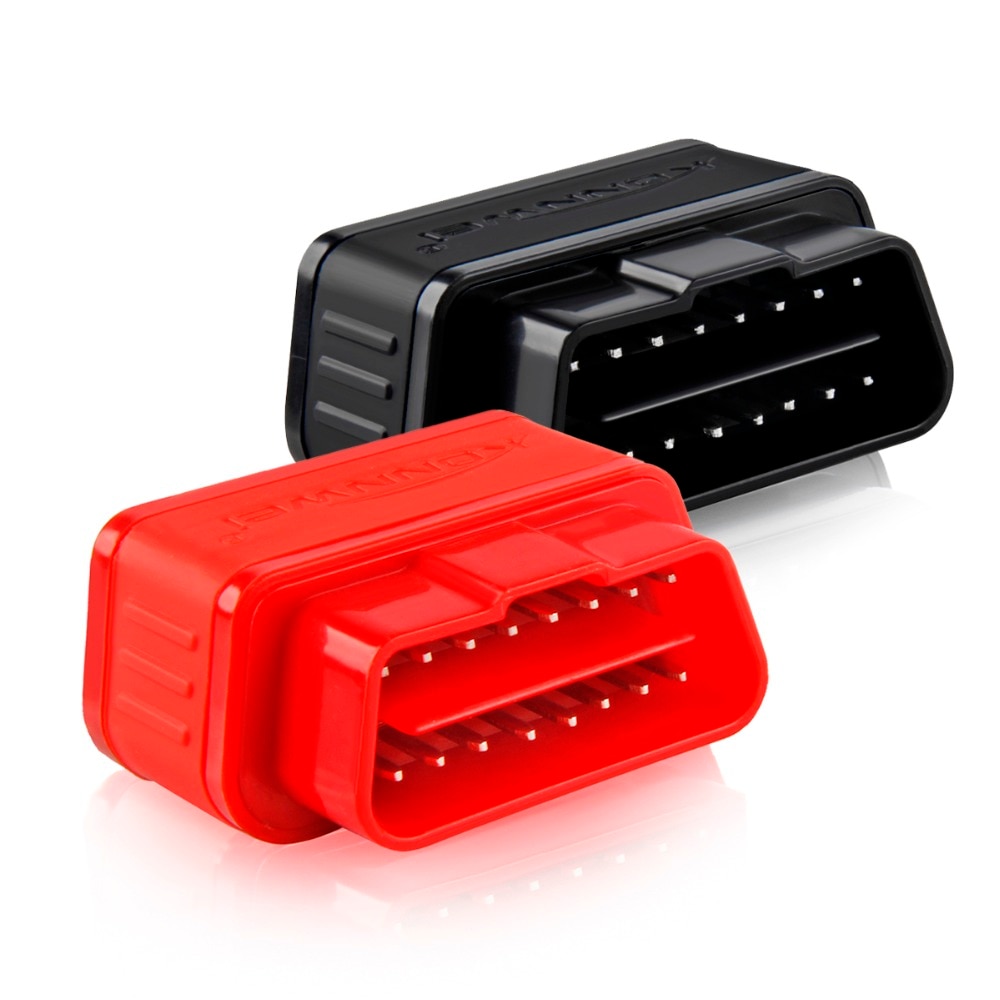
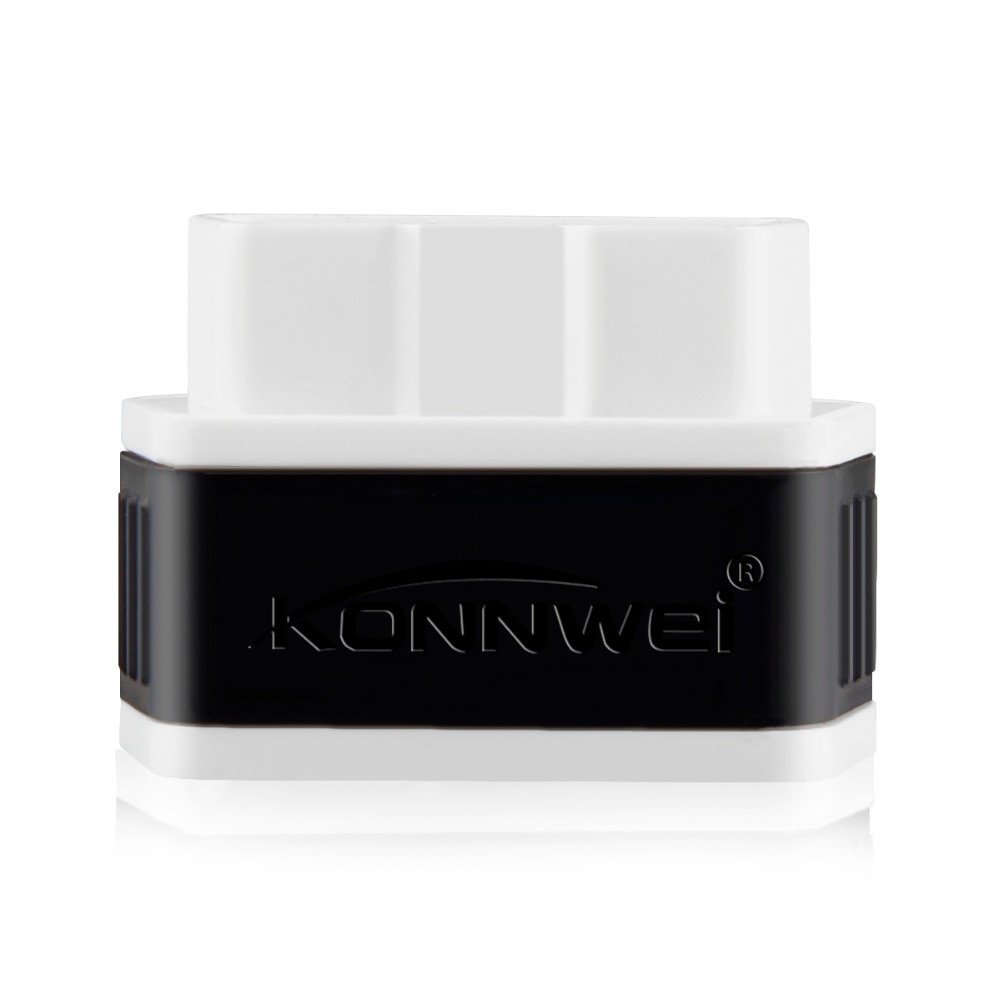
ELM327 OBD2 Car Scanner KONNWEI Bluetooth-compatible elm327 pic18f25k80 V1.5 Car Diagnostic Tools Obd 2 Auto Scanner
ELM327 OBD2 Car Scanner KONNWEI Bluetooth-compatible elm327 pic18f25k80 V1.5 Car Diagnostic Tools Obd 2 Auto Scanner is a one of our ELM327 OBD2 scanner for Android Tools, you can buy ELM327 OBD2 Car Scanner KONNWEI Bluetooth-compatible elm327 pic18f25k80 V1.5 Car Diagnostic Tools Obd 2 Auto Scanner from ukobd2.com.
Wholesale Top quality VAS6154, GM Tech2, VCM II For Ford, Handy Baby II Car Key Chip Copier, CDP DS150
images of ELM327 OBD2 Car Scanner KONNWEI Bluetooth-compatible elm327 pic18f25k80 V1.5 Car Diagnostic Tools Obd 2 Auto Scanner
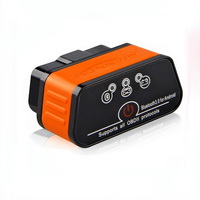
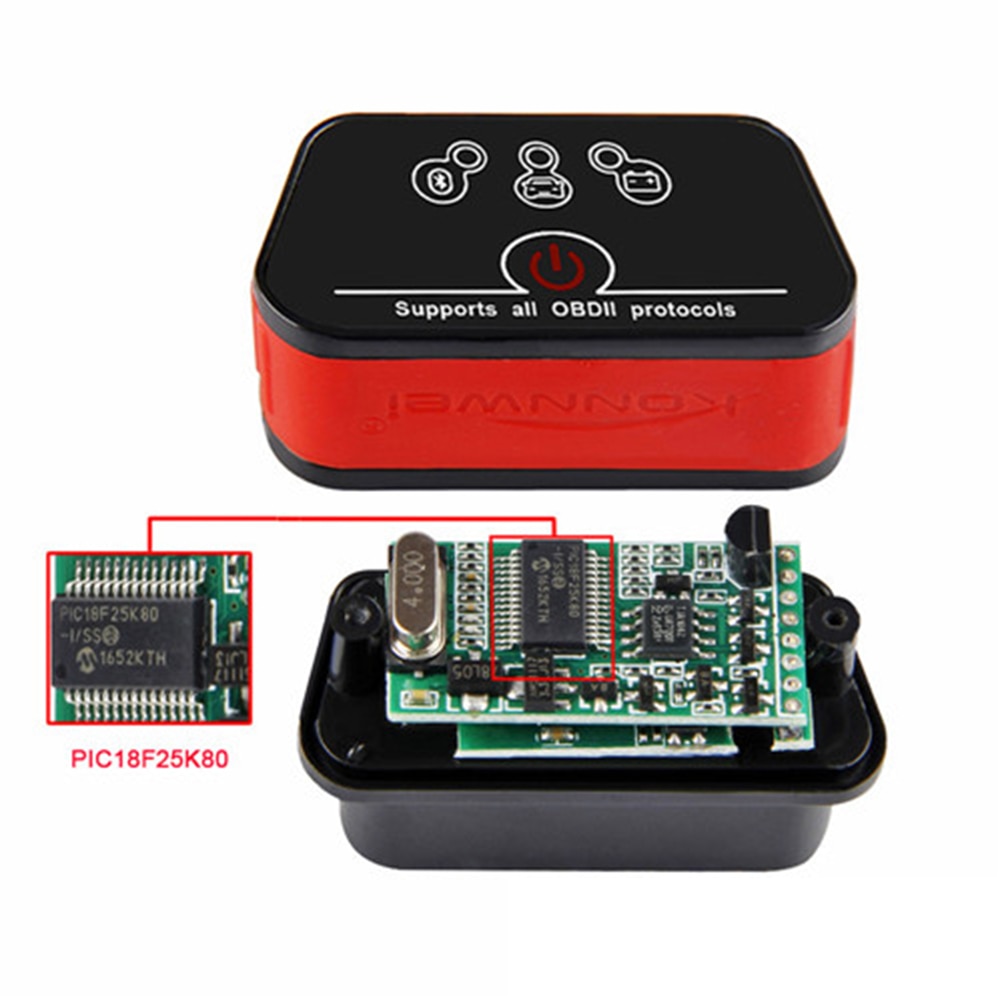
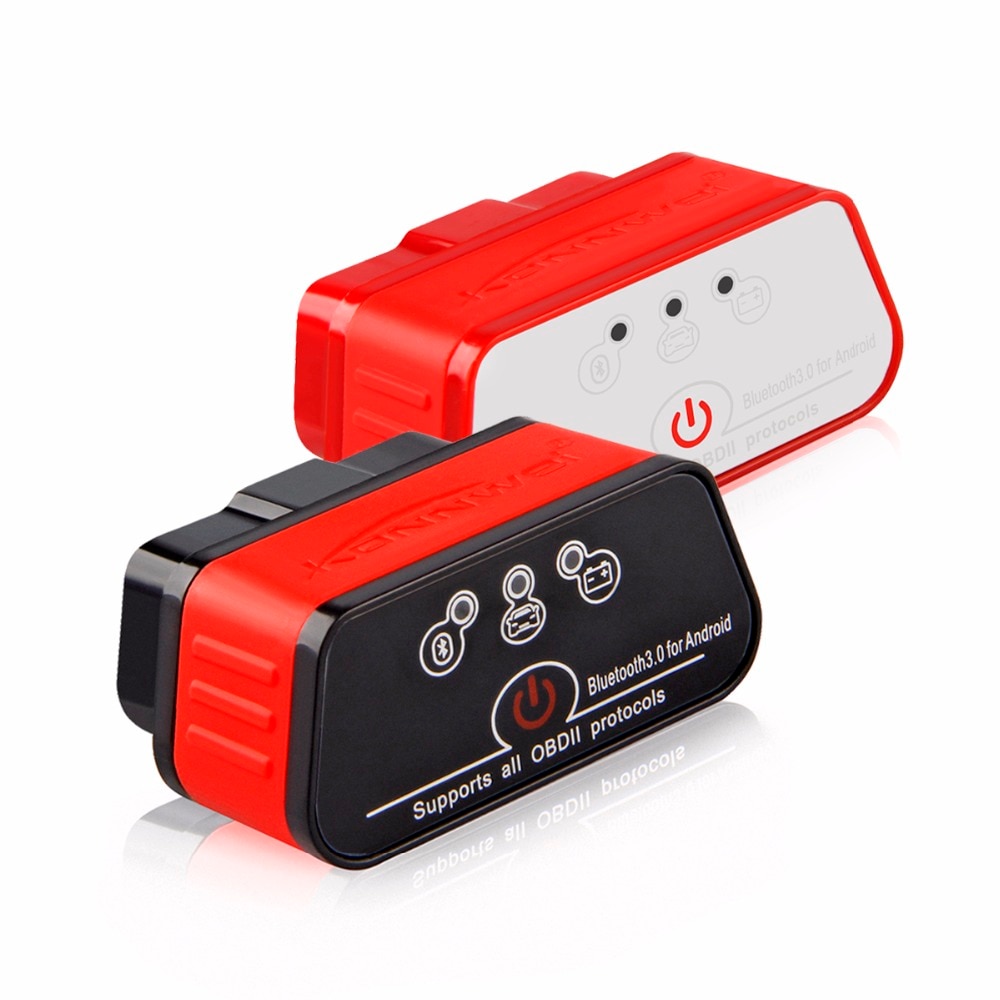
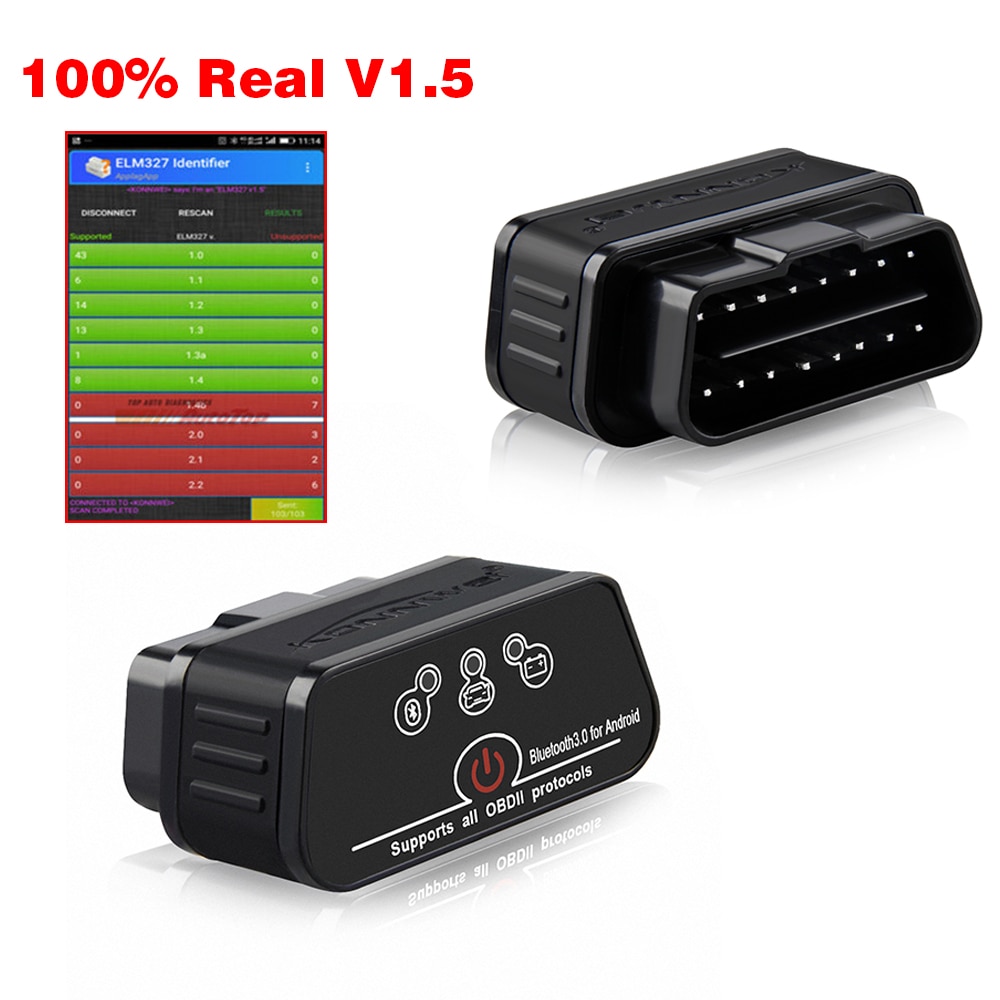
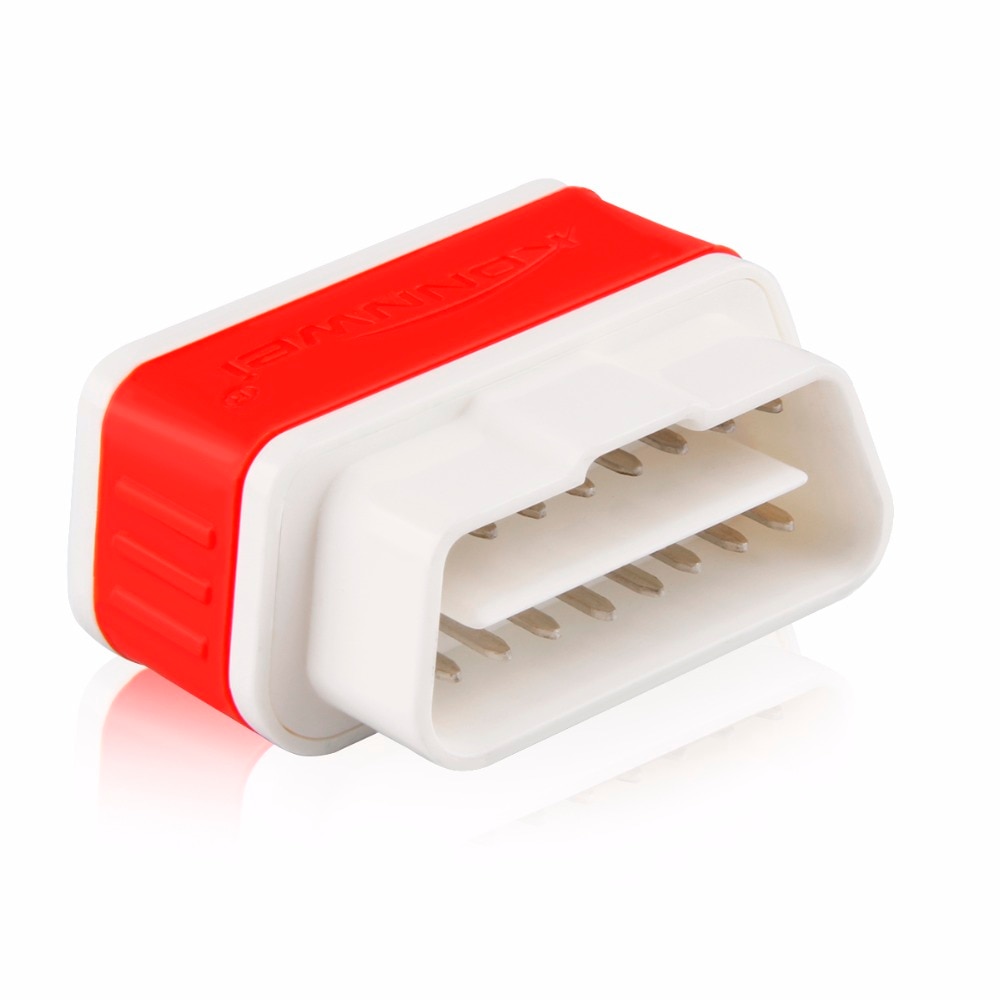
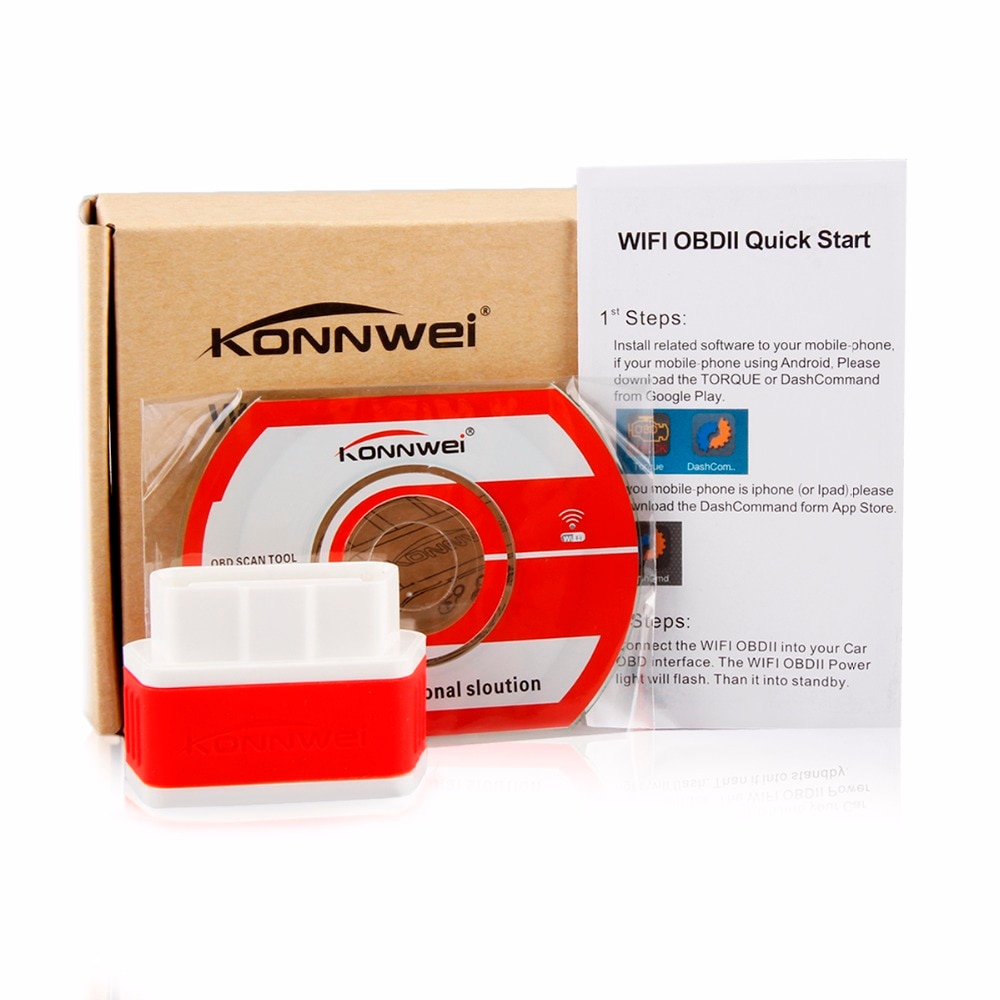
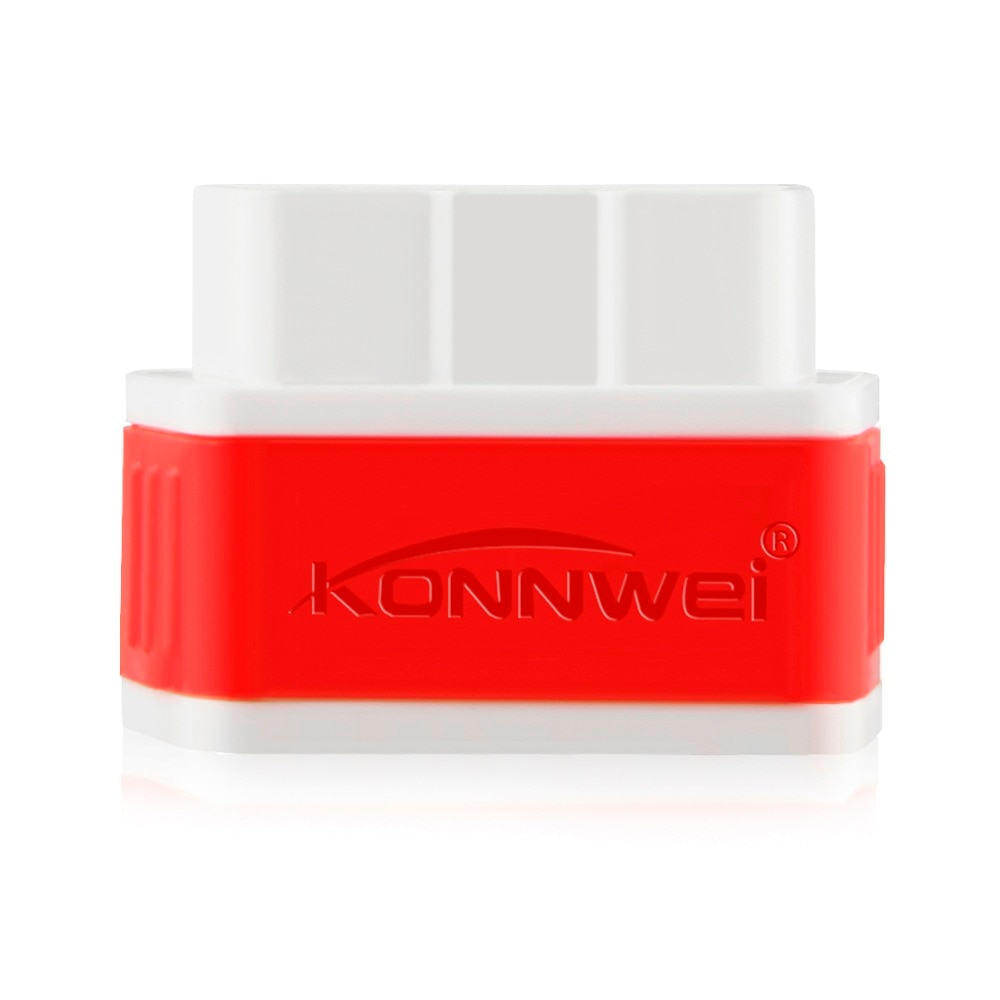
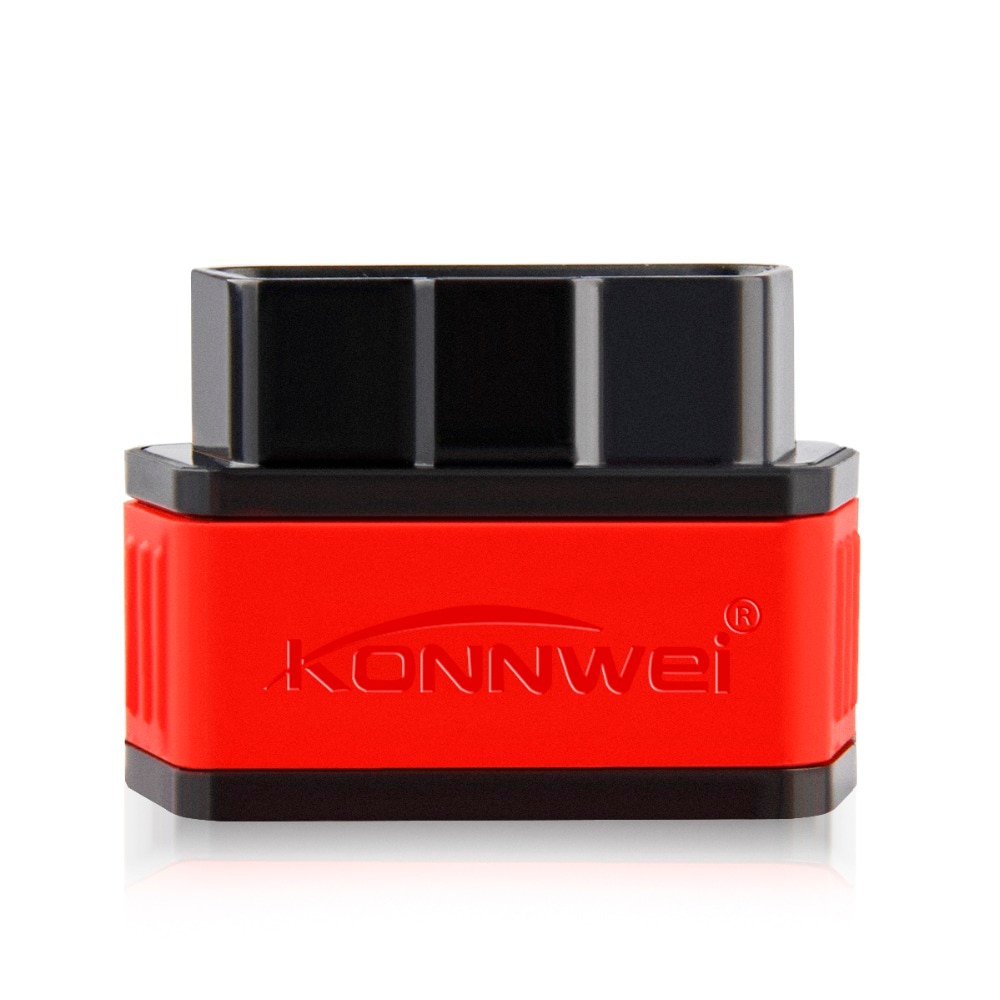
KONNWEI ELM327 OBD2 Scanner – Bluetooth Car Diagnostic Tool (V1.5, PIC18F25K80 Chip)
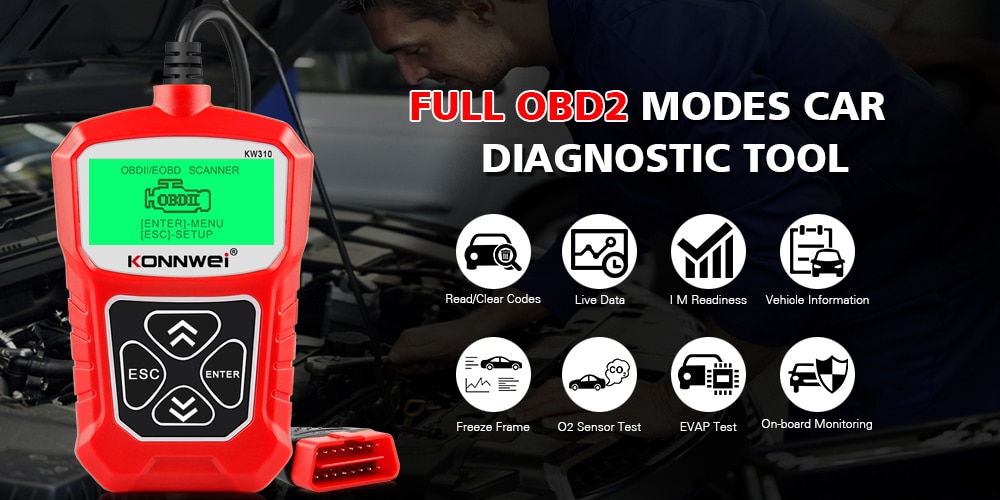
KONNWEI NEW ARRIVAL Portable Hand-held OBD2 Scanner KW310
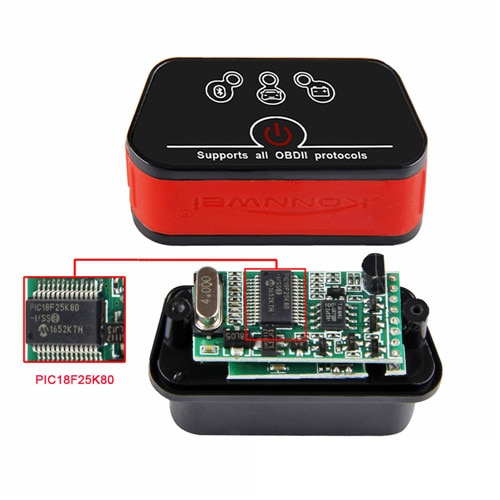
Real V1.5 ELM327 OBD2 Scanner with PIC18F25K80 chip – a Bluetooth-enabled car diagnostic tool compatible with iCar2 software.

Important Notes: Welcome! A demonstration video is available for PC-side viewing via the ICAR2 link.
- This is the Bluetooth version, designed for Android smartphones. It is not compatible with iPhone, iPad, or car radios. While this Bluetooth ELM327 supports diesel passenger vehicles, it does not support trucks.
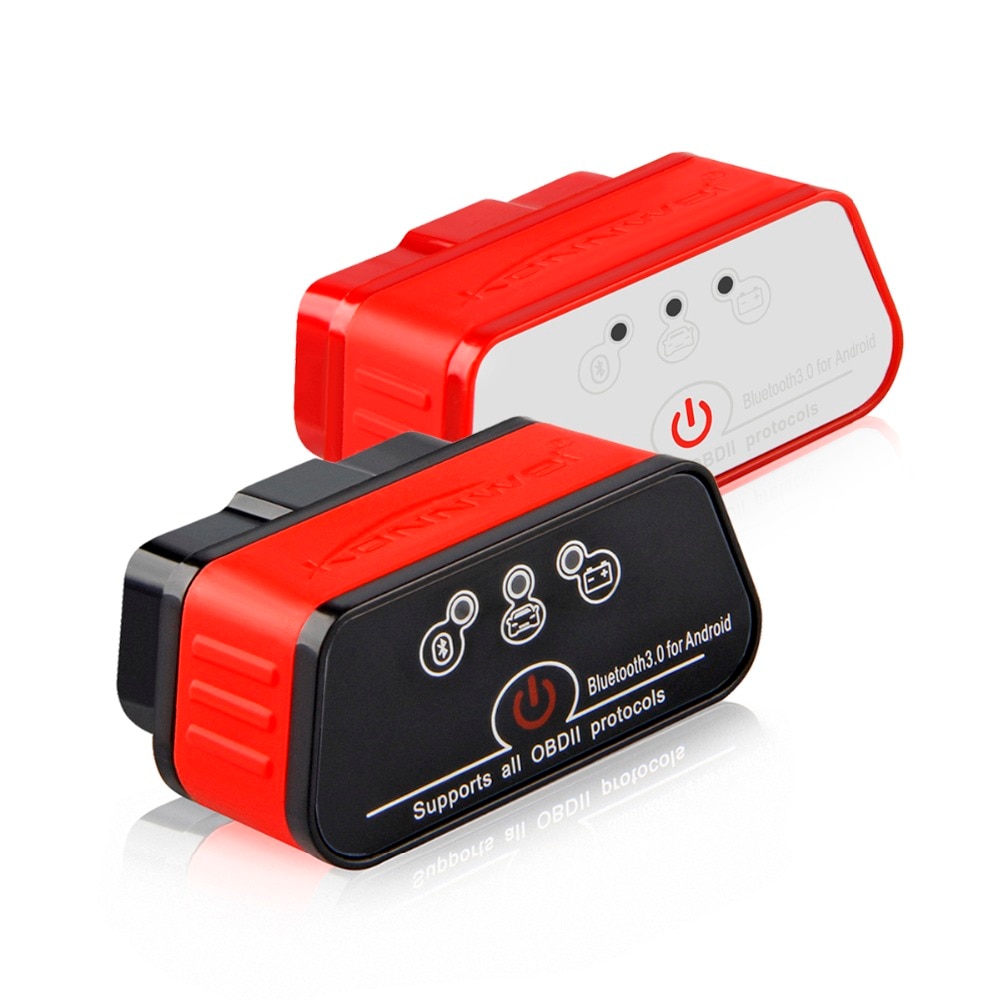
- The physical switch on the device serves as a reset function, not a power switch.
iCar2 Bluetooth Adapter Overview
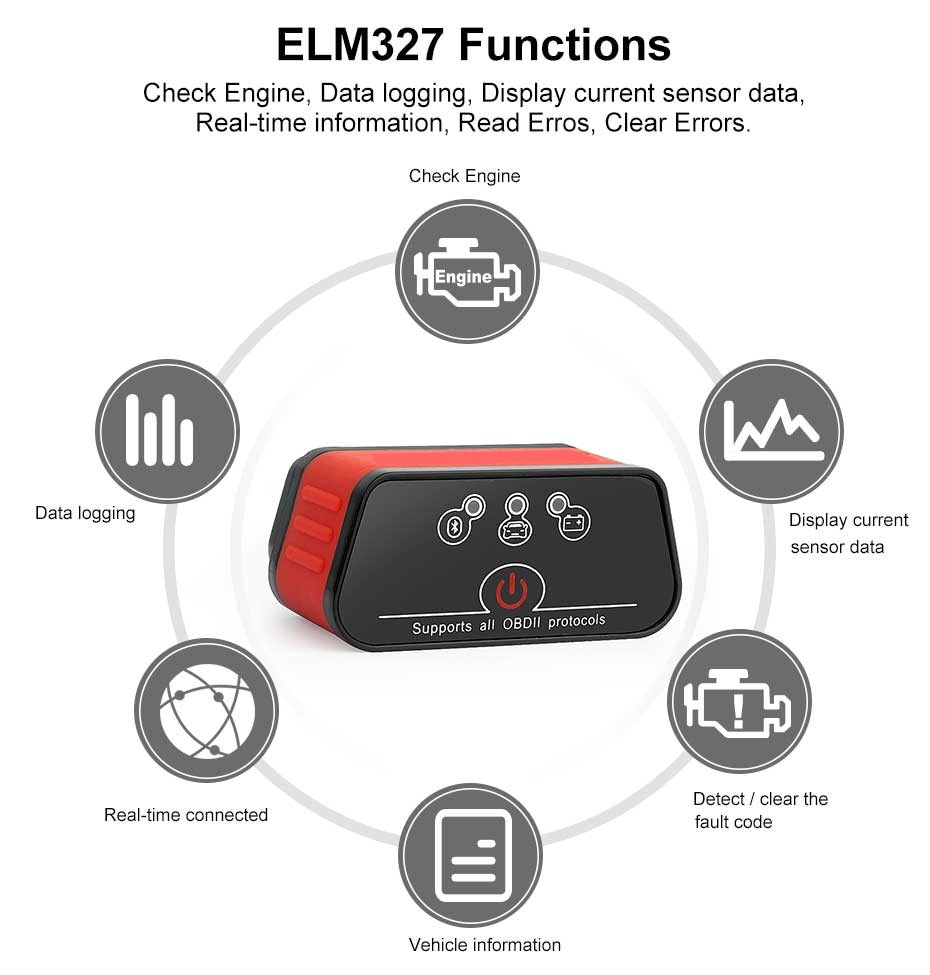
This compact adapter plugs directly into your vehicle’s OBD-II port and wirelessly connects via Bluetooth to computers, tablets, or smartphones running compatible diagnostic software. With it, you can:
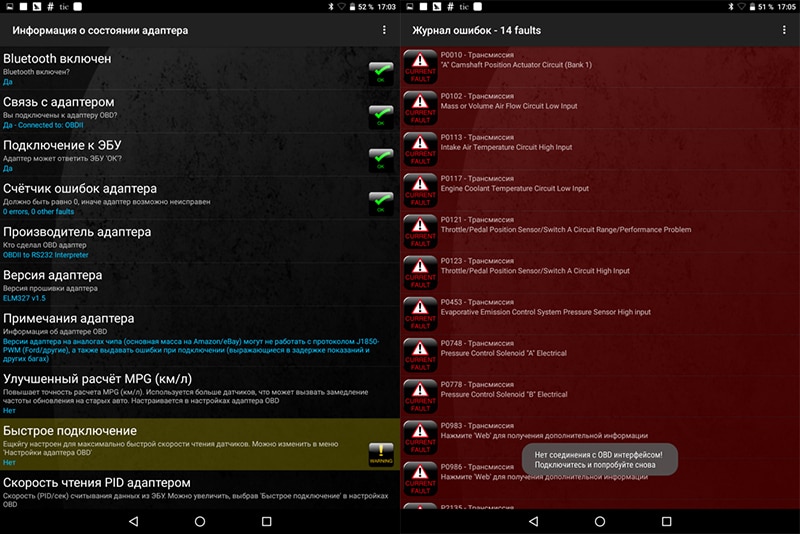
- Read, erase, and view descriptions for both pending and permanent diagnostic trouble codes (DTCs)
- Measure real-time fuel consumption
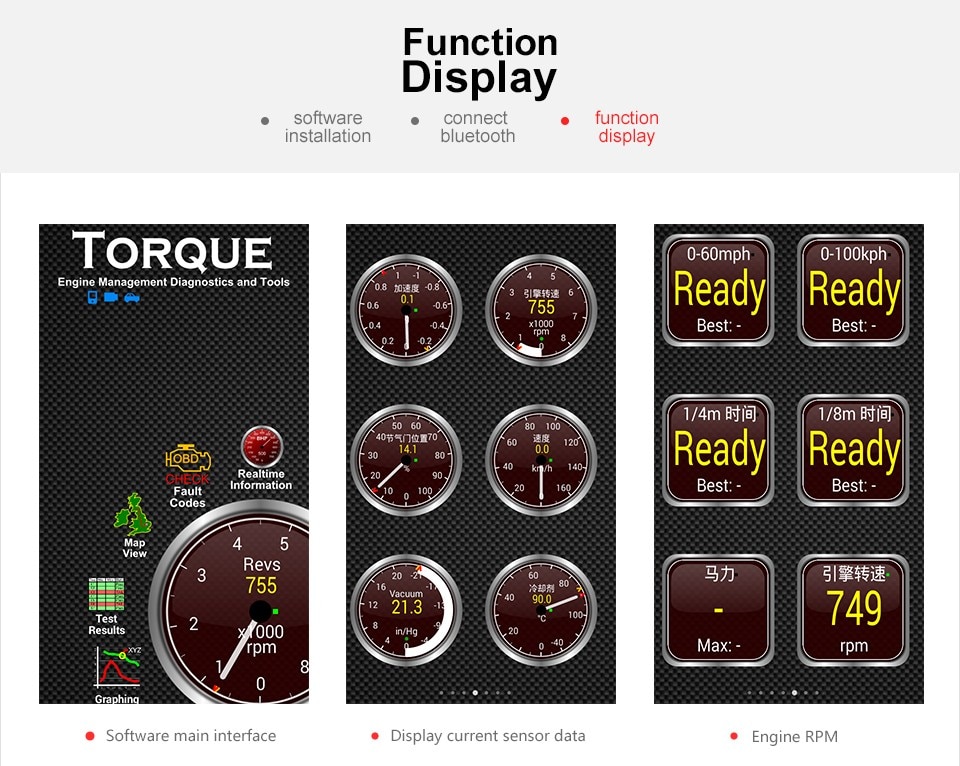
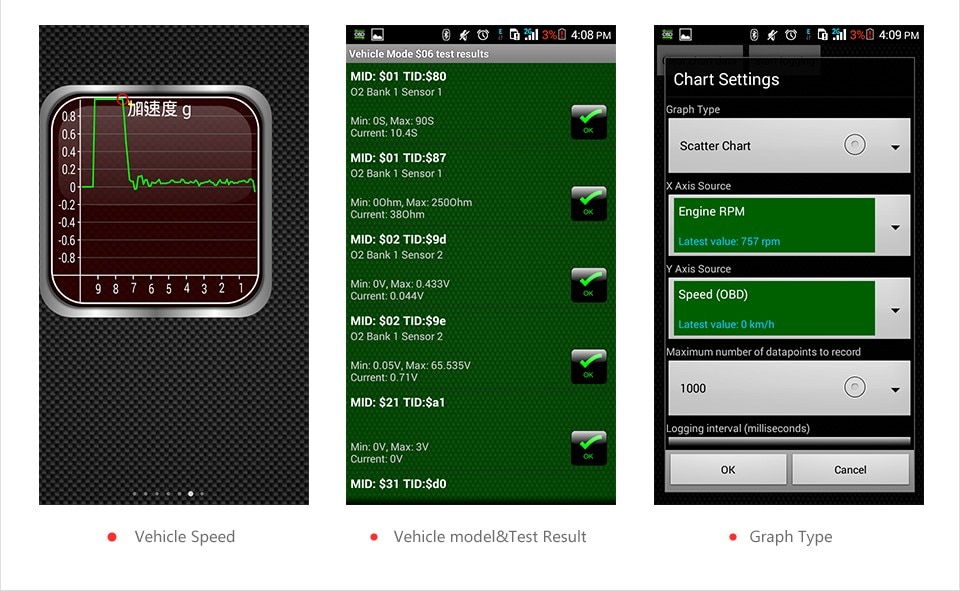
- Monitor live vehicle performance data including:
- Engine RPM
- Vehicle speed
- Oil pressure
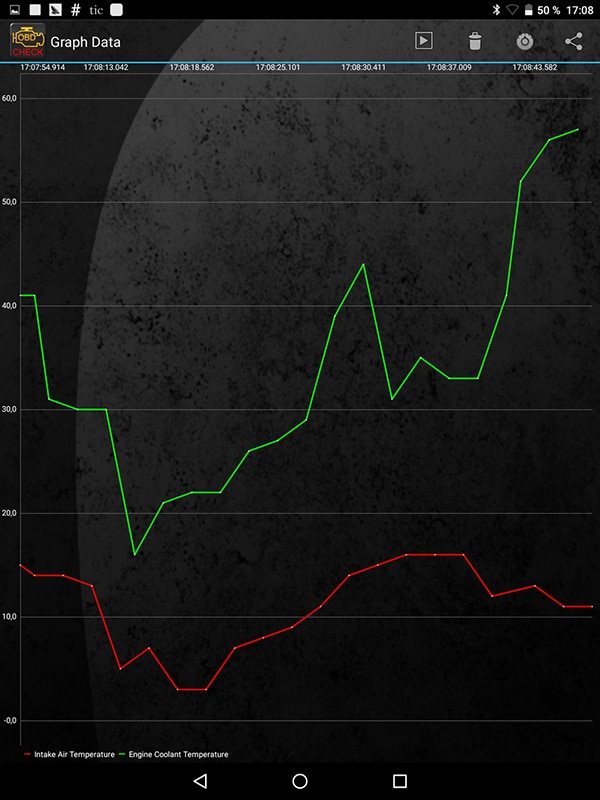
- Coolant temperature
- Engine load
- Intake manifold pressure
- Throttle position
- Oxygen sensor values
- Air intake temperature
- Turn off the MIL (“Check Engine” light)
- Export diagnostic data to external storage in multiple formats for printing or analysis
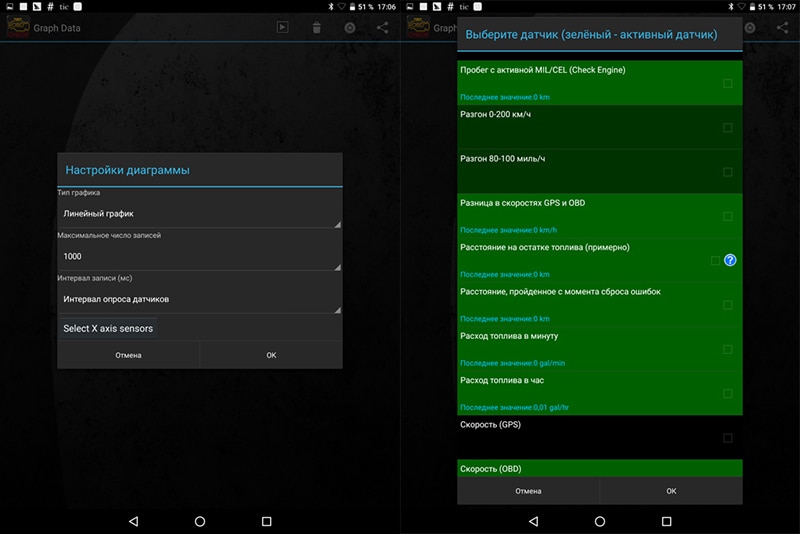
- Record parameters and view real-time graphical displays
ELM327 V1.5 iCar2 Bluetooth Scanner Features
- Compact, portable design – plug in once and leave it connected
- Includes an ON/OFF switch to fully power down the ELM327 when not in use
- Stable Bluetooth 3.0 wireless connection
- No batteries or external wires required – powered directly from the OBD-II port
- Press the button to stop communication and eliminate standby power draw
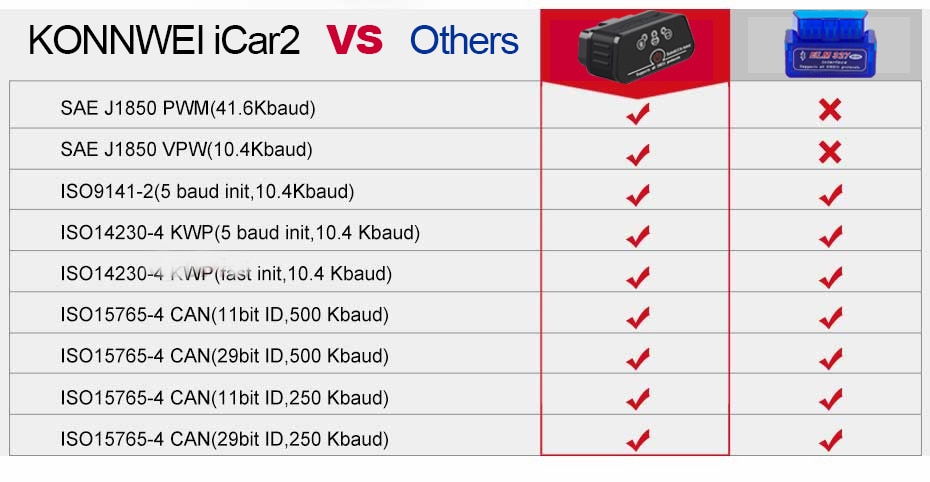
- Supports all 9 OBD-II protocols
- Built with the fast and reliable PIC18F25K80 microcontroller
- 100% genuine ELM327 V1.5 firmware – supports all standard OBD2 commands
iCar2 Detailed Function List
- Read diagnostic trouble codes (both generic and manufacturer-specific) with definitions for over 3,000 generic codes
- Clear trouble codes and turn off the MIL (“Check Engine” light)
- Display real-time sensor data, including:
- Engine RPM
- Calculated Load Value
- Coolant Temperature
- Fuel System Status
- Vehicle Speed
- Short Term Fuel Trim
- Long Term Fuel Trim
- Intake Manifold Pressure
- Timing Advance
- Intake Air Temperature
- Air Flow Rate
- Absolute Throttle Position
- Oxygen sensor voltages and associated short-term fuel trims
- Fuel System Status
- Fuel Pressure
With iCar2, you can perform comprehensive vehicle diagnostics and even resolve minor issues without visiting a service station.
V1.5 Full OBD-II Protocol Support
- 0. Automatic
- 1. SAE J1850 PWM (41.6 Kbaud)
- 2. SAE J1850 VPW (10.4 Kbaud)
- 3. ISO9141-2 (5 baud init, 10.4 Kbaud)
- 4. ISO14230-4 KWP (5 baud init, 10.4 Kbaud)
- 5. ISO14230-4 KWP (fast init, 10.4 Kbaud)
- 6. ISO15765-4 CAN (11-bit ID, 500 Kbaud)
- 7. ISO15765-4 CAN (29-bit ID, 500 Kbaud)
- 8. ISO15765-4 CAN (11-bit ID, 250 Kbaud)
- 9. ISO15765-4 CAN (29-bit ID, 250 Kbaud)
- A. SAE J1939 CAN (29-bit ID, 250* Kbaud)
- B. USER1 CAN (11* bit ID, 125* Kbaud)
- C. USER2 CAN (11* bit ID, 50* Kbaud)
*Default settings are user-adjustable.
OBD-II Compliant Vehicle Coverage
- United States: 1996 or newer models
Compatible with: Chrysler, Ford, GM, Jeep - European Union: 2004 or newer models
Compatible with: Alfa Romeo, SAAB, Acura, Opel, Audi, SEAT, Peugeot, Renault (2009+; excludes Clio 2), Bentley, Škoda, Daewoo, Mercedes-Benz, Daihatsu, Land Rover, BMW, Vauxhall, Citroën, Volvo, Fiat, Volkswagen, Ford, Jaguar - Asian Market: 2008 or newer models
Compatible with: Kia, Isuzu, Honda, Mitsubishi, Hyundai, Dacia, Lexus, Mazda, Nissan, Subaru, Suzuki, Toyota
Important Compatibility Notices
- Do not purchase if you own a Lada, VAZ, or UAZ vehicle manufactured before 2011.
- Do not purchase if you own a Renault Dacia Logan manufactured before 2009.
You may also check under your hood for a “VEHICLE EMISSION CONTROL INFORMATION” sticker to confirm OBD-II compliance.
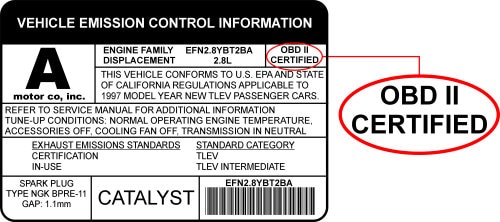
Note: While this scanner is compatible with most OBD-II compliant vehicles, regional adoption timelines and special vehicle designs may affect compatibility. If you're unsure whether your vehicle is supported, please contact us before purchasing.
Additional Notes:

Step-by-Step Setup Guide for iCar2 Bluetooth Adapter
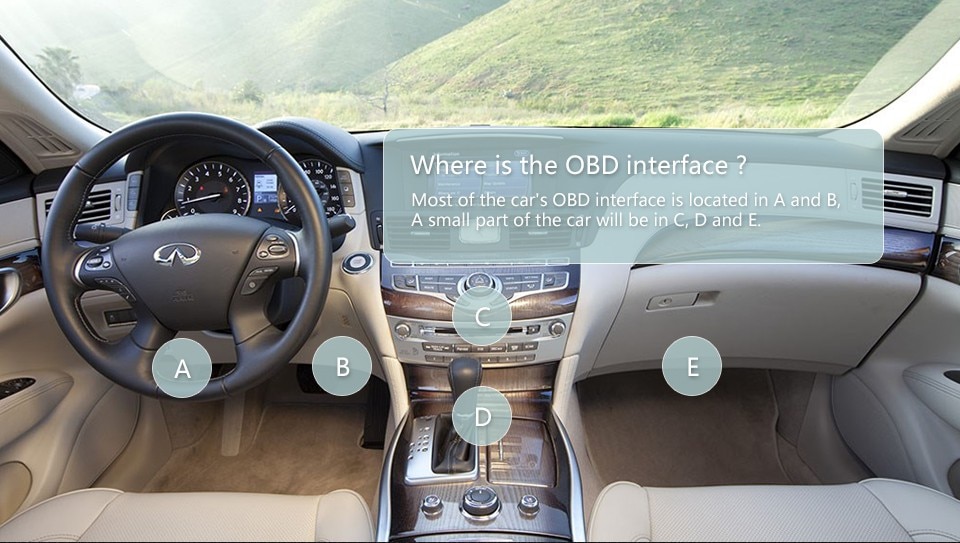
- Locate your OBD-II Diagnostic Port. Most vehicles have a standard 16-pin OBD-II port. If your vehicle uses a different connector, check the pin configuration—we can help identify and convert it to a standard 16-pin interface.
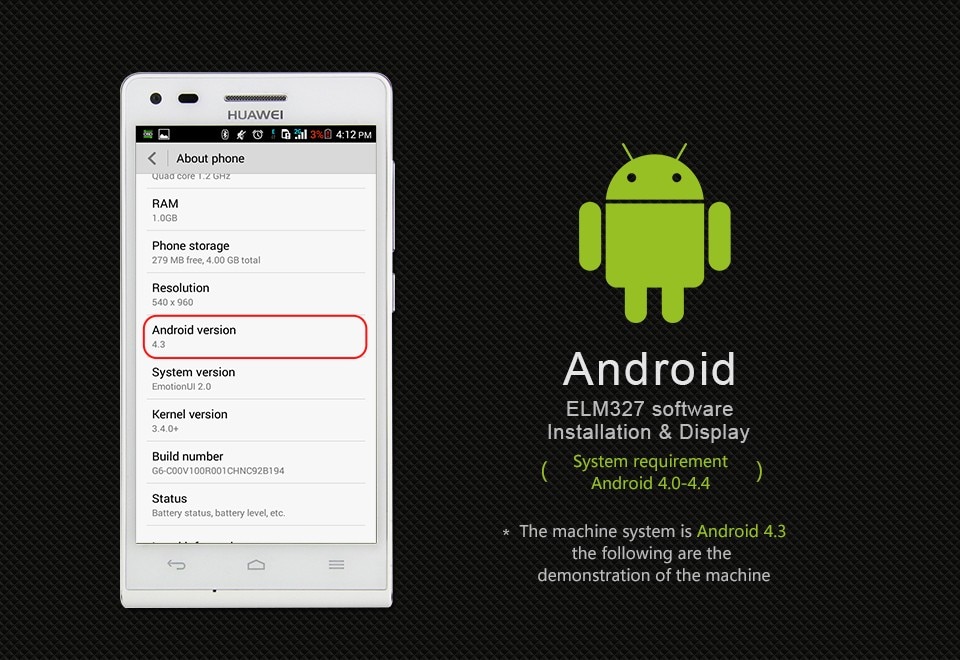
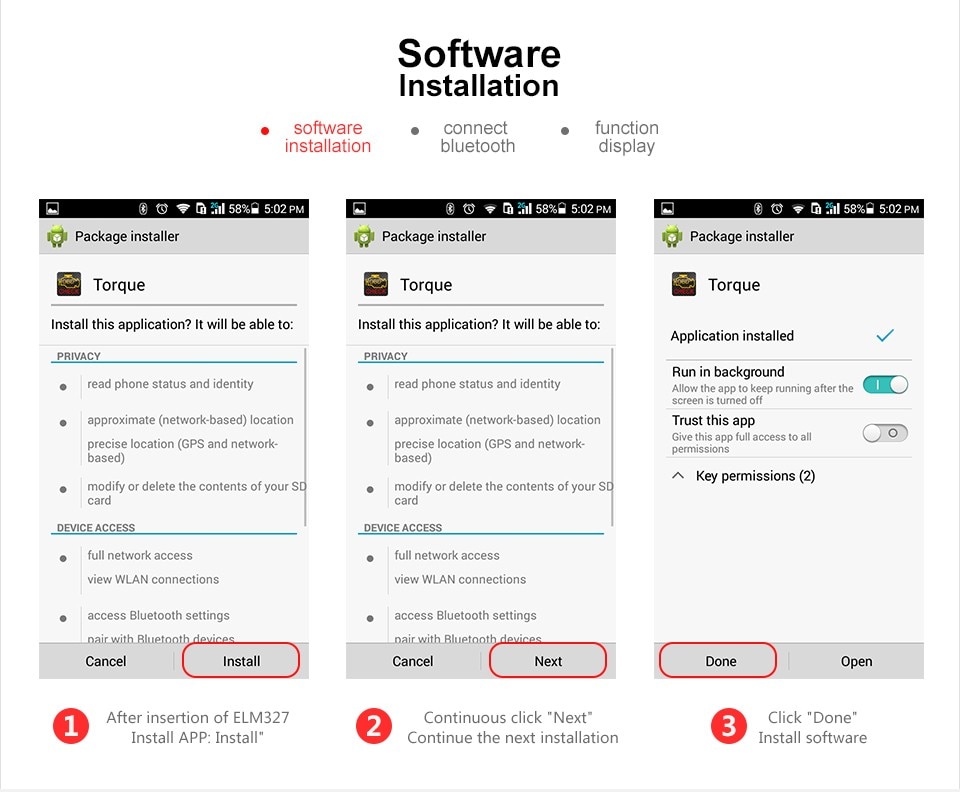
- Download the Torque App from the Android Market or install it from the included CD.
- Plug the ELM327 into your vehicle’s OBD-II port. The device will begin emitting a Bluetooth signal. Pair it with your Android phone using the password: 1234.
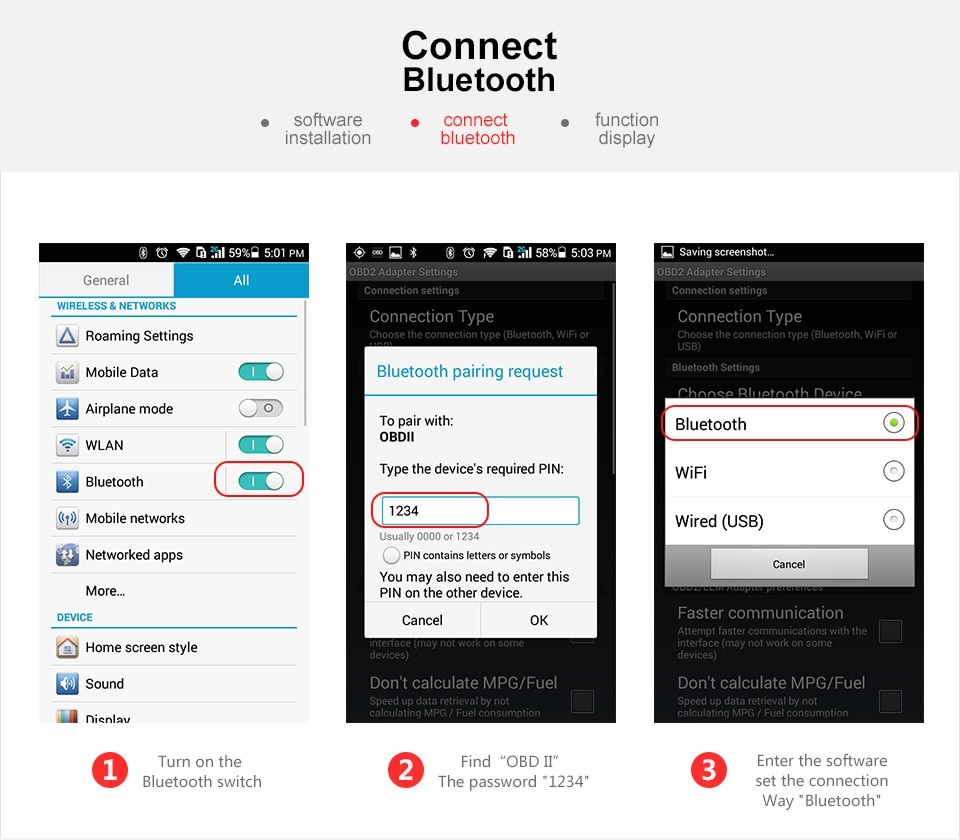
- Configure the Torque App:
- Open the Torque app
- Go to “Adapter Status” → “Settings” (top right)
- Select “OBD2 Adapter Settings”
- Set “Connection Type” to Bluetooth
- Under “Bluetooth Settings,” select “V_LINK”
- Exit the Torque app completely
- Relaunch Torque – you’ll see a green blinking light; wait briefly for communication to establish

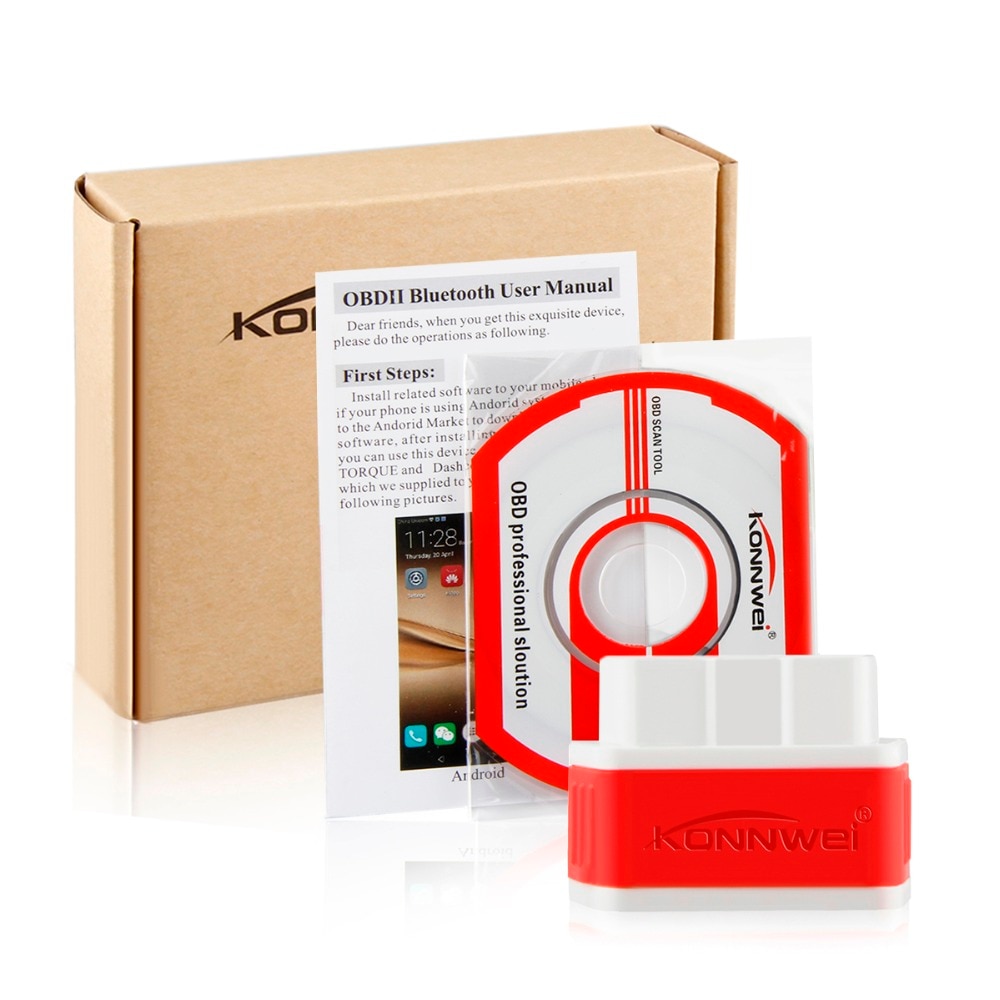

What's Included in the Package
- 1x iCar 2 ELM327
- 1x CD for download program
- 1x User manual
- 1x Durable retailing box