Autel MaxiLink ML529 car diagnostic tool
Autel MaxiLink ML529, with enhanced mode 6 and AutoVIN function, is all you'll need to check engine faults on most 1996 and newer OBD2-compliant vehicles. The code reader can not only read the generic codes but also display the manufacturer-specific codes, as well as help you clear codes and display monitor and I/M readiness status.
Original Autel Maxilink ML529 OBD2 Scanner with Full OBD2 Functions Upgraded Version of AL519 is a one of our Autel MaxiLink ML529 car diagnostic tool Tools, you can buy Original Autel Maxilink ML529 OBD2 Scanner with Full OBD2 Functions Upgraded Version of AL519 from ukobd2.com.
Wholesale Top quality VAS6154, GM Tech2, VCM II For Ford, Handy Baby II Car Key Chip Copier, CDP DS150
images of Original Autel Maxilink ML529 OBD2 Scanner with Full OBD2 Functions Upgraded Version of AL519
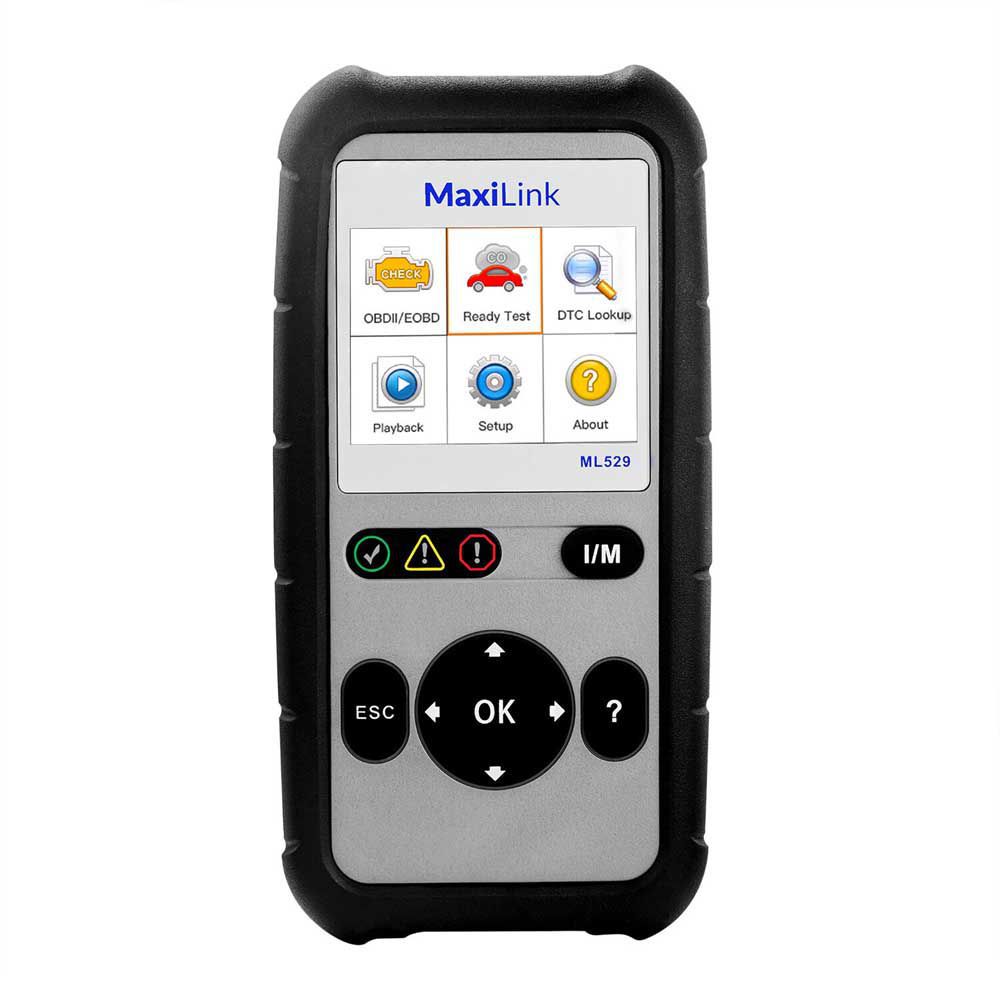
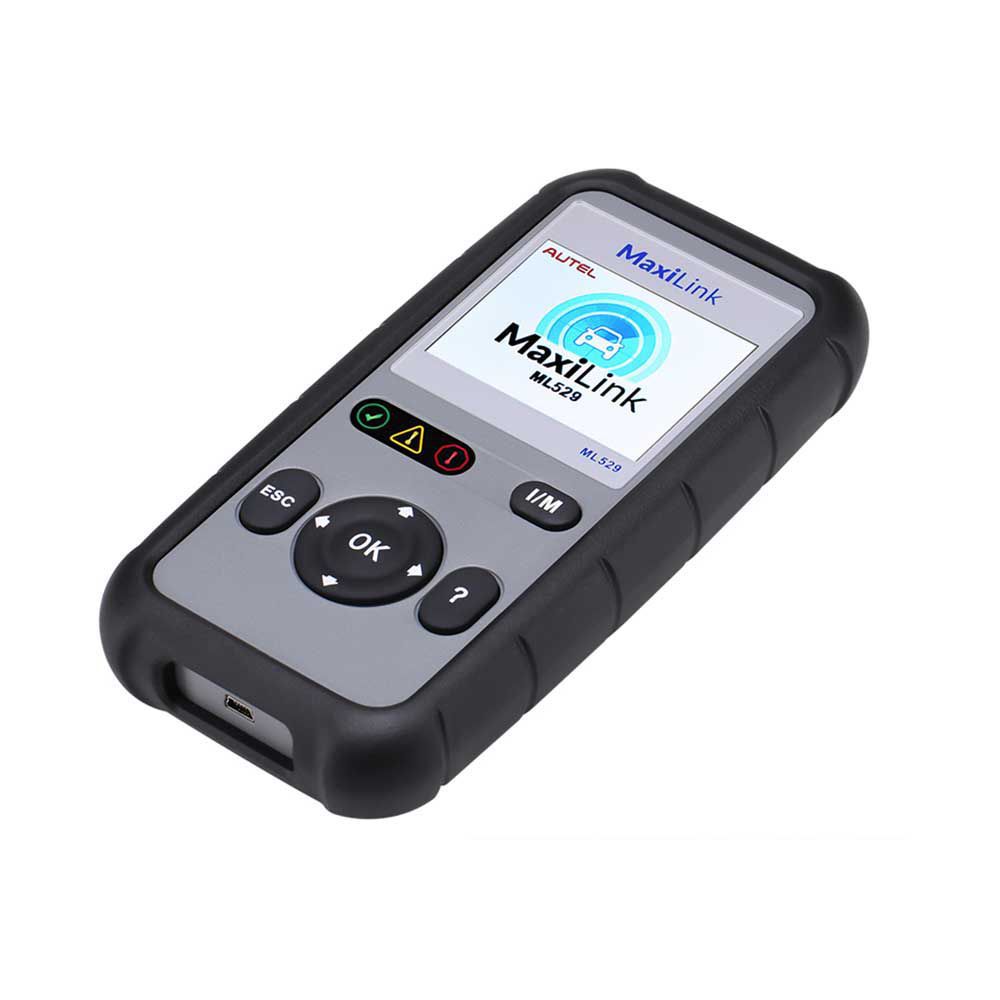
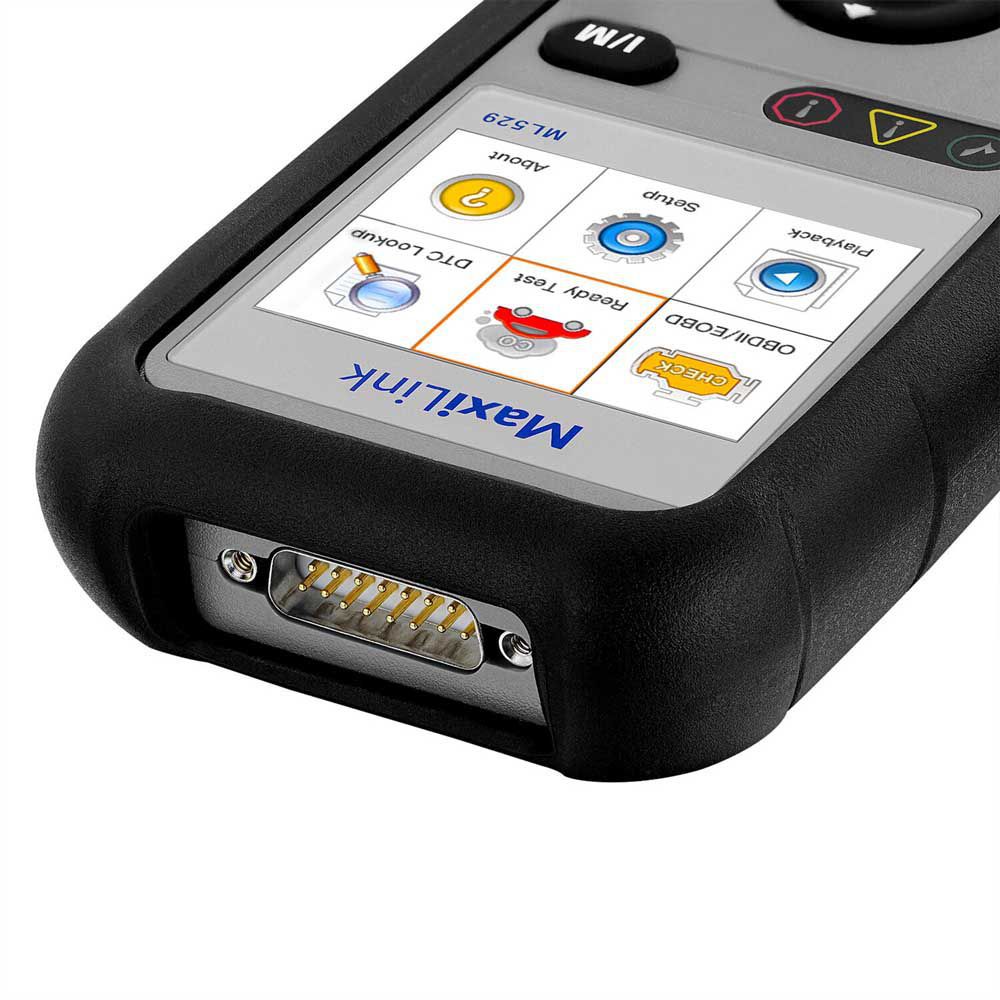
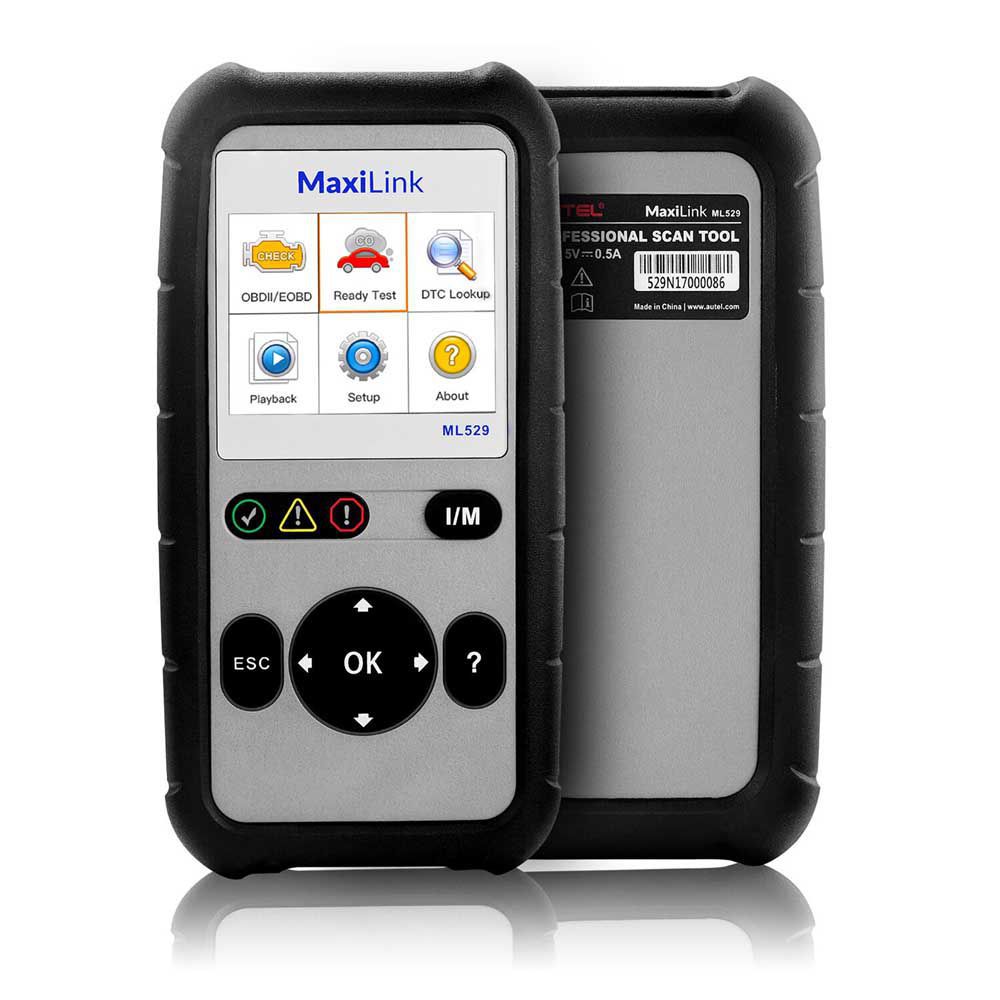
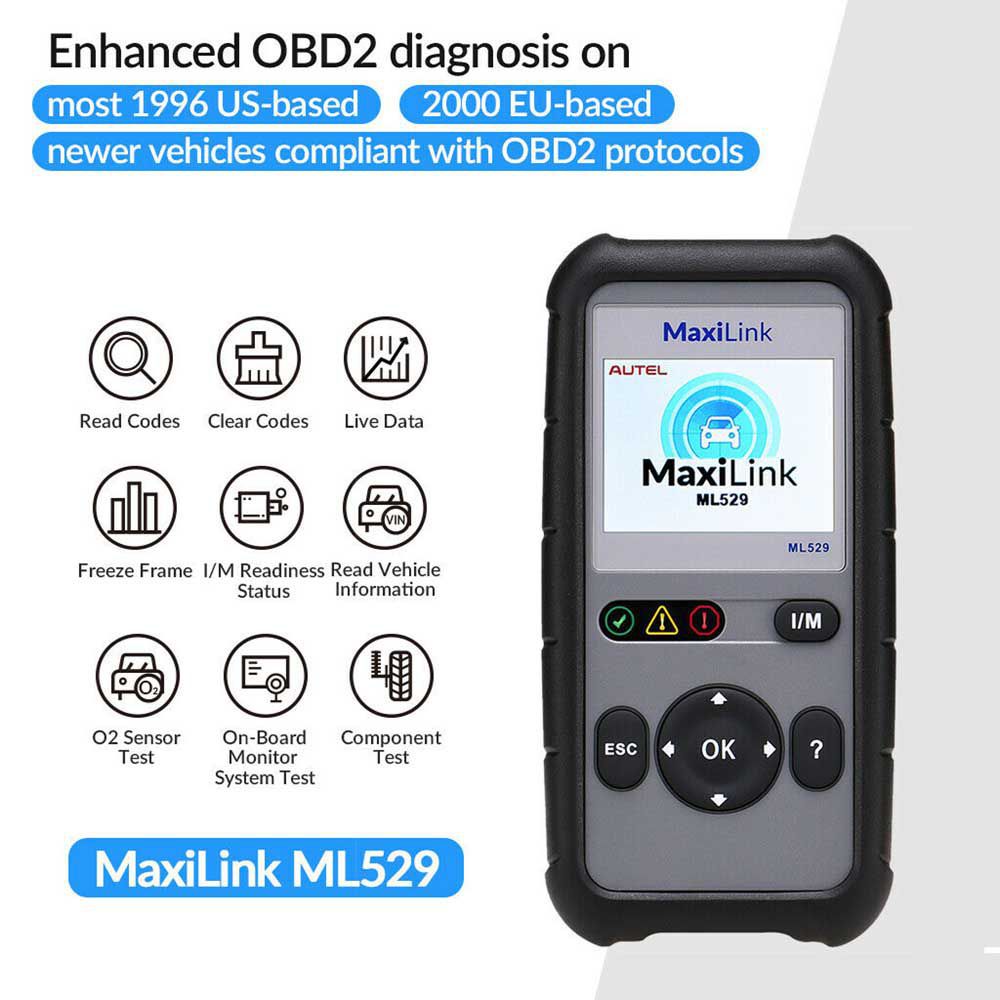
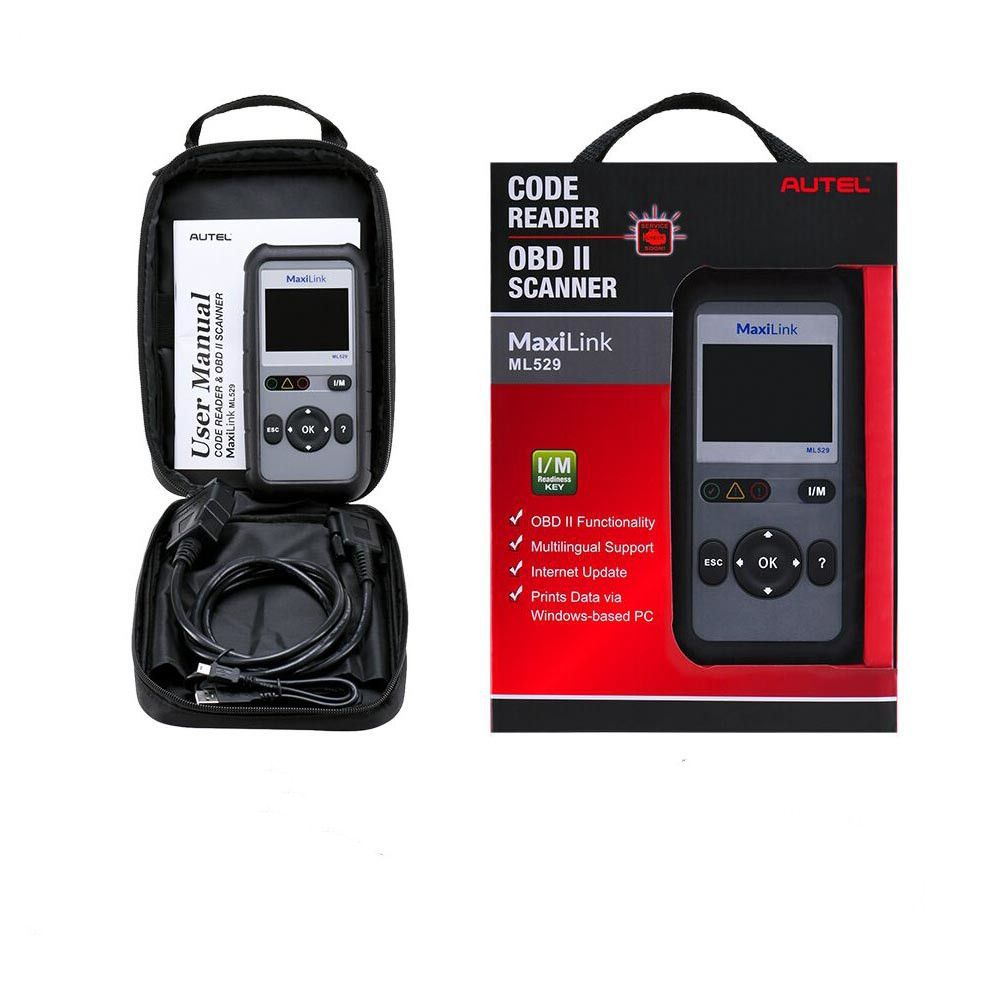
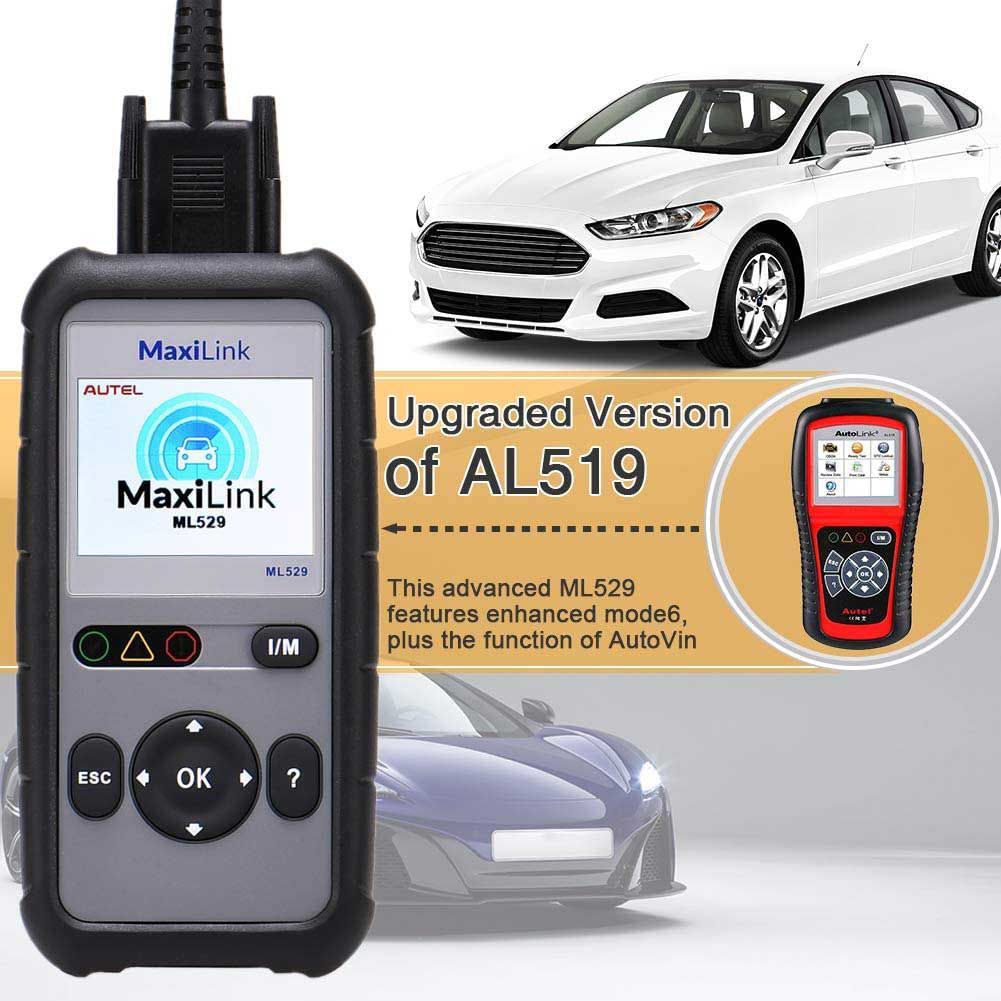
Autel MaxiLink ML529 OBD2 Scanner – Upgraded Version of AL519 with Full OBD2 Functions
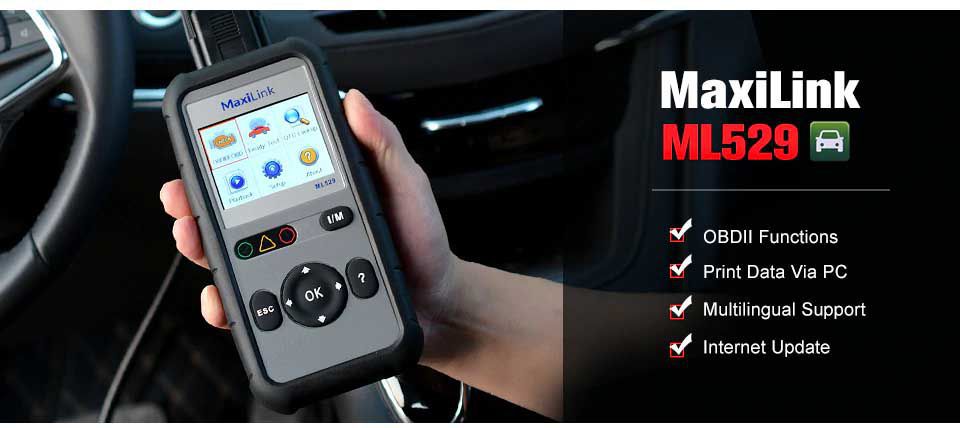
Key Highlights of the Autel MaxiLink ML529
- Supported Languages: English, Spanish, and French
- Lifetime Free Online Updates: Available via the Autel official website
- Upgraded from AL519: Reads standard OBD2 codes and enhanced manufacturer-specific codes using the AutoVIN function
- Enhanced Mode 6: Accesses results of on-board diagnostic monitoring tests for specific components and systems
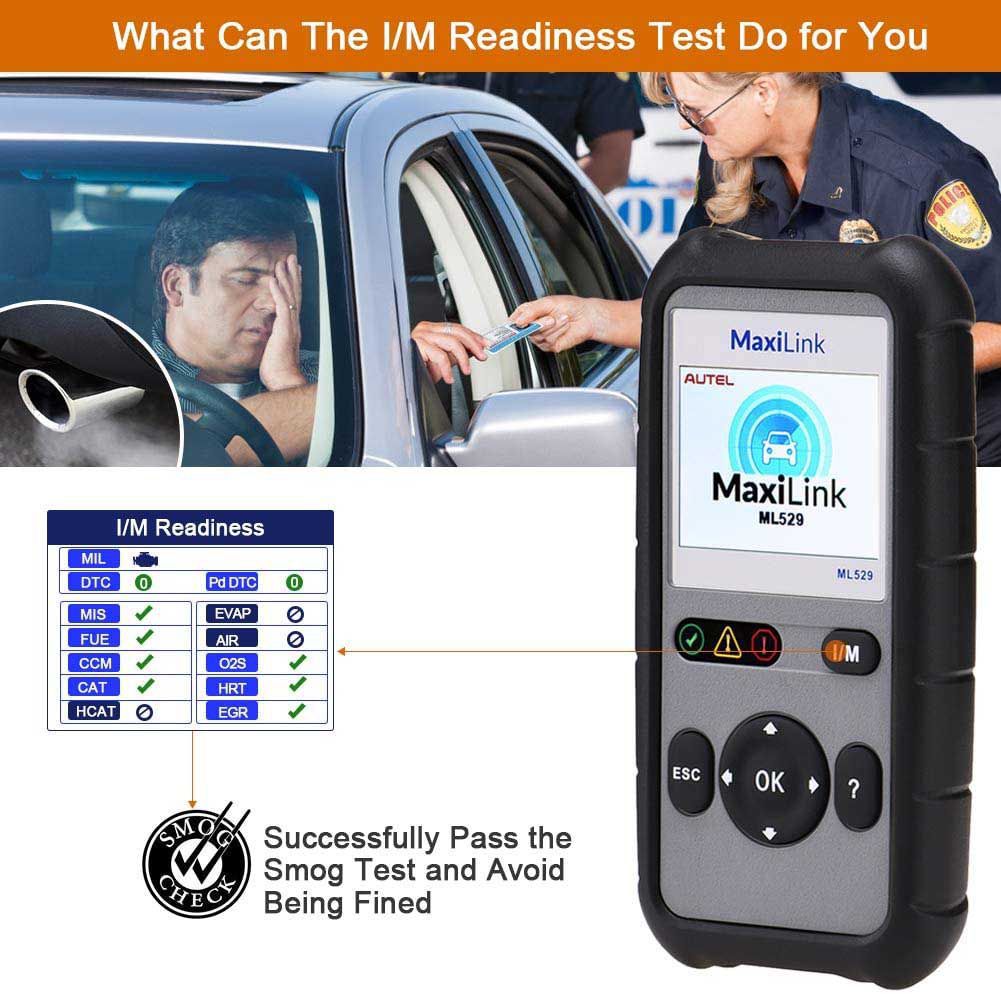
- Emission Readiness Check: One-click I/M Readiness button to verify if the vehicle is ready for an emissions test
- Accurate Diagnostics: Reads and erases engine error codes, displays live data, and shows monitored data including I/M Readiness, O2 Sensor Test, and Freeze Frame Data
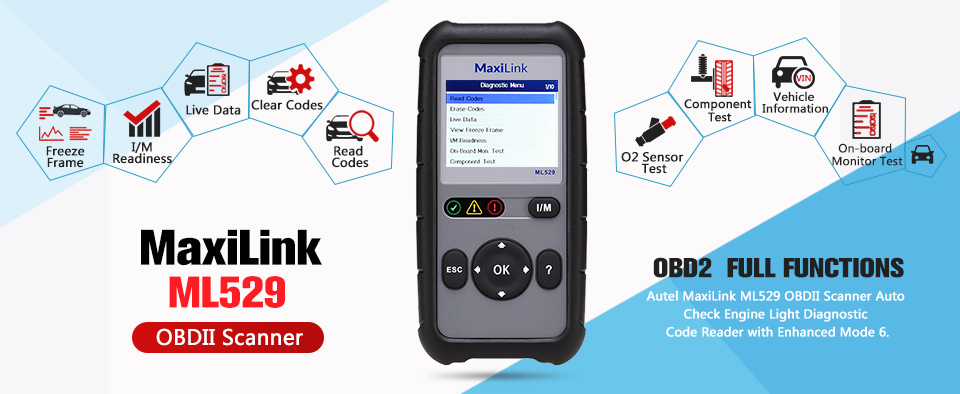
Core Features & Benefits
- Enhanced Mode 6: View on-board diagnostic monitoring test results for specific components/systems. Compare current, minimum, and maximum values to assess component health.
- Accurate Testing: Read and erase engine error codes and view live data on most 1996 and newer OBDII-compliant vehicles. Displays monitored data such as I/M Readiness, O2 Sensor Test, and Freeze Frame Data.
- Useful Data Playback: Review and print data from the last recorded test. Connect to a Windows-based PC using the supplied USB cable to share and print DTC data.
- Built-in DTC Lookup: Integrated DTC library provides code definitions directly on the 2.8-inch LCD screen, speeding up diagnostics and improving user experience.
- Upgraded Version of AL519: Highly recommended by Auteltech mechanics. Reads enhanced Powertrain System codes for Ford, GM, and Chrysler with improved accuracy. AutoVIN automatically retrieves the Vehicle Identification Number for efficient diagnostics and smog test preparation. Includes a one-click I/M Readiness hotkey for emission status.
Product Description
The Autel MaxiLink ML529 is a powerful diagnostic tool designed for checking engine faults on most 1996 and newer OBDII-compliant vehicles. It helps users quickly identify Diagnostic Trouble Codes (DTCs) related to the Check Engine Light, turn off the light, clear codes, reset monitors, retrieve vehicle information, and display monitor and I/M readiness status.
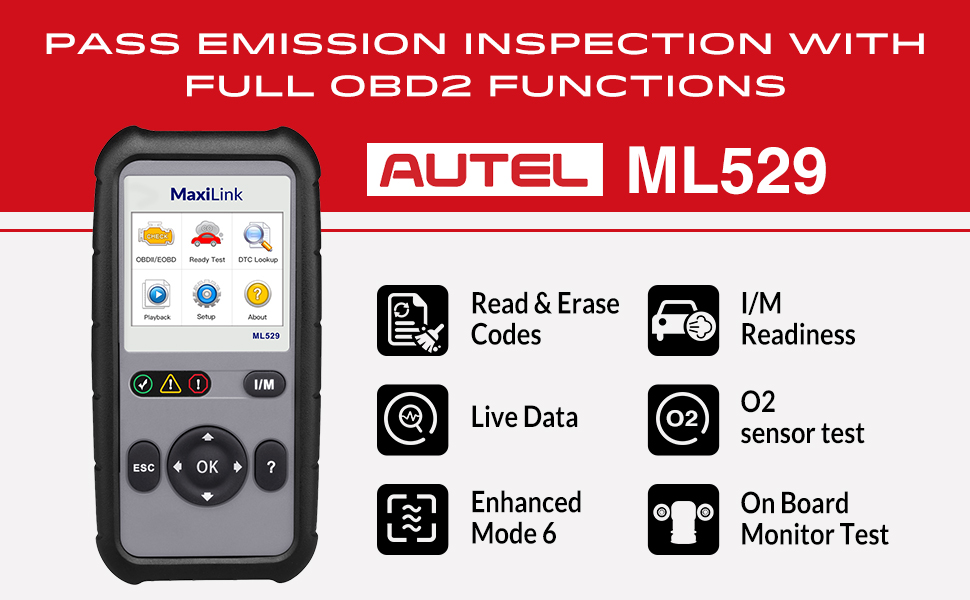
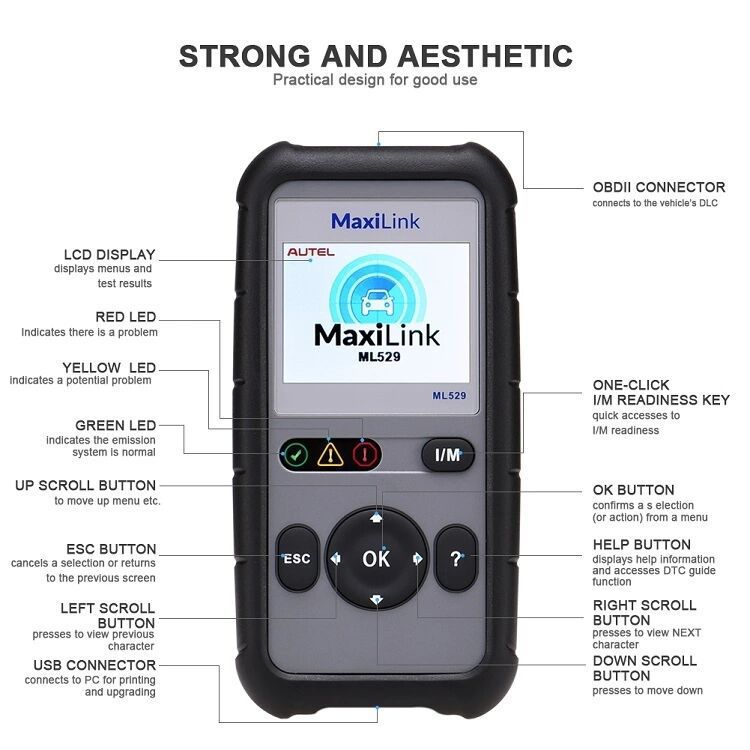
This OBD II Code Reader supports all 10 OBD II test modes for comprehensive vehicle diagnostics. It features an easy-to-use interface with a TFT color display and a built-in speaker for visual and audible alerts. The patented One-Click I/M Readiness Key enables fast verification for state emissions testing.
Detailed Features
- AutoVIN function for quick identification of manufacturer-specific codes
- Reads enhanced Powertrain system codes for Ford, GM, and Chrysler
- Compatible with domestic, Asian, and European vehicles from 1996 and newer
- Retrieves generic (P0, P2, P3, U0), manufacturer-specific (P1, P3, U1), and pending codes
- Enhanced OBD II Mode 6 support
- Retrieves vehicle identification information (VIN, CALID, CVN)
- Turns off Check Engine Light, clears codes, and resets monitors
- Views freeze frame data
- Displays monitor and I/M readiness (emissions) status
- Reads live PCM data stream
- Displays live O2 sensor test data
- Graphs live data
- Reads, stores, and plays back live sensor data
- Troubleshooter code tips assist technicians in efficient diagnostics and repairs
- Patented One-Click Readiness Key for quick emissions readiness check and drive cycle verification
- Bright color-coded LEDs and built-in speaker provide visual and audible readiness feedback
- Multilingual menu and DTC definitions (English, Spanish, French)
- Prints data via Windows-based PC
Extensive Vehicle and Protocol Compatibility
The MaxiLink ML529 OBDII/EOBD Scanner works with all OBDII-compliant vehicles, including those using Control Area Network (CAN) protocols. Per EPA regulations, all domestic, Asian, and European vehicles (including light trucks) sold in the U.S. from 1996 onward must be OBDII compliant.
Supported protocols include: J1850-41.6, J1850-10.4, ISO9141, KWP2000 (ISO 14230), and CAN (Control Area Network ISO 11898).
Full OBDII Diagnostic Functions
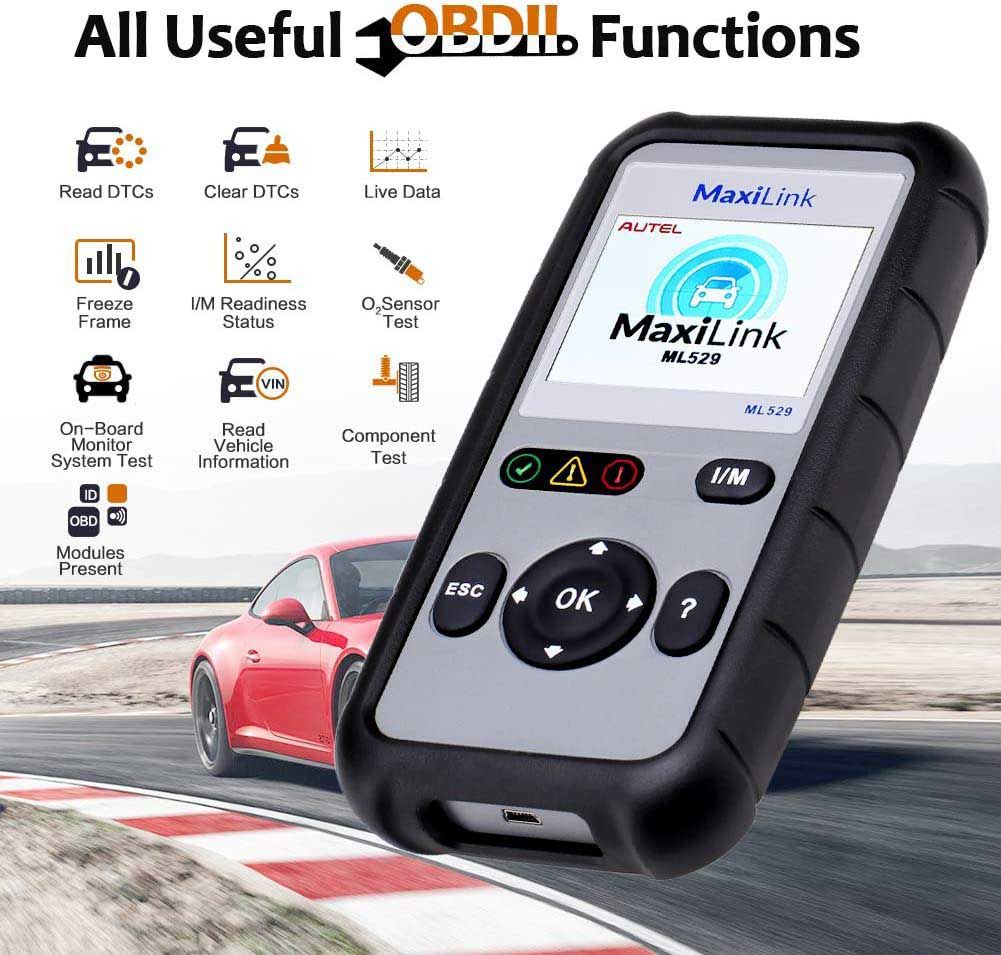
The Autel ML529 supports all 10 OBDII test modes for complete diagnostics on compatible 1996+ vehicles. Use it to:
- Read and erase stored engine error codes—including generic (P0, P2, P3, U0), manufacturer-specific (P1, P3, U1), and pending codes—and turn off the Check Engine Light after repairs
- View live data to analyze component status and retrieve freeze frame data captured at the moment a fault was detected
- Check I/M Readiness to confirm the vehicle has completed self-tests and is ready to pass a State Emission Test
- Perform On-board Monitor Tests to access diagnostic results for specific components/systems and assess their condition
- Analyze O2 Sensor Test results to evaluate exhaust oxygen content and optimize air-fuel ratio
- Retrieve vehicle identification information (VIN, CID, CVN) for precise diagnostics
Additional Capabilities
- Built-in DTC Lookup: Onboard DTC library displays engine code definitions on the screen to help pinpoint issues.
- Data Printing: Use the Data Playback feature to view and print results from the last test. Install Maxi PC Suite on a Windows PC and use the included Autel Printer software to print stored data.
- Internet Updates: Connect the tool to a PC via the supplied USB cable to update firmware, expand vehicle coverage, and apply the latest bug fixes.
Update Procedure
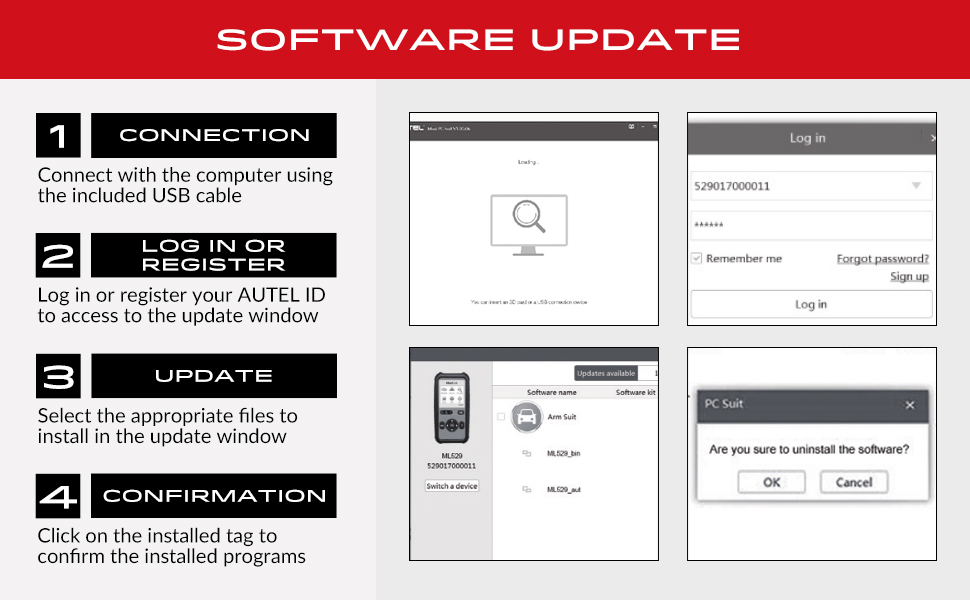
There are two update methods: Batch Update and Single Update. Connect the tool to a Windows- or Mac-based computer using the included USB cable and follow these steps:
- Download “Maxi PC Suite” from www.autel.com > Support & Updates > Firmware & Downloads > Update Client, and install it on your Windows-based computer.
- Launch Maxi PC Suite and wait for the Log In window.
- Connect the scanner to your computer with the provided USB cable.
- On the tool, go to System Setup, select Update Mode, and press OK.
- Enter your Autel ID and password (or click Sign Up to create an account) and wait for the Update window.
- Select your tool and serial number, then click OK.
- In the Update window, choose the files to install.
Technical Specifications
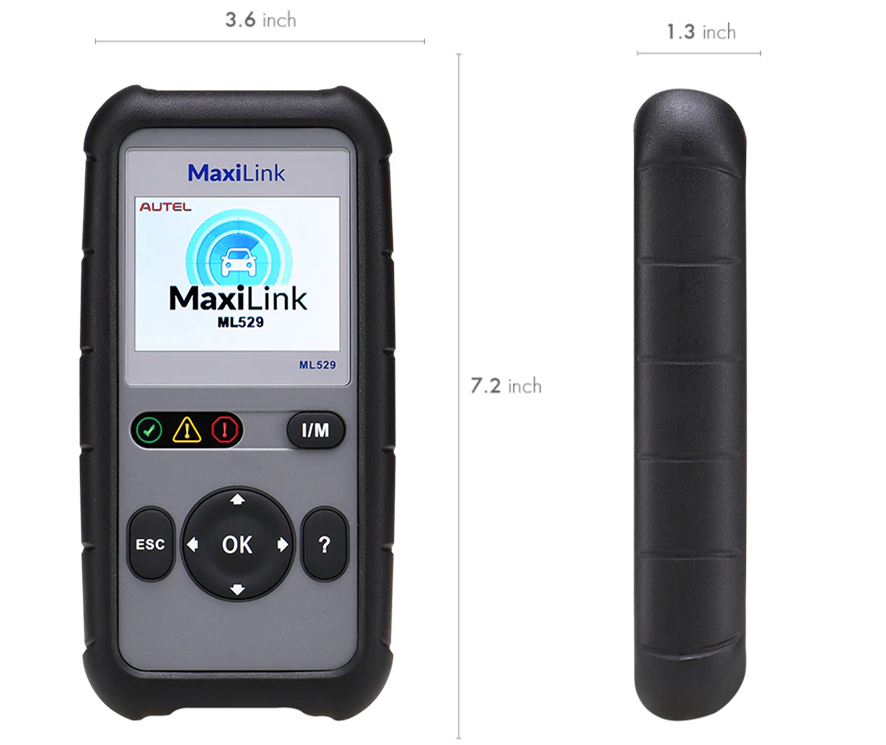
- Display: 2.8-inch LCD (320x240 dpi)
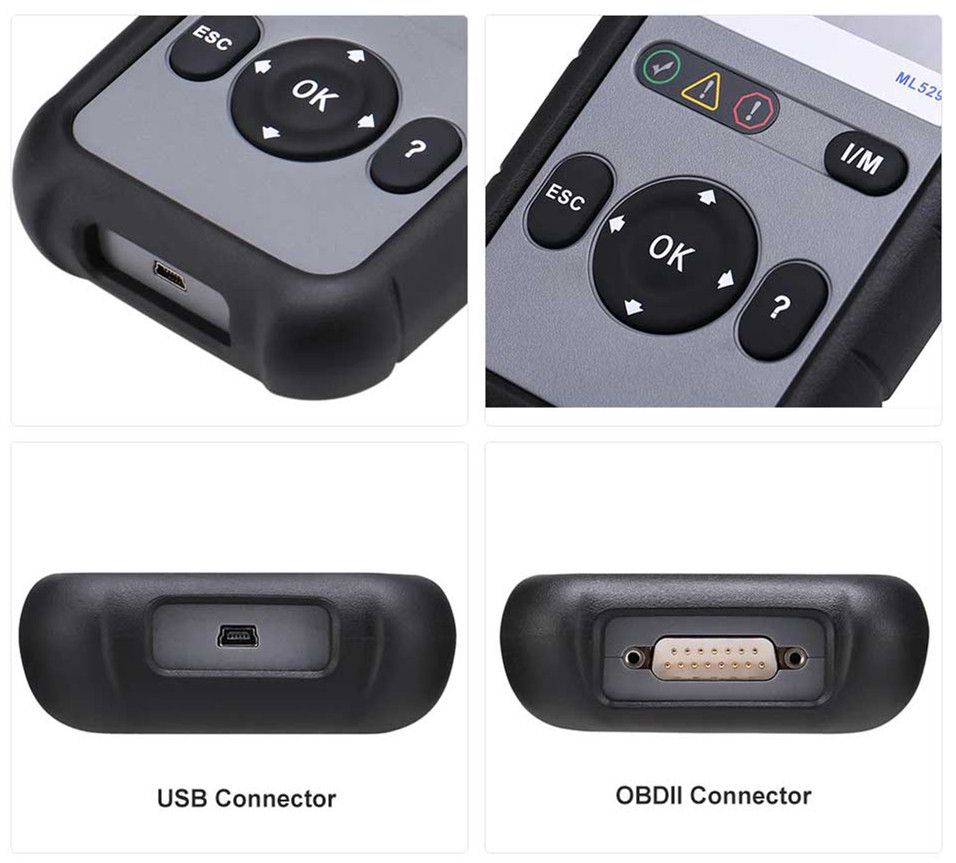
- Connectivity: USB mini 2.0, OBD II DB15
- Operating Temperature: 0℃ to 60℃ (32℉ to 140℉)
- Storage Temperature: -20℃ to 70℃ (-1℉ to 158℉)
- External Power: 8.0 to 18.0V (supplied via vehicle battery)
Package Contents
What's Included in the Package
- 1pc x Main Unit
- 1pc x OBDII Cable
- 1pc x USB Cable
- 1pc x User Manual
- 1pc x Quick Guide
Go to Buy: Original Autel Maxilink ML529 OBD2 Scanner with Full OBD2 Functions Upgraded Version of AL519