Auro IM100
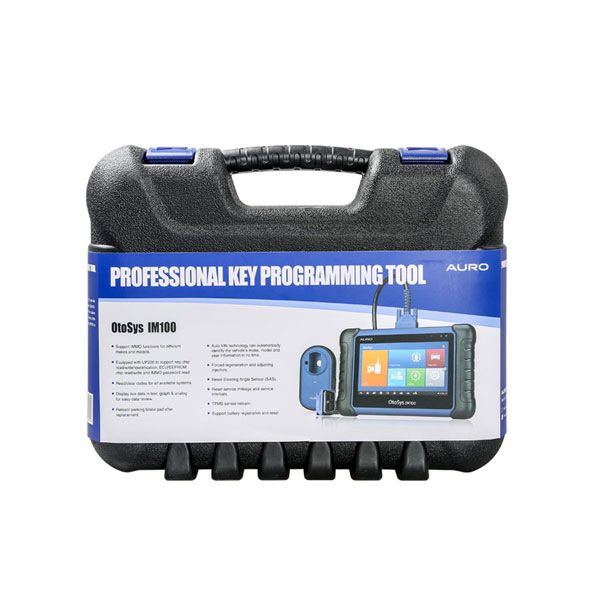
OtoSys IM100 Based on a 7-inch Android touchscreen tablet, and equipped with the key programmer UP200, the OtoSys IM100 provides unparalleled Immobilizer and Key Programming functions as well as OE-level diagnostic functions and services!
AURO OtoSys IM100 Automotive Diagnostic and Key Programming Tool Wifi Buy Autel MaxiIM IM508 instead is a one of our Auro IM100 Tools, you can buy AURO OtoSys IM100 Automotive Diagnostic and Key Programming Tool Wifi Buy Autel MaxiIM IM508 instead from ukobd2.com.
Wholesale Top quality VAS6154, GM Tech2, VCM II For Ford, Handy Baby II Car Key Chip Copier, CDP DS150
images of AURO OtoSys IM100 Automotive Diagnostic and Key Programming Tool Wifi Buy Autel MaxiIM IM508 instead
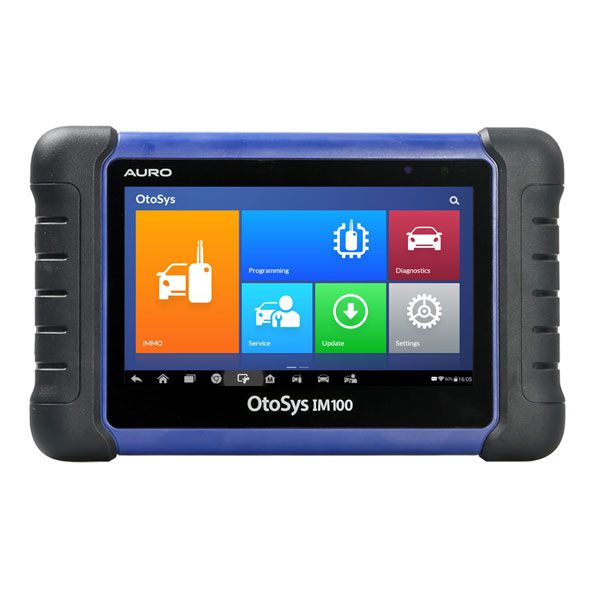
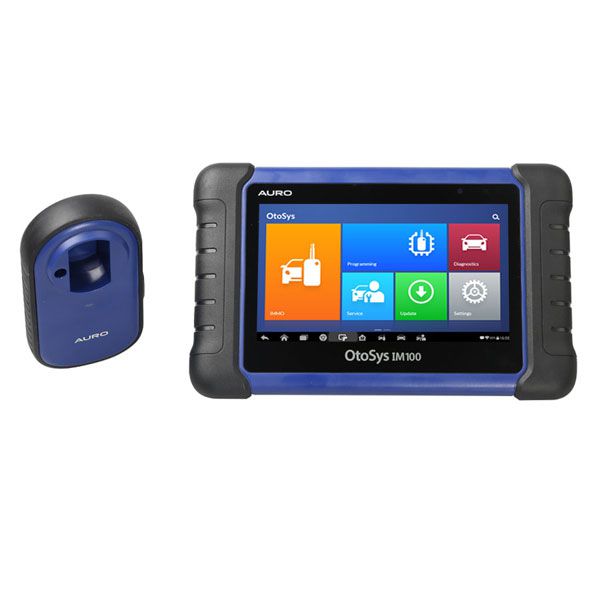
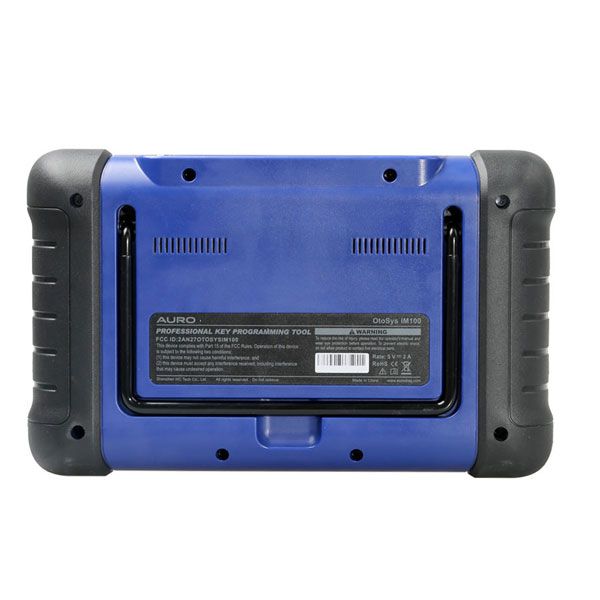
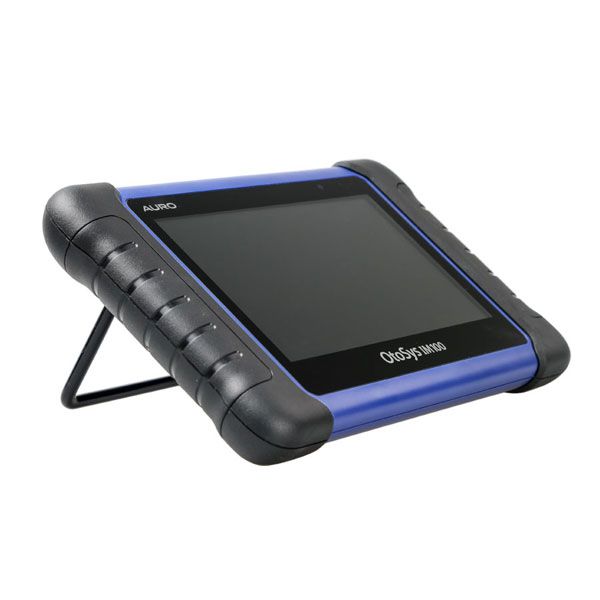
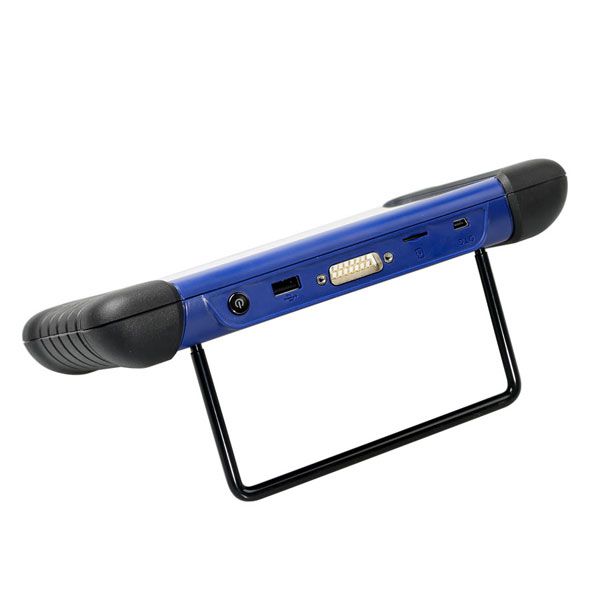
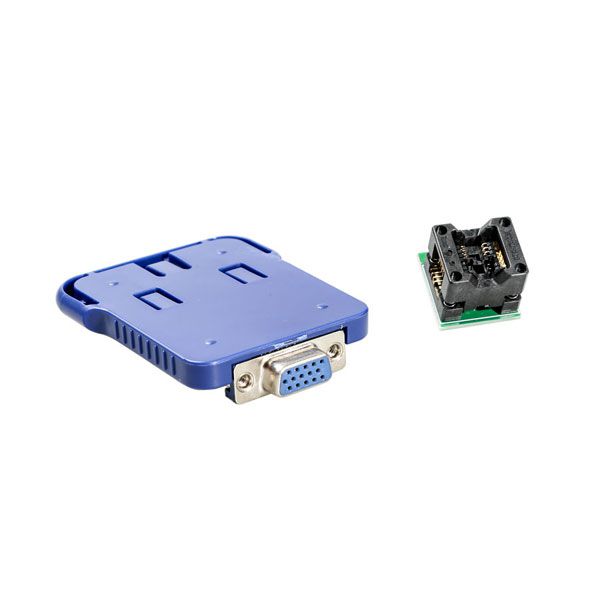
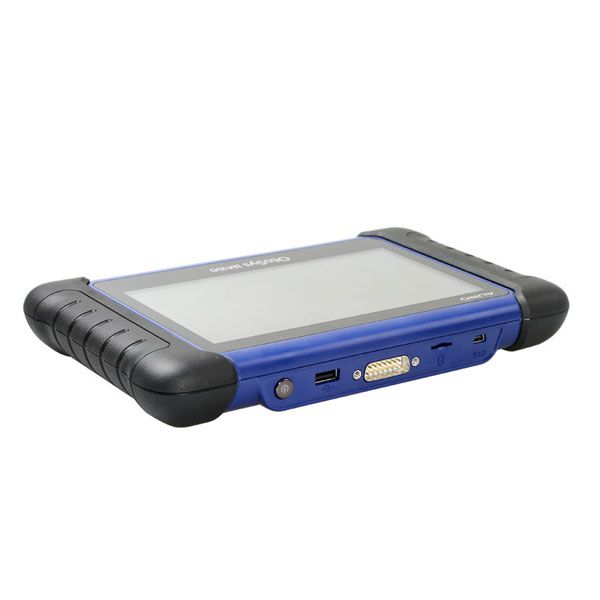
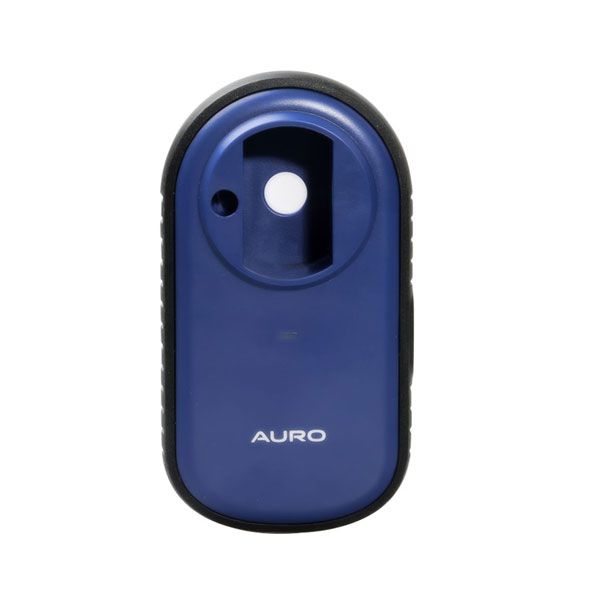
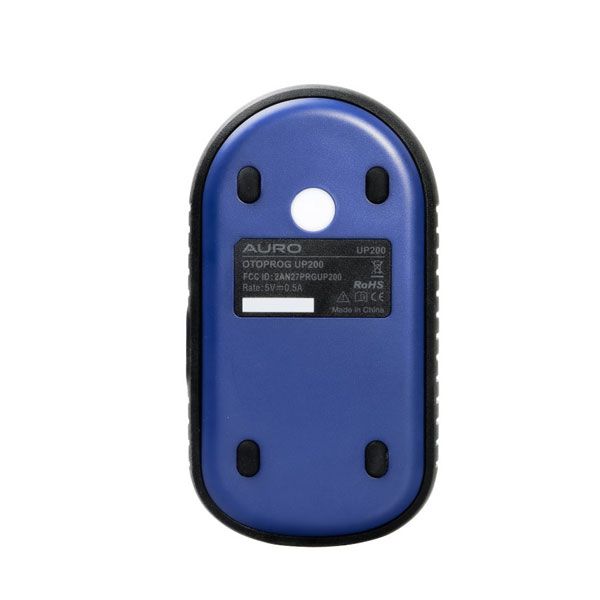
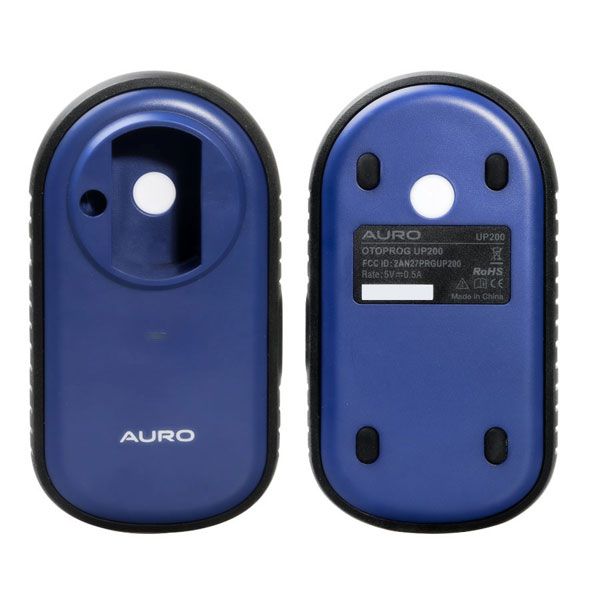
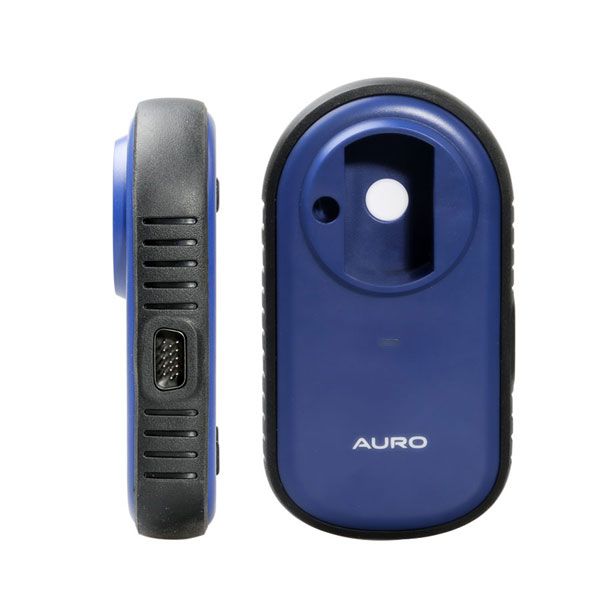
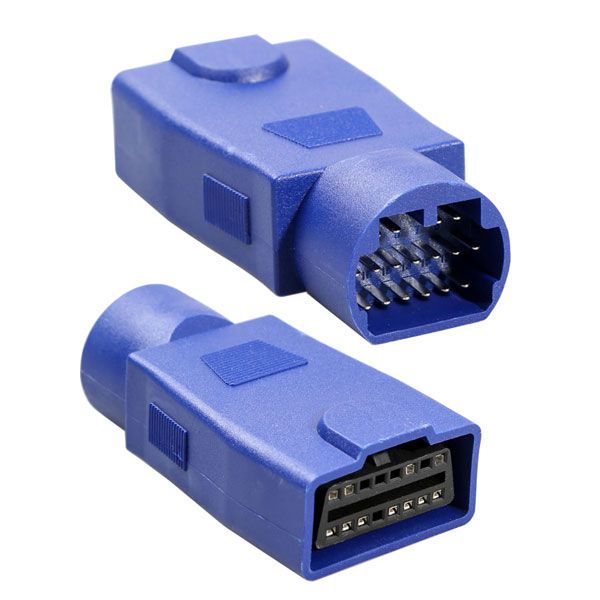
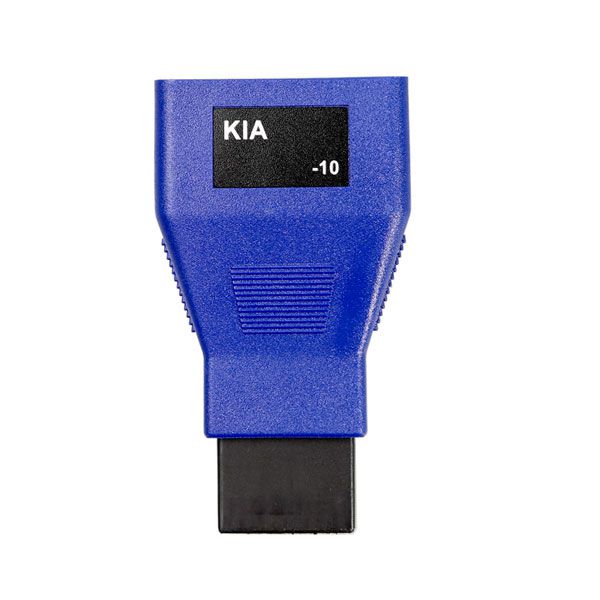
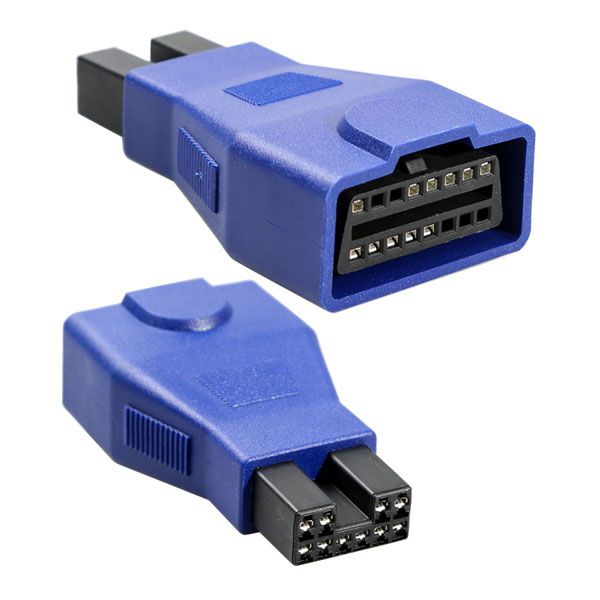
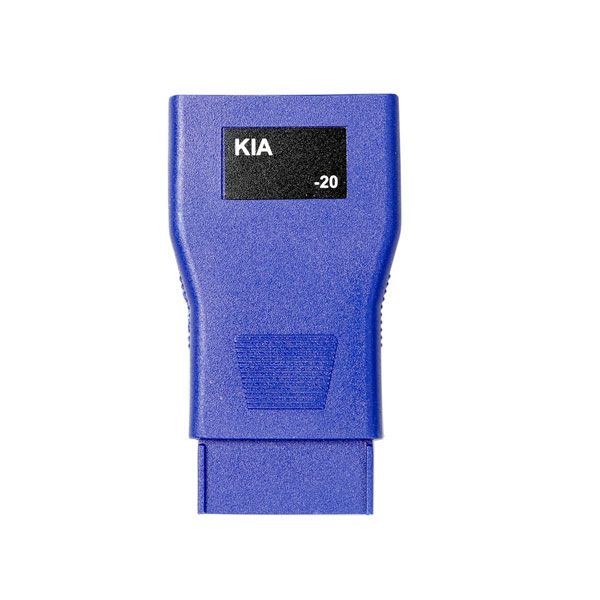
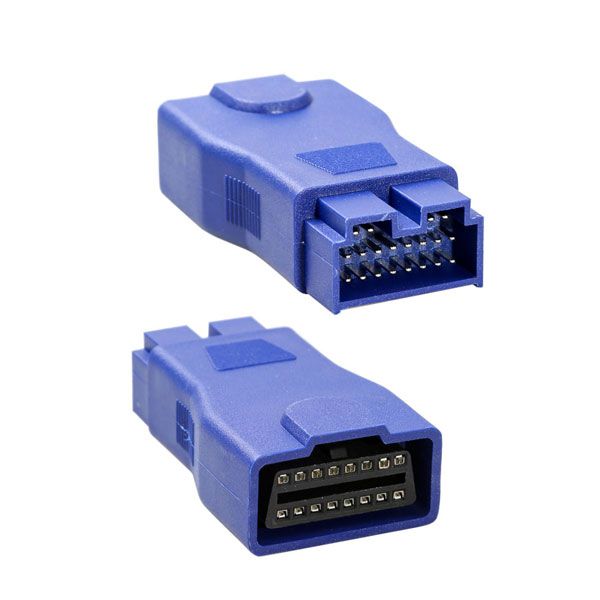
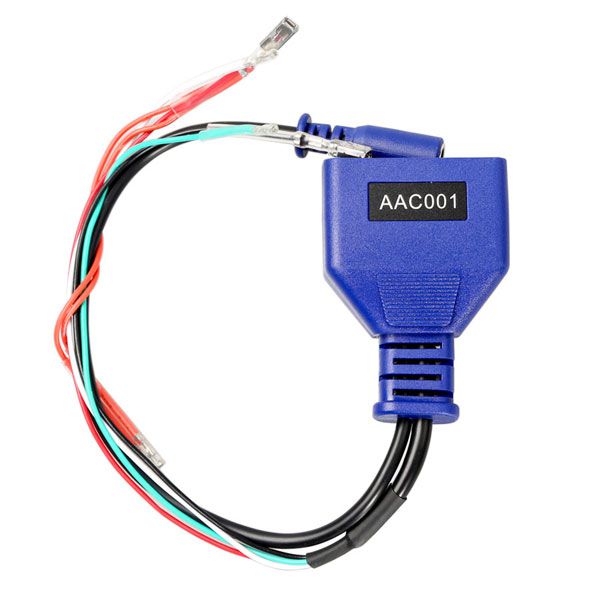
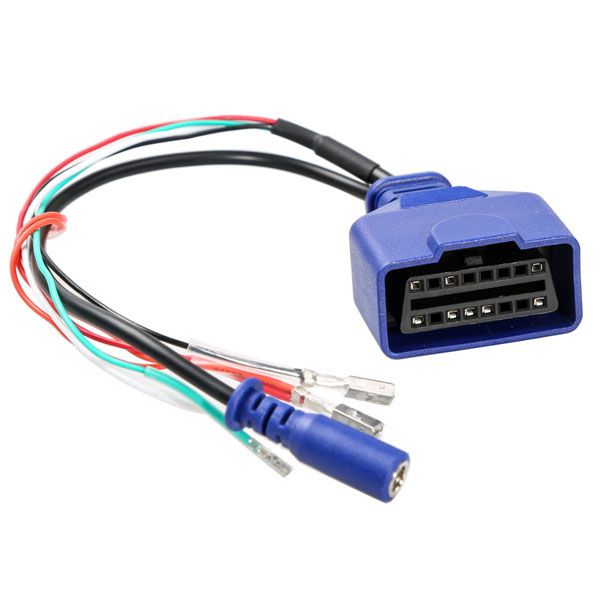
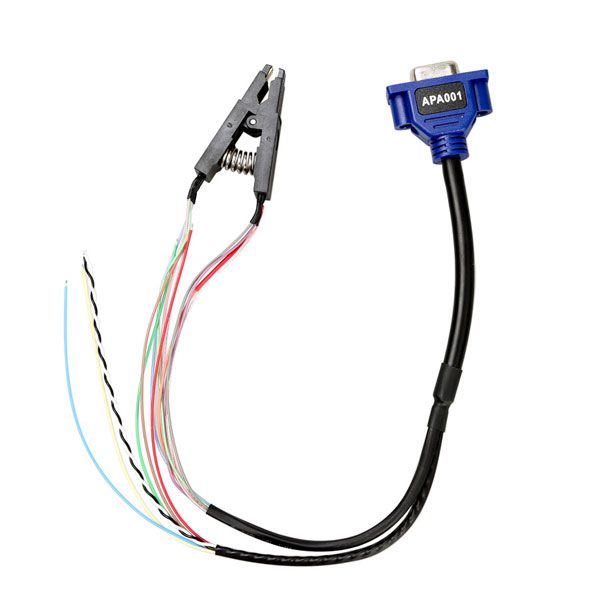
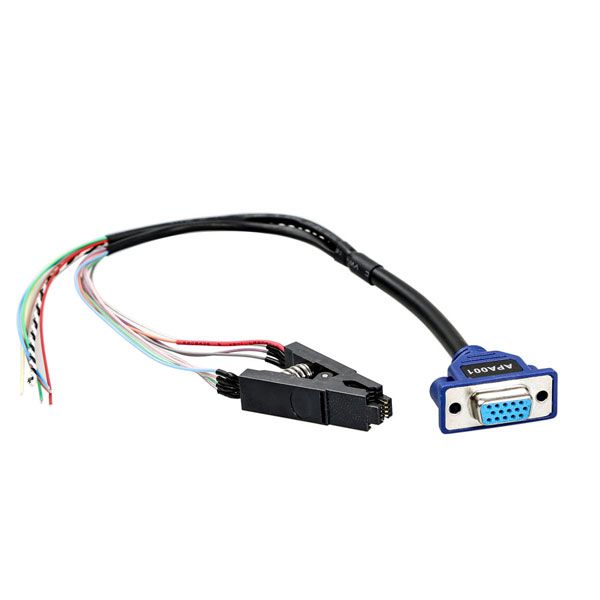
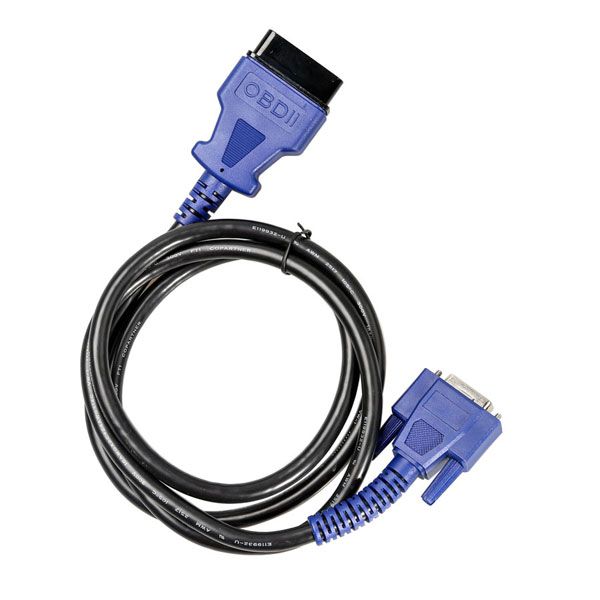
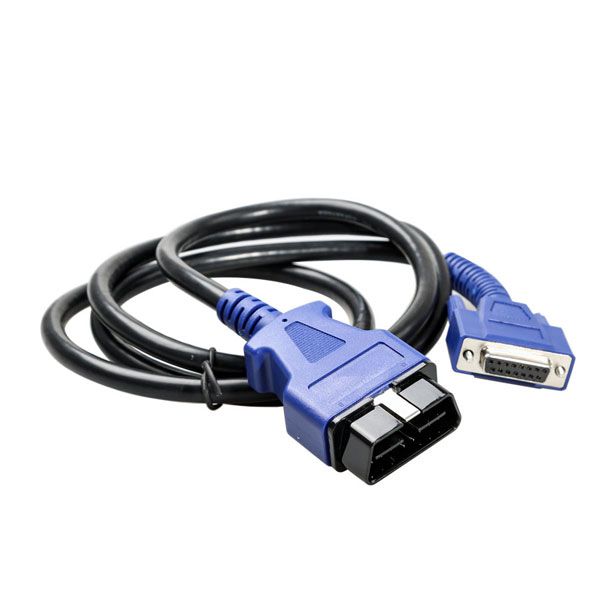
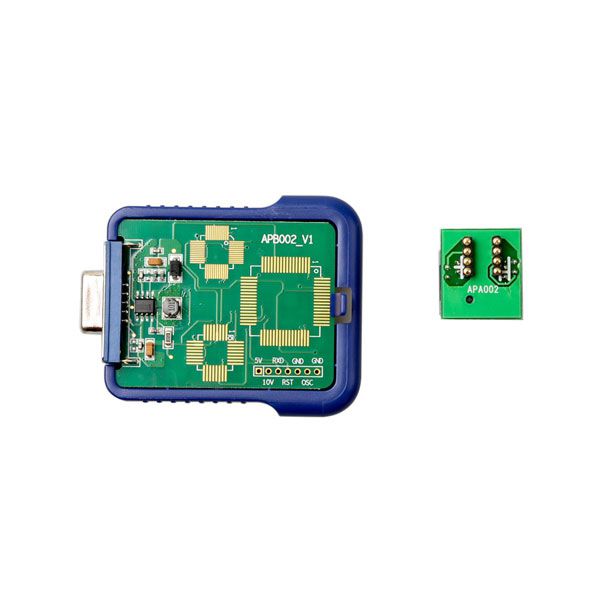
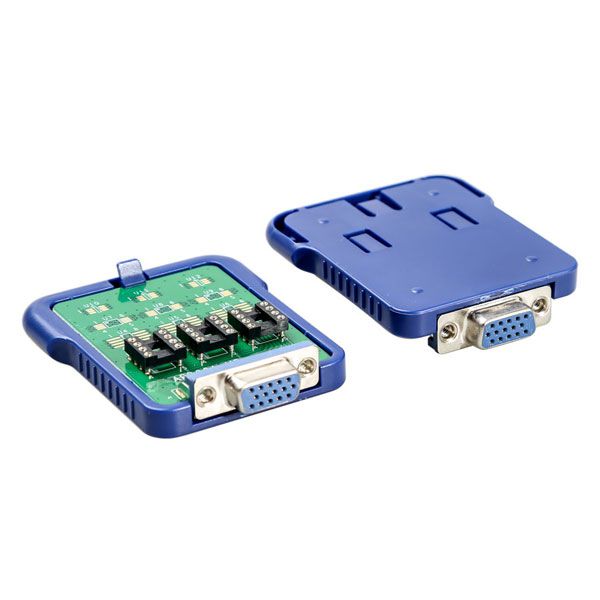
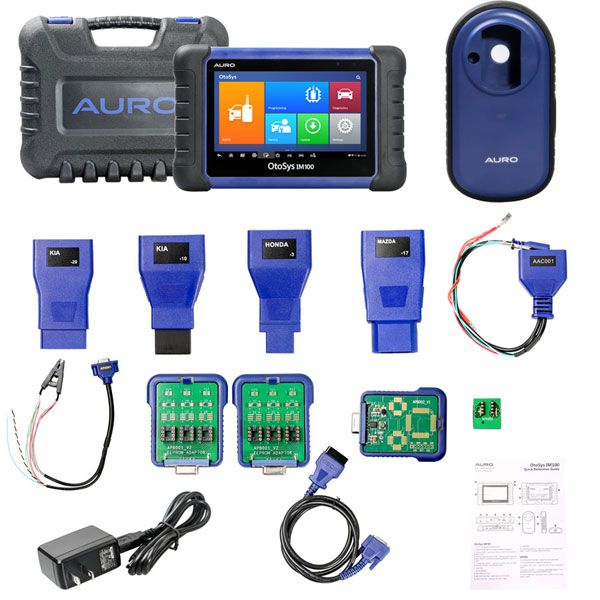
AURO OtoSys IM100 Automotive Diagnostic & Key Programming Tool
Why Choose the AURO OtoSys IM100?
- The AURO IM600 has been replaced by the Autel MaxiIM IM508 and IM608. If you're interested in the Autel MaxiIM IM508, please contact us for pricing. Thank you! The OtoSys IM100 from AURO is the ONE tool you need for modern vehicle key programming. Built on a 7-inch Android touchscreen tablet and equipped with the UP200 key programmer, the OtoSys IM100 delivers unparalleled immobilizer and Key Programming capabilities alongside OE-level diagnostic functions and services. Featuring a 1.6 GHz quad-core processor and a 32GB solid-state drive integrated into a compact 7-inch touchscreen tablet, the IM100 enables seamless multitasking on the open-source Android 4.4 operating system with fast response times—saving significant repair and maintenance time. Check the supported vehicles list on the official website: www.aurodiag.comLangauge Language: English
- Supports IMMO functions across various makes and models:
- Equipped with UP200 for transponder read/write/identification, ECU/EEPROM chip read/write, and IMMO password reading.
- Displays live data in text, graph, and analog formats for easy review.
- Auto VIN technology instantly identifies vehicle make, model, and year.
- Supports relearning parking brake pads after replacement.
- Enables forced regeneration and injector adjustments.
- Provides Steering Angle Sensor (SAS) services.
- Resets service mileage and service intervals.
- Supports TPMS sensor relearn.
- Handles battery registration and reset.
- Includes online updates—1 year free.
- Limited One Year Warranty
AURO OtoSys IM100 Features
AURO OtoSys IM100 vs. IM600 Comparison
NOTE:
This function is supported.
This function is not supported.
Special Declaration: Some listed functions are manufacturer-dependent. Functionality and vehicle coverage expand with new software updates.
| Feature | OtoSys IM100 | OtoSys IM600 |
|---|---|---|
| IMMO | ||
| Smart Mode (Guided and Automated Key Learning Function) | | |
| Auto Detect Make/Model/Year/System | | |
| Read PIN/CS | | |
| Read PIN/CS (All Keys Lost) | | |
| Key Learning | | |
| IMMO ECU Reset/Adaption | | |
| IMMO ECU Refresh/Coding | | |
| Remote Learning | | |
| AUDI Q5/A4/A5 2015-2017 Read PIN/CS | | |
| BMW FEM/BDC Key Learning and Adaption | | |
| Mercedes Key Learning | | |
| Programming | ||
| EEPROM Read/Write | | |
| MCU Read/Write – Basic | ||
| MCU Read/Write – Advanced | ||
| Key Programming | | |
| IC Card Read/Write | | |
| Mercedes Infrared Key Read/Write | | |
| Remote Frequency Detect | | |
| OE-Level Diagnostics | ||
| All Systems for Over 80 Makes and Models | | |
| OtoFlash (J2534 ECU Reprogrammer) | | |
| Advanced Service Functions | ||
| Oil Service Reset | | |
| Parking Brake Pad Relearn After Replacement | | |
| Steering Angle Sensor Relearn | | |
| Battery Registration and Reset | | |
| Diesel Particulate Filter Regeneration | | |
| Tire Pressure Monitoring System | | |
| ECU Coding | | |
| VW/Audi Component Protection | | |
| Complete Service Functions | ||
Tool Features
- Built-in Rechargeable Li-ion Battery
- 5000 mAh
- 15000 mAh
- Internet Updatable
- Wi-Fi
- Wi-Fi
- Multilingual Support
- Touchscreen
- 7-inch
- 10.1-inch
- Memory
- 32 GB
- 64 GB
- Processor
- Quad-core processor
- Hexa-core processor
- Camera
- 8.0 Megapixel
- Resolution
- 1024x600
- 1920x1200
AURO OtoSys IM100 Specifications
- Recommended Use
- Indoor
- Operating System
- Android™ 4.4.4, KitKat
- Processor
- Cortex-A9 processor (1.6 GHz)
- Memory
- 1GB RAM DDR3 & 32GB ROM
- Display
- 7-inch LCD capacitive touchscreen with 1024x600 resolution
- Connectivity
- Mini USB 2.0;
USB 2.0;
Wi-Fi;
HDMI Type A;
Micro SD card slot (supports up to 32GB); - Sensors
- Ambient light sensor for brightness auto changing
- Audio Input/Output
- Input: N/A;
Output: buzzer; - Power and Battery
- 3.7 V/5000 mAh lithium-polymer battery;
- Charges via
- 5 VDC power supply;
- Tested Battery Life
- Around 4.5 hours of continuous use
- Battery Charging Input
- 5 V/1.5 A
- Power Consumption
- 500 mA (LCD on with default brightness, Wi-Fi on) @3.7 V
- Operating Temperature
- 0 to 55°C (32 to 131°F)
- Storage Temperature
- -20 to 60°C (-4 to 140°F)
- Operating Humidity
- 5% - 95% non-condensing
- Dimensions (W x H x D)
- 237.8 mm (9.4”) x 148.6 mm (5.9”) x 35.5 mm (1.4”)
- Net Weight
- 788 g (2.42 lb.)
- Supported Automotive Protocols
- ISO9141-2, ISO14230-2, ISO15765, K/L-Line, Flashing Code,
SAE-J1850 VPW, SAE-J1850 PWM,
ISO11898 (Highspeed, Middlespeed, Lowspeed and Singlewire CAN, fault-tolerant CAN),
SAE J2610, GM UART, UART Echo Byte Protocol,
Honda Diag-H Protocol, TP2.0, TP1.6
Package Includes
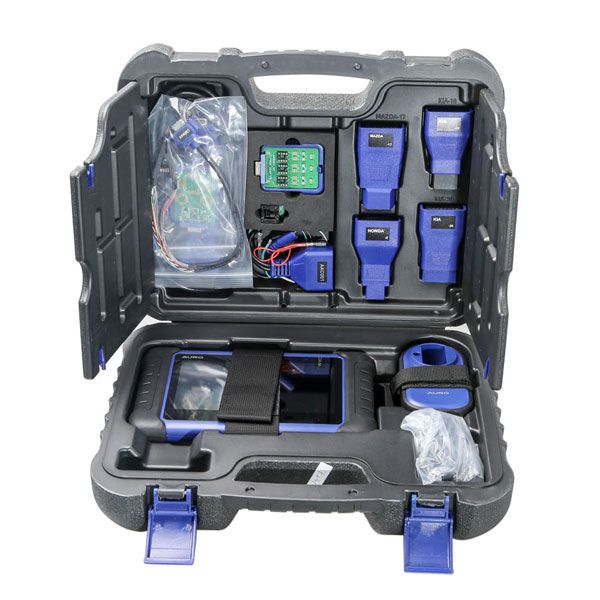
- 1pc x OBD II Cable
- 1pc x Mini USB Cable
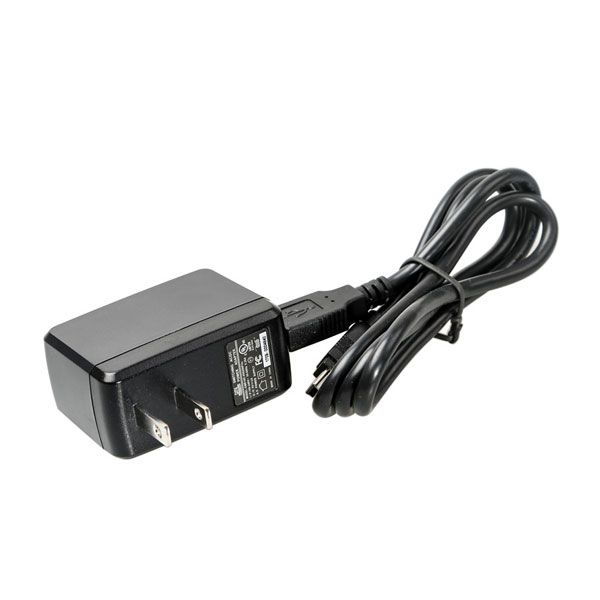
- 1pc x USB External Power Adaptor
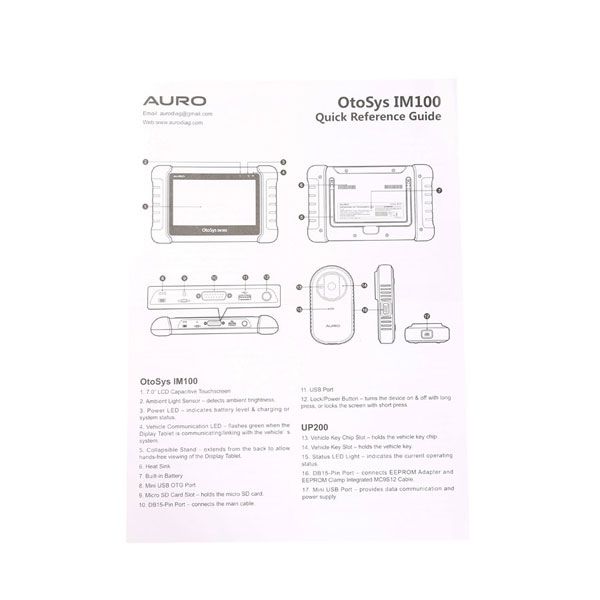
- 1pc x Quick Guide
- 1pc x UP200
- 1pc x APB001 – EEPROM Adaptor
- 1pc x APB002 – 68HC908 Adaptor
- 1pc x APA002 – EEPROM Socket
- 1pc x APA001 – EEPROM Clamp Integrated MC9S12 Cable
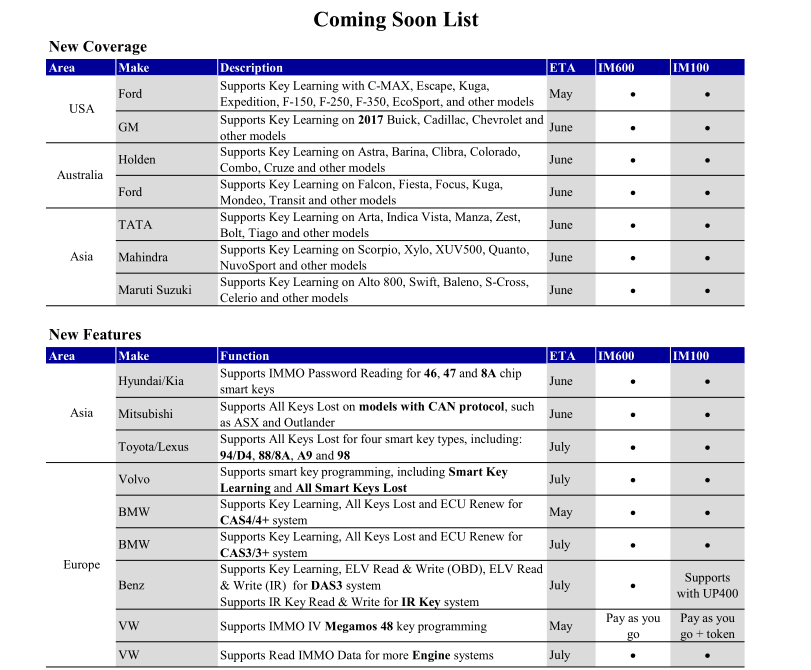
Auro OtoSys IM100 & IM600 Upcoming Updates
Frequently Asked Questions (FAQs)
- Q: What is the vehicle coverage of Auro tools?
- A: By now, Auro tools provide immobiliser functions for over 50 USA, Asian, European vehicle makes and models. The vehicle coverage expands with regular updates.
- Q: How to learn a key to a vehicle?
- A: To learn a key to a vehicle, usually you need to use the IM100/IM600 to read the password (i.e. PIN code or other similar code) from the vehicle, then log in the immobiliser system with the password and follow the instructions on the IM100/IM600 to complete the operation.
- Q: Problems & Solutions: Software version?
- Problem description:
The vehicle coverage chart on the website lists that the tool is compatible with my vehicle, but I don’t see it on the tool.
Solution:
Ensure that your tool has the latest software. Update instruction: Power on your IM100/IM600, connect it to the Internet via Wi-Fi and click the Update icon in the OtoSys system to check if there is any update, and then click the Update button if there is an update available, your device will be automatically updated.
Go to Buy: AURO OtoSys IM100 Automotive Diagnostic and Key Programming Tool Wifi Buy Autel MaxiIM IM508 instead